












-5.jpg)









































Thank you! Your submission has been received!
Oops! Something went wrong while submitting the form.

.avif)
Video is often treated as a top-of-funnel marketing asset. A company creates a brand video, posts a few social clips, adds a video to the website, and considers the job done.
That approach misses the bigger opportunity.
Corporate video can support the entire customer journey. It can introduce the company to new prospects, explain complex services, answer buyer questions, support sales conversations, build trust before a decision, improve onboarding, strengthen client communication, and keep customers engaged after the first project is complete.
For marketing teams, the goal should not be to create one impressive video and hope it works everywhere. The goal is to build a video content system that matches what buyers and clients need at each stage.
Through Motlow Pro Media's services, companies can plan corporate video, event content, photography, interviews, livestreaming, and media strategy in a way that supports the full customer journey instead of isolated campaigns.
Video works because it helps people understand information faster and more personally.
A written service page can explain what a company does. A video can show the people, process, environment, tone, and credibility behind the message. A sales email can answer a question. A short video can make that answer feel more human. A proposal can explain next steps. An onboarding video can make the client feel guided and supported.
Different stages of the journey require different kinds of trust.
Early-stage buyers need to understand who the company is. Mid-stage buyers need proof that the company can solve their problem. Late-stage buyers need confidence that they are making the right decision. New clients need clarity around what happens next. Existing clients need communication, value, and ongoing confidence.
Video can help at each stage when it is planned intentionally.
At the awareness stage, buyers may not know much about the company yet. They may be searching for answers, exploring options, or trying to understand a problem more clearly.
Awareness videos should be simple, helpful, and easy to understand. They should not expect the viewer to already know the company's language or process.
Useful awareness videos may include:
The goal is to help people recognize the company as credible and relevant.
For example, a marketing director planning a conference may not search for a production partner right away. They may first look for guidance on how to capture better event content, livestream a session, or turn a conference into social clips. An educational video that answers those questions can create the first point of trust.
The awareness stage is not about saying everything. It is about making the right first impression.
Once buyers understand the problem, they need education.
This is where video can explain services, processes, options, and common mistakes in a way that feels easier to absorb than a long page of text. Education videos should help the viewer make a smarter decision, even if they are not ready to buy yet.
Educational video topics may include:
This type of content builds trust because it shows expertise without forcing a hard sales message.
The business video production partner guide is a strong example of educational content because it helps buyers understand how to evaluate a production partner before making a decision.
When marketing teams create educational video content, they help buyers feel more confident. That confidence can shorten the distance between interest and action.
At the consideration stage, buyers are comparing options.
They may know they need support, but they are deciding who to trust. They may be looking at several vendors, discussing budget internally, reviewing past work, or trying to understand which company feels like the best fit.
Consideration videos should provide proof and clarity.
Useful videos at this stage may include:
This is where buyers need to see more than polished claims. They need proof that the company has experience, understands the problem, and can deliver a professional result.
A testimonial video can help a buyer hear from someone who has already gone through the process. A portfolio video can show the quality of previous work. A behind-the-scenes video can show how the team plans, communicates, and executes.
The Motlow Pro Media portfolio can support this stage because buyers often want to see real examples before they feel comfortable moving forward.
Video can be extremely useful during active sales conversations.
At this stage, buyers are asking more specific questions. They may want to understand pricing, timeline, deliverables, process, team structure, event logistics, or how the service will solve their exact problem.
Sales enablement videos should be short and focused. They should help the sales team answer common questions without making prospects search through long content.
Sales videos may include:
For example, if prospects often ask how one interview can become multiple pieces of content, the marketing team can create a short clip explaining repurposing. If prospects worry about event video cost, the team can create a short video explaining what affects scope and budget.
These videos make sales conversations more efficient. They also help keep the message consistent across the team.
At the decision stage, buyers are close to choosing a partner.
They may have seen the website, reviewed the proposal, spoken with the team, and compared options. Now they need reassurance. They want to feel confident that the company can deliver, communicate clearly, and make the process easier.
Decision-stage videos should reduce risk.
Useful videos may include:
This is a good place for human reassurance. A short message from leadership or the project team can make the company feel more approachable. A customer story can help confirm that others have trusted the company successfully. A process video can reduce uncertainty around what happens after approval.
At this stage, the video does not need to be long. It needs to be clear, credible, and relevant to the buyer's final concerns.
The customer journey does not end when the contract is signed.
In many ways, the client experience begins there.
Onboarding videos can help new clients understand what to expect, what information is needed, who they will work with, and how the project will move forward. This can reduce confusion and make the client feel supported from the beginning.
Onboarding videos may include:
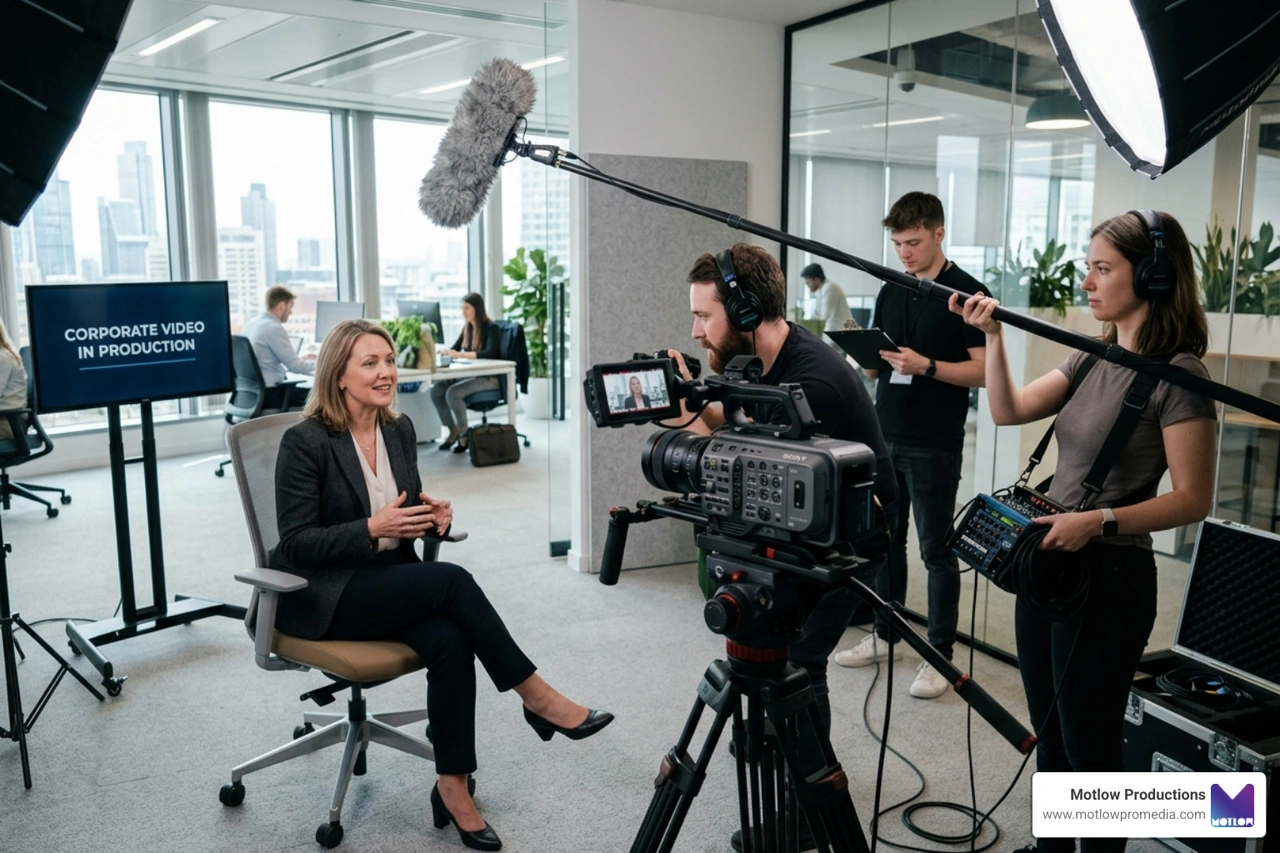
For example, a company preparing for an executive interview shoot may benefit from a short video explaining wardrobe, timing, talking points, and what the speaker should expect on camera. A company preparing for a conference may benefit from a planning video that explains run of show, speaker schedules, photography needs, and post-event deliverables.
Onboarding videos help clients feel guided. They also reduce repeated explanations for the internal team.
Video can also support communication during the client relationship.
Instead of relying only on written updates, teams can use short videos to explain project progress, recap decisions, answer questions, or prepare clients for the next step. This can be especially useful for complex projects, events, campaigns, and production timelines.
Client communication videos may include:
These videos do not always need to be highly produced. Some can be simple and direct. The value comes from clarity. A short video can often explain a process more warmly and clearly than a long email.
For corporate teams, video can make communication feel more personal while also saving time.
Existing clients need ongoing value and communication.
Retention videos can help companies stay connected with clients after the first project. They can educate clients, share new ideas, recap results, promote future opportunities, or explain how to get more value from existing assets.
Retention-focused videos may include:
For example, after a conference, a production partner may create a recap of the assets captured and suggest how the marketing team can use them over the next 90 days. That type of communication helps the client see the ongoing value of the work.
Retention video is not only about keeping the client happy. It is about helping them use the work more effectively.
Happy clients can become powerful advocates.
Advocacy videos turn client success into future trust-building content. This may include testimonials, case studies, event interviews, partner features, or collaborative thought leadership videos.
Advocacy videos may include:
These videos can then support the earlier stages of the journey. A customer testimonial created after a successful project can help future prospects during the consideration and decision stages. A client interview captured at an event can become social content, sales support, and website proof.
This is how the customer journey becomes a content cycle. The experience of one client can help build trust with the next.
The biggest mistake is using the same video everywhere.
A homepage brand video may not answer a late-stage buyer's pricing concern. A customer testimonial may not educate someone who is still trying to understand the problem. A long event recap may not work as a quick sales follow-up. A casual social clip may not be enough for a high-stakes decision.
Each video should have a job.
A simple way to plan is to map videos by stage:
This structure helps marketing teams identify gaps. If the company has awareness videos but no sales enablement clips, buyers may lose momentum later. If the company has testimonials but no educational content, prospects may not understand the service early enough.
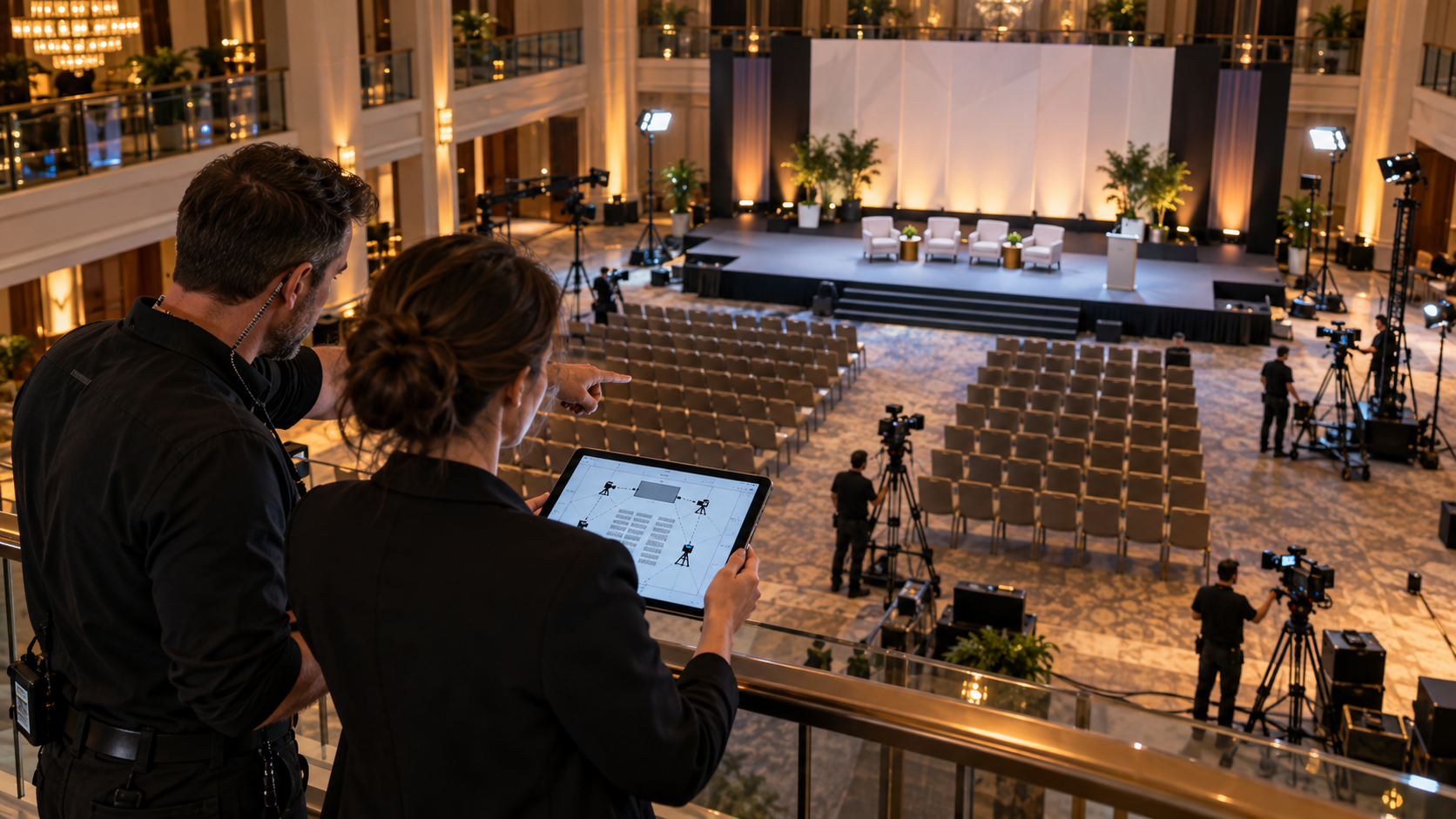
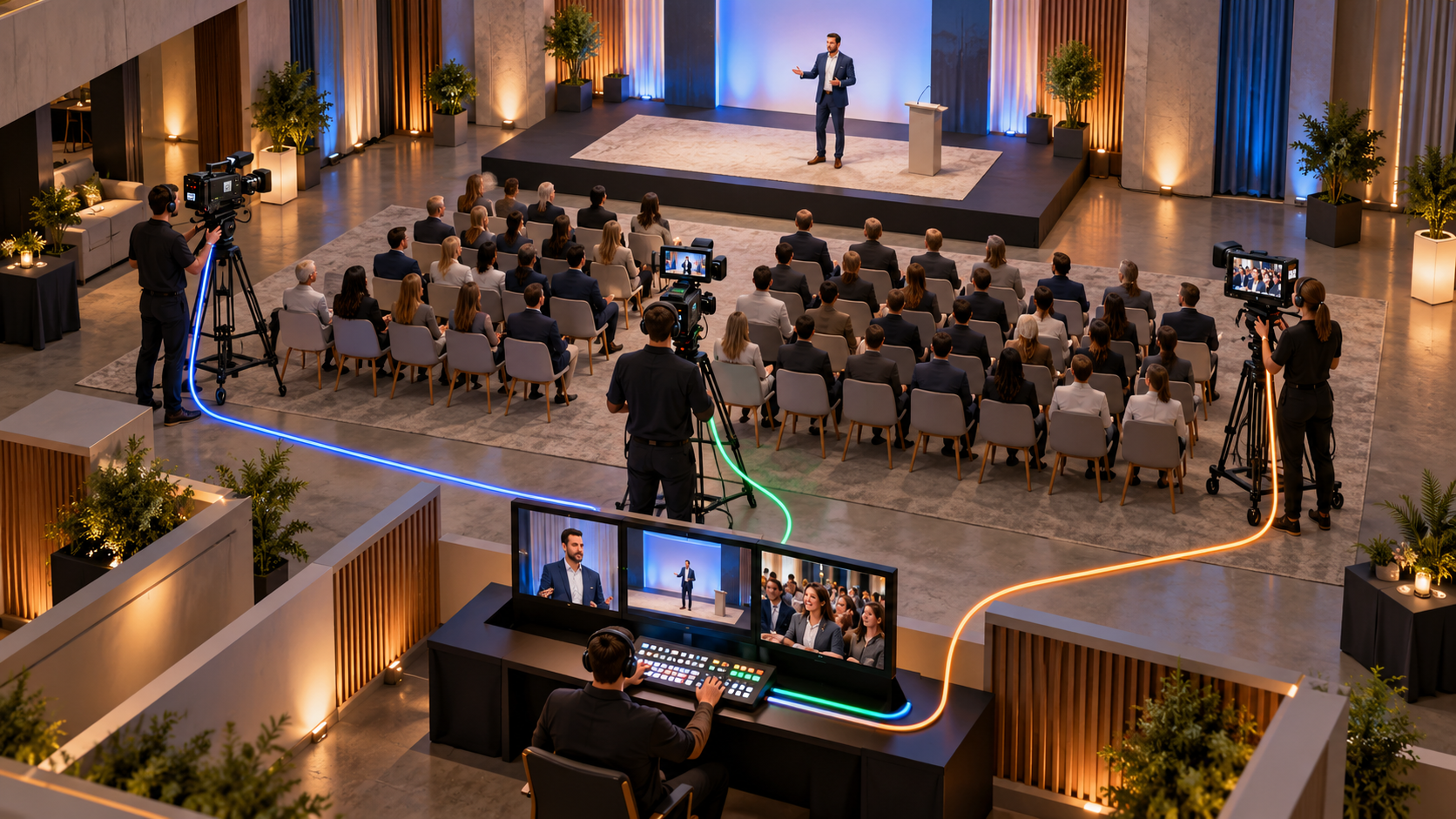
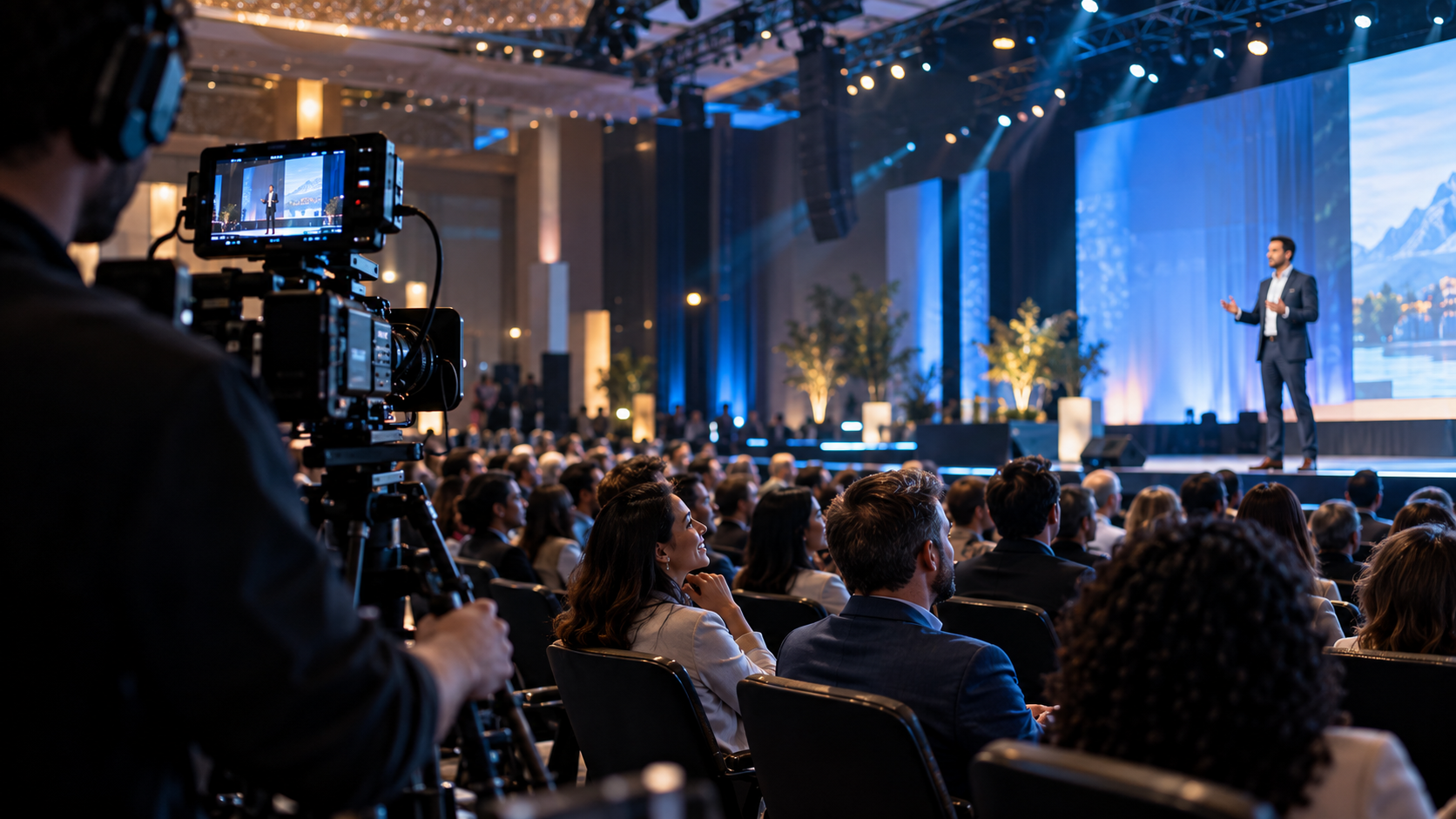
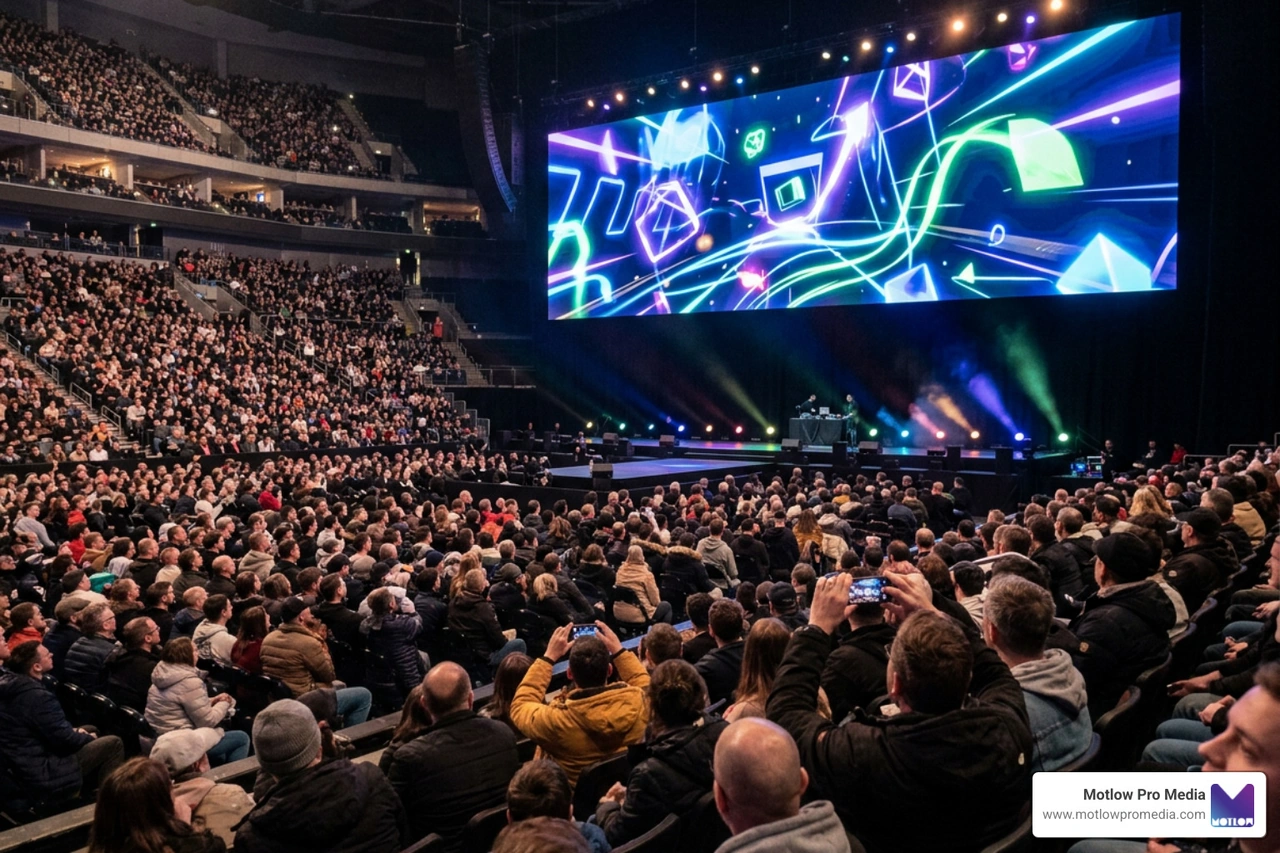
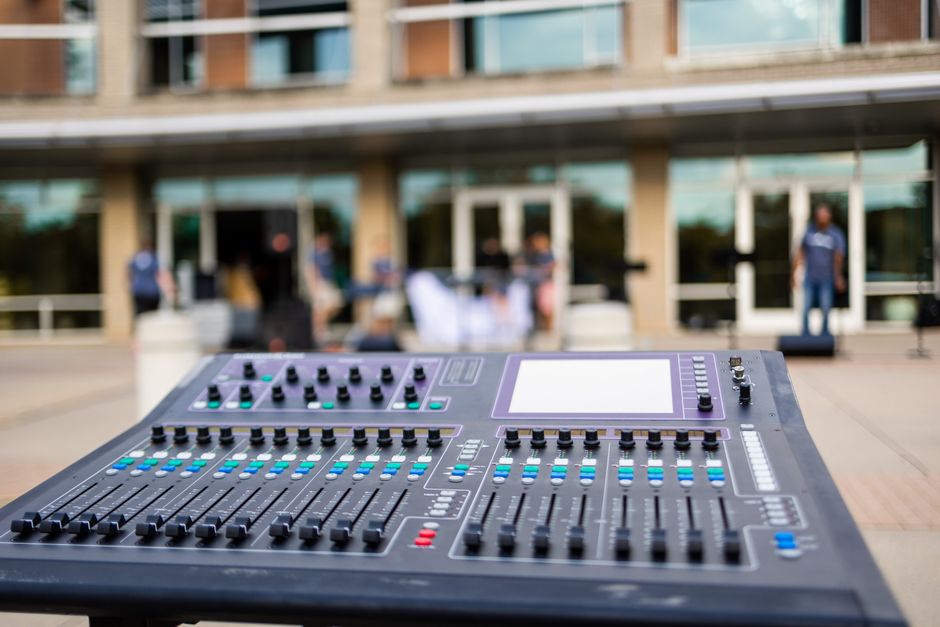
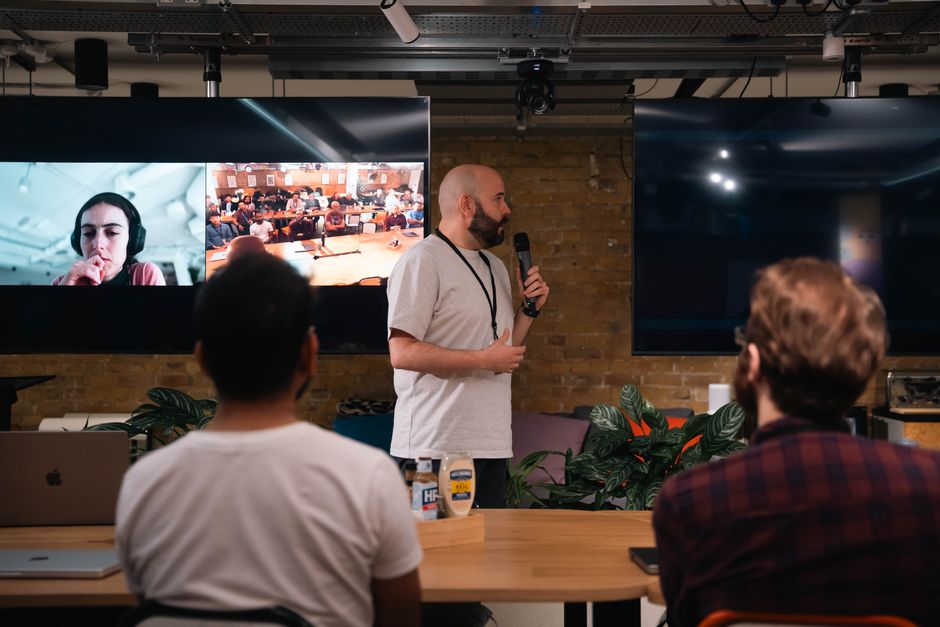
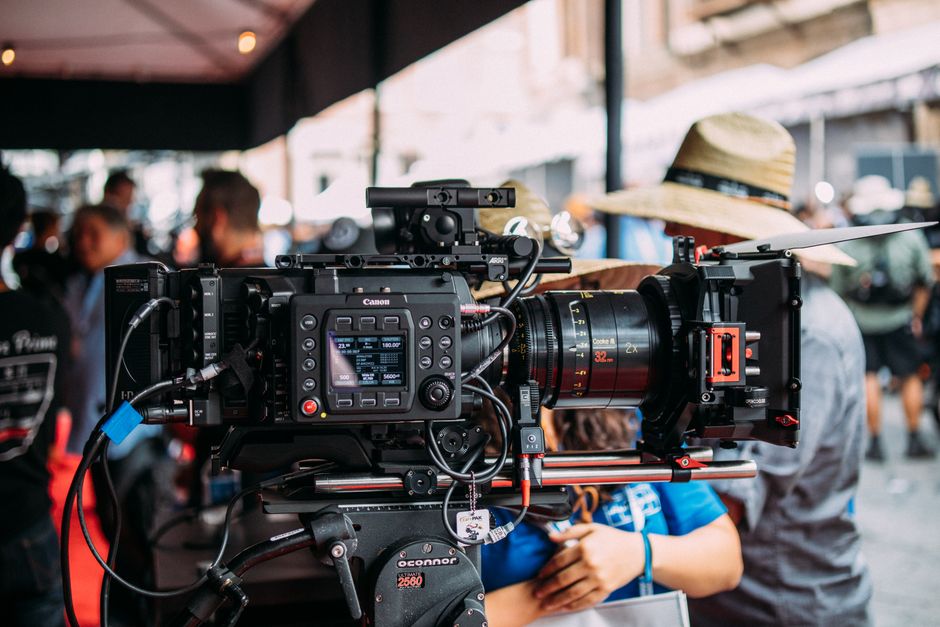
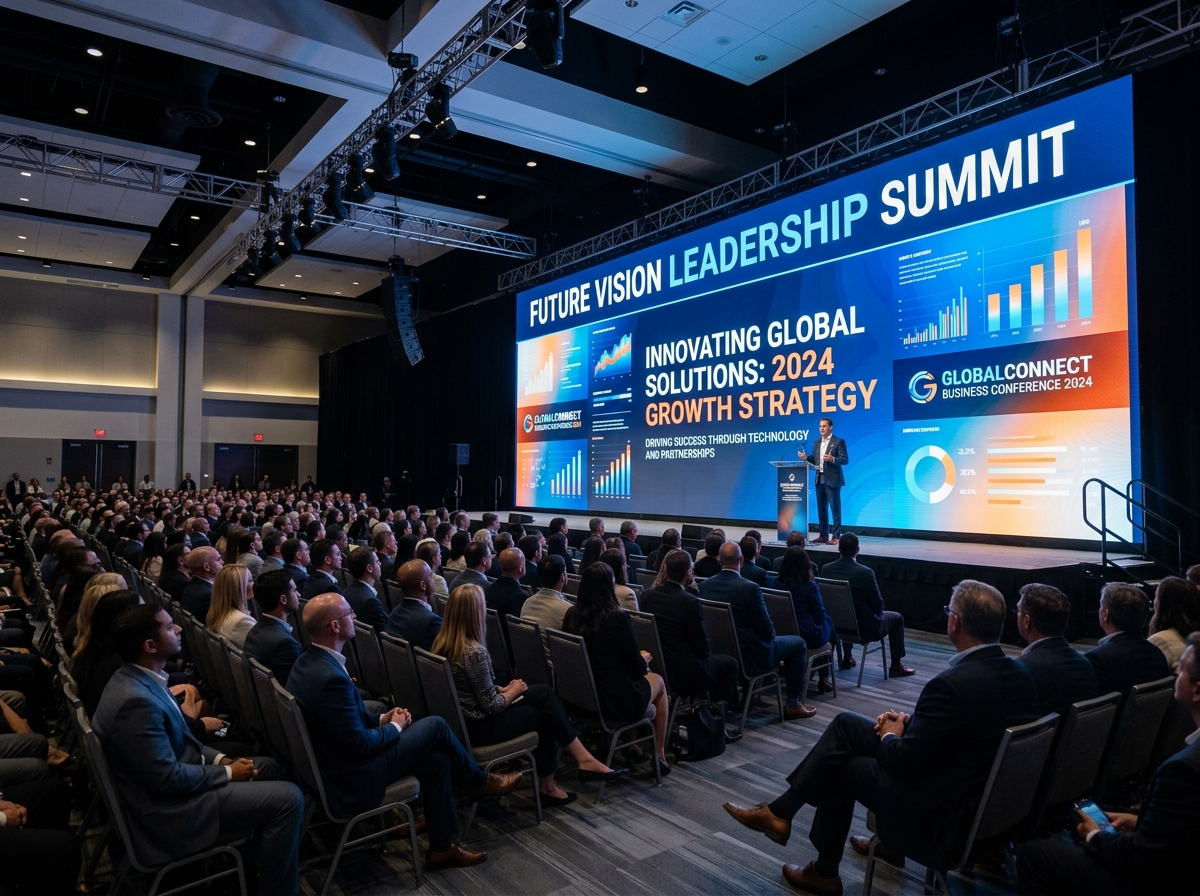
Corporate events are a strong opportunity to create content for multiple stages of the customer journey.
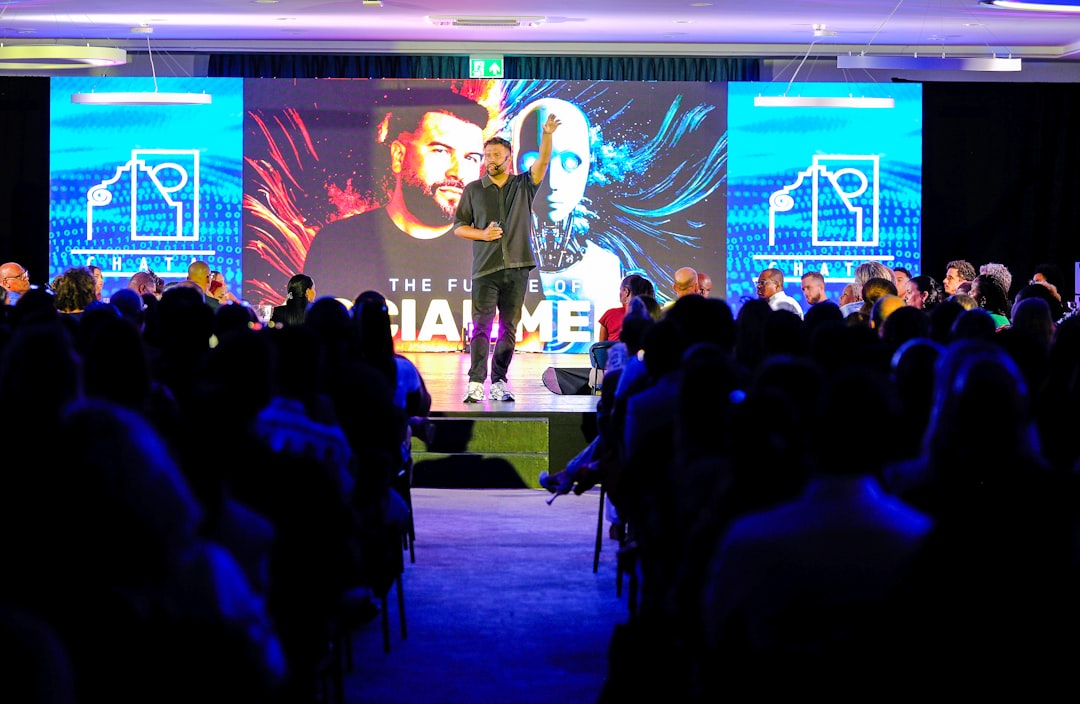
One event can produce awareness content, educational clips, sales assets, client proof, internal updates, and advocacy videos. But that only happens if the event is planned as a content capture opportunity.
At an event, the team can capture:
The A-Z Guide to Conference Video Production explains why conferences should generate more than one highlight reel. When planned correctly, event video can support the full journey.
Because video can serve different purposes, measurement should also change by stage.
Awareness videos may be measured by reach, views, engagement, or website traffic. Education videos may be measured by watch time, clicks, or content engagement. Sales videos may be measured by usage, prospect replies, and influence on opportunities. Onboarding videos may be measured by reduced questions, smoother project starts, or client feedback. Retention videos may be measured by client engagement and account growth.
The goal is to measure the video based on the job it was created to do.
HubSpot's video marketing research is a useful resource for understanding the broader role of video in marketing, while Google Search Central's video best practices can help teams think about how public-facing video content is structured online.
The first mistake is treating video as only a top-of-funnel asset. Video can support sales, onboarding, retention, internal communication, and advocacy too.
The second mistake is using one video for every stage. Different audiences need different messages.
The third mistake is creating videos without a distribution plan. The team should know where each video will be used before production begins.
The fourth mistake is ignoring sales and client success needs. Those teams often know what questions buyers and clients ask most often.
The fifth mistake is not repurposing footage. One interview, event, or production day can often create videos for several customer journey stages.
The sixth mistake is measuring every video the same way. A sales enablement clip should not be judged only by public views.
The seventh mistake is stopping after the sale. Video can improve onboarding, retention, and advocacy when planned intentionally.
How can video support the customer journey?
Video can build awareness, educate prospects, support sales conversations, reduce decision-stage uncertainty, improve onboarding, strengthen client communication, support retention, and turn happy clients into advocates.
What type of video works best at the awareness stage?
Brand videos, educational clips, thought leadership videos, event recaps, and short social videos can help introduce the company and build early trust.
What videos help during the sales process?
Customer testimonials, FAQ clips, service explainers, executive videos, case studies, and proposal support videos can help sales teams answer buyer questions and build confidence.
Can video help after a customer signs?
Yes. Onboarding videos, project update videos, training clips, and client education content can make the client experience smoother and more consistent.
Should one video be used for every stage?
Usually, no. One video can sometimes be repurposed, but each stage of the journey has different questions and needs. The strongest approach is to create or edit videos for specific stages.
Mapping video to every stage of the journey is not a one-time project — buyers keep arriving at each stage, which means the content needs to keep arriving too. A recurring content partnership is built around exactly that rhythm, refreshing awareness, sales, and retention content on a regular cadence instead of leaving gaps once the original campaign's videos go stale.
Video can support far more than awareness. When planned strategically, it can help marketing teams educate buyers, support sales conversations, reduce uncertainty, improve onboarding, strengthen client communication, increase retention, and turn successful clients into future proof.
The key is matching each video to the customer journey stage it needs to support. Early-stage buyers need clarity. Mid-stage buyers need proof. Late-stage buyers need confidence. New clients need guidance. Existing clients need ongoing value.
When video is planned this way, it becomes more than a marketing asset. It becomes a communication system that supports the entire customer relationship.
Some clients want to give notes in a live Zoom call. Others prefer a group text or email thread. However you like to communicate, we adapt. You’ll never be left guessing where things stand - and you’ll always have a say before anything goes out the door.





Phone:
+1 863-250-8639
.png)
Email:
info@motlowpromedia.com