



-5.jpg)























Thank you! Your submission has been received!
Oops! Something went wrong while submitting the form.

.avif)
September 29, 2026
A corporate video can have beautiful lighting, strong visuals, polished branding, and a great speaker. But if the audio is hard to hear, distracting, echoey, or inconsistent, the entire video feels less professional.
Audio is one of the easiest production details for viewers to notice when it goes wrong. They may not know exactly why the video feels uncomfortable, but they know something is off. The speaker sounds too far away. The room echoes. The background noise competes with the message. The microphone rubs against clothing. The music is too loud. The livestream audio cuts in and out.
For marketing teams, audio quality is not just a technical detail. It affects whether people stay with the content, understand the message, and trust the brand behind it.
That is why audio should be planned before filming begins. Through Motlow Pro Media's services, corporate teams can plan video production, live events, livestreaming, and post-production with the technical details already accounted for, including sound.
Viewers often judge the quality of a video within the first few seconds. Clear audio tells them the content is intentional, professional, and worth their attention.
This matters even more in corporate video. A brand video, executive interview, customer testimonial, conference recap, or internal leadership message is usually asking the viewer to trust the company. Poor audio creates friction. It makes the speaker feel less prepared, even when the message is strong.
A viewer may forgive a simple background or a straightforward camera setup if the message is clear and the sound is clean. But when audio is difficult to understand, the viewer has to work harder. That extra effort can make them stop watching.
Clear sound supports credibility. It helps the speaker feel more confident, the message feel more polished, and the video feel more useful.
The goal of corporate video is communication. The viewer should focus on the speaker, story, offer, event, or idea. Poor audio pulls attention away from that message.
Common audio distractions include:
Once viewers notice the distraction, they stop fully listening. Instead of focusing on the message, they are thinking about the sound problem.
This is especially damaging in executive interviews, testimonial videos, sales enablement content, conference videos, and internal communications. These videos depend on clarity. If the viewer misses key words or feels distracted, the content loses value.
Some video issues can be improved in editing. A shot can be color corrected. A pause can be removed. A graphic can be added. B-roll can cover a cut.
Audio problems are often harder to repair.
If the microphone did not capture the voice clearly, there may not be enough clean information to fix. If the room echo is severe, it may remain noticeable. If background noise overlaps with speech, removing it can affect the speaker's voice. If the microphone rubs against clothing during an important soundbite, that moment may become unusable.
This is why audio should be protected during production, not rescued afterward.
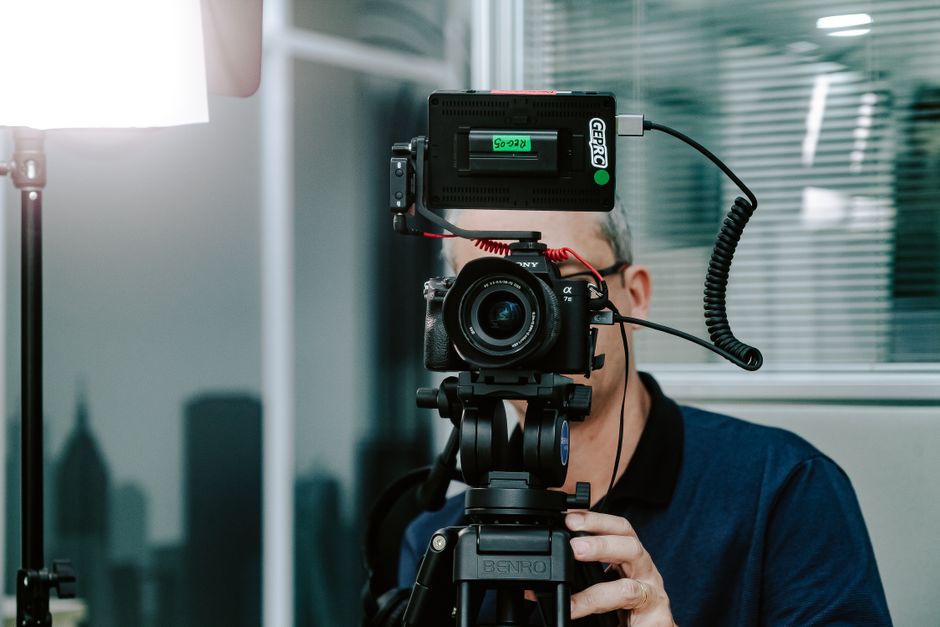
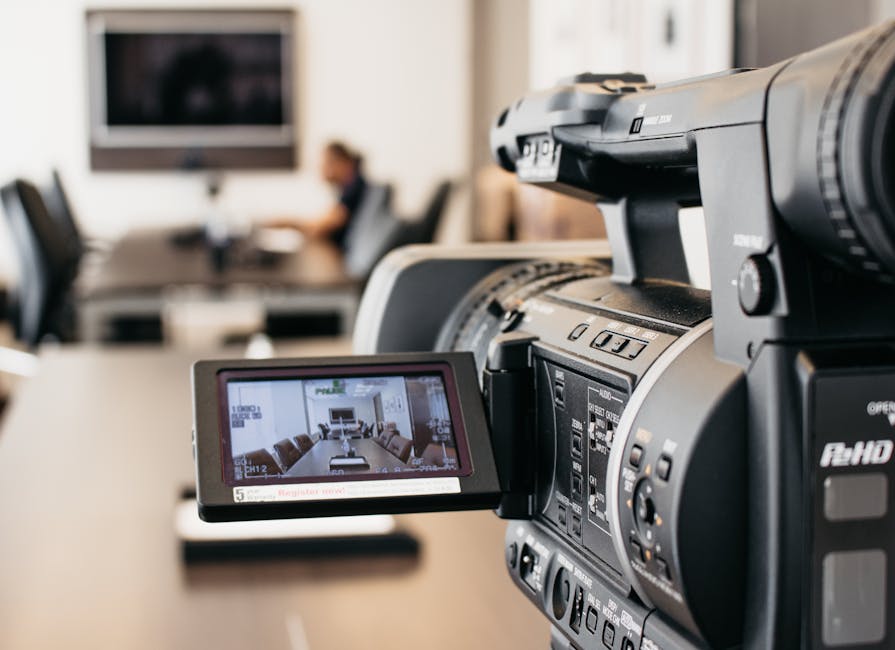
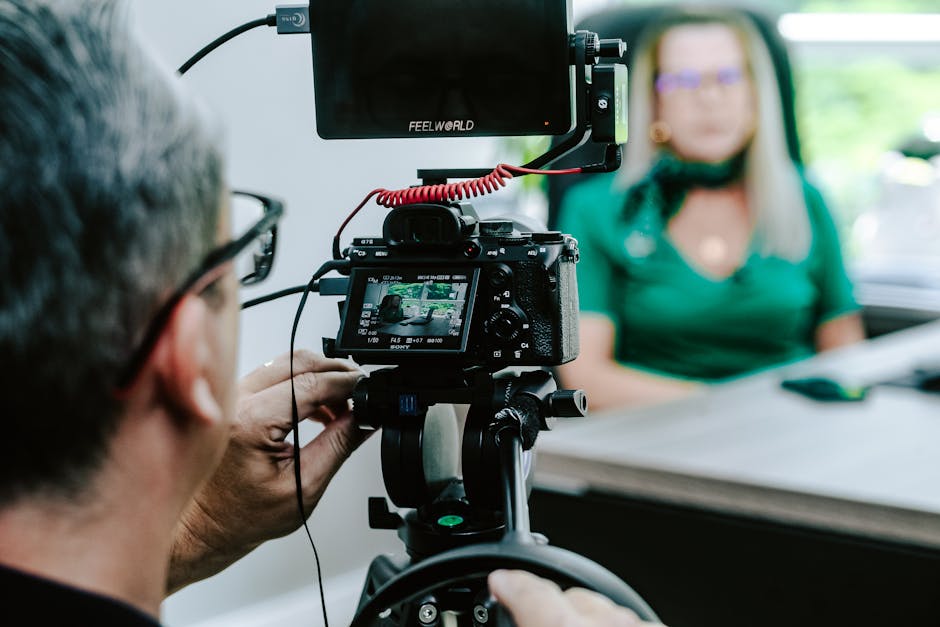
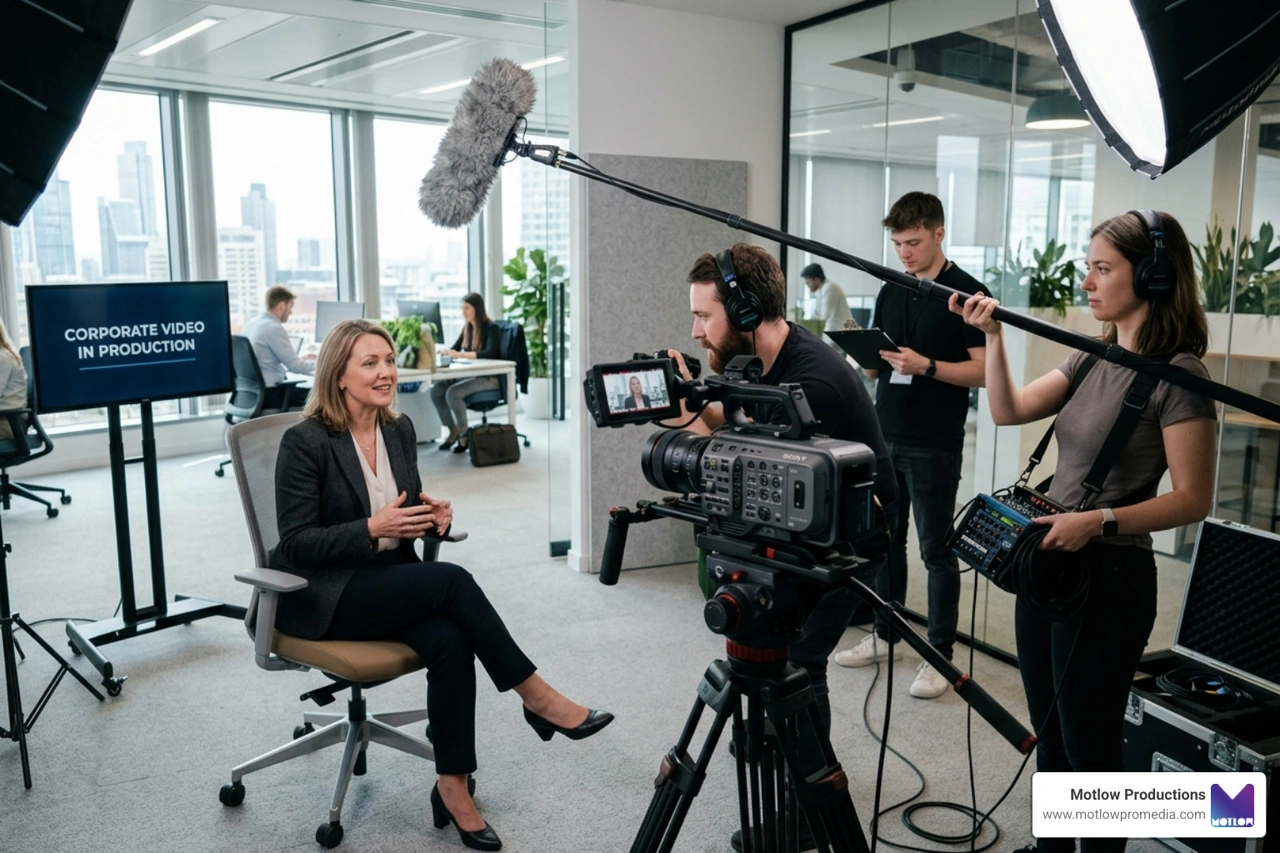
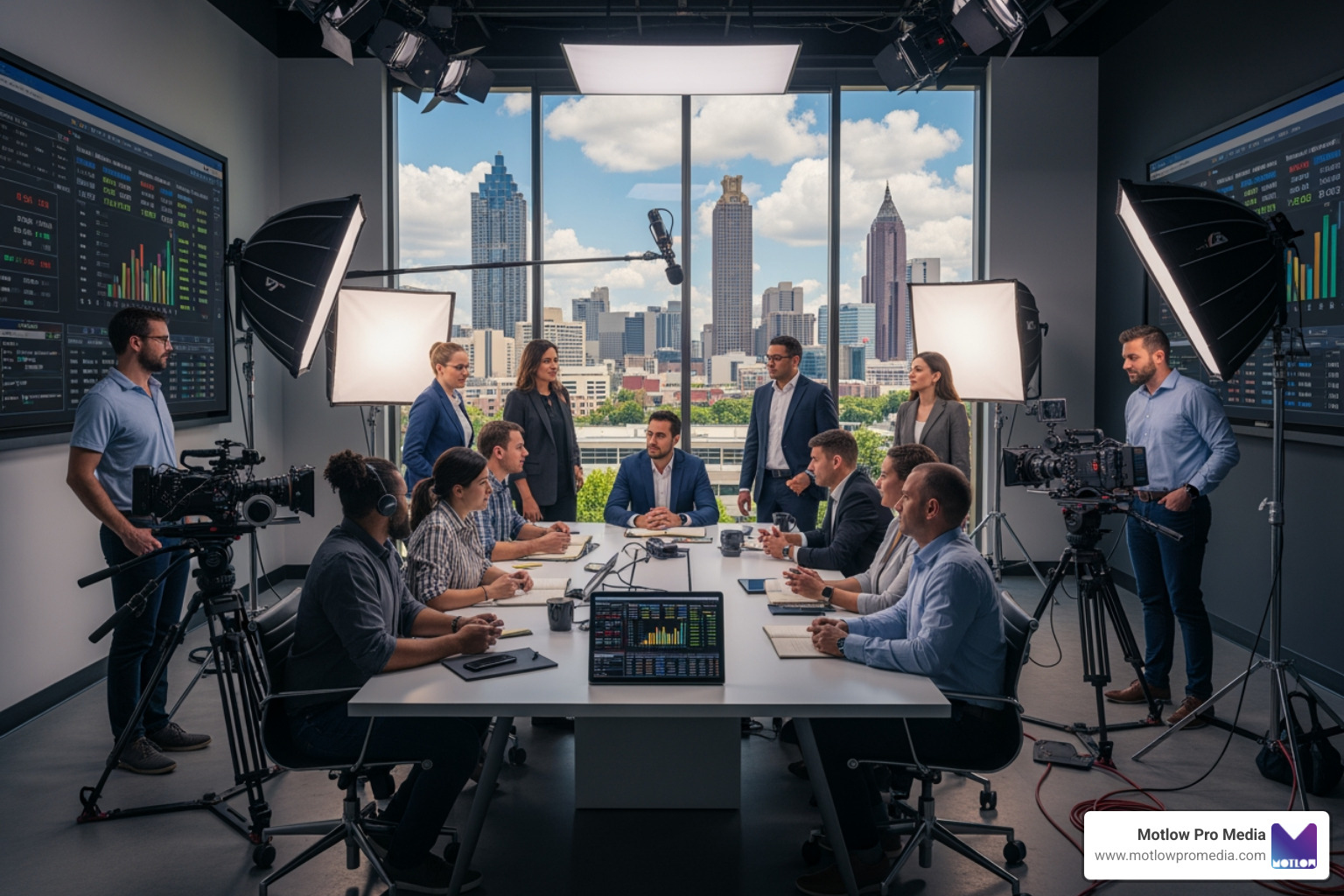
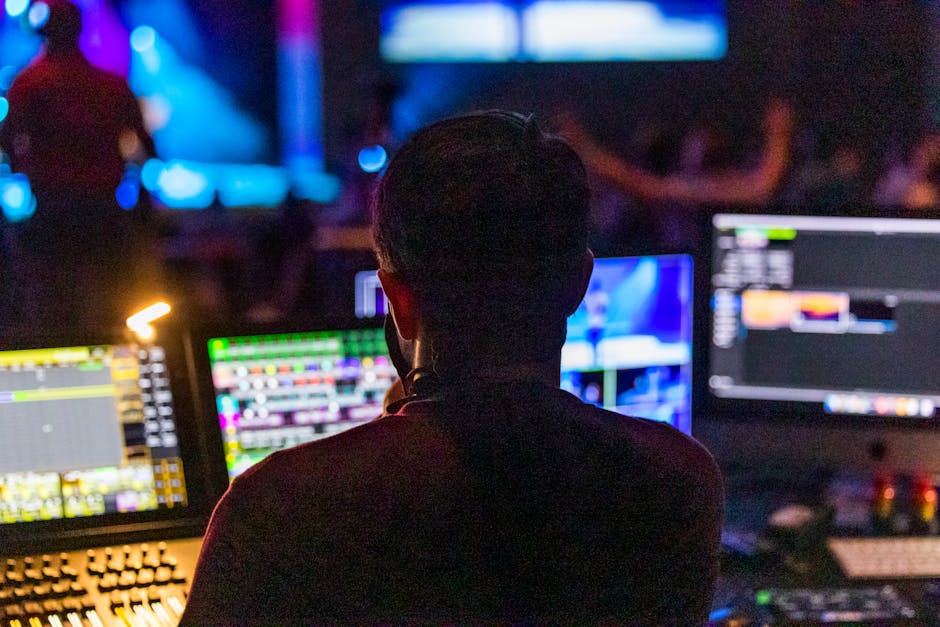
A professional production team listens while filming. They monitor the sound, adjust microphone placement, check room noise, and catch problems before the moment is lost. For marketing teams, this is one of the biggest reasons to work with a production partner instead of assuming the camera will handle everything.
The business video production partner guide is a helpful resource for understanding why technical planning and creative planning need to work together.
A room can look great on camera and still sound terrible.
Corporate videos are often filmed in offices, conference rooms, hotels, casinos, event spaces, ballrooms, and meeting areas. These spaces may be visually appropriate, but they are not always built for clean audio.
Hard walls, glass, tile floors, high ceilings, and empty rooms can create echo. Busy offices can create background noise. Event spaces may have music, crowd movement, catering, doors, or HVAC systems competing with the speaker.
Before filming, the production team should evaluate the sound of the space. A quieter room with a simple background may be better than a beautiful room with uncontrollable noise.
For executive interviews and customer testimonials, the location should support the message and the sound. If the video needs to feel calm and credible, the audio environment should feel that way too.
The microphone is one of the most important decisions in corporate video production.
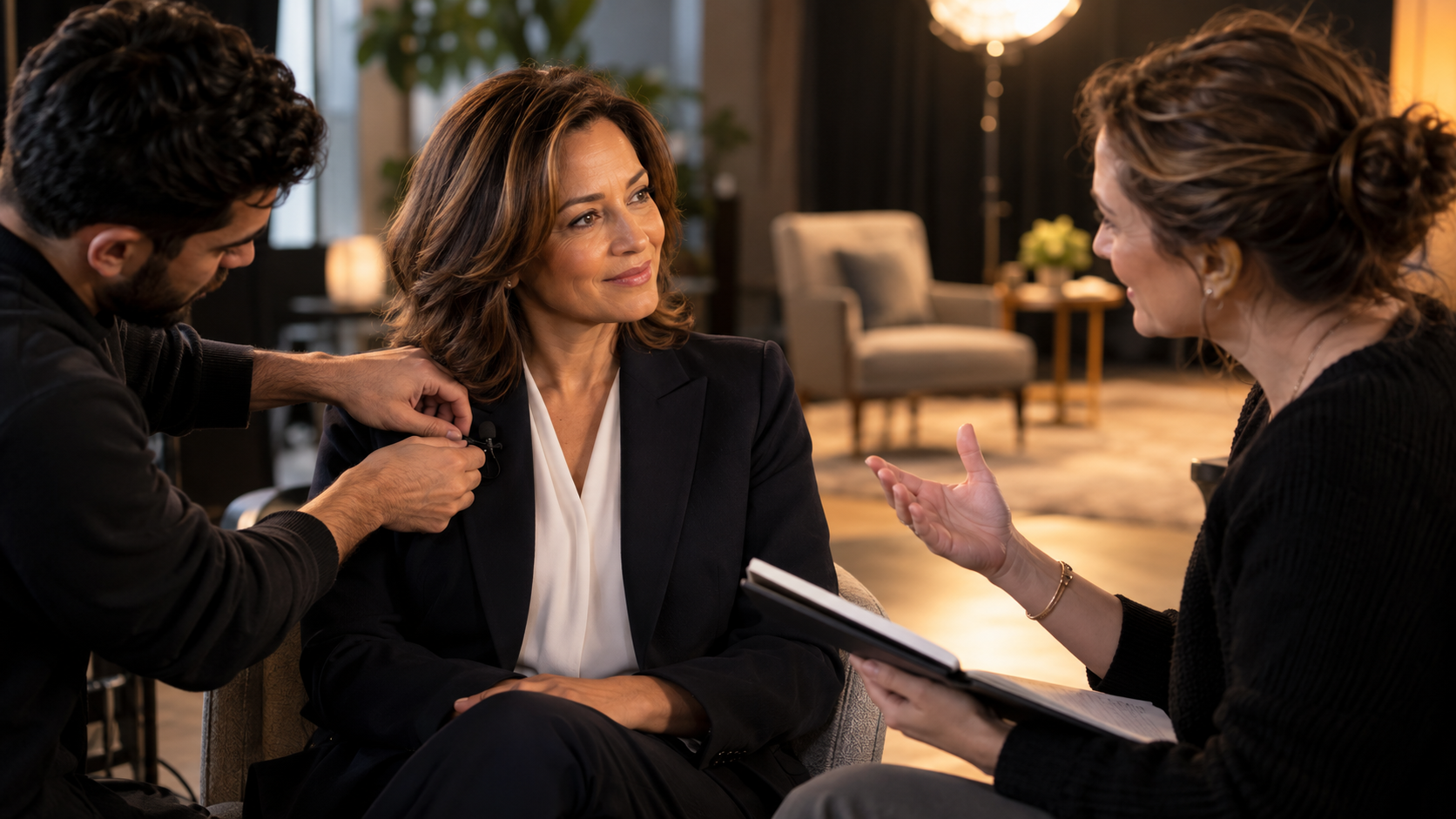
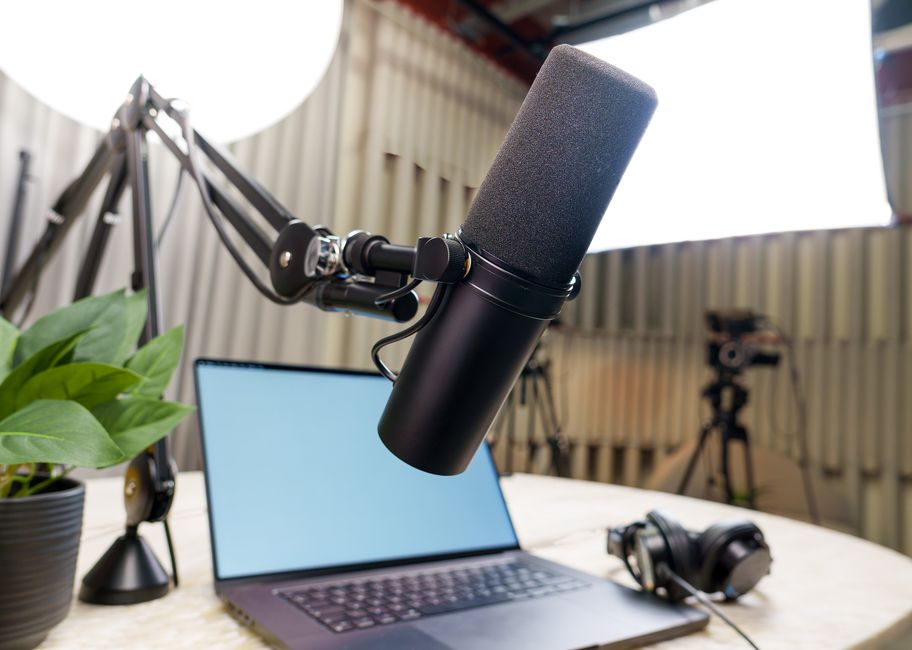
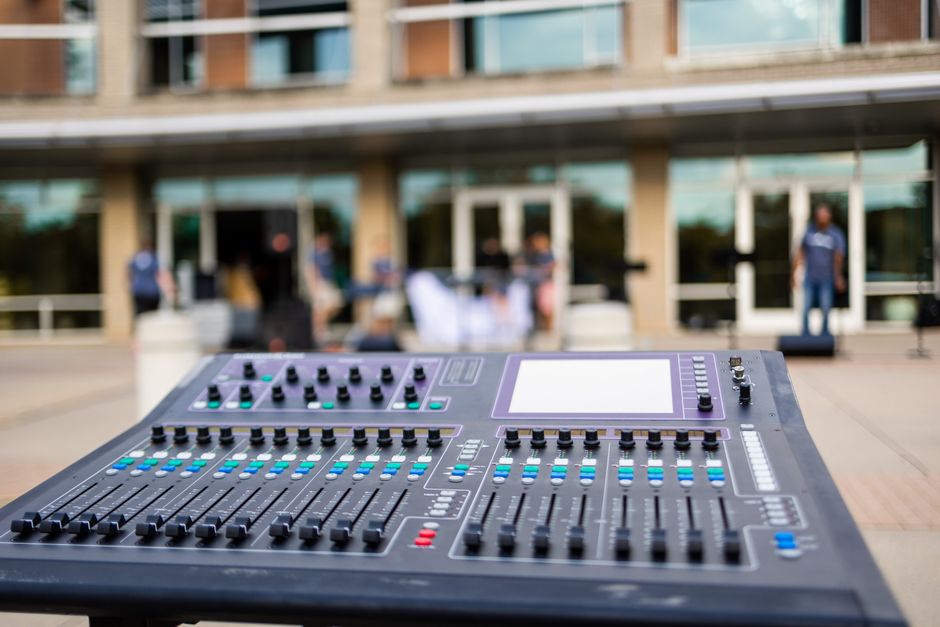
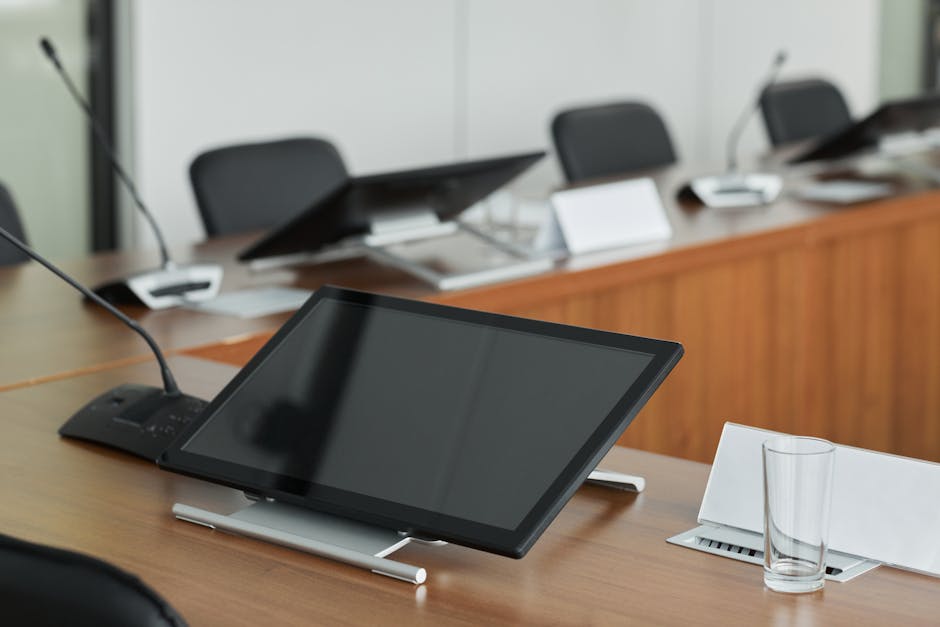
Different microphones work for different situations. A lavalier microphone can be clipped to a speaker for interviews, presentations, and direct messages. A boom microphone can capture clean sound without appearing on camera. Handheld microphones can work well for live events and audience Q&A. Podium microphones may be useful for speeches, but they can create issues if the speaker moves around.
The right microphone depends on the setting, speaker, wardrobe, movement, and final use of the video.
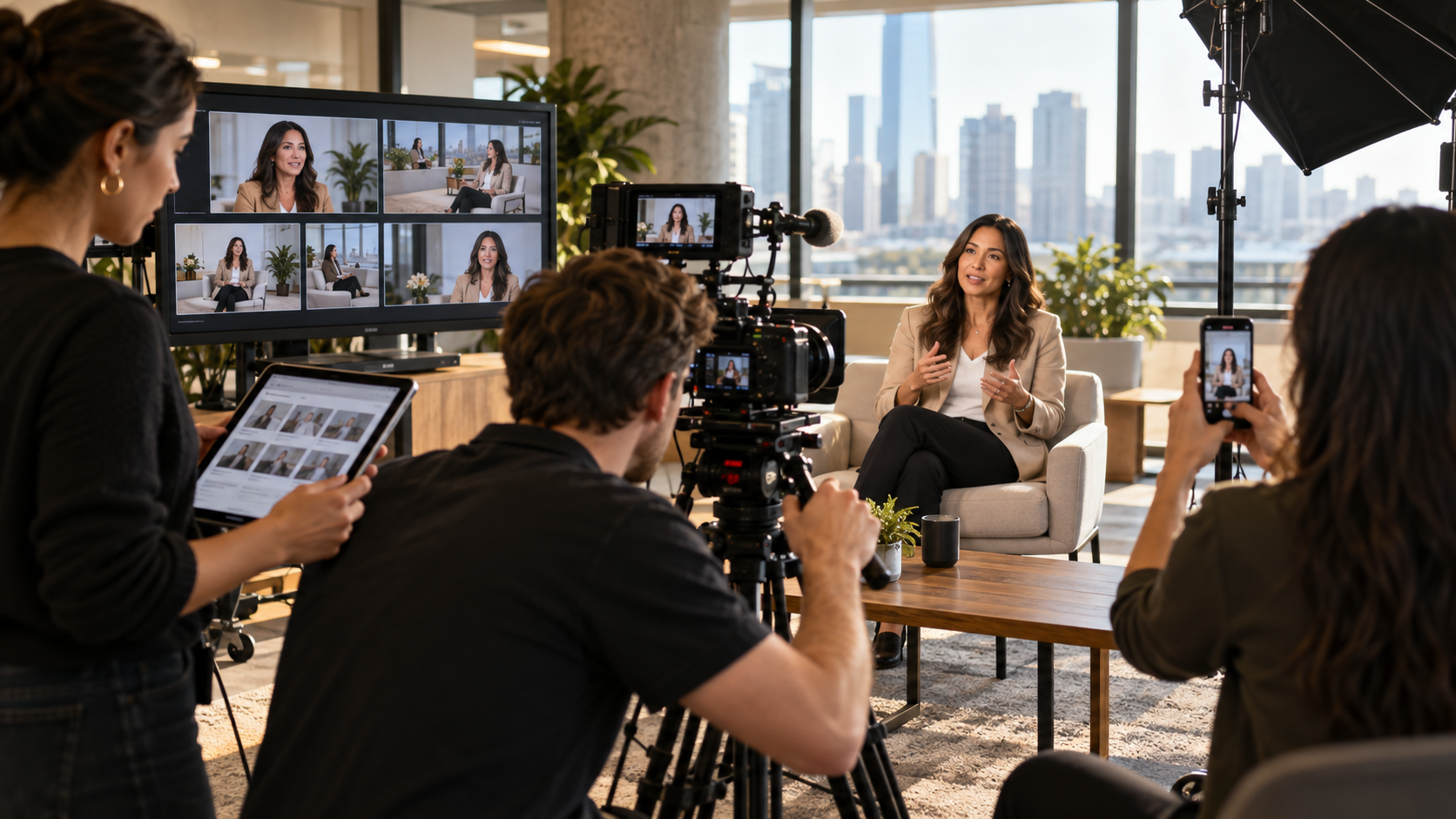
For example, an executive interview in a quiet room may use a lavalier or boom microphone. A panel discussion may need individual microphones for every speaker. A conference livestream may need audio feeds from the event system. A testimonial filmed in a working environment may need extra planning to reduce background noise.
The marketing team does not need to choose the microphone, but they should ask how audio will be captured. That question helps reveal whether the production plan is detailed enough.
Event audio is more complicated than interview audio.
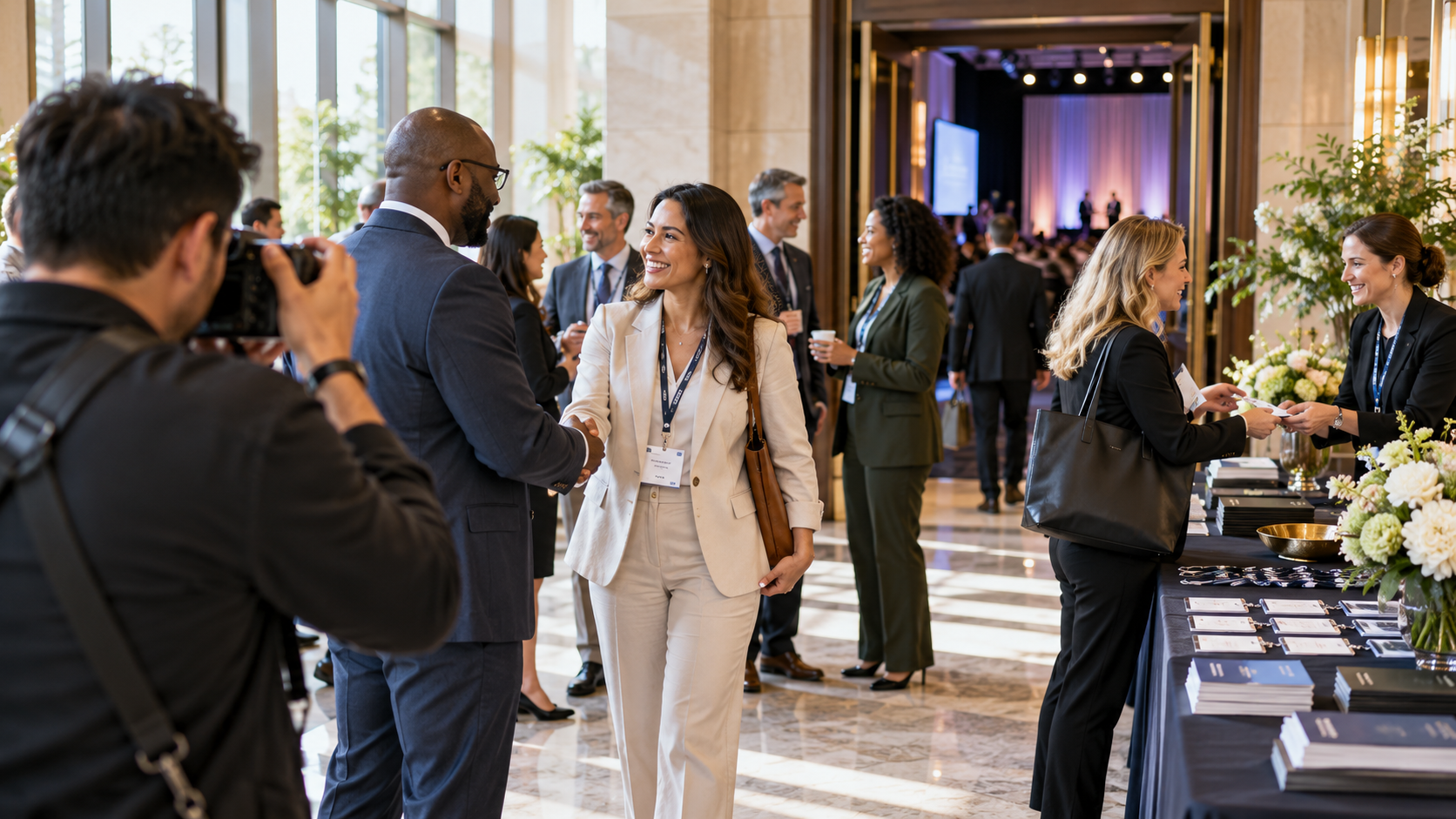
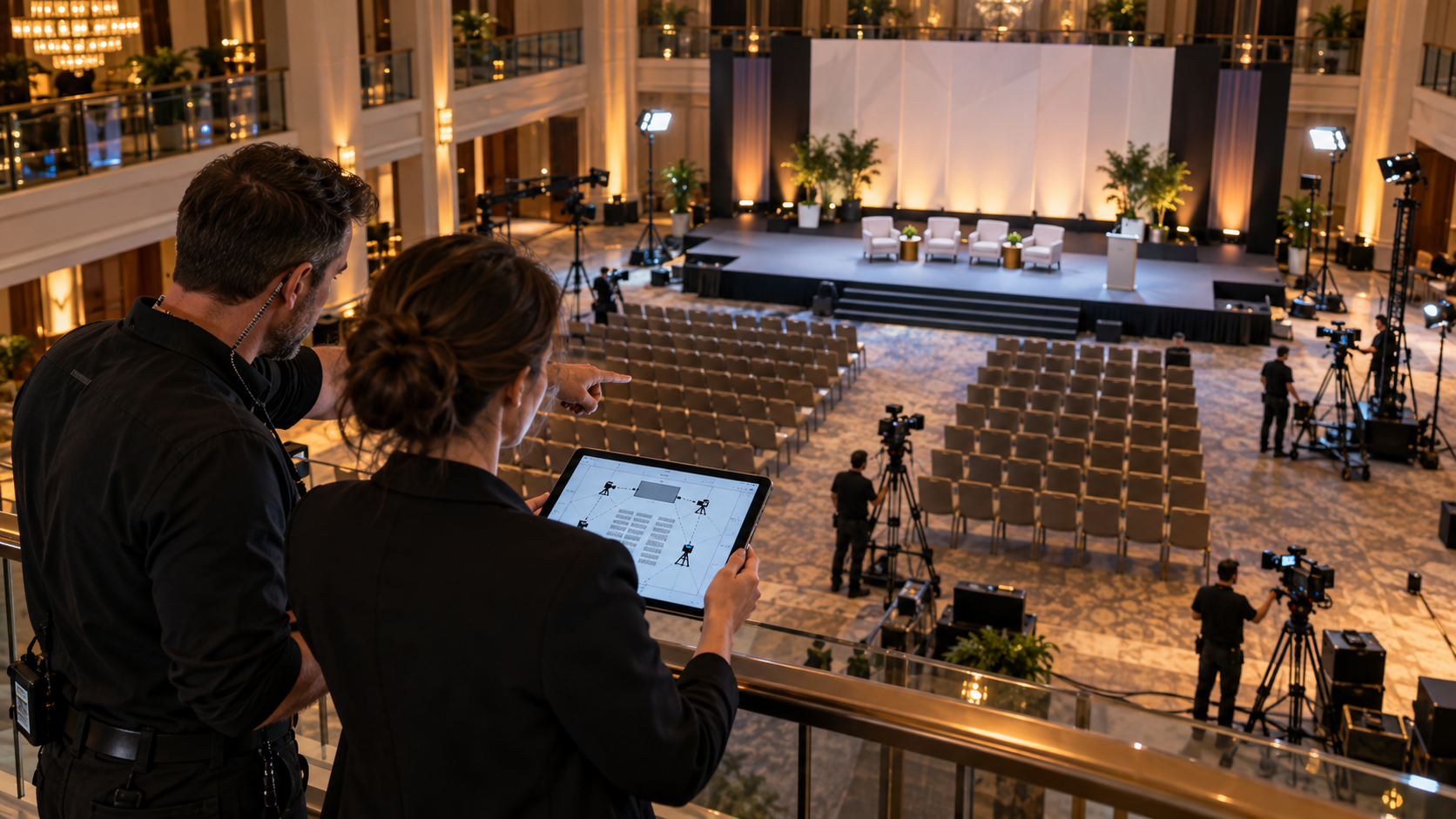
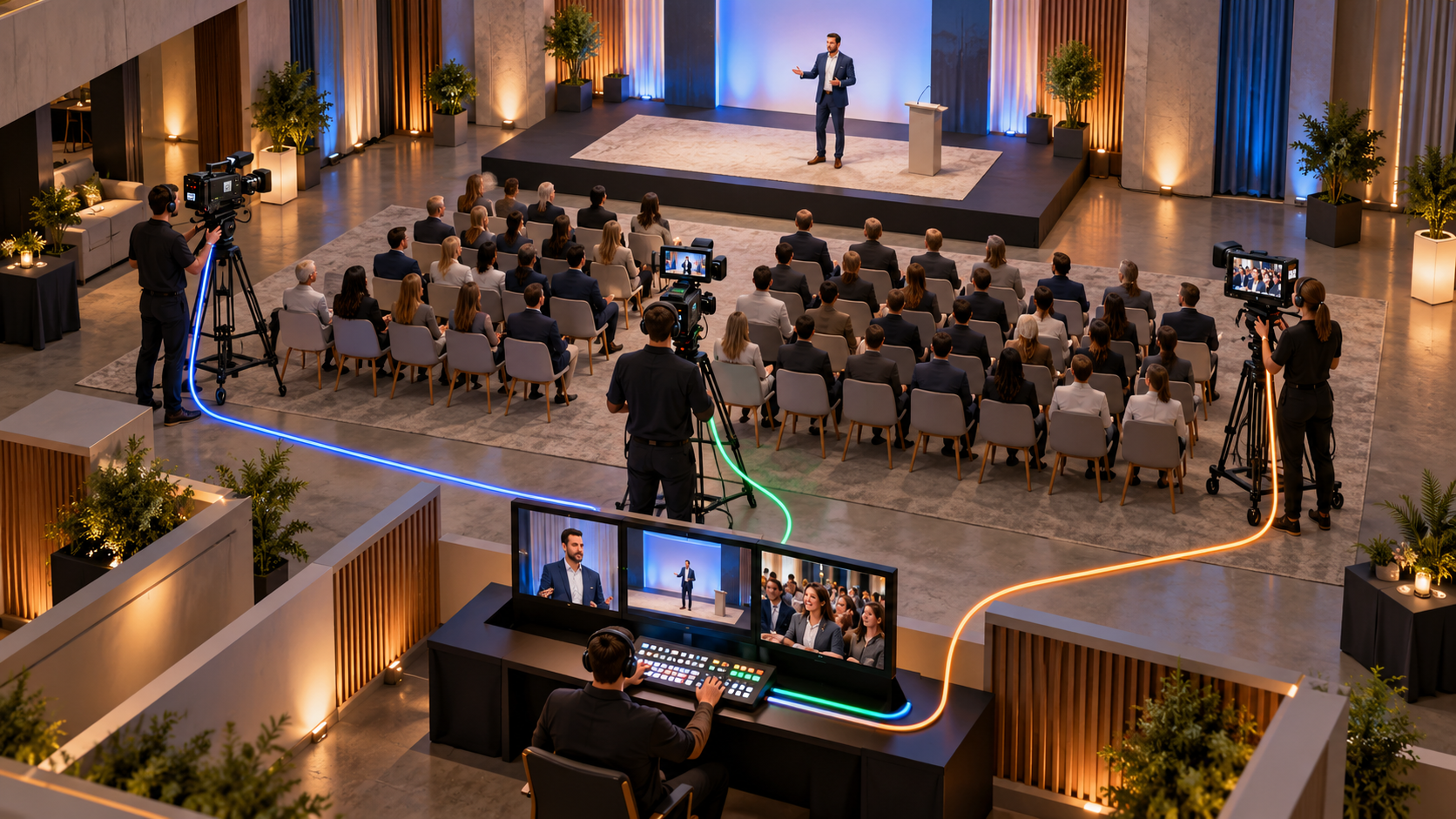
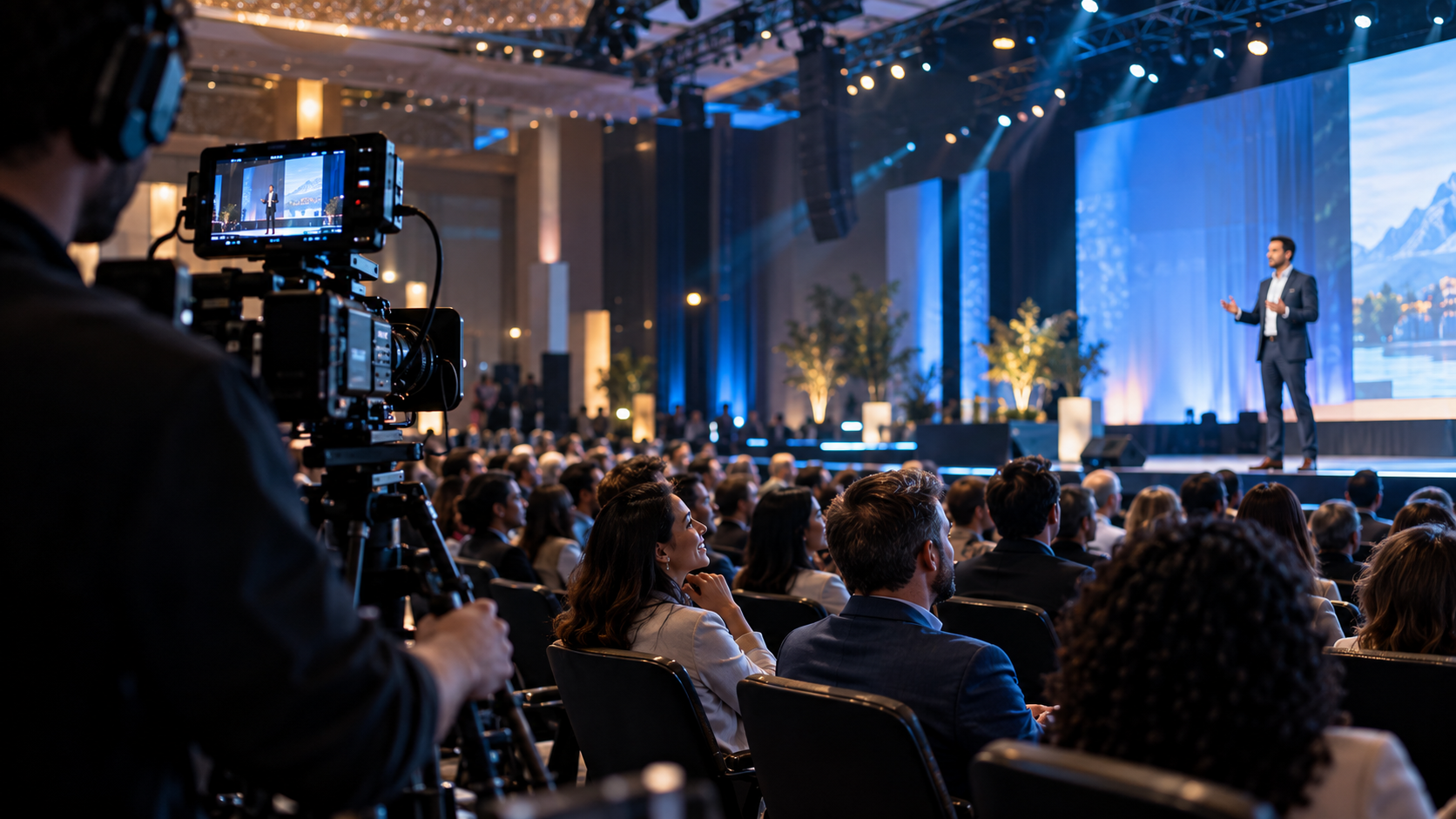
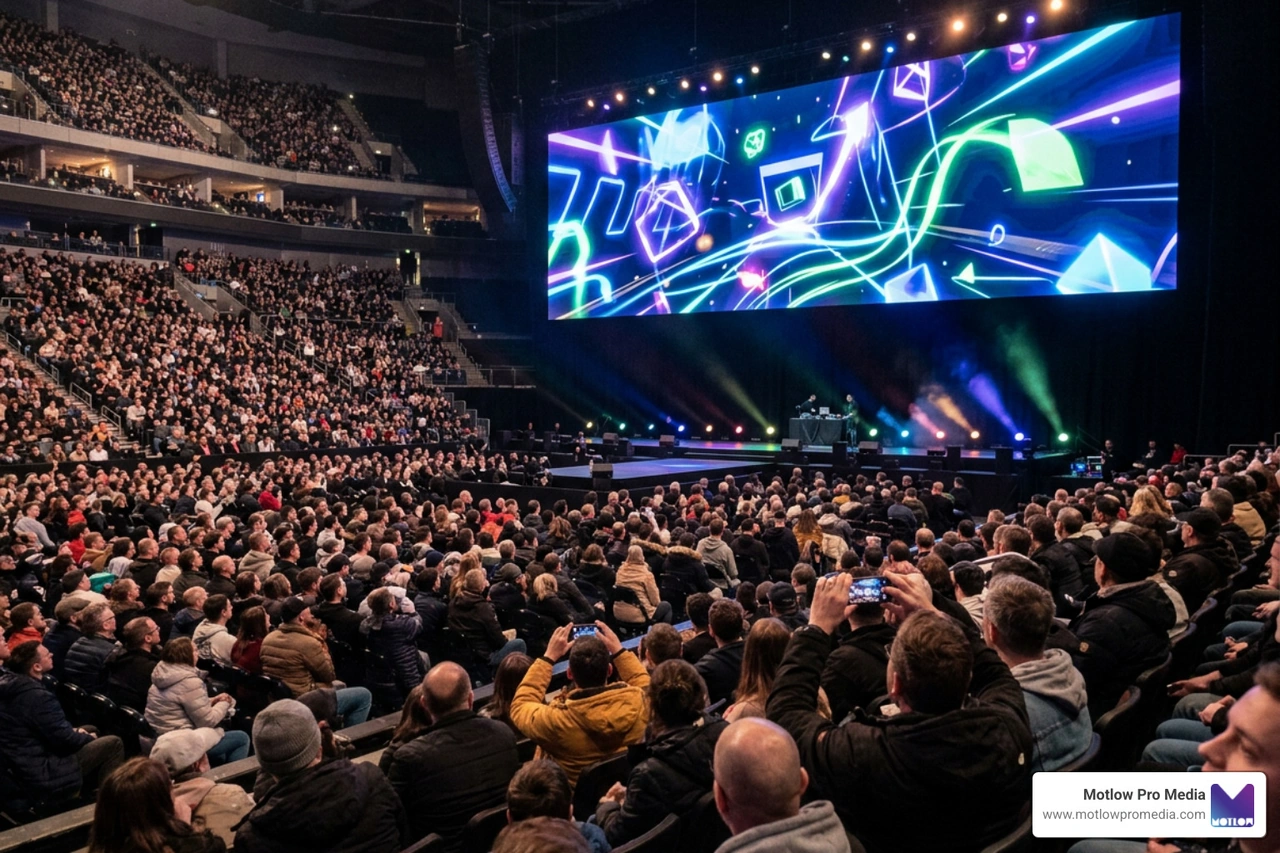
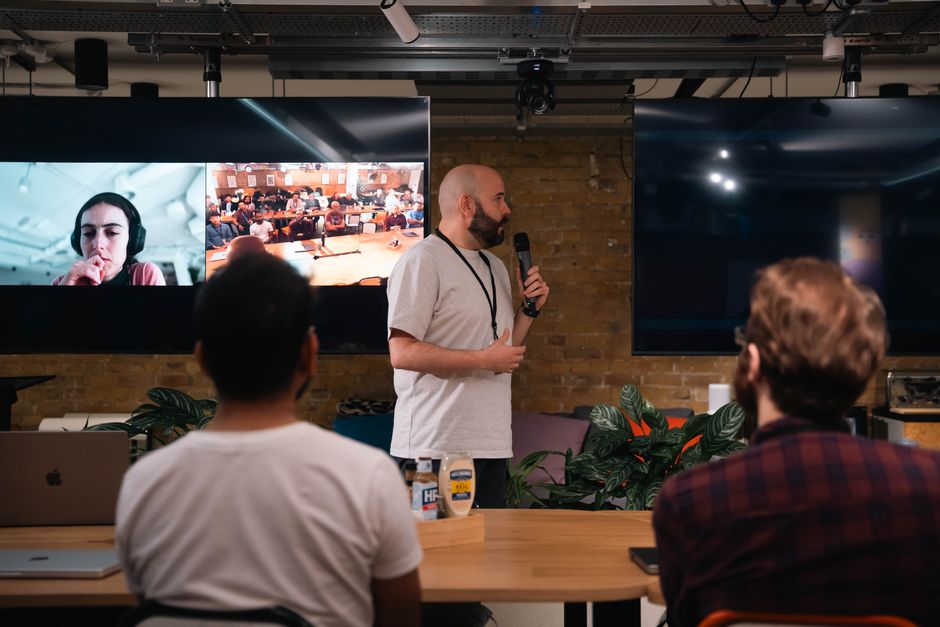
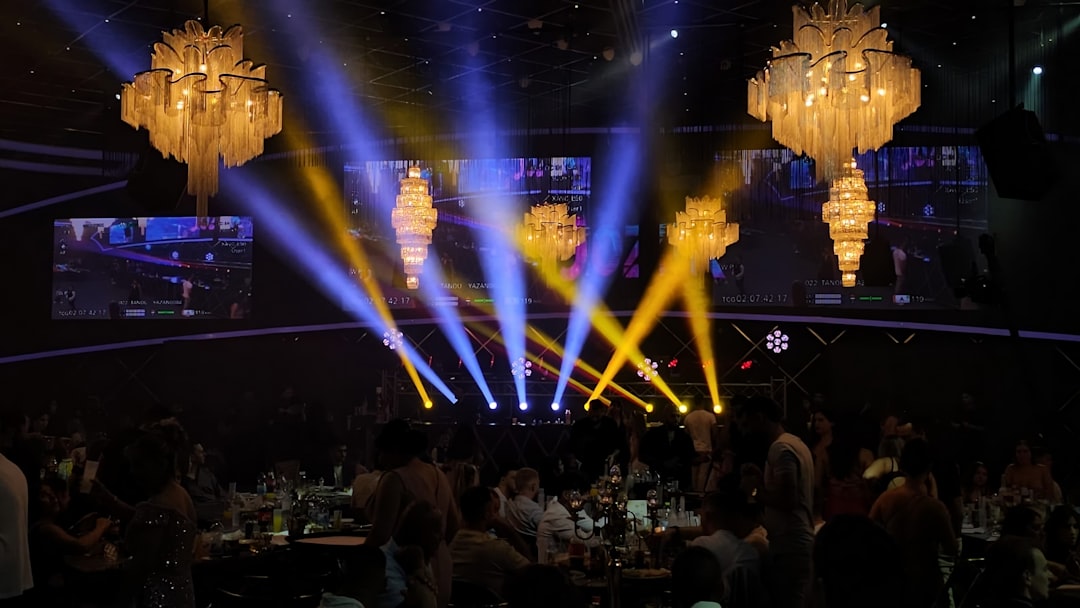
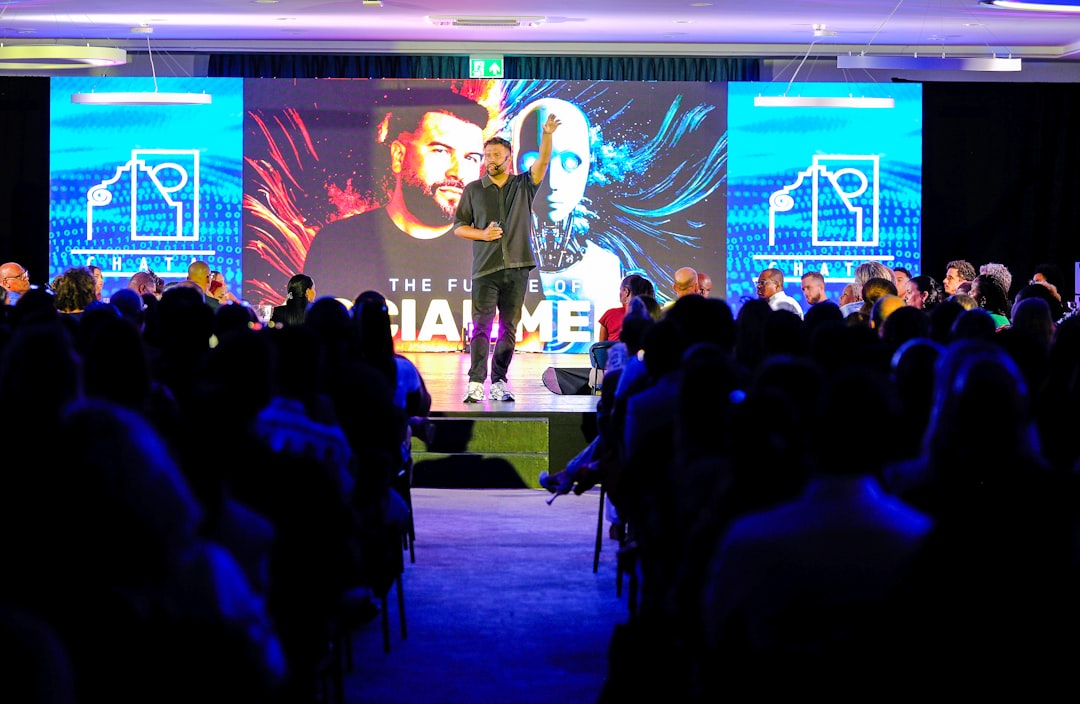
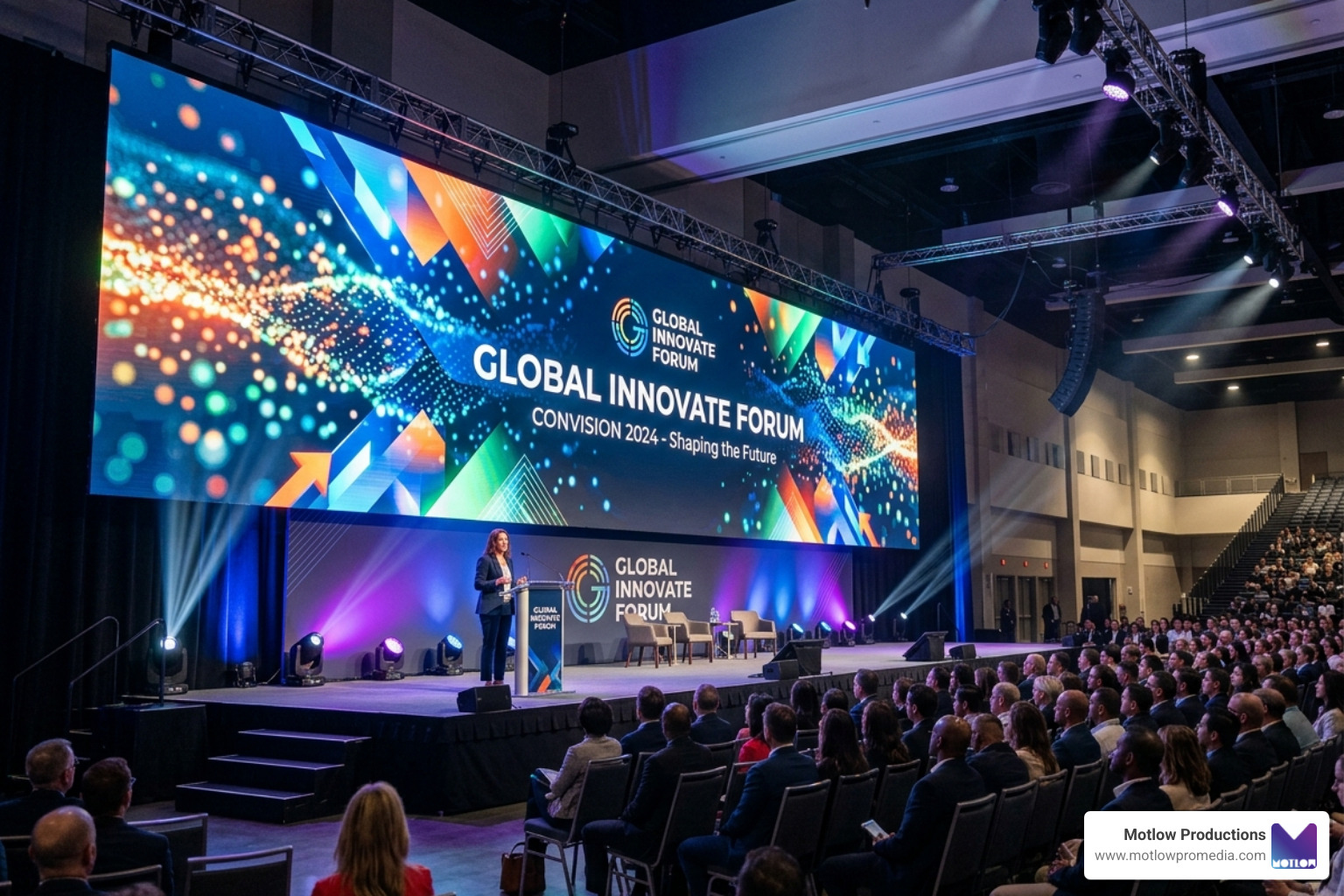
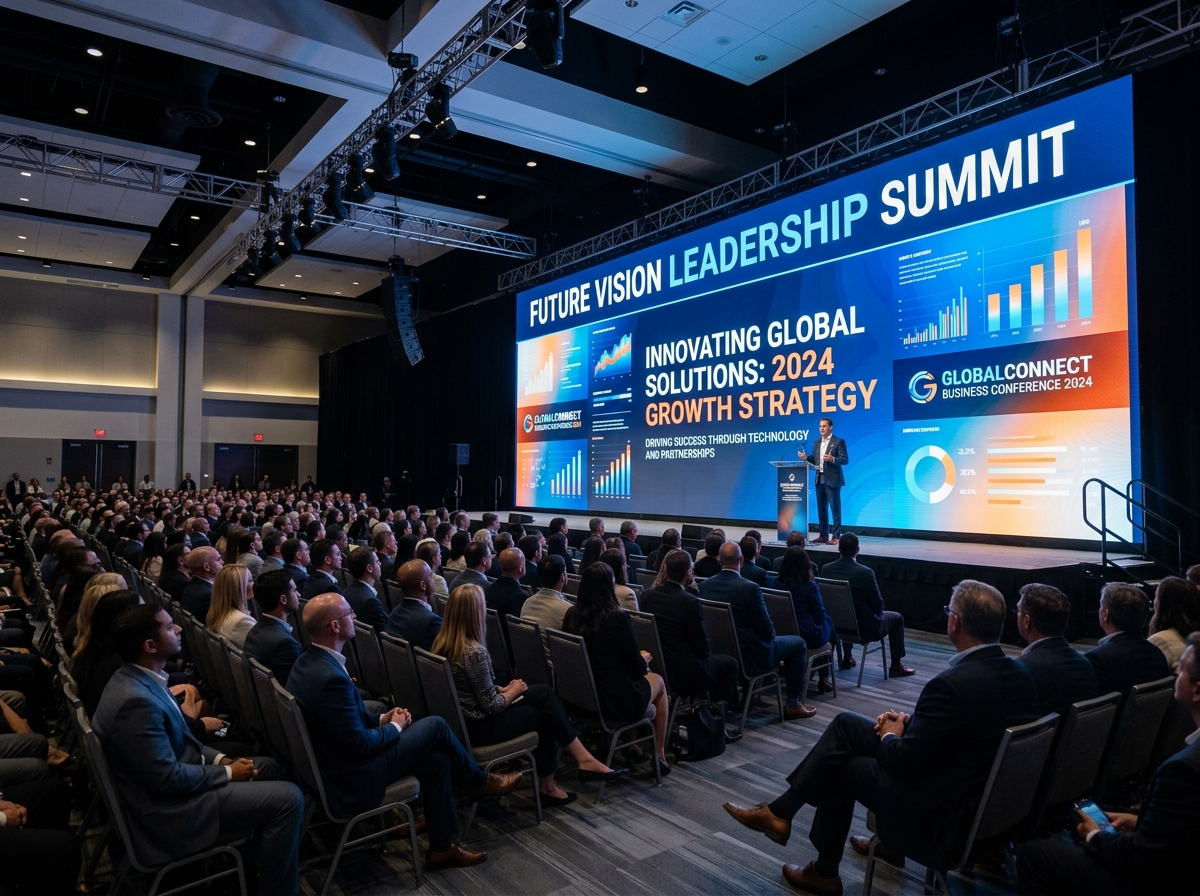
A corporate event may include keynote speakers, panels, audience Q&A, videos, music, walk-up announcements, sponsor segments, livestream audio, and room sound. The people in the room need to hear clearly, but the recording or livestream also needs clean audio.
Those needs are connected, but they are not always the same.
The venue AV team may be focused on the in-room experience. The production team may be focused on the recorded or streamed content. If responsibilities are not clear, the marketing team may assume the audio is covered when it is not.
Before a conference or event, teams should clarify:
The A-Z Guide to Conference Video Production explains why corporate events should be planned as content opportunities. Clean audio is a major part of making that content usable after the event.
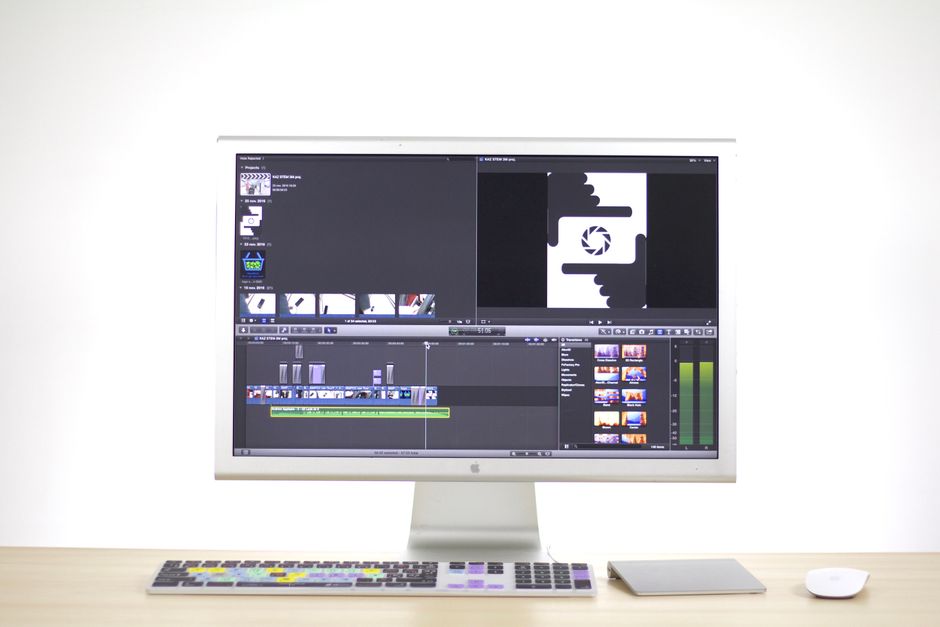
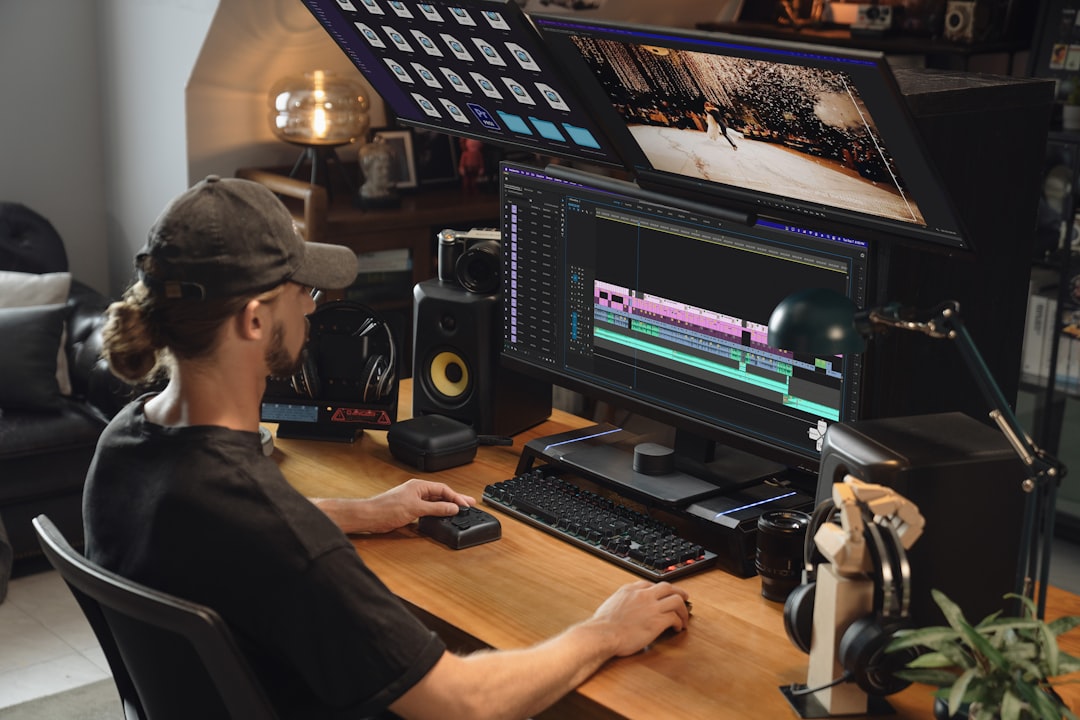
Clean audio gives the editor more options.
A strong soundbite from an executive interview can become a social clip, sales video, internal message, or conference recap moment. But that only works if the sound is clean enough to use on its own.
When audio is poor, the editor may need to avoid certain clips, shorten moments, or cover issues with music and b-roll. That can limit the final content library.
Good audio also helps with captions, transcripts, and accessibility. Clear speech is easier to caption accurately. That matters when videos are published on websites, LinkedIn, YouTube, internal platforms, or event pages.
Planning audio well makes the footage more flexible. It allows one interview, presentation, or event session to become multiple useful assets.
Music can make a video feel more polished, emotional, and complete. It can add energy to a conference recap, warmth to a customer story, or momentum to a brand video.
But music should never fight the message.
In corporate video, the speaker's voice usually needs to lead. If the music is too loud, too dramatic, or mismatched to the tone, it can make the video feel less credible. A serious leadership message should not feel like a commercial jingle. A thoughtful customer testimonial should not be overwhelmed by a track that feels too intense.
The editor should balance music carefully so it supports the pacing and emotion without covering the voice.
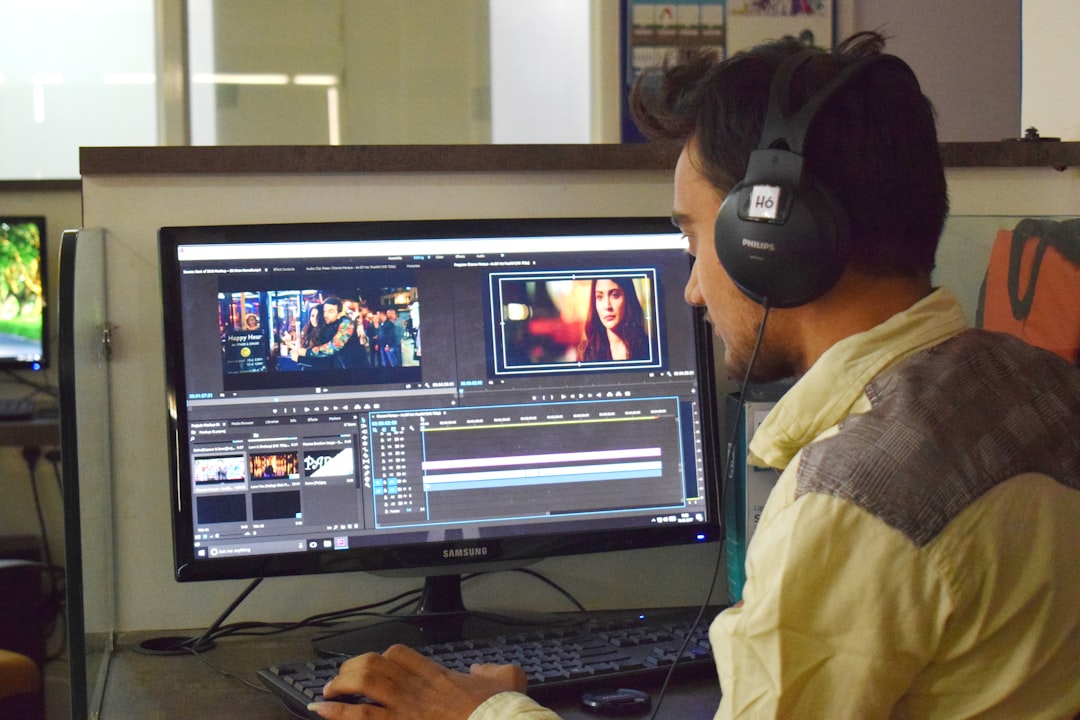
For marketing teams, the review process should include listening, not just watching. A video may look finished visually while still needing audio adjustments.
Livestreaming raises the stakes for audio quality because problems happen in real time.
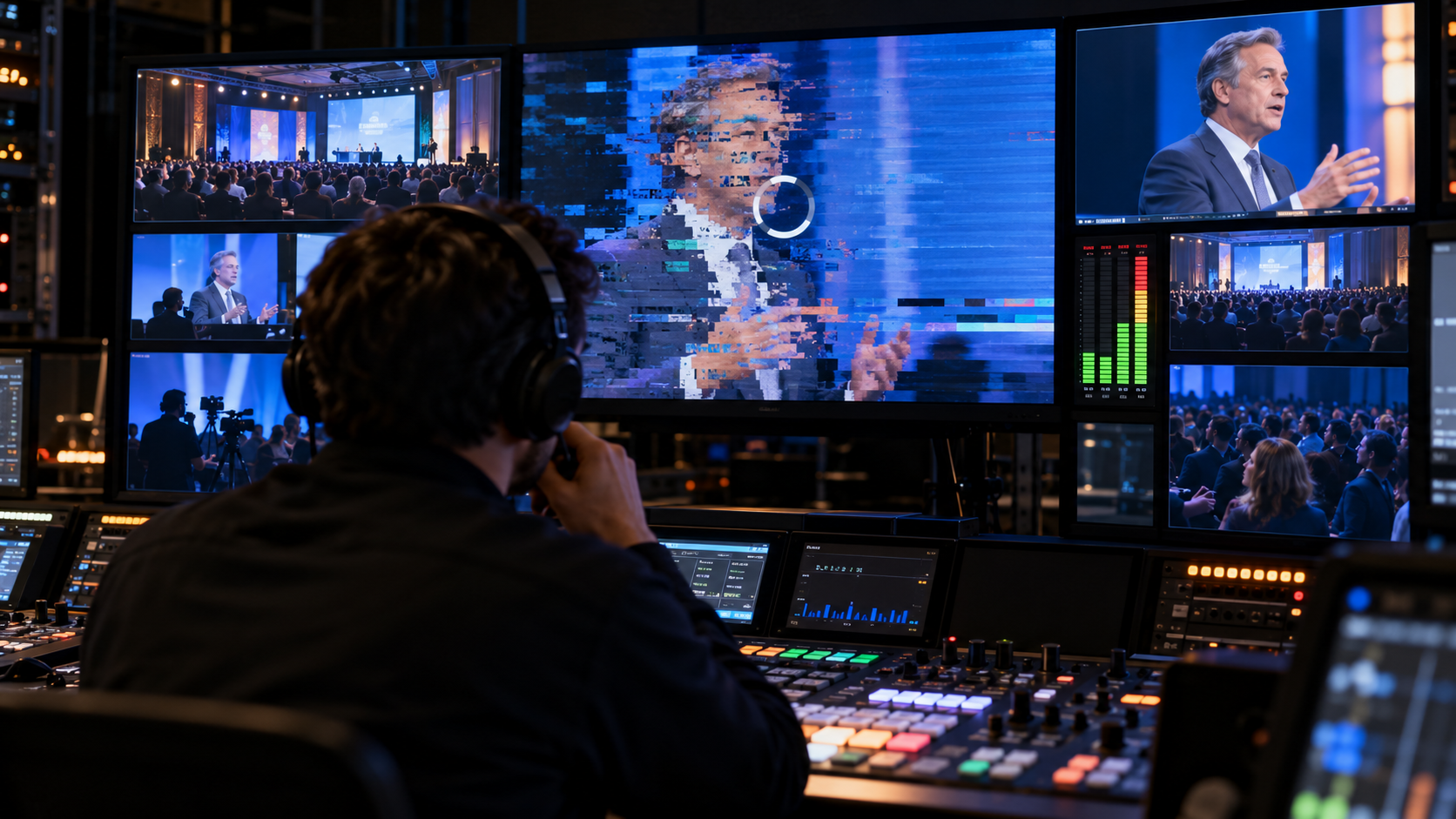
If a microphone fails during a livestream, the remote audience hears it immediately. If the stream audio is too quiet, viewers may leave. If the speaker is clear in the room but not clear online, the livestream experience suffers.
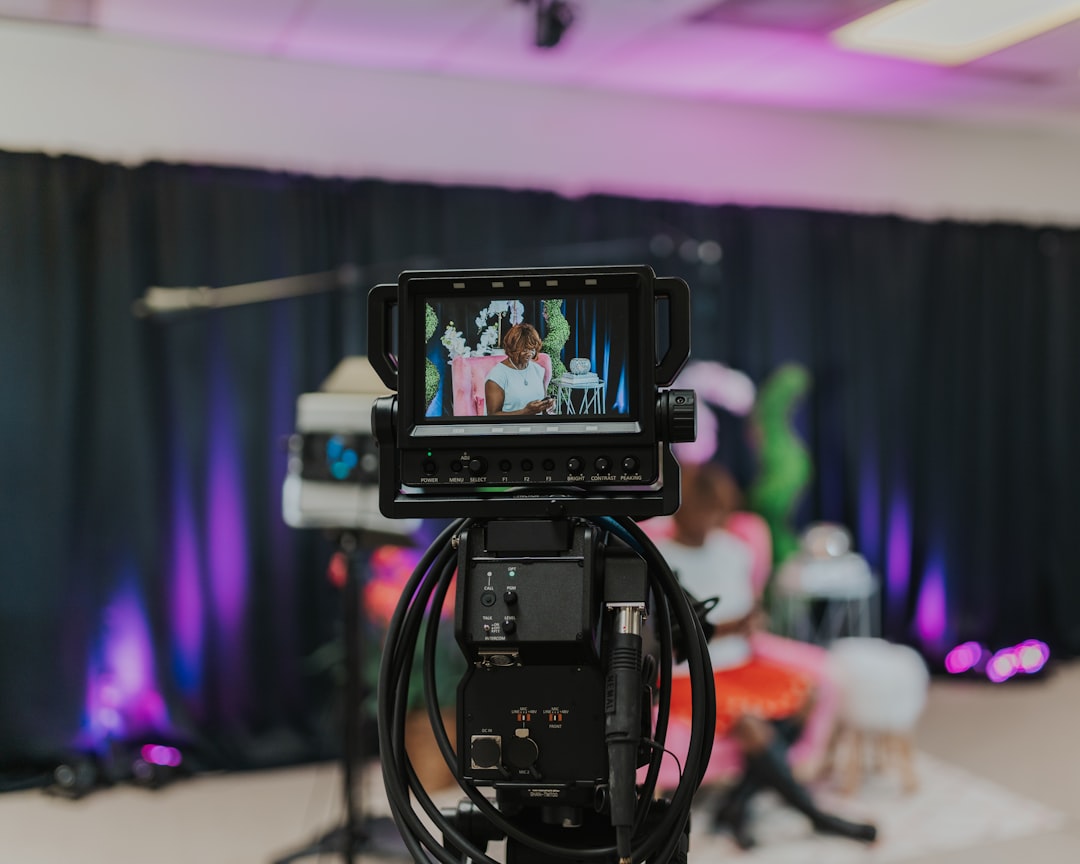
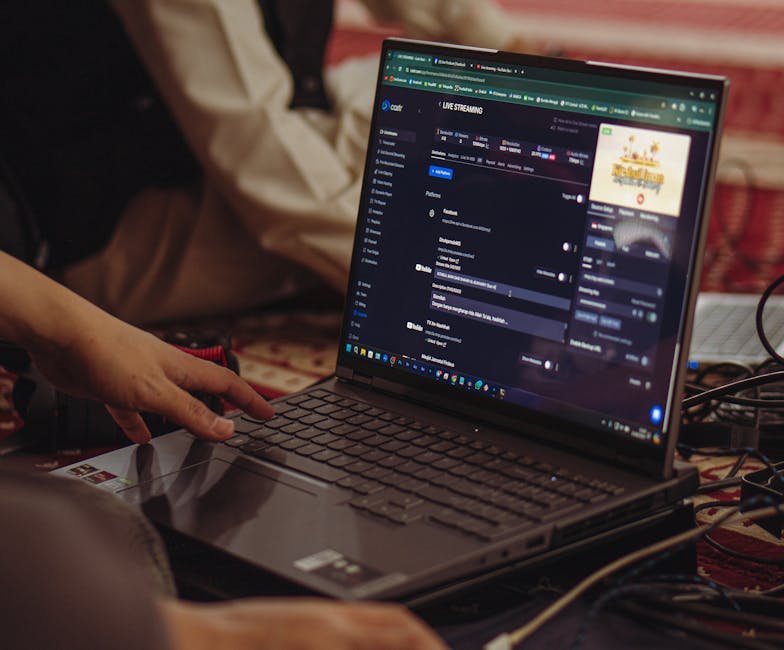
Livestream audio should be tested before the event begins. The production team should check the audio feed, monitor levels, confirm the platform settings, and make sure someone is listening from the remote viewer's perspective.
External platform resources like YouTube's live encoder guidance and Vimeo's live streaming resources are useful reminders that livestream quality depends on more than a camera. Audio, encoding, internet, monitoring, and platform setup all work together.
For corporate teams, the most important thing is responsibility. Someone should be clearly assigned to monitor the livestream audio while the event is happening.
Audio quality is not only about equipment. The speaker also affects the final sound.
Some speakers talk too quietly. Some turn away from the microphone. Some tap the table, shift in their chair, touch their necklace, or move their hands near the mic. Some speak too quickly, making the final video harder to follow.
A good production team helps speakers understand how to work with the microphone naturally.
For interviews, the speaker may need to know where the mic is placed and why they should avoid touching it. For presentations, they may need to understand how far they can move from the podium or whether they are wearing a lavalier. For panels, they may need to remember to use the microphone for every answer.
This guidance should feel simple, not intimidating. The goal is to help the speaker sound clear while still feeling natural.
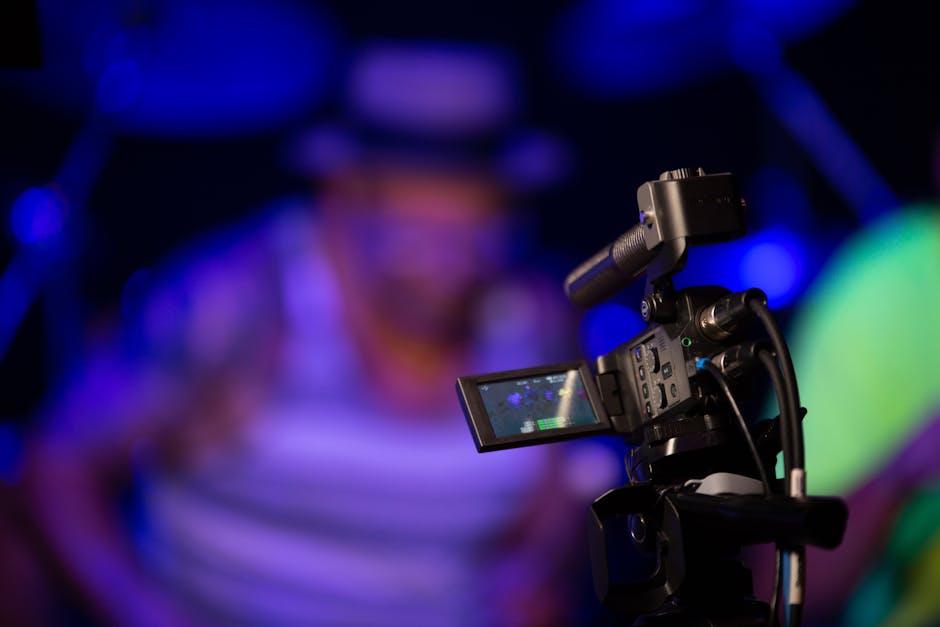
The first mistake is relying on the camera's built-in microphone. Built-in camera audio is rarely enough for professional corporate content.
The second mistake is choosing a room only because it looks good. The location also needs to sound good.
The third mistake is skipping audio monitoring. Someone should listen during filming, not discover problems in editing.
The fourth mistake is assuming event AV and video production audio are automatically the same. The room mix and the recording mix may need separate attention.
The fifth mistake is letting music overpower the speaker. The message should stay clear.
The sixth mistake is forgetting about backup plans. Important events and high-visibility interviews need redundancy.
The seventh mistake is waiting until post-production to solve preventable sound problems.
Why is audio so important in corporate video?**
**Audio is important because it affects message clarity, viewer trust, retention, and professionalism. If viewers cannot clearly hear the speaker, the video becomes less effective.
Can bad audio be fixed in editing?**
**Some minor issues can be improved, but bad audio is often difficult to fully repair. It is better to capture clean sound during production than to rely on editing later.
What type of microphone is best for executive interviews?**
**Lavalier microphones and boom microphones are both common choices. The best option depends on the room, wardrobe, camera framing, and production style.
Do livestreams need a different audio plan?**
**Yes. Livestreams require real-time audio monitoring, platform testing, clean feeds, and backup planning because problems are heard immediately by the remote audience.
Should marketing teams ask about audio before hiring a production company?**
**Yes. Ask how audio will be captured, monitored, backed up, and delivered. The answer can reveal how prepared the production team is.
Audio discipline is easiest to maintain when the same production team keeps returning to the same rooms, the same speakers, and the same equipment plan, rather than relearning a venue's acoustics from scratch on every new shoot. That kind of continuity is one of the quieter benefits of a recurring content partnership: fewer surprises, because the team already knows where the problems tend to hide.
Audio quality can make or break a corporate video because sound carries the message. Strong visuals may attract attention, but clear audio keeps people watching and helps them trust what they hear.
For marketing teams, the best approach is to plan sound from the beginning. Choose the right room, use the right microphones, monitor audio during production, prepare speakers, and connect the audio plan to the final deliverables.
When audio is treated as a core part of production instead of an afterthought, corporate videos become more professional, more useful, and easier to repurpose across marketing, sales, internal communications, recruiting, and events.
Some clients want to give notes in a live Zoom call. Others prefer a group text or email thread. However you like to communicate, we adapt. You’ll never be left guessing where things stand - and you’ll always have a say before anything goes out the door.





Phone:
+1 863-250-8639
.png)
Email:
info@motlowpromedia.com