-5.jpg)











































Thank you! Your submission has been received!
Oops! Something went wrong while submitting the form.

.avif)
June 22, 2026
Social media videography has moved from a nice-to-have to a genuine business necessity. Here's what you need to know at a glance:
Americans now spend close to one hour per day watching social media videos — more than double what they watched just a few years ago. Brands that show up consistently with quality video are compounding trust over time. Those that don't are leaving attention (and revenue) on the table.
I'm Miranda Motlow, founder and CEO of Motlow Pro Media, a full-service media agency based in Tampa, Florida, where I've spent over a decade helping brands tell their stories through social media videography and video marketing content. My background in journalism and business production means I approach every video with both strategy and storytelling in mind — and in this guide, I'll walk you through everything from shooting on your phone to building a content system that attracts real clients.
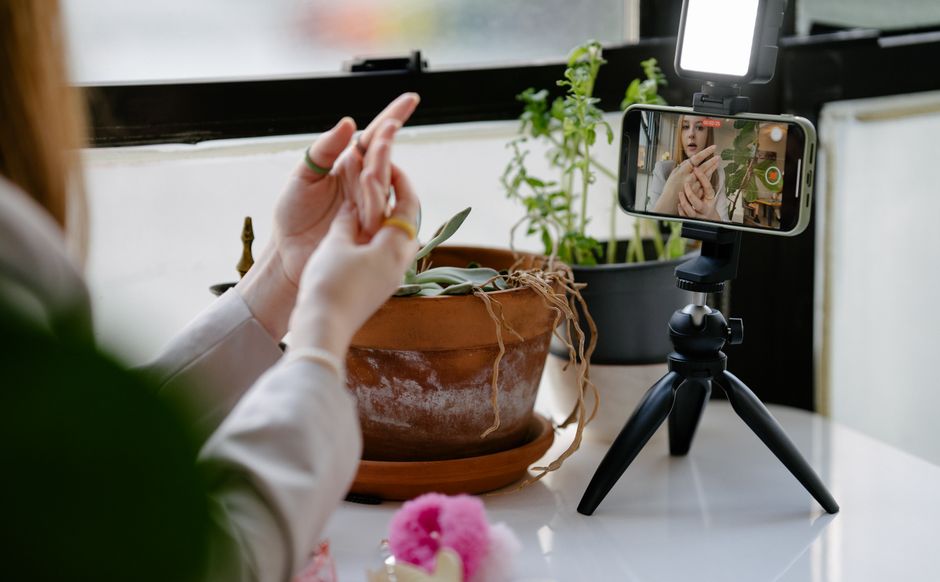
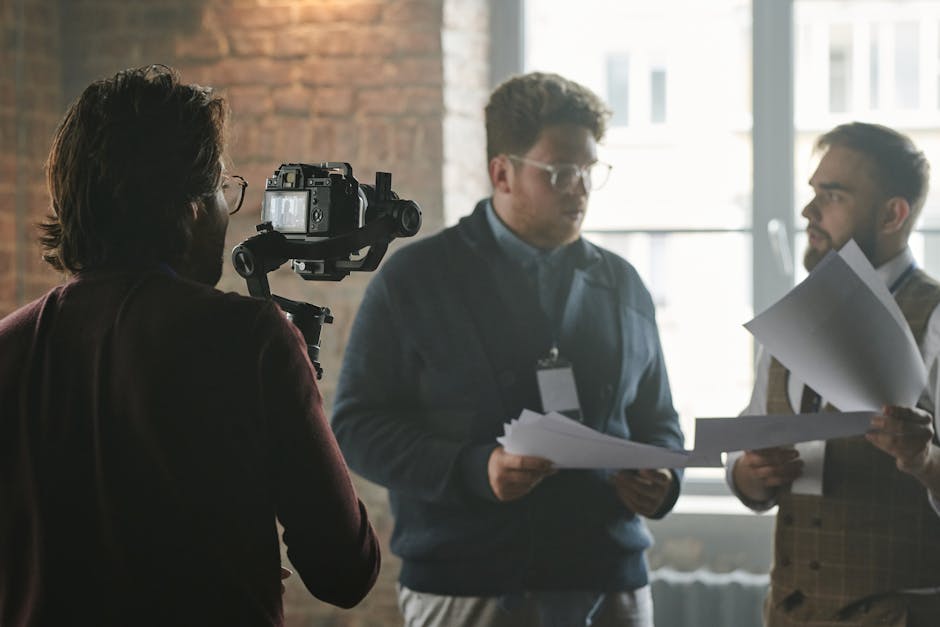
You do not need a $10,000 cinema camera setup to produce high-performing social media videos. In fact, some of the most viral, high-converting content on TikTok and Instagram Reels is shot entirely on a modern smartphone. The secret is not the price tag of your gear; it is your mastery of the fundamental technical principles.

The tiny lens sensors on smartphones need plenty of light to capture clean, crisp footage. Without adequate light, your phone will artificially boost its ISO, resulting in grainy, muddy, and unprofessional-looking video.
Whenever possible, leverage natural light. Filming during the "golden hour"—the hour after sunrise or the hour before sunset—provides a soft, warm glow that makes skin tones look incredible. If you are shooting indoors during the day, face a large window.
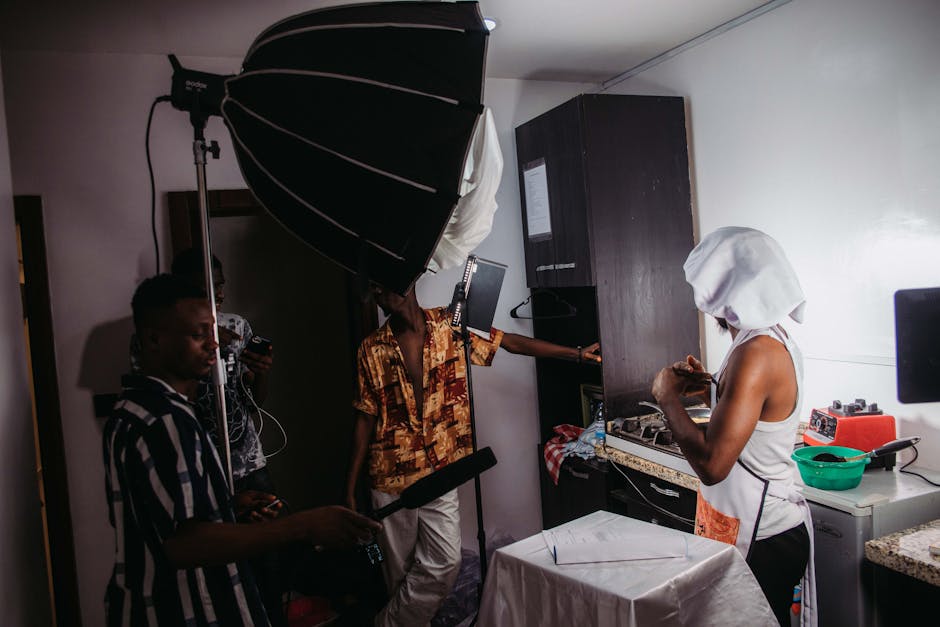
Avoid harsh, direct overhead lighting, which casts deep shadows under the eyes (often called "raccoon eyes"). If you must shoot in a dark room or at night, invest in a portable LED key light or a high-quality ring light placed slightly off-center from your camera to create depth.
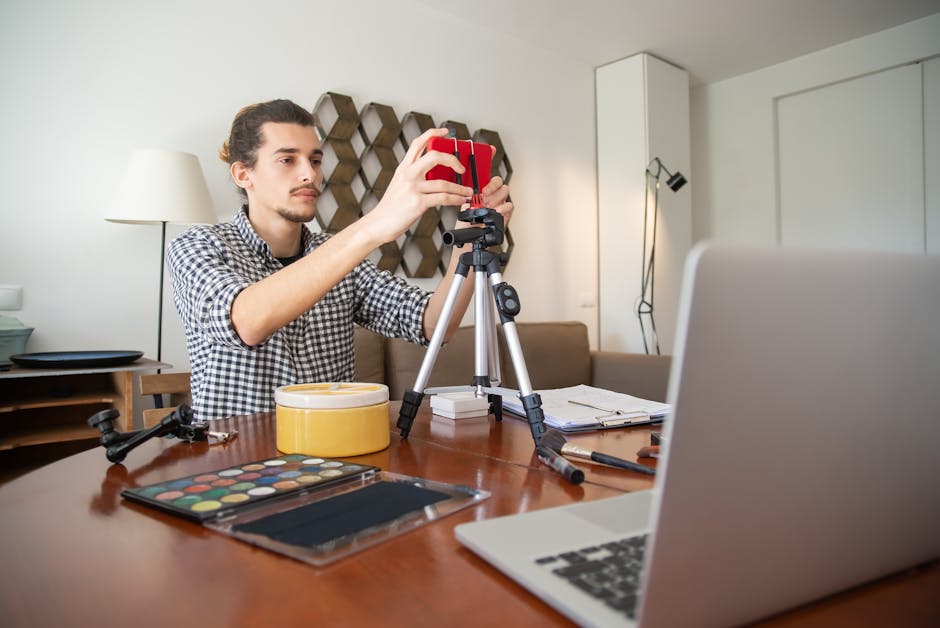
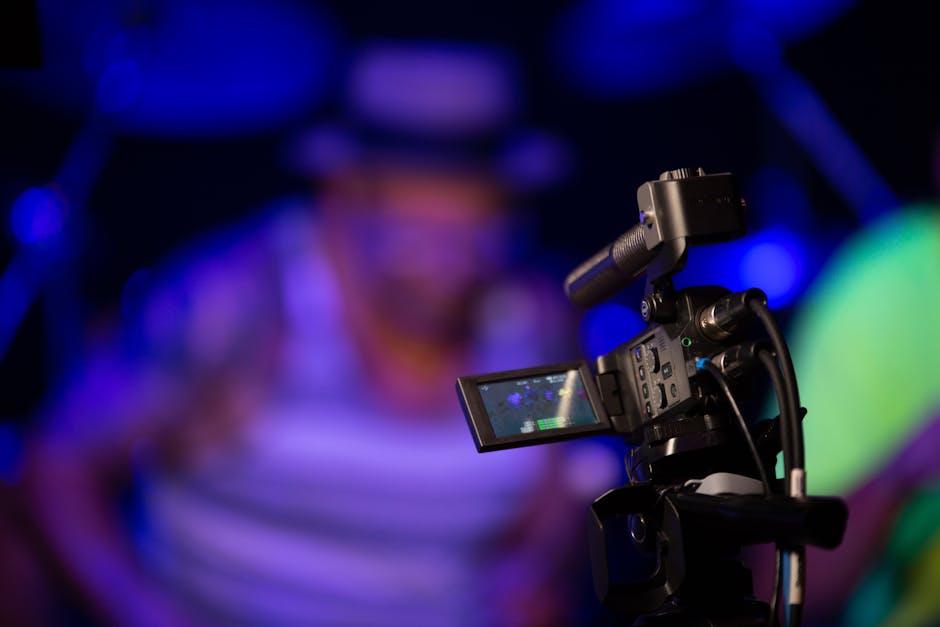
Shaky, handheld footage is a quick way to signal to your audience that your video is amateur. While some run-and-gun "vlog-style" content benefits from a casual handheld feel, most brand videos require stability.
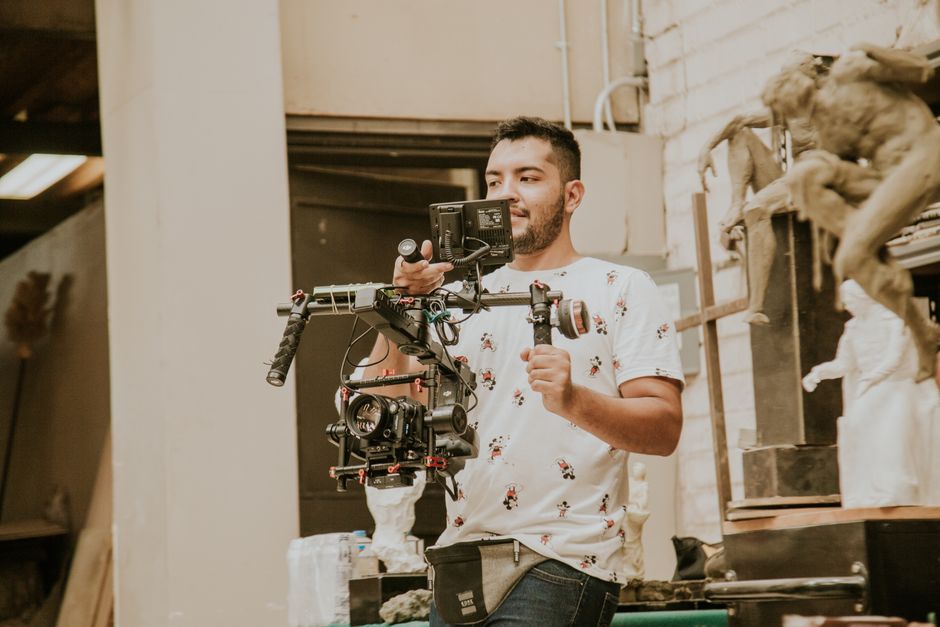
To improve your handheld stability, hold your phone with both hands, tuck your elbows tightly against your ribs, and move your entire torso to pan rather than just moving your wrists. For interviews, product showcases, or static talking-head clips, always use a smartphone tripod or a compact gimbal to keep your shots rock-steady.
People will tolerate average video quality, but they will instantly swipe away from poor audio. If your voice sounds like it was recorded inside a tin can, or if distracting background wind noise drowns out your message, you will lose your viewers immediately.
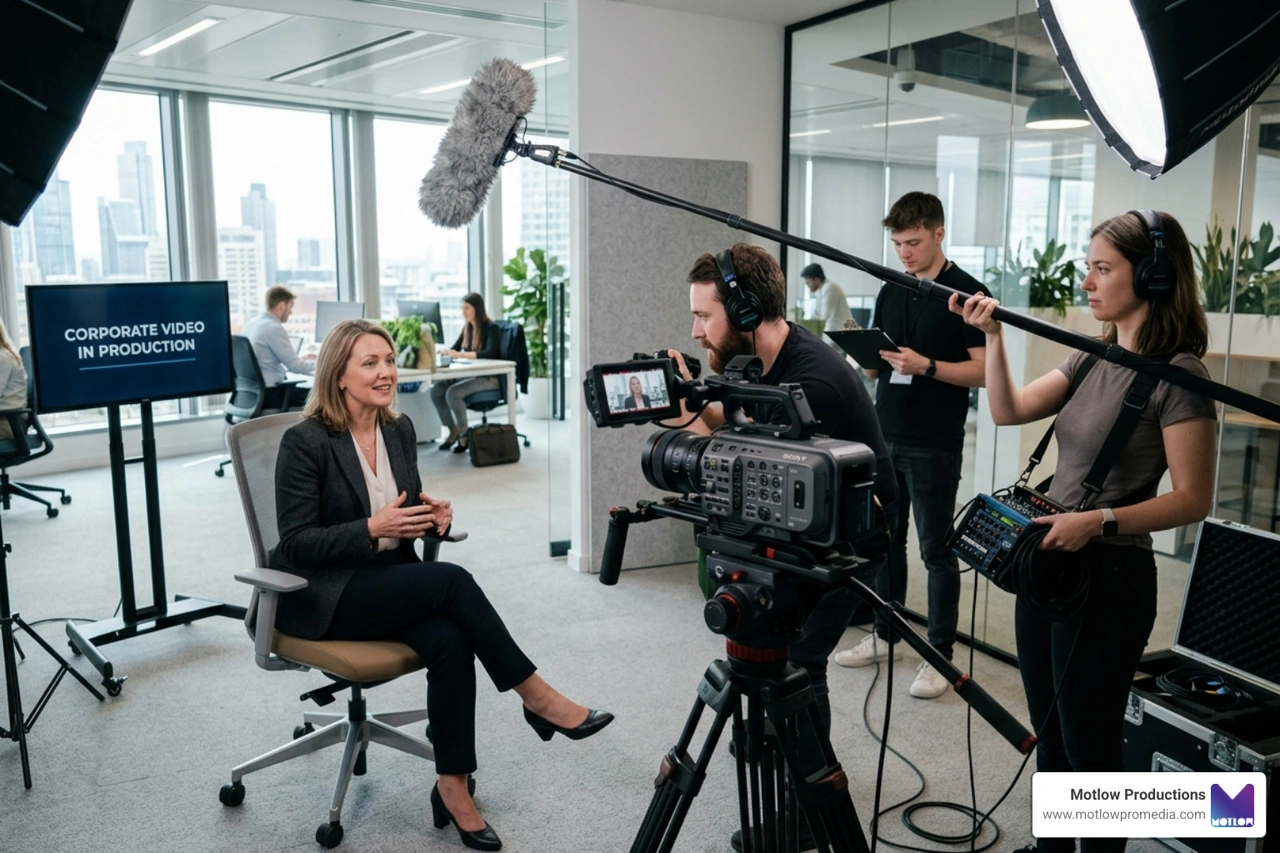
Do not rely on your phone's built-in microphone unless you are inches away from it in a perfectly silent room. Instead, use an external clip-on lavalier microphone or a directional shotgun microphone that plugs directly into your device. Keeping the microphone close to your mouth isolates your voice and dramatically improves viewer retention.
To make your videos visually engaging, turn on the grid lines in your phone's camera settings. Apply the Rule of Thirds: place your main subject along the vertical grid lines or at the intersection points.
If you are filming a talking-head video, keep your eyes positioned in the top third of the frame. Ensure there is adequate "headroom" (the space between the top of your head and the top edge of the frame) so you do not look cramped.
Remember to capture a variety of shots—wide shots to establish the location, medium shots to show action, and close-ups to highlight details. This shot variety keeps your editing dynamic and helps you craft Engaging Video Content that holds attention.
Every social media platform is a unique ecosystem with its own culture, audience demographics, and algorithmic preferences. One of the most common mistakes brands make is filming a single landscape video and uploading it to every channel without modification. To win at social media videography, you must tailor your content to fit the native behavior of each platform.
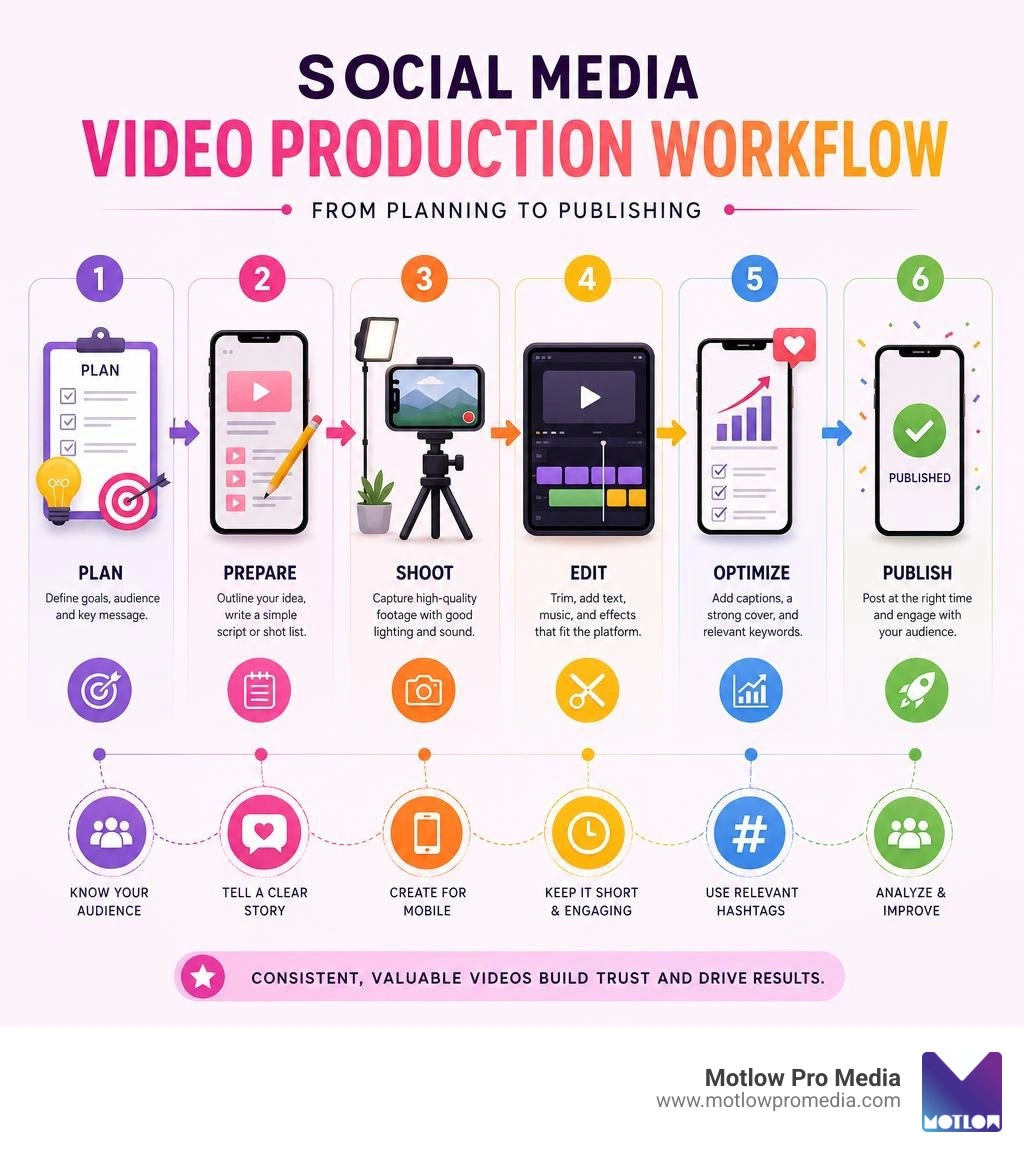
Before you press record, you need a plan. Start by defining the singular goal of your video: Is it to drive brand awareness, educate your audience, or convert viewers into paying leads?
Once your goal is set, storyboard your concept and write a script. In short-form video, the "hook" is everything. On platforms like TikTok, the user's decision window to scroll past your video is a mere 0.8 seconds. You must grab their attention visually or verbally in the first two seconds. Avoid starting with slow introductions like, "My name is..." Instead, open with a bold statement, a compelling question, or an active visual.
Structure your video with a clear beginning, middle, and end, and always conclude with a strong, single Call to Action (CTA). Tell your viewers exactly what to do next, whether that is "link in bio," "drop a comment below," or "visit our website." For a deeper dive into scaling your visual output, check out AI Video for Social Media: The Complete Strategy Guide for 2026 | Lychee to understand how automated workflows are shifting the creation landscape.
Once your video is shot and edited, you must optimize it for platform upload. Social media platforms apply aggressive file compression to save server space, which can turn a beautiful 4K master file into a blurry, pixelated mess if you do not export it correctly.
To combat platform re-compression, export your videos using the H.264 codec in a MP4 container. Set your color space to Rec.709, and target a bitrate of 10 to 15 Mbps for 1080x1920 vertical videos. Always shoot in 4K if your device allows it; this gives you the flexibility to crop, reframe, and zoom in during post-production without losing resolution when exporting to a 1080p final file.
Additionally, up to 85% of social media videos are watched on mobile screens with the sound turned off. If your video relies on spoken words, adding clear, high-contrast captions is non-negotiable. Review all auto-generated captions for accuracy to avoid embarrassing typos, and make sure your text overlays sit within the "safe zones" of each platform so they are not covered up by user interface buttons or captions. For professional advice on managing these assets at scale, explore our guide on Digital Content Production.
How much does social media videography actually cost? The answer depends entirely on your production approach, volume, and quality requirements. While a single smartphone video might cost next to nothing to produce in-house, professional agency campaigns can range from several hundred to thousands of dollars per asset.
Short-form videos for TikTok/Reels: 15-30 seconds, usually creator-style or smartphone-led, often costing $150-$500 per video. Best for daily engagement, trends, and community building.
Short-form ad creative: 15-30 seconds, produced at a more professional agency level, often costing $1,000-$3,000 per video. Best for paid social campaigns and product-focused ads.
Mid-length videos for LinkedIn/Facebook: 1-3 minutes, with a polished corporate feel, often costing $1,500-$5,000 per video. Best for thought leadership, case studies, and company culture content.
Long-form brand videos: 3-5 minutes, usually premium and cinematic, often costing $5,000-$15,000+ per video. Best for homepage videos, brand launches, and major marketing assets.
If you budget and produce your social media videos on a one-off, per-video basis, you will quickly exhaust both your marketing budget and your creative team. The most successful brands in 2026 build production systems and social asset banks.
Instead of scheduling a shoot for a single 30-second video, plan your production at the campaign level. A systems-based approach allows you to maximize a single shoot day. For example, we can design a single half-day shoot in Tampa to yield:
This batch creation and strategic repurposing method slashes your average cost per video by 30% to 50% while ensuring you have a steady stream of content to feed the algorithms. To see how to build a comprehensive corporate video strategy from the ground up, read our Corporate Video Production Complete Guide.
Not all video content is created equal. To build a loyal audience and drive conversions, you need a balanced mix of content types that address different stages of your customer's journey.

Based on our work with clients across Tampa, Florida, these four video categories consistently deliver the highest returns:
Creating beautiful videos is only half the battle; you must also track their performance to optimize your strategy over time. Stop looking purely at "vanity metrics" like view counts, which can be easily skewed by a few seconds of auto-play. Instead, focus on metrics that reflect genuine engagement and business growth:
By constantly analyzing these metrics, you can double down on the formats that work and cut the ones that do not, ensuring your video budget is spent as efficiently as possible. For guidance on creating high-impact, conversion-focused video assets, check out our insights on crafting a Corporate Brand Video.
For short-form platforms like TikTok, Instagram Reels, and YouTube Shorts, the sweet spot is typically between 15 and 30 seconds. While these platforms allow longer runtimes (up to 10 minutes in some cases), the algorithm heavily favors completion rate and viewer retention. Keep your videos as short as possible while still delivering your complete message. For professional platforms like LinkedIn, aim for 60 to 90 seconds of high-value insights.
If a video has stunning 4K resolution but muffled, echoey, or noisy audio, viewers will swipe away within seconds. Poor audio is physically fatiguing to listen to. Conversely, viewers will happily watch a lower-resolution, slightly grainy video if the speaker's voice is crisp, clear, and easy to understand. Always prioritize investing in a high-quality external microphone over a more expensive camera body.
The transition starts with shifting your mindset from a "content creator" to a "business solution provider." Begin by building a solid portfolio of local work—even if that means filming spec ads for local business owners in Tampa to prove your capabilities.
As you land your first few paying clients, upgrade your gear systematically: start with a reliable mirrorless camera, a versatile prime lens, a sturdy tripod, and a professional lighting kit. Focus heavily on clear client communication, reliable delivery timelines, and showing your clients the tangible business ROI of the videos you produce for them.
Mastering social media videography is not about chasing fleeting viral trends or buying the most expensive gear on the market. It is about understanding your target audience, planning your messaging with strategic hooks, and building a consistent, scalable production system that turns casual viewers into loyal customers.
At Motlow Pro Media, we help businesses in Tampa, Florida, and beyond navigate this video-first digital landscape. Our "hands-off, but hands-on" partnership model means we act as a trusted, seamless extension of your team. We handle the creative strategy, professional production, and platform optimization, allowing you to focus on running your business while enjoying the compounding returns of high-quality video content.
Ready to elevate your brand's digital presence and start attracting real clients with systematic, high-performing video? Explore our Professional Corporate Video Services and let us build your custom content engine today.
Some clients want to give notes in a live Zoom call. Others prefer a group text or email thread. However you like to communicate, we adapt. You’ll never be left guessing where things stand - and you’ll always have a say before anything goes out the door.





Phone:
+1 863-250-8639
.png)
Email:
info@motlowpromedia.com