



-5.jpg)





























Thank you! Your submission has been received!
Oops! Something went wrong while submitting the form.

.avif)
June 24, 2026
Hybrid meeting technology refers to the tools, hardware, and software that connect in-person and remote participants in a single, unified meeting experience. Here's a quick breakdown of what that means in practice:
The way teams meet has changed permanently. As of June 2026, 70% of remote-capable employees in the U.S. work in a hybrid model, with location flexibility (70%) and time flexibility (71%) cited as the top reasons people prefer it. That shift has made one thing very clear: the old conference room setup wasn't built for this.
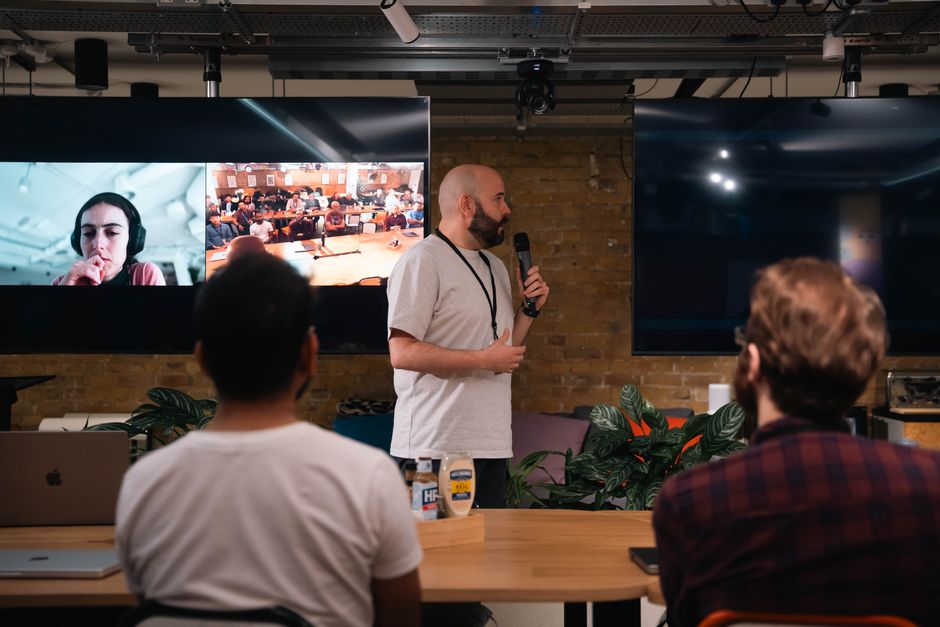
A hybrid meeting isn't just a Zoom call with a few people in a room. Done poorly, it leaves remote attendees straining to hear muffled voices, watching a static shot of a whiteboard, and waiting for a chance to speak that never comes. Done well, it's one of the most flexible and cost-effective ways to bring a team together — hybrid events can reduce costs by up to 60% and reach 10x more attendees without 10x the budget.
The gap between those two outcomes comes down to technology and how you use it.
I'm Miranda Motlow, founder and CEO of Motlow Pro Media, a full-service media and live production company based in Tampa, Florida, where I've spent years helping teams execute flawless live events and video productions that feel intentional on both sides of the camera. Hybrid meeting technology sits right at the intersection of the live production and storytelling work I do every day, and in this guide, I'll walk you through exactly what it takes to set it up right.
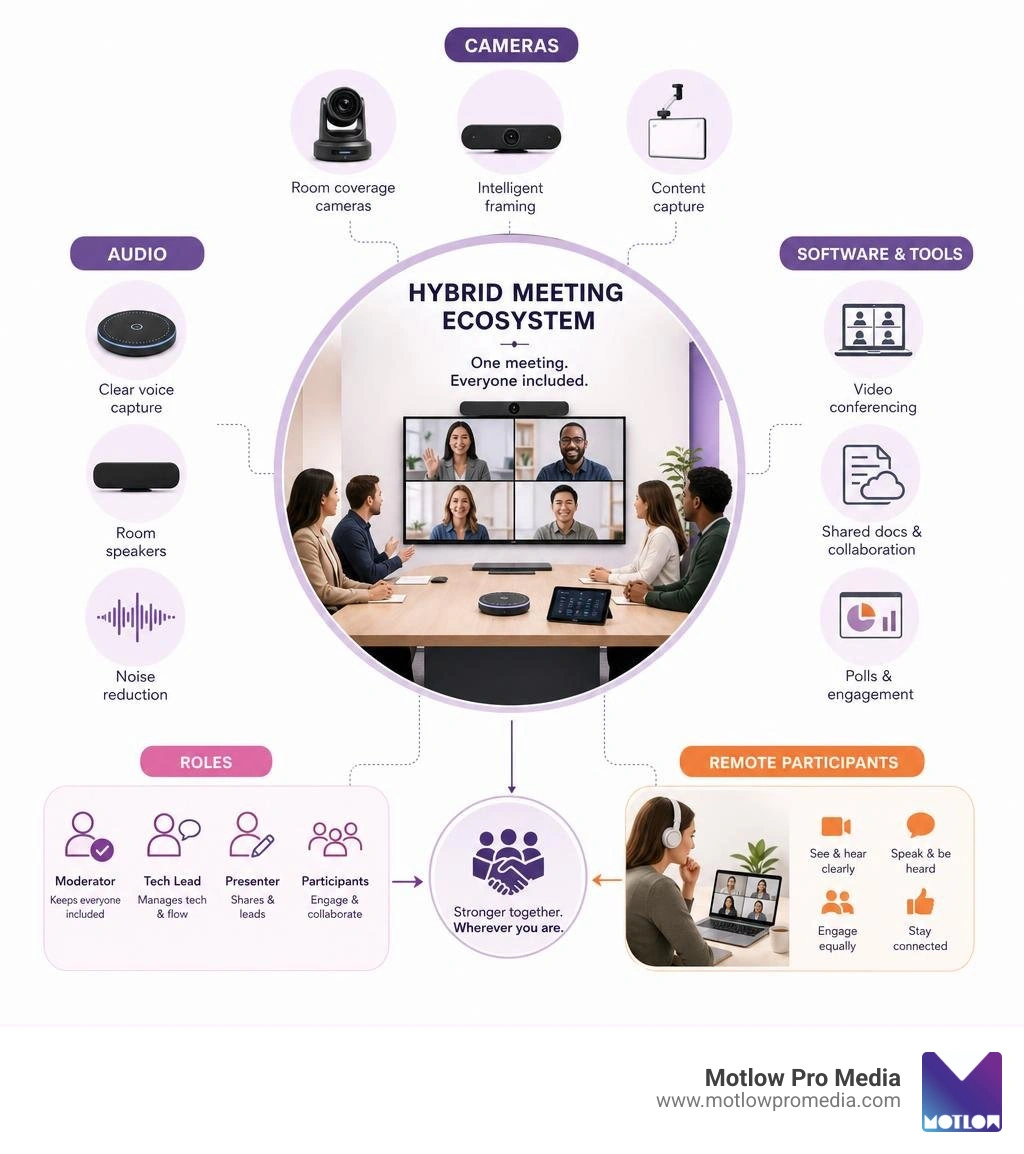
Key Hybrid meeting technology vocabulary:
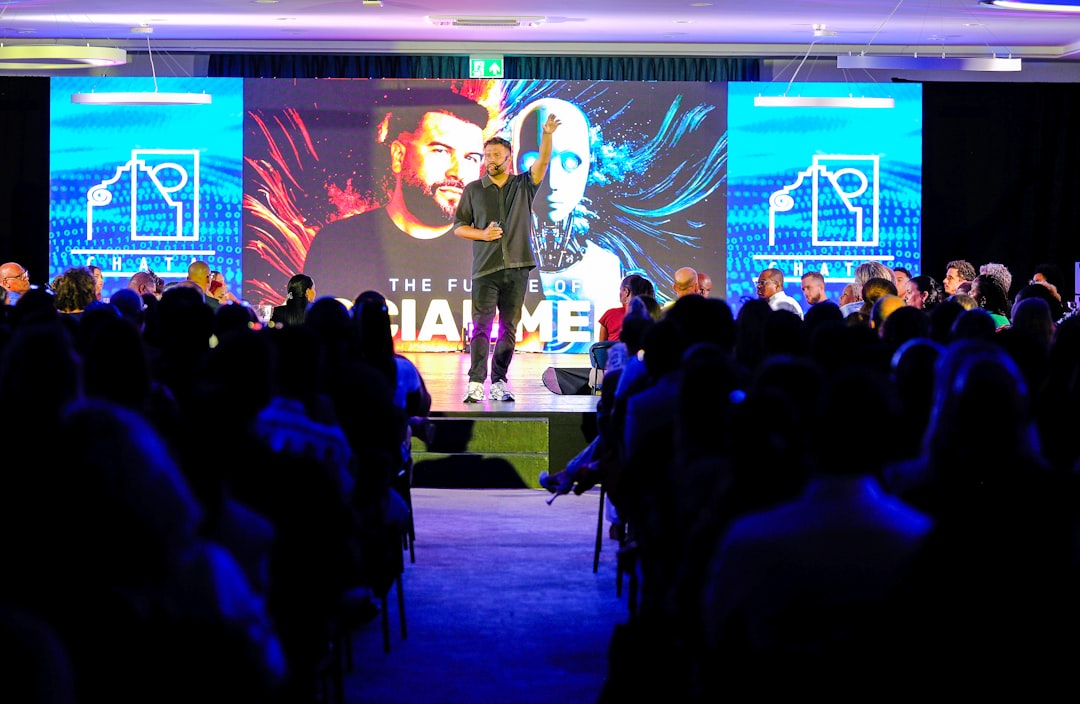
To design an effective meeting environment, we must first understand the fundamental differences between meeting formats. In a fully virtual meeting, everyone is isolated on their own screen, creating a level playing field where everyone occupies the same digital real estate. In a fully in-person meeting, physical presence dictates the flow of communication.
A hybrid meeting mixes these two dynamics, which introduces unique challenges. The primary obstacle is proximity bias — the natural human tendency to give more attention and value to the people physically sitting in the same room with us. When on-site attendees engage in side conversations or use physical gestures that remote participants cannot see, they inadvertently exclude remote colleagues.
To overcome these barriers, organizations must design their physical spaces to intentionally bridge the gap. The layout of the room should allow every seated participant to see and hear remote attendees without having to awkwardly twist their bodies.
| Feature | In-Person Meetings | Fully Virtual Meetings | Hybrid Meetings |
|---|---|---|---|
| Participant Location | 100% on-site | 100% remote | Split (on-site and remote) |
| Primary Challenge | High travel costs, limited reach | Screen fatigue, low physical connection | Proximity bias, technical complexity |
| Engagement Focus | Physical presence, body language | Individual video boxes, chat | Unified audio, shared digital whiteboards |
| Cost & Scalability | Expensive to scale, fixed capacity | Low cost, highly scalable | Highly scalable, up to 60% lower cost than fully on-site |
By recognizing these differences, we can implement deliberate strategies to ensure remote participants feel like active contributors rather than passive observers.
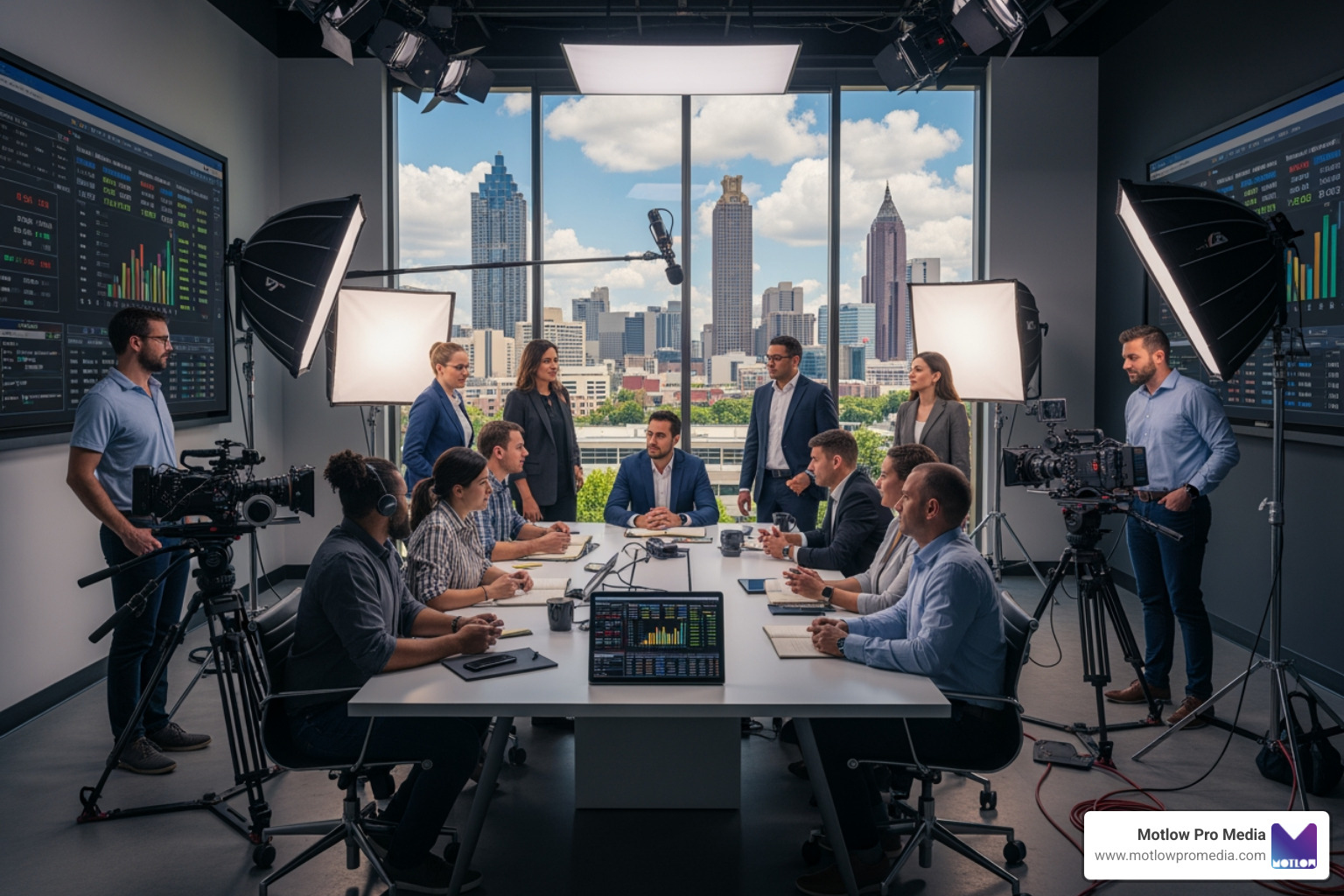
Creating a sense of "presence" for remote participants requires careful attention to sightlines, camera angles, and display placement. The goal is to make remote attendees feel as though they are sitting at the table.
First, position your main display screen at eye level at the end of the conference table. This ensures that when in-person attendees look at the screen, they are making natural eye contact with their remote colleagues.
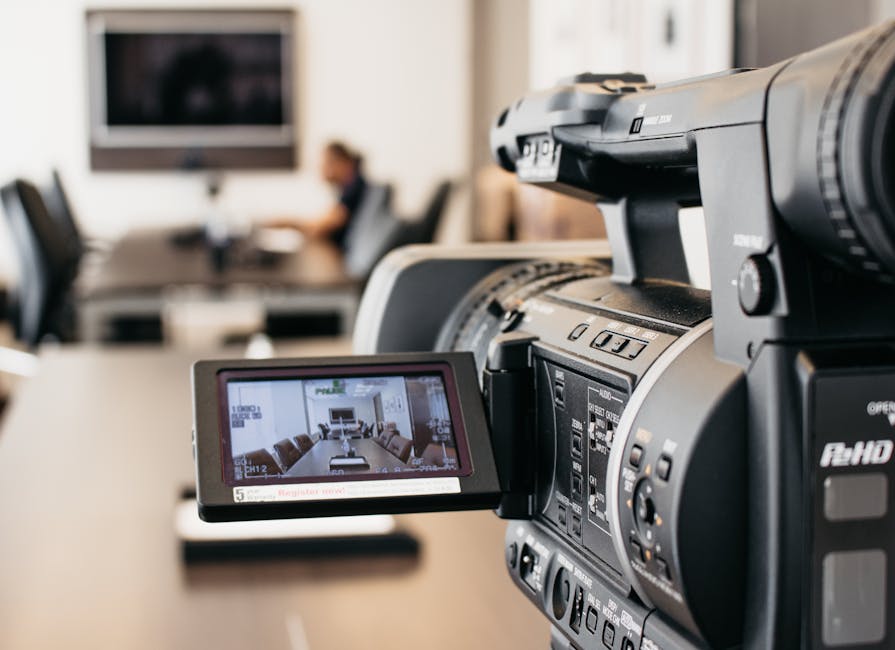
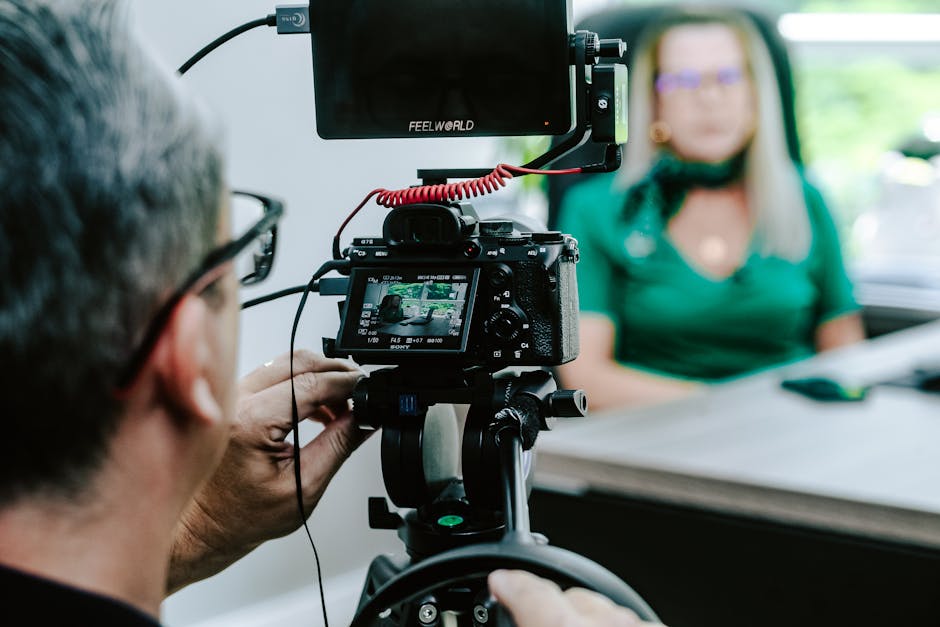
Second, pay attention to camera angles. A camera mounted too high or too low creates an unnatural perspective. Ideally, the camera should be placed directly above or below the main display, capturing a wide-angle view of the entire room so remote viewers can read the body language of everyone present.
For seamless, user-friendly room casting, we highly recommend integrating tech-agnostic wireless room systems like Barco ClickShare. You can Learn more about Barco ClickShare solutions to see how they simplify content sharing. If you are looking to overhaul your entire presentation space, our team at Motlow Pro Media can design and install a custom setup tailored to your workflow through our Corporate Meeting AV services.
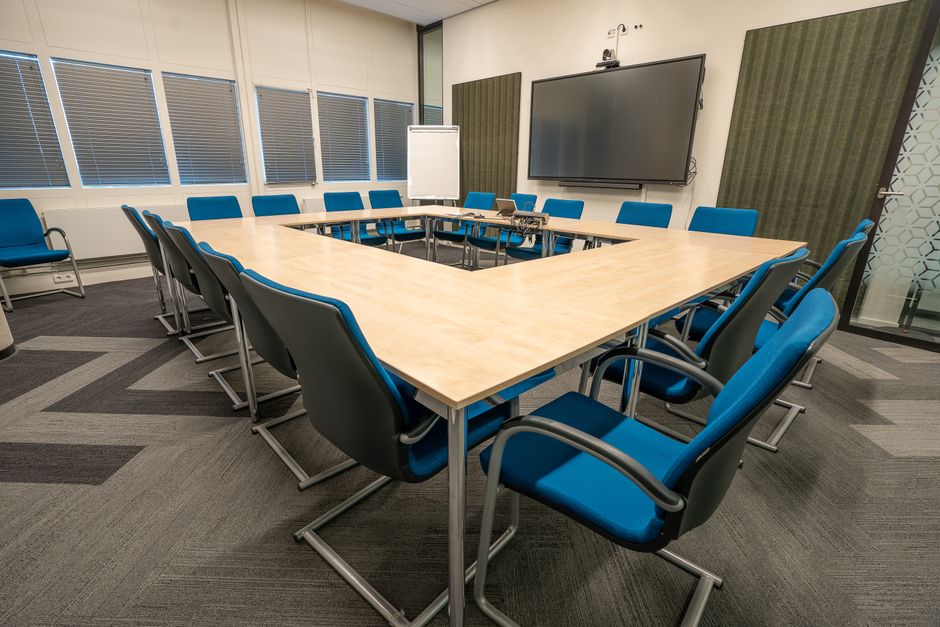
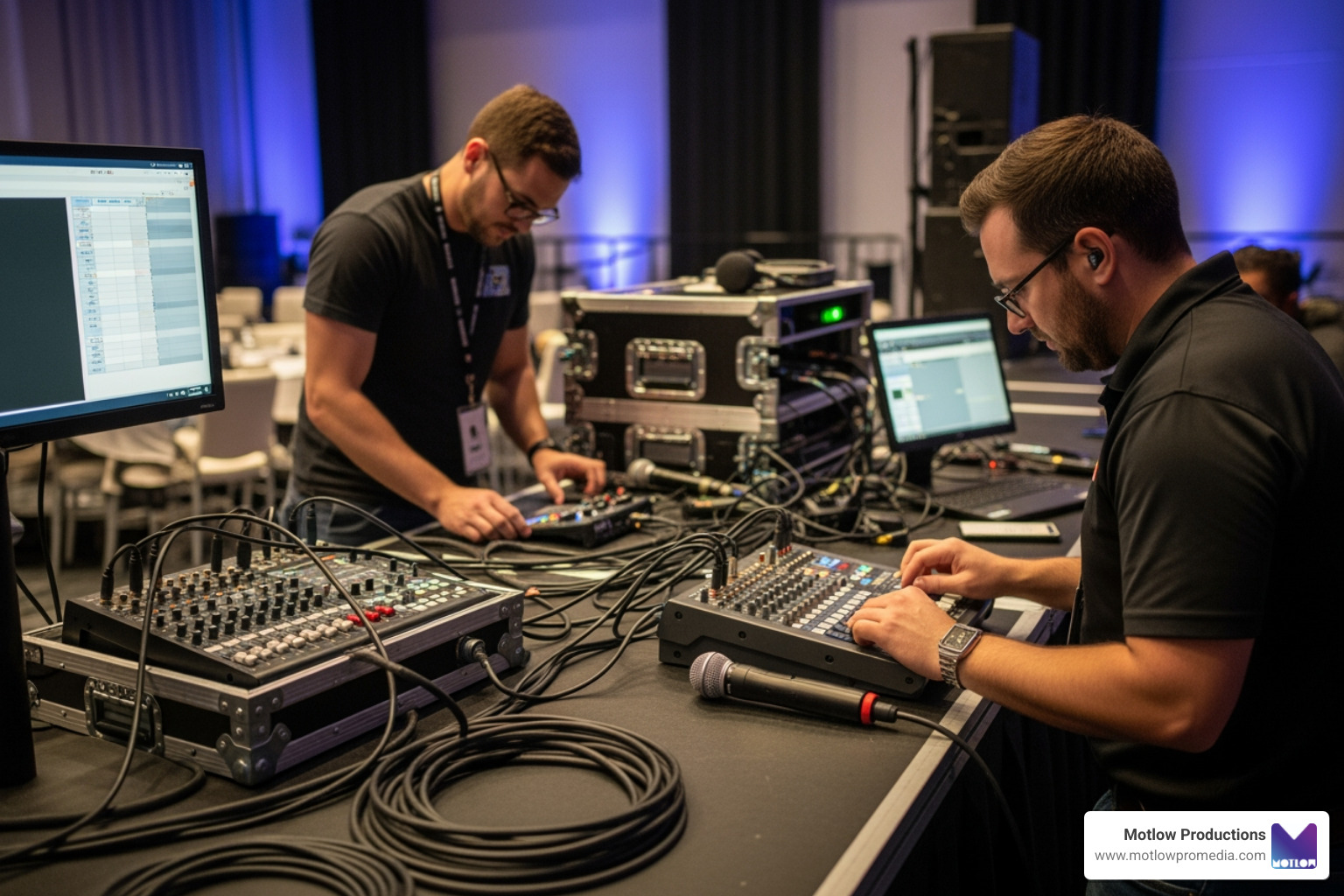
When selecting hardware, remember this golden rule of production: poor audio is the number-one complaint from virtual attendees. While people will tolerate a slightly pixelated video feed, they will completely tune out if the audio is garbled, echoing, or too quiet.
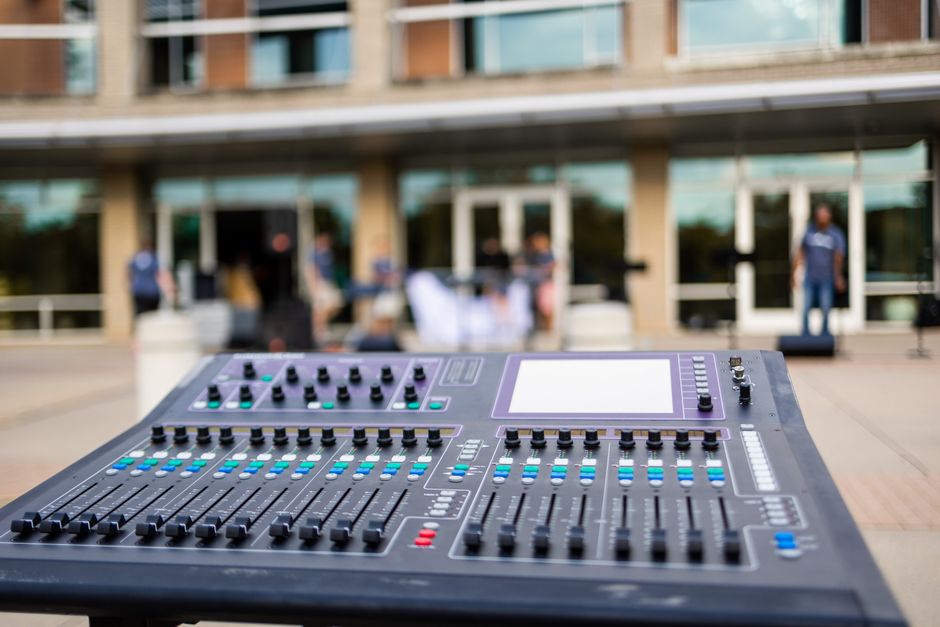
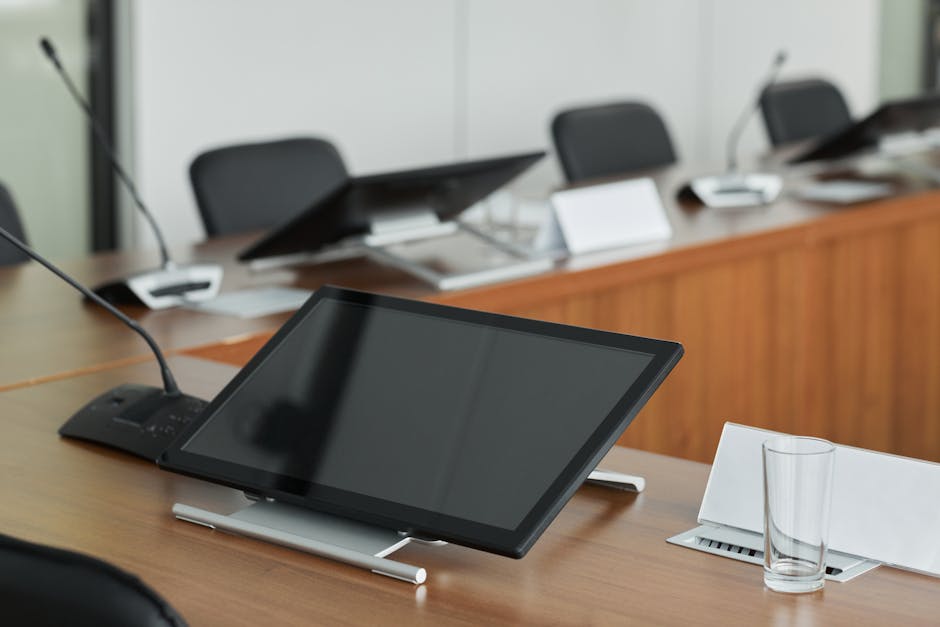
Your conference room needs a high-quality, professional audio setup. This includes omnidirectional microphones or smart ceiling microphone arrays that automatically isolate the speaker’s voice while filtering out background noise like paper rustling or air conditioning hums.
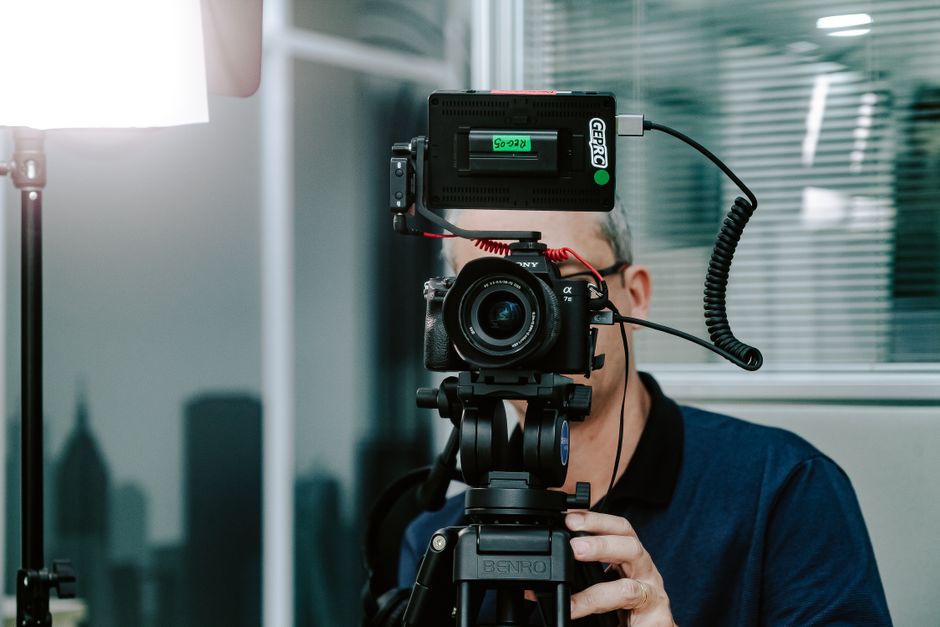
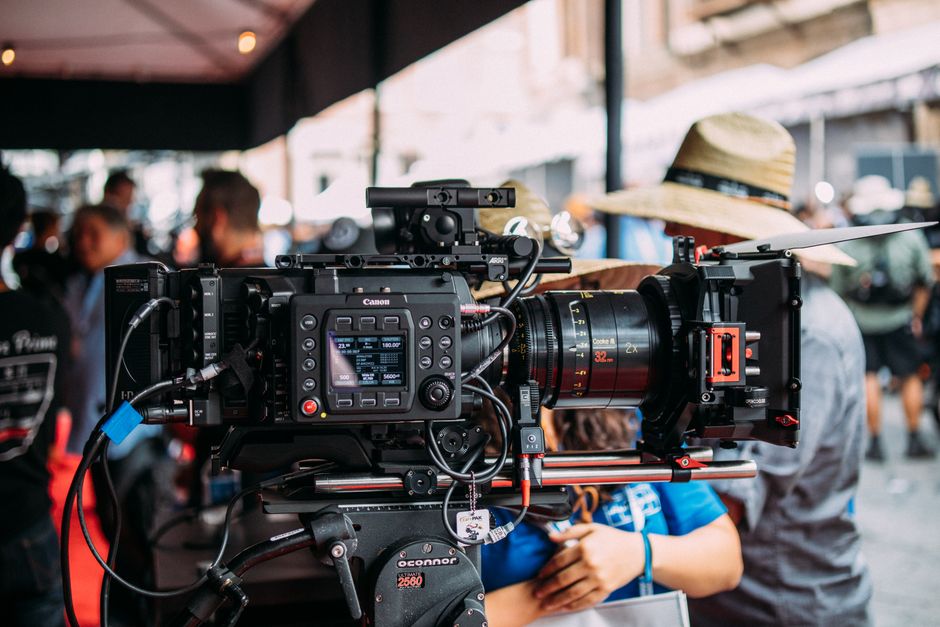
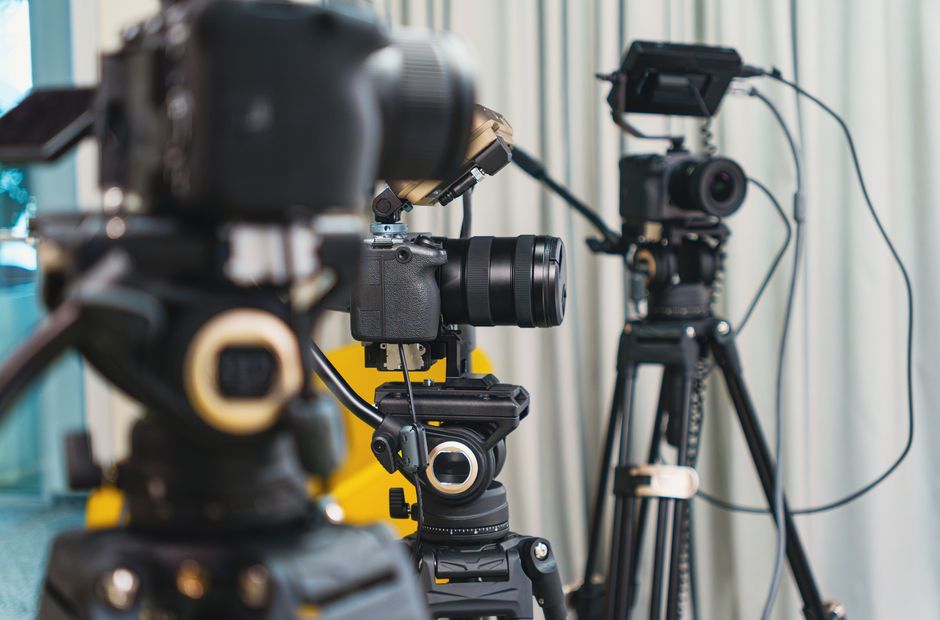
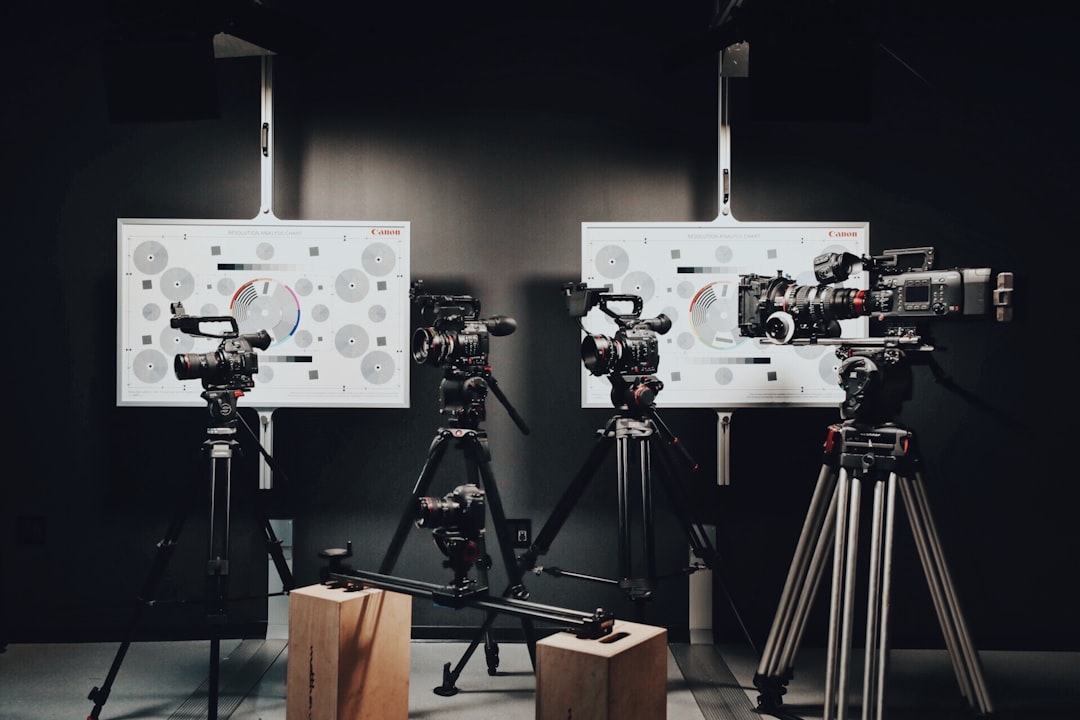
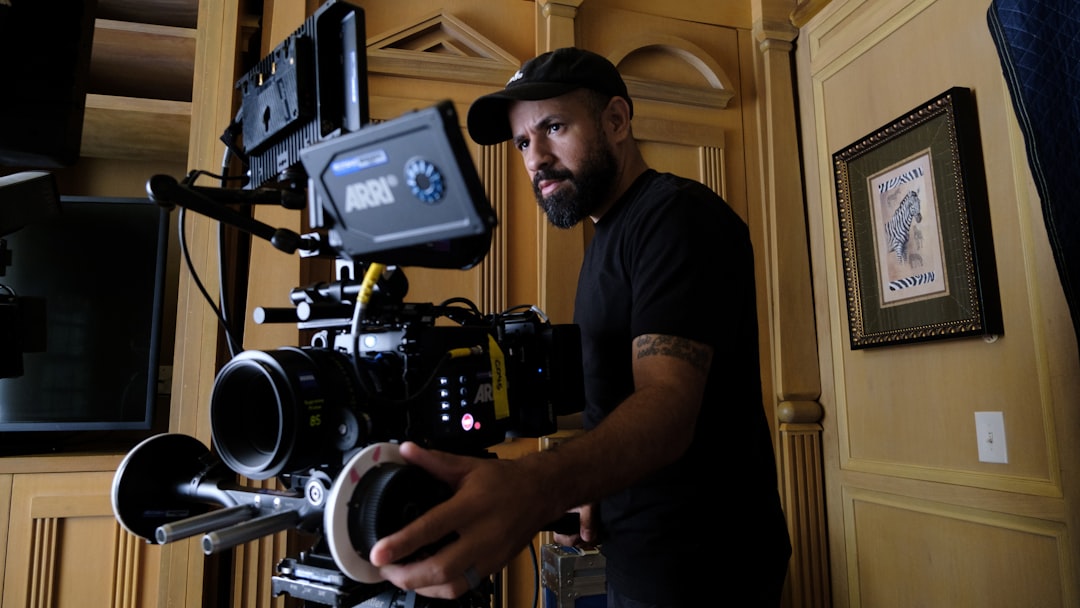
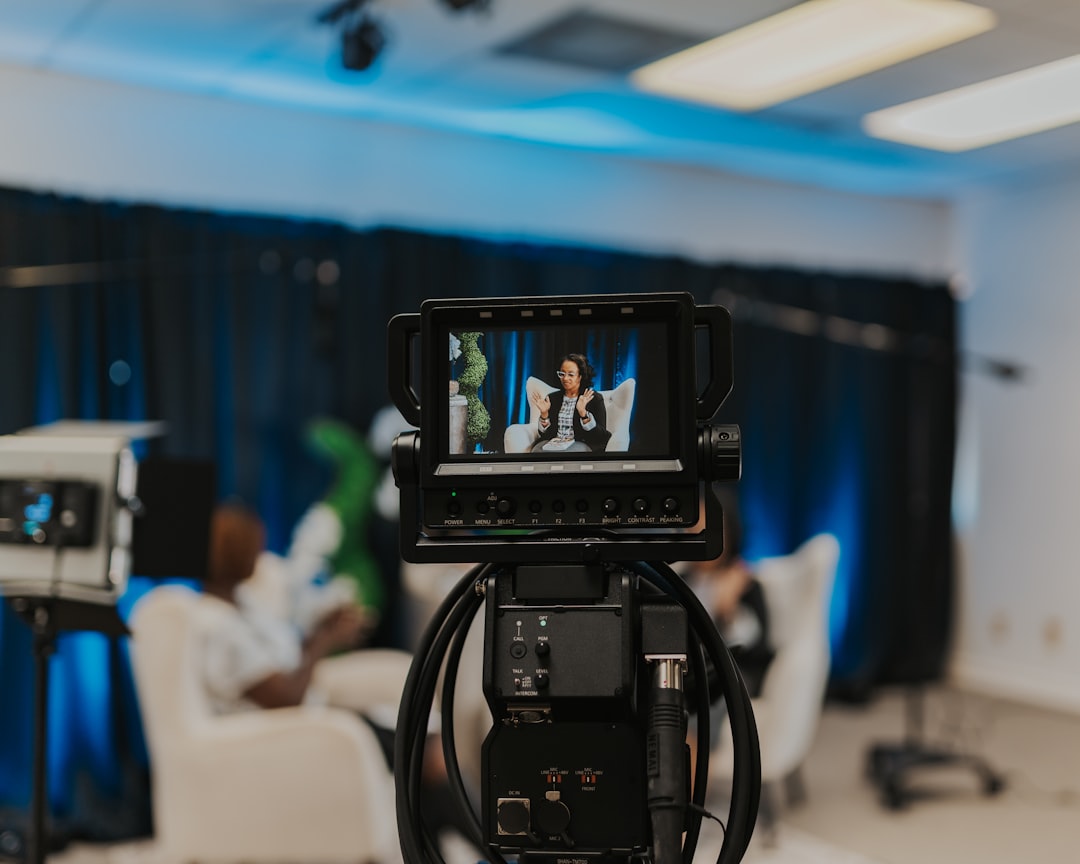
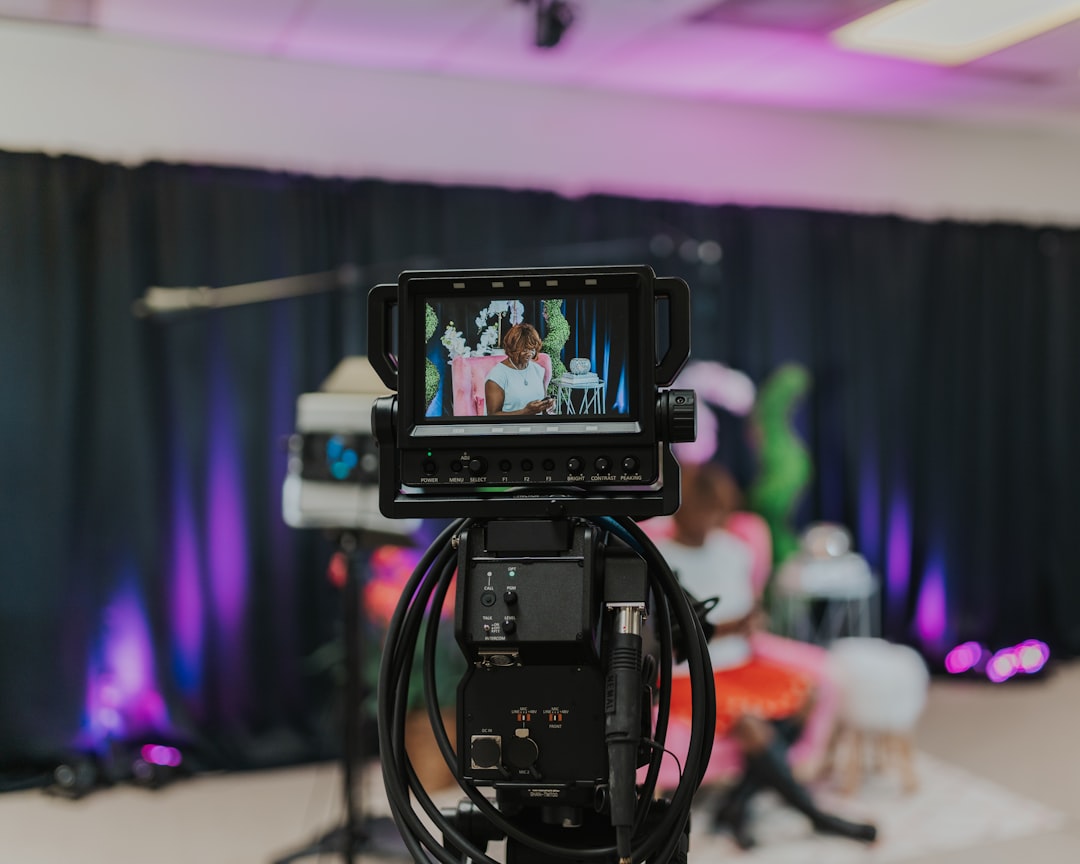
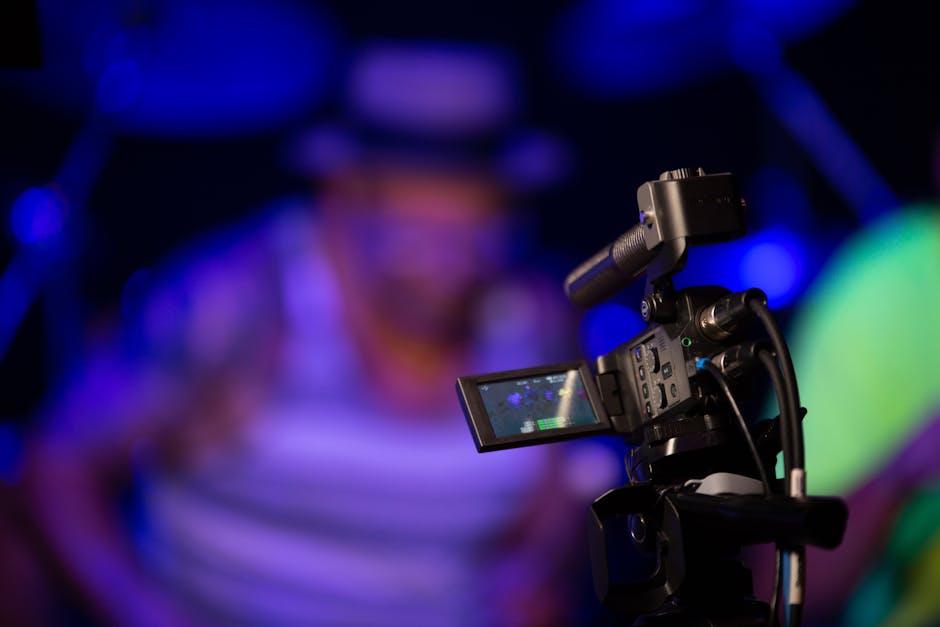
On the video side, static webcams are no longer sufficient for dynamic discussions. Modern spaces utilize Pan-Tilt-Zoom (PTZ) cameras equipped with automatic presenter tracking. These cameras use artificial intelligence to follow the speaker as they move around the room, keeping them perfectly framed.
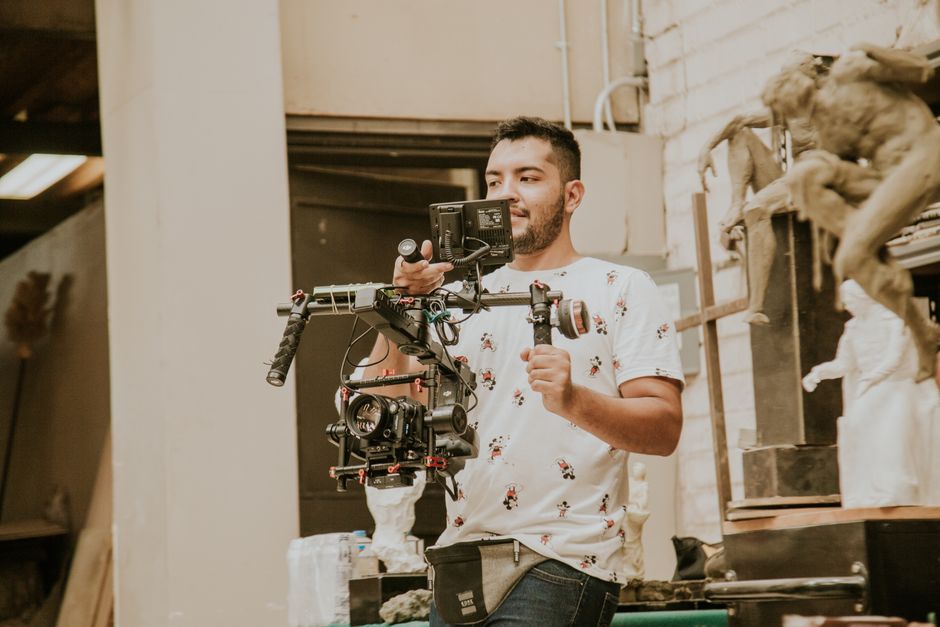
For high-end events or town halls, you may also need Hardware Encoders for Live Streaming to guarantee a stable, high-definition broadcast. If your presenters need the freedom to walk around and interact with physical props, integrating a Live Stream Wireless Camera is an excellent way to maintain a polished, professional production value.
Beyond the basic camera and microphone, specialized peripherals play a huge role in leveling the playing field. For example, high-quality audio soundbars placed directly under your screens help project remote voices into the room naturally. Smart whiteboards are another game-changer. Instead of pointing a camera at a physical whiteboard (which is always illegible to remote viewers), smart boards save notes directly to the cloud, allowing remote and in-person teams to co-author diagrams in real time.
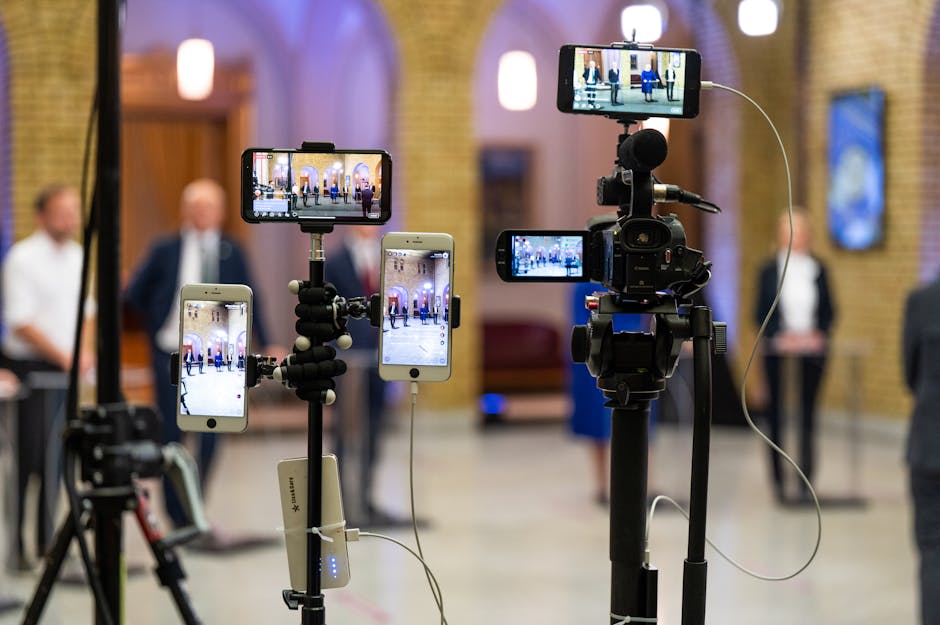
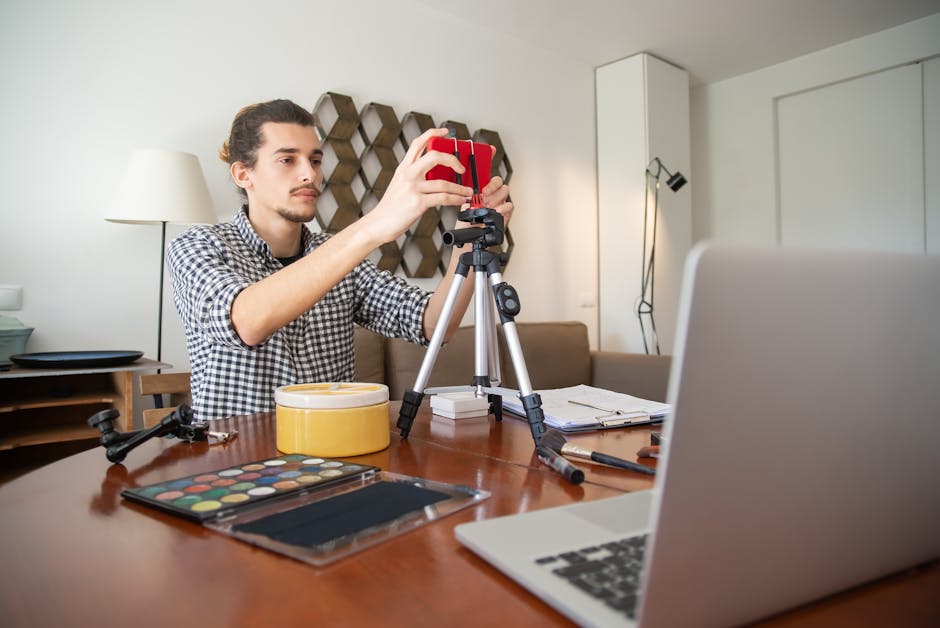
If you are looking for creative, budget-conscious ways to scale your setup, you can Explore Toastmasters hybrid setup tips for excellent advice on using everyday equipment like tripods and smartphones to improve your meetings. For enterprise-level environments that require robust reliability, securing professional Corporate AV Support ensures your hardware is always configured and optimized correctly.
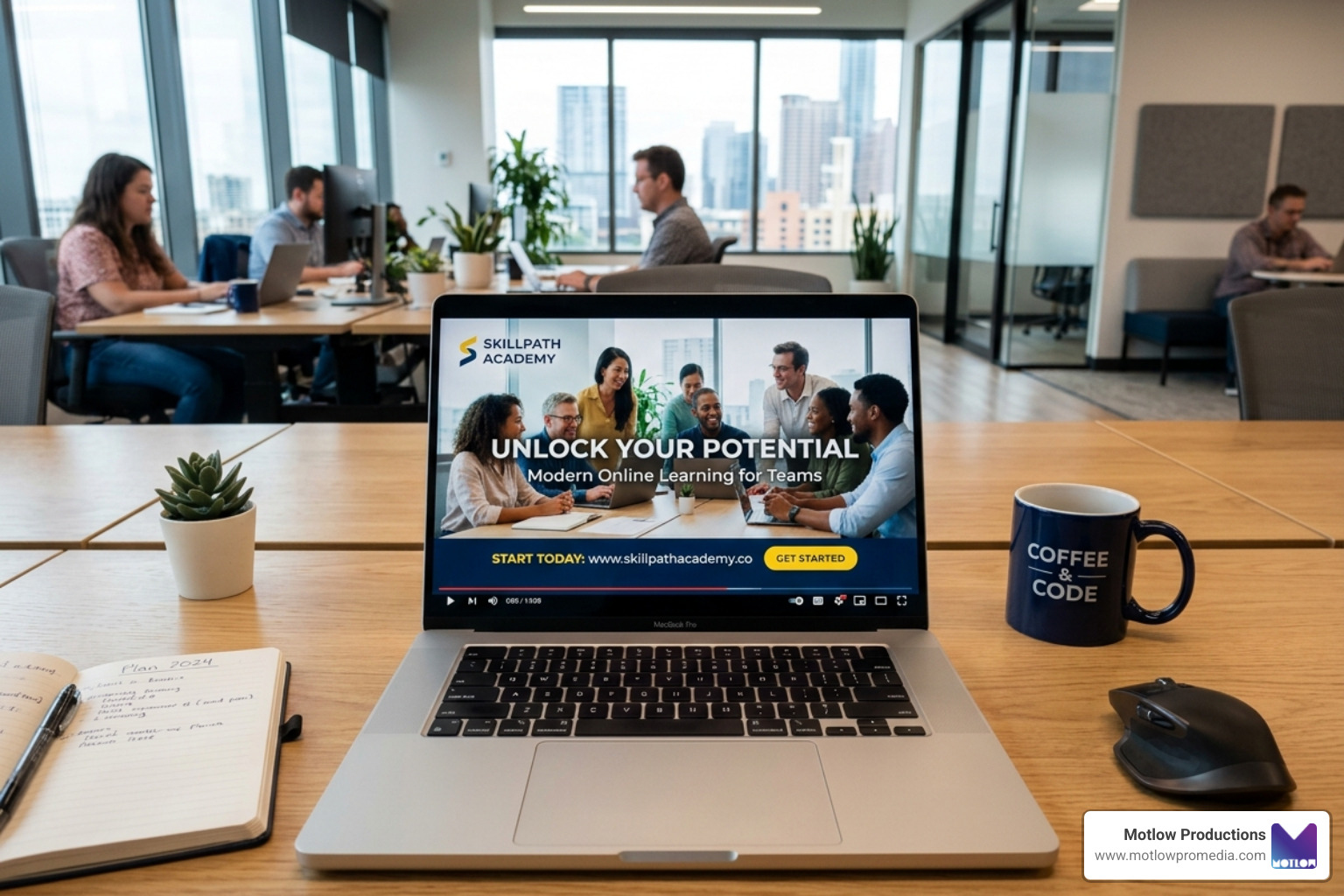
Hardware is only as good as the software that connects it. Your video conferencing platform (such as Zoom, Microsoft Teams, or Webex) serves as the foundation, but the magic happens when you integrate collaborative tools. Using cloud-based digital whiteboards, real-time document sharing, and instant messaging tools ensures that everyone is working in a single, synchronized workspace.
For large-scale corporate events, integrations with CRM systems and registration platforms are crucial for tracking attendee participation and managing leads. To see how enterprise platforms streamline content delivery, you can Discover CTI cOASIS platform to learn about their all-in-one content management workflows. If you need help producing highly polished online sessions, our Webinar Production Services can handle the technical heavy lifting for you.
A successful hybrid meeting requires more than just great gear; it requires structured facilitation and intentional behavior from all participants. Before the meeting even begins, the host should distribute the agenda and all relevant documents. This gives remote attendees a chance to review materials without having to squint at a shared screen on the fly.
During the meeting, facilitators should adopt the habit of pausing longer than usual for responses. Remote participants often face slight audio latency or need a moment to unmute themselves.
To keep the energy high and ensure everyone is actively participating, facilitators should leverage interactive Audience Engagement Technology such as live polls, word clouds, and digital Q&A feeds that bridge the gap between physical and virtual rooms.
One of the most effective ways to run a smooth hybrid meeting is to assign clear roles. In addition to the main presenter, consider designating a virtual facilitator or "remote champion." This person's sole responsibility is to advocate for the remote audience, monitor the chat window, raise hand notifications, and ensure remote voices are brought into the conversation.
We also recommend having dedicated technical support on standby to troubleshoot any sudden audio or connectivity issues. To learn more about how professional setups handle these roles, you can Read about DICENTIS hybrid solutions and their advanced chairperson control features. If you want to eliminate technical stress entirely, hiring Event Technical Support for your high-stakes meetings ensures a seamless experience.
True inclusion means making sure your meetings are accessible to everyone, regardless of their location, language, or physical abilities. Standardizing the use of automated live captioning is a simple yet powerful way to support participants with hearing impairments or those working in noisy environments.
Furthermore, when dividing a hybrid group into smaller discussion circles, avoid creating hybrid breakout rooms where a physical room tries to talk to a virtual room. Instead, send on-site attendees to their own physical breakout spaces and remote attendees to virtual breakout rooms. This ensures a balanced, natural conversation flow for both groups. For a deeper dive into designing highly accessible and engaging large-scale events, check out our Virtual Conference Production Guide 2026.
When planning your long-term hybrid meeting strategy, it is important to look at the big picture. From a financial perspective, transitioning to a hybrid model is incredibly efficient. By reducing travel expenses, venue fees, and catering costs, companies can see up to a 60% reduction in overall event budgets.
At the same time, hybrid events allow you to scale your reach exponentially, bringing in up to 10x more attendees without requiring larger physical venues.
However, scaling your technology requires a strong focus on security and data privacy. Ensure that your software platforms are fully compliant with relevant regulations like GDPR and ADA. All data transmissions must be encrypted, and access controls should be tightly managed to prevent unauthorized users from joining confidential discussions. To understand how to execute these large-scale deployments safely, explore our Hybrid Event Production Complete Guide.
As you scale your hybrid setup, focus on building a sustainable equipment lifecycle. Rather than buying cheap, consumer-grade gear that needs constant replacement, invest in professional, cloud-hosted AV systems that can be updated remotely.
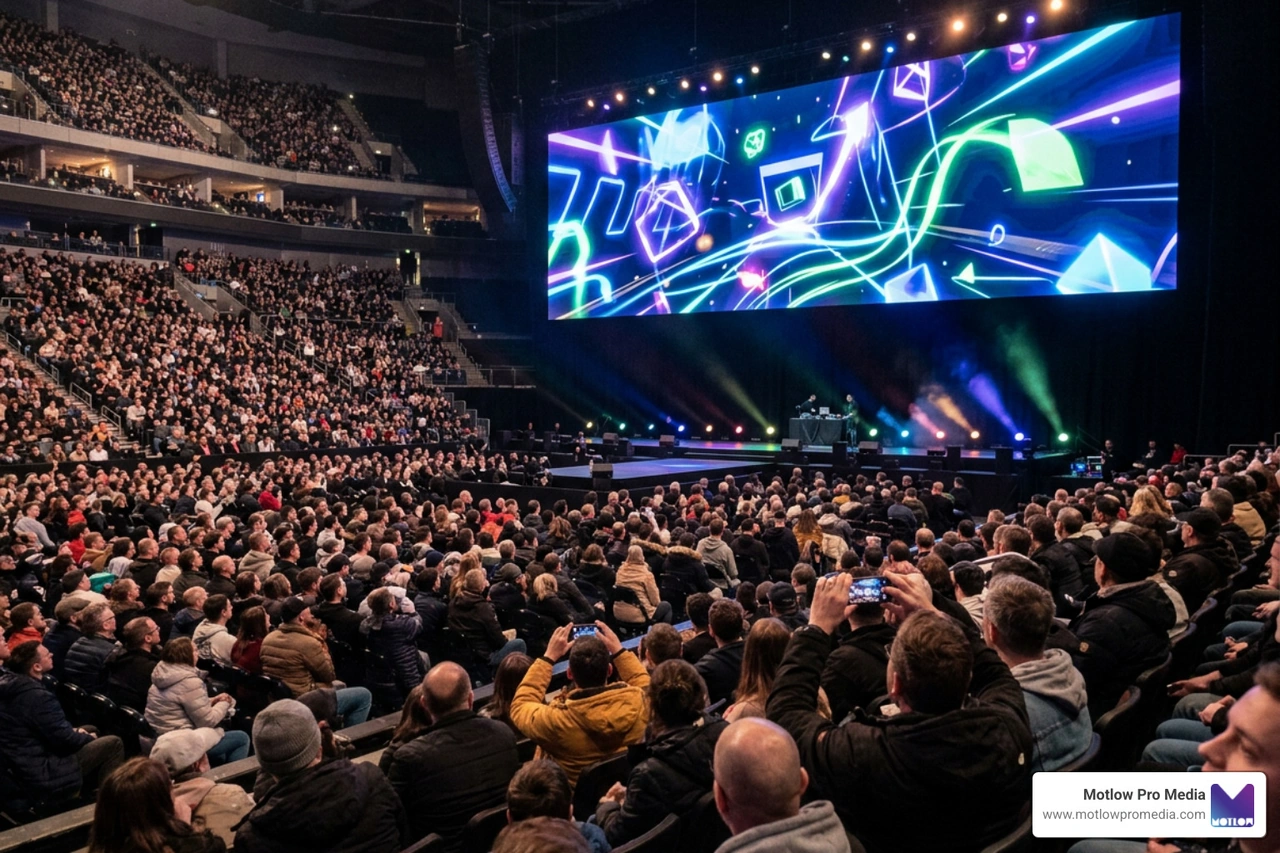
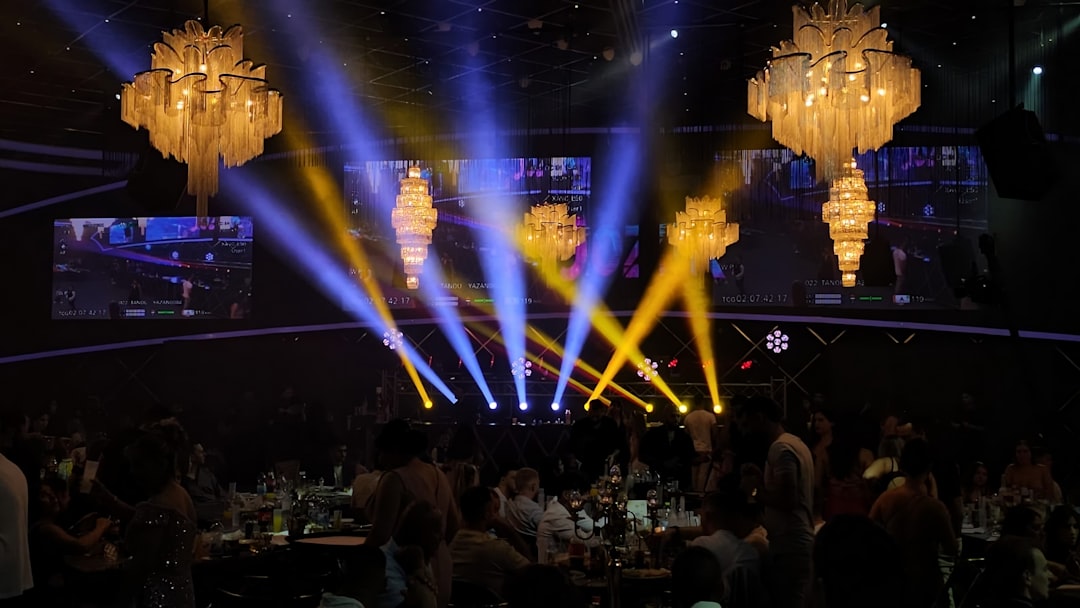
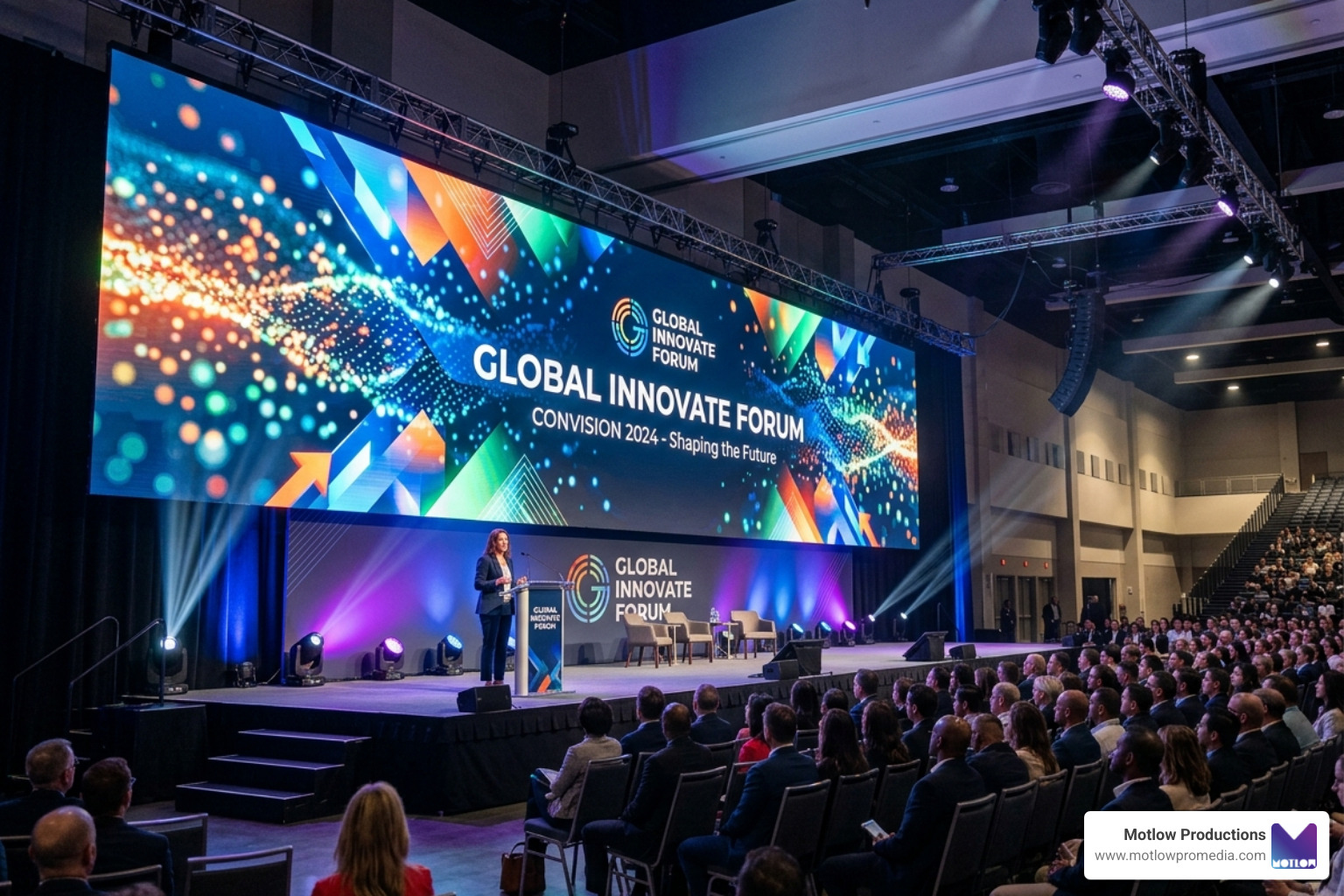
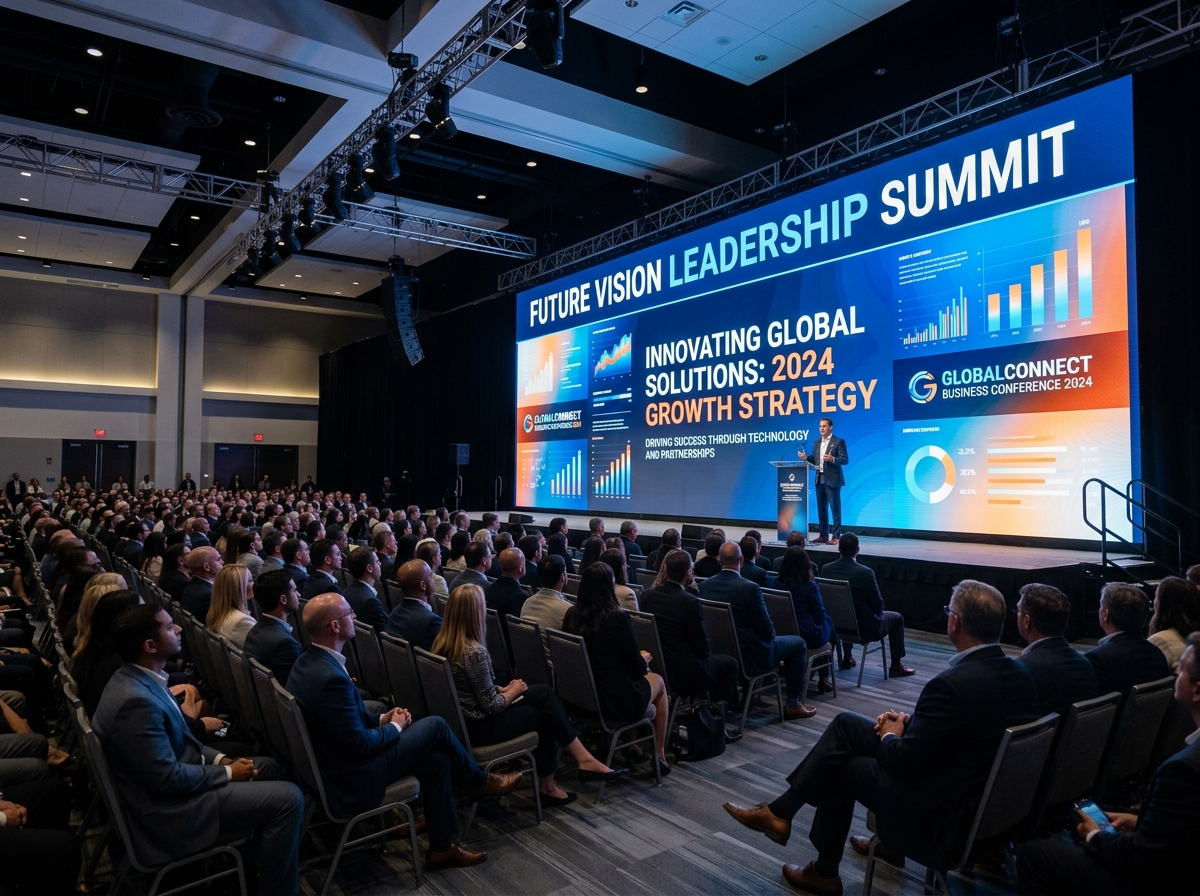
For organizations looking to create truly cutting-edge, immersive presentation spaces where remote speakers can be displayed on-stage alongside physical hosts, you can Learn about SmartStage Hybrid systems to see how high-resolution LED walls and tracking cameras are revolutionizing the corporate landscape. To explore how we build these highly scalable, broadcast-grade environments, visit our guide on Technical Event Production.
No matter how advanced your technology is, technical glitches can still happen. The key to maintaining your professionalism is robust risk management. Always have a backup internet connection ready, and establish a clear protocol for pivoting. For instance, if the venue's internet drops completely, your facilitator should be prepared to instantly shift the meeting to a fully virtual format using mobile hotspots.
To continuously improve your meetings, track key engagement metrics. Modern hybrid platforms provide valuable analytics, including:
To learn how to manage these risks and optimize your live events from start to finish, consult our Onsite Event Production Complete Guide.
The single most common point of failure is a weak or unstable internet connection at the physical venue. If the venue's upload speed drops, the video feed will stutter, and the audio will cut out, completely isolating your remote participants. Always test your bandwidth beforehand and secure a dedicated, hardwired ethernet connection for your main AV system.
Audio feedback (that horrible, high-pitched screeching sound) happens when multiple active microphones and speakers are in the same physical room. To prevent this, only one device in the physical room should be connected to the audio. All other in-person attendees who open their laptops to view the chat or share their screens must completely mute their speakers and microphones.
A remote champion (or virtual facilitator) is a designated in-person attendee whose job is to actively represent the remote audience. They monitor the chat feed, read out questions from remote participants, manage the virtual "raise hand" queue, and remind the physical room to speak clearly into the microphones, ensuring remote attendees are never forgotten.
Mastering hybrid meeting technology is no longer a luxury; it is a fundamental requirement for modern, flexible workplaces. By pairing the right hardware with collaborative software and intentional moderation habits, you can build a collaborative culture where every team member is empowered to do their best work, whether they are sitting in a conference room in Tampa or working from a home office halfway across the country.
At Motlow Pro Media, we specialize in making this transition seamless. Based in Tampa, Florida, we offer comprehensive live event support, corporate AV setup, and long-term media leadership. Our signature "hands-off, but hands-on" partnership means we handle all the technical complexity, equipment configurations, and production logistics so you can focus entirely on your message.
Whether you need to upgrade your corporate conference rooms, design a short-form content strategy, or produce a flawless hybrid event, we are here to act as a trusted extension of your team. Partner with Motlow Pro Media for your next event and let's build something incredible together!
Some clients want to give notes in a live Zoom call. Others prefer a group text or email thread. However you like to communicate, we adapt. You’ll never be left guessing where things stand - and you’ll always have a say before anything goes out the door.





Phone:
+1 863-250-8639
.png)
Email:
info@motlowpromedia.com