

-5.jpg)
























Thank you! Your submission has been received!
Oops! Something went wrong while submitting the form.

.avif)
June 30, 2026
Choosing the right audio mixer for live streaming is one of the most important decisions you'll make for your production setup. Bad audio drives viewers away — fast. Great audio keeps them watching.
Quick answer — best audio mixers for live streaming in 2026:
The streaming mixer market has exploded. There are now over 2,000 streaming mixer options on Amazon alone — which makes picking the right one genuinely confusing.
This guide cuts through the noise. Whether you're running a solo gaming stream or producing a corporate live event, the right mixer will improve your sound quality, simplify your workflow, and make your broadcast feel professional.
I'm Miranda Motlow, founder of Motlow Pro Media in Tampa, Florida, where I lead short-form and live production projects for corporate clients who need flawless audio execution — including selecting and configuring the right audio mixer for live streaming for high-stakes events. That hands-on production experience shapes every recommendation in this guide.
Audio mixer for live streaming vocab to learn:
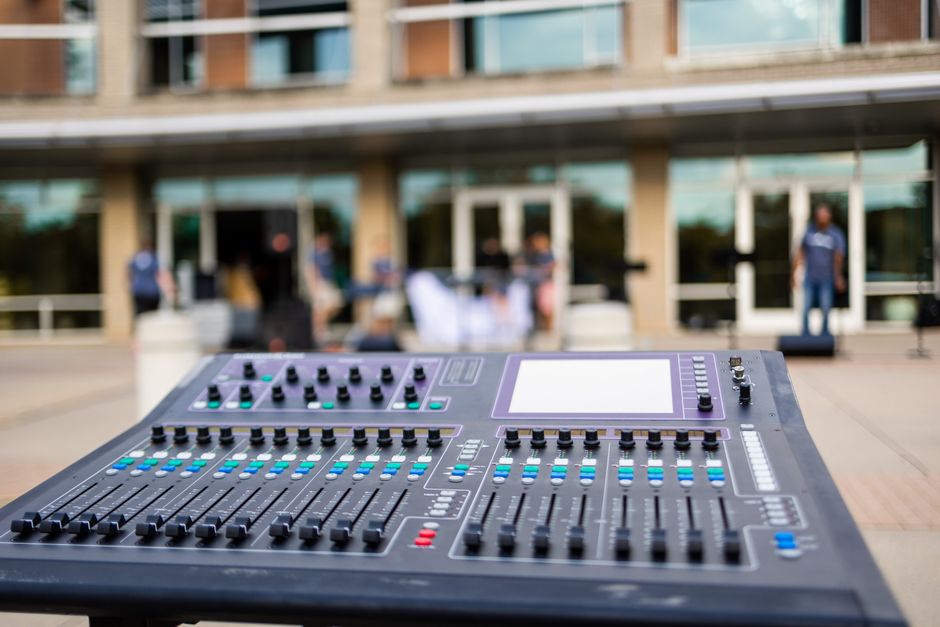
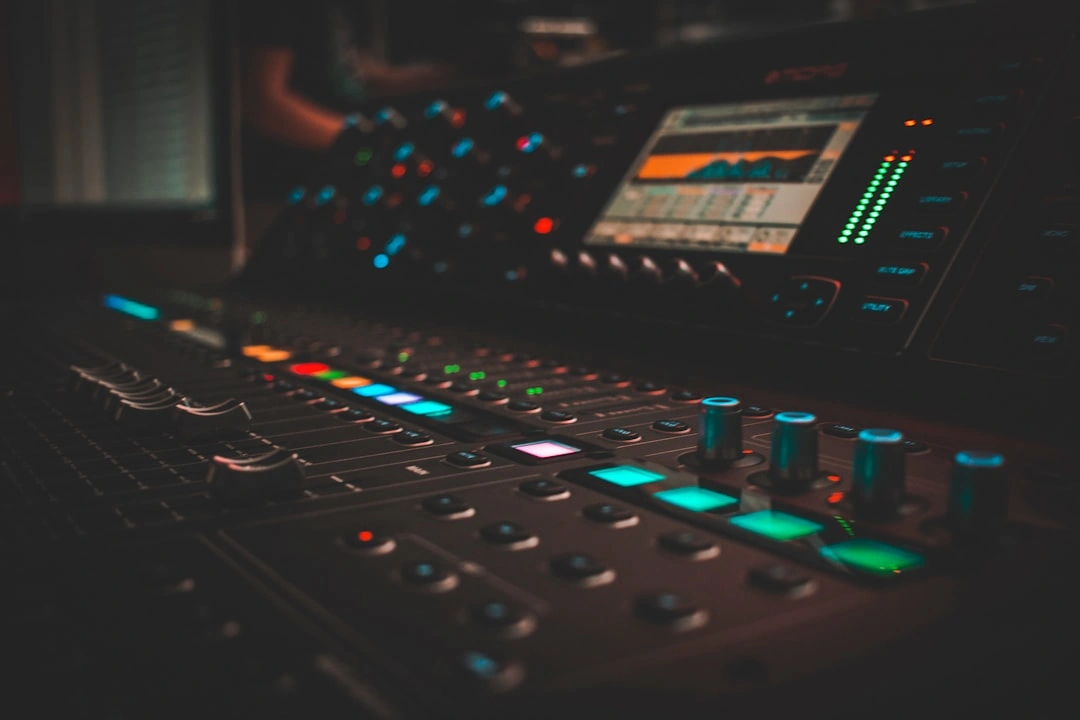
At its core, an audio mixer for live streaming is a device that takes multiple audio sources—like your microphone, game audio, background music, and Discord voice chat—and blends them into a single, cohesive stereo track for your stream.
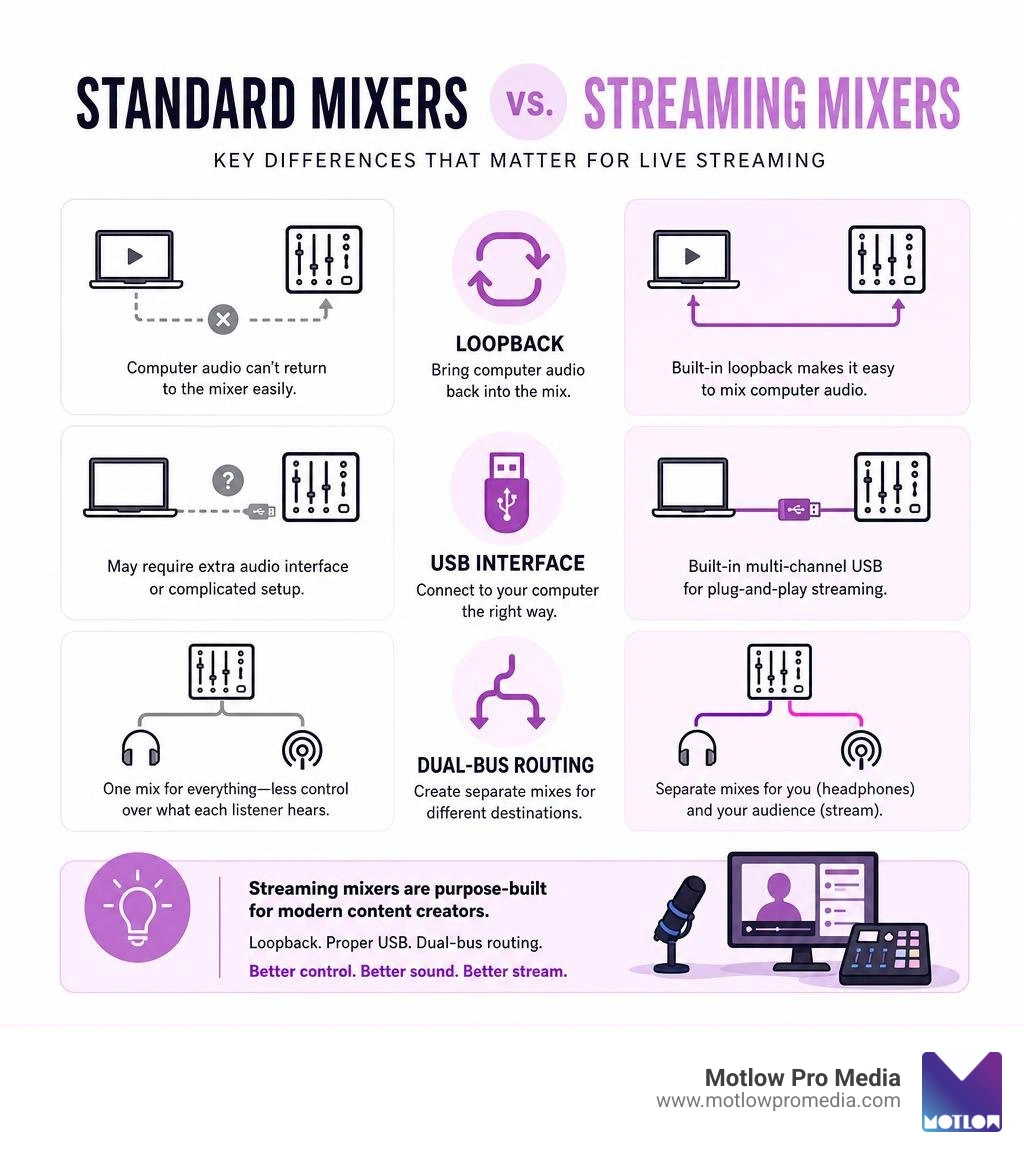
But how does a streaming-specific mixer differ from a standard live sound or studio mixer?
Standard analog mixers (like the legendary Yamaha MG16XU, which holds a 4.6-star rating across over 5,300 reviews) are designed primarily to blend physical inputs—microphones, guitars, and keyboards—and send them to physical speakers. They are fantastic for in-person events or traditional sound system rental workflows, but they struggle when forced to communicate with a computer.
A dedicated streaming mixer, on the other hand, is built to bridge the physical and virtual worlds. It functions as both a physical mixer and a multi-channel USB audio interface. This allows it to handle virtual audio sources directly from your PC alongside your physical XLR inputs.
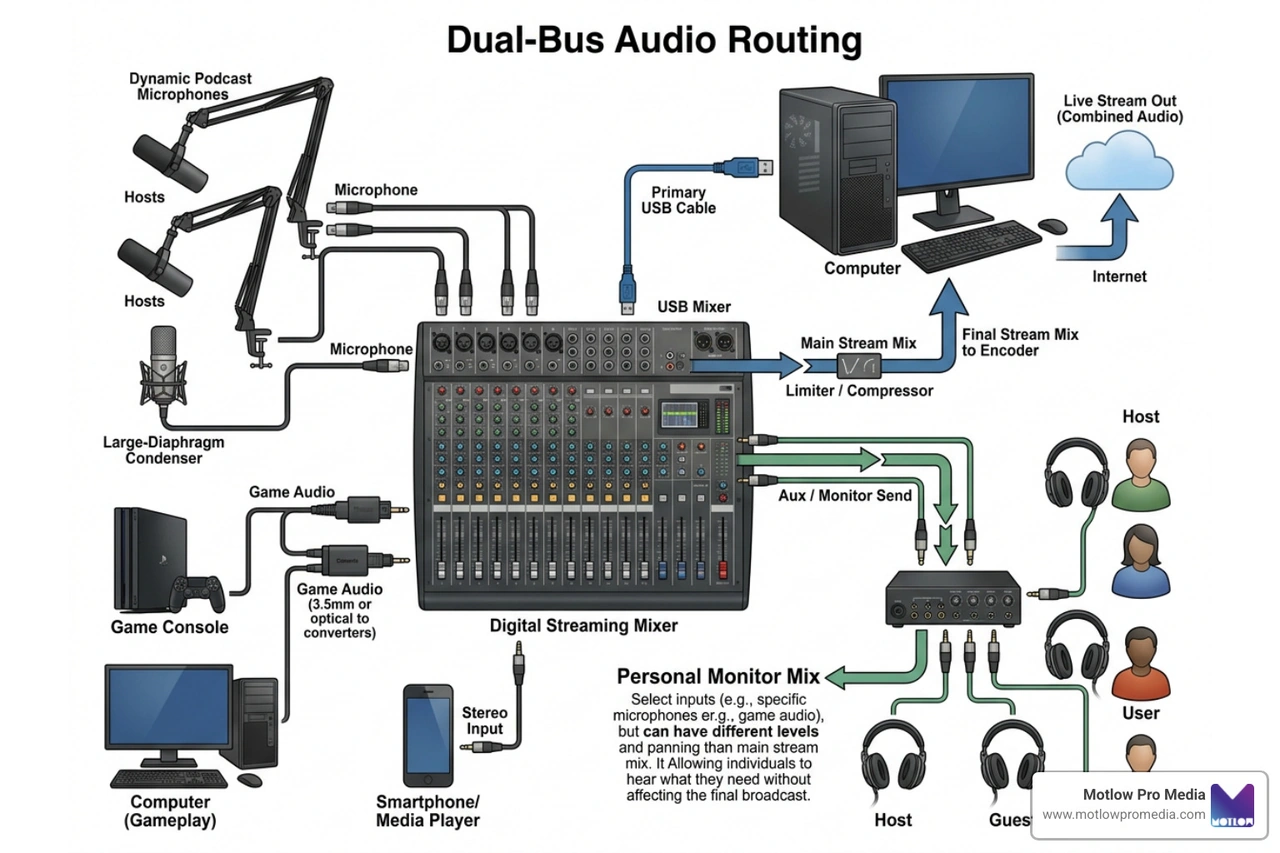
The secret sauce of a streaming mixer lies in two critical features:
By handling these complex routing tasks inside dedicated hardware, a streaming mixer takes the heavy lifting off your computer's CPU and prevents the audio sync issues that plague software-only setups.
When shopping for a streaming mixer, look for these foundational features to ensure your setup runs smoothly:
Not all streamers need a massive broadcast console. The right choice depends on your budget, the complexity of your setup, and how many audio sources you need to manage.
If you are just starting out, a simple, budget-friendly interface is your best bet. You don't need to spend $600 to get clean, professional sound. Entry-level mixers focus on ease of use, plug-and-play USB connectivity, and basic vocal processing.
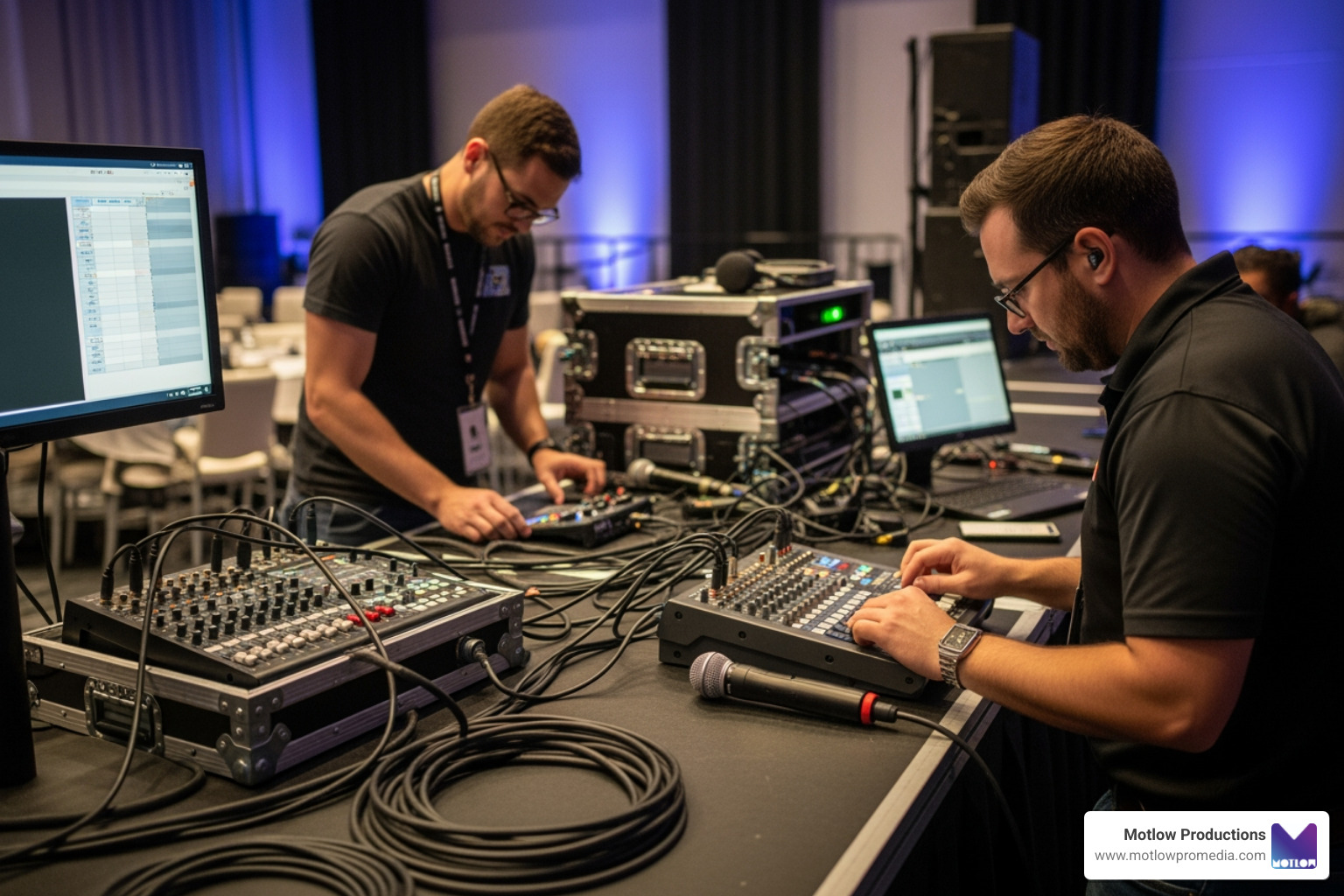
For professional broadcasters, corporate live events, or multi-person podcasts, high-end mixers are essential. These setups require multiple XLR inputs for guests, dual-PC USB connections, and advanced routing to send custom mixes to different platforms simultaneously.
Beginner setup:
Professional setup:
Let's look at how the most popular options on the market stack up in terms of features, price, and real-world performance.
While physical hardware is crucial, the software that supports your audio mixer for live streaming is just as important. In modern live production, hardware and software must work in perfect harmony.
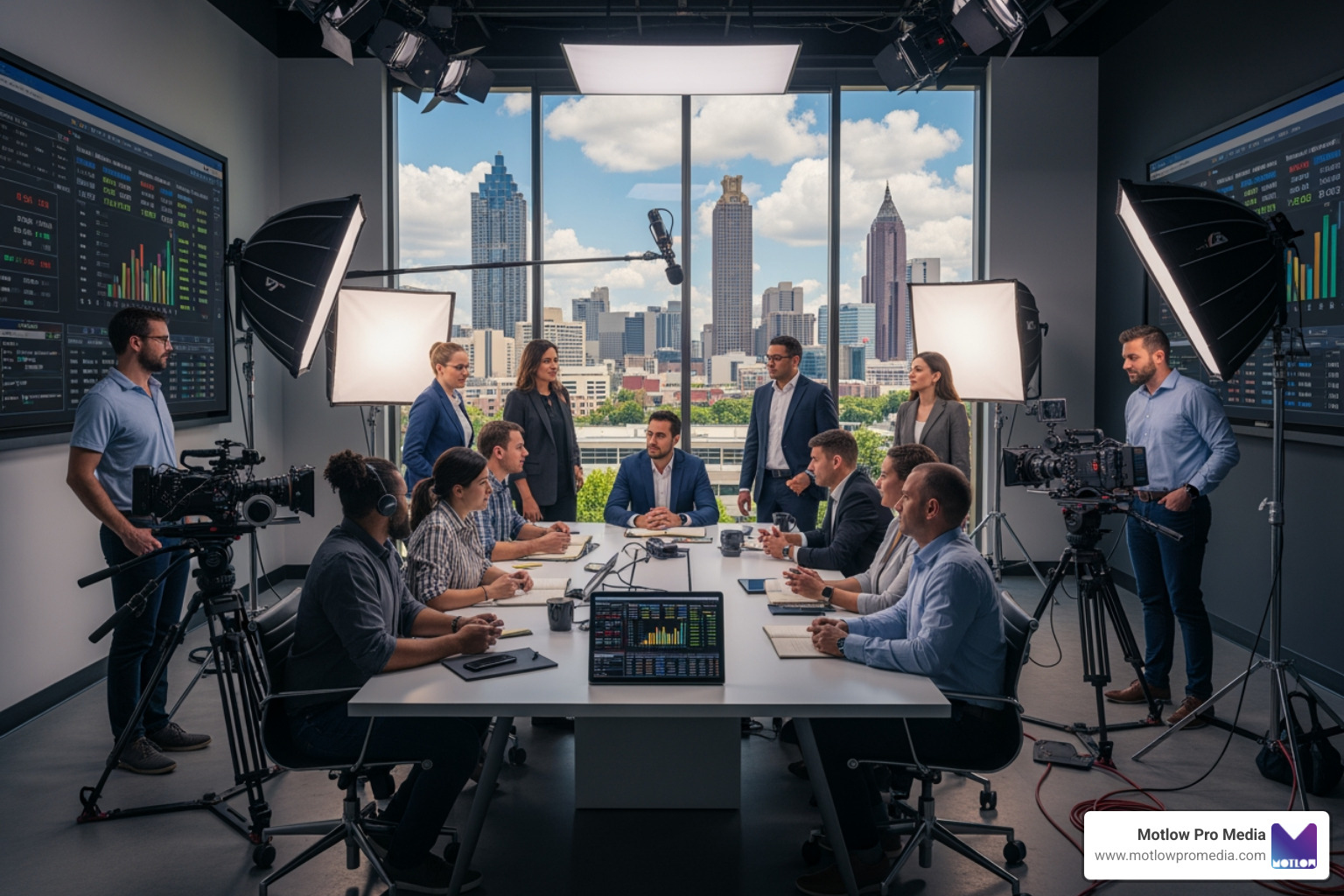
For example, when we manage a live event streaming project for our corporate clients in Tampa, we rely heavily on OBS Studio. Mixers that are "OBS Certified"—like the Yamaha AG series—integrate seamlessly, preventing audio drift and ensuring that the virtual audio tracks match up perfectly with the video feeds.
Virtual mixing software has also become incredibly powerful. For example, Mackie's Matrix Live Streaming Software allows creators to route up to six virtual inputs (like Discord, Spotify, and game audio) alongside physical hardware inputs, sending independent mixes to OBS, headphones, and voice chat.
Similarly, RØDE's UNIFY software leverages the DSP chips inside compatible microphones and mixers to offload processing from your computer, allowing you to record multi-channel audio for clean post-production editing.
When you are managing a complex broadcast, having software that allows you to easily separate your tracks is a lifesaver. It ensures you can stream copyright-safe music to your live audience while recording clean vocal tracks for your editors at audio post production houses.
Before you press "Buy Now" on a new mixer, keep these practical considerations in mind:
Yes, but it is much harder to set up. Standard studio mixers lack built-in loopback functions and virtual USB channels. To route game audio, music, and voice chat separately, you will likely need to use third-party virtual routing software, which can introduce latency and configuration headaches.
No. While some high-end mixers (like the RØDECaster Pro II or Roland Bridge Cast X) feature dual USB connections specifically for dual-PC setups, most modern streaming mixers are designed to handle all your routing on a single PC using virtual audio channels.
Loopback is a feature that takes the audio output from your computer, combines it with your physical microphone input, and sends it back to the computer as a single input source. This is essential for live streaming because it allows your audience to hear your game audio, background music, or remote guests alongside your voice without complex software workarounds.
Investing in a dedicated audio mixer for live streaming is the single best step you can take to elevate your production value. By moving your audio routing and processing onto dedicated hardware, you ensure a smooth, lag-free broadcast with professional-grade vocal clarity.
For beginners, compact and affordable options like the FIFINE SC3 or Roland Bridge Cast One offer incredible value. If you are running a professional broadcast, a multi-channel powerhouse like the Yamaha AG08 or RØDECaster Pro II will give you the ultimate control over your audio.
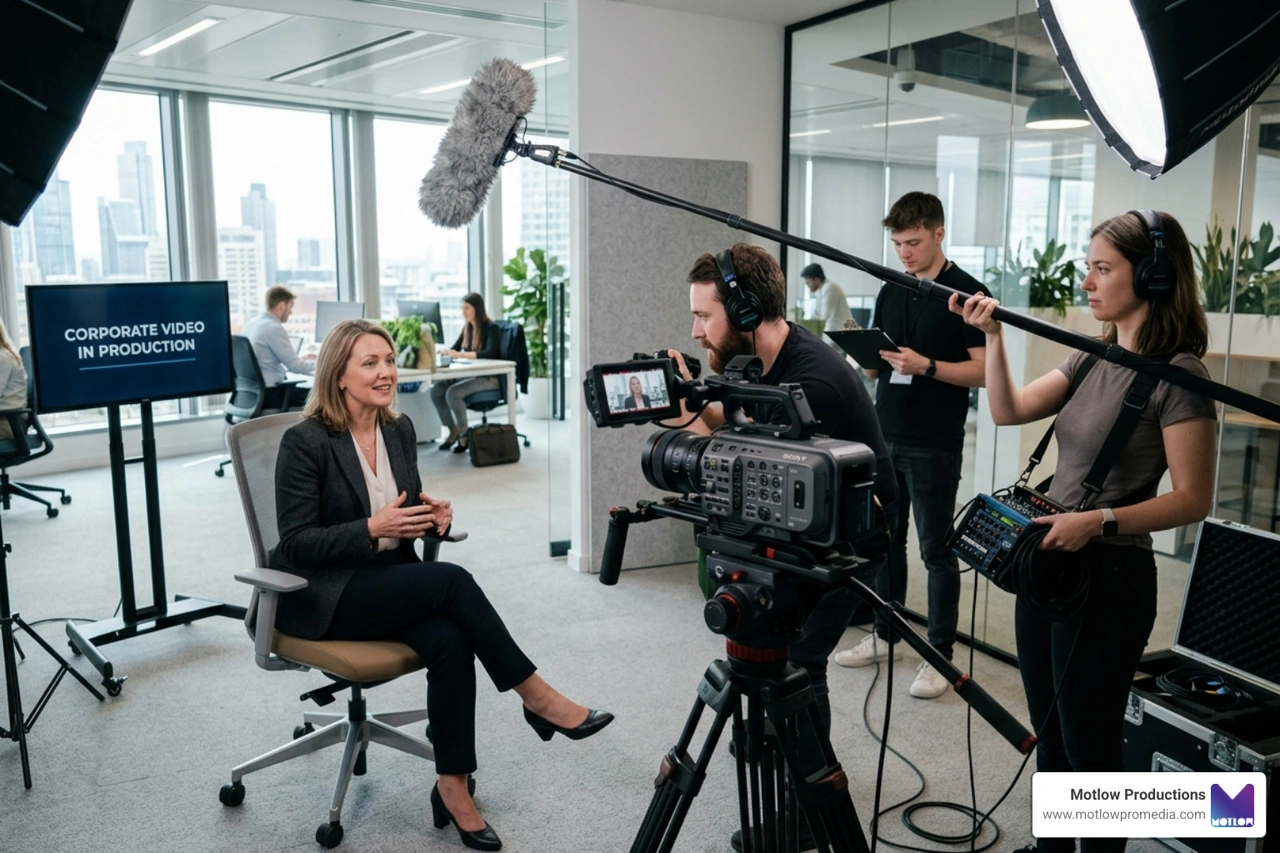
At Motlow Pro Media, we know that executing a flawless live broadcast requires attention to detail, clear communication, and the right tools for the job. If you are planning a corporate broadcast in the Tampa, Florida area and want a trusted partner to handle the technical heavy lifting, check out our Ultimate Guide to Live Streaming Corporate Events or reach out to us directly through our Motlow Pro Media Services page. We’re here to act as a seamless extension of your team!
Some clients want to give notes in a live Zoom call. Others prefer a group text or email thread. However you like to communicate, we adapt. You’ll never be left guessing where things stand - and you’ll always have a say before anything goes out the door.





Phone:
+1 863-250-8639
.png)
Email:
info@motlowpromedia.com