











-5.jpg)





























Thank you! Your submission has been received!
Oops! Something went wrong while submitting the form.

.avif)
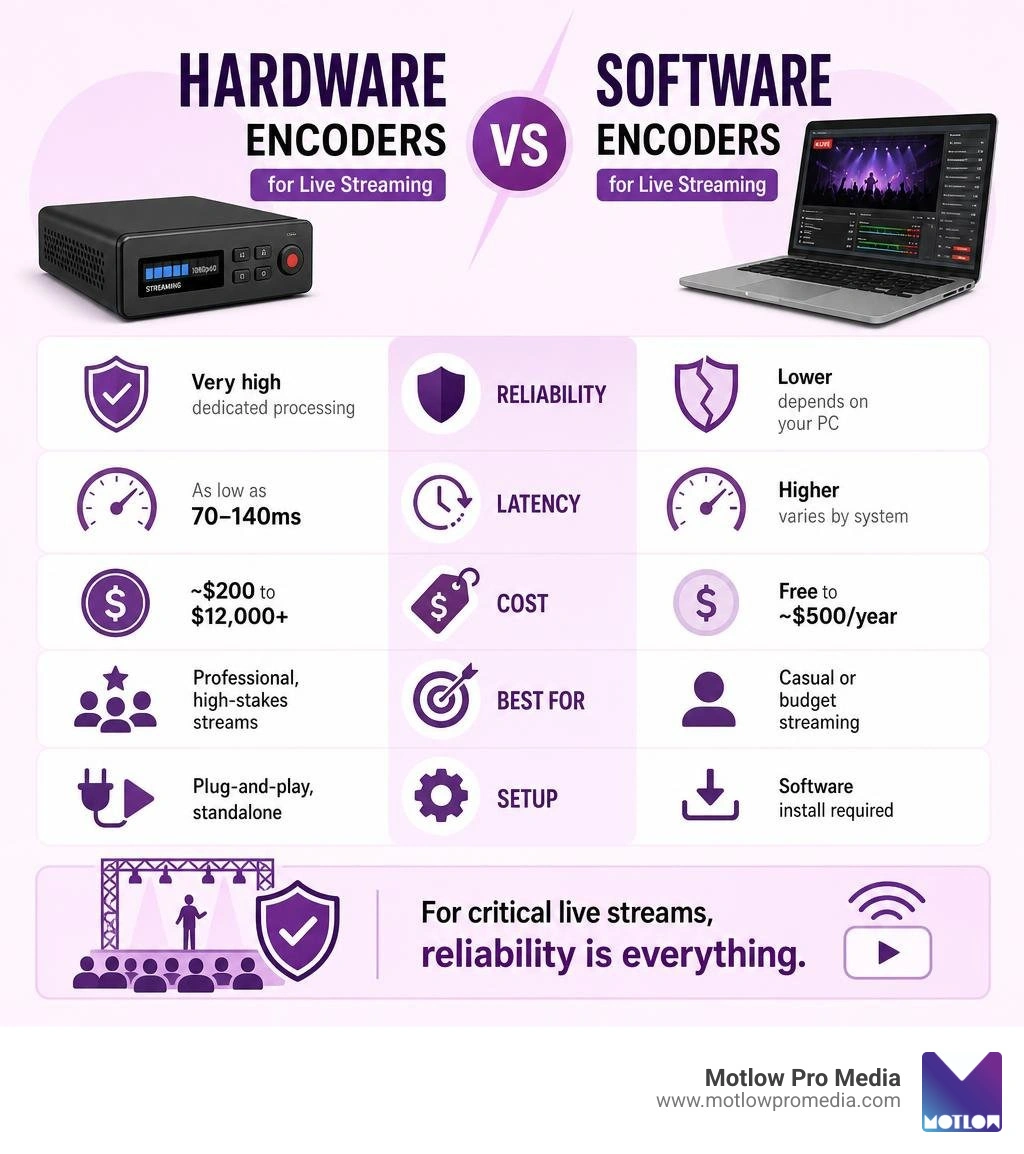
Hardware encoders for live streaming are dedicated physical devices that compress raw video signals into a streamable digital format — without relying on your computer's CPU. Here's a quick breakdown to help you compare:
| Feature | Hardware Encoder | Software Encoder |
|---|---|---|
| Reliability | Very high — dedicated processing | Lower — depends on your PC |
| Latency | As low as 70–140ms | Higher, varies by system |
| Cost | ~$200 to $12,000+ | Free to ~$500/year |
| 4K Support | Common at mid-range and up | Requires powerful PC |
| Best For | Professional, high-stakes streams | Casual or budget streaming |
| Setup | Plug-and-play, standalone | Software install required |
The short answer: If you're running corporate events, live productions, or anything where failure isn't an option, a hardware encoder is worth the investment.
Choosing the wrong encoder can mean dropped streams, lag, and a damaged brand — especially when thousands of viewers are watching. Whether you're comparing budget options like the Zowietek 4K or enterprise-grade units like the Magewell Ultra Encode AIO, the differences matter.
This guide breaks down the top hardware encoders across every price point, so you can make a confident decision before your next event.
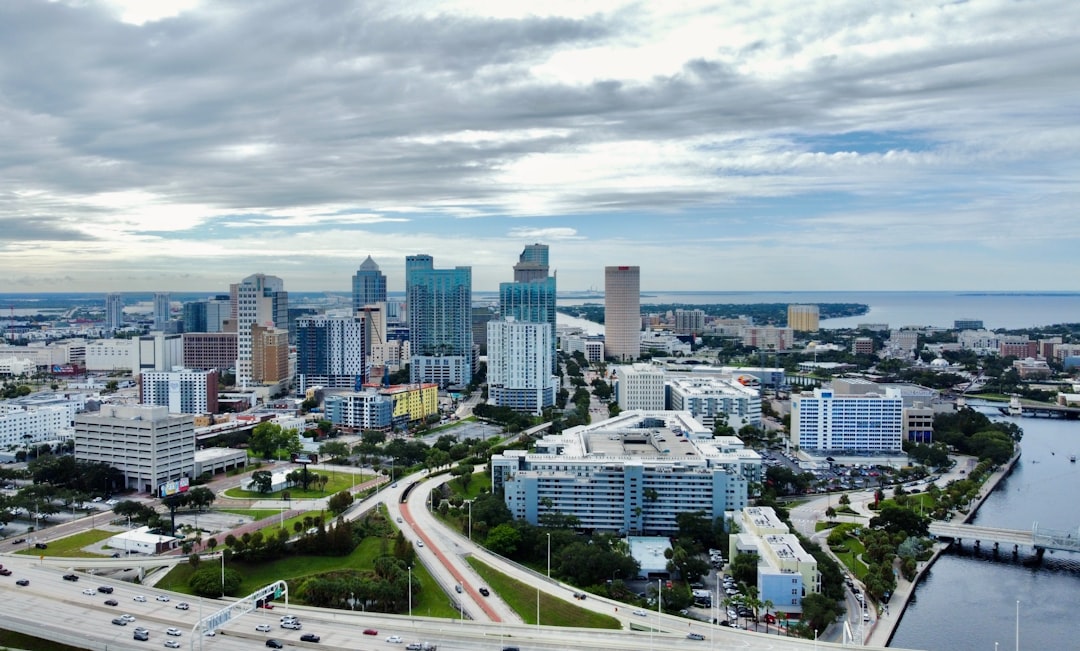
I'm Miranda Motlow, founder of Motlow Pro Media, a Tampa-based media production agency where I've spent over a decade producing live events and marketing content that demand reliable, broadcast-quality output. My hands-on experience with hardware encoders for live streaming in high-stakes, client-facing productions is the foundation of every recommendation in this guide.
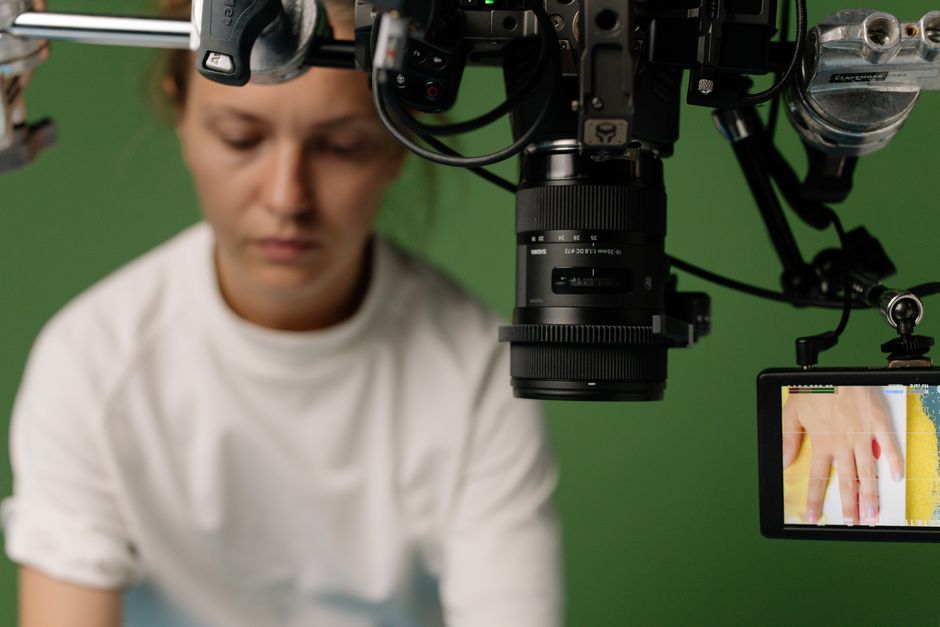
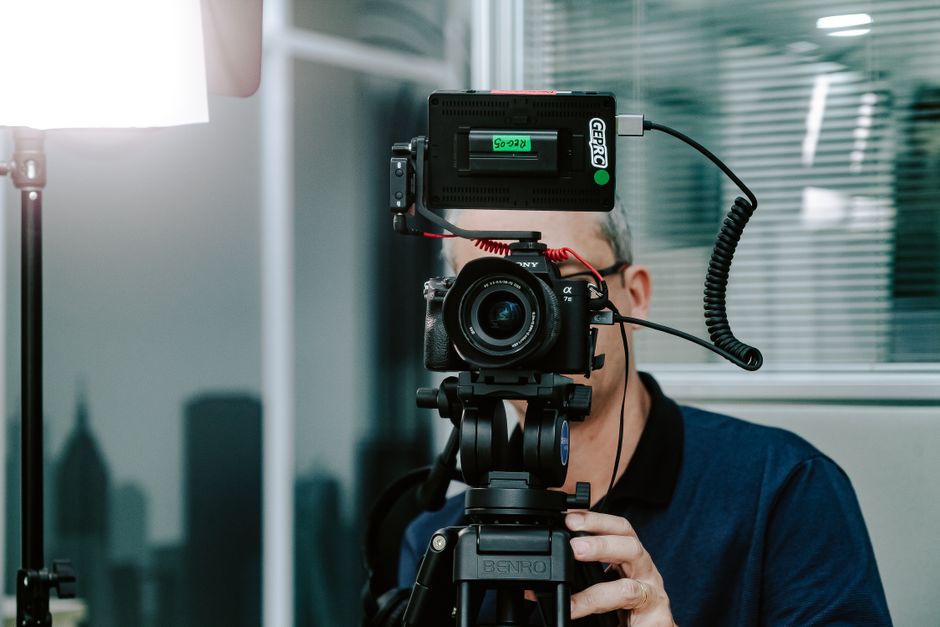
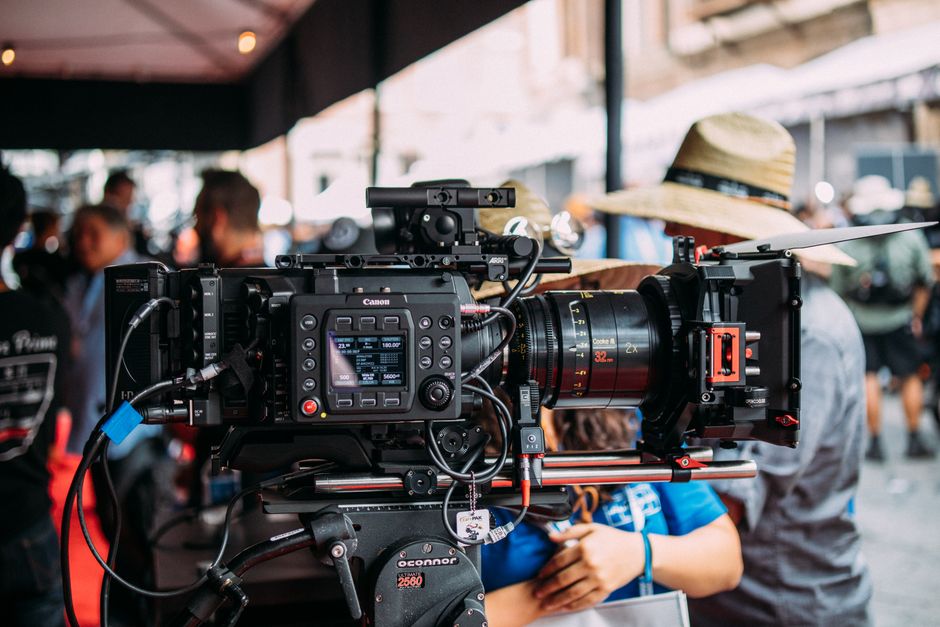
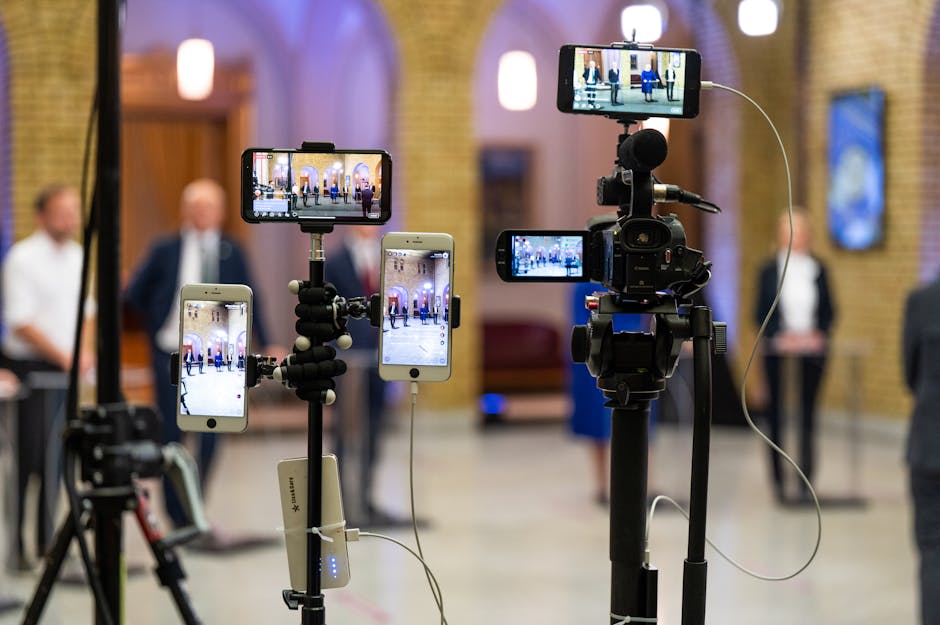
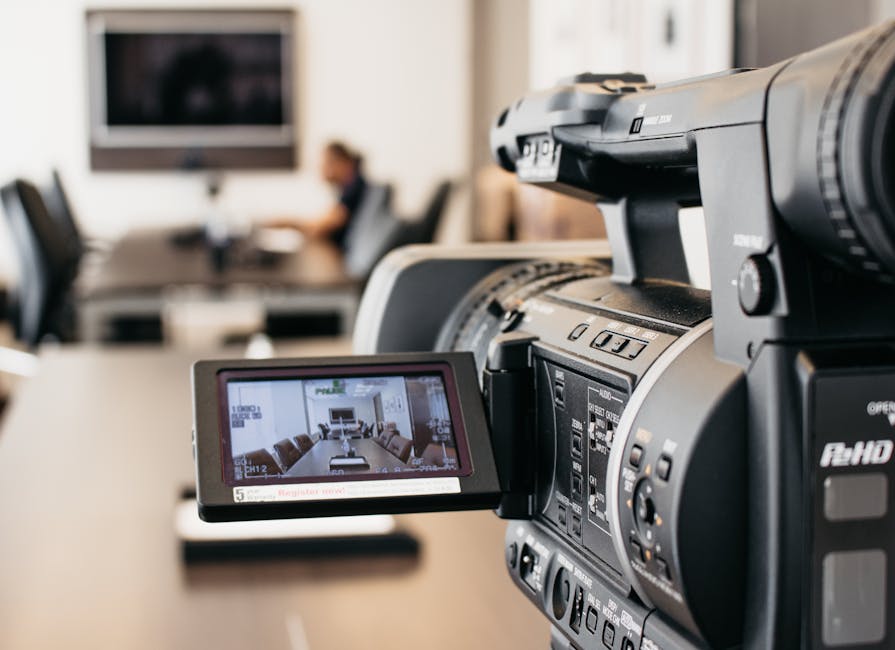
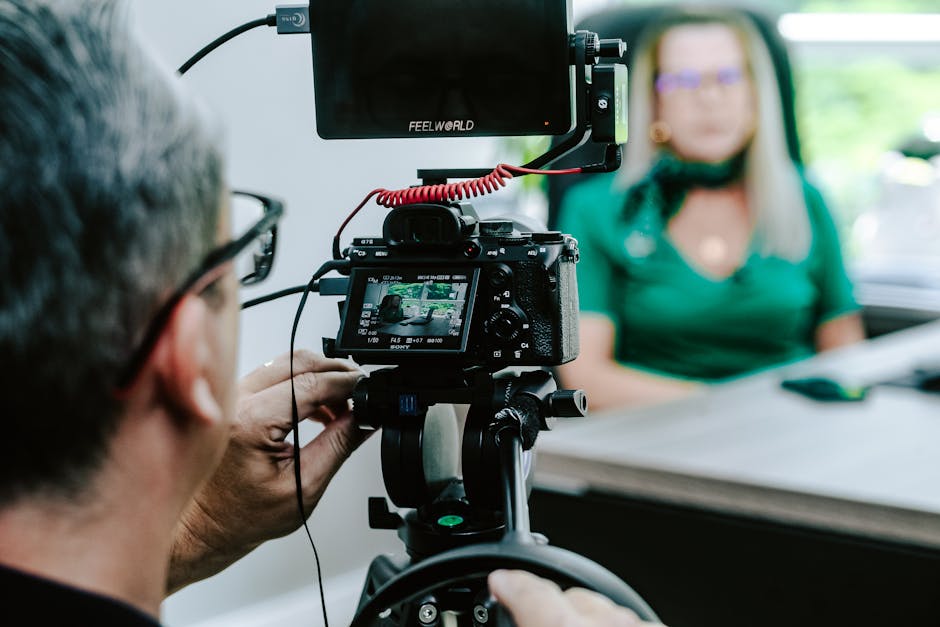
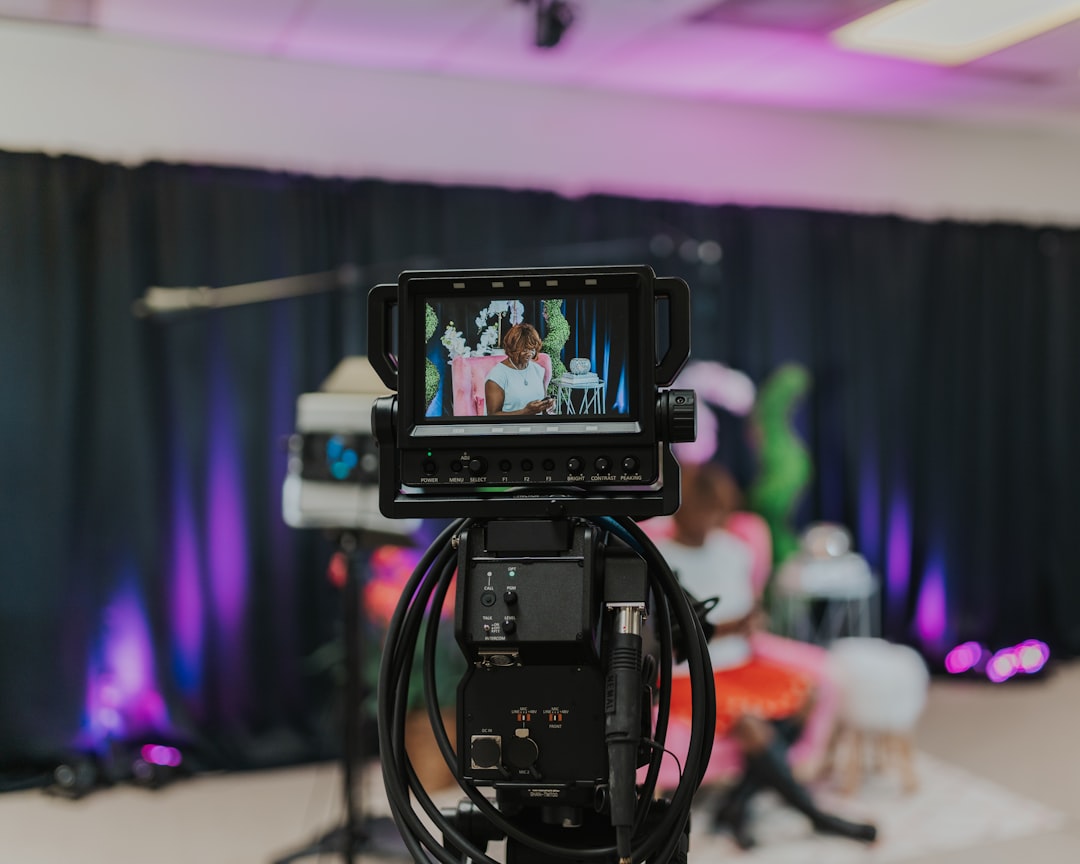
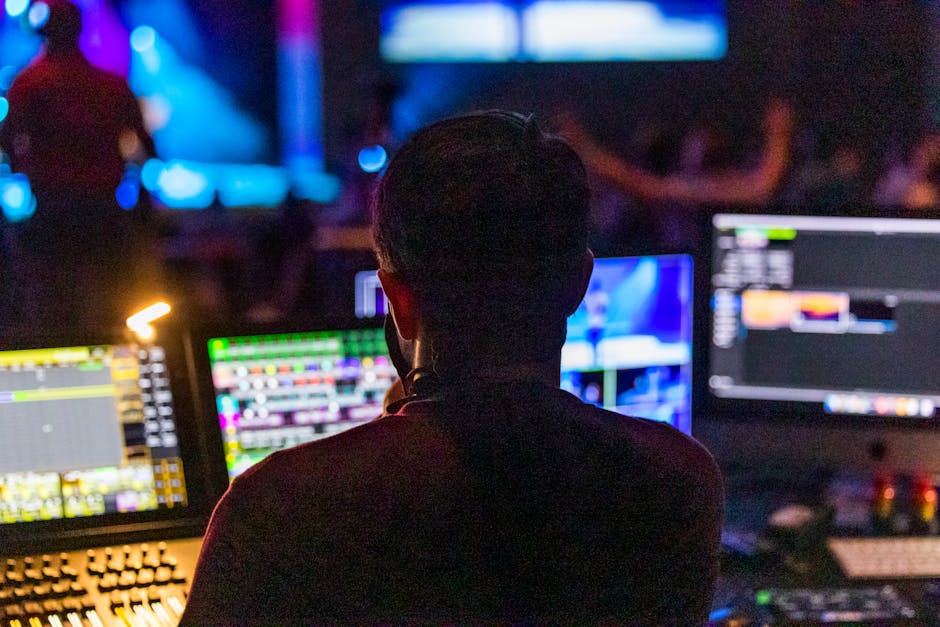
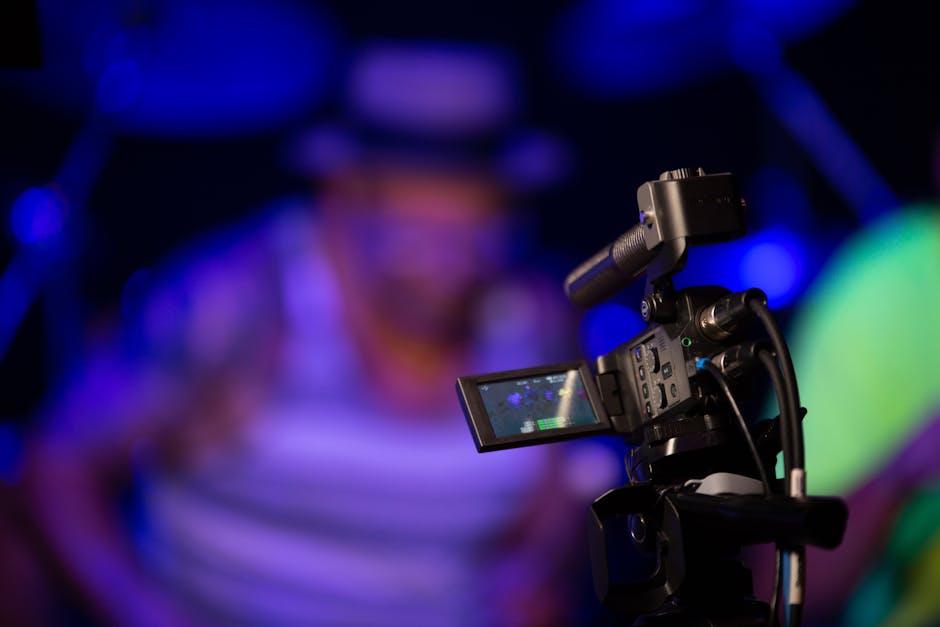
A hardware video encoder is a dedicated physical appliance engineered with a single purpose in life: to take a raw, uncompressed video signal from your camera or switcher and compress it into a digital format suitable for transmission over the internet. Unlike a general-purpose computer, which might decide to run a background system update or scan for malware right in the middle of your keynote speech, a hardware encoder does nothing but encode.
This hyper-focused design is why professional broadcasters rely on them. They offer unmatched reliability, running for days on end without overheating or dropping frames. For any high-stakes production, having a piece of dedicated hardware handling the heavy lifting of video compression isn't just a luxury—it is a necessity.

The debate between hardware and software encoders usually comes down to budget versus stability. Software encoding solutions run on standard computers, utilizing the machine's central processing unit (CPU) or graphics card (GPU) to compress the video. While software is highly customizable and often free or low-cost, it comes with a massive catch: it shares system resources with your operating system, video mixing programs, web browsers, and any background tasks.
If your computer hits a processing bottleneck, your stream will stutter, freeze, or crash entirely. Hardware encoders eliminate this risk by taking the CPU-intensive encoding load off your mixing station. To dive deeper into the basic fundamentals of how these systems translate raw feeds, check out the comprehensive guide on What Is a Streaming Encoder? - Beverly Boy Productions .
When we produce a high-profile broadcast, three main factors dictate how the audience experiences the stream:
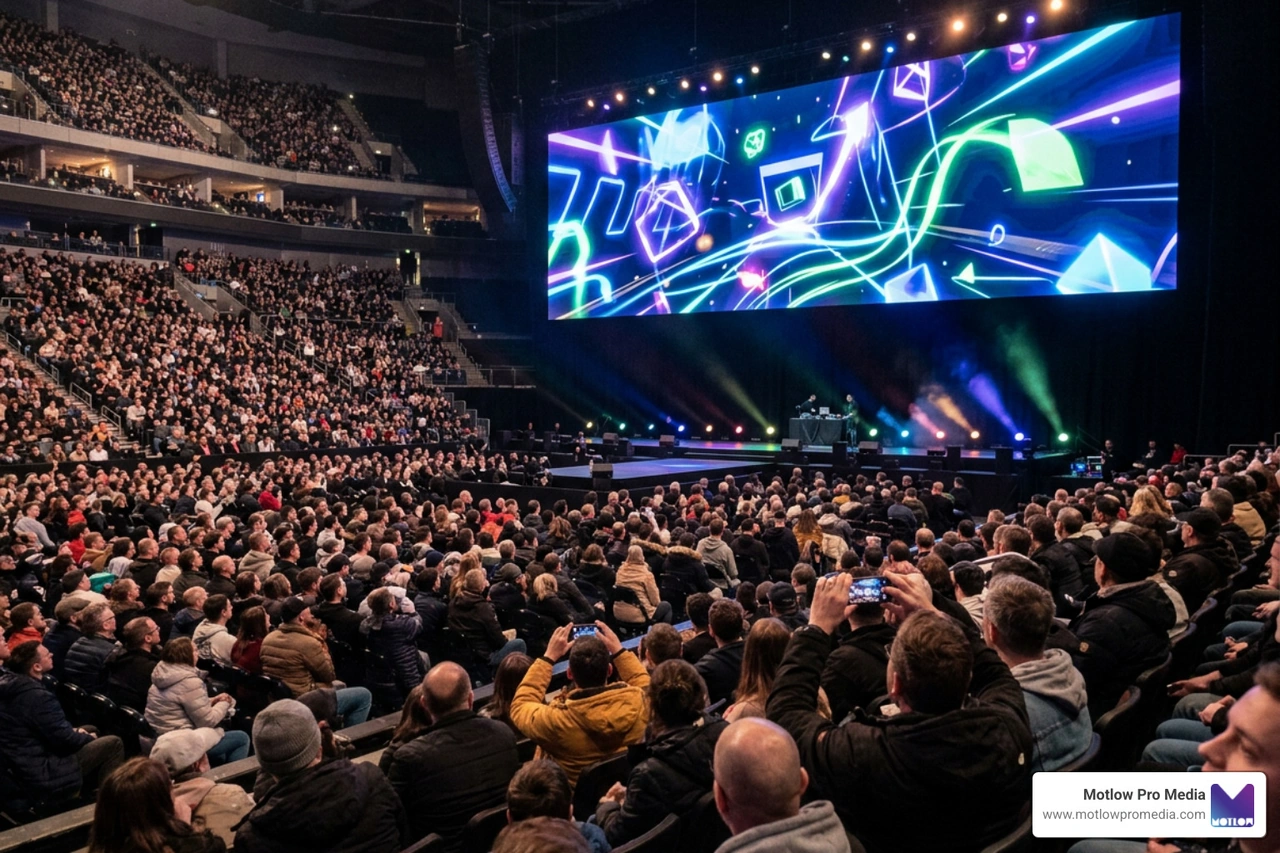
Minimizing this delay is critical for interactive events, remote productions, and real-time Q&A sessions. For a closer look at how we manage these technical pillars on-site, explore our approach to Live Event Streaming.
Selecting the right hardware encoder can feel overwhelming given the sheer volume of technical specifications. To find the perfect fit, you must evaluate hardware reliability, input formats, and how well the device fits into your existing production pipeline.
Your encoder is only as good as the connections it supports. Standard consumer and prosumer cameras rely on HDMI inputs, which are perfect for short cable runs. However, professional setups require 3G-SDI or 12G-SDI connections. SDI cables feature locking connectors and can run hundreds of feet without signal degradation, making them essential for larger venues.
Additionally, look at how the encoder connects to the internet. While a hardwired Gigabit Ethernet connection is always the gold standard, mobile productions often require Wi-Fi 7 or cellular bonding. Cellular bonding combines multiple cellular networks (like T-Mobile and Verizon) into a single, robust internet pipeline, ensuring your stream stays online even if one carrier drops out. This is a game-changer when deploying a Live Stream Wireless Camera in the field.
A professional encoder must support a variety of streaming and IP video protocols:
Having these protocols built directly into your hardware ensures you can adapt to any venue's network infrastructure. For practical tips on implementing these protocols in corporate environments, see our Ultimate Guide Live Streaming Corporate Events.
When shopping for hardware encoders for live streaming, you will generally choose between two distinct form factors: standalone encoders and all-in-one streaming systems.
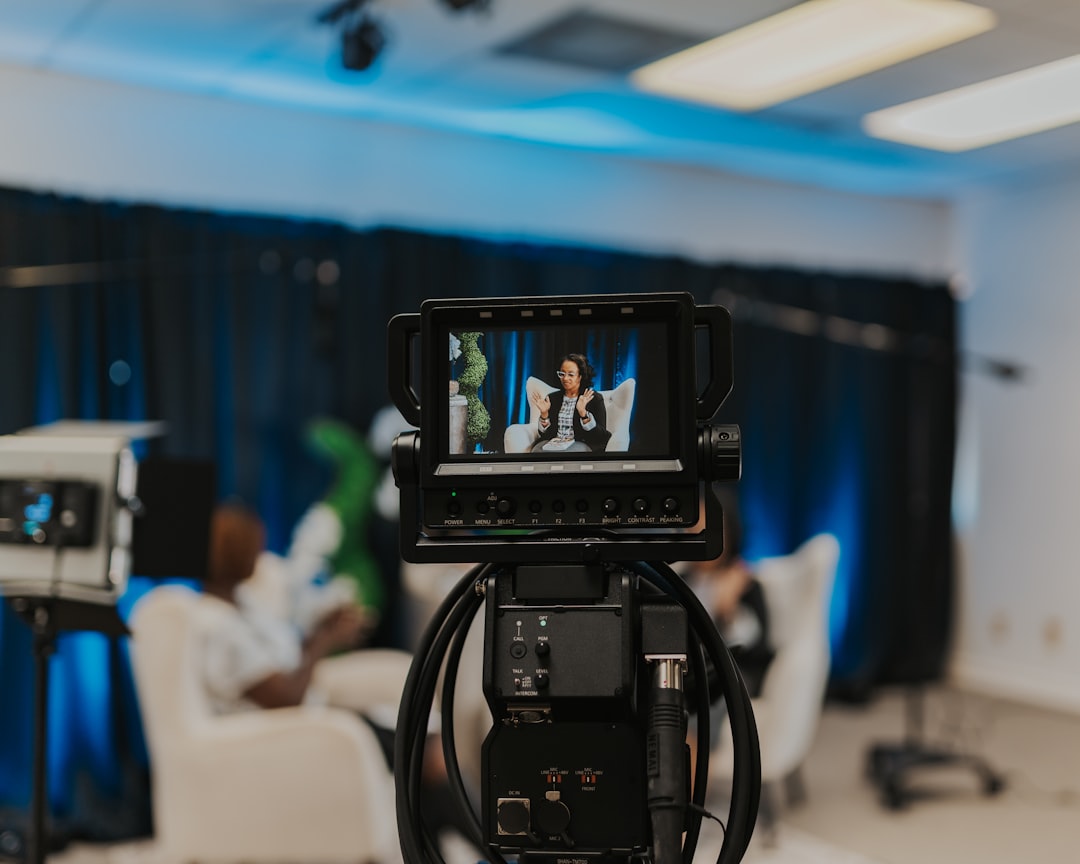
Standalone encoders are built for one thing: taking a video input, compressing it, and pushing it to the web. They don't have built-in screens, video switchers, or audio mixers. Instead, they feature robust, fan-cooled metal enclosures designed for rackmount installation and continuous 24/7 operation.
Because they don't waste processing cycles on graphics rendering or touchscreen interfaces, they offer unparalleled thermal stability and reliability. If you are building a permanent installation or managing a complex remote broadcast, a standalone encoder is your best bet. Learn more about planning these high-end configurations in our Virtual Conference Production Guide 2026.
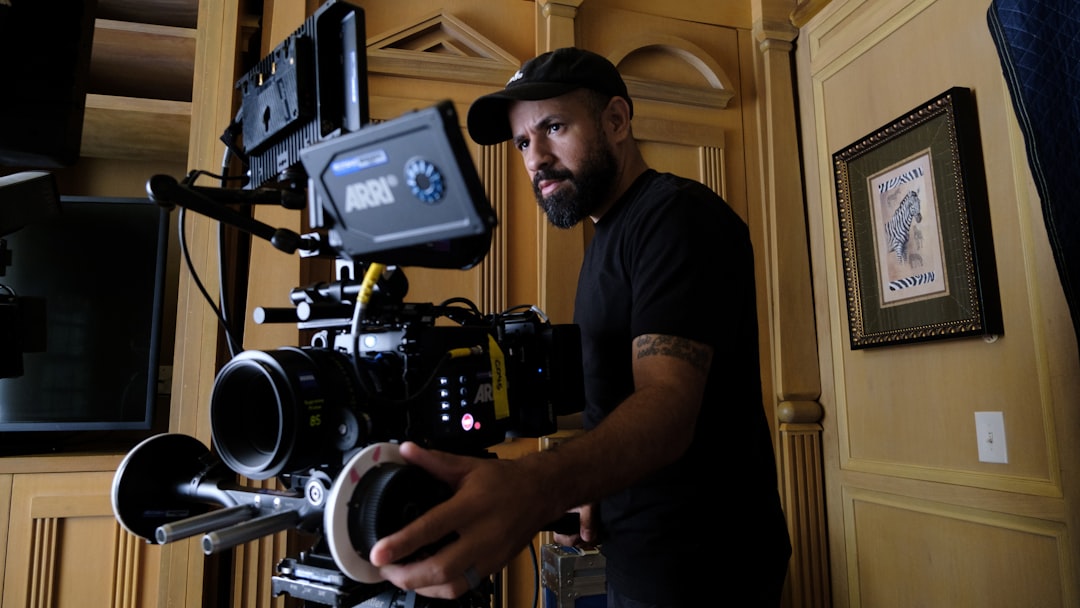
All-in-one systems (like the YoloLiv YoloBox series) pack a touchscreen monitor, multi-camera video switcher, audio mixer, recorder, and encoder into a single portable device. These systems are incredibly popular for run-and-gun operations, live sports, and solo creators who need to switch between multiple cameras on the fly without hauling a heavy production rack.
While they offer incredible convenience, they do have processing limitations compared to standalone units and are more susceptible to thermal throttling under direct sunlight. For many of our clients, these highly integrated systems serve as the perfect entry point for a professional Event Live Streaming Service.
To help you compare the best options on the market in June 2026, we have compiled a comparison table of the leading hardware encoders across various price tiers and use cases.
| Encoder Model | Key Inputs | Max Resolution | Key Protocols | Best Use Case |
|---|---|---|---|---|
| EXVIST H.265 PCIe | HDMI | 1080p60 | RTMP, RTSP, SRT, ONVIF | Drone / FPV & Surveillance |
| Zowietek 4K NDI | HDMI | 4K30 (Encode) | NDI HX3, SRT, RTMP, RTSP | Prosumer & Local IP Workflows |
| TASCAM VS-R265 | HDMI | 4K30 | RTMP, RTSP, HLS, Unicast | Corporate AV & Permanent Installs |
| Magewell Ultra Encode AIO | HDMI & SDI | 4K30 | NDI HX3, SRT, RTMP, Zixi, RIST | Multi-Protocol Professional Production |
| Teradek Prism Flex | HDMI & SDI | 4K60 HDR | SRT, WHIP, RTMP, MPEG-TS | Enterprise Broadcast & Remote Color |
You don't need to spend thousands of dollars to get your hands on dedicated hardware. The budget market has exploded with highly capable, compact encoders.
The Zowietek 4K HDMI NDI is an incredibly versatile, pocket-sized aluminum box that punches far above its weight class. It functions as both an encoder and a decoder, supporting resolutions up to 4K30 for encoding with a zero-lag loop-through up to 4K60. With native support for NDI HX3, SRT, and RTMP, it is a fantastic tool for integrating traditional HDMI cameras into an IP-based local network or streaming directly to YouTube without a computer. It can even be powered via PoE+ (Power over Ethernet), keeping your cable management clean and simple.
For mobile, drone, or FPV (First-Person View) setups, the EXVIST H.265 HDMI Encoder is a highly specialized lifesaver. It features a unique PCIe power option that eliminates voltage fluctuations common in moving vehicles and drone rigs. Encoding up to 1080p60 using highly efficient H.265 compression, it cuts bandwidth needs in half. It also includes an on-board SD card slot that acts as an automatic fail-safe recorder if your wireless internet connection drops out during remote operations.
When failure is not an option and your corporate reputation is on the line, investing in enterprise-grade hardware is the only path forward.
TASCAM is legendary in the professional audio world, and they bring that same commitment to reliability with the VS-R265. This standalone unit is designed for permanent AV installations, corporate offices, and houses of worship. It supports simultaneous 4K encoding, decoding, and recording to SD cards or USB media. What makes the VS-R265 stand out is its ability to stream up to eight simultaneous destinations (including three independent RTMP streams), allowing you to easily back up your broadcast and simulcast to multiple platforms without extra equipment.
The Magewell Ultra Encode AIO is a Swiss Army knife for professional video engineers. It features both HDMI and SDI inputs with the unique ability to mix both sources into a picture-in-picture or side-by-side layout. Supporting a massive array of protocols—including NDI HX3, SRT, RTMPS, Zixi, and RIST—it fits seamlessly into any modern IP production workflow. It can stream to up to six destinations simultaneously at bitrates up to 32 Mbps per stream, making it a powerhouse for high-bandwidth, multi-platform corporate broadcasts.
If you ask any high-end broadcast engineer to name the gold standard of wireless and IP video, they will likely point to Teradek. The Teradek Prism Flex is a premium, compact powerhouse designed for size, weight, and power-constrained environments. It delivers spectacular 4K60 HDR video with 4:2:2 10-bit color depth, making it suitable for color-critical remote editing and elite live broadcasts.
Using ultra-low latency protocols like WHIP and SRT, it achieves an astonishing glass-to-glass latency as low as 80ms. It also integrates natively with Teradek Cloud for remote fleet management and network bonding, and supports camera-to-cloud workflows.
The Miri V410 is designed to bridge the gap between complex engineering and intuitive user experience. It can encode a single 4K60 source or two independent 2K60 sources simultaneously, making it incredibly flexible. It features a built-in Wi-Fi 7 module for stable wireless transmission in crowded RF environments, dual Gigabit Ethernet ports with PoE, and an integrated NDI Bridge for seamless transcoding. Its web-based user interface is clean enough for volunteers and non-technical staff to operate, yet offers deep, granular controls for veteran broadcast engineers.
For organizations where network dropouts are a frequent headache, Resi encoders offer a highly resilient solution. Resi utilizes a proprietary Resilient Streaming Protocol (RSP) that caches video data locally on the hardware before transmitting it. If your internet completely cuts out for several seconds, the viewer experience remains completely uninterrupted because the system plays back from the cloud-buffer. This makes it a favorite for houses of worship and remote venues with unstable internet connections. You can even configure a Resi Ray encoder control via Stream Deck - Facebook integration to trigger streams with a single physical button press on your control desk.
If you are using a computer-based software encoder, CPU encoding (often using the x264 codec) relies on your computer's main processor. It offers excellent compression efficiency and image quality at lower bitrates, but it is incredibly resource-heavy.
GPU encoding (such as NVIDIA's NVENC) utilizes a dedicated chip on your graphics card. It offloads almost all the work from your CPU, ensuring your computer runs smoothly, but historically required slightly higher bitrates to match the visual quality of CPU encoding. For hardware encoders, this processing is entirely self-contained on dedicated chips, giving you the best of both worlds without risking your system's stability.
Encoding is the initial process of taking raw, uncompressed video directly from a camera sensor and compressing it into a digital format (like H.264) so it can travel over the internet.
Transcoding, on the other hand, takes an already encoded stream, decompresses it, changes its parameters (such as lowering the resolution from 1080p to 720p or changing the codec), and re-compresses it. This is typically done in the cloud by video platforms to create an "adaptive bitrate ladder," ensuring viewers with slower mobile connections can still watch your stream without buffering.
When purchasing hardware encoders, look beyond the basic star ratings. Pay close attention to reviews discussing thermal performance (does the unit run hot or freeze after hours of continuous use?), the frequency of manufacturer firmware updates, and the responsiveness of after-sales technical support.
Because network protocols and streaming platform APIs evolve constantly, buying from established brands that actively maintain their firmware is critical to keeping your hardware functional for years to come.
At the end of the day, hardware encoders for live streaming are an investment in peace of mind. While software encoders are a great, budget-friendly way to get started or run low-stakes streams, they simply cannot match the rock-solid reliability and dedicated processing power of hardware appliances.
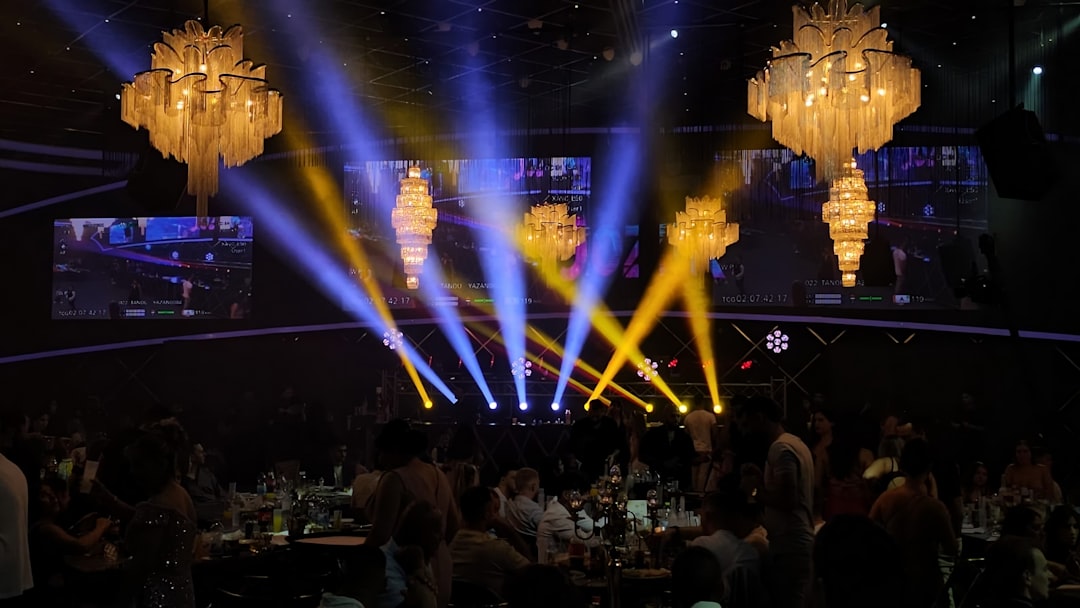
Whether you are hosting a highly anticipated corporate keynote, setting up a permanent broadcast booth, or managing a beautiful, once-in-a-lifetime milestone event like those detailed in our Wedding Streaming Service Complete Guide, having dedicated hardware ensures your message reaches your audience without a hitch.
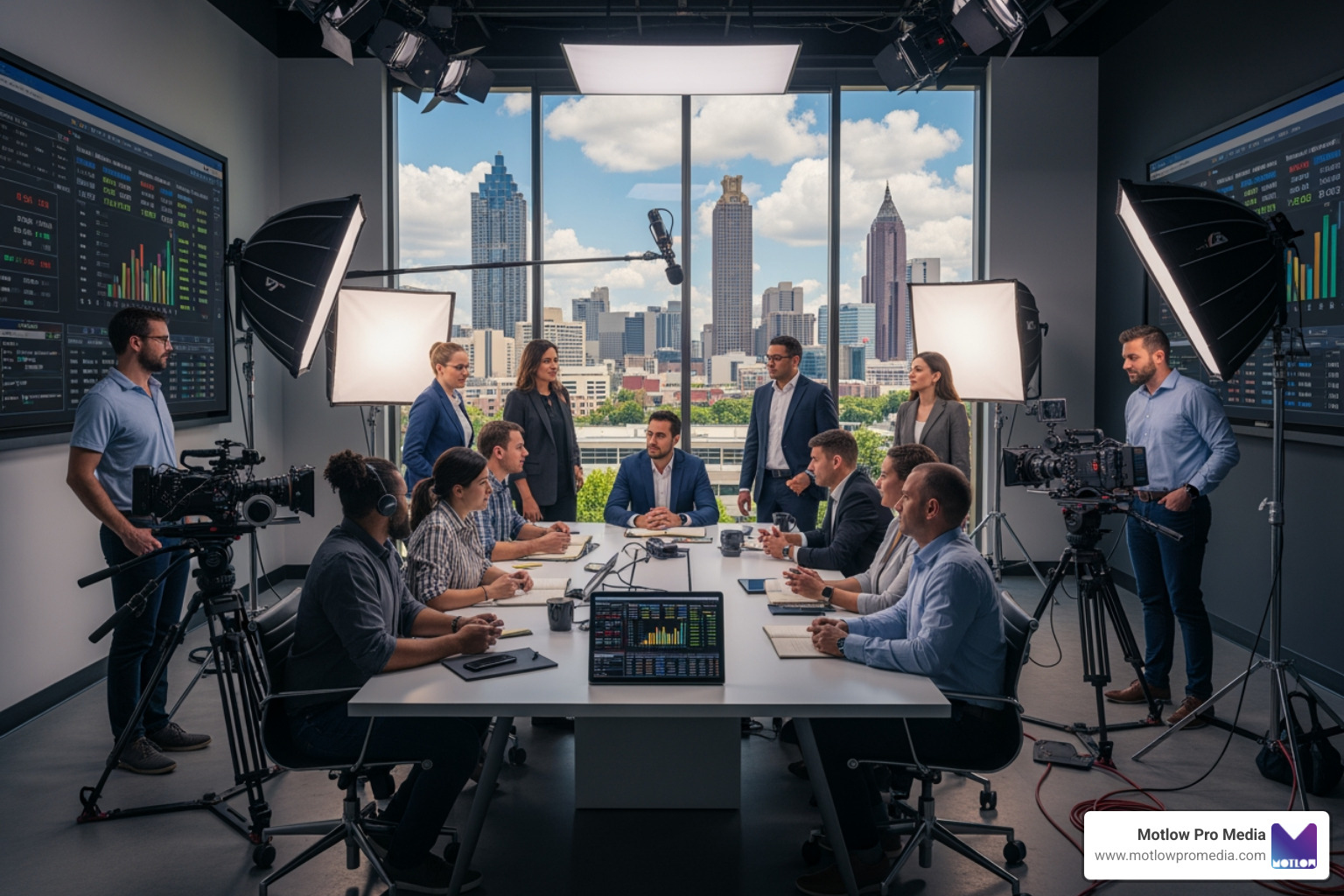
At Motlow Pro Media, based right here in Tampa, Florida, we specialize in taking the stress out of live production. We partner with corporate clients to deliver seamless, high-end broadcasts—from local multi-camera corporate events to expansive virtual experiences like a Virtual Trade Show. We bring our real-world experience, professional hardware, and a "hands-off, but hands-on" partnership to act as a trusted extension of your team.
Ready to elevate your next broadcast without worrying about the technical heavy lifting? Let's chat. Explore our full suite of production capabilities on our Motlow Pro Media Services page, and let us help you deliver a flawless streaming experience.
Some clients want to give notes in a live Zoom call. Others prefer a group text or email thread. However you like to communicate, we adapt. You’ll never be left guessing where things stand - and you’ll always have a say before anything goes out the door.





Phone:
+1 863-250-8639
.png)
Email:
info@motlowpromedia.com