

-5.jpg)
















Thank you! Your submission has been received!
Oops! Something went wrong while submitting the form.

.avif)
September 29, 2026
Multi-camera event production can sound technical from the outside. For a marketing director, communications lead, or event planner, the goal is not to understand every cable, switcher, or camera setting. The goal is to know what the setup does for the event and why it can make the final content feel more polished, useful, and brand-ready.
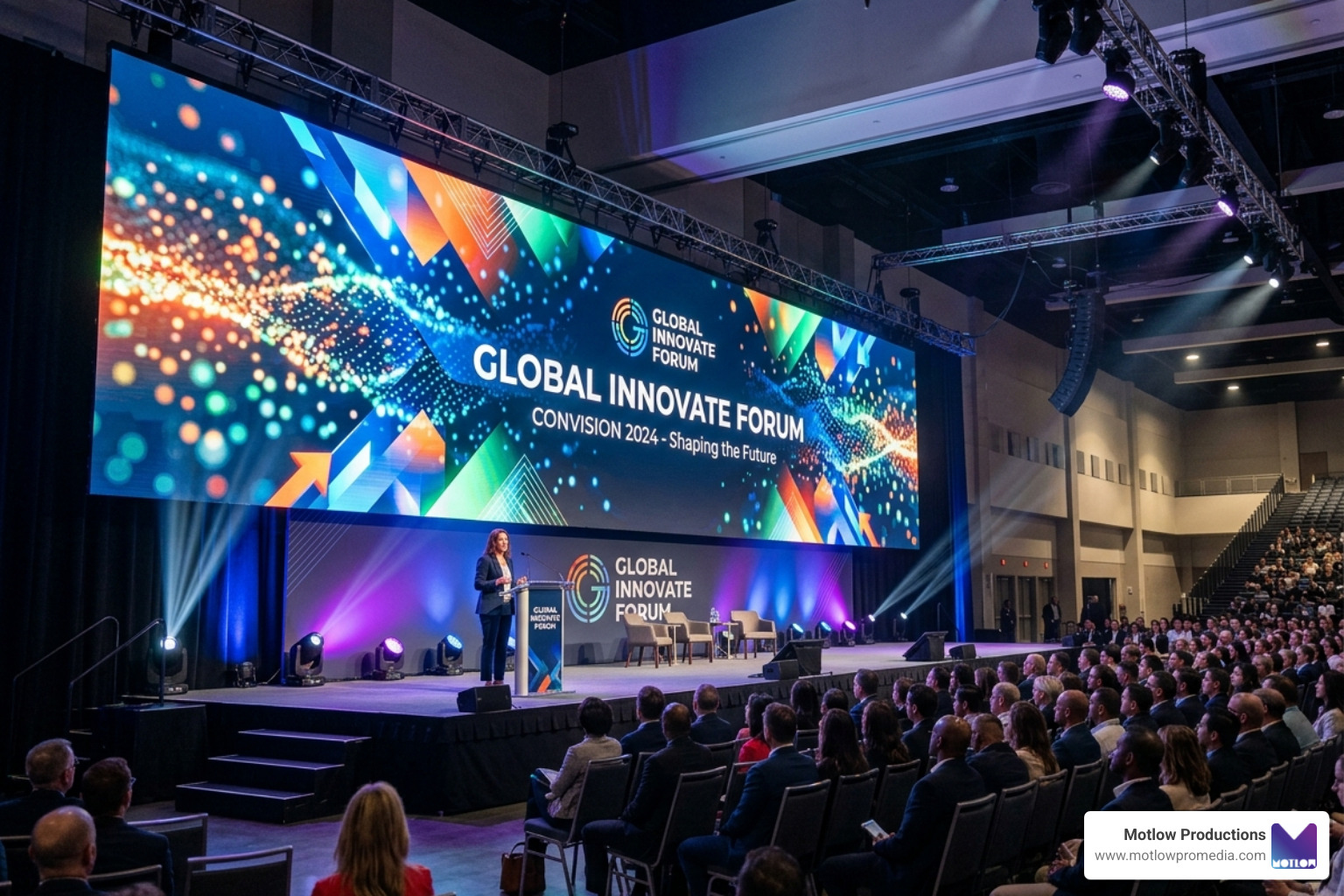
A single camera can document what happened. A multi-camera setup can help tell the story of the room. It can show the speaker, the audience, the slides, the energy, and the reactions without forcing viewers to watch one static angle for an hour. That matters when the footage will be used for a livestream, keynote recording, recap video, internal communications package, sales content, or social clips.
For teams planning a corporate conference, awards program, panel, leadership meeting, or branded live experience, multi-camera production is not about making the event look expensive. It is about reducing risk and creating content that can actually be used after the room clears.
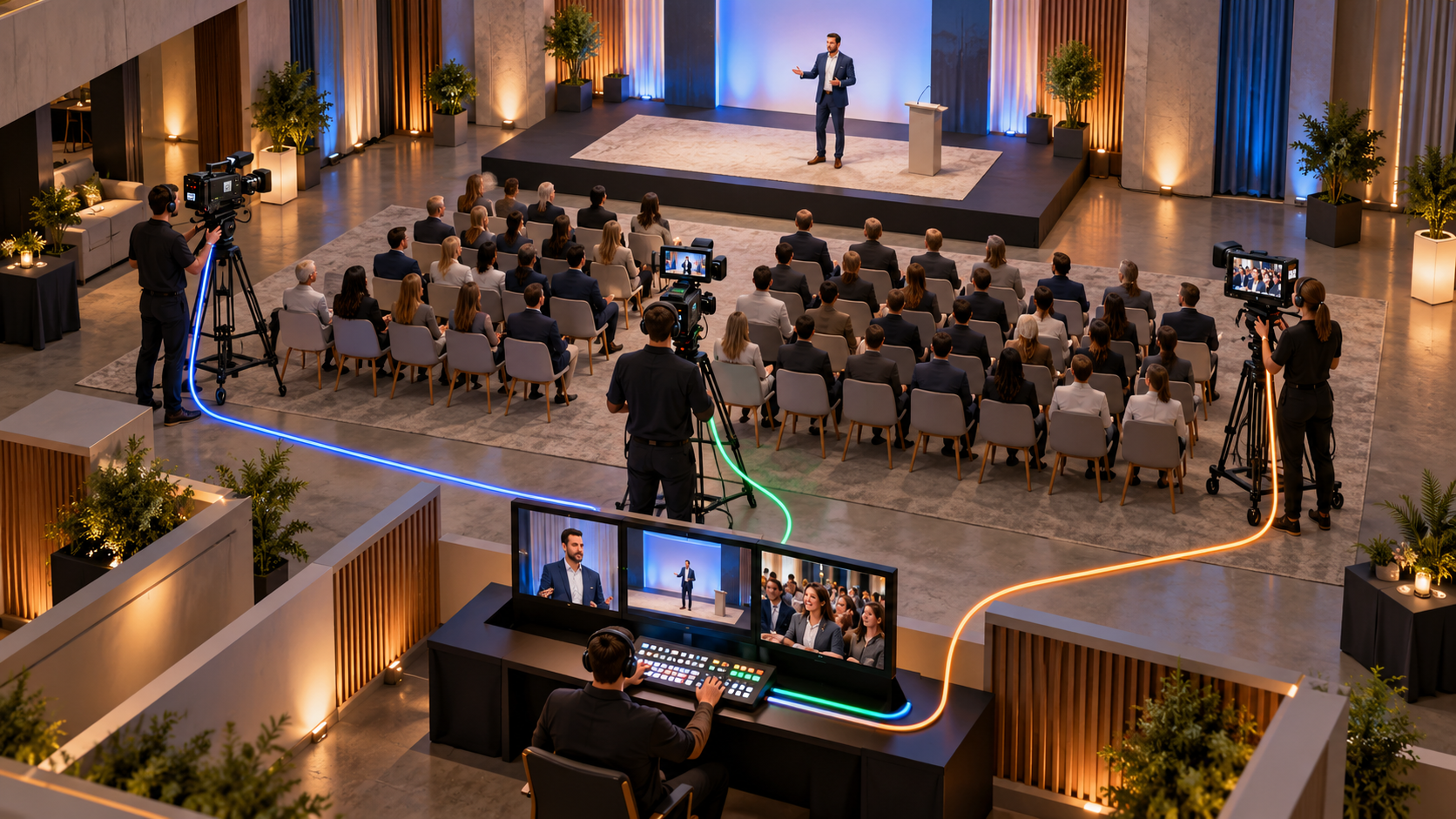
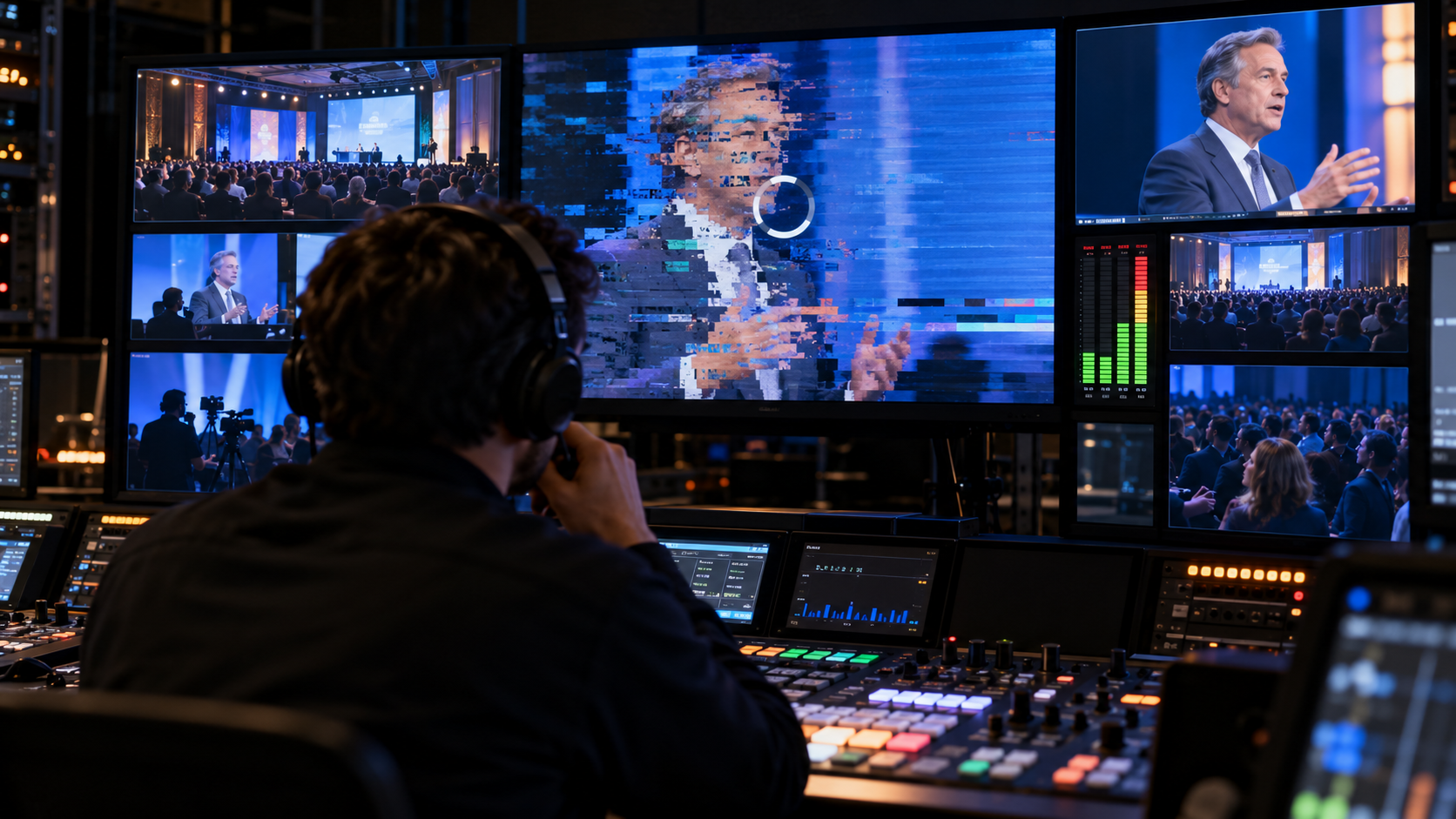
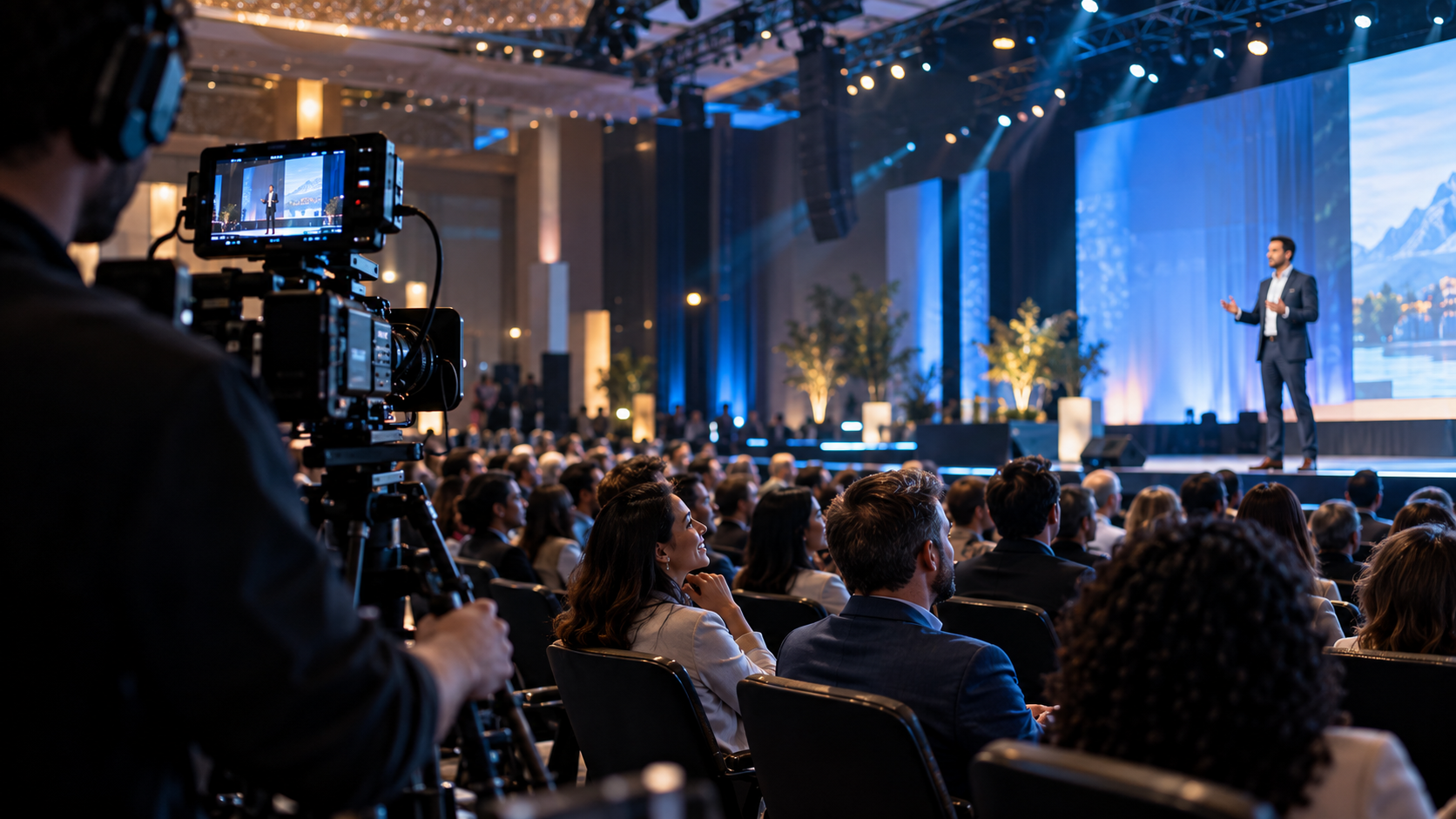
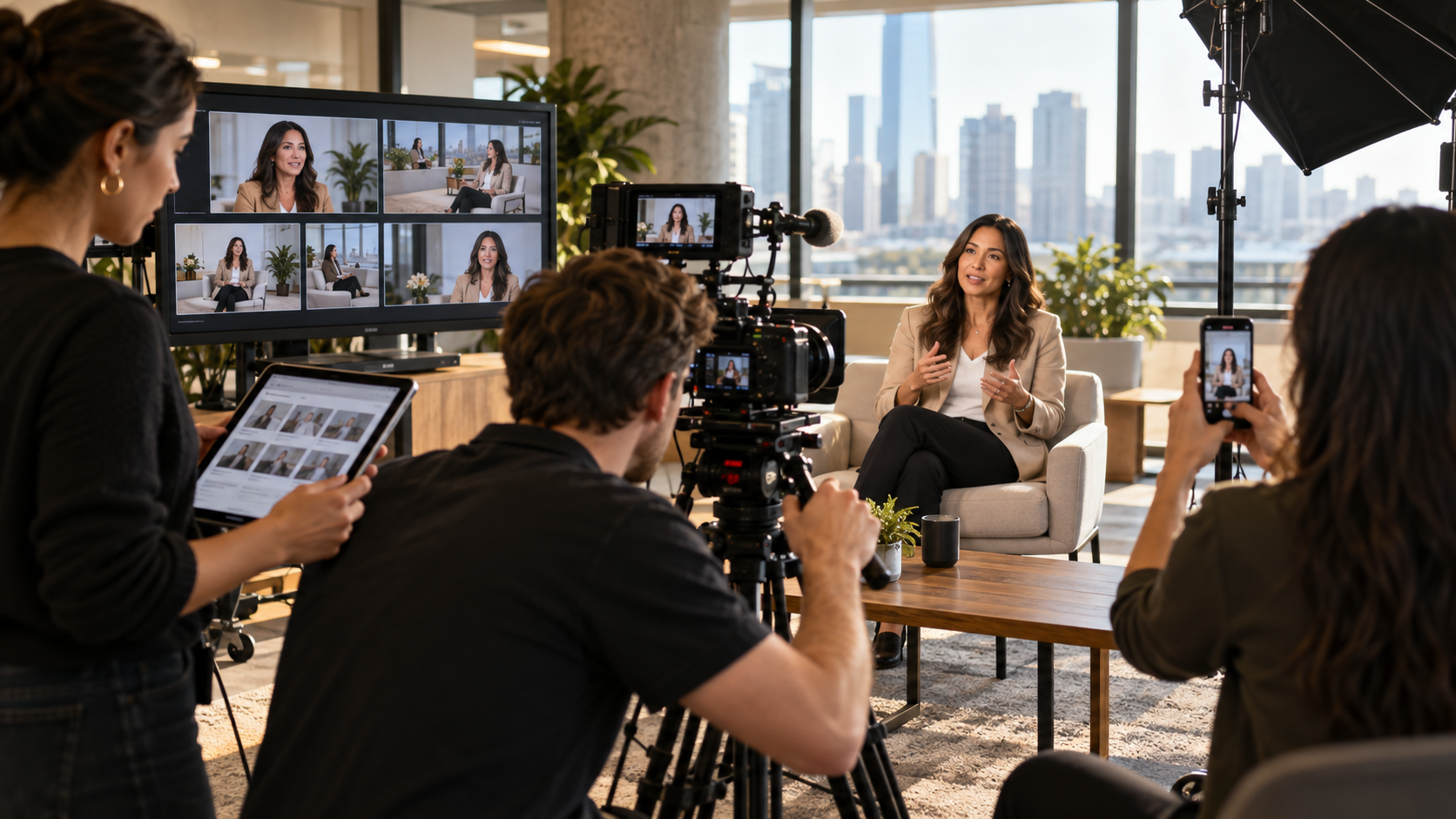
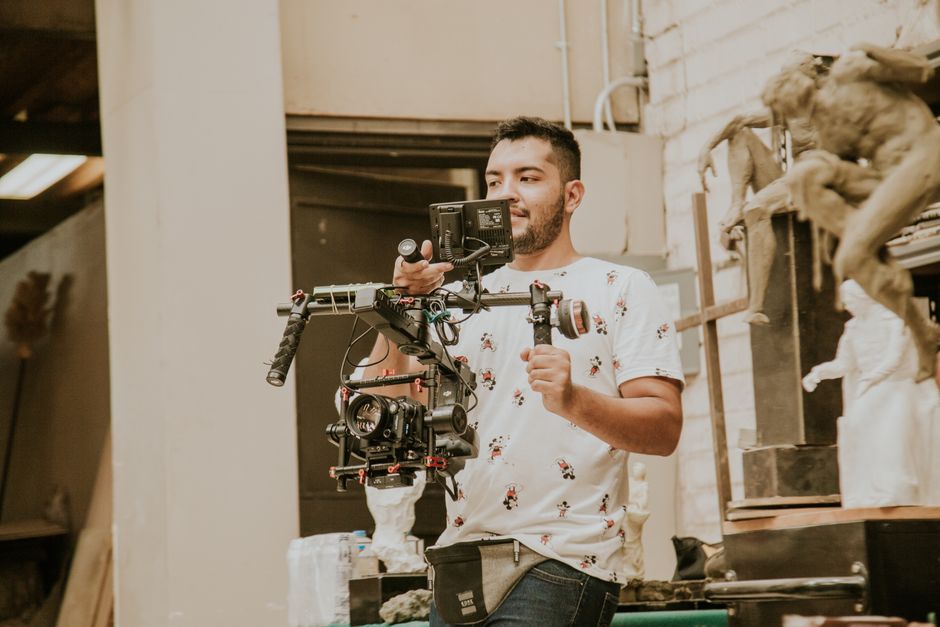
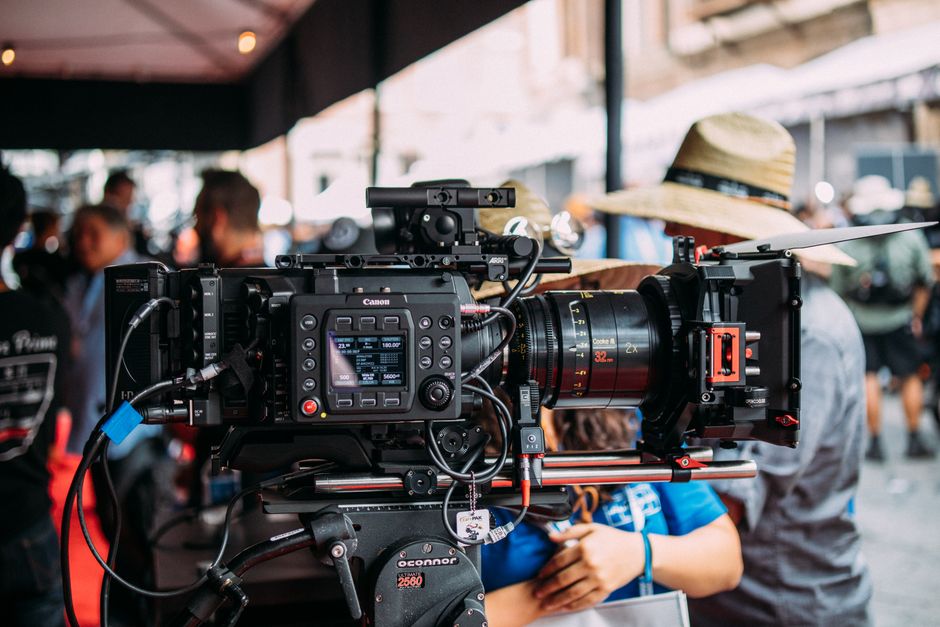
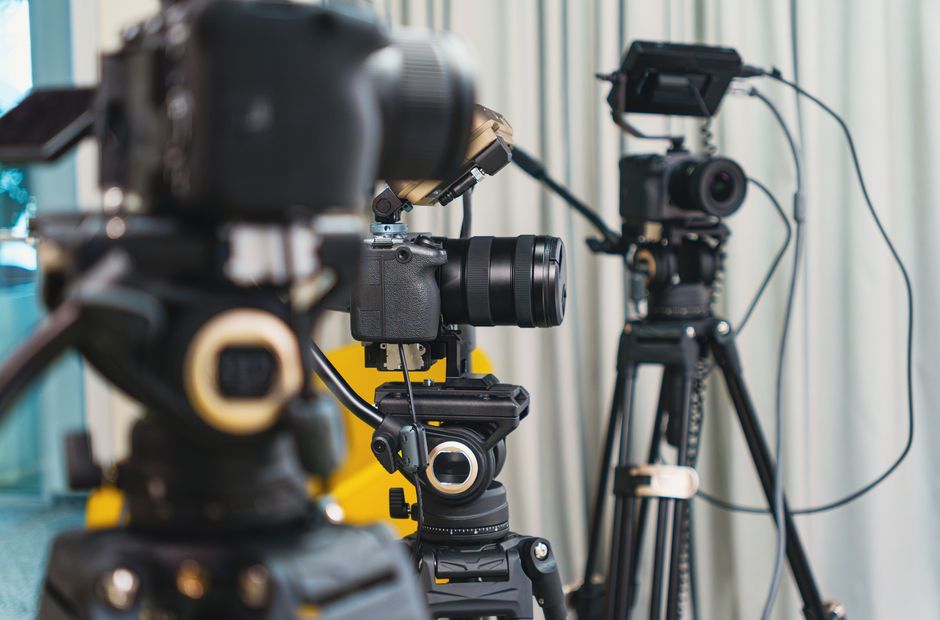
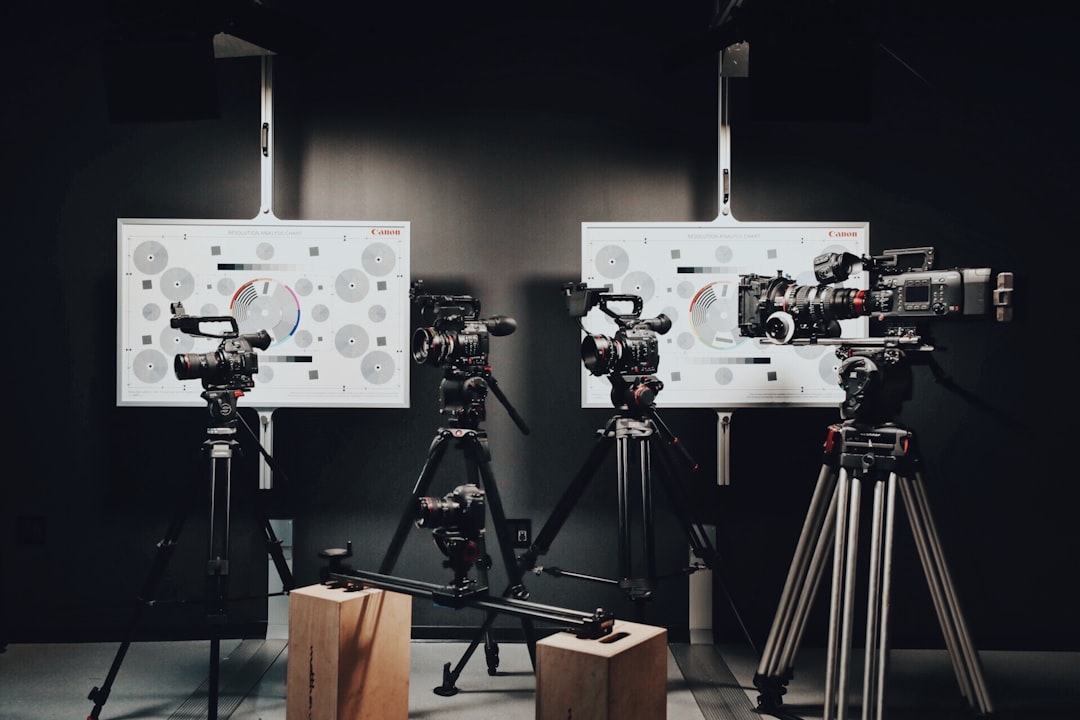
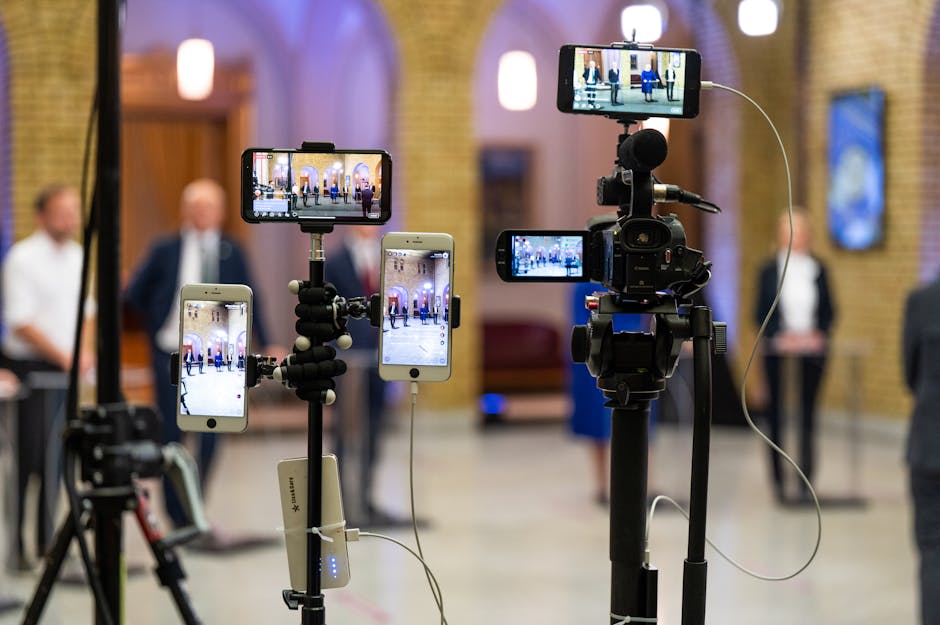
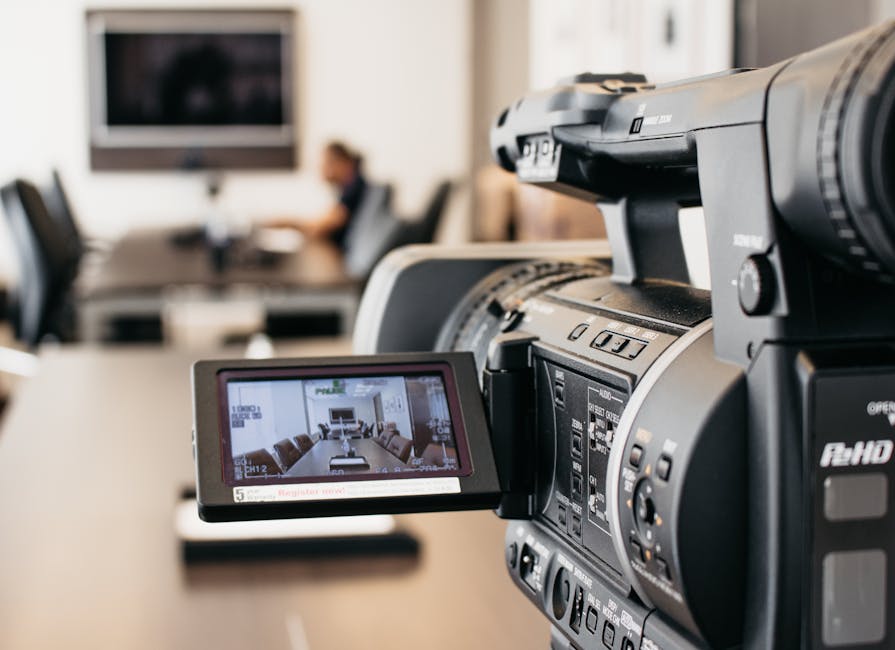
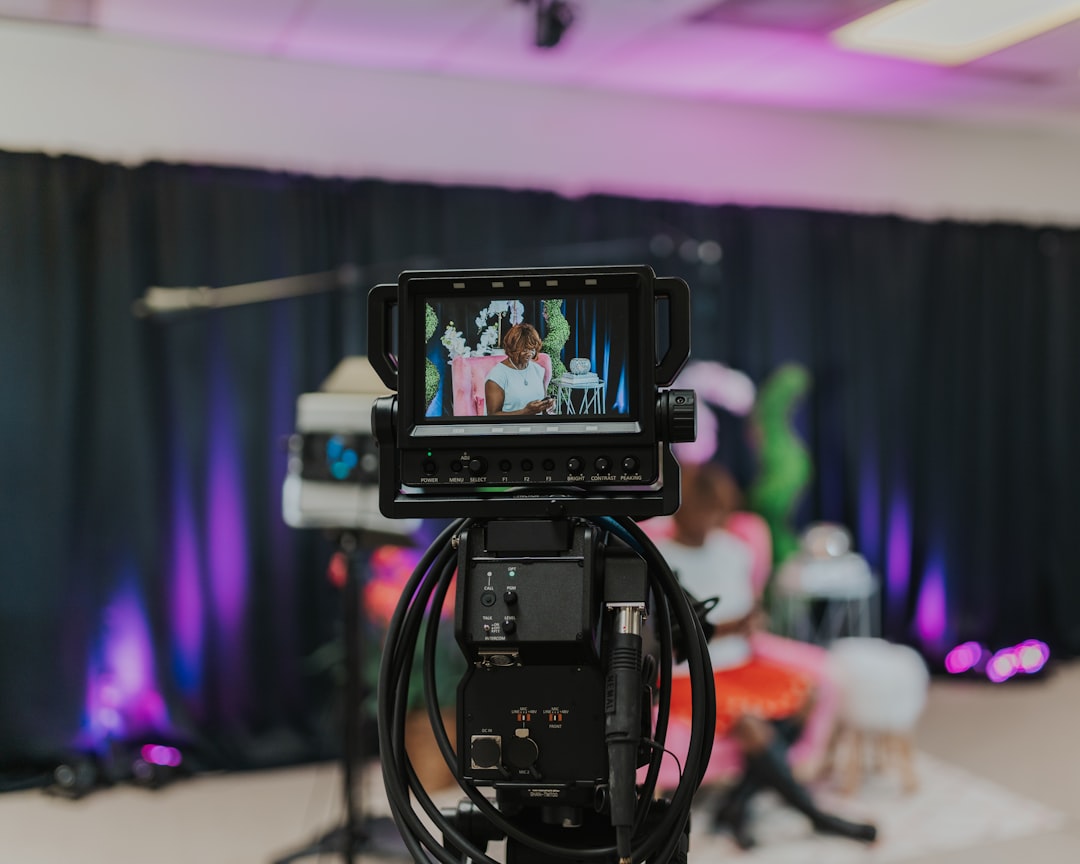
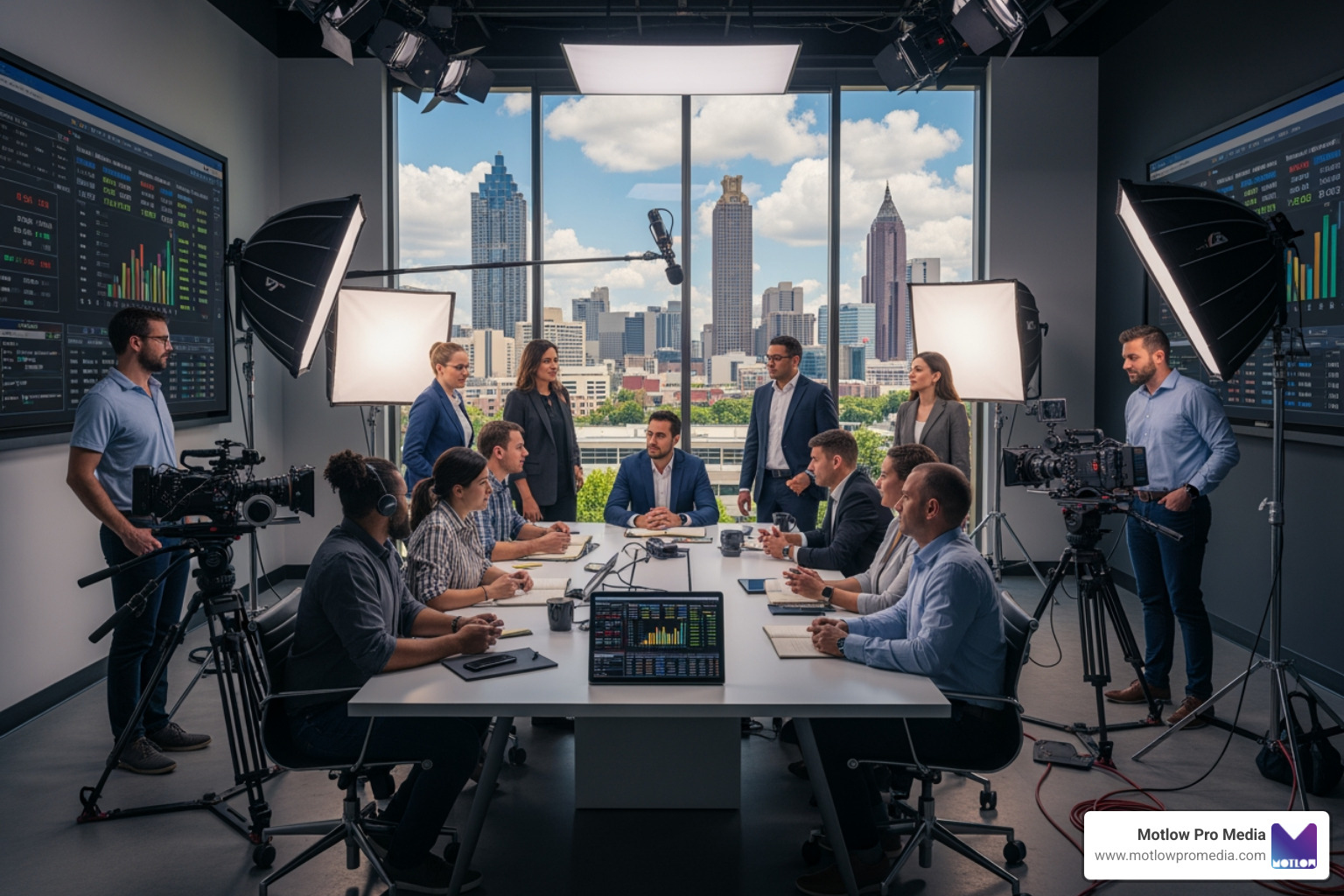
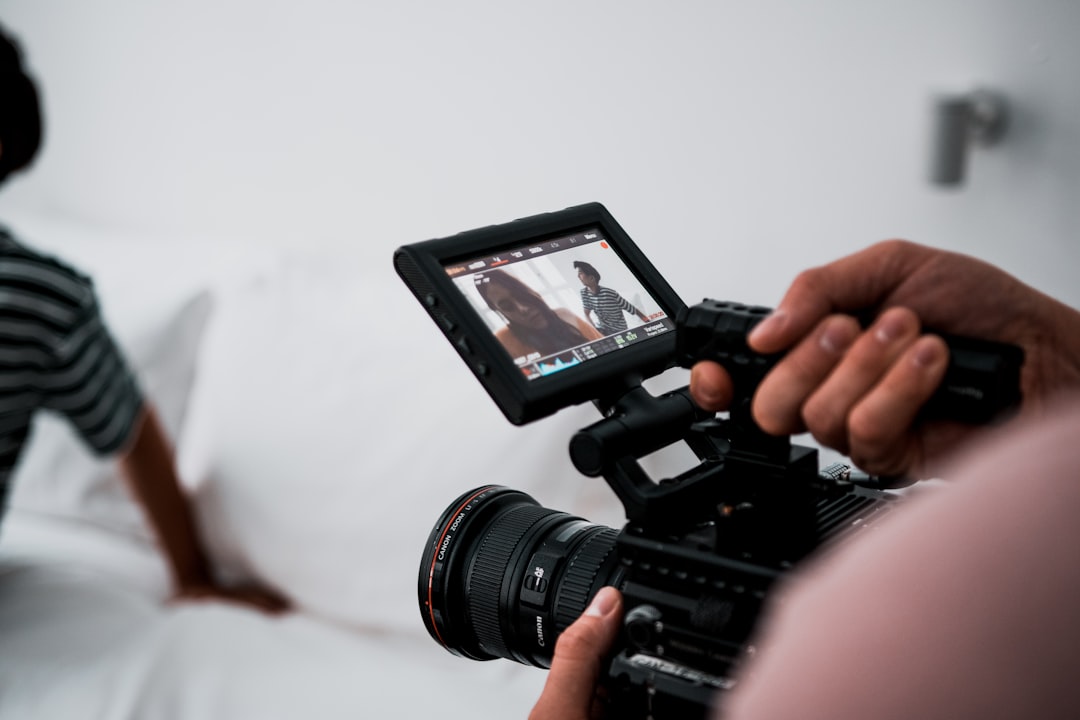
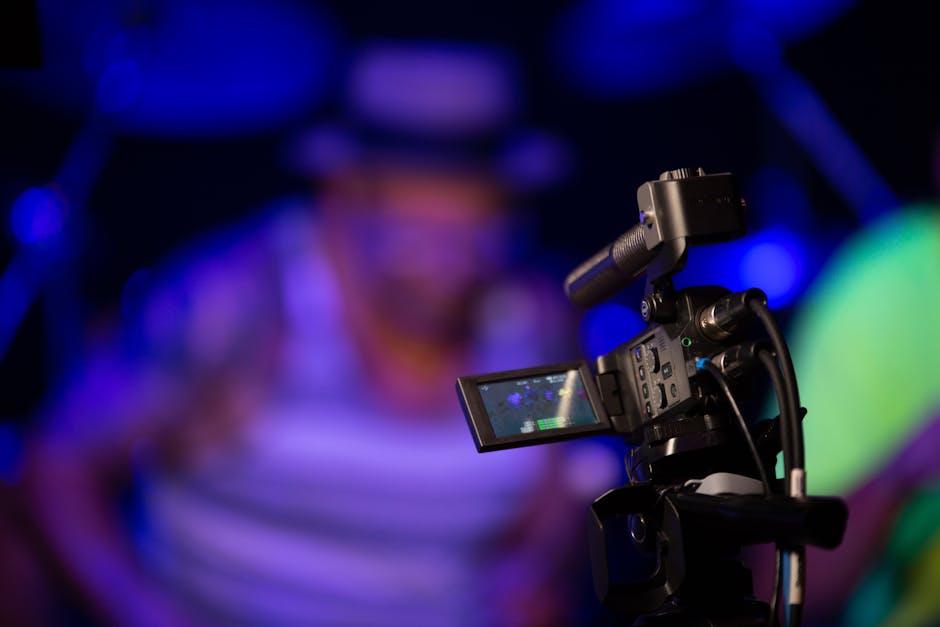
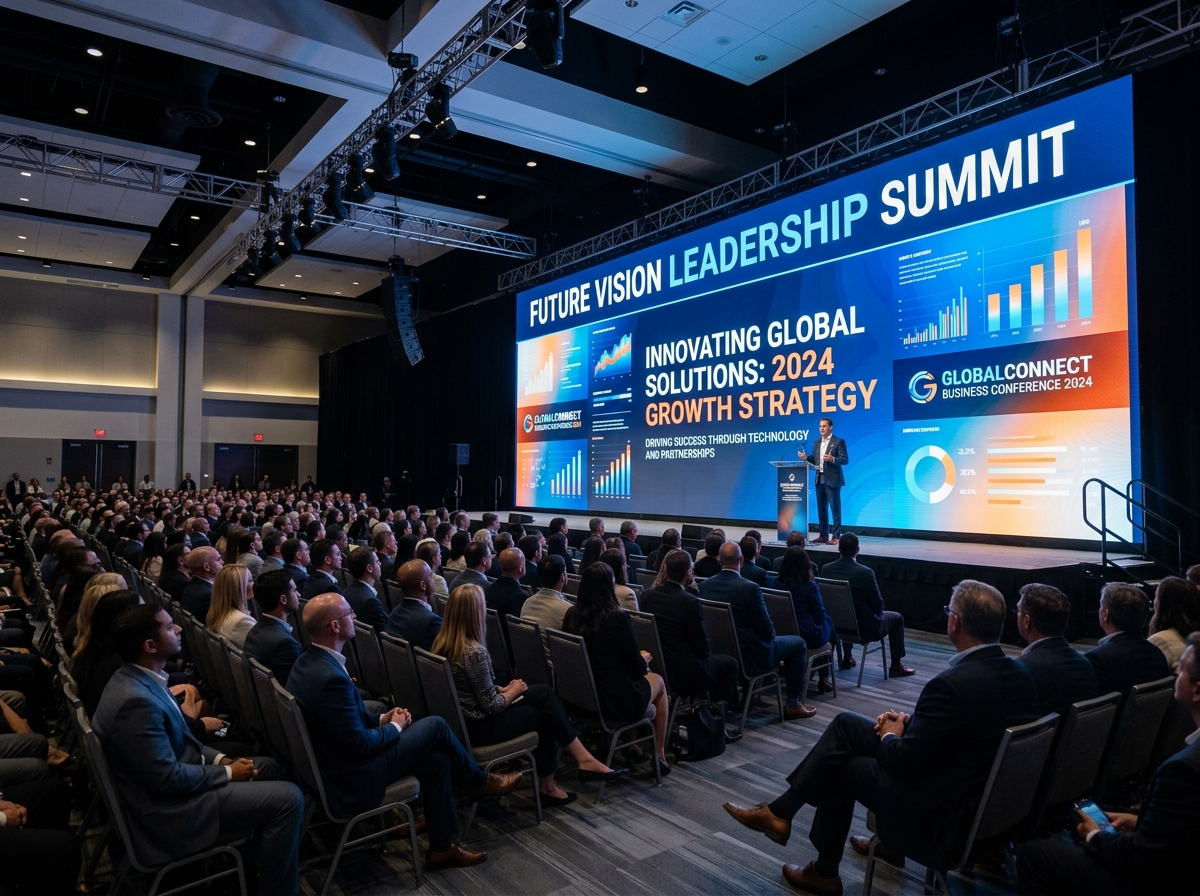
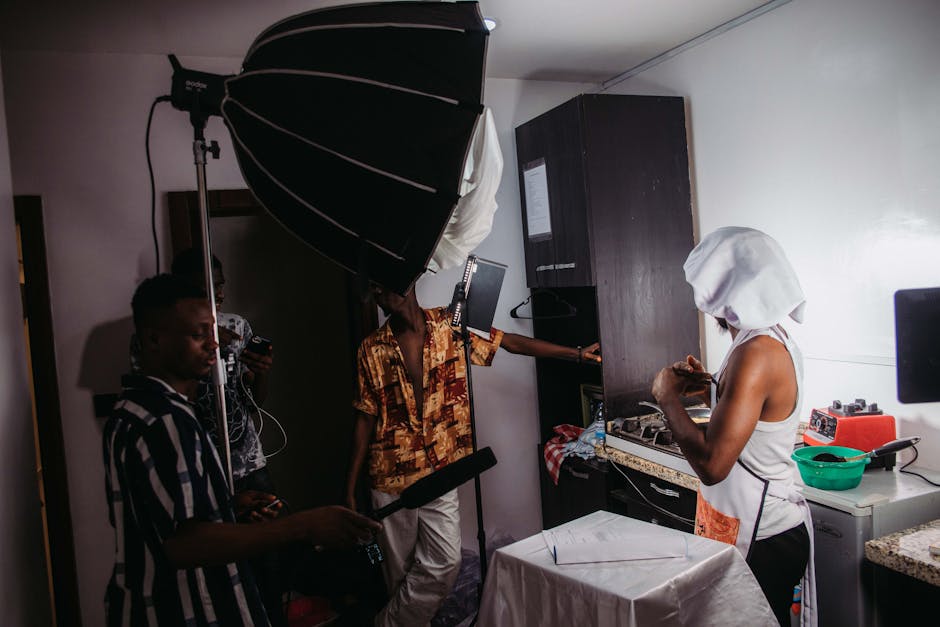
Multi-camera event production means using more than one camera to capture the same event from different perspectives. One camera might stay wide on the stage. Another might follow the speaker. A third might capture audience reactions, panelists, or detail shots. In a livestream or recorded program, a technical director can switch between those angles in real time, or the editing team can use those angles afterward to build a smoother final video.
This is one reason Motlow Pro Media services are built around more than basic camera coverage. The team supports the full event experience, from technical direction and run-of-show planning to on-site leadership and clean content capture.
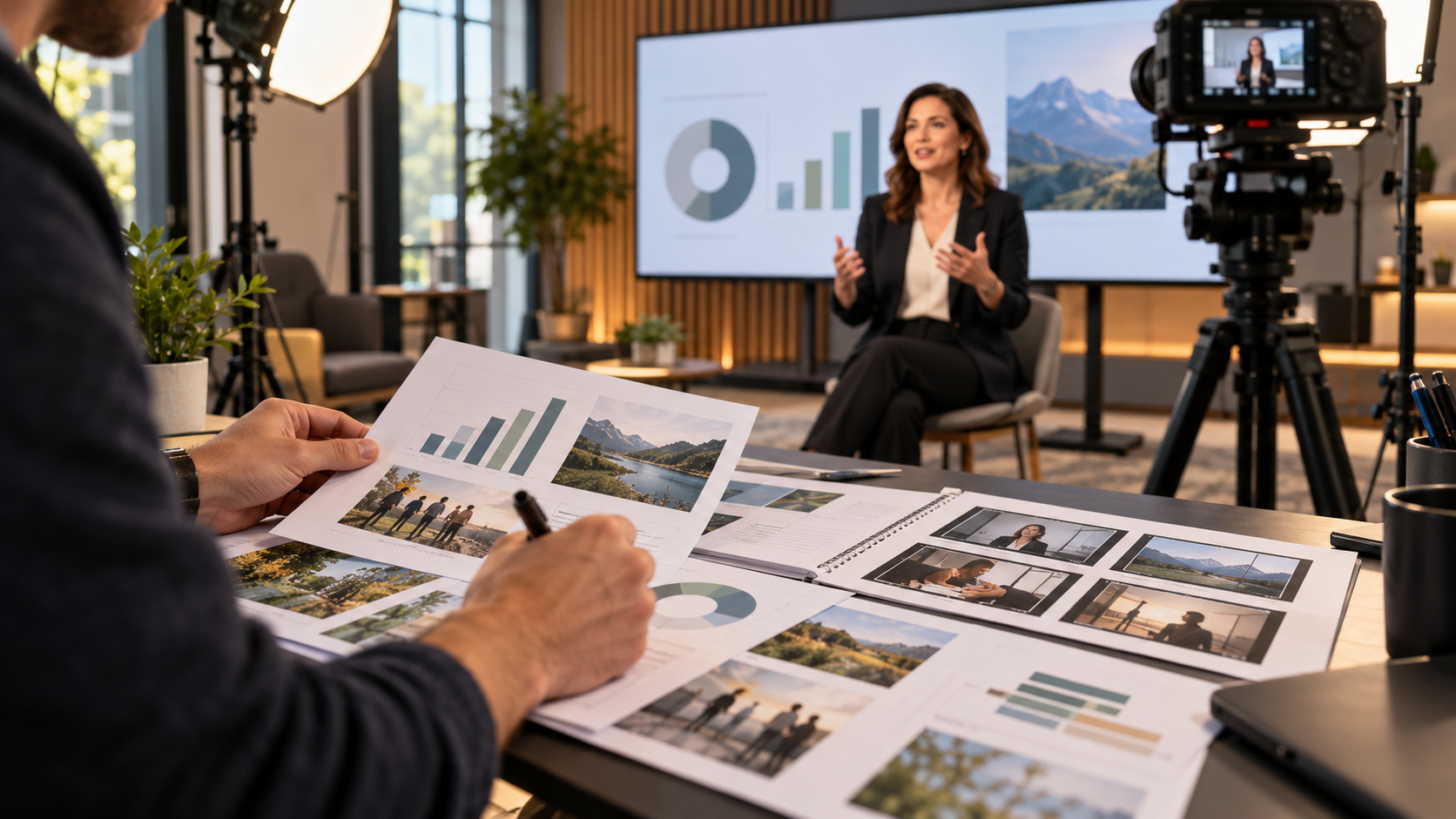
For a non-technical marketing team, the easiest way to think about multi-camera production is this: it gives the final video options. If a speaker walks across the stage, one camera can follow them while another protects a wide shot. If the audience applauds, a camera can capture the room. If a slide changes, the production team can make sure viewers are not left staring at the wrong visual.
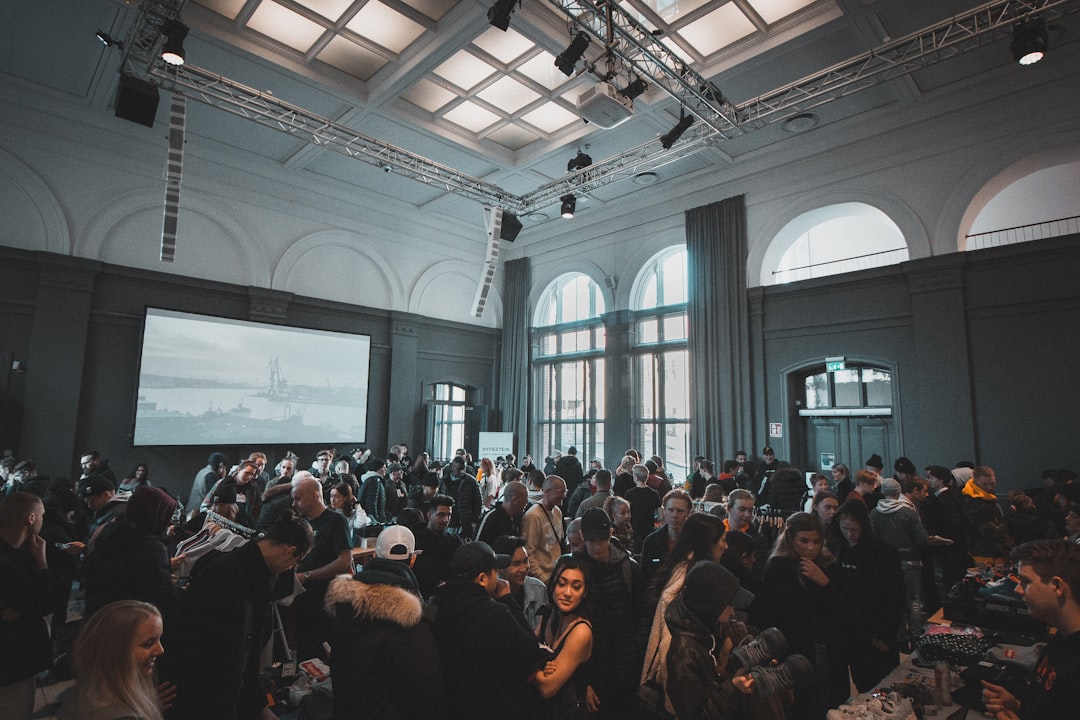
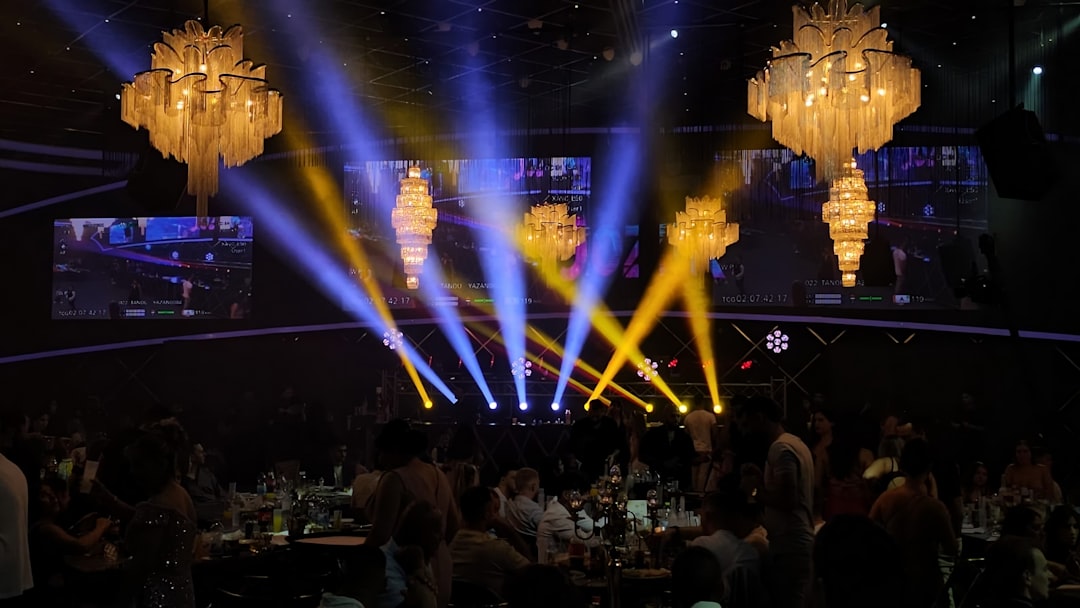
Corporate events often need to serve more than one audience. There is the audience in the room, the remote audience watching live, and the future audience who will watch clips after the event. A multi-camera approach helps serve all three.
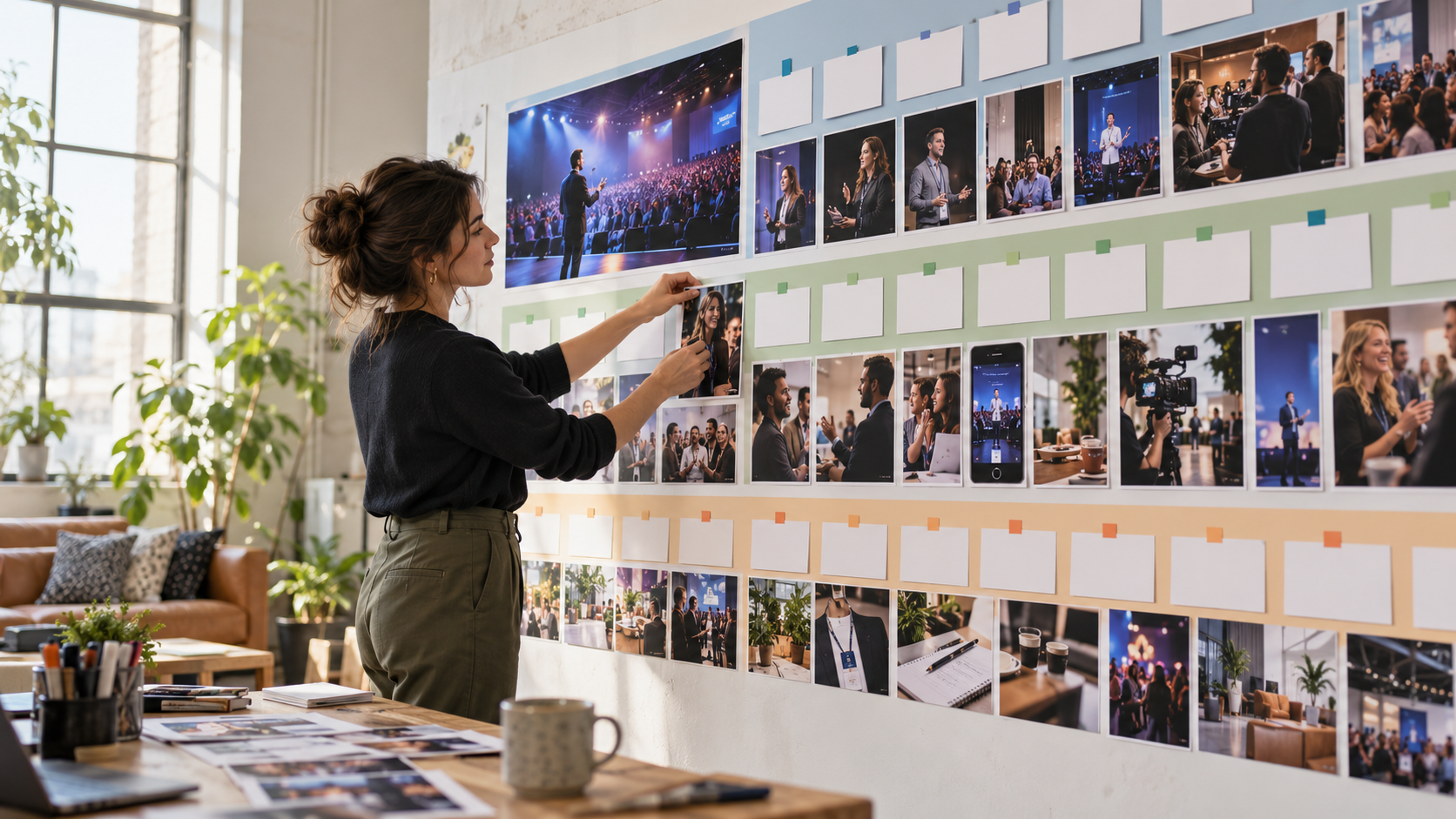
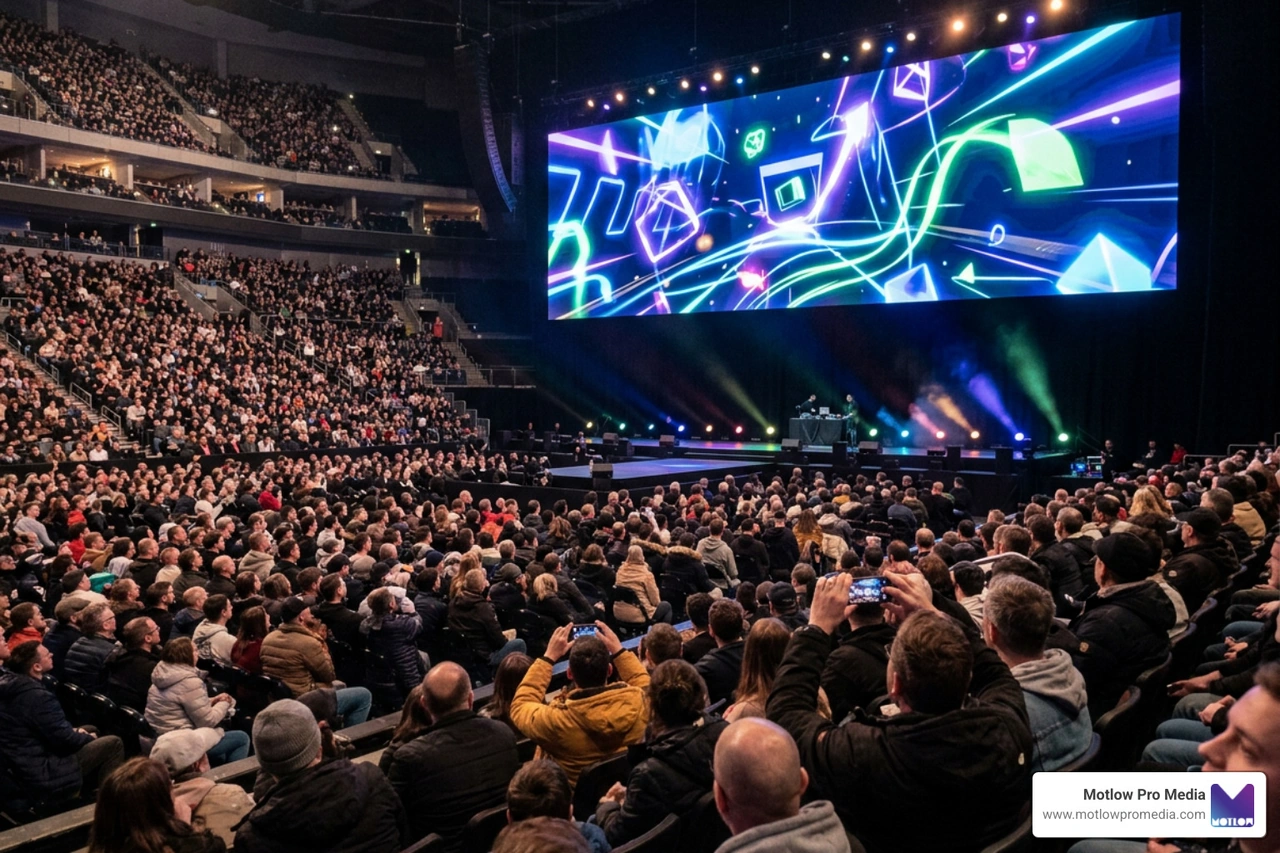
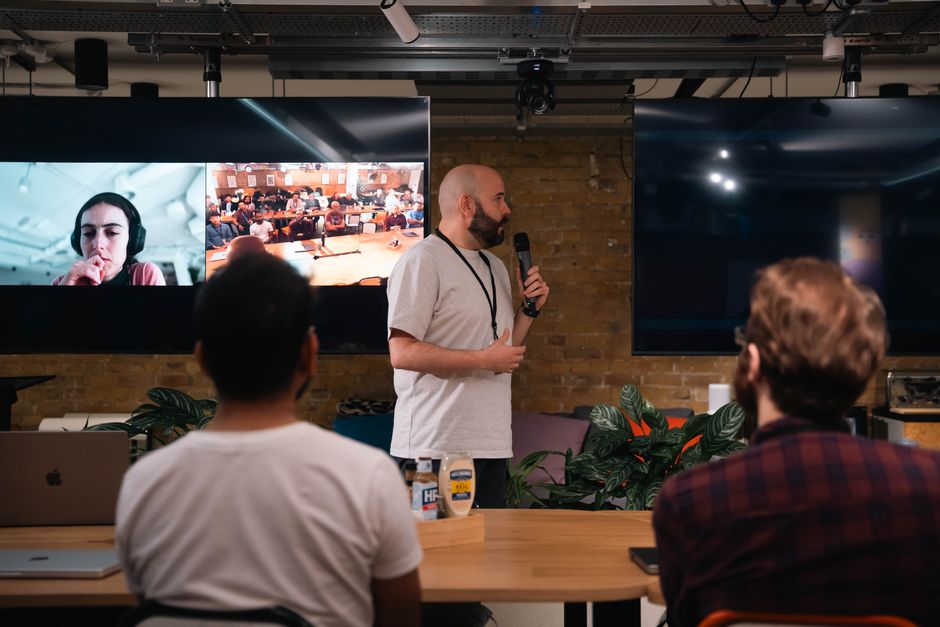
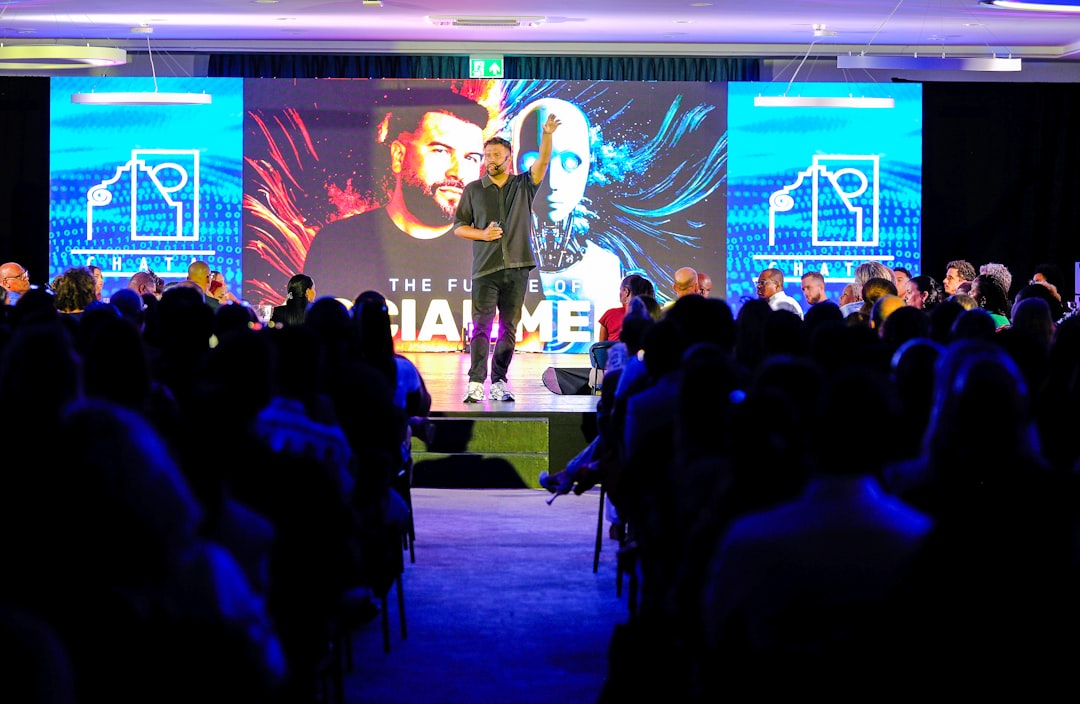
For the live audience, cameras can feed screens so people in the back of the room can see the speaker clearly. For the remote audience, multiple angles make the stream feel more intentional and easier to watch. For the marketing team, varied footage creates more editing options after the event. This supports recap videos, speaker clips, social cutdowns, sponsor content, internal updates, and sales enablement assets.
The A-Z Guide to Conference Video Production explains this larger event-content opportunity well: a conference should not produce only one highlight reel. It should create a usable content library that extends the value of the event for weeks or months.
Multiple cameras also protect against missed moments. If one shot is blocked, another angle may still be usable. If a speaker turns away from one camera, another may have a clean view. If a panel discussion moves quickly, a multi-camera setup helps capture the conversation without forcing the editor to rely on one wide shot for the entire segment.
**The Simple Roles Behind a Multi-Camera Setup
You do not need to know every crew position, but understanding the basic roles helps you plan better.
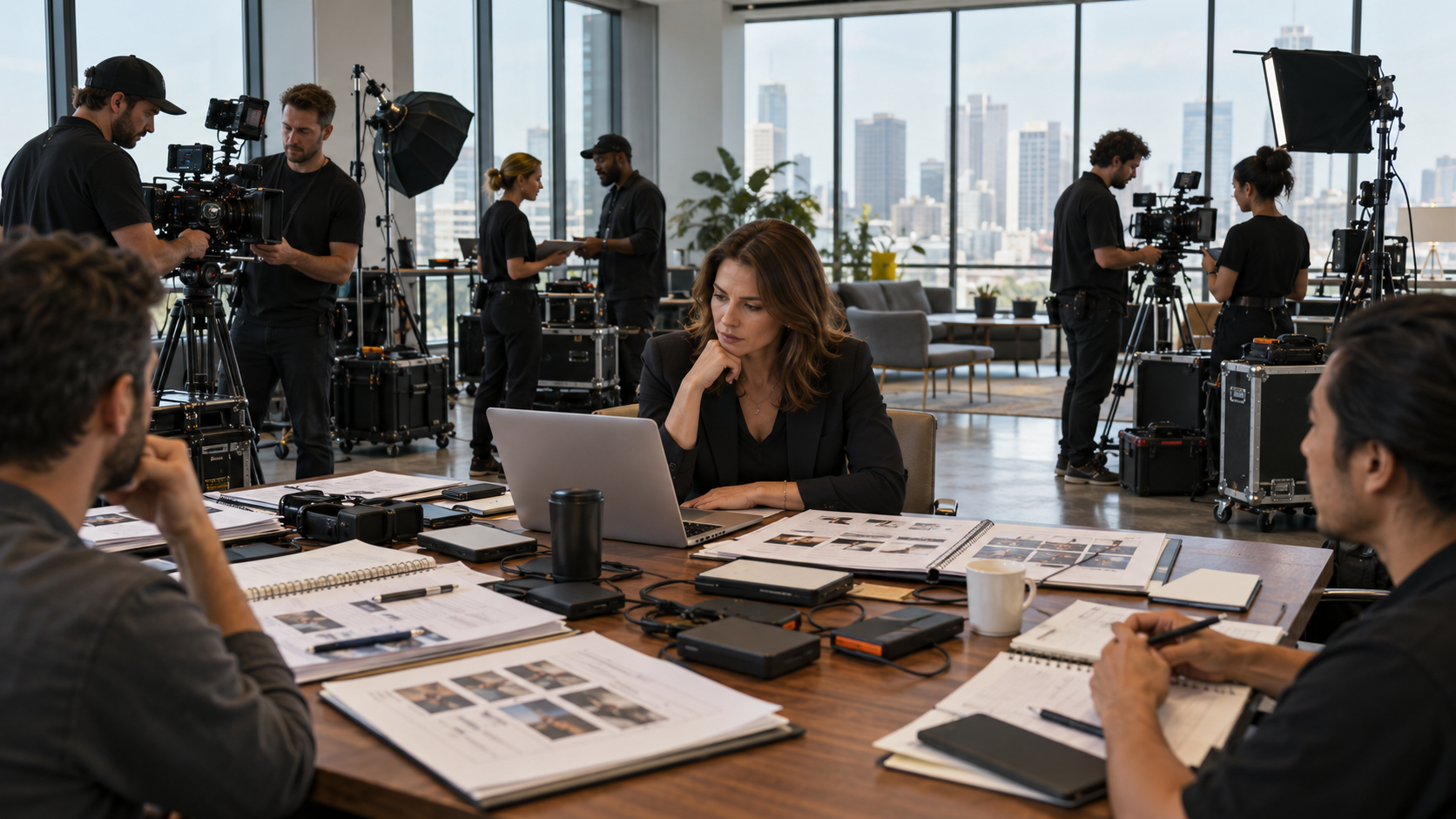
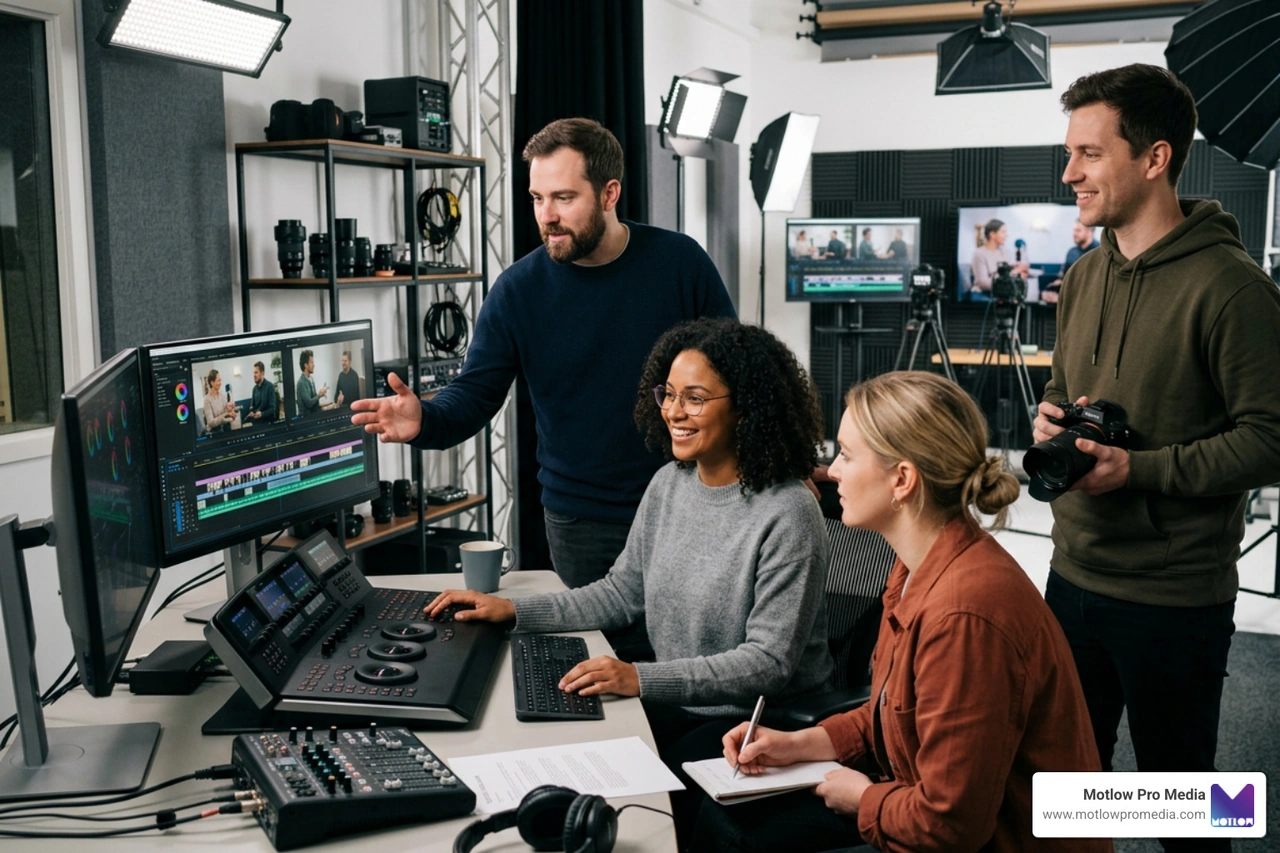
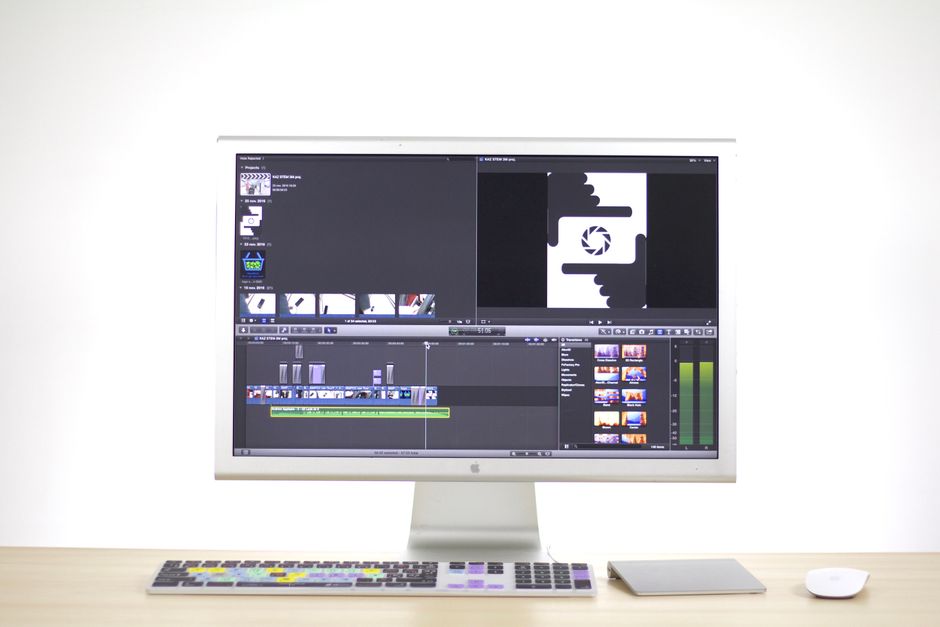
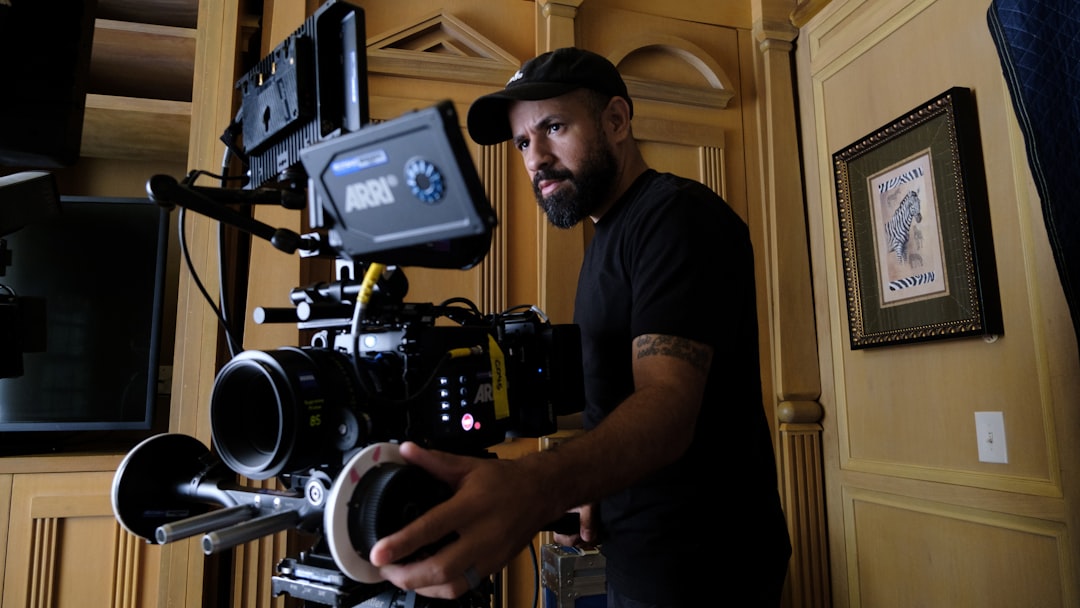
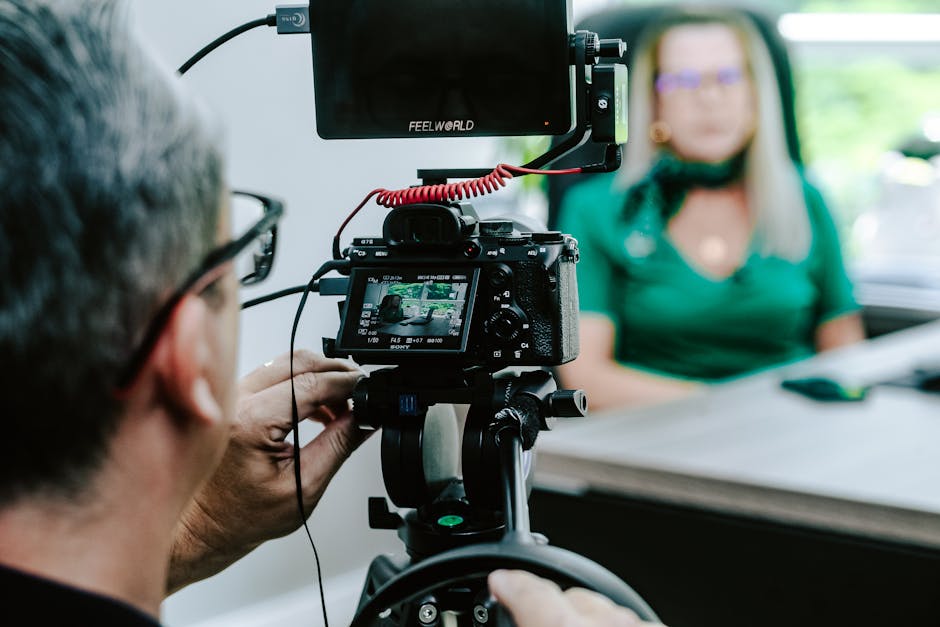
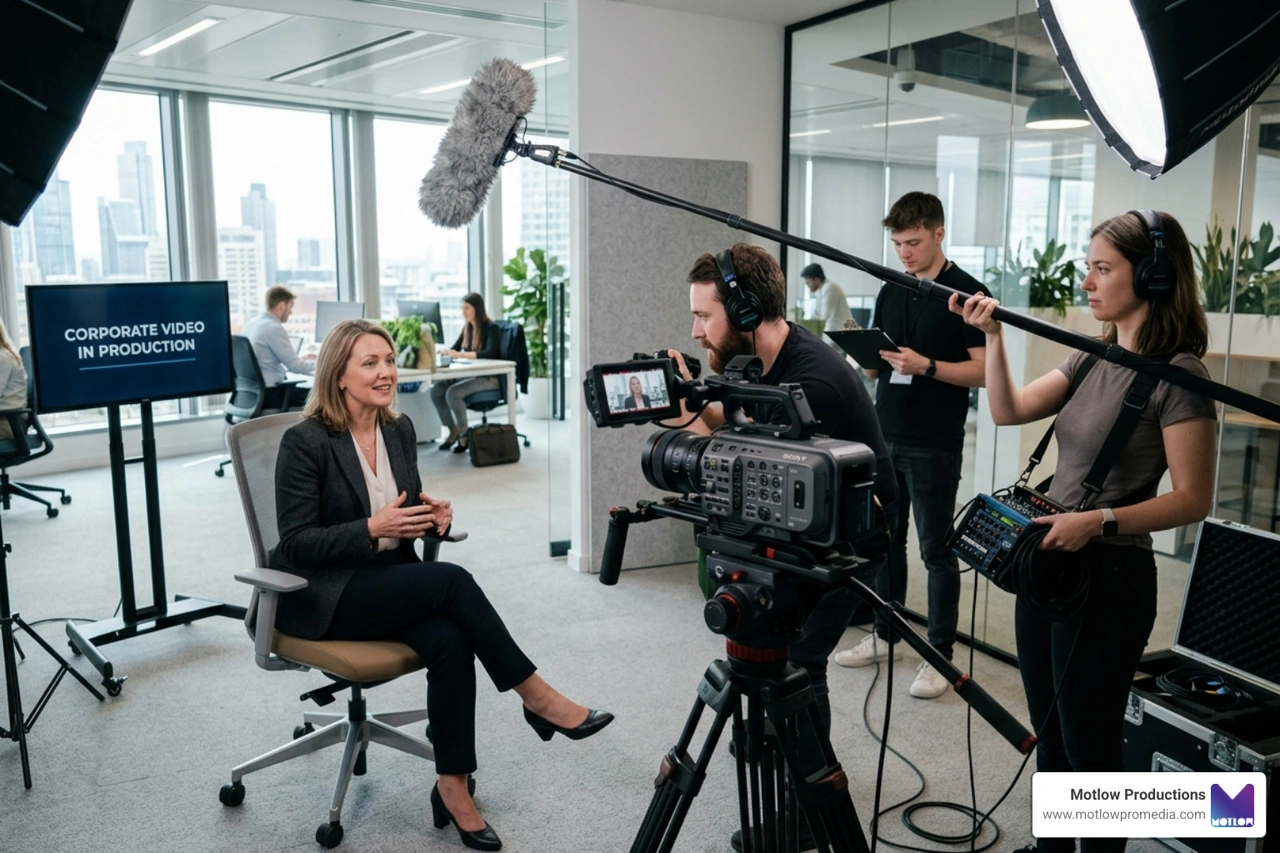
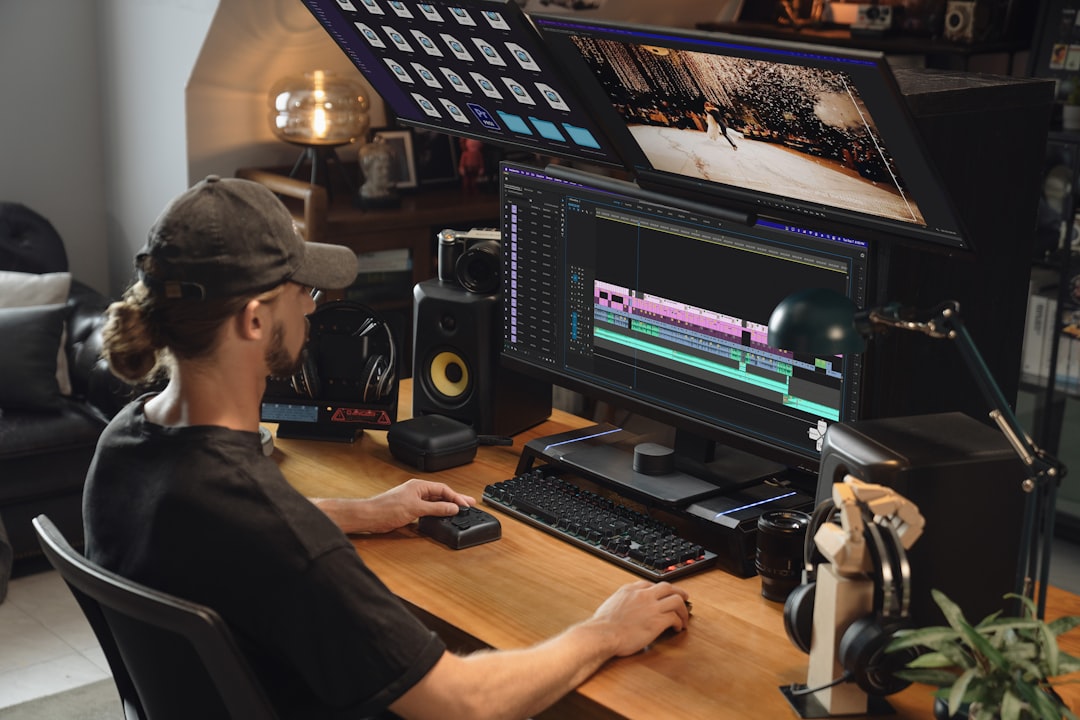
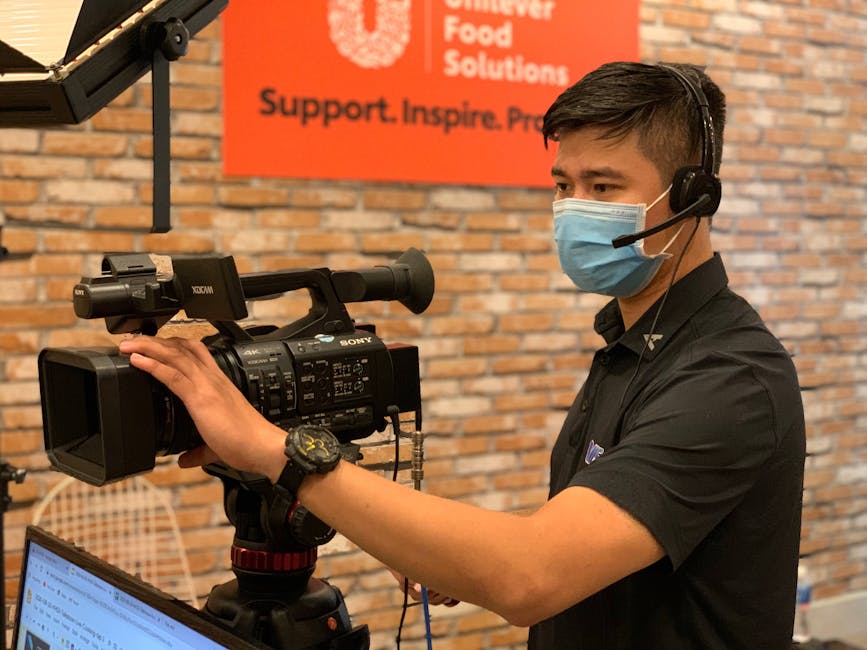
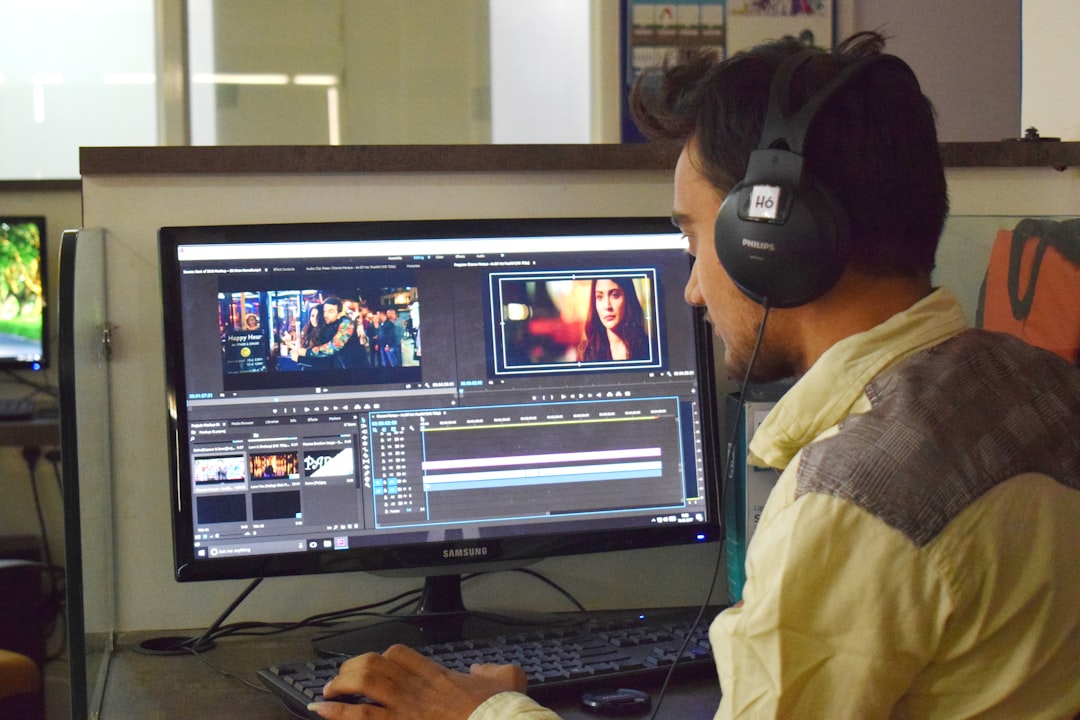
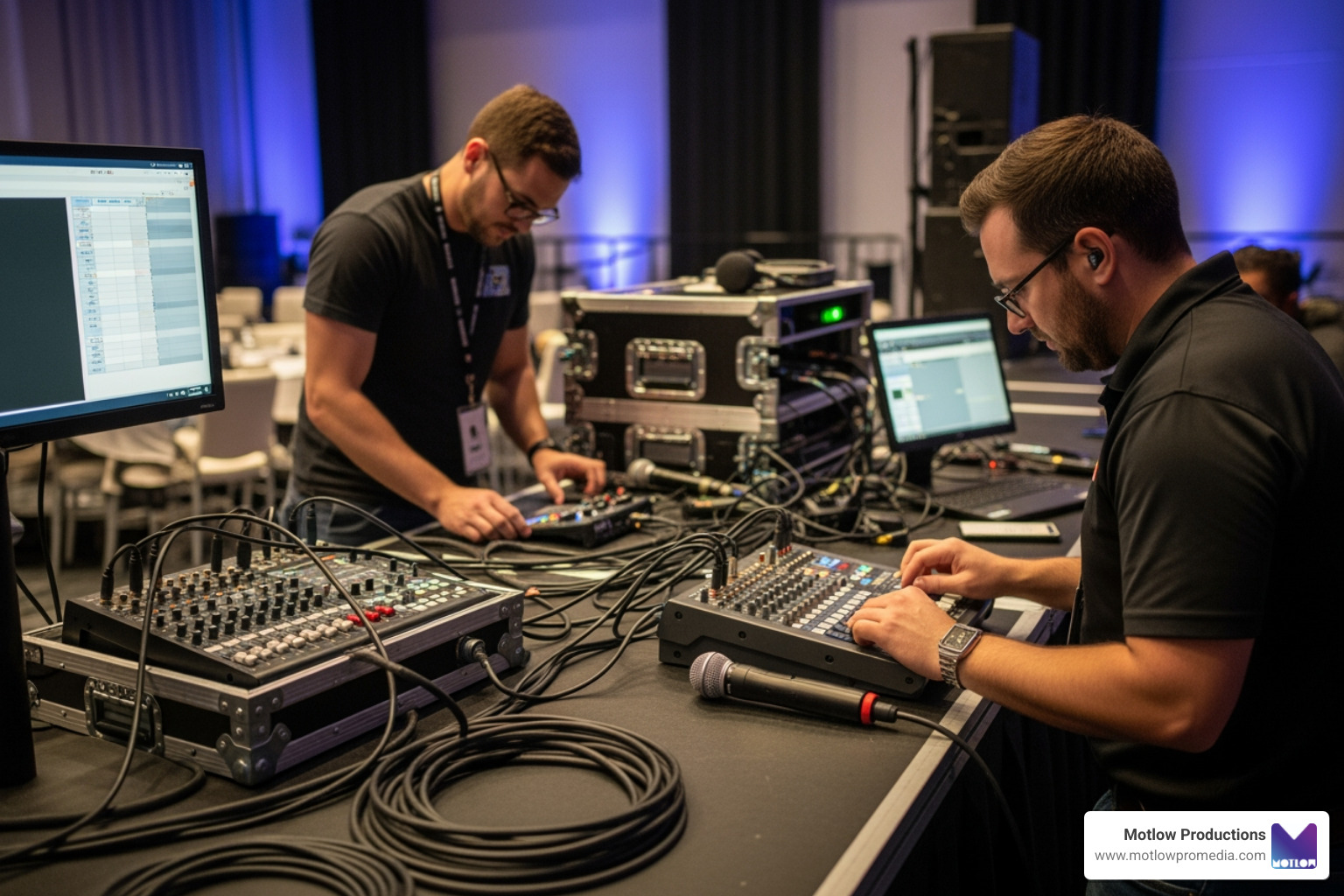
The camera operators capture the event from assigned angles. The technical director decides which angle goes live or guides the capture for post-production. The audio team makes sure the microphones, room sound, and recorded audio are clean. The producer or show caller helps the production team stay aligned with the run of show. The editor uses the captured footage later to create polished deliverables.
When these roles are coordinated, the event feels smoother. When they are not, even a strong speaker or great program can become difficult to use on video. This is why choosing the right production partner matters more than simply asking how many cameras will be in the room. The stronger question is whether the team understands the event goals, the brand expectations, and the post-event content plan. The business video production partner guide is a helpful resource for thinking through that kind of vendor decision.
A good production partner should also help translate technical needs into plain language. Marketing teams should not have to manage camera routing, encoding settings, or signal flow. They should understand what will be captured, what deliverables will be produced, and what decisions are needed before event day.
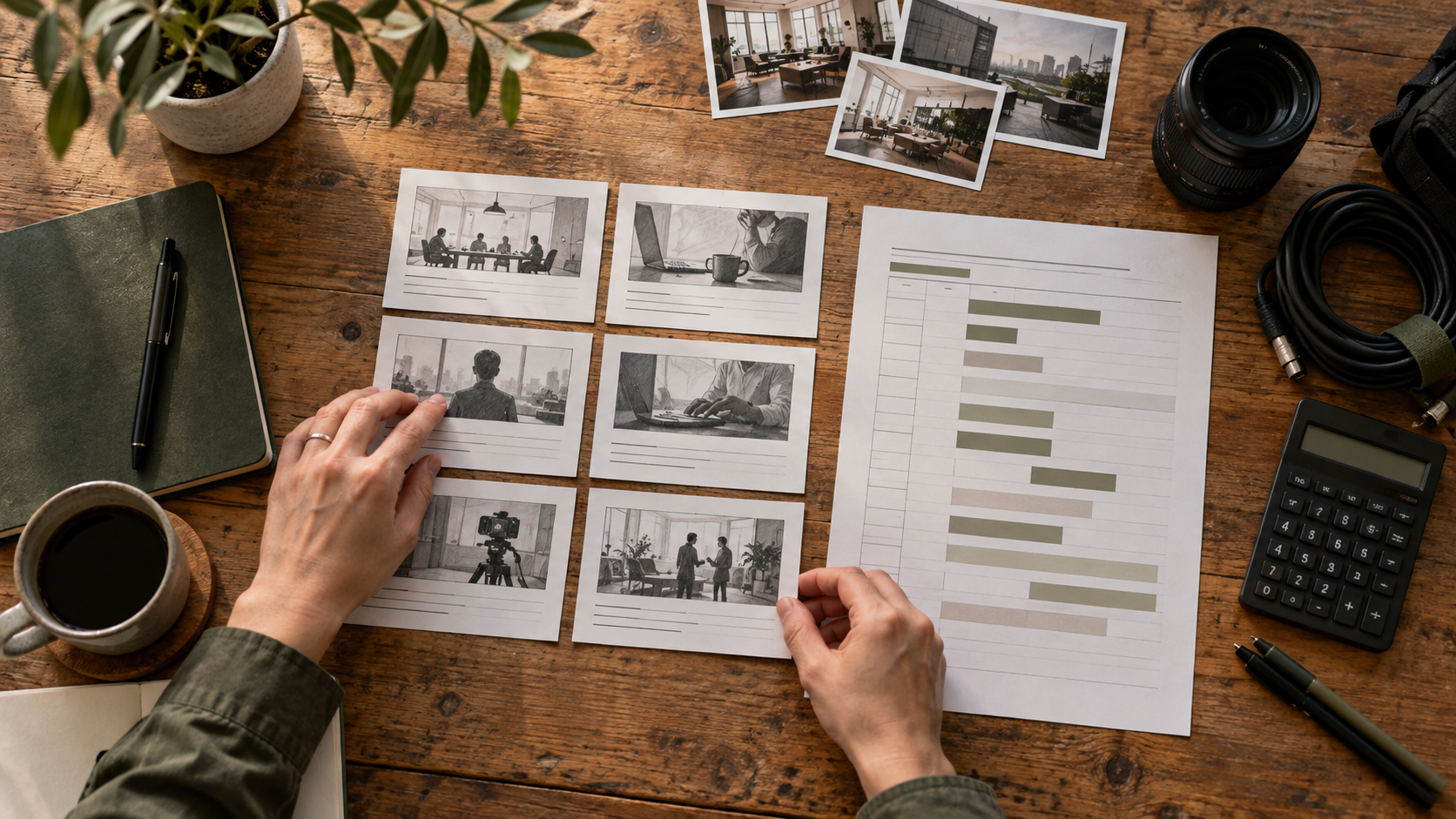
Strong multi-camera production starts before the first camera is unpacked. The production team needs to understand the venue, stage layout, lighting, audio plan, agenda, speaker list, screen content, audience size, and final deliverables.
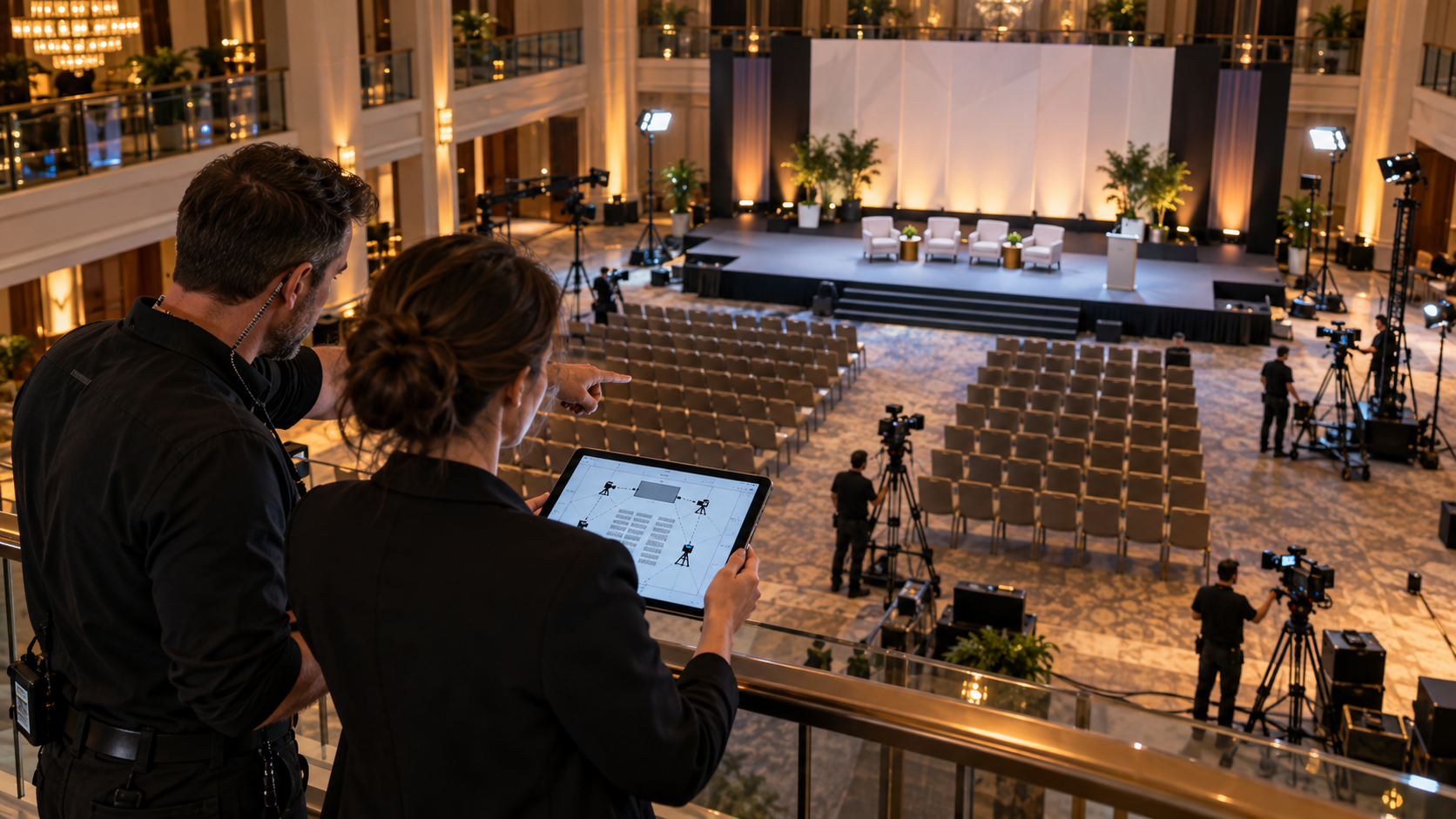
This pre-production step is where the team decides how many cameras are needed, where they should be placed, which moments need close coverage, and what content will be most valuable after the event. A keynote might need a different setup than a panel. A hybrid event might need different planning than a room-only corporate meeting. A sponsor-heavy event might require more audience, signage, and environmental shots than a leadership town hall.
The run of show is especially important. If the production team knows when a keynote begins, when a panel starts, when a sponsor video plays, and when Q&A begins, they can plan camera changes and audio needs more effectively. Without that preparation, the crew is forced to react instead of lead.
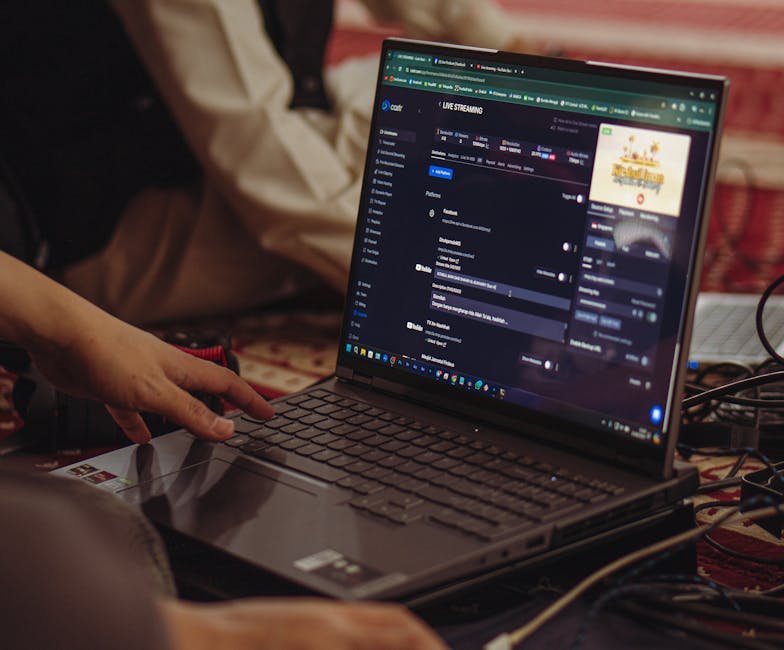
External platform requirements also matter when streaming is involved. For example, YouTube's live encoder guidance shows how specific streaming settings can affect delivery, while Vimeo's live streaming resources explain broader streaming considerations for branded broadcasts. The marketing team does not need to configure these settings personally, but someone on the production side should be responsible for them.
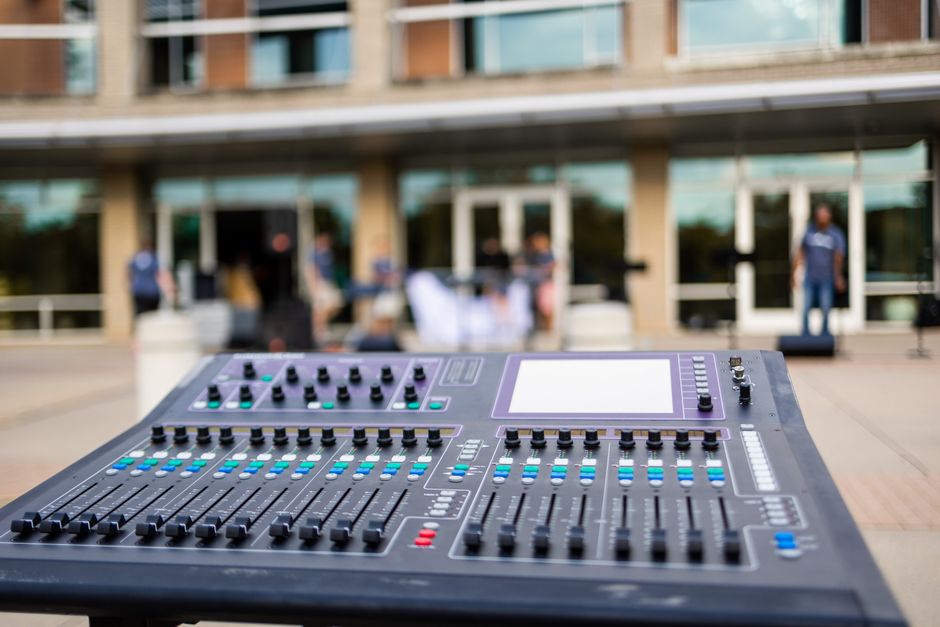
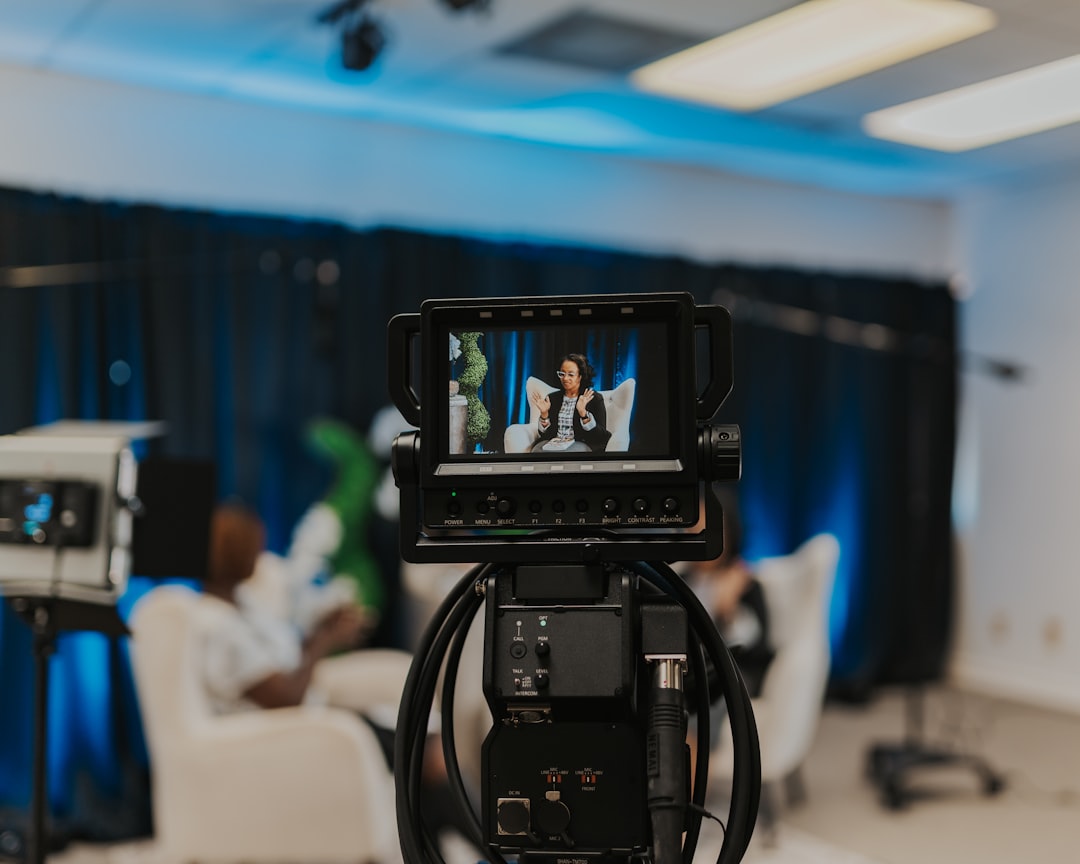
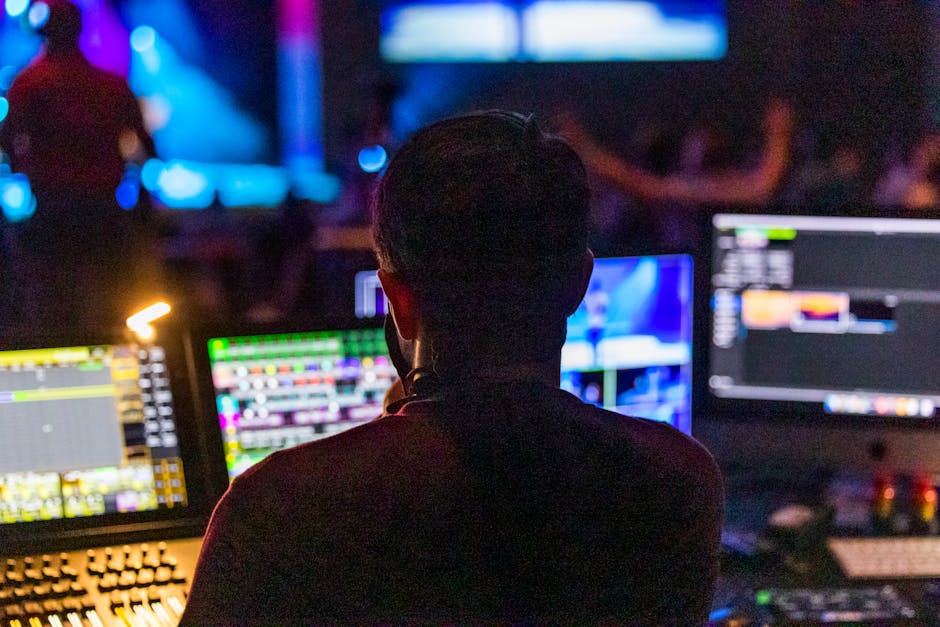
A professional event video is not only a camera project. It is a coordinated system. Cameras capture the people and room. Audio captures the message. Slide feeds or presentation feeds capture the visual information. Lighting helps people look natural and professional. The streaming or recording setup brings all of that together into a usable final output.
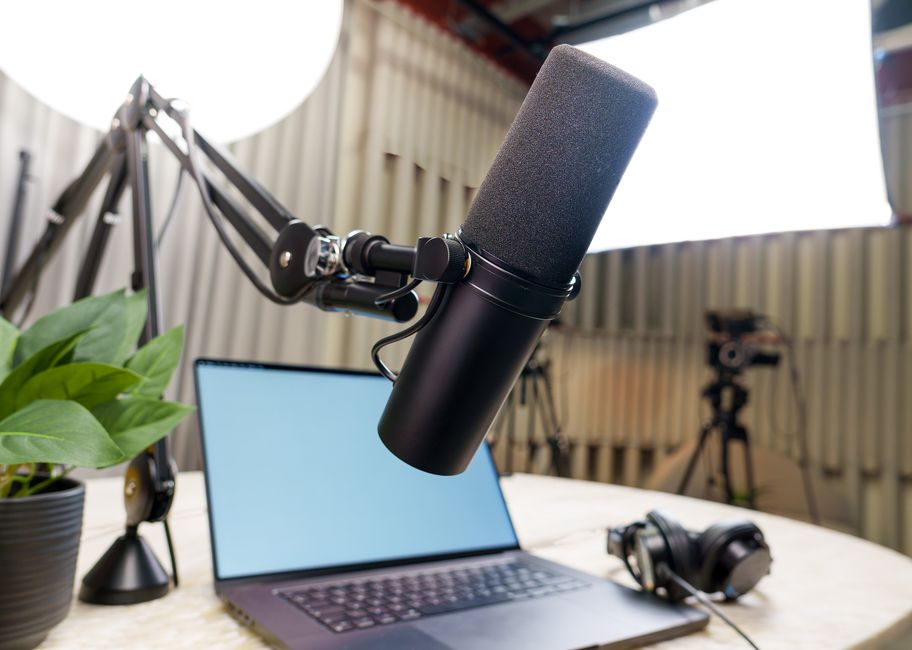
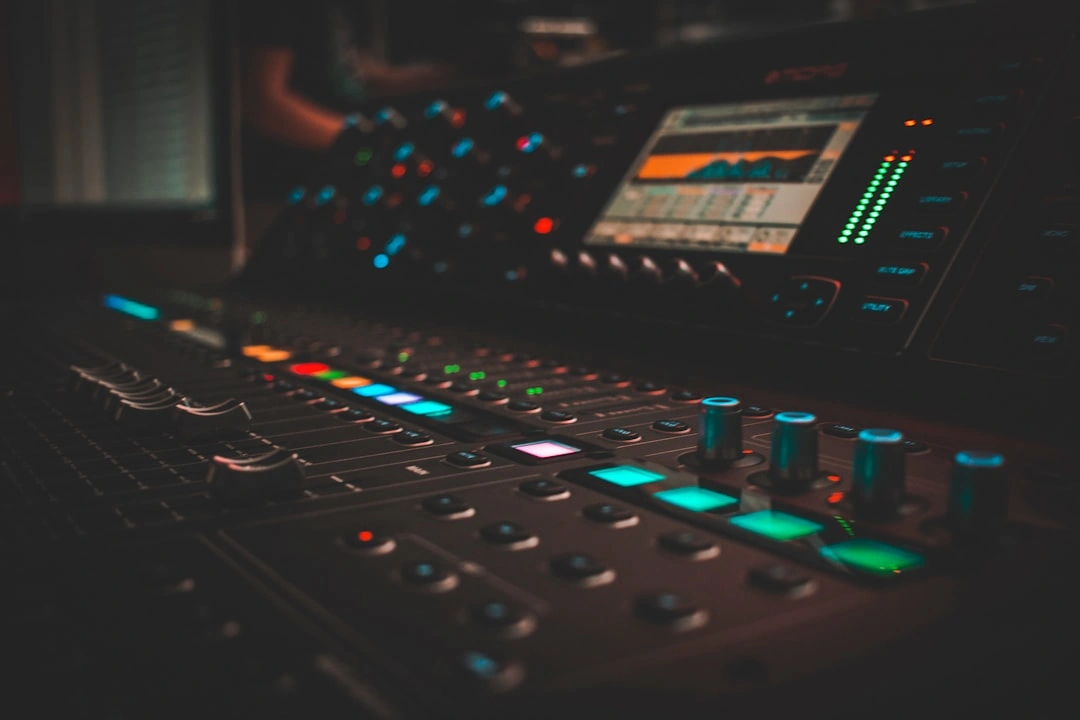
Audio is often the most overlooked piece. Viewers may forgive a simple camera angle, but they will leave quickly if the sound is difficult to understand. For panels, Q&A sessions, and executive presentations, every speaker should have a clear microphone plan. That might include lavalier mics, handheld mics, podium mics, or audience mics depending on the room and format.
Slides also need a plan. If the final video needs to show both the speaker and the presentation, the production team should know that before the event. Capturing slides separately or integrating them into the switched feed can make the final recording much more useful for training, internal communications, and post-event education.
For marketing teams, the practical takeaway is simple: do not think of multi-camera coverage as cameras only. Ask how the team is handling audio, slides, lighting, streaming, and post-production together.
When hiring a production partner, ask for plain-language answers. You do not need a technical diagram to make a good decision, but you do need clarity.
Ask how many cameras are recommended and why. Ask what each camera will capture. Ask whether the team will record isolated camera angles for editing later. Ask how audio will be captured. Ask whether slides or presentation materials will be integrated. Ask who is responsible for the livestream or final recording. Ask what deliverables you will receive after the event.
You should also ask how the production team will help create marketing value after the event. A multi-camera recording can be the source for a full session video, a highlight reel, short clips, executive quotes, sponsor recaps, internal communications, and social content. HubSpot's video marketing research continues to show how central video has become to modern marketing, which is why event footage should be planned as a content asset rather than an archive.
The Motlow Pro Media portfolio is useful here because it shows how live event production, corporate content creation, and media leadership can work together. The goal is not just to record the event. The goal is to create useful content from it.
The first mistake is treating multi-camera production as a last-minute upgrade. Camera placement, crew size, audio needs, lighting, and venue logistics should be planned early. Waiting until the week of the event creates avoidable risk.
The second mistake is separating production from marketing goals. If the production crew only knows the event agenda but not the content strategy, they may miss shots that would have been valuable later. A marketing team might need audience reactions, sponsor signage, executive soundbites, networking footage, or vertical clips for social media. Those needs should be identified before the event.
The third mistake is assuming the venue's AV setup will cover everything. Venue AV and event video production can overlap, but they are not always the same thing. The AV team may focus on the room experience, while the production team focuses on the recorded or streamed content. For important events, those responsibilities need to be clearly defined.
The fourth mistake is underestimating review and delivery time. If the event needs social clips within 48 hours, the production team should know that in advance. If leadership needs a polished full-session recording, that also changes the post-production workflow.
Do we really need more than one camera for a corporate event?**
**Not always. A small internal update or simple announcement may only need one camera. But conferences, panels, keynote presentations, livestreams, and high-visibility corporate events usually benefit from multiple angles because the final content is more engaging and easier to edit.
How many cameras does a corporate event need?**
**It depends on the room, agenda, and deliverables. Many corporate programs can be covered well with two or three cameras. Larger conferences, multi-speaker panels, livestreams, and events with audience interaction may need more.
Is multi-camera production only for livestreams?**
**No. Multi-camera production can support livestreams, recorded sessions, recap videos, social clips, internal communications, training content, and sales enablement. Even if nothing is streamed live, multiple angles can make the edited content stronger.
Can a marketing team manage this without understanding the technical setup?**
**Yes, if the production partner communicates clearly. The marketing team should define the event goals, audience, brand expectations, and deliverables. The production team should translate those goals into the right technical plan.
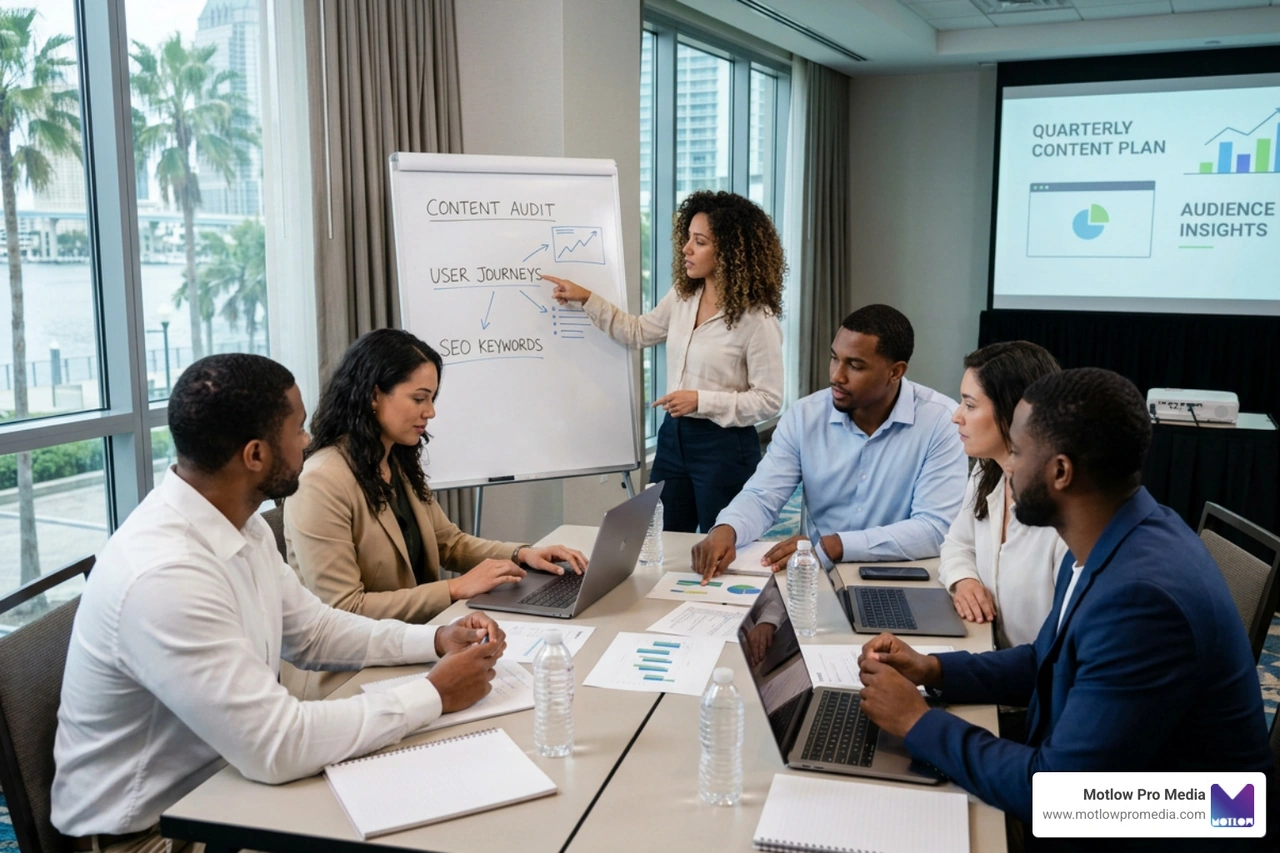
A single event is often the moment a marketing team first realizes it needs multi-camera coverage — but the value compounds when that kind of production is planned quarter over quarter rather than rediscovered every time a new event appears on the calendar. A recurring content partnership keeps camera plans, run-of-show details, and post-event deliverables consistent from one event to the next, so each event builds on the last instead of starting from a blank technical brief.
Multi-camera event production is not about making the process more complicated. It is about making the final content more useful, professional, and reliable. For non-technical marketing professionals, the key is to ask for clarity: what will be captured, how the event will be supported, and what content will be delivered after the event.
When the production plan connects camera coverage, audio, slides, streaming, and post-event content strategy, the event becomes more than a one-day experience. It becomes a content engine your team can use long after the stage lights turn off.
Some clients want to give notes in a live Zoom call. Others prefer a group text or email thread. However you like to communicate, we adapt. You’ll never be left guessing where things stand - and you’ll always have a say before anything goes out the door.




Phone:
+1 863-250-8639
.png)
Email:
info@motlowpromedia.com