




-5.jpg)



















Thank you! Your submission has been received!
Oops! Something went wrong while submitting the form.

.avif)
June 4, 2026
Virtual conference production is the end-to-end process of planning, broadcasting, and managing a professional online conference — covering everything from platform setup and speaker prep to live AV execution and post-event content delivery.
Here's what professional virtual conference production typically includes:
Running a virtual conference looks simple from the outside. Hit "go live," share the link, done.
In reality, it's anything but.
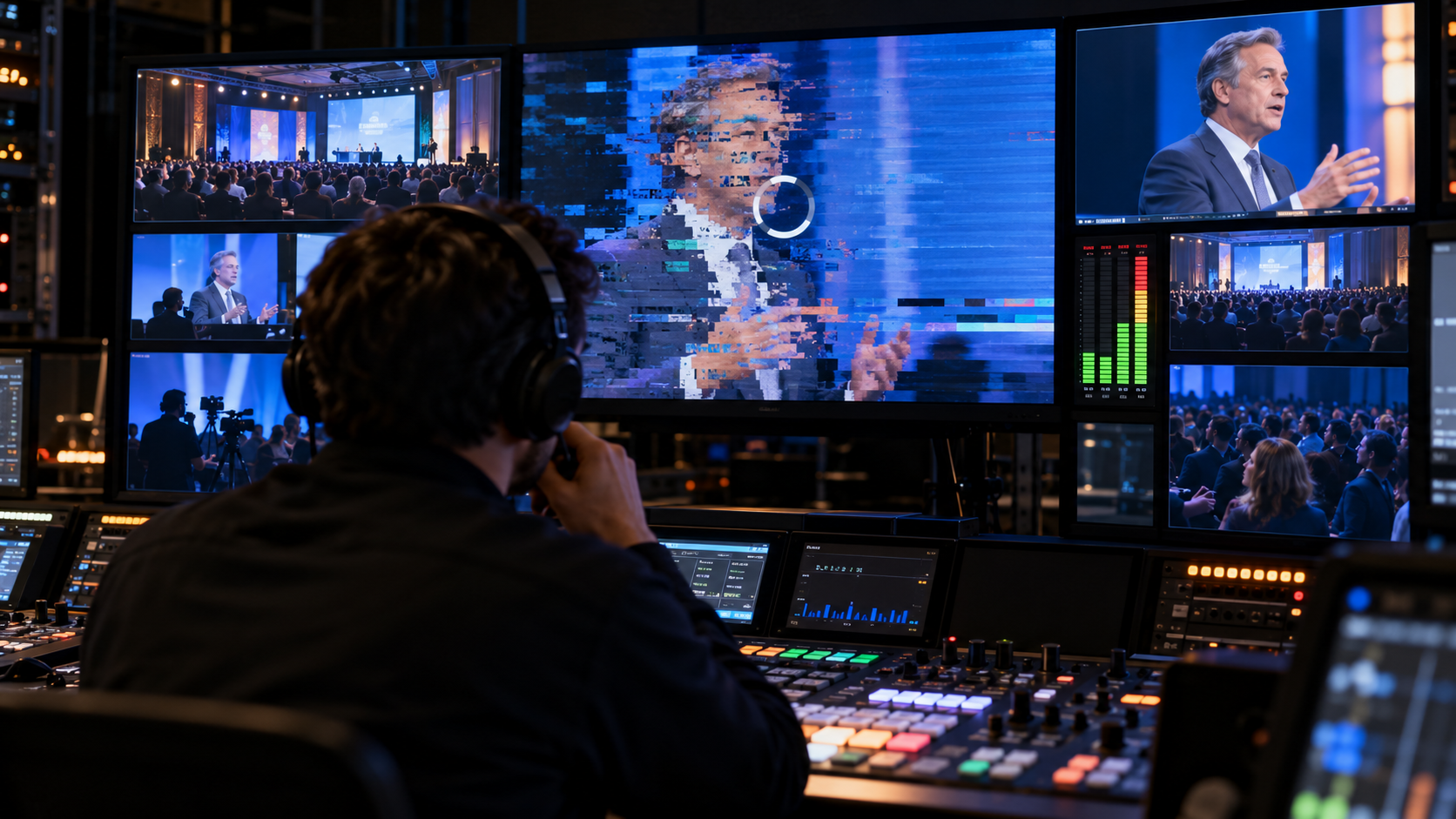
Tech audiences notice a laggy stream within seconds. A speaker's mic cuts out with 4,000 people watching. A sponsor's virtual booth loads broken. These aren't edge cases — they're what happens when production is treated as an afterthought.
The numbers back this up. When organizations invest in professional virtual conference production, the results can be dramatic. One tech conference more than doubled its live attendance in a single year — and saw sponsor leads grow by over 900%.
The difference between a forgettable online event and one people actually talk about comes down to production. Not just the technology, but the people and process behind it.
I'm Miranda Motlow, founder and CEO of Motlow Pro Media, a Tampa-based media agency with deep roots in live production and strategic video content. My background in broadcast journalism and business video production shapes how I approach virtual conference production — always leading with story, strategy, and flawless execution. In the sections below, I'll walk you through exactly how to produce a professional virtual conference that works.
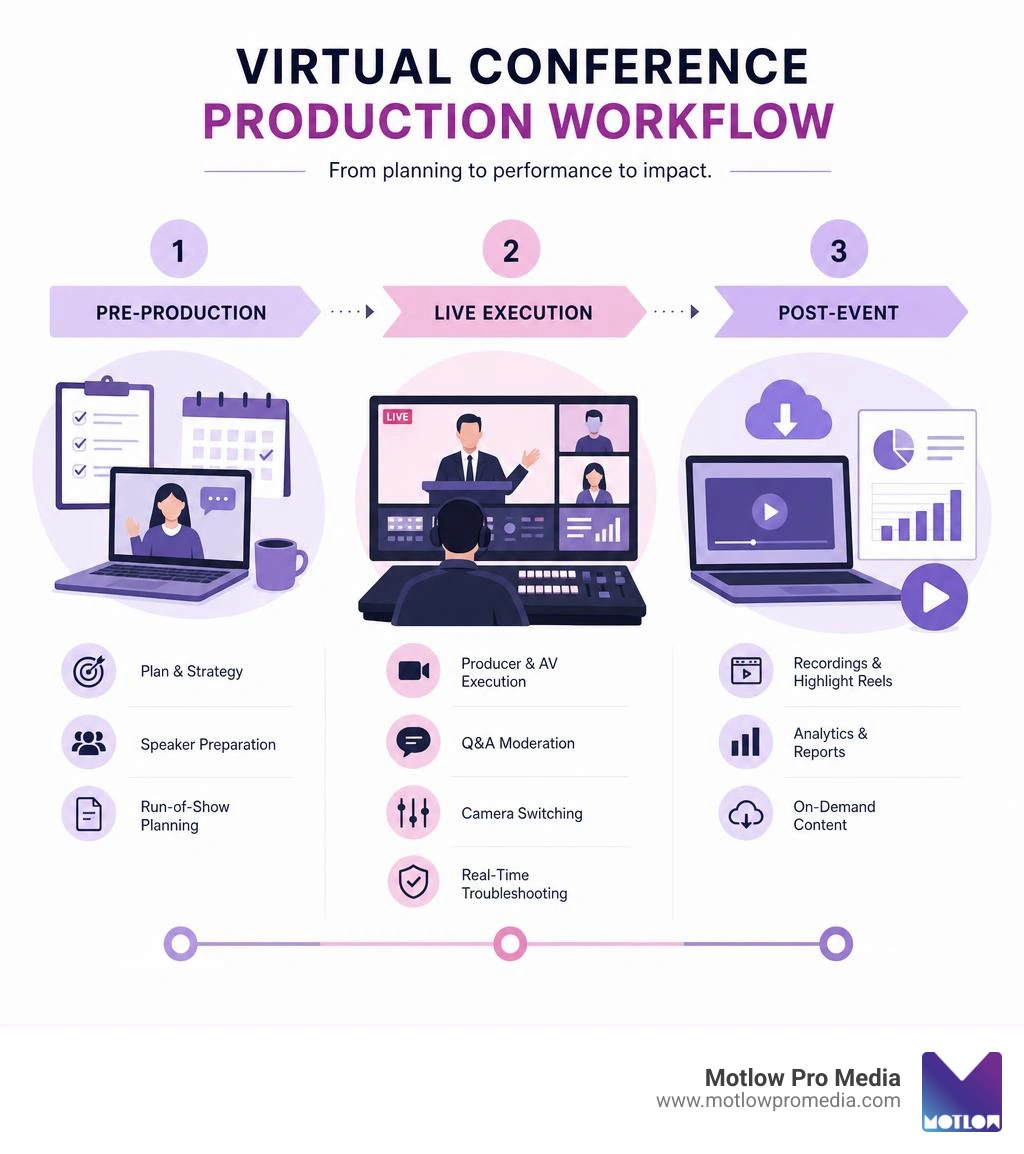
Virtual conference production terms simplified:
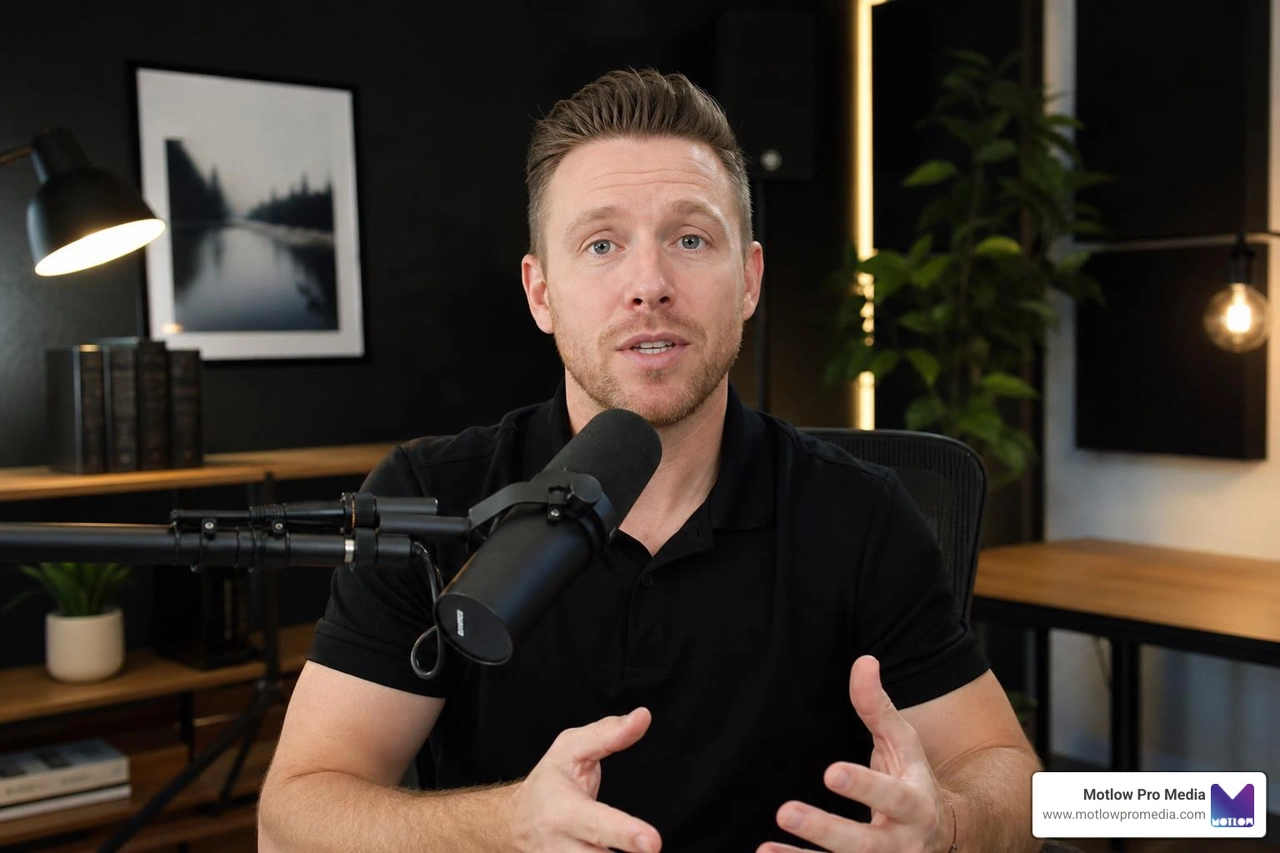
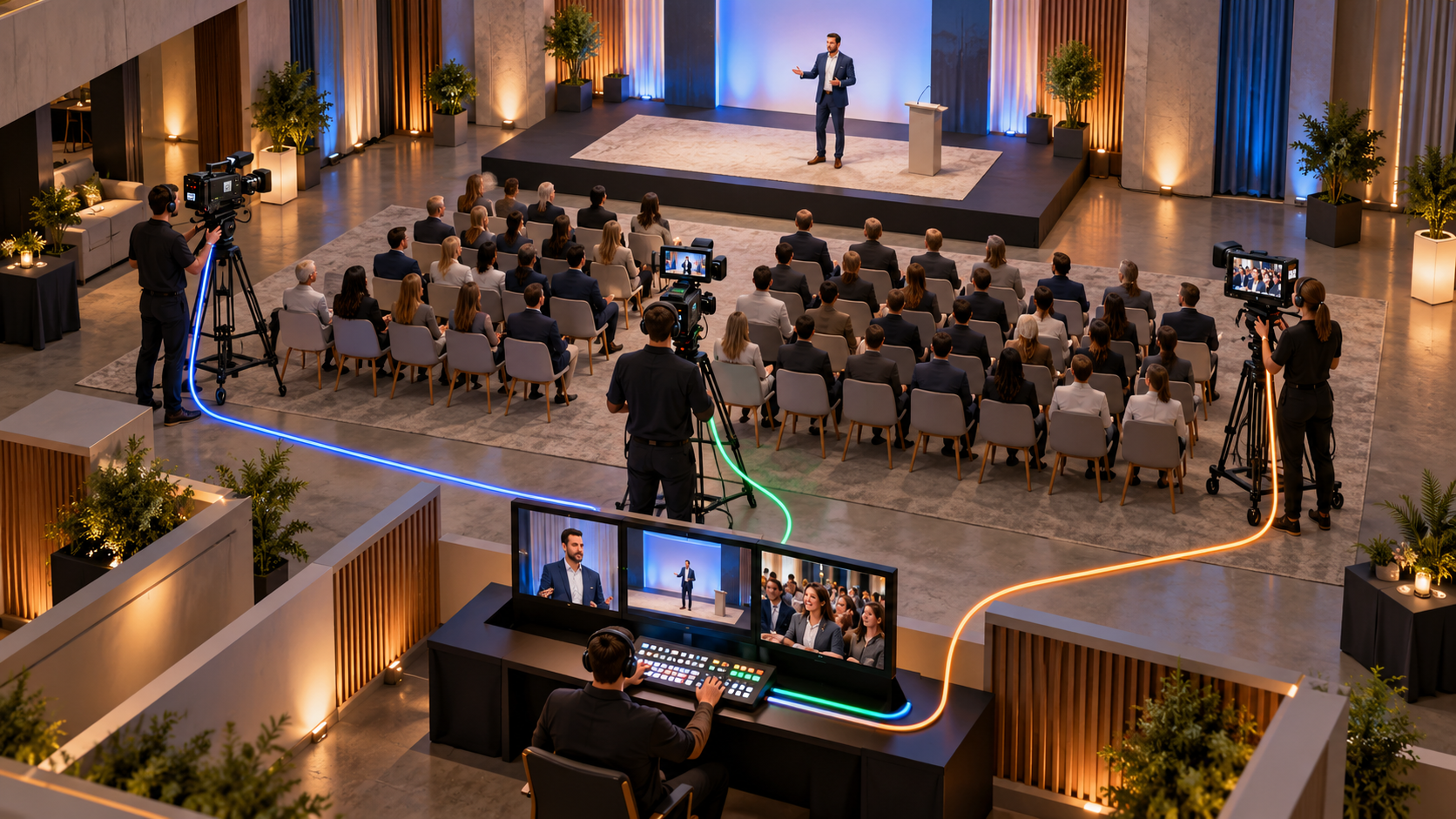
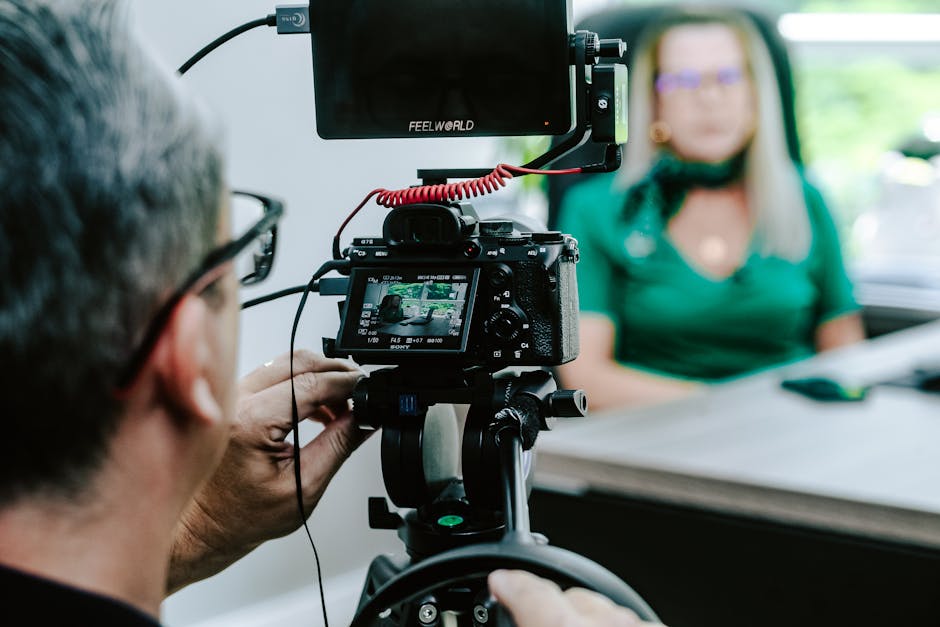
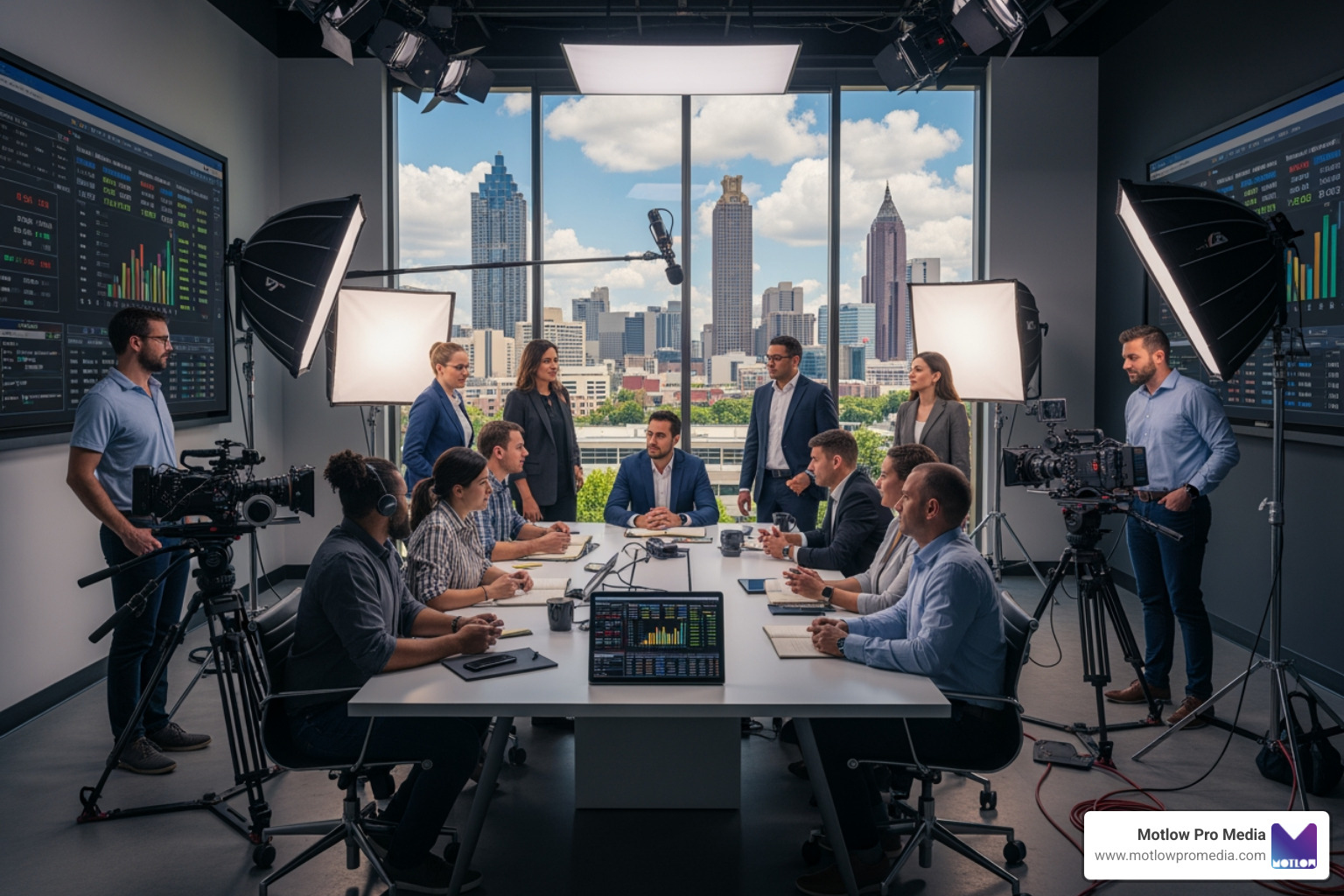
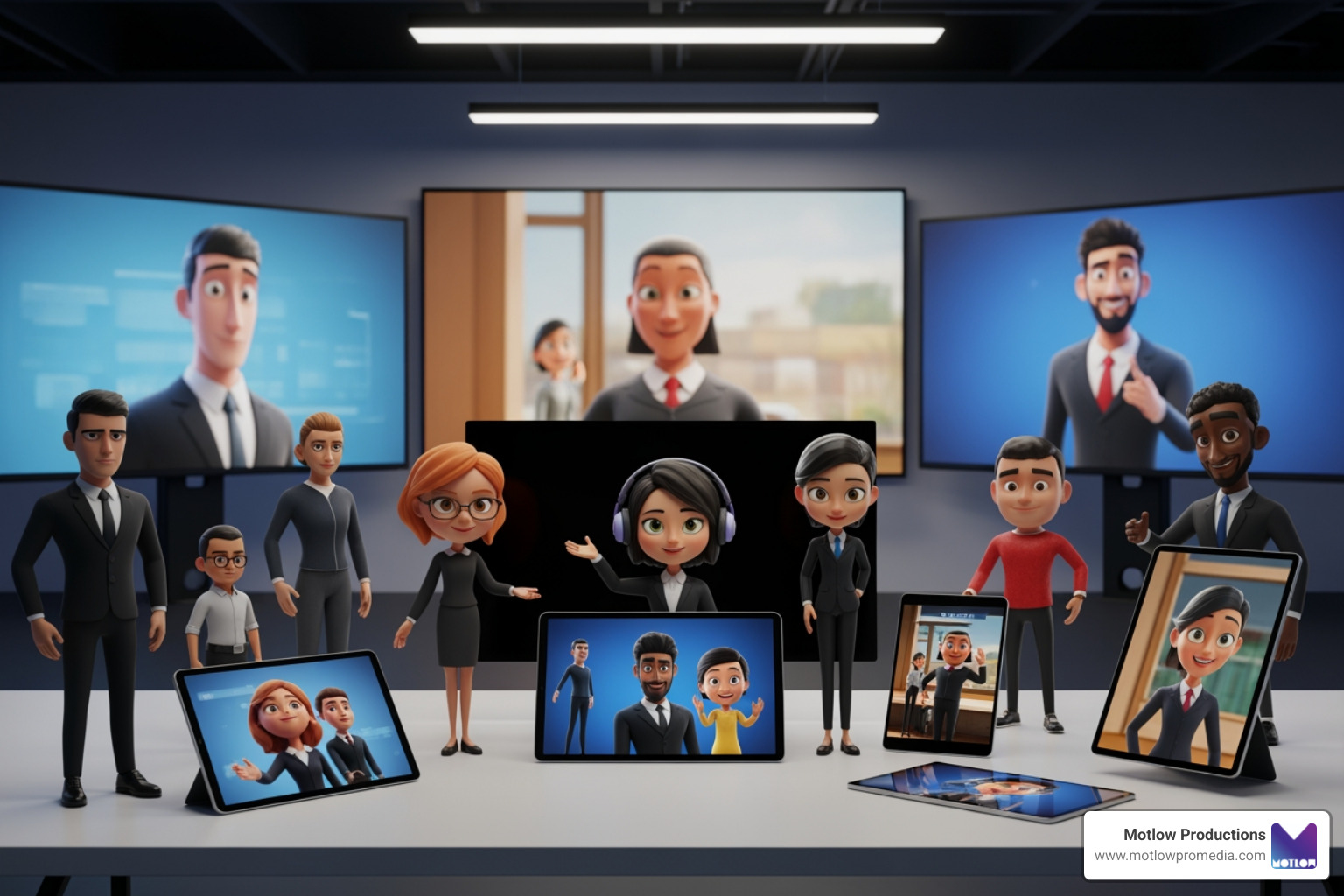
At its core, virtual conference production is the art and science of translating a multi-session, multi-speaker live event into a flawless digital broadcast. Unlike a standard Zoom webinar where participants stare at a grid of low-resolution webcams, professional production elevates the digital experience to broadcast television standards.
It is helpful to understand how this differs from other event formats:
For organizations looking to transition from physical spaces to online environments, our Corporate Event Production Complete Guide offers a deep dive into high-level planning.
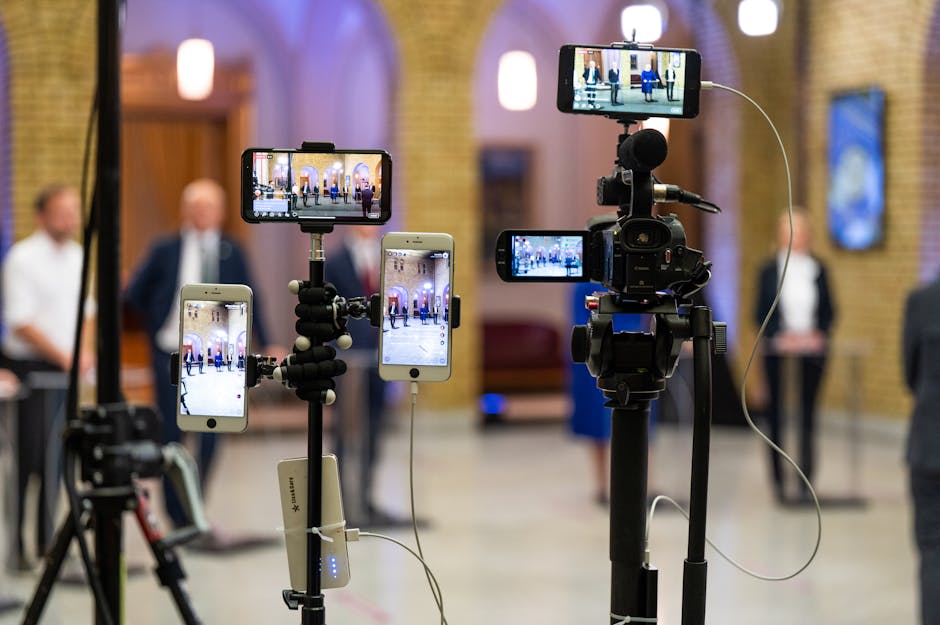
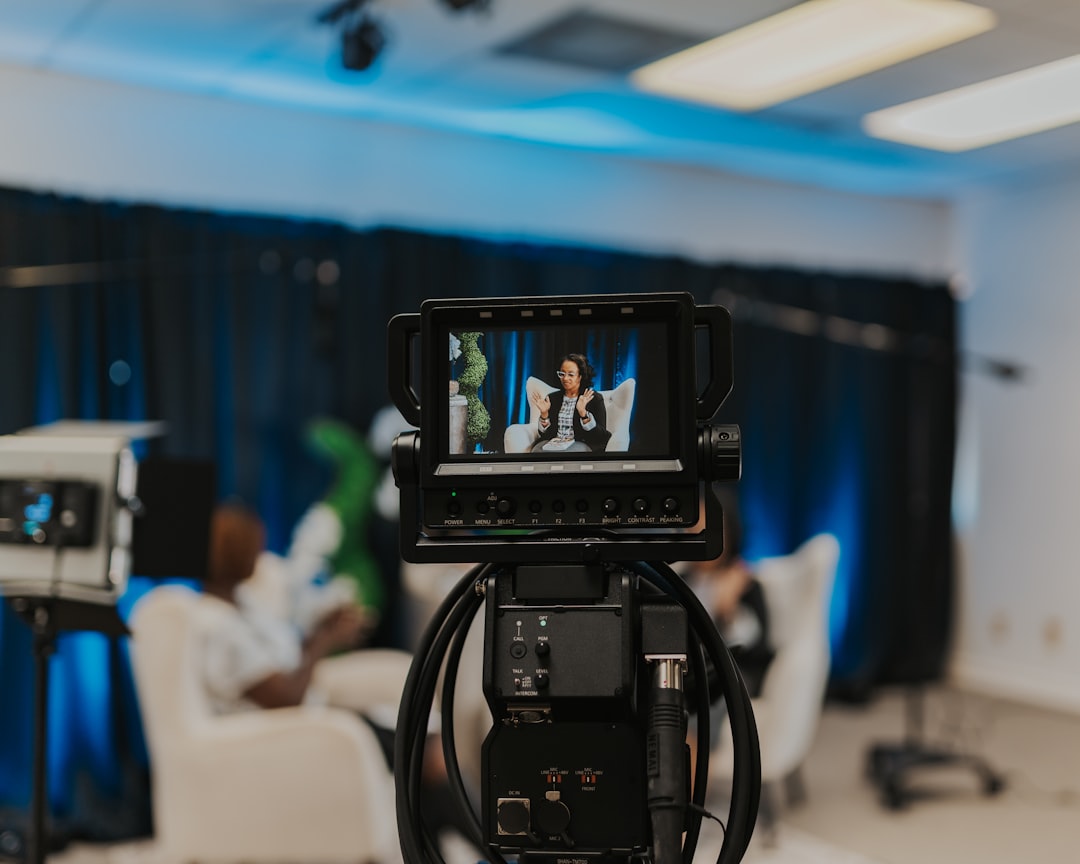
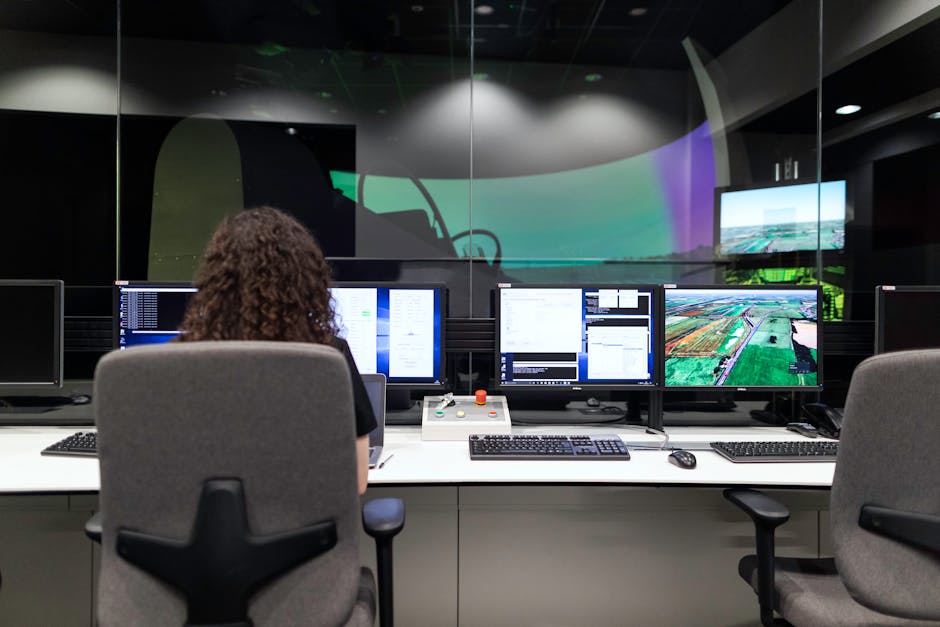
When you eliminate the physical venue, the digital stream becomes the venue. This is why professional Live Event Streaming is so critical. Producers use cloud-based production switchers, custom graphics, lower-thirds, and dedicated audio engineering to ensure remote speakers look and sound like they are sitting in a professional television studio.
To achieve this level of quality, many organizations partner with specialized agencies. Working with a professional production partner ensures that your remote event design is approached with the same technical standards and creative execution as a live television broadcast.
Building a virtual conference requires a robust technical architecture. It is not just about where the video is hosted, but how data, video, and user interactions flow together in real time.
[Remote Speakers] ---> [Cloud Production Switcher] ---> [Encoder (RTMP)] ---> [CDN / Virtual Platform] ---> [Global Audience] ^ [Interactivity: Q&A, Polls]When we design a virtual event, we focus heavily on platform integration, user experience (UX), and scalability. The system must be capable of handling sudden registration surges - such as scaling from 500 to 15,000 active users in a matter of minutes - without lagging or crashing. Accessibility should also be considered early, using recognized standards such as the Web Content Accessibility Guidelines (WCAG) to help make the virtual conference experience usable for more attendees. For a complete look at how we architect these digital environments, explore our Motlow Pro Media Services.
For highly customized webcasts, utilizing advanced streaming setups and high-capacity streaming infrastructure is essential to maintain broadcast quality and prevent downtime during high-traffic events.
One of the most common mistakes organizations make is adopting a "platform-first" approach. They purchase an expensive software license before mapping out their actual event goals.
Instead, we recommend mapping the attendee journey first:
For developers and technical teams looking to build their own custom, open-source solutions, resources like the GitHub - lexicoder/virtual-event-starter-kit provide an excellent foundation. This kit, which was used to run major developer conferences with nearly 40,000 live attendees, demonstrates how static site generation combined with dynamic API routes can deliver 99.99% uptime during massive traffic spikes.
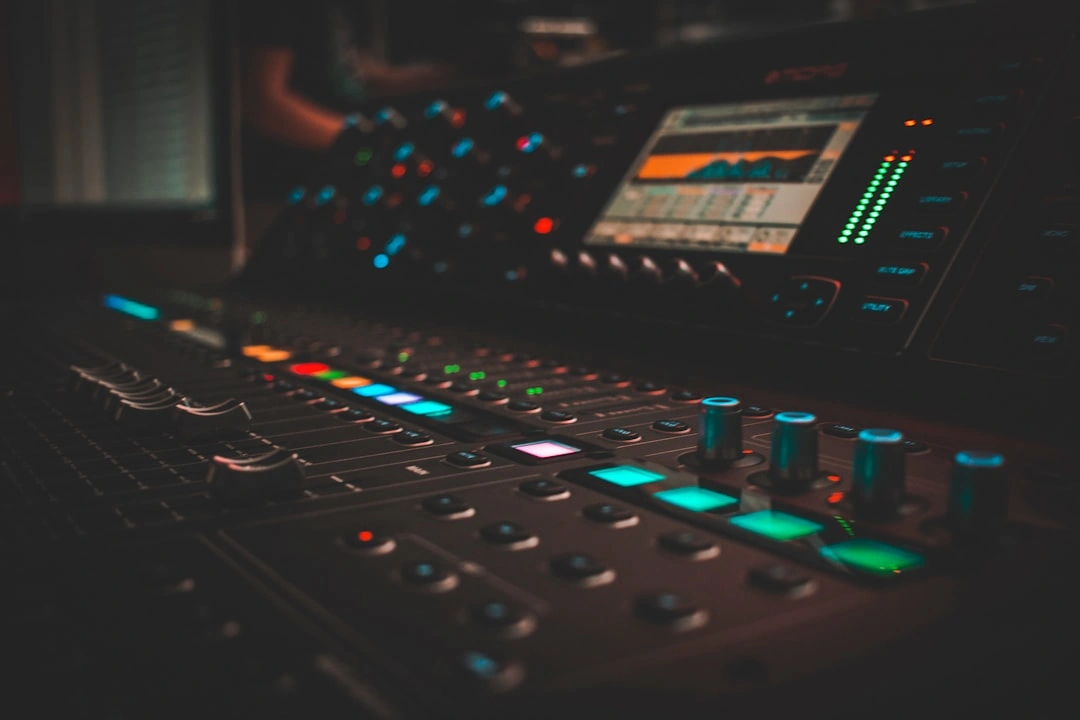
To deliver a broadcast-grade experience, a professional production team manages several underlying technical layers:
For a deeper look at the physical and digital components required for these setups, check out our guides on Technical Event Production and Live Event Streaming.
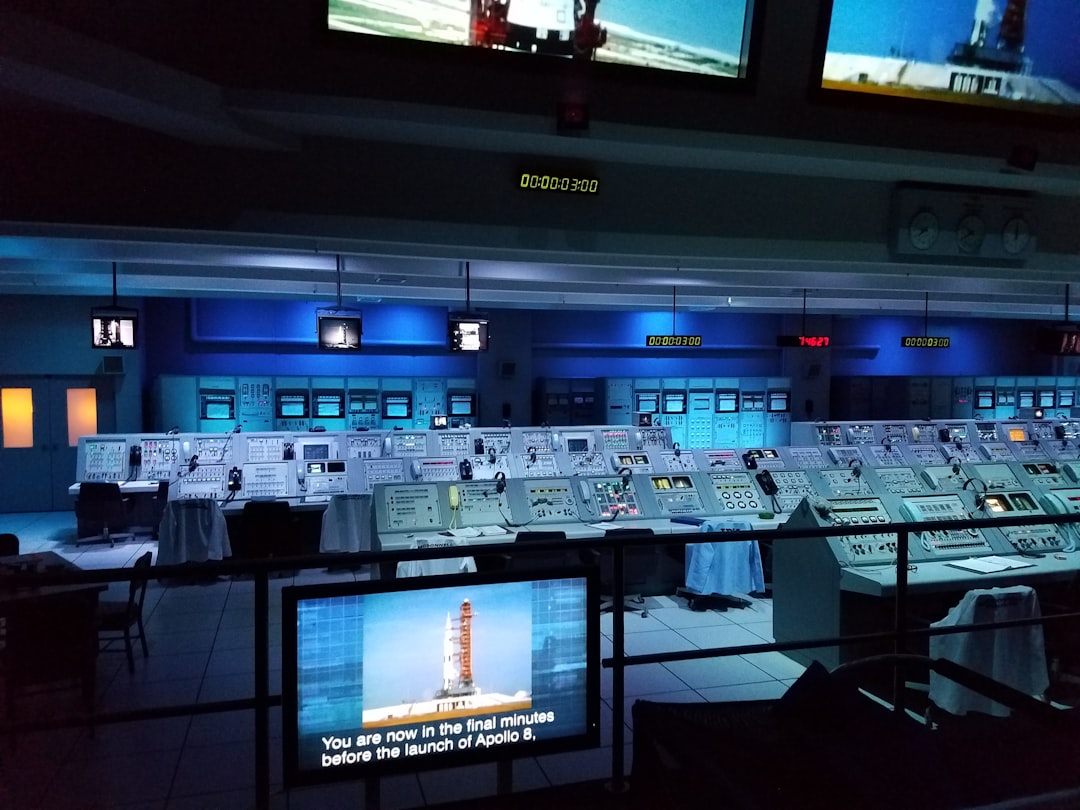
When a virtual conference expands to multiple tracks, multiple days, or a continuous 24-hour global broadcast, the complexity increases exponentially.
Managing a continuous global broadcast across regions like the Americas, Europe, and Asia-Pacific requires a highly structured production team. For instance, a recent 24-hour global conference featuring 80+ speakers across three simultaneous tracks required a team of 10 dedicated producers. This team was structured into:
To pull this off, you need a detailed technical run-of-show that acts as the single source of truth for every second of the event. To learn more about how to structure these complex technical blueprints, read our guides on Conference AV Support and the Event Technical Production Complete Guide.
Your virtual conference is only as professional as your most remote speaker's internet connection. To mitigate the risks of home-office environments, professional producers do not leave anything to chance.
We recommend a strict speaker readiness workflow:
To understand how to coordinate these technical details for corporate presenters, review our article on Corporate Meeting AV.
Keeping an audience engaged in front of a computer screen is vastly different from keeping them engaged in a physical auditorium. Without active participation elements, attendees will quickly open another browser tab and drift away.
To combat "Zoom fatigue," we integrate Audience Engagement Technology directly into the broadcast:
When executed correctly, virtual sponsor environments can deliver staggering returns. For example, the CodePath Emerging Engineers Summit saw its live attendance grow from 2,300 to 4,600, while qualified sponsor leads skyrocketed from 5,131 to 52,304 in a single year—representing a 919% growth in sponsor lead generation.
A professional virtual conference requires a realistic timeline and budget. While you save money on venue rentals, travel, and catering, those resources must be reallocated to platform licensing, professional AV production, and speaker support.
A standard production timeline looks like this:
[Weeks 6-8: Platform Selection & Branding] ---> [Weeks 3-5: Speaker Audits & Registration] ---> [Weeks 1-2: Rehearsals & Dry Runs] ---> [Live Event]To help you plan your next event, we have broken down the typical costs and technical requirements for professional virtual production:
| Tier | Estimated Cost | Best For | Technical Elements Included |
|---|---|---|---|
| Standard Webinar / Town Hall | $10,000 - $20,000 | Monthly corporate briefings, single-track training | Single-stream setup, standard platform branding, basic tech checks, 1-2 remote producers |
| Professional Virtual Conference | $20,000 - $60,000 | Annual member meetings, multi-track summits | Multi-track support, custom branded lobby, speaker gear kits, dedicated backstage producers, custom graphics |
| Enterprise / Global Broadcast | $60,000 - $100,000+ | Large-scale tech conferences, 24-hour global events | 24-hour continuous production, 3+ simultaneous tracks, advanced gamification, custom integrations, full redundancy systems |
To explore how these tiers translate to your specific event goals, take a look at our Event Live Streaming Service.
Professional virtual conference production typically runs from $20,000 to $100,000+ depending on the scale of the event, the number of simultaneous tracks, the platform requirements, and the level of speaker support needed. While basic webinars can be produced for less, multi-day conferences with custom branding and high-end AV switchers require a dedicated production team and robust platform infrastructure.
We mitigate speaker technical issues through pre-event rehearsals, gear audits, and real-time producer intervention. If a remote speaker's internet connection drops during a live stream, our backstage producers instantly switch to a pre-recorded backup video, display a branded "technical difficulties" holding slide, or transition the broadcast to a co-presenter while we troubleshoot the speaker's connection in the private green room.
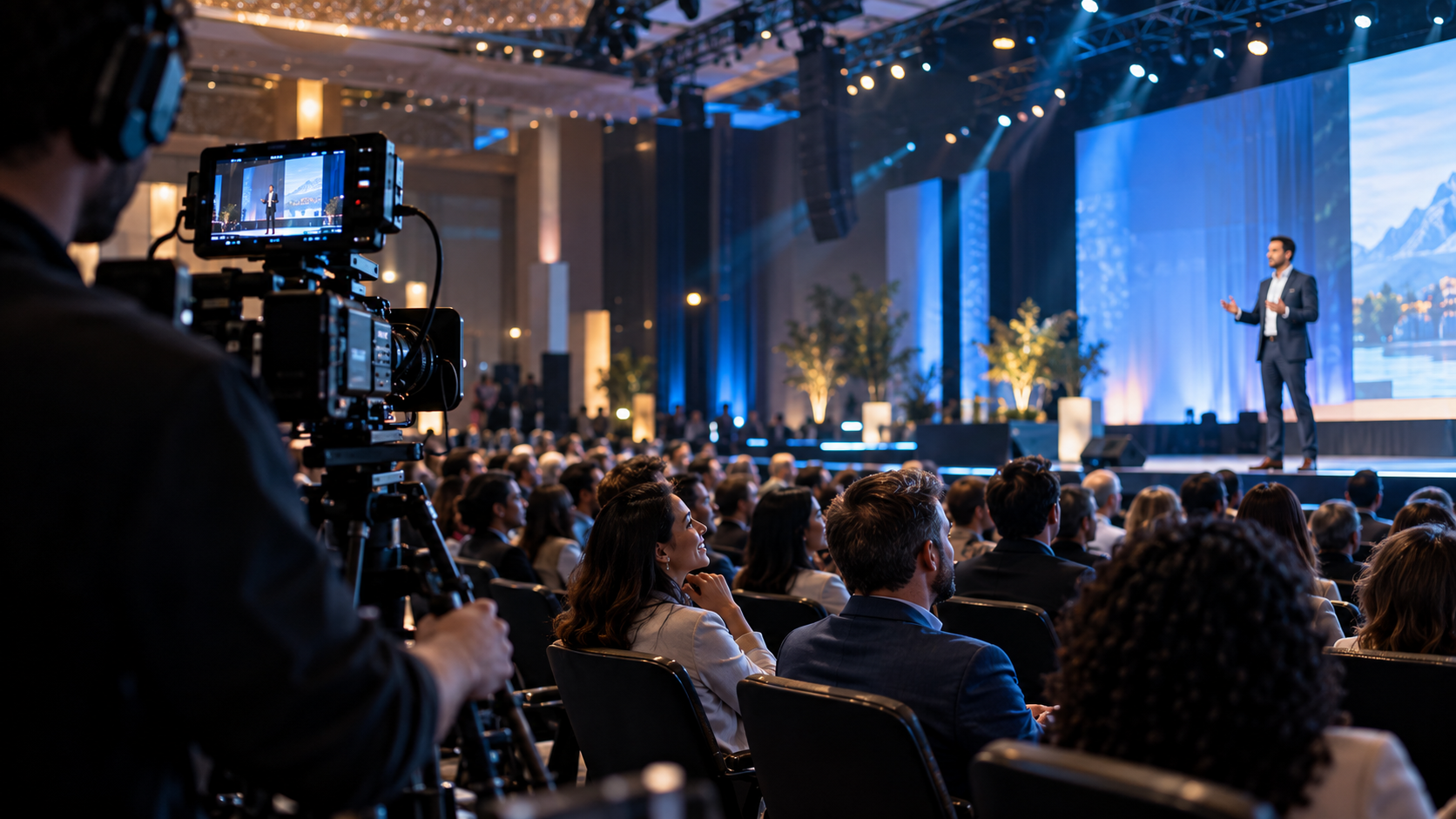
A fully virtual event has no physical venue; all presenters and attendees participate remotely from their own locations. A hybrid event combines a physical venue with a virtual streaming environment, requiring an on-site AV production crew to capture the physical stage while simultaneously broadcasting it to an online audience. To explore the nuances of physical and blended gatherings, read our guide on Live Corporate Events.
Producing a virtual conference that captures attention, delights sponsors, and runs flawlessly requires more than just a software subscription. It takes a dedicated team that understands how to blend technical precision with compelling storytelling.
At Motlow Pro Media, we specialize in corporate media production, live event support, and long-term media leadership. Based in Tampa, Florida, we partner with clients to deliver high-impact virtual experiences. Our unique "hands-off, but hands-on" partnership means we act as a seamless extension of your team—handling the platform architecture, speaker rehearsals, live technical execution, and post-event short-form content strategy so you can focus entirely on your message.
Ready to elevate your next online event? Explore our Motlow Pro Media Services today, and let's build something exceptional together.
Some clients want to give notes in a live Zoom call. Others prefer a group text or email thread. However you like to communicate, we adapt. You’ll never be left guessing where things stand - and you’ll always have a say before anything goes out the door.





Phone:
+1 863-250-8639
.png)
Email:
info@motlowpromedia.com