






-5.jpg)



























Thank you! Your submission has been received!
Oops! Something went wrong while submitting the form.

.avif)
May 28, 2026
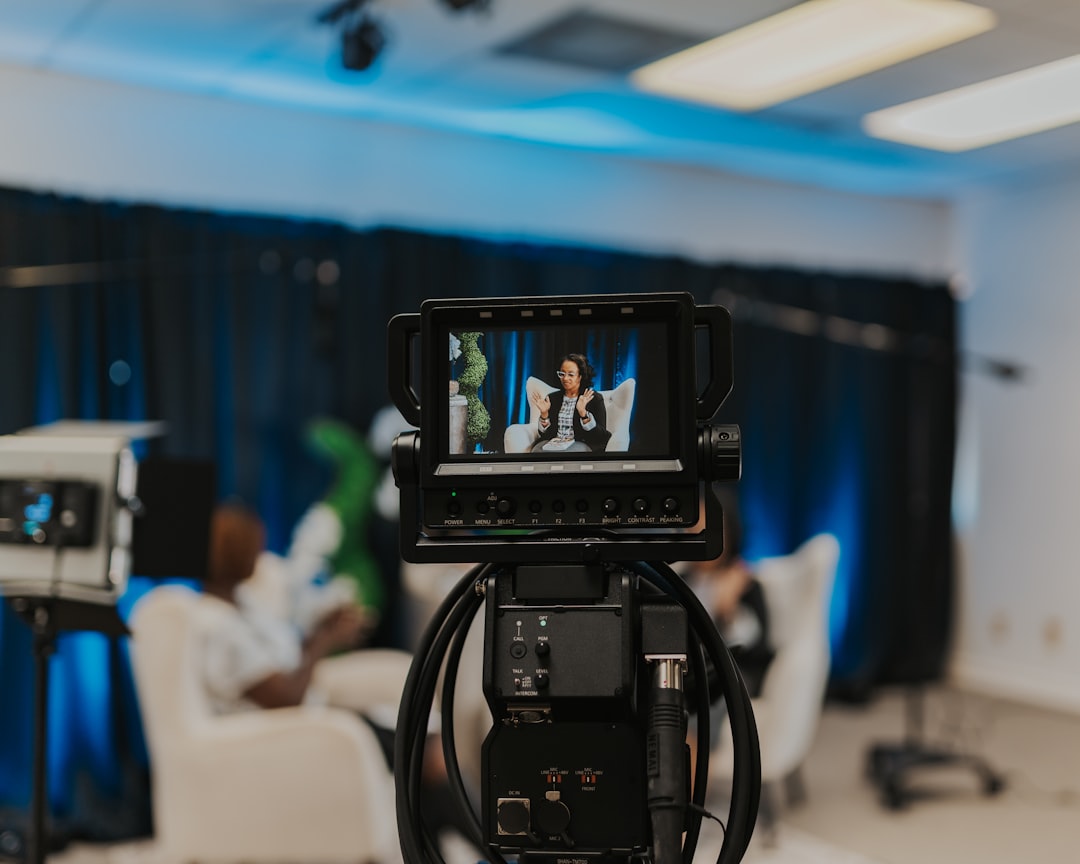
A live stream wireless camera gives you the freedom to broadcast from virtually anywhere — no cable runs, no fixed positions, no technical crew required to move a shot.
Quick answer: What is a live stream wireless camera?
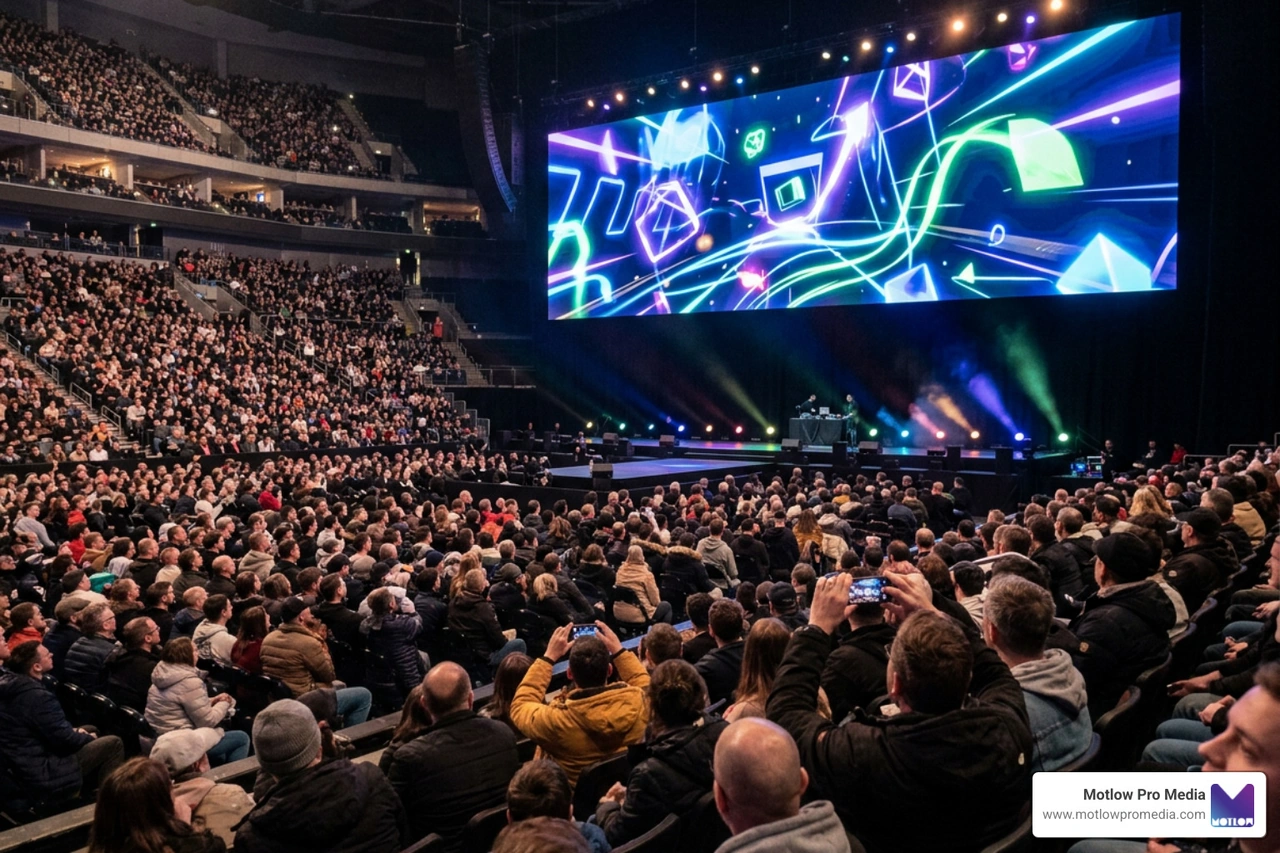
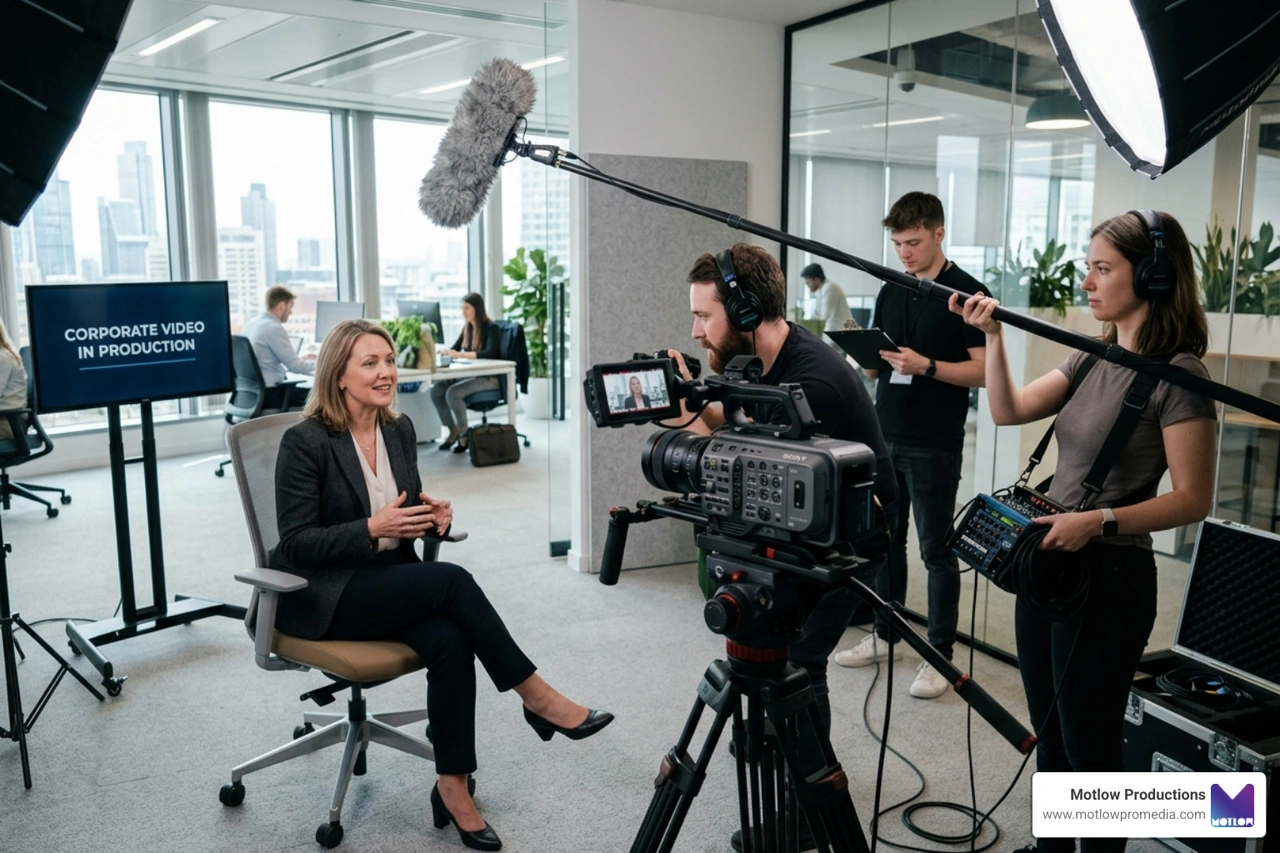
Whether you're covering a sports field, broadcasting a church service, or running a corporate event, the right wireless camera can replace a full production crew setup — or complement one.
The numbers tell the story. Over 62% of sports livestream producers say they struggle to capture both close-up and wide-angle coverage without multiple cameras. More than 70% of churches are actively looking for simpler ways to stream services to remote congregants. These aren't edge cases — they're everyday production challenges that a well-chosen wireless camera solves.
But not all wireless streaming cameras are built the same. Resolution, zoom range, battery life, audio quality, and platform compatibility vary widely — and choosing the wrong one for your use case is an expensive mistake.
I'm Miranda Motlow, founder of Motlow Pro Media, a Tampa-based video production company where I've spent years producing live events, short-form content, and multi-camera productions for clients who need flawless execution. My hands-on experience with live stream wireless camera setups across real productions — not just spec sheets — shapes every recommendation in this guide.
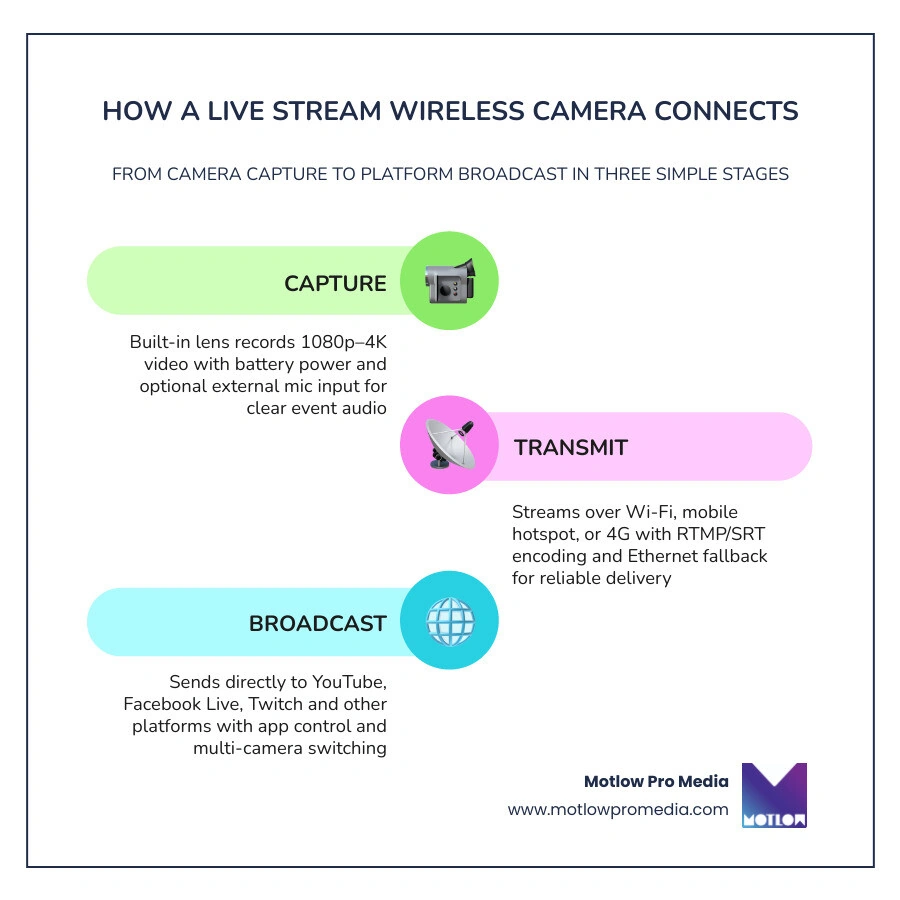
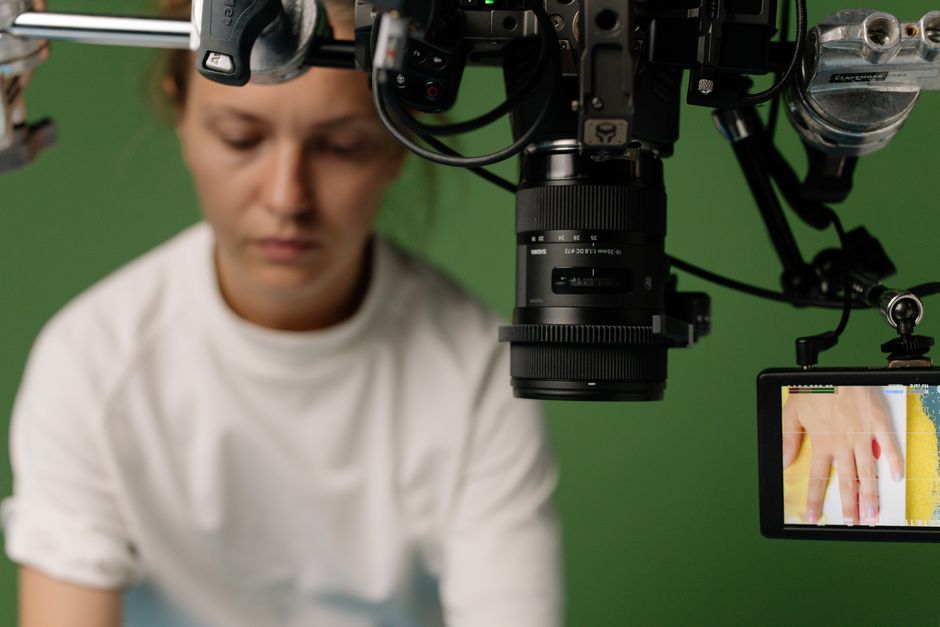
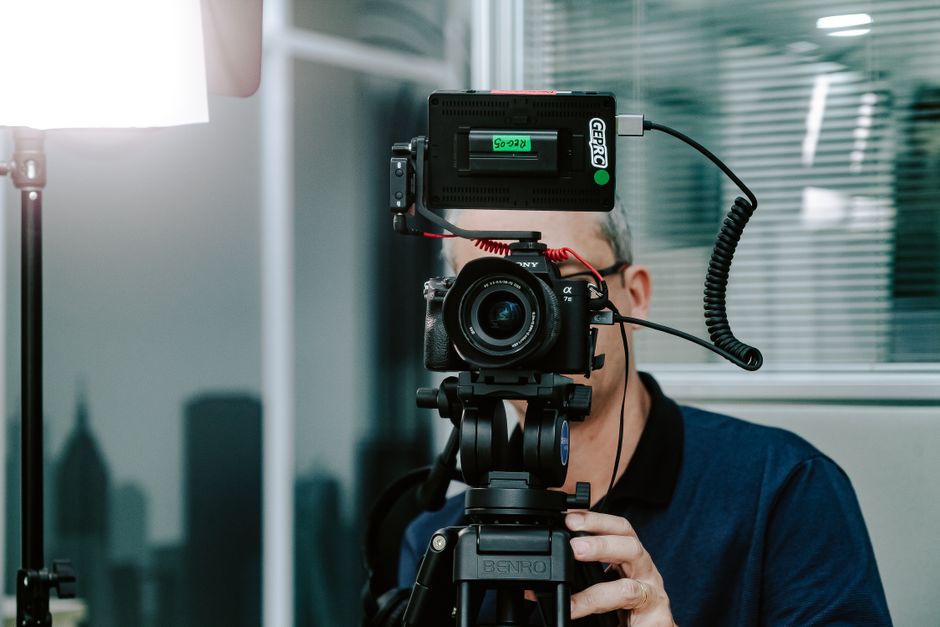
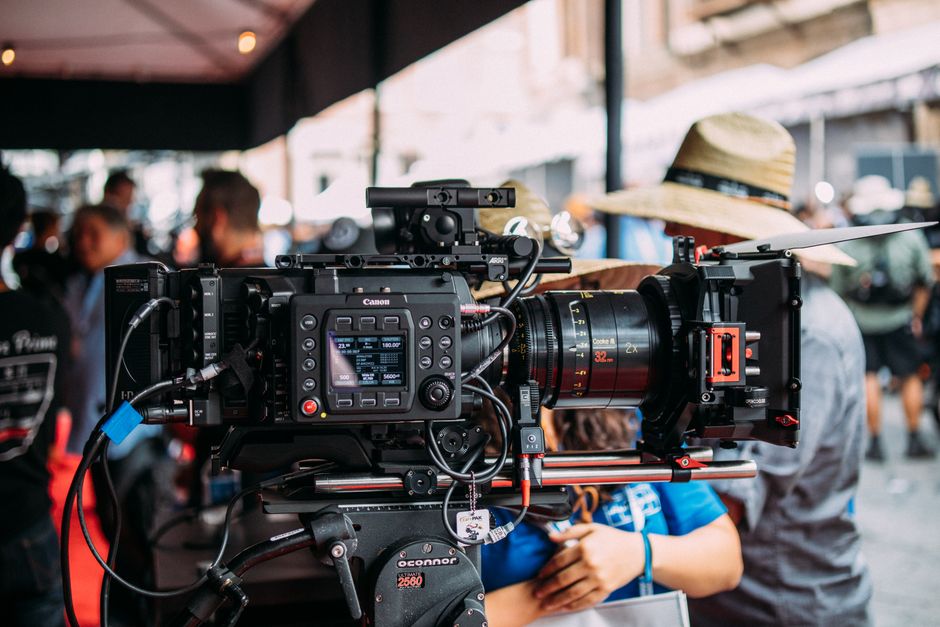
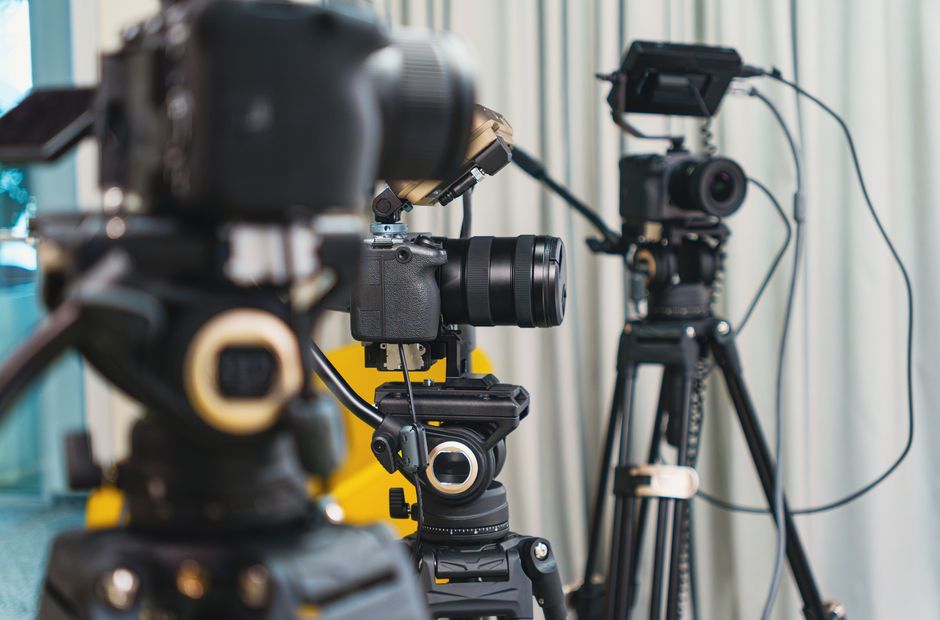
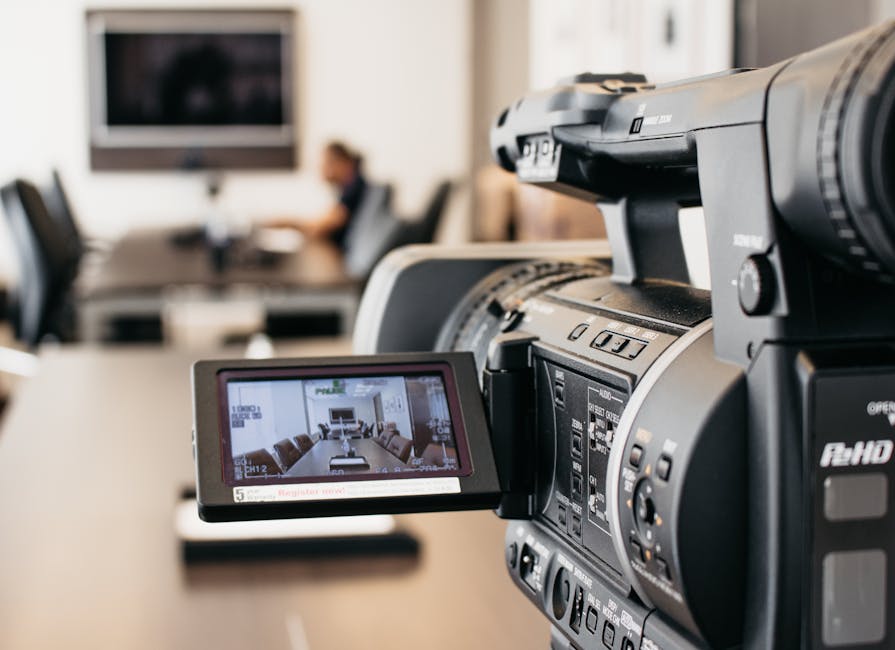
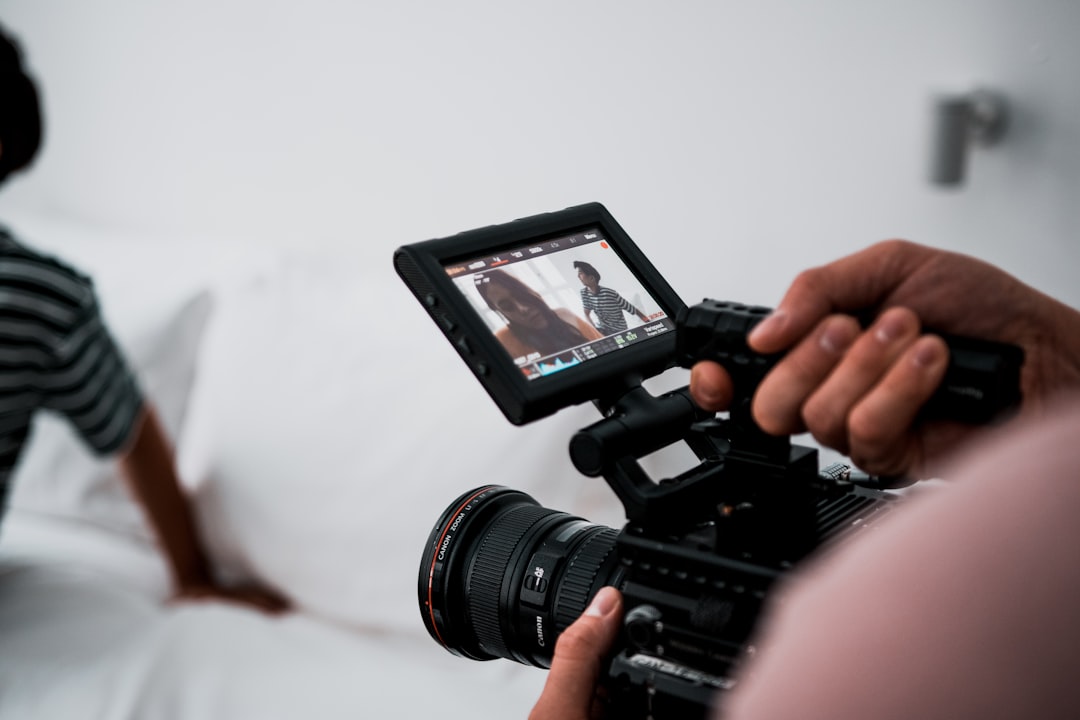
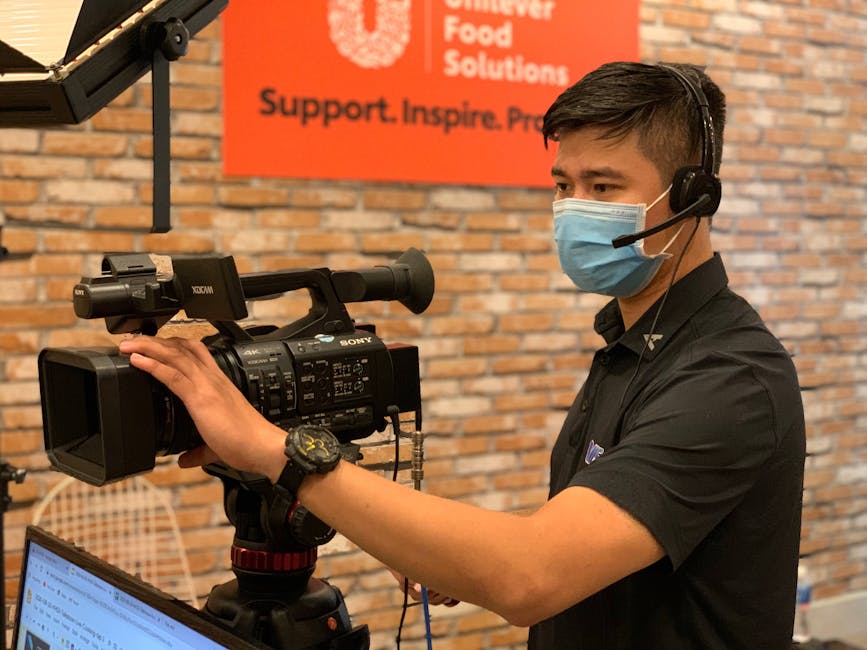
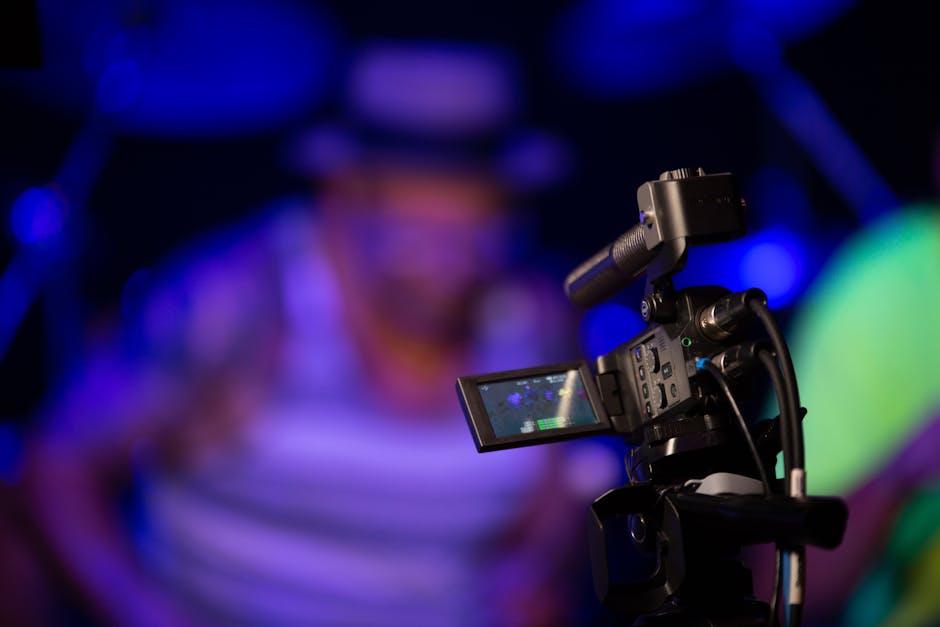
At its core, a live stream wireless camera is a portable device that combines a high-quality lens and sensor with a built-in encoder. Unlike traditional cameras that require an HDMI or SDI cable to send video to a computer or switcher, these cameras transmit data over the air.
In our work at Motlow Pro Media, we often see clients surprised by how much "heavier" a wired setup feels. A traditional wired camera needs a power source and a physical data connection. A wireless version relies on Wi-Fi or a mobile hotspot to push video directly to the cloud. While most professional models include an Ethernet fallback for high-interference environments, their true power lies in their portability and the speed at which we can get them "live."
These cameras use live encoding technology to compress video into formats like H.264 or the newer, more efficient HEVC (H.265). They communicate using protocols like RTMP (Real-Time Messaging Protocol), which is the standard for YouTube and Facebook, or SRT and NDI HX for more professional, low-latency production environments.
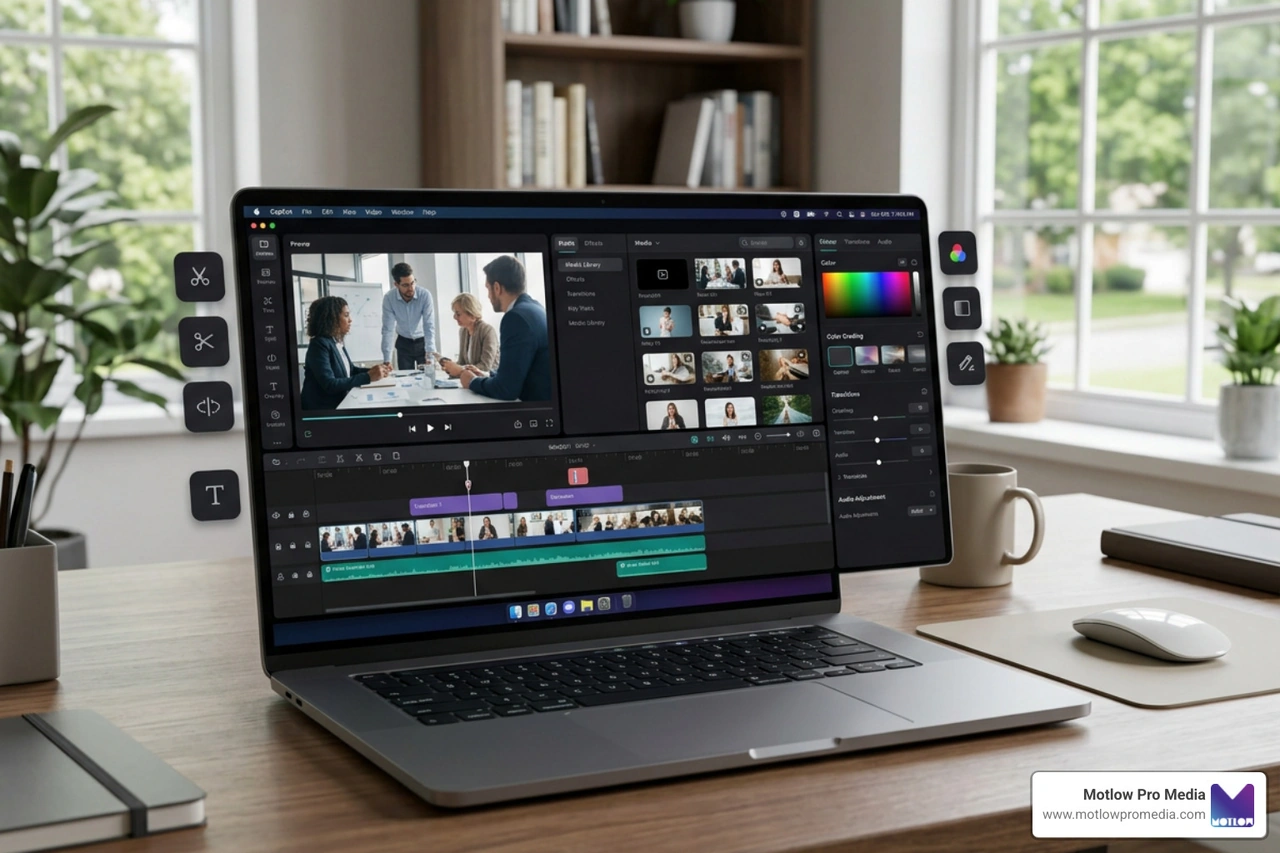
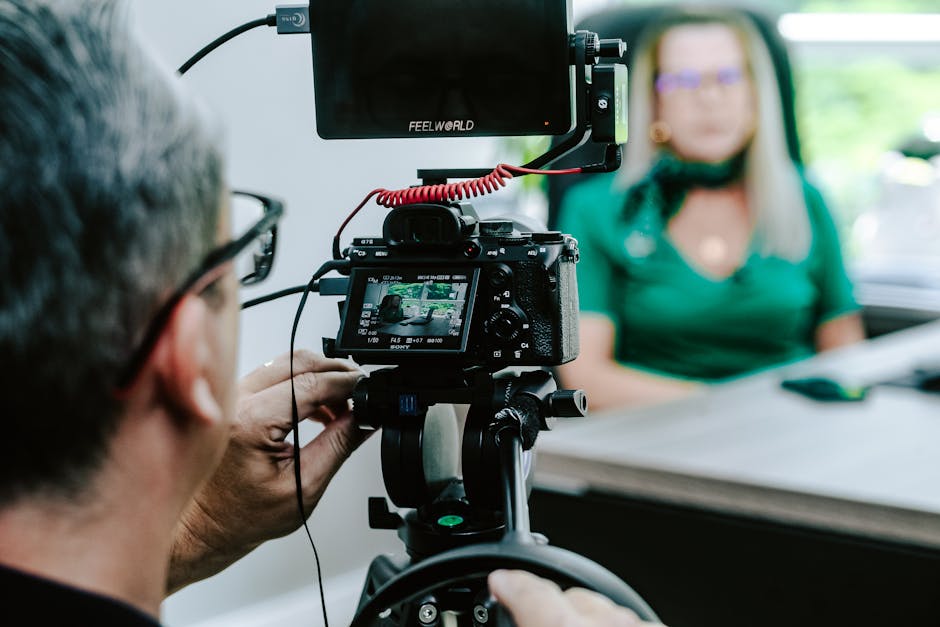
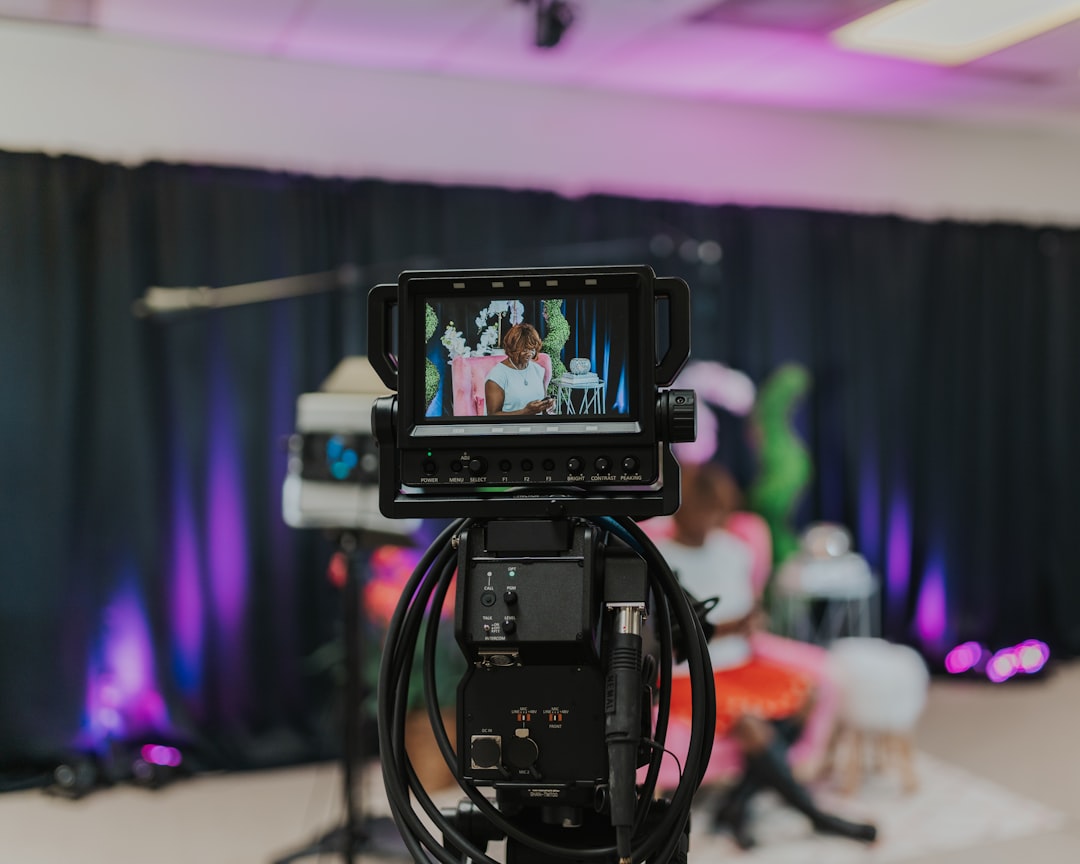
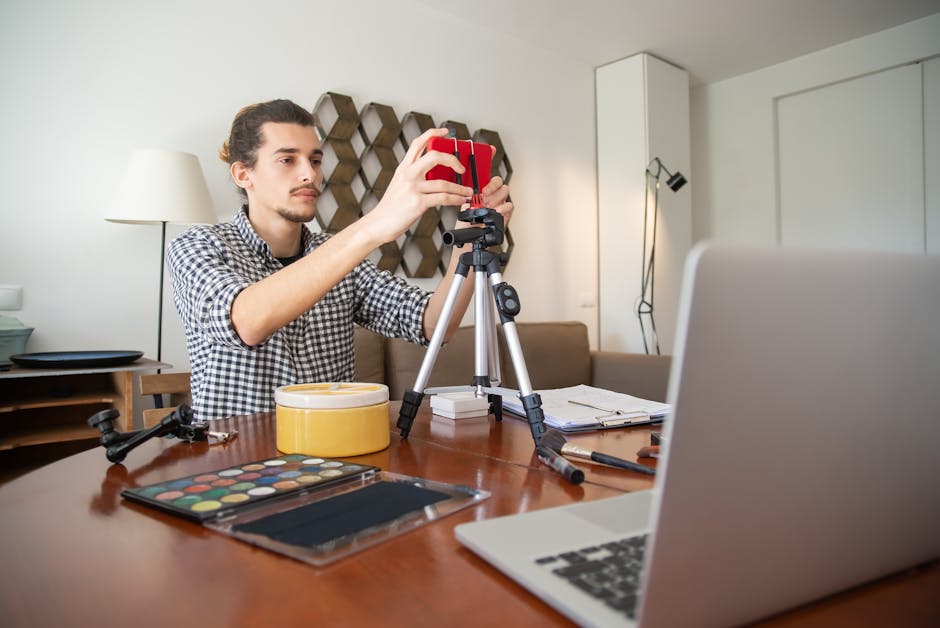
Most of these devices are controlled via a smartphone app. This allows a single operator to adjust zoom, white balance, and exposure without ever touching the camera body. Furthermore, many models, like the 1080P HD WiFi Camera Module, offer local recording to a microSD card. This is a lifesaver; if your Wi-Fi dips, you still have a high-quality backup for post-production or short-form content strategy.
The debate between wired and wireless usually comes down to three things: reliability, mobility, and budget.
We’ve found that a live stream wireless camera excels in environments where a traditional "broadcast truck" setup is overkill.
Choosing a live stream wireless camera in 2026 requires looking past the marketing fluff. Here is what actually impacts your stream quality.
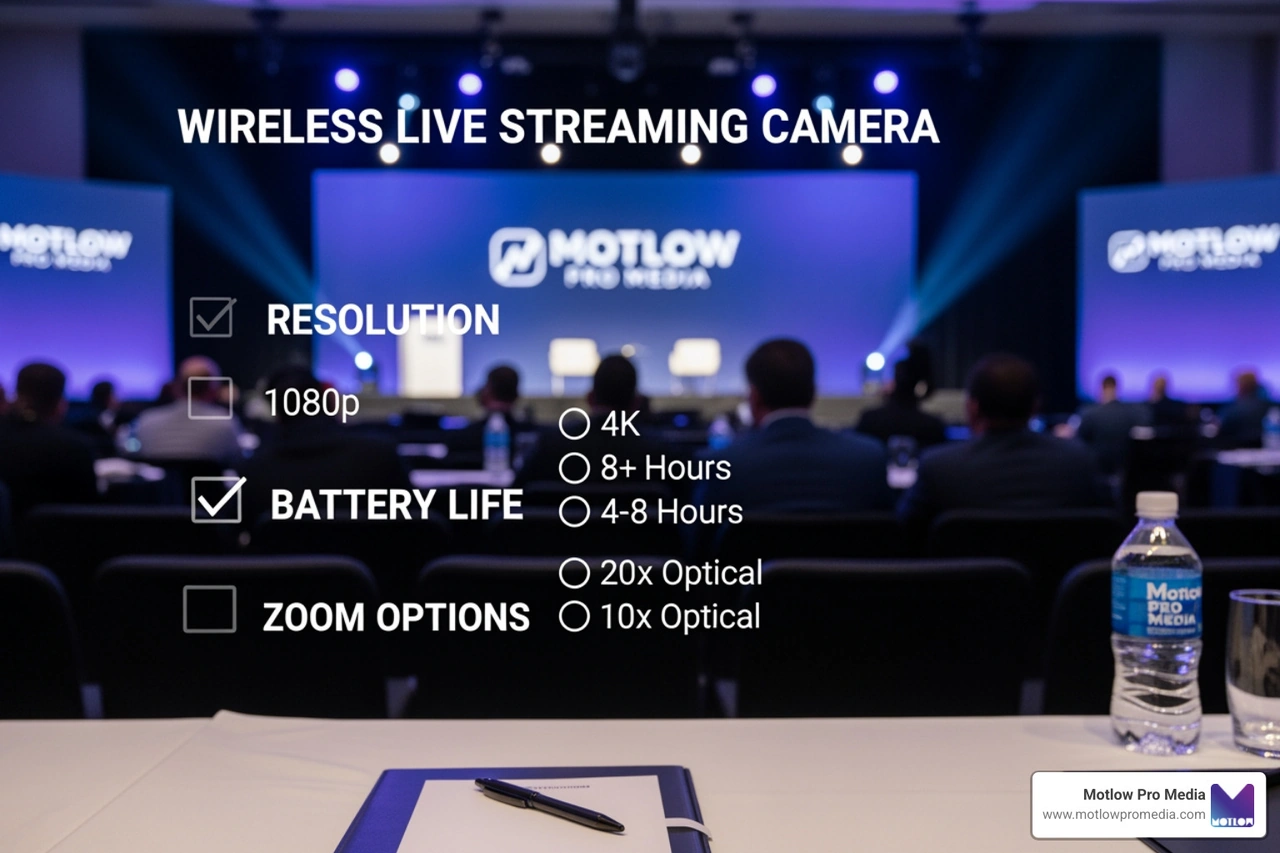
While 4K is a great buzzword, most live platforms still cap streams at 1080p. However, having a 2K or 4K sensor allows for "digital zoom" without losing quality.
Your camera should play nice with the platforms you already use. Most modern units support direct integration with YouTube Live, Facebook Live, Twitch, and LinkedIn. For sports parents, check for GameChanger compatibility.
Viewers will forgive a grainy picture, but they will turn off a stream with bad audio.
Manufacturer specs usually list "standby" time. In the field, a camera like the Mevo Start or NearStream VM33 typically gives you 3 to 6 hours of active streaming.
Not every live stream wireless camera is a "one size fits all" tool. Depending on your goal, you might need a specialized device.
When you're at a baseball game or a soccer match, you're usually far from the action. You need a camera with significant optical zoom. The NearStream VM33 is a strong contender here because its 10x optical zoom outperforms digital-only cameras. Since 62% of sports producers struggle with framing, having a camera you can control remotely to pan and zoom is a game-changer.
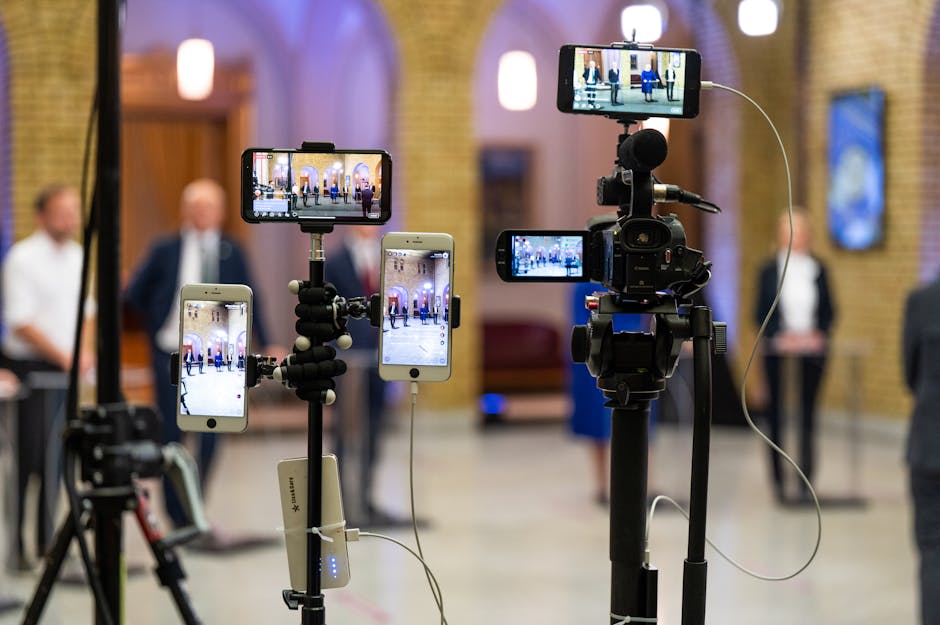
Churches need "set it and forget it" reliability. Since 70% of churches are looking for easy setups, a multi-camera kit like the Mevo Start 3-Pack is popular. It allows for a wide shot of the altar, a tight shot of the pastor, and a shot of the choir, all switched from an iPad. These cameras are small, quiet, and handle low-light sanctuary environments well. For more on how we handle these setups, check out our live event support page.
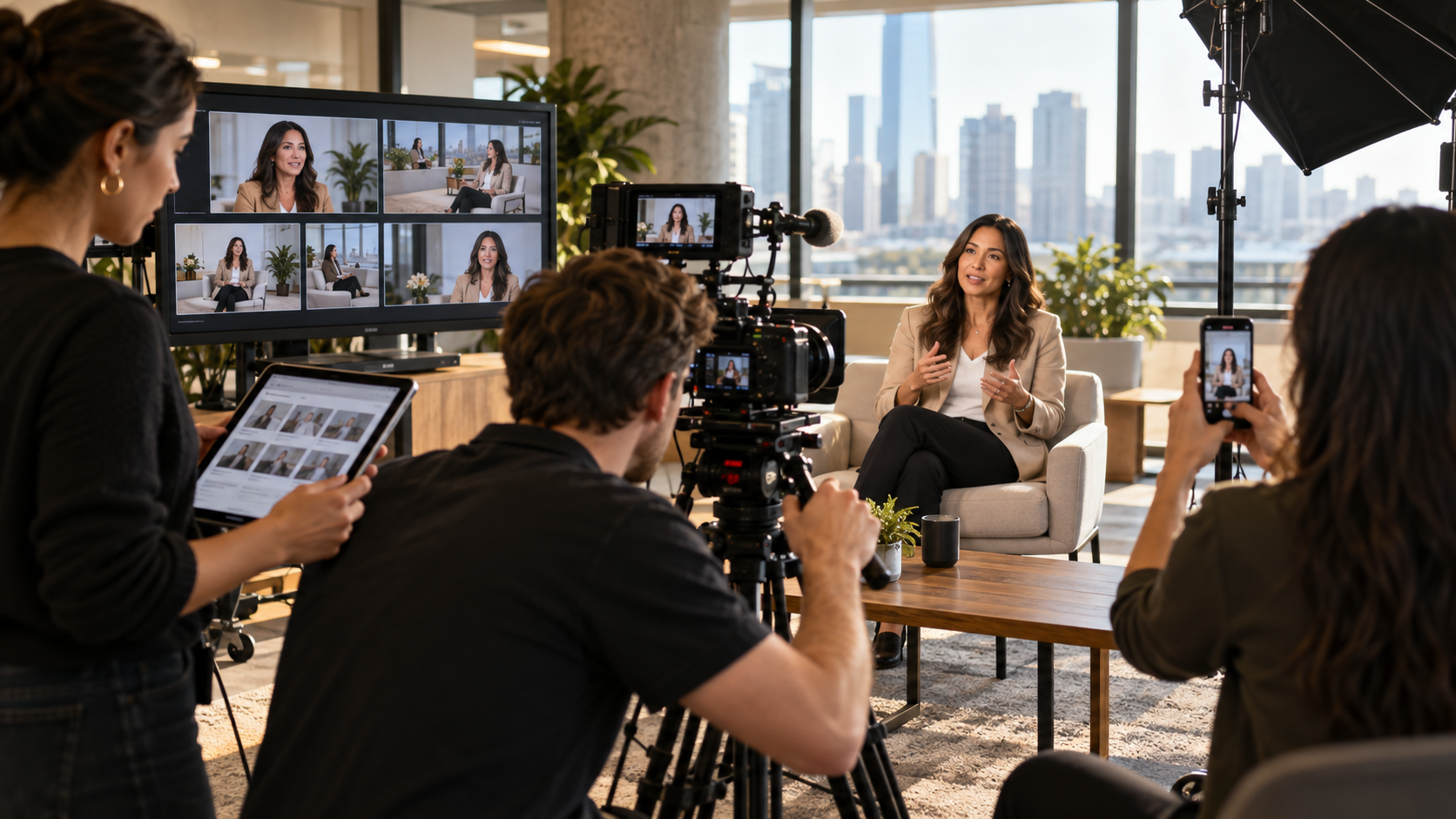
For the 71% of hosts who find it hard to keep guests framed, AI is the answer. Cameras like the OBSBOT Tiny or Tail Air use AI auto-tracking to follow the speaker. If you move to a whiteboard, the camera follows you. Gesture control also allows you to zoom in or start recording just by holding up a hand.
Sometimes the stream isn't an event; it's a location.
When comparing models, don't just look at the price tag. Look at the "Total Cost of Ownership," including subscriptions and accessories.
If you’re a one-person show in Tampa, you need simplicity. The Mevo Start is the gold standard for ease of use. Its app acts as a mini-switcher, allowing you to "cut" between different digital crops of the same 1080p image, making one camera look like three.
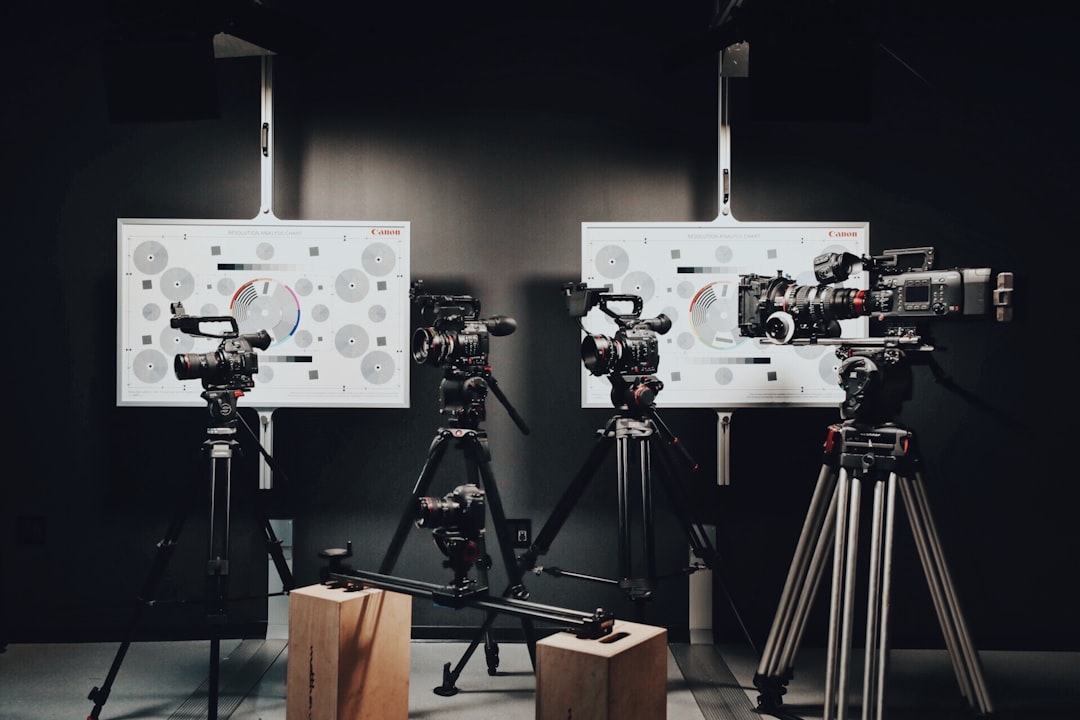
For a professional hybrid event production, we look for NDI compatibility. This allows us to bring the wireless cameras into a larger production ecosystem. The NearStream VM33 is excellent here because of its stable Wi-Fi range (up to 50m) and the ability to use Ethernet if the venue's airwaves are too crowded.
At Motlow Pro Media, we believe a live stream wireless camera is only as good as the network it sits on.
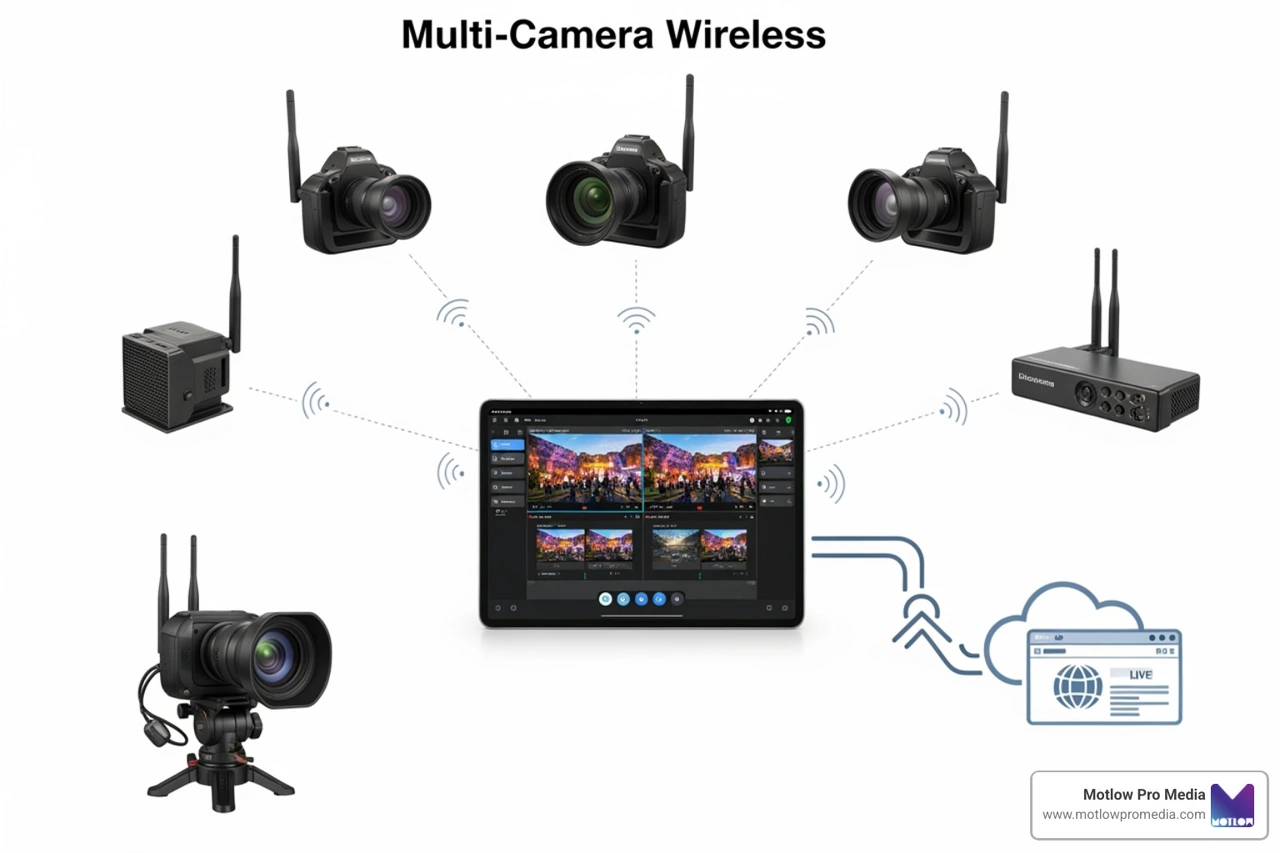
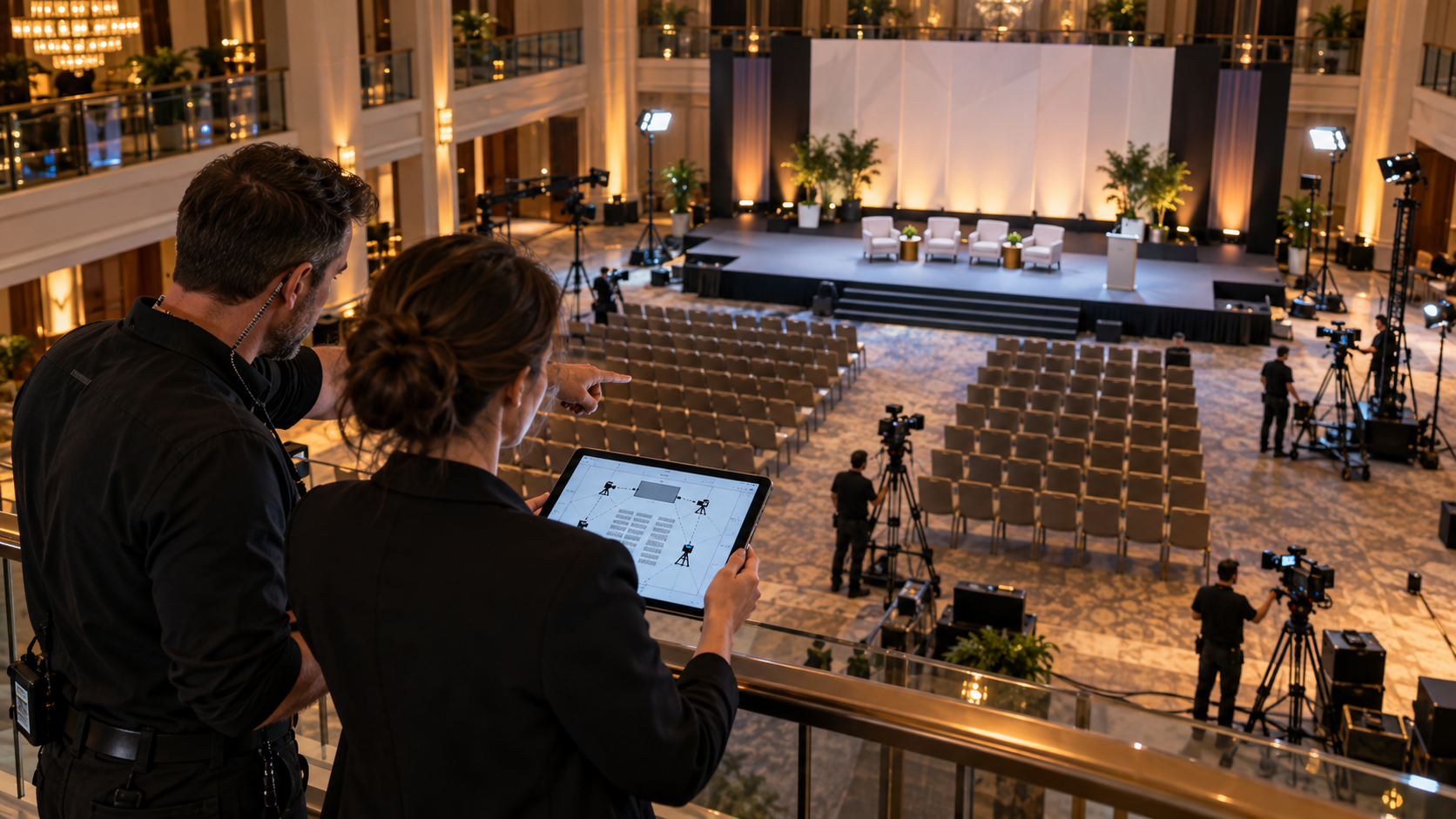
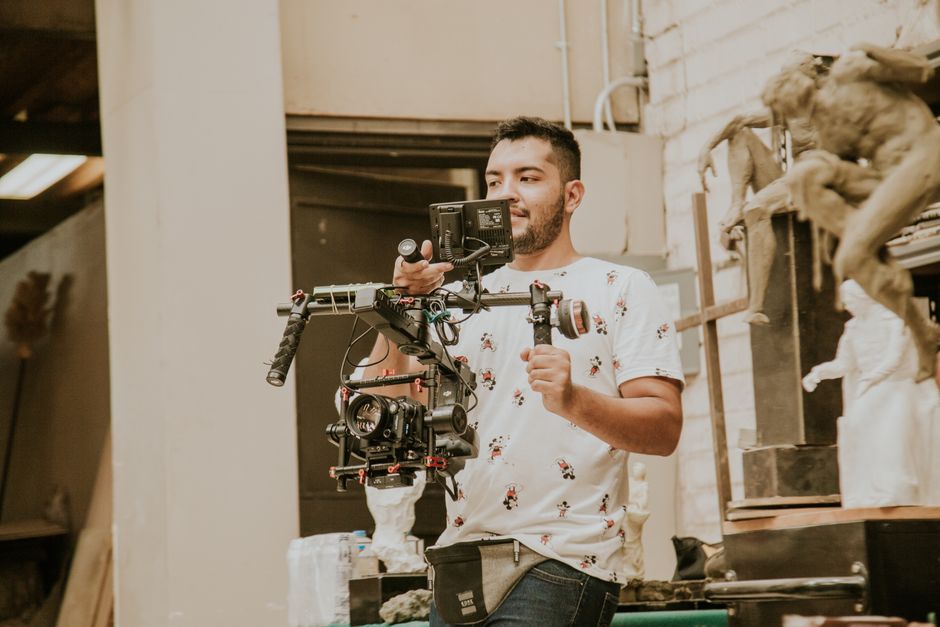
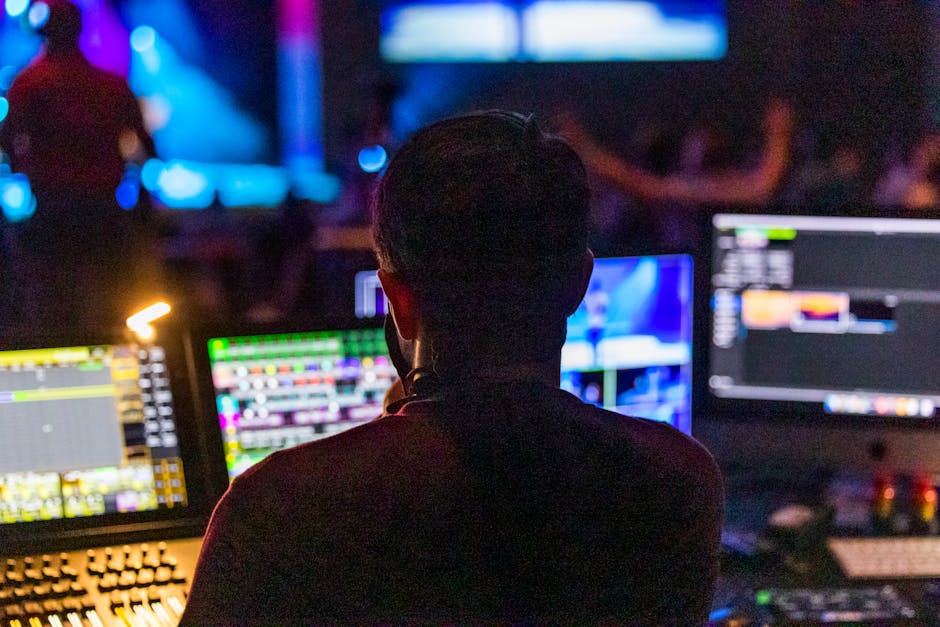
We use wireless units to get the shots a wired camera can't. For example, in general session AV, we might have two wired "main" cameras and one wireless "roaming" camera for audience Q&A.
Most apps make this a "one-click" process. You log into your account via the camera app, and it handles the stream keys. If you’re using a custom platform, you’ll need the RTMP URL and Stream Key.
AI isn't just a gimmick; it's a labor saver. Auto-tracking ensures the subject is always centered, which is vital for fast-moving on-site event support. Intelligent switching can even "watch" the audio levels and automatically switch the camera to whoever is speaking.
Not necessarily. You can use a smartphone's LTE/5G hotspot to share data with the camera. Some cameras also have "AP Mode," where the camera creates its own Wi-Fi signal that your phone connects to for local control and recording.
Yes, provided you have a strong network. For high-stakes corporate AV support, we often use the wireless features for the shots and an Ethernet adapter for the actual data transmission to ensure 100% uptime.
Choosing the right live stream wireless camera comes down to matching the tech to your specific workflow. If you're capturing sports in Tampa Florida, you'll want that optical zoom. If you're a church, you'll want ease of use and multi-cam support.
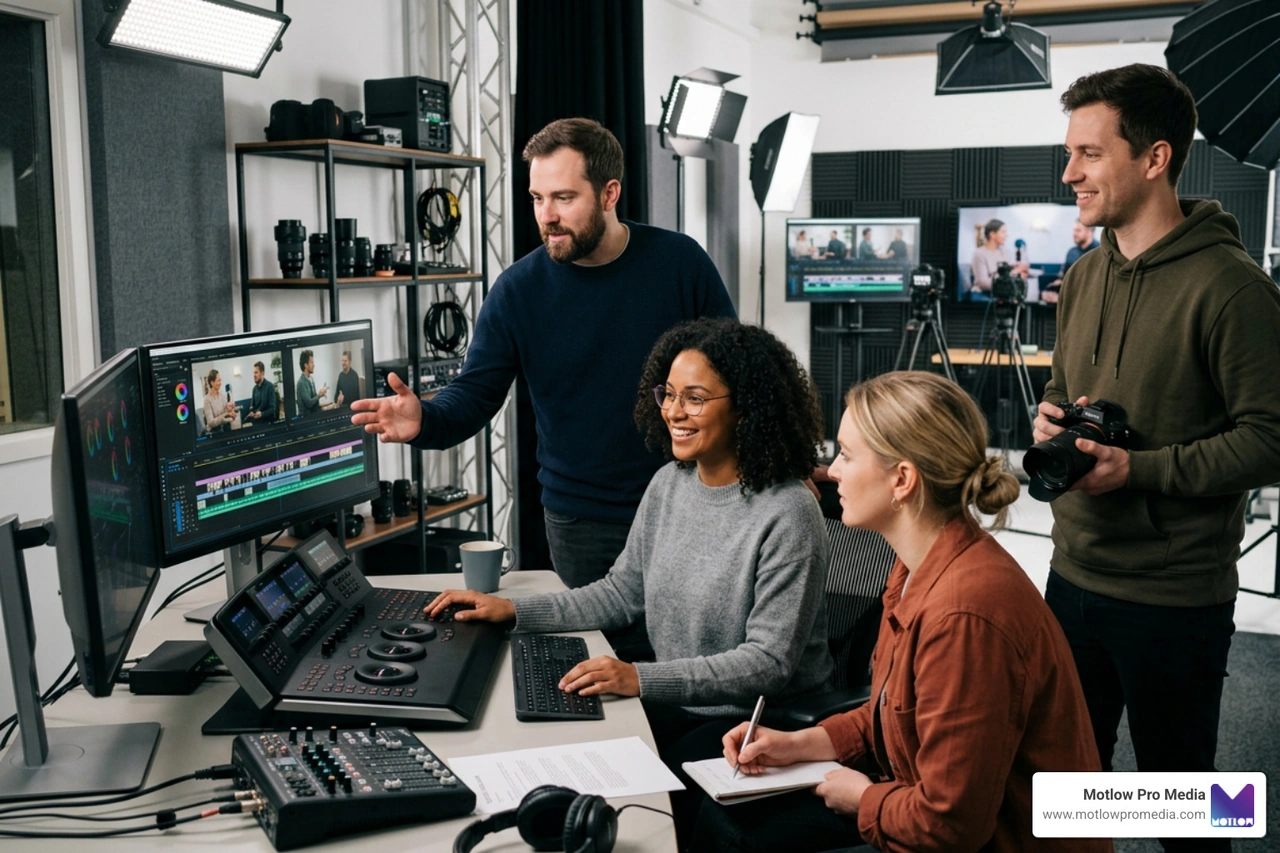
At Motlow Pro Media, we don't just talk about this gear — we live it. Whether we're producing short-form content or managing a massive hybrid event, we focus on the "hands-off, but hands-on" partnership. We handle the technical headaches so you can focus on the message.
Ready to take your live production to the next level? Explore our Event Video Solutions or contact us today to see how we can act as a trusted extension of your team.
Some clients want to give notes in a live Zoom call. Others prefer a group text or email thread. However you like to communicate, we adapt. You’ll never be left guessing where things stand - and you’ll always have a say before anything goes out the door.




Phone:
+1 863-250-8639
.png)
Email:
info@motlowpromedia.com