












-5.jpg)





































Thank you! Your submission has been received!
Oops! Something went wrong while submitting the form.

.avif)
Sales teams need content that helps them answer questions, build trust, and move conversations forward. But in many companies, the best video assets are scattered across folders, buried in old campaigns, sitting inside event recaps, or never edited into a format the sales team can actually use.
That is a missed opportunity.
A strong internal video library gives sales teams quick access to the right video at the right moment. It can include customer testimonials, executive clips, service explainers, product walkthroughs, event speaker moments, FAQ answers, recruiting content, internal training videos, and short proof-based clips that make sales conversations easier.
The goal is not to overwhelm the sales team with hundreds of files. The goal is to create an organized, useful, searchable library of videos that support real buyer conversations.
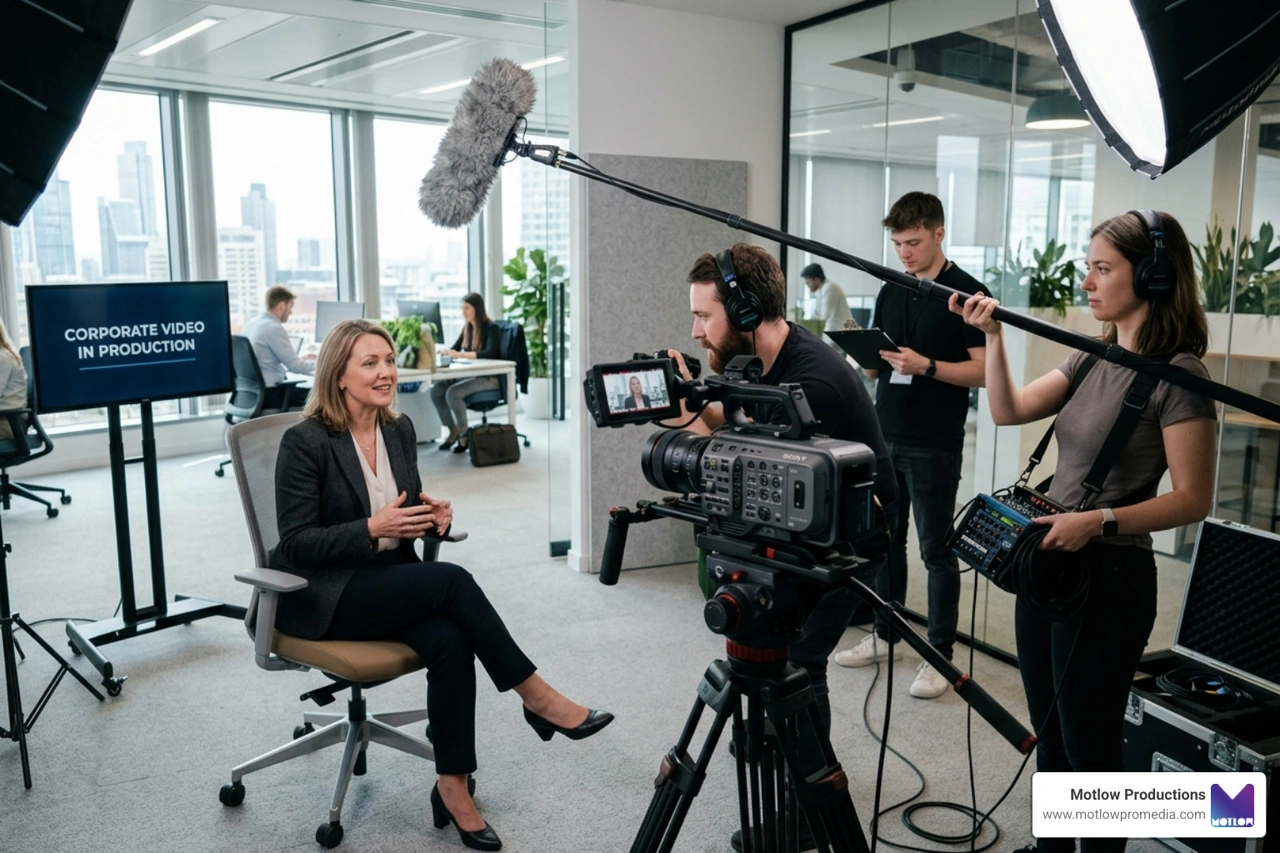
For marketing teams, this is one of the best ways to get more value from production. Through Motlow Pro Media's services, companies can plan corporate video, event content, interviews, photography, and media strategy in a way that supports not only marketing campaigns, but also sales enablement.
Sales teams often answer the same questions again and again.
A prospect wants to understand the service. Another wants proof that the company has solved a similar problem. Someone else wants to hear from leadership. Another buyer wants to see what the process looks like. A decision-maker needs reassurance before moving forward.
Video can help because it gives sales teams a more human, visual, and credible way to answer those questions.
Instead of sending another long email, a salesperson can send a short customer clip. Instead of explaining the company's process from scratch, they can share a service explainer. Instead of relying only on a proposal, they can include a leadership video that reinforces trust.
An internal video library makes this easier. It gives the team a place to find approved, brand-aligned videos quickly without asking marketing to resend files or search through old folders.
The best sales video library starts with the questions buyers actually ask.
Before organizing footage or planning new videos, marketing should talk to the sales team. Ask what comes up most often during discovery calls, proposal follow-ups, objections, and final decision conversations.
Common buyer questions may include:
Each question can become a video asset.
This is where marketing and sales alignment becomes practical. Instead of producing video based only on campaign ideas, the marketing team can create content that directly supports the conversations sales is already having.
The business video production partner guide is a helpful resource for thinking through how production decisions should connect to business goals and actual content use.
An internal video library should not be one long folder of random videos.
It should be organized around how buyers move through the sales process. That makes it easier for sales teams to find the right content based on where the prospect is in the conversation.
A simple structure might include:
A prospect early in the process may need a short brand overview. A buyer comparing vendors may need a customer testimonial or proof-based case story. A decision-maker near the end may need an executive message, process video, or clip that addresses a specific concern.
When the library is organized this way, salespeople do not have to guess. They can match the video to the buyer's stage and need.
Customer testimonial videos are some of the most valuable assets in a sales video library.
They give prospects a chance to hear from someone outside the company. That third-party perspective can build trust faster than a company talking about itself.
A strong testimonial video should be specific. It should explain the customer's problem, what the experience was like, and why the solution mattered. Generic praise is less useful than a clear story.
Sales teams can use testimonials in several ways:
The best internal libraries make testimonials easy to search by topic, service, customer type, industry, challenge, or outcome. That helps sales find the most relevant proof instead of sending the same general testimonial to every prospect.
Sales teams should not have to explain every service from scratch every time.
Short service explainer videos can help prospects understand what the company does, how the process works, and what value the service provides. These videos do not need to be long. In many cases, a 60- to 90-second explanation is more useful than a five-minute overview.
A service explainer can answer:
For companies with complex services, these videos can save time and reduce confusion. They also help sales teams keep the message consistent.
If several salespeople explain the same service differently, prospects may leave with different expectations. A video library gives the team a shared language.
Executive videos can help sales teams build trust with prospects who want to understand the company's leadership, vision, and values.
These clips do not need to feel overly formal. In many cases, short executive answers are more useful than polished speeches. A leader can explain why the company exists, what clients should expect, what the team believes, or how the company approaches a common problem.
Useful executive clips may cover:
Executive content can be especially helpful when buyers are making a high-trust decision. They want to know who is behind the company. A clear leadership clip can help make the business feel more credible and human.
This type of content also supports thought leadership. LinkedIn's B2B thought leadership resources highlight why credible expert content matters in professional decision-making.
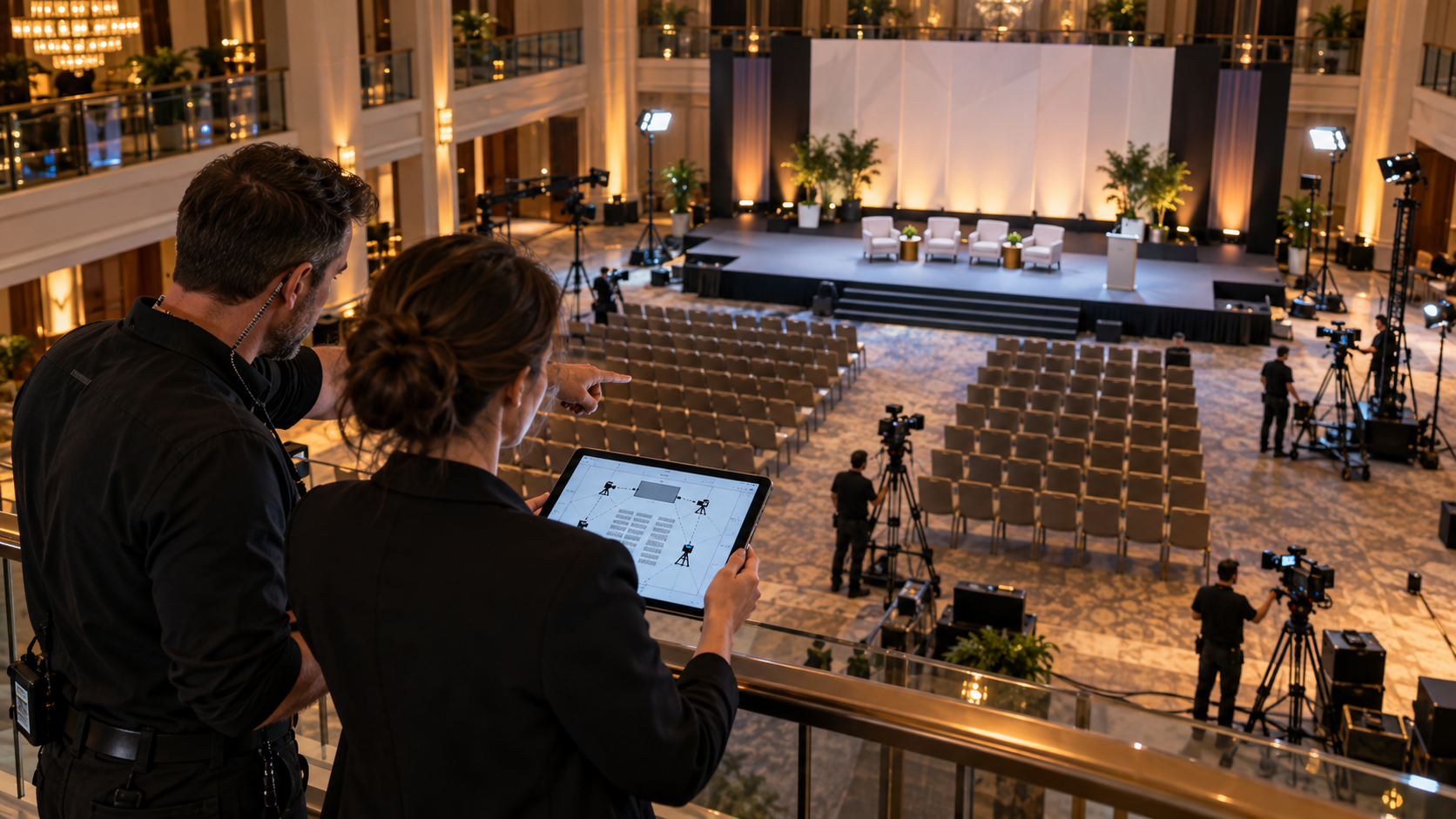
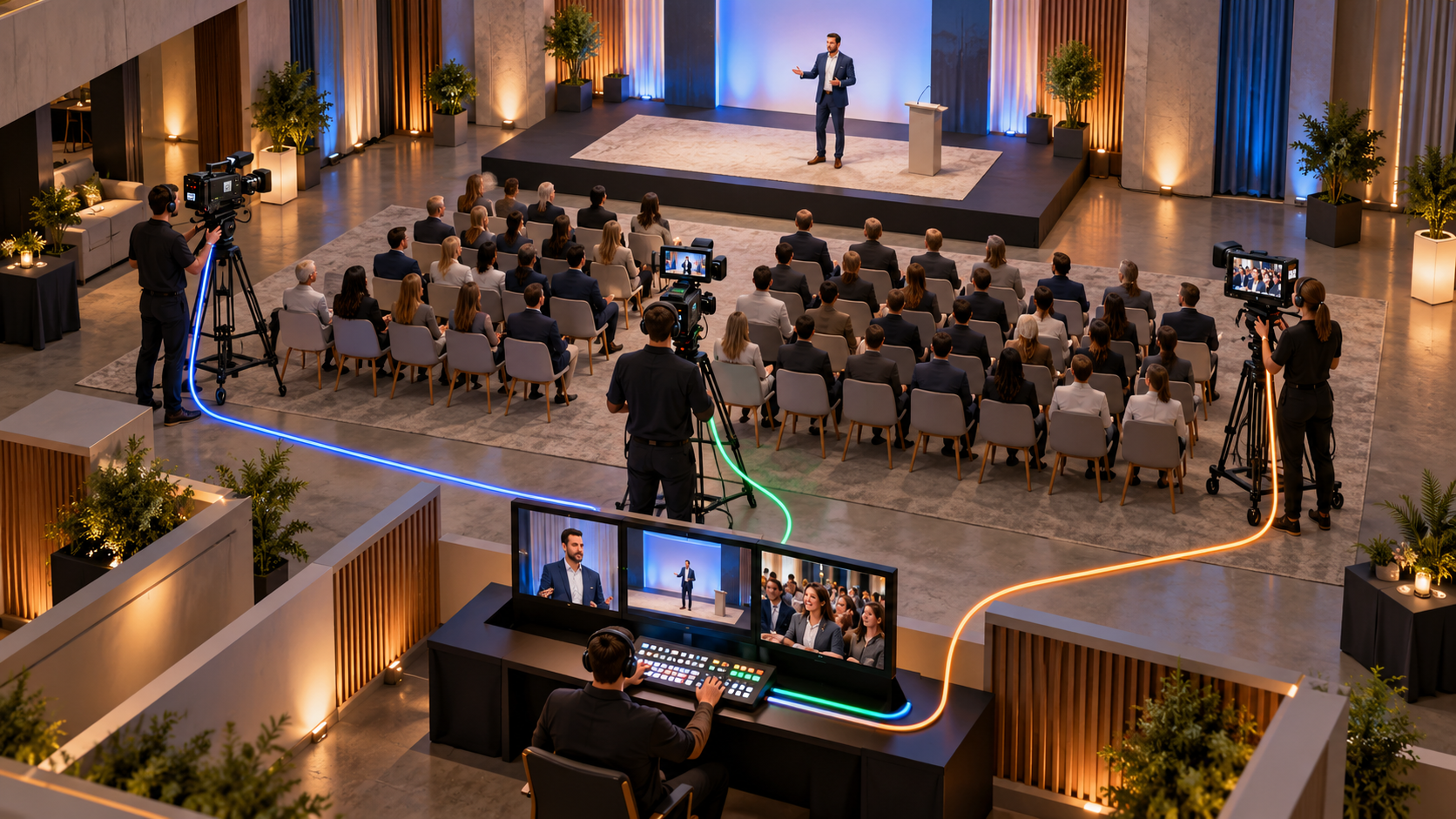
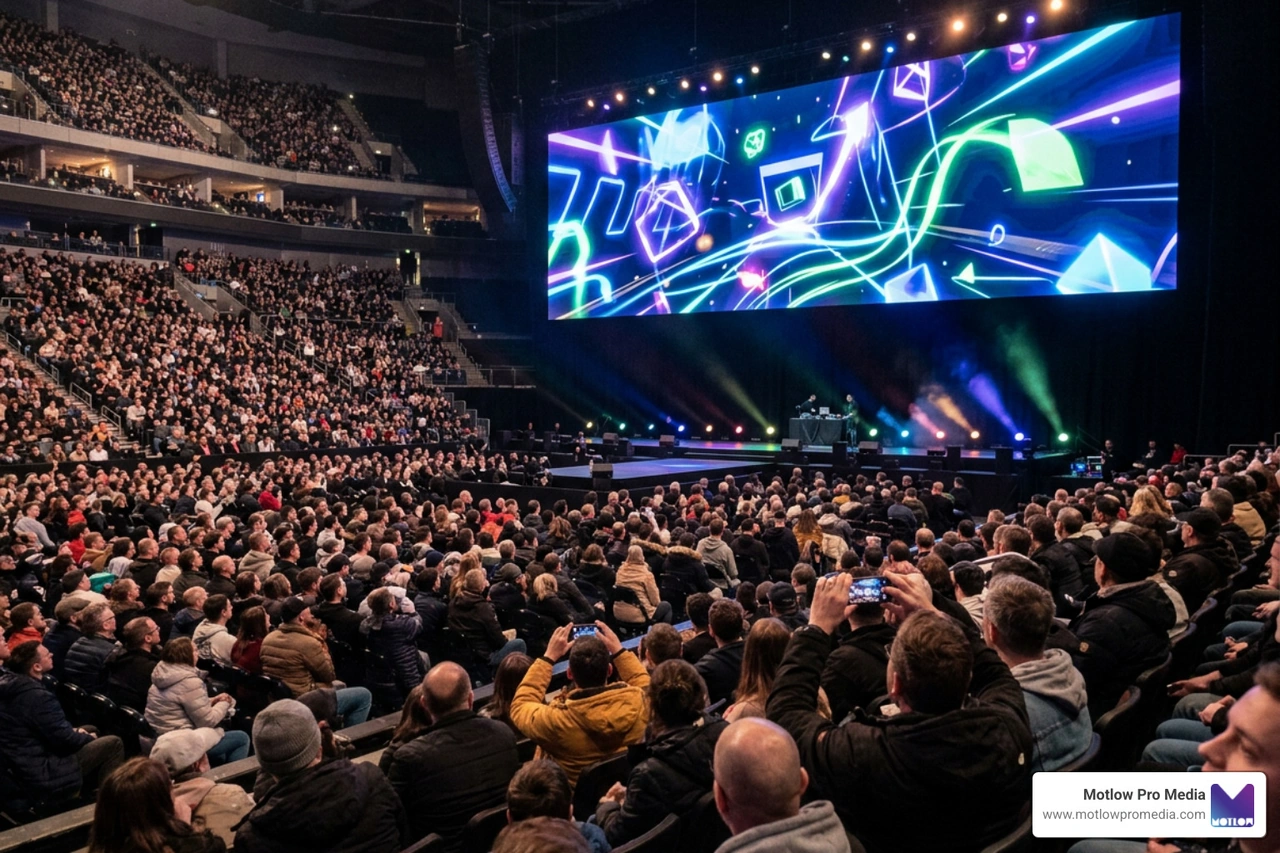
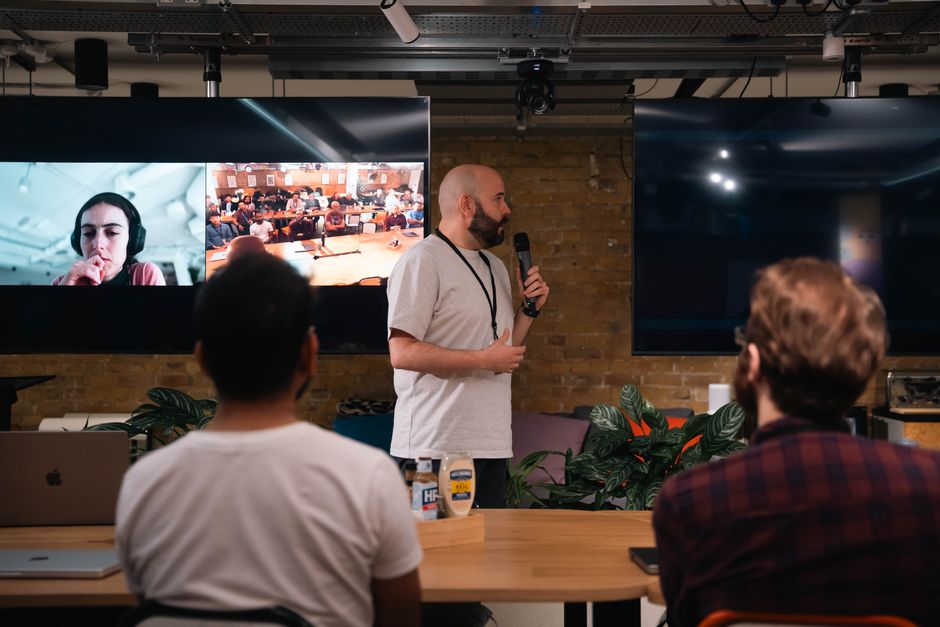
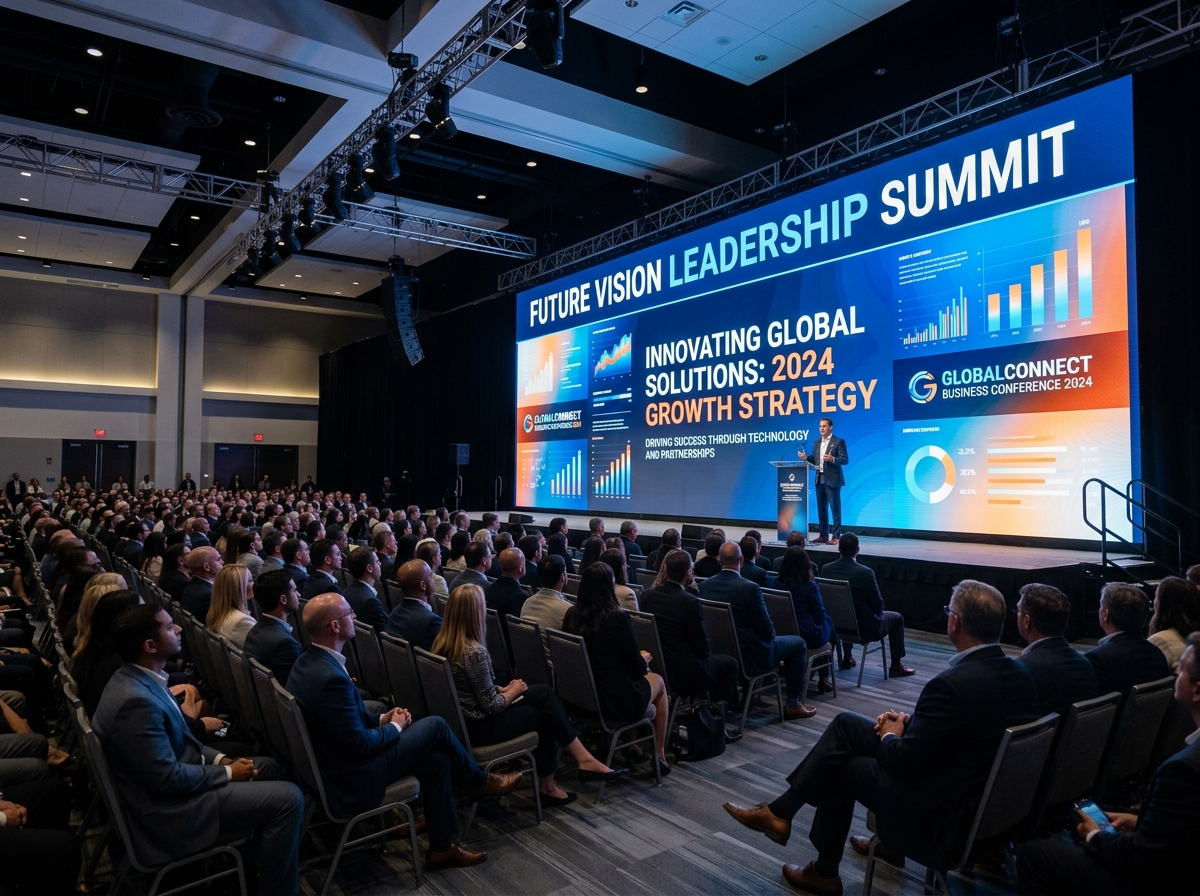
Corporate events, conferences, panels, webinars, and live discussions can create valuable sales content if they are planned correctly.
A keynote may include a strong explanation of the company's perspective. A panel may include useful industry insights. A conference interview may produce a short clip that answers a common buyer question. A customer event may generate proof that the company is active, trusted, and connected in the market.
The mistake is treating event video as only a recap.
Sales teams may benefit more from specific event clips than from the full highlight reel. A 30-second speaker soundbite may be easier to send to a prospect than a three-minute recap. A customer quote from an event may support a sales conversation better than a general event montage.
The A-Z Guide to Conference Video Production explains how events can become larger content libraries when video is planned before the event. Sales enablement should be part of that plan.
A strong internal video library should include answers to common objections.
Sales teams hear these objections regularly. Prospects may be concerned about cost, timeline, fit, process, complexity, implementation, quality, communication, or expected results.
Marketing can help by producing short FAQ videos that answer these concerns clearly.
For example:
These videos can be used in follow-up emails, proposal support, website FAQs, landing pages, or sales training.
The key is to make each video focused. One question per video is usually more useful than a long video trying to answer everything.
The organization of the library matters as much as the content itself.
If salespeople cannot quickly find what they need, they will not use the library. The system should be simple, clear, and searchable.
Each video should include:
For example, instead of naming a file "Final_Edit_V3_Approved.mp4," use a title like:
Customer Testimonial – Event Production – Use After Proposal Call
That title tells sales what the video is and when it is useful.
The library could live in a shared drive, CRM, sales enablement platform, internal knowledge base, or project management system. The tool matters less than the structure. The best library is the one the team actually uses.
A video library becomes more effective when it includes suggested copy for sales emails and messages.
Salespeople are busy. If they have to write a custom explanation every time they send a video, they may skip it. Marketing can make adoption easier by providing short message templates.
For example:
"Thought this short video would be helpful based on our conversation. It explains how our team approaches the process and what clients can expect before we begin."
Or:
"This customer story is similar to what we discussed. It gives a quick look at the challenge, the process, and what made the partnership successful."
The copy should feel natural and easy to edit. It should not sound overly promotional. The goal is to help sales use the video in a helpful, relevant way.
An internal video library should not become a content graveyard.
Videos need to be reviewed, updated, retired, or replaced over time. Services change. Messaging evolves. Branding changes. Team members leave. Customer stories become outdated. New objections appear. Better footage becomes available.
A simple quarterly review can keep the library useful.
During that review, marketing and sales can ask:
This keeps the library connected to real sales needs instead of becoming a folder of old assets.
The library should not only be organized. It should be measured.
Marketing and sales can track which videos are shared most often, which videos receive engagement, and which assets seem to support better conversations. Depending on the tools used, the team may be able to measure views, clicks, watch time, replies, or influence on opportunities.
Even simple feedback is useful.
Sales can tell marketing which videos help, which ones are too long, which questions are still hard to answer, and which topics prospects ask about most.
Resources like HubSpot's video marketing research continue to show how important video is across modern marketing, but sales enablement adds another layer: video should not only attract attention, it should help conversations move forward.
Once the library is built, marketing can use it to plan smarter production.
Instead of asking, "What video should we make next?" the team can ask, "What is missing from the sales library?"
Maybe there are strong brand videos but no customer stories. Maybe there are testimonials but no service explainers. Maybe there is event footage but no short objection-handling clips. Maybe sales needs industry-specific examples. Maybe the team needs executive clips that answer high-level trust questions.
Those gaps can guide future shoots.
One production day may be planned specifically to fill library needs. The team could capture executive FAQs, sales objections, service explainers, and short social clips in one session. If customers or speakers are gathered at an event, the team can capture testimonial content and thought leadership clips at the same time.
This is where video production becomes more efficient and strategic.
The first mistake is building a video library without asking sales what they need. The library should be based on real buyer conversations.
The second mistake is making videos too long. Sales teams often need short, focused clips that answer one question or support one point.
The third mistake is failing to organize the library. If videos are hard to find, they will not be used.
The fourth mistake is not providing suggested copy. Sales adoption improves when videos are easy to send.
The fifth mistake is using outdated videos. Old messaging, old branding, or irrelevant examples can weaken trust.
The sixth mistake is treating the library as a one-time project. It should evolve as sales conversations change.
The seventh mistake is not planning new production around library gaps. Every shoot should help strengthen the system.
What is an internal video library for sales teams?
An internal video library is an organized collection of approved video assets that sales teams can use during prospect conversations, follow-ups, proposals, and client education.
What kinds of videos should be included?
Useful videos may include customer testimonials, service explainers, executive clips, FAQ answers, product or process videos, event clips, case study videos, and onboarding content.
How should the video library be organized?
Organize videos by buyer stage, topic, service, use case, industry, or common sales question. Each video should have a clear title, description, and suggested use.
How long should sales videos be?
Many sales enablement videos work best when they are short and focused. A 30- to 90-second clip is often more useful than a long general video, especially in follow-up conversations.
Who should manage the video library?
Marketing usually manages the content and organization, but sales should provide regular feedback on what is useful, what is missing, and what prospects are asking.
A sales video library is never really finished — it needs new testimonials, new FAQ answers, and new service explainers as the business and its buyers change. That ongoing maintenance is much easier with a recurring content partnership already in place, since new footage arrives on a predictable quarterly rhythm instead of requiring a fresh production request every time a gap appears.
An internal video library helps sales teams use video more strategically. Instead of searching through folders or waiting for marketing to send assets, sales can quickly find approved videos that answer buyer questions, build trust, and support the next step in the conversation.
For marketing teams, a sales video library makes production more valuable. Customer testimonials, executive interviews, event footage, service explainers, and FAQ clips can all support real revenue conversations when they are organized and easy to use.
The strongest libraries are built around actual sales needs. They are searchable, current, practical, and connected to the buyer journey. When video content is planned this way, it becomes more than marketing material. It becomes a sales enablement tool that helps teams communicate clearly and build trust faster.
Some clients want to give notes in a live Zoom call. Others prefer a group text or email thread. However you like to communicate, we adapt. You’ll never be left guessing where things stand - and you’ll always have a say before anything goes out the door.





Phone:
+1 863-250-8639
.png)
Email:
info@motlowpromedia.com