






-5.jpg)







































Thank you! Your submission has been received!
Oops! Something went wrong while submitting the form.

.avif)
September 29, 2026
A filming day is often treated as one appointment for one deliverable, even when the crew, location, leadership team, and subject-matter experts are already assembled. That narrow approach leaves value on the table because the costliest and hardest-to-coordinate parts of production are usually access, preparation, people, and logistics. The better model is to plan the day as a content capture system with a primary story, supporting interviews, modular answers, photography, and platform-specific footage.
Corporate marketing teams feel this pressure most in the calendar: leadership availability, filming windows, and creative ambition all have to land on the same day, so decisions need to happen early rather than on set. Get the sequencing wrong and the team ends up with missing shots, work that gets redone, and costly return visits nobody budgeted for. Building tradeoffs into the plan before the shoot, rather than discovering them during it, is what keeps a single day from turning into three.
The recommended approach is to work backward from the intended business use and define the people, systems, approvals, and assets required to support it. Success means one production day produces a usable content library instead of a single finished video. That standard is more useful than judging the work only by how busy the production looked or how many files were delivered. Every section below turns that principle into a practical decision.
Begin by identifying where the content must work across campaigns, sales conversations, recruiting, internal communications, events, and executive updates. A shot list is more useful after those business uses are clear because every setup can then serve a defined communication need.
Separate must-have deliverables from optional opportunities so the team protects the core work if the schedule changes. This also gives producers a rational way to decide which interviews, demonstrations, and supporting visuals deserve the most time.
Write each business use down with a name attached: who needs the footage, who signs off that the setup is right, and by when the crew needs that confirmation to plan around it. Naming an owner up front is what keeps a full day from sliding into missed coverage or an unplanned second visit, and it gives the team firm footing when new requests show up after the shot list is locked.
For additional context, the content capture system at Motlow Pro Media walks through how this mapping is typically structured.
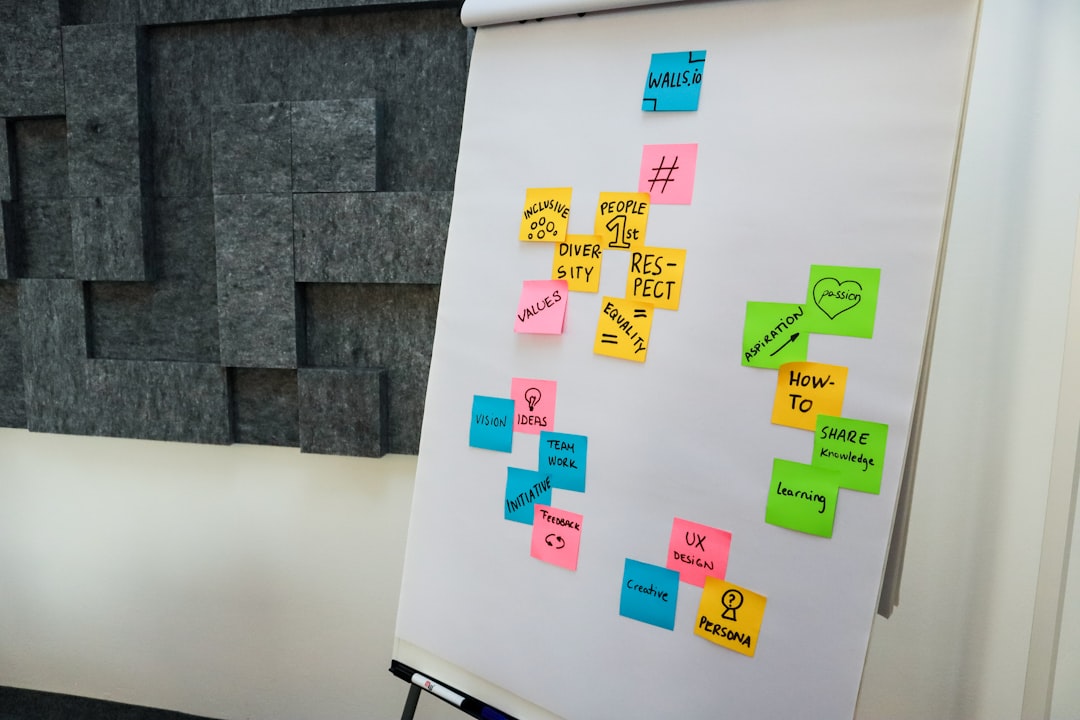
A message map organizes the few ideas the company needs to communicate and the proof points that make those ideas believable. Instead of asking every speaker broad questions, assign each person a role based on expertise, authority, and the audience they can address most naturally.
Prepare short prompts that invite complete answers without forcing executives to memorize scripts or repeat identical language. The resulting interviews sound more human while still covering the themes the marketing team needs for future edits.
This mapping belongs in the creative brief and the shoot-day schedule, not in a set of notes from a kickoff call that nobody revisits. A decision only counts once someone else could read it and know exactly what to do with it and why it matters to the audience. Walk through it again just before filming, while there's still time to adjust deliberately, and measure it against one question: does this get the team a content library, or just one more finished video?
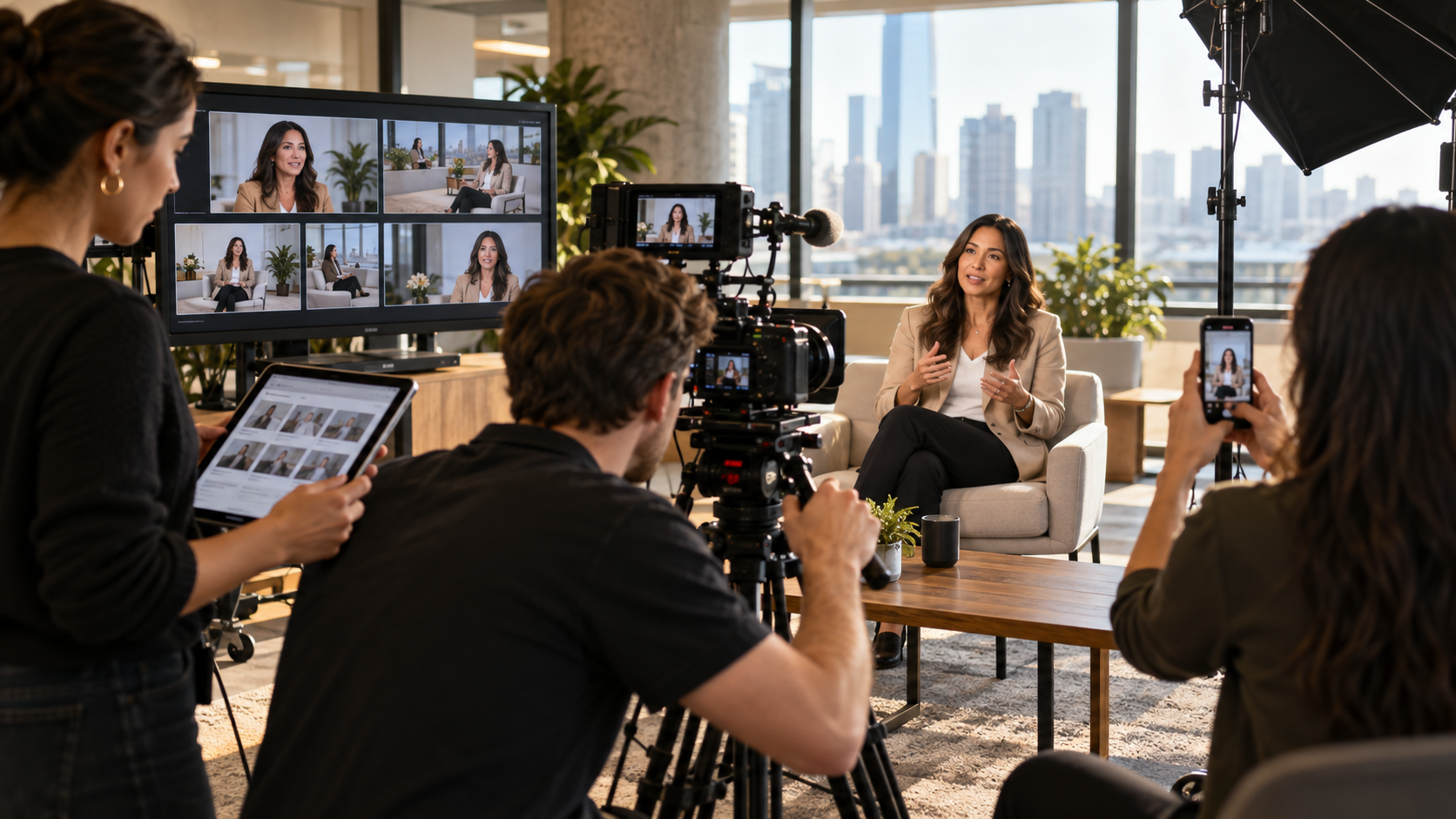
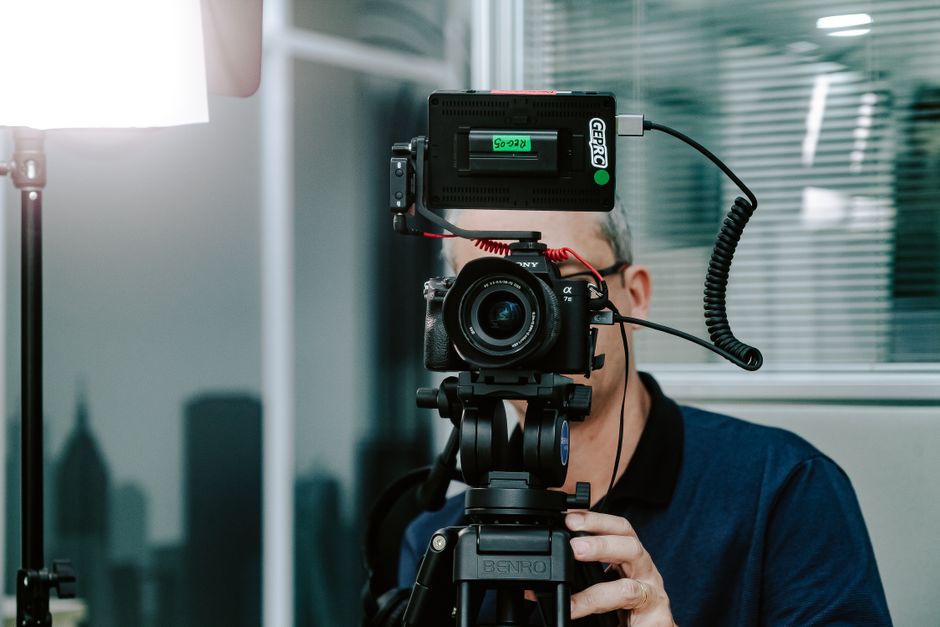
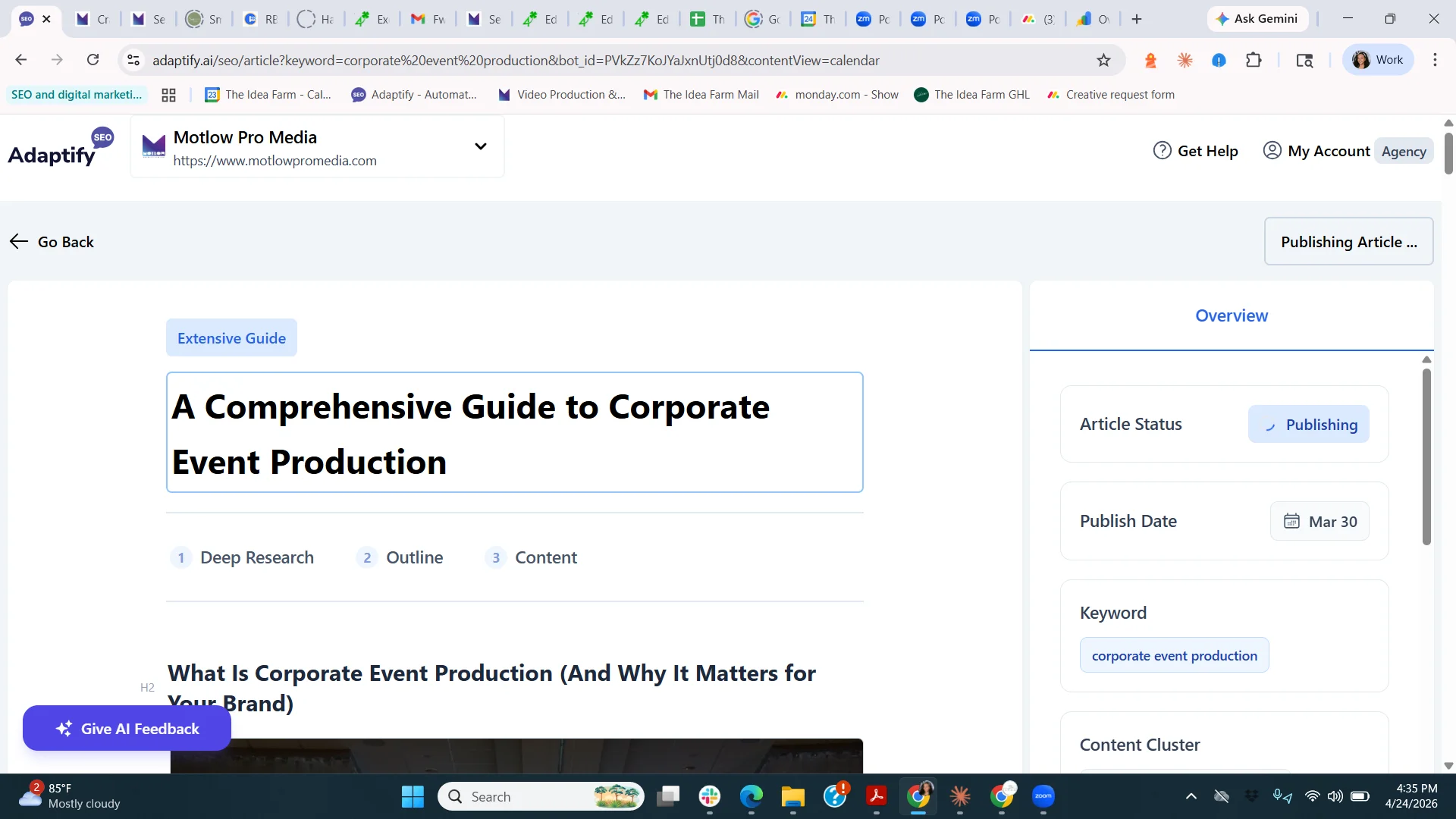
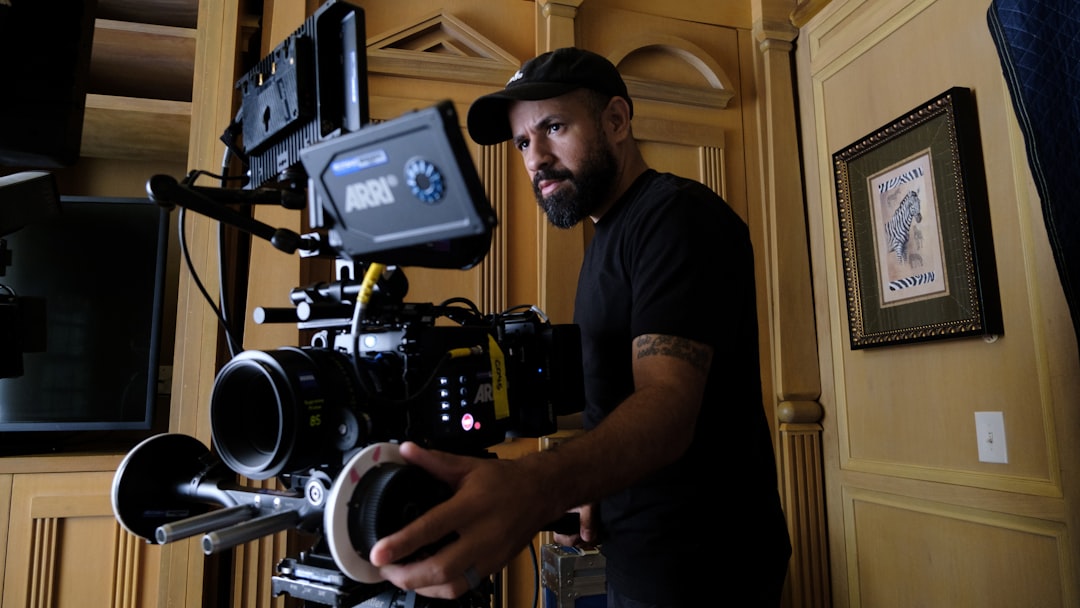
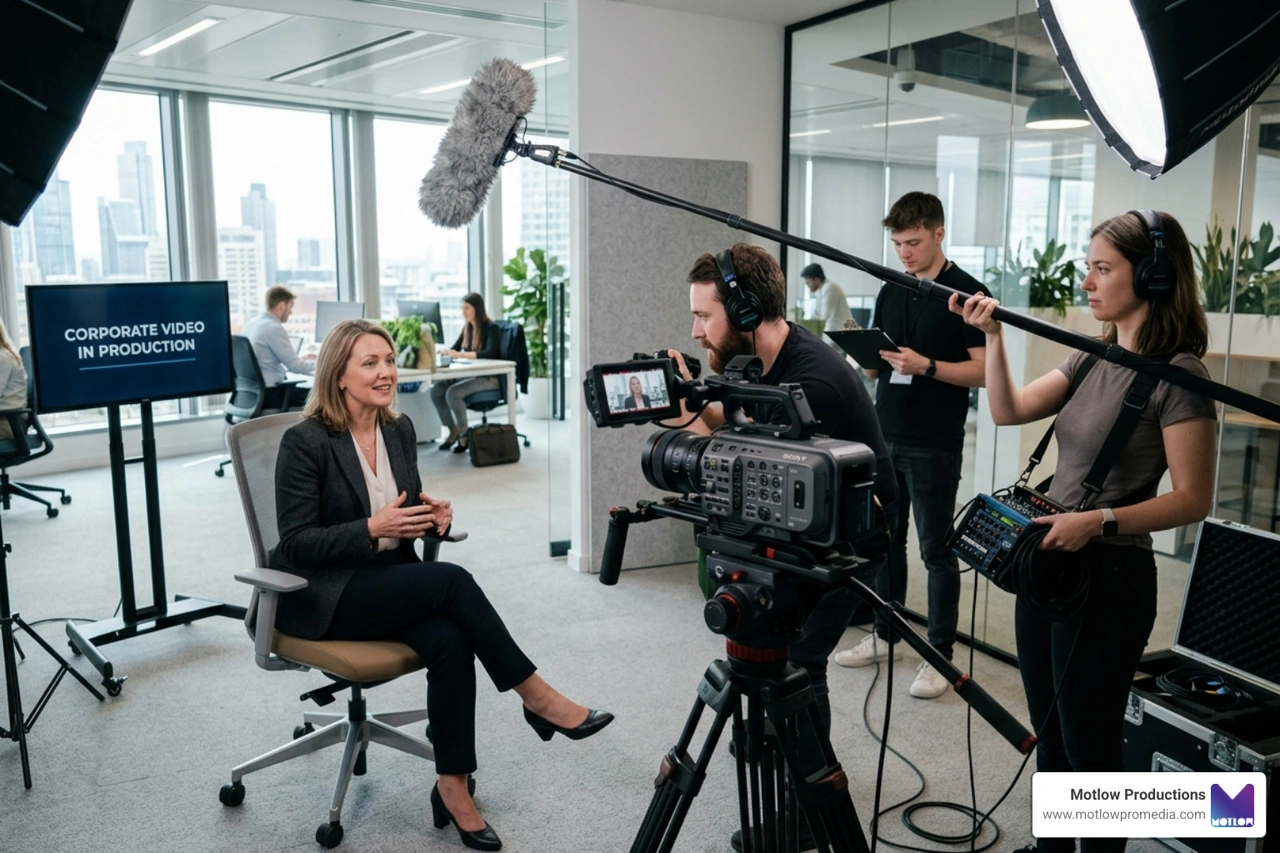
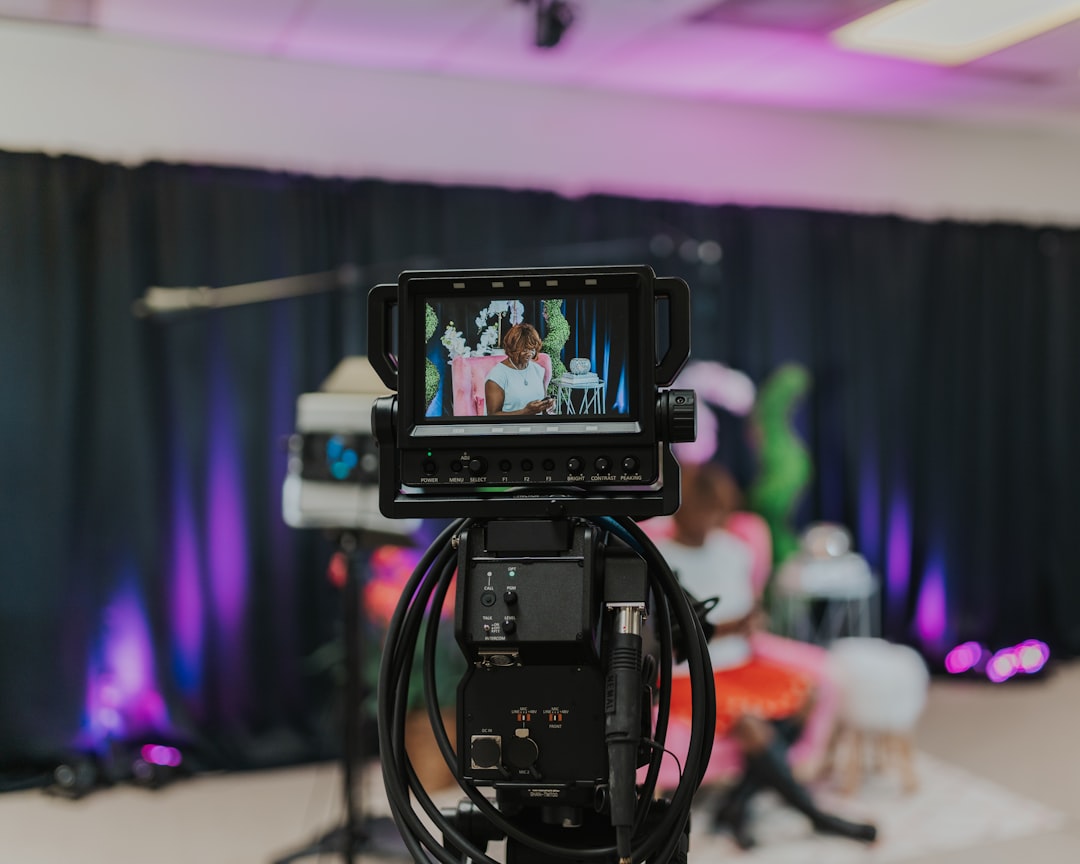
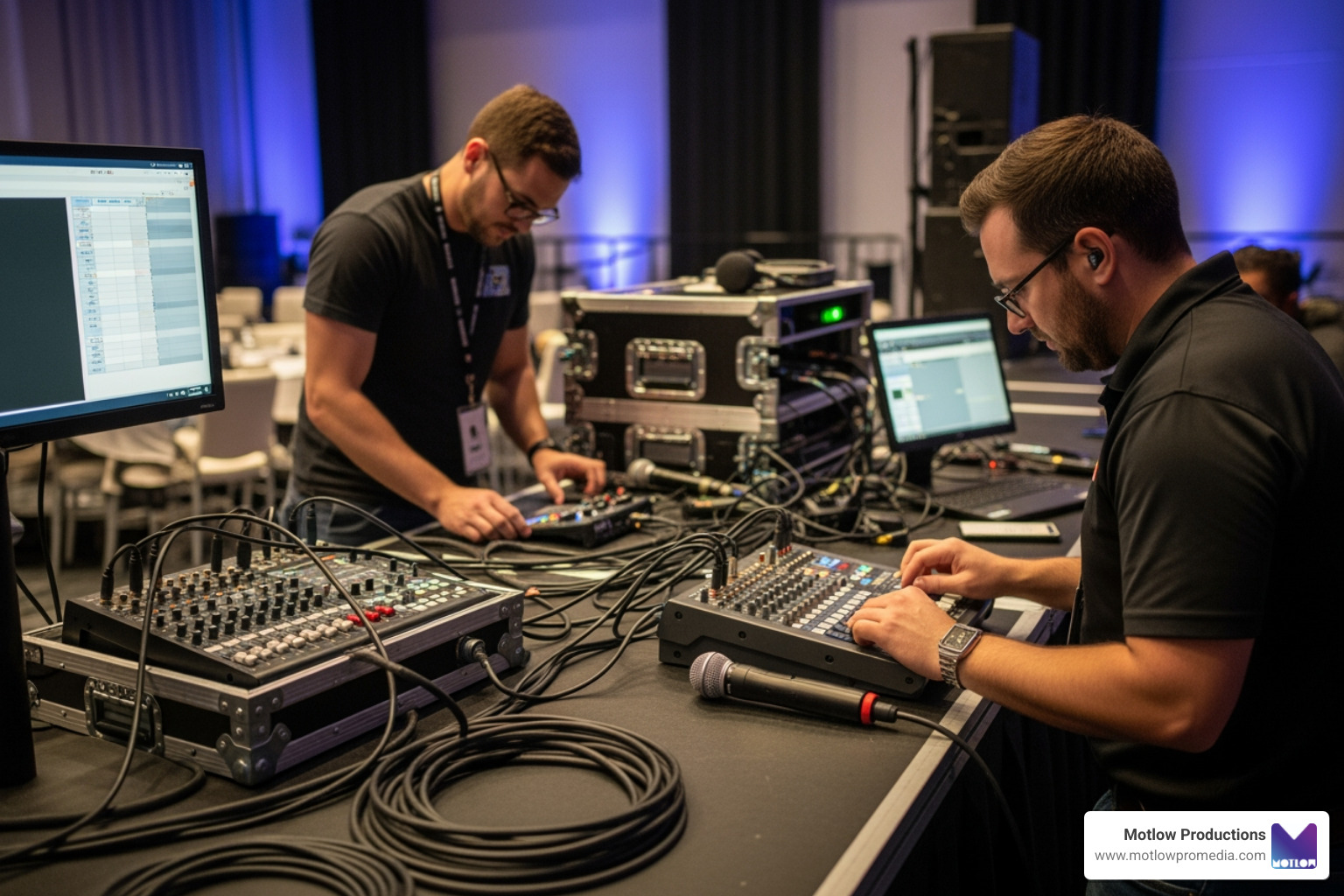
A production team reviews the story and capture plan before filming.
Long-form interviews should be recorded in modular sections so individual answers can stand alone when removed from the full conversation. Ask speakers to restate enough context in each answer, avoid references such as 'as I said earlier,' and pause between ideas for clean edit points.
Capture concise versions of high-priority answers after the longer discussion while the speaker is already comfortable and the setup is unchanged. Those focused responses can become social clips, email embeds, sales follow-ups, presentation openers, and internal updates without manufacturing a second shoot.
This is also where it helps to weigh what the internal team can prep versus what needs an outside producer's judgment call. Sort out early who owns the interview questions, who owns the room, and who's on the hook if an answer doesn't land — marketing, communications, an executive sponsor, the subject-matter expert, or the crew itself. Getting that handoff straight up front is what keeps the day from producing gaps, duplicated setups, and an expensive callback.
For additional context on structuring the day this way, see the discussion of planning the day as a content capture system.
Supporting footage should prove what interviewees are describing rather than functioning as generic decoration. If the message emphasizes collaboration, quality control, customer experience, or technical capability, the visual plan should show those actions clearly.
Schedule dedicated still-photography windows while lighting and locations are ready, but avoid pulling random frames from video as a substitute for intentional photography. A coordinated capture plan gives the brand both motion and still assets with consistent people, environments, wardrobe, and visual tone.
When it's time to sign off on this part of the plan, ask a simple question: would the audience notice if this shot were missing or looked inconsistent with everything else? The answer sorts requirements into essential, nice-to-have, and skippable, and that sorting is what lets a marketing team spend the budget on what actually builds the content library instead of treating every wish-list item as equally urgent.
For additional context, Adobe's overview of production planning covers similar ground on coordinating footage types.
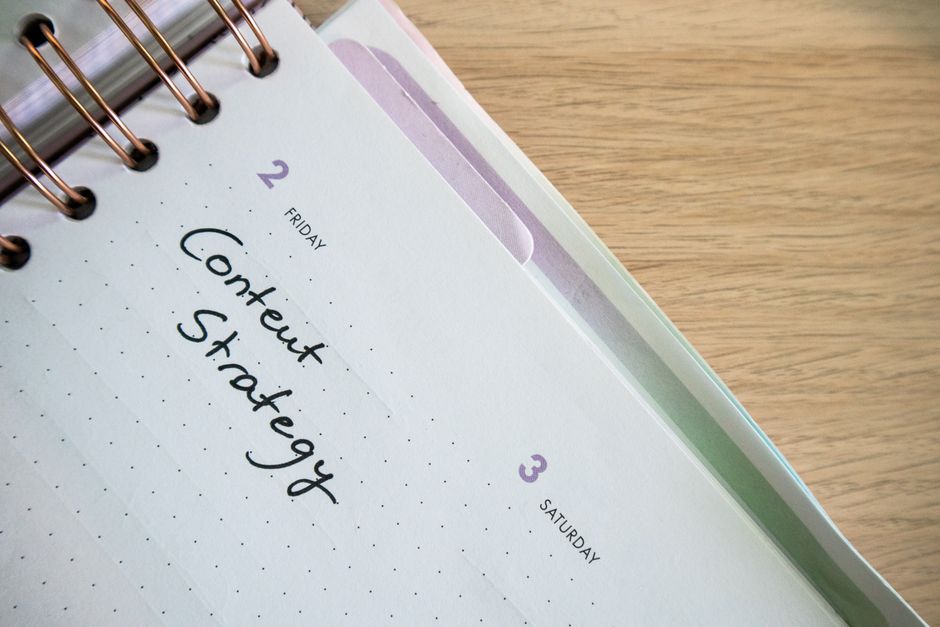
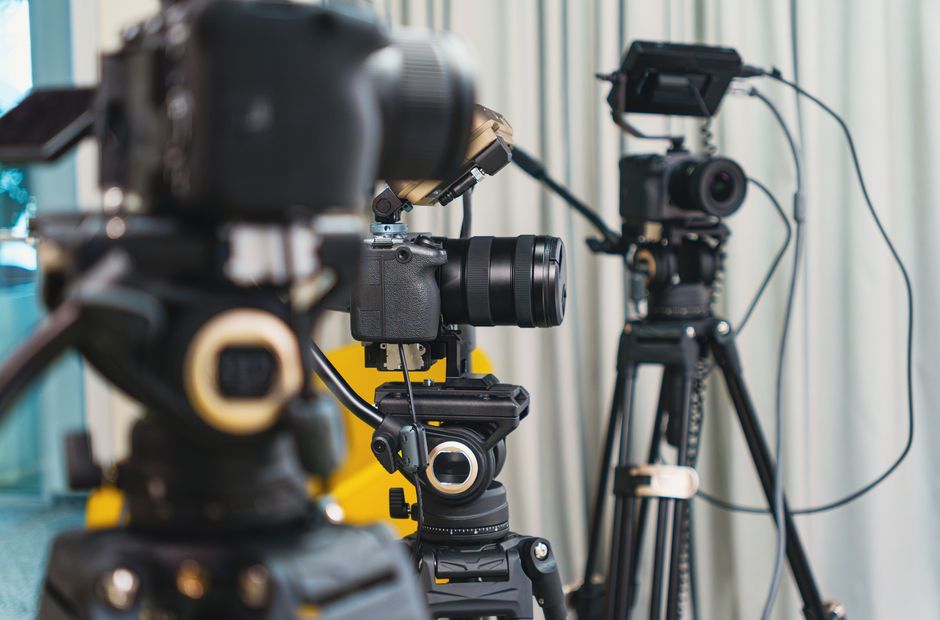
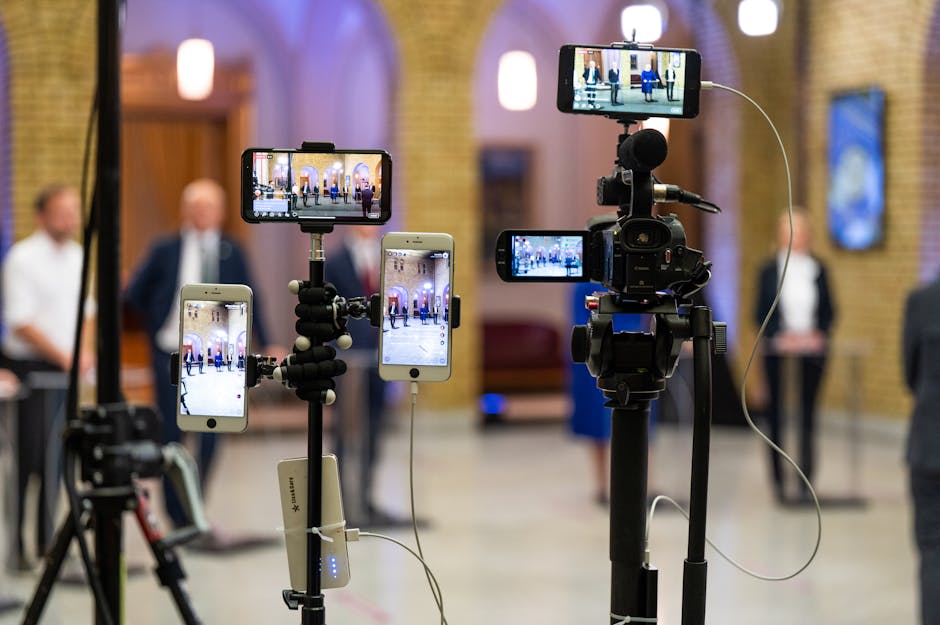
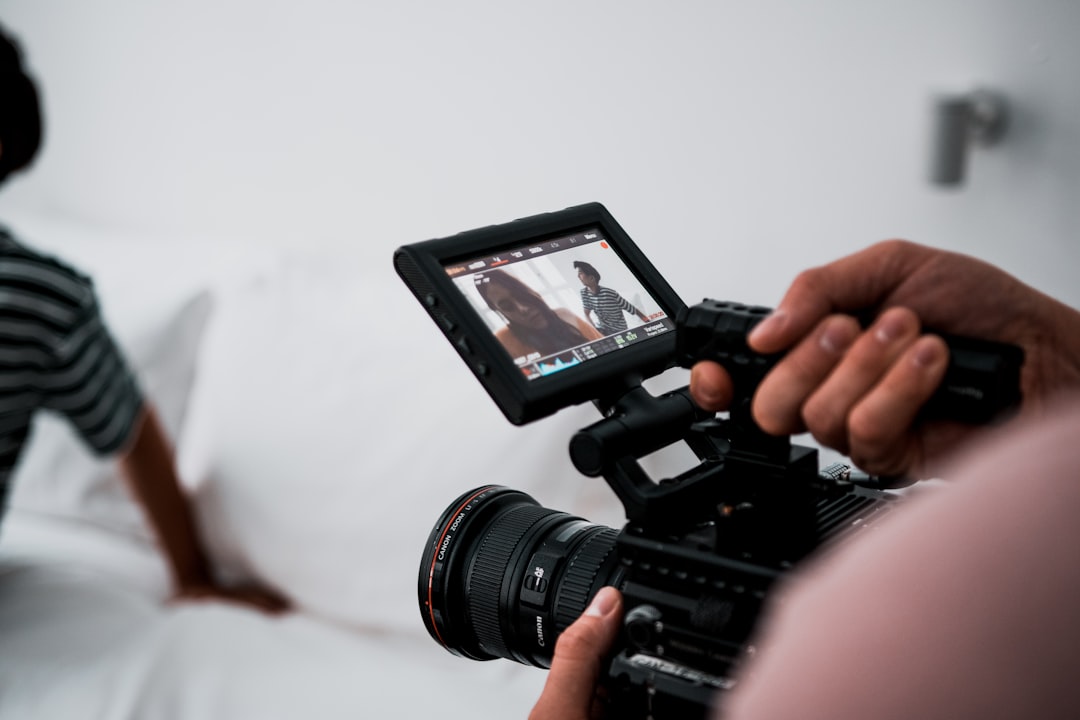
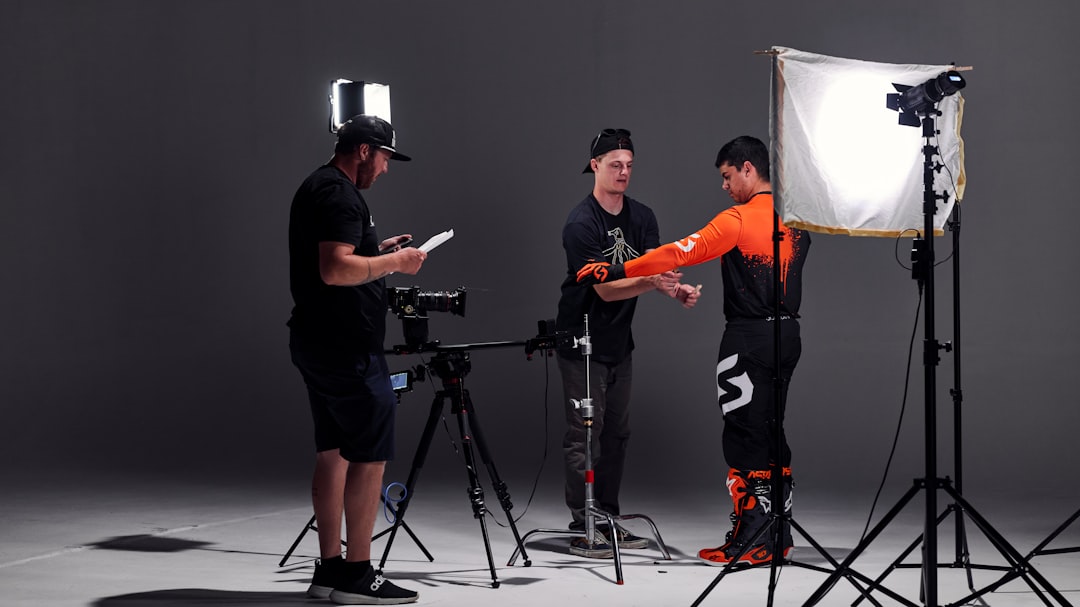
A coordinated content calendar helps one filming day support multiple channels.
A productive schedule includes setup, sound checks, lighting changes, speaker preparation, breaks, room resets, and movement between locations. Packing every minute with on-camera time usually creates delays and reduces the quality of later interviews as people become rushed.
Group scenes by location and technical setup, then build a short buffer around executives or operational areas that may become unavailable. A producer should own the clock while the marketing lead protects message accuracy and approves necessary adjustments.
Once this rhythm works for one shoot, write it down as a checklist the next production can start from rather than reinvent: what evidence unlocks approval, who owns that answer, and the last date it can still change. A team that reuses a proven schedule template moves faster and stops relearning the same lesson about missed shots and last-minute add-ons project after project.
The footage should leave the set with a planned destination, naming system, review process, and priority order for post-production. Define which master videos come first, which clips depend on those edits, and which evergreen answers can enter a longer content queue.
Record usage rights, speaker approvals, expiration dates, product references, and claims that may require future review. This discipline makes the content library searchable and prevents valuable footage from disappearing into an unlabeled archive.
For corporate marketing teams, this is worth writing down as an actual plan rather than something everyone assumes will happen on its own: name who owns the asset library, when it needs to be organized by, what has to be in hand before editing starts, and what "approved" means for each file. Check it against the goal of turning one day into a usable library, and if a speaker's answer or a rights question changes mid-project, update the plan and tell everyone it affects before editing moves forward.
For additional context, the U.S. Copyright Office's overview of usage rights is a useful reference while these terms are finalized.
Get the marketing lead, the producer, and whoever controls access, budget, or final sign-off into one 45-minute session before the shoot. Use that time to decide which of the business-use, message-map, and interview-design questions above need answers now versus which can wait, and put a date on every open question so discovery doesn't quietly stretch into the shoot week. The goal is to leave that meeting with something the team can act on, not another round of notes.
From there, weigh the B-roll, schedule, and asset-plan decisions against what the calendar and crew can actually deliver. Cut anything without a clear audience, owner, or place to live once it's edited, and keep whatever directly builds toward a usable content library rather than a single finished video. When a dependency can't be resolved before the shoot, say so out loud and note what it costs in time, money, or quality — an acknowledged gap is far easier to manage than an assumption nobody checked.
After the footage is delivered, take a short pass at what worked: which assets earned their place, what slowed things down, and what should change next time. File those notes next to the brief, schedule, releases, and final deliverables so the next production starts smarter instead of from zero.
The answer depends on complexity, locations, number of speakers, and edit requirements. A focused day can often capture one primary piece plus a practical library of short answers and supporting visuals when the plan is designed for reuse. Put the expected count in the brief itself so the client and the crew are working from the same number going in.
Usually not. Talking points, message maps, and prepared prompts preserve accuracy while allowing speakers to sound natural; tightly scripted delivery is better reserved for legal, financial, or precisely timed statements. Whichever approach a project needs, spell it out in the brief so speakers and crew aren't guessing at expectations on set.
Plan stills as dedicated blocks around lighting setups, people, and locations that are already available. Treating photography as an afterthought can interrupt interviews and produce images that do not meet campaign needs. Build the still-photography windows into the written schedule rather than leaving them to whatever time is left over.
One day of filming creates more value when the marketing strategy, message architecture, capture plan, and post-production roadmap are connected before the crew arrives. The goal is not to collect the largest possible volume of footage. It is to leave with the right assets, organized for clear business uses and ready to support consistent communication over time.
Some clients want to give notes in a live Zoom call. Others prefer a group text or email thread. However you like to communicate, we adapt. You’ll never be left guessing where things stand - and you’ll always have a say before anything goes out the door.





Phone:
+1 863-250-8639
.png)
Email:
info@motlowpromedia.com