







-5.jpg)































Thank you! Your submission has been received!
Oops! Something went wrong while submitting the form.

.avif)
September 29, 2026
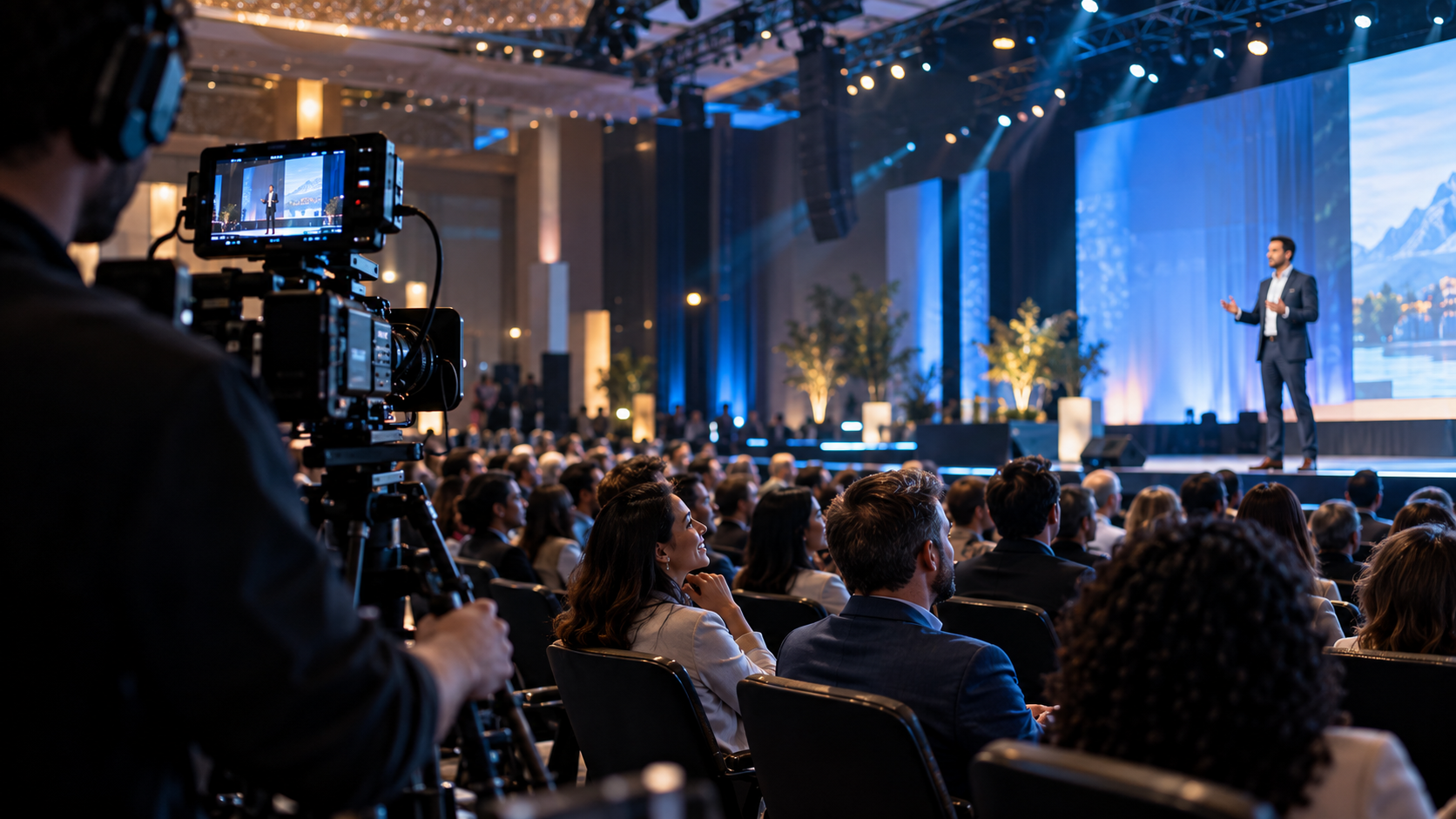
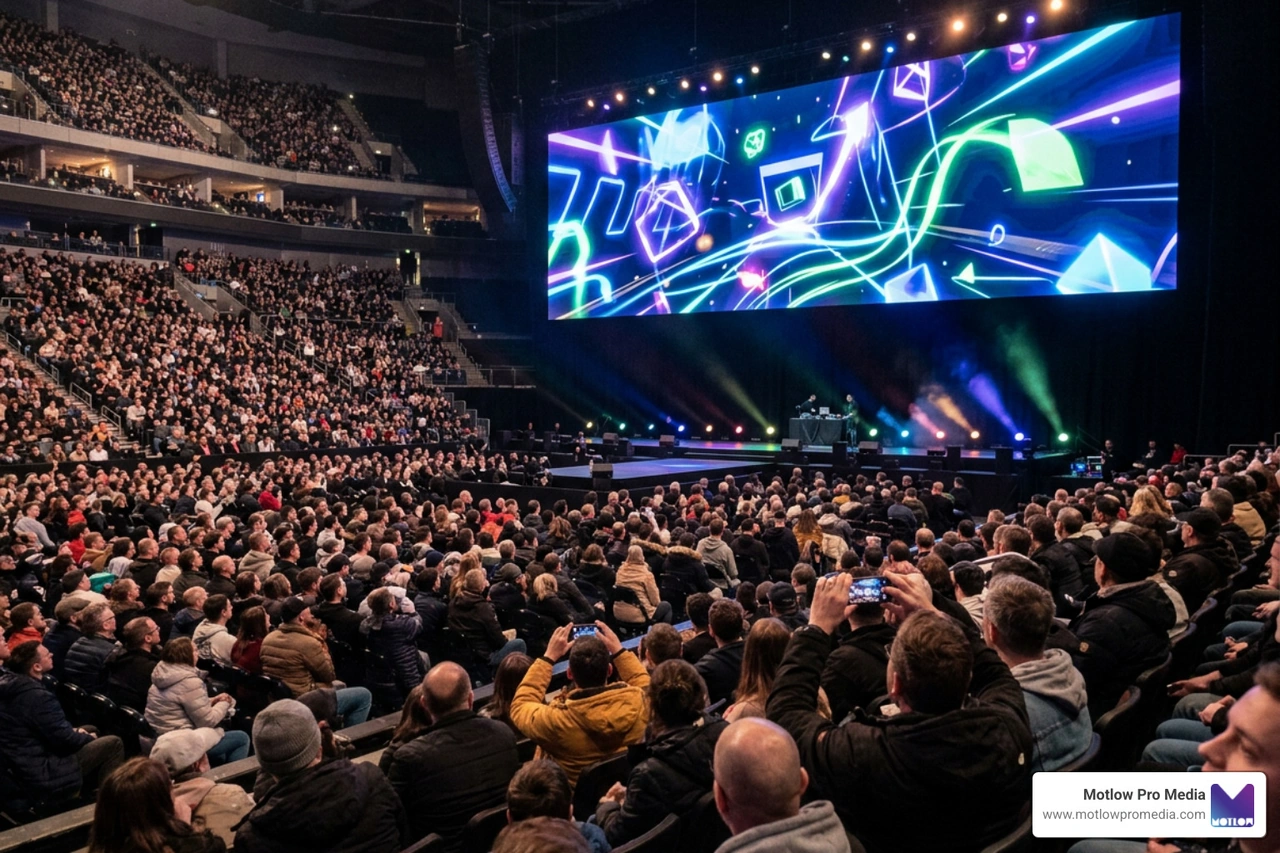
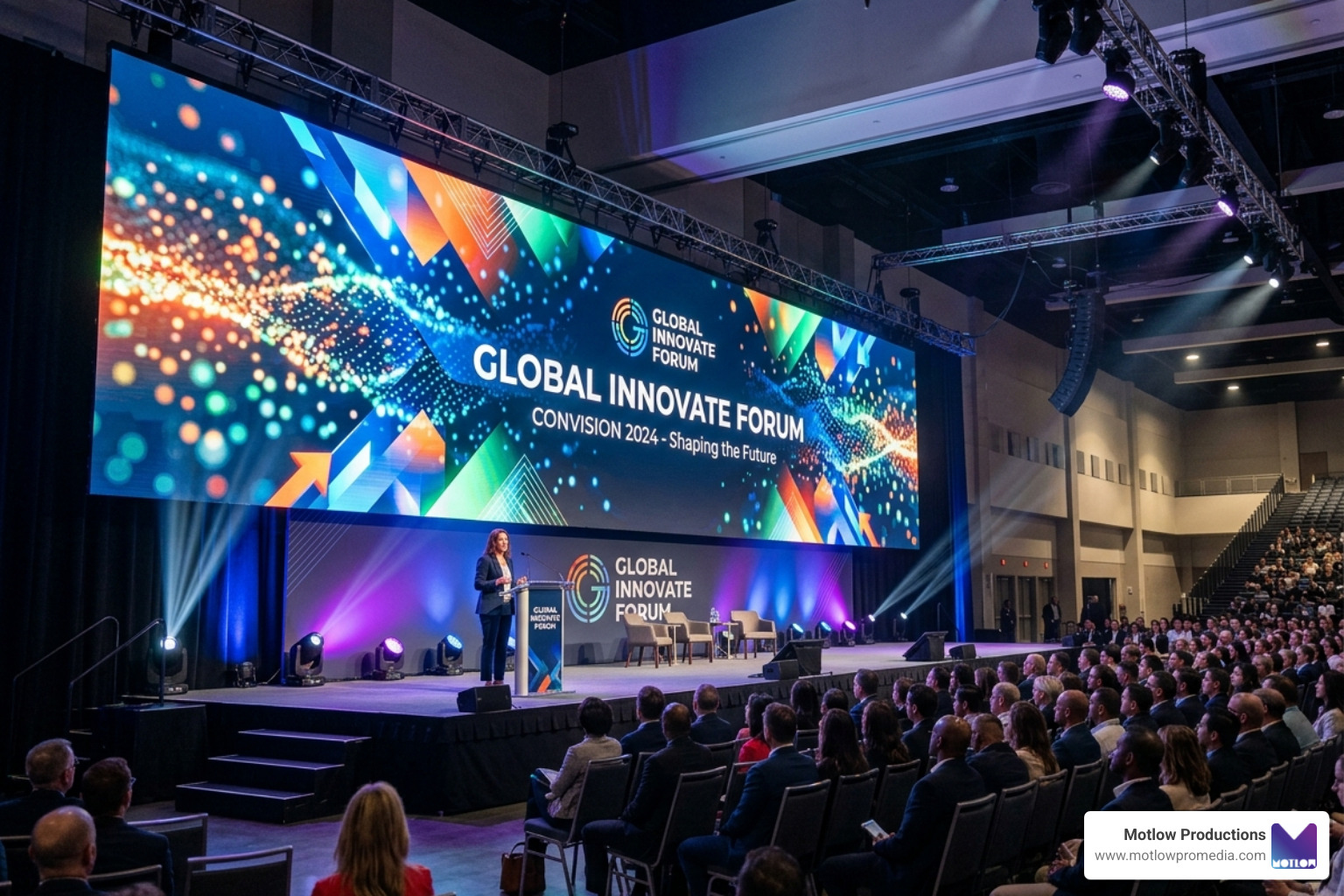
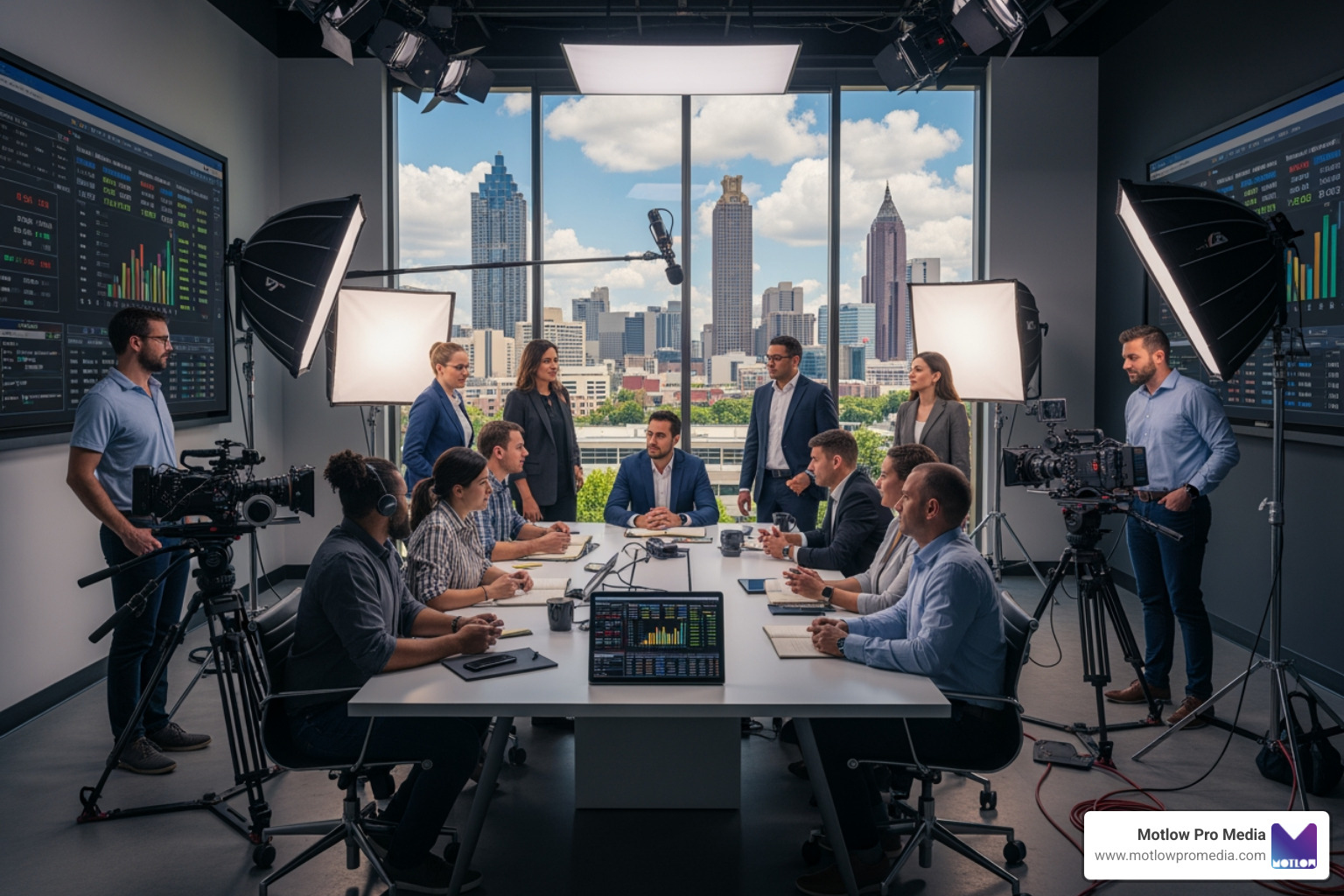
A corporate conference can produce far more than one highlight reel. With the right production plan, one event can become a full content library: keynote clips, panel excerpts, executive interviews, sponsor recaps, social media cutdowns, internal updates, recruiting content, sales enablement videos, and photography for future campaigns.
The problem is that many marketing teams only realize what they missed after the event is over.
A great speaker gives a perfect soundbite, but no close-up camera was rolling. A sponsor activation looks strong in person, but no one captured usable footage. The audience energy is high, but the final recap has no crowd reactions. The leadership team wants clips for LinkedIn, but the footage was not filmed with short-form edits in mind.
Those are not just production problems. They are content strategy problems.
Conference video should be planned before the event, not assembled afterward from whatever footage happens to exist. That is where a production partner can help. Through Motlow Pro Media's services, marketing teams can think through event production, video capture, photography, livestreaming, and post-event deliverables as one connected strategy.
A recap video is useful, but it should not be the only goal.
Many teams approach conference video with one question: "Can we get a highlight reel after the event?" That is a good starting point, but it leaves a lot of value on the table. A conference creates multiple types of content, and each one requires slightly different planning.
A recap video needs energy, crowd movement, branded visuals, speaker moments, and event atmosphere. A keynote clip needs clean audio, strong camera angles, and a clear presentation feed. A sponsor video needs signage, booth interaction, audience engagement, and proof of visibility. A social media clip needs concise soundbites and a format that works on the intended platform.
If the crew only captures footage for a general recap, the marketing team may not have enough material for everything else.
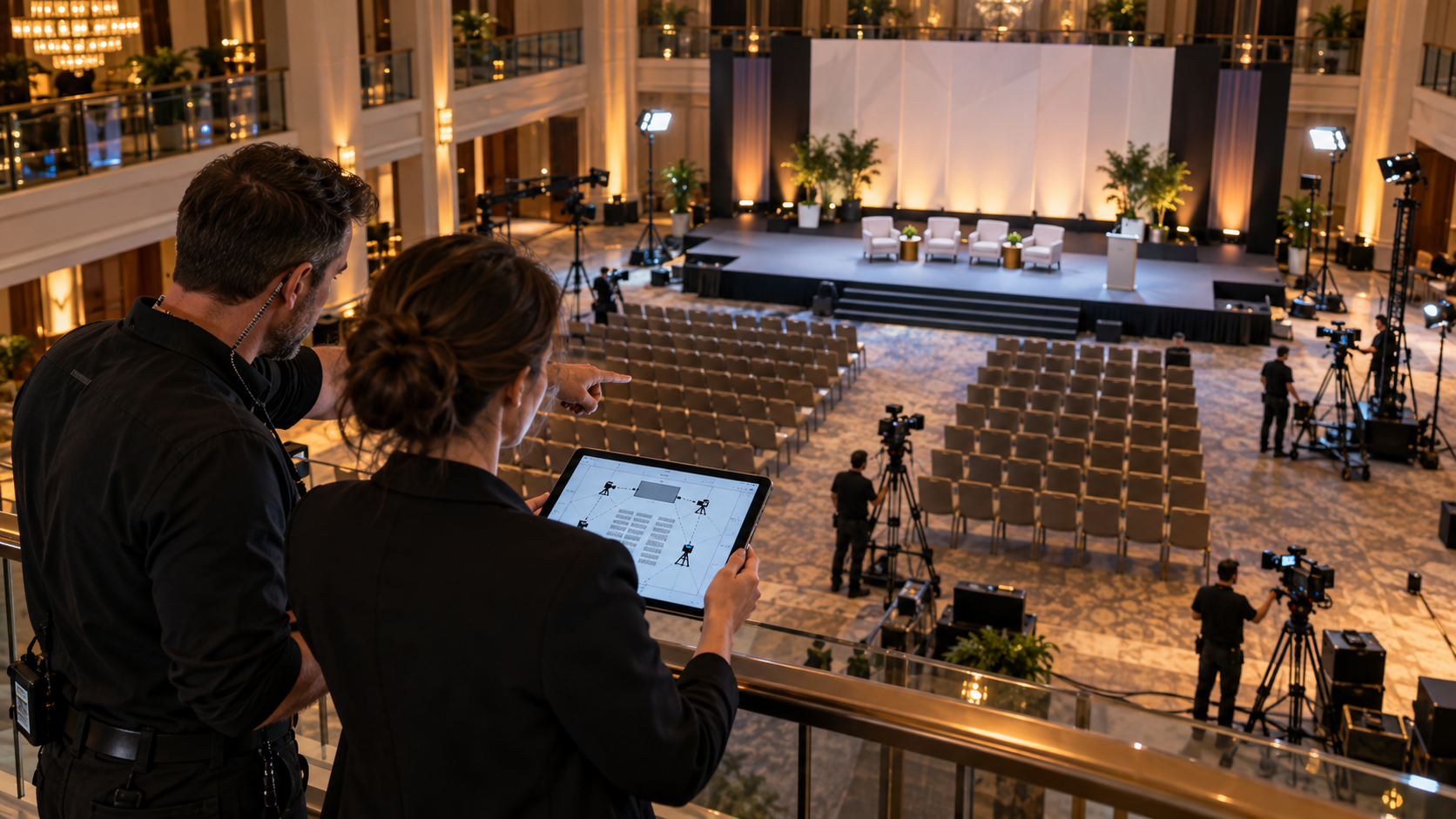
The better approach is to identify deliverables before event day. Ask what the event needs to produce after the room clears. If the answer includes recap videos, speaker clips, social content, sponsor packages, internal updates, and sales materials, the production plan should support all of those outcomes from the start.
A conference agenda tells people what happens during the event. A content capture plan tells the production team what needs to be captured for future marketing use.
Those are not the same thing.
The agenda might say there is a keynote at 9:00, a panel at 10:30, and networking at 4:00. The content capture plan goes deeper. It identifies which speakers need close coverage, which sessions need full recording, which sponsors need visibility, which moments are useful for social clips, and which environments should be photographed.
Without that plan, the production team may capture the event accurately but still miss the most valuable marketing assets.
A strong content capture plan may include:
The A-Z Guide to Conference Video Production explains this larger idea well: the event should be planned as a content opportunity, not just a live experience.
Video quality matters, but poor audio can make conference content unusable.
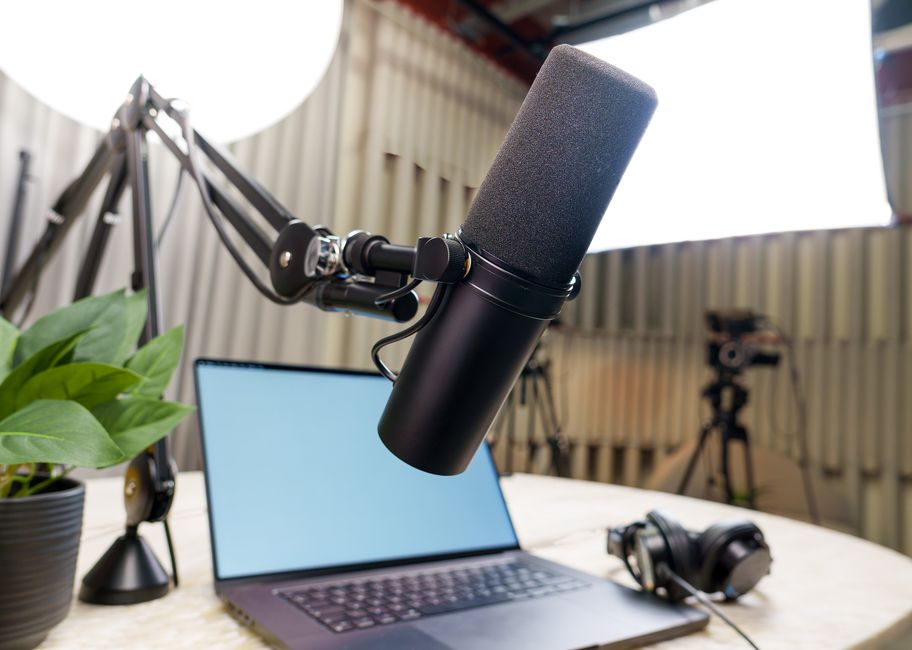
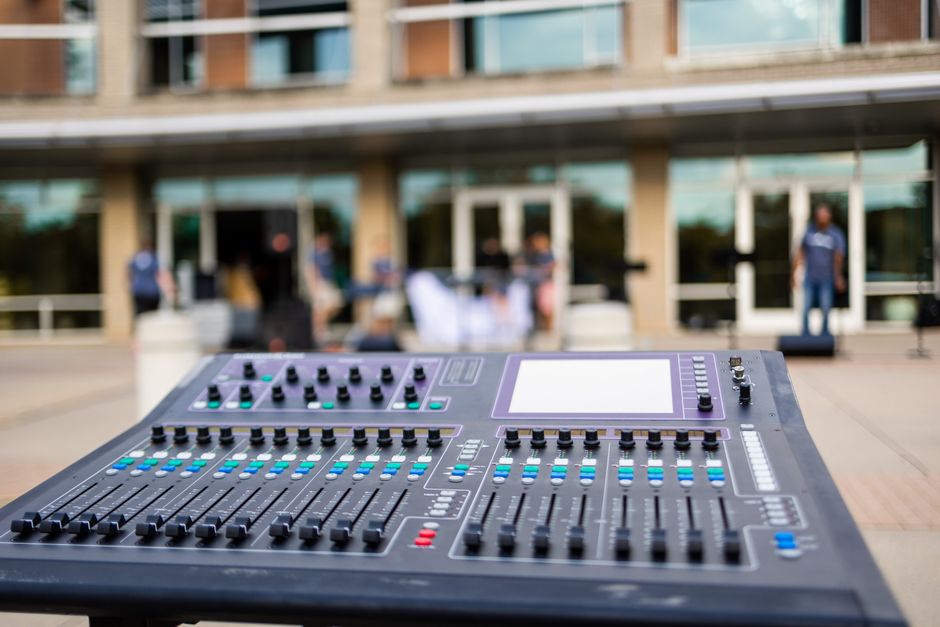
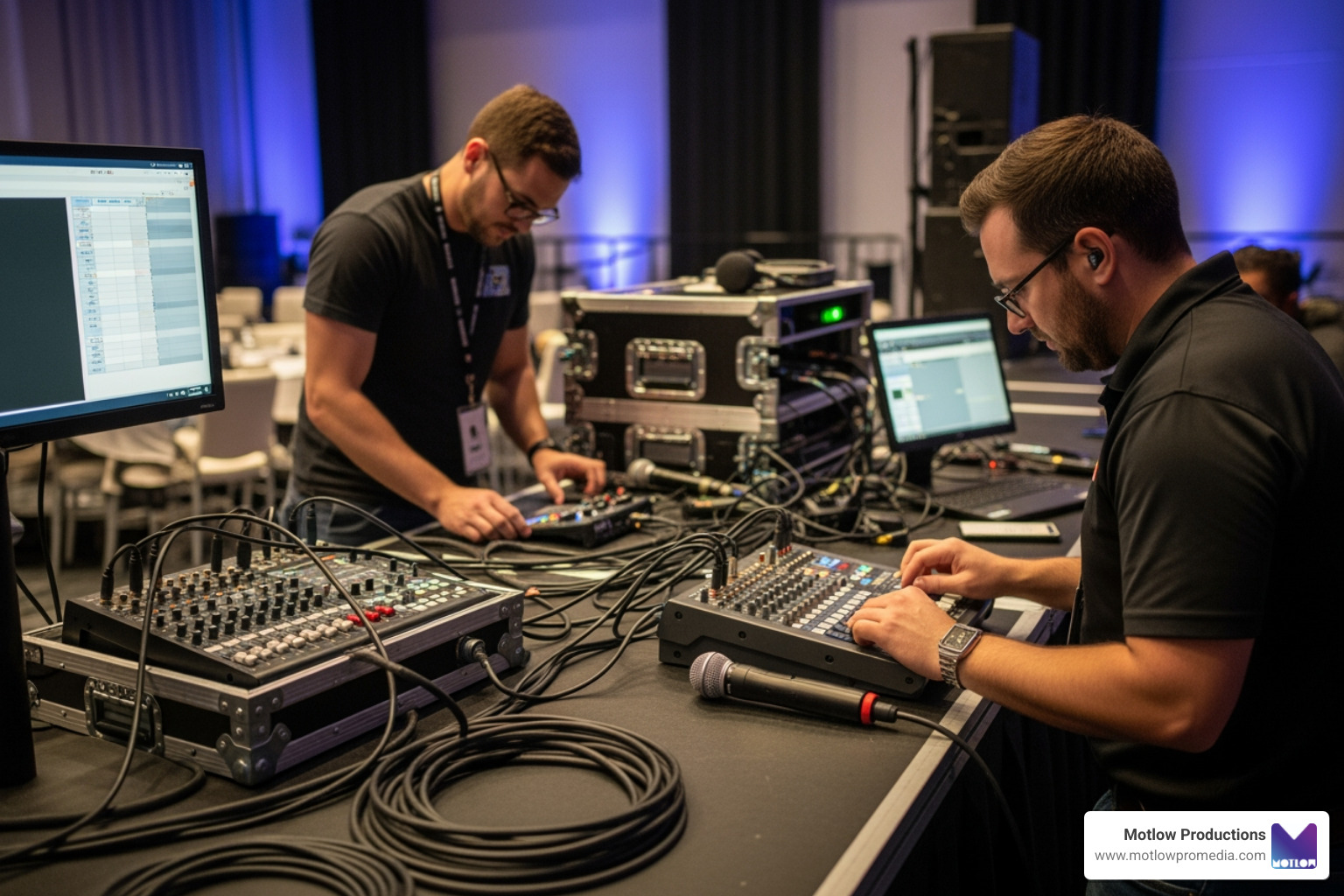
A speaker may look great on camera, but if the microphone is too quiet, distorted, echoing, or filled with room noise, the clip becomes harder to use. This is especially important for keynote recordings, panel discussions, breakout sessions, livestreams, training content, and internal communication videos.
Audio planning should happen before the event. The production team needs to know who is speaking, where they will be, what microphones they will use, whether there will be Q&A, and whether the event requires a clean feed for livestreaming or recording.
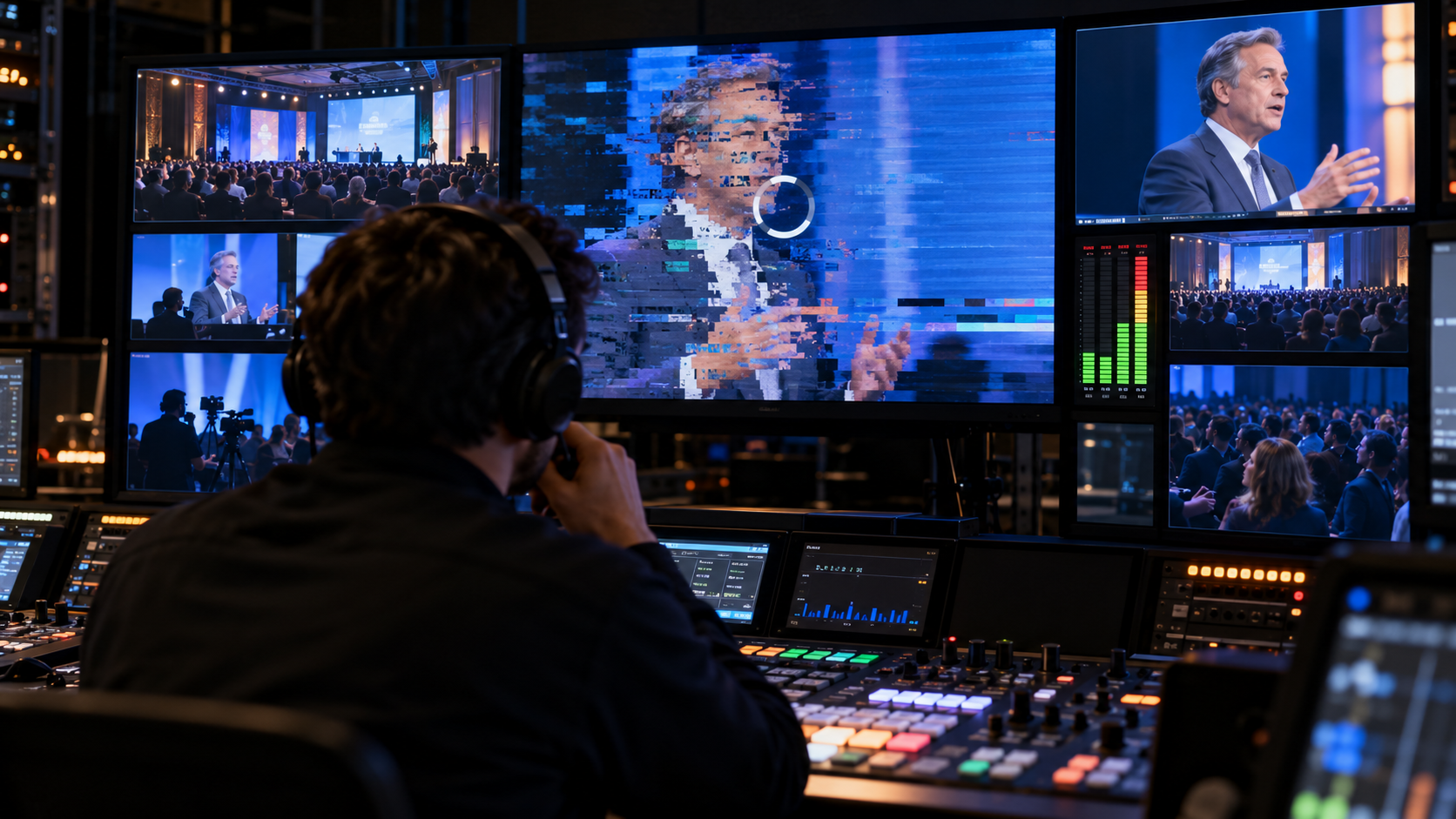
For panels, the team should know whether each speaker has an individual microphone. For audience Q&A, they should know whether questions will be repeated by a moderator or captured through a roaming microphone. For livestreams, they should know how audio will be routed to the stream and monitored live.
Marketing teams do not need to manage the technical setup, but they should ask about it. A simple question can prevent major issues:
How will we capture clean audio for every speaker and every session we plan to use after the event?
One camera can document an event. It usually cannot capture the full story.
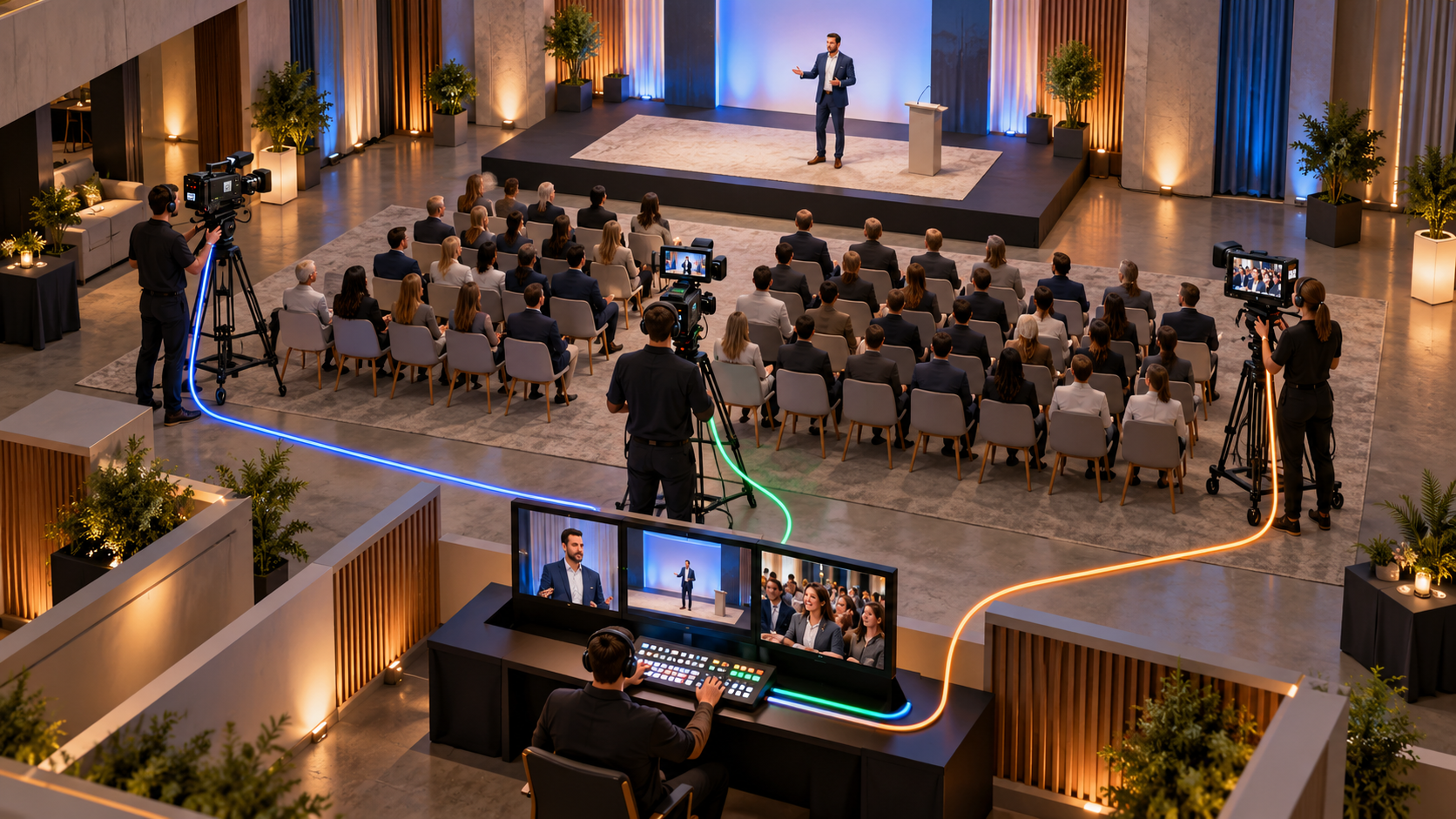
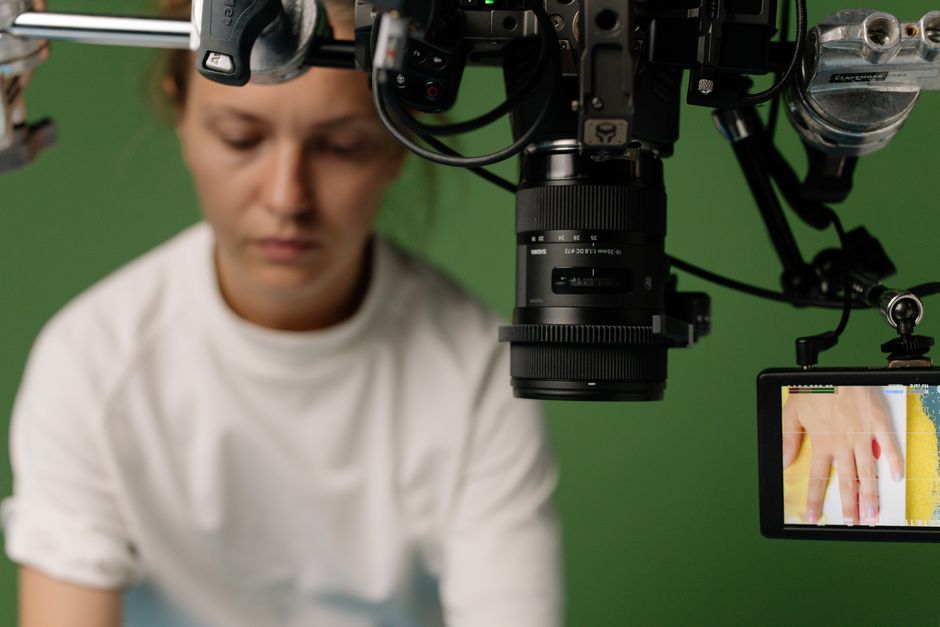
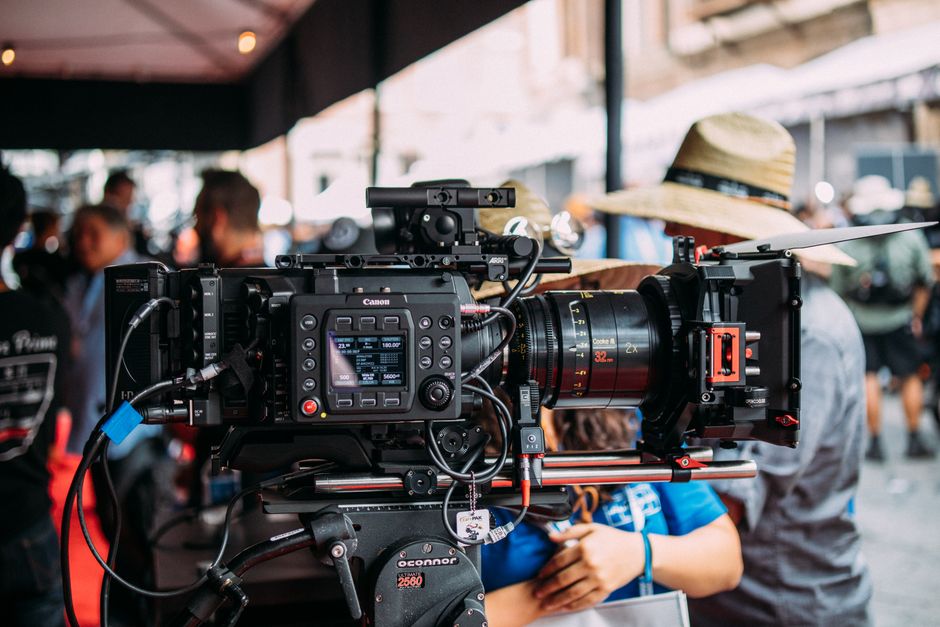
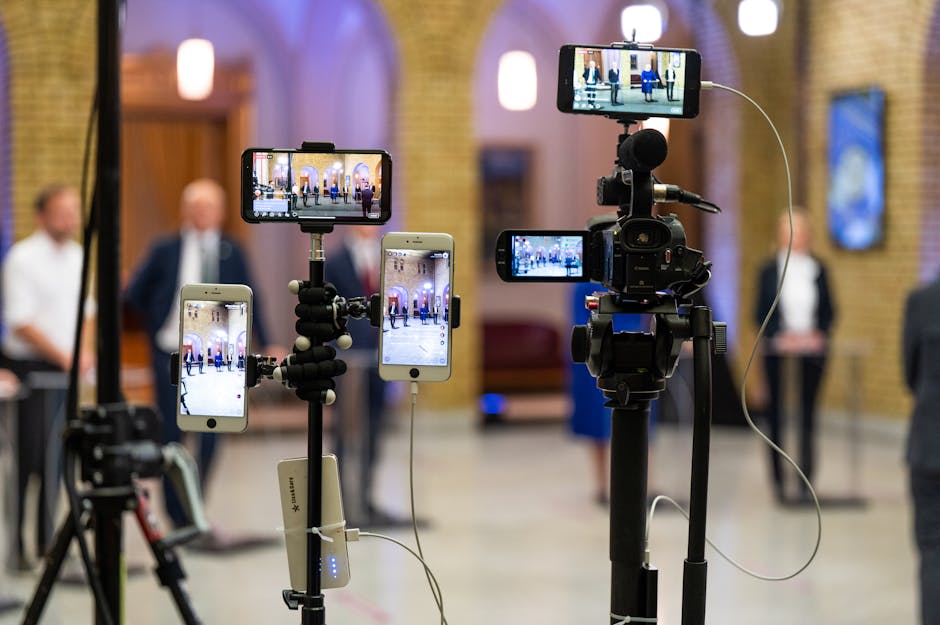
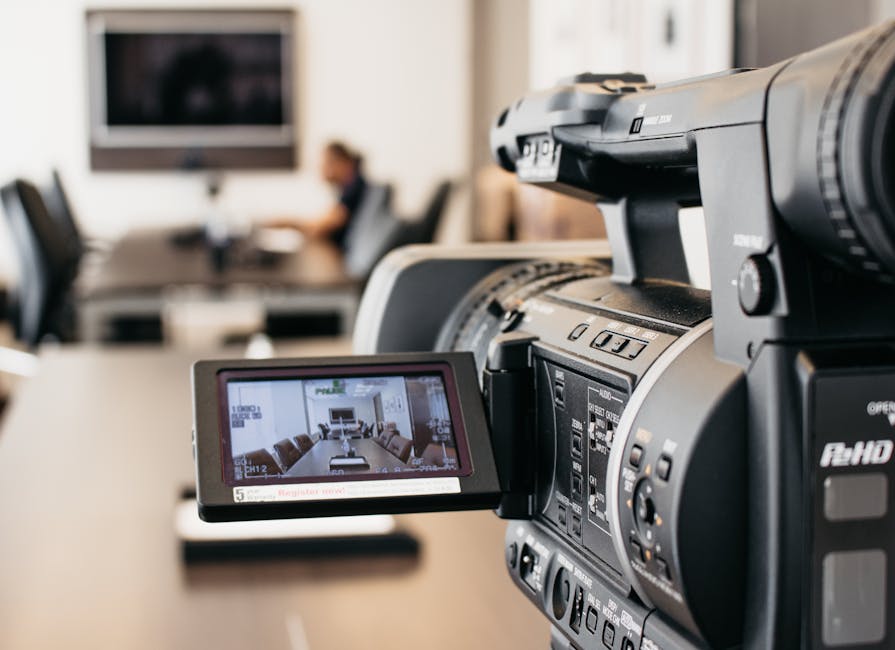
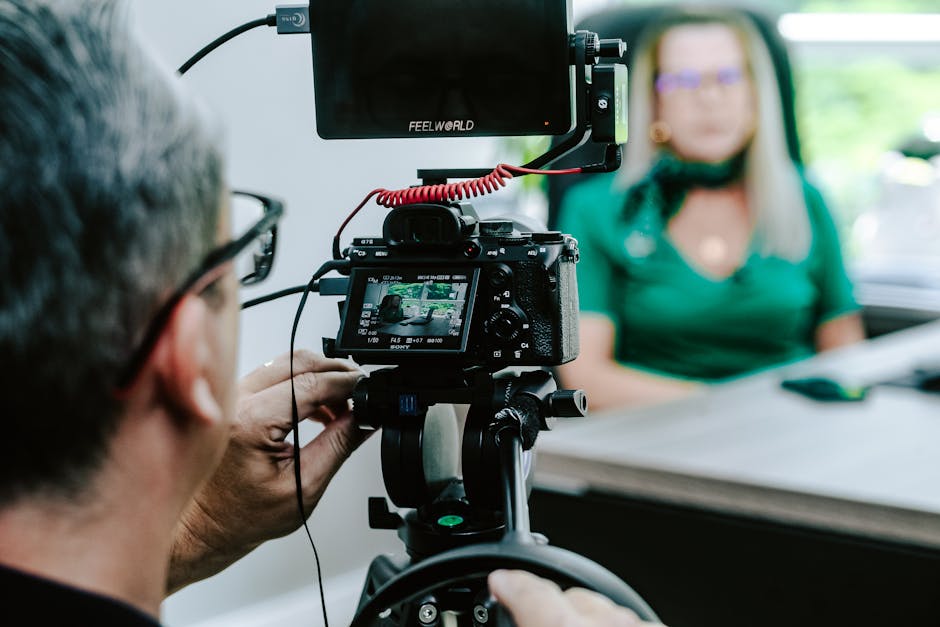
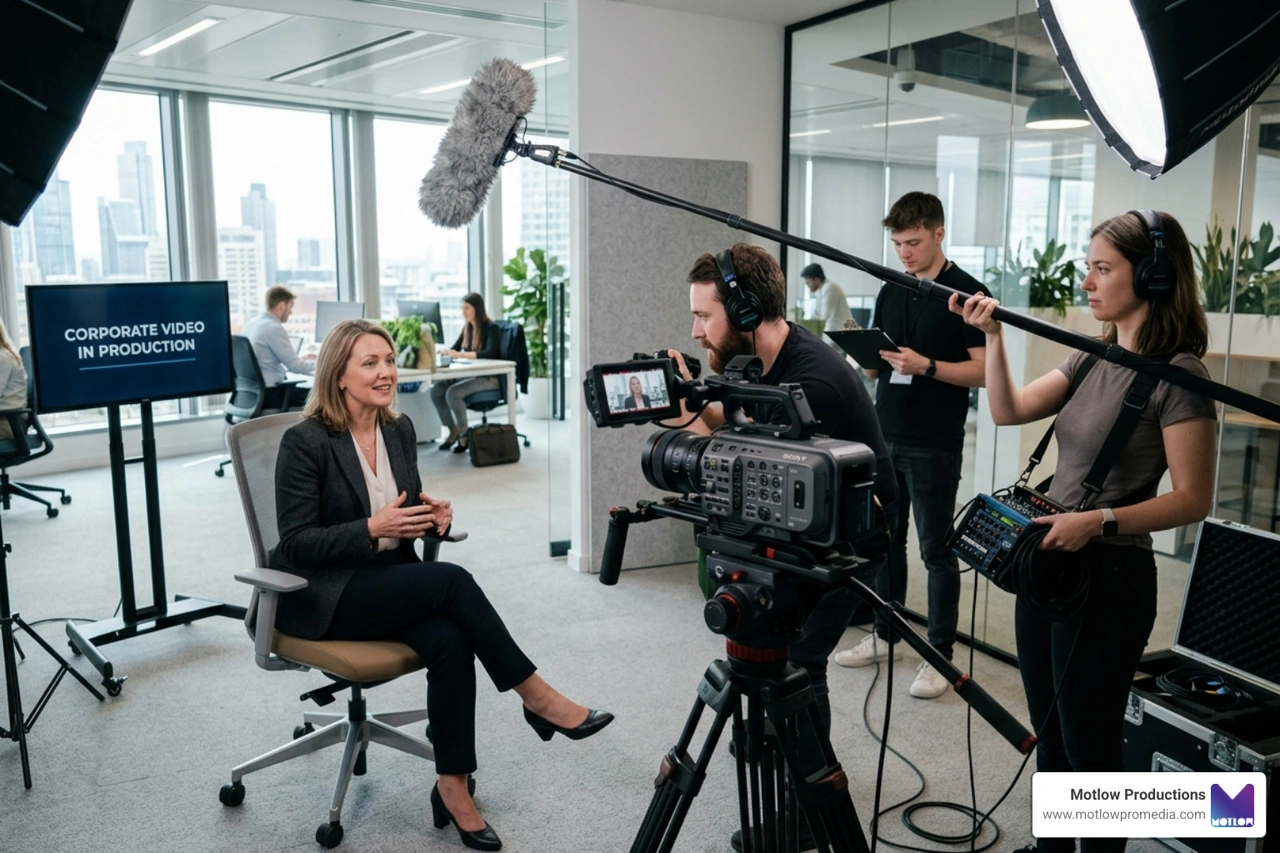
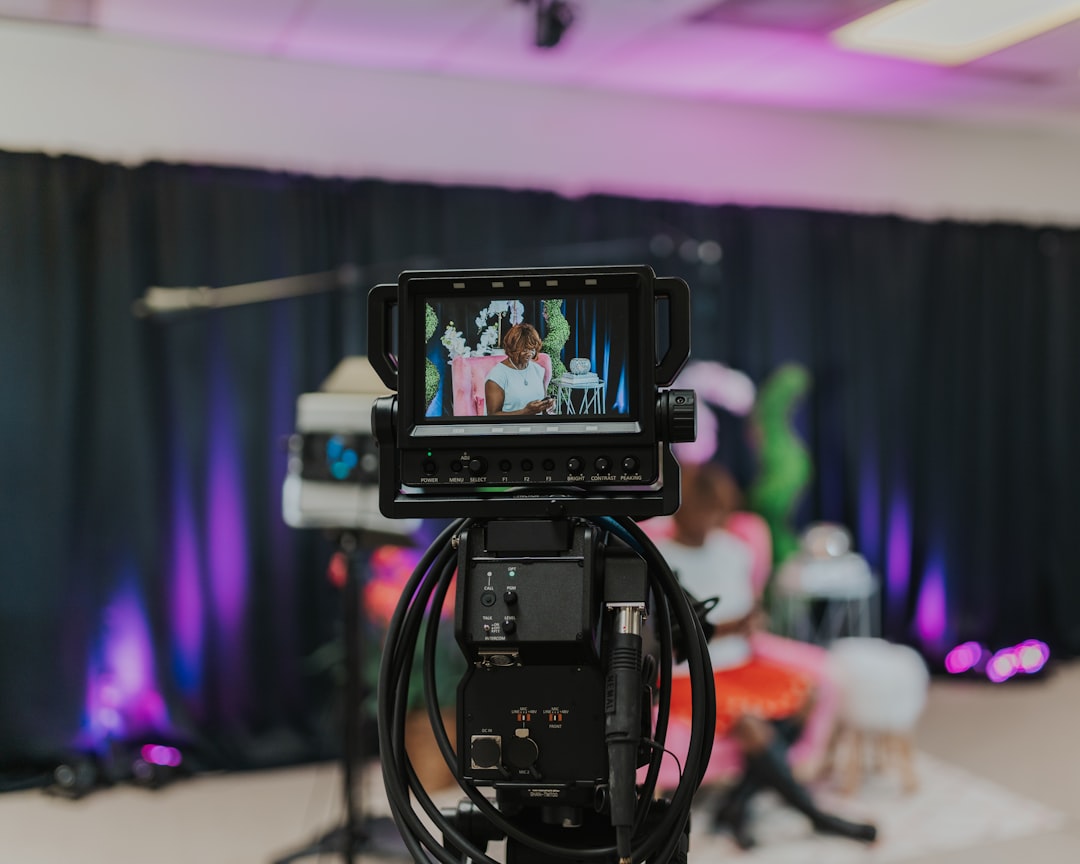
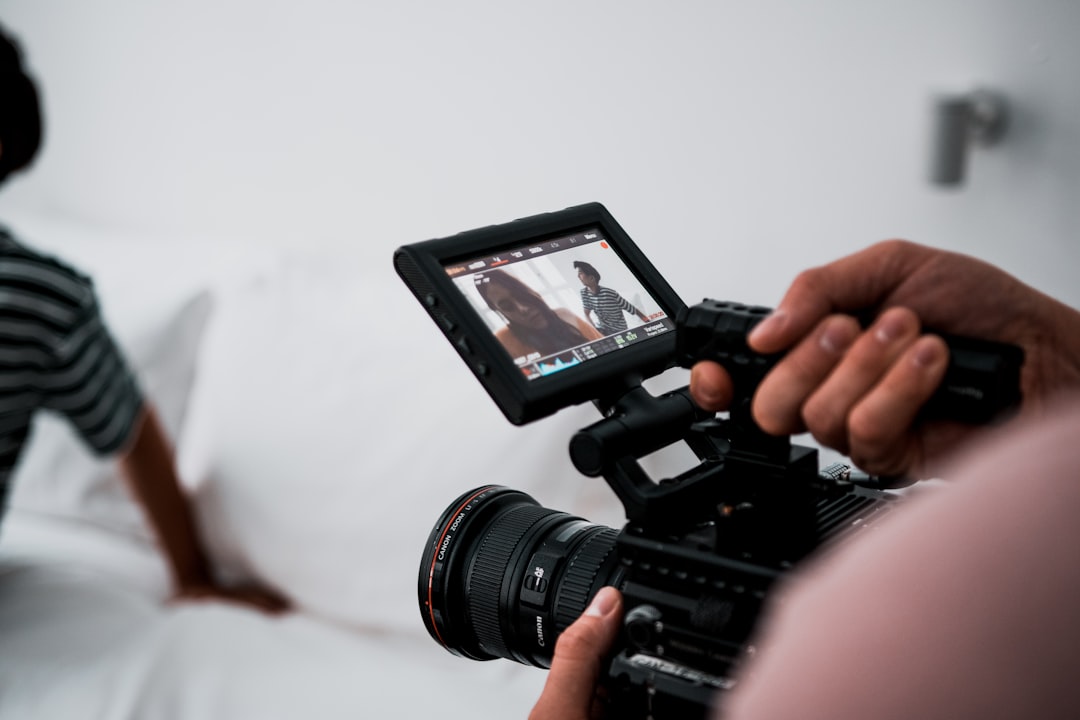
A single camera may be enough for a simple internal update or short presentation, but conferences often need more coverage. A keynote may need one wide shot, one close-up, and one audience angle. A panel may need multiple speaker angles. A livestream may need camera switching to keep remote viewers engaged. A recap video may need movement, reactions, room energy, and environmental detail.
When there is only one camera, every choice creates a trade-off. If the camera stays wide, the speaker may feel distant. If it stays close, the audience energy may be lost. If it follows the speaker, it may miss reactions, slides, or room details.
That does not mean every event needs a massive crew. It means the number of cameras should match the deliverables.
If the marketing team needs a polished full-session recording, social clips, sponsor footage, and recap content, a multi-camera plan may be the more efficient choice. It gives the editor options and helps prevent missed moments.
Conference videos often focus too much on the stage and not enough on the people in the room.
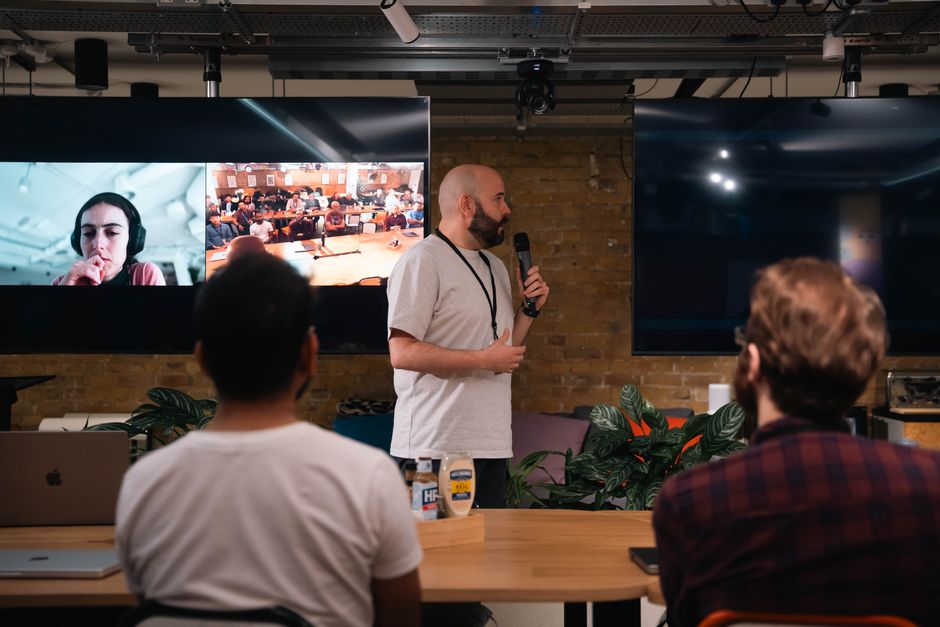
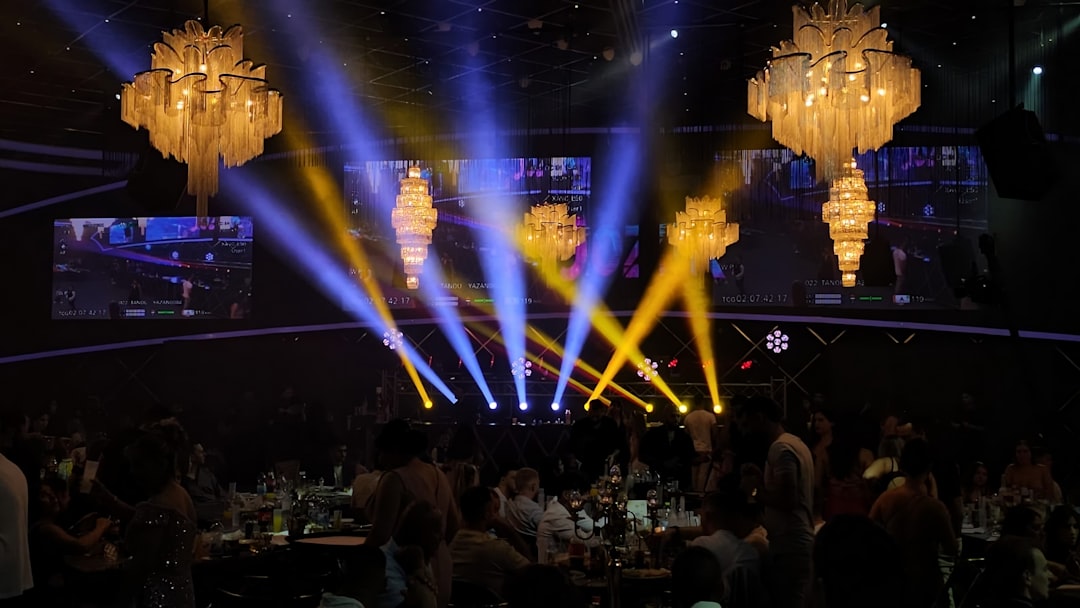
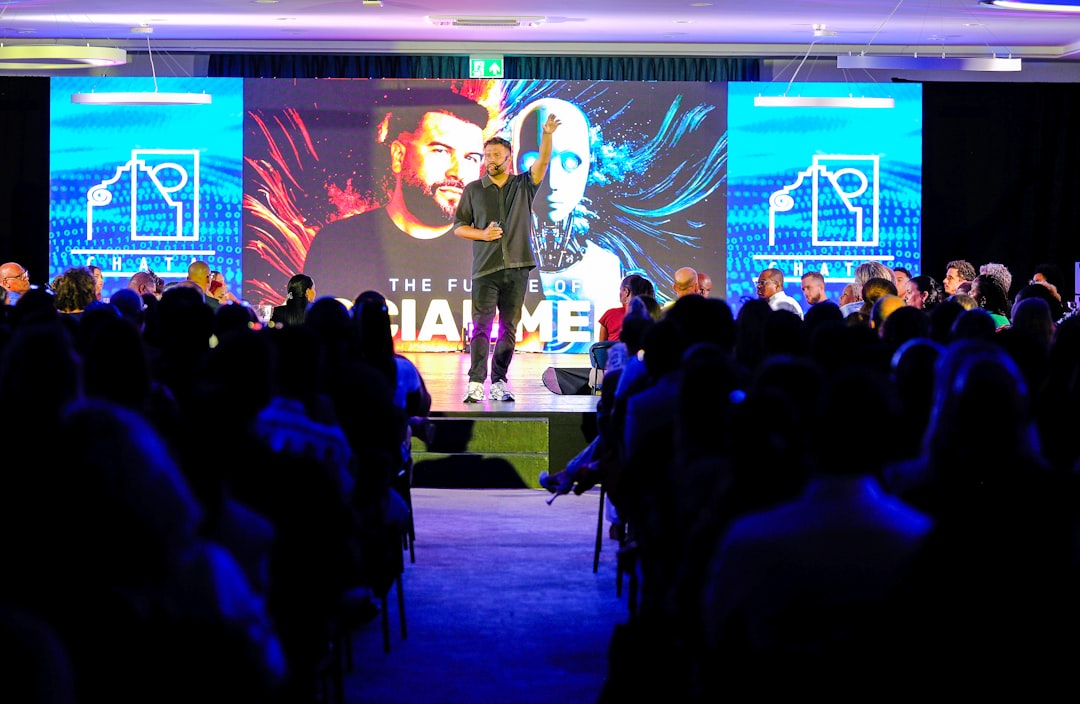
The audience matters because it proves the event had energy. Applause, note-taking, networking, booth engagement, audience questions, laughter, and standing-room moments all help show that the event created participation. Without audience coverage, the final video can feel flat, even if the program itself was strong.
Audience footage is also useful beyond the recap. It can support future event promotion, sponsor reports, internal communications, recruitment content, and social media posts.
The production team should know which audience moments matter most. For some events, that may mean networking and sponsor interaction. For others, it may mean packed sessions, executive engagement, or client conversations. These moments should not be left to chance.
A conference is not only what happens on stage. It is also what happens in the room.
Many marketing teams want speaker clips after the conference, but they do not always plan for them before the event.
That creates problems in post-production. The footage may exist, but the answers may be too long. The audio may be mixed with room noise. The camera angle may be too wide. The speaker may not have repeated the key point clearly. The editing team may have to search through hours of footage to find one usable clip.
If speaker clips are a priority, plan for them directly.
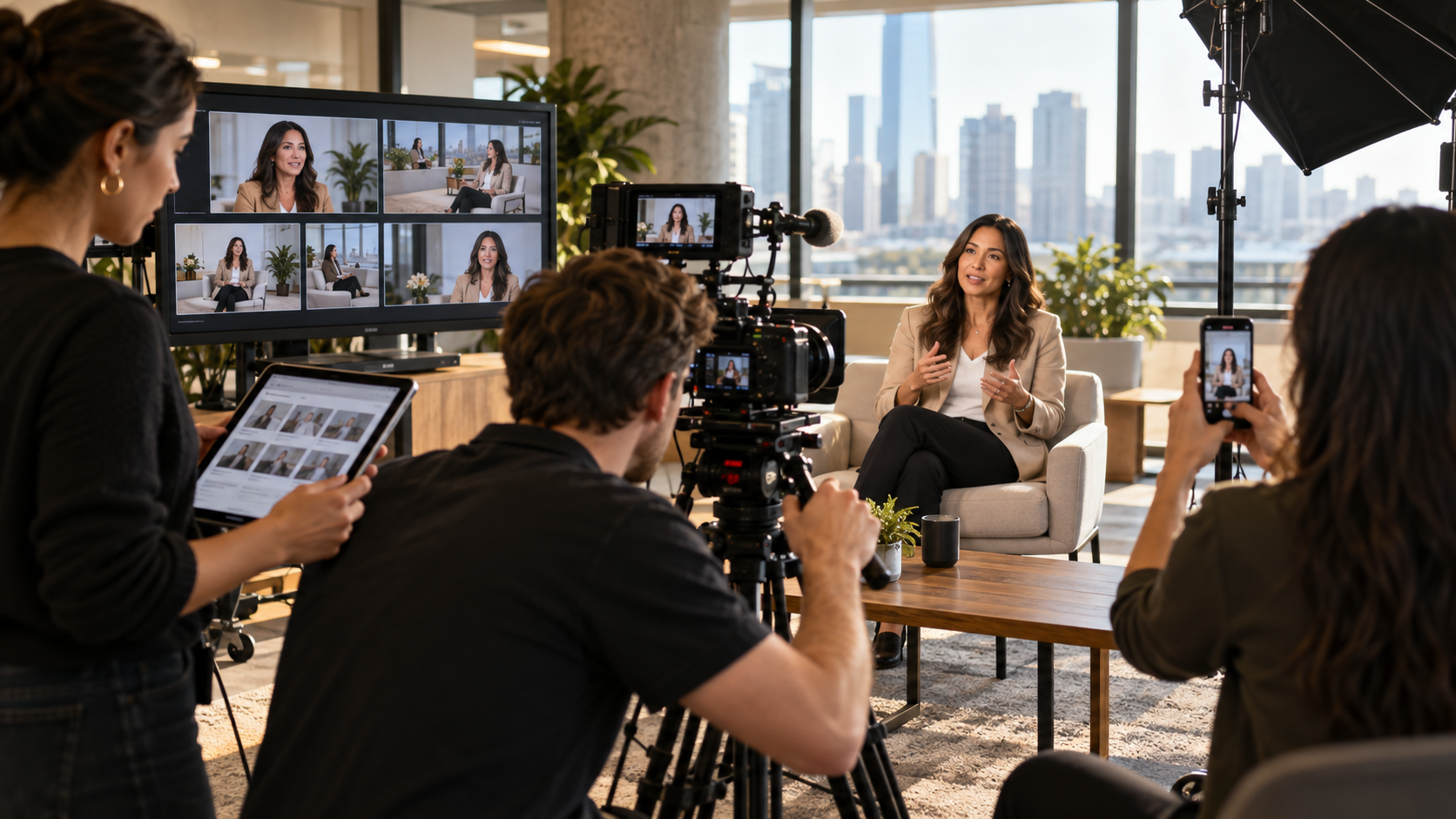
That may mean setting up a short interview station near the event space. It may mean asking speakers a few focused questions after their session. It may mean filming clean intros and outros. It may mean identifying the most important soundbites the marketing team wants captured.
This is especially useful for executive speakers. A conference can be an efficient place to capture thought leadership content because leaders, clients, partners, and industry experts are already gathered in one place. Planning those clips in advance can turn one event day into weeks of usable content.
The business video production partner guide is a helpful resource for understanding why a video partner should think beyond the shoot and connect production decisions to the final marketing use.
Sponsors and partners are often a major part of corporate conferences, but their content needs are sometimes overlooked.
If sponsors are investing in the event, the marketing team may need to show visibility, engagement, and value. That can include footage of sponsor booths, signage, branded sessions, audience interaction, sponsored lounges, product demos, or speaking moments.
If those assets are not captured intentionally, the post-event sponsor recap may feel thin.
Sponsor footage also helps the host organization. It can support future sponsorship sales, renewal conversations, event reports, and promotional materials for next year's conference.
The production team should receive a sponsor priority list before event day. Not every sponsor may need the same level of coverage, but high-value partners should be included in the shot plan. The same applies to strategic partners, exhibitors, featured clients, and VIP guests.
Photography and video serve different purposes, but they should be planned together.
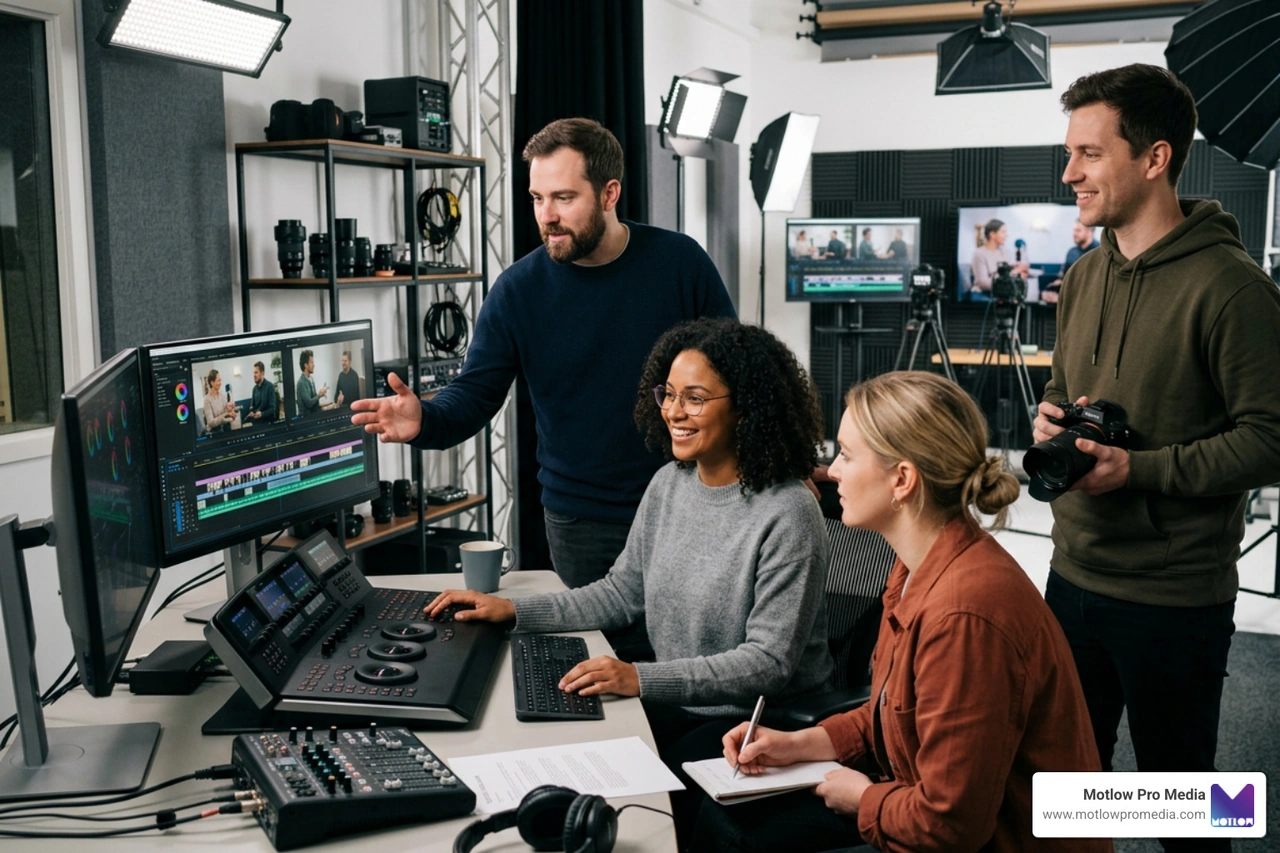
If the photographer and video team are working from different priorities, the final content library may feel disconnected. The video team may capture the stage, while the photographer focuses on posed group shots. Or the photographer may capture great candid moments, while the video team misses the same energy in motion.
A coordinated plan helps both teams tell the same event story.
For example, if the event theme is innovation, both photo and video should capture technology, speakers, product moments, attendee interaction, and branded environments. If the event is focused on leadership, both teams should capture executives, panels, audience engagement, and moments of connection.
The Motlow Pro Media portfolio shows how different types of media can work together to support a stronger brand presence. When photo and video are aligned, the marketing team gets a more complete set of assets for future campaigns.
The way content will be used should influence how it is captured.
A horizontal full-session recording is different from a vertical social clip. A LinkedIn thought leadership video is different from an internal training asset. A sponsor recap is different from a future event promo. Each format has different needs.
If the marketing team knows it needs vertical clips, the production team should plan for that. If the team wants fast social posts during the event, someone should identify the workflow for quick review and approval. If the team needs a polished recap within a week, post-production timing should be discussed before the event.
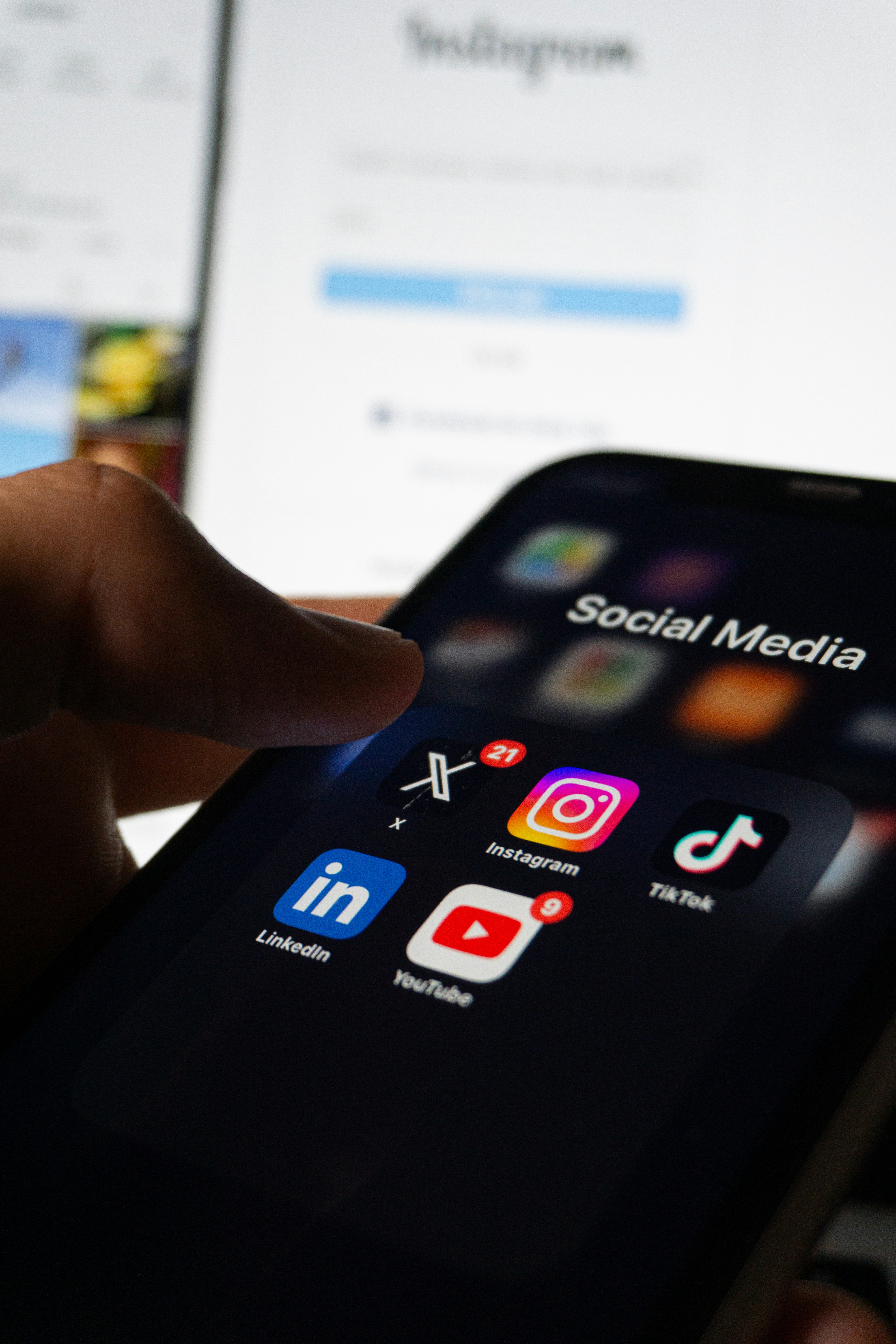
External research continues to reinforce the importance of planning video for multiple channels. HubSpot's video marketing research shows how central video has become across marketing strategies, while LinkedIn's B2B thought leadership resources highlight the value of credible expert content for business audiences.
For conference teams, the takeaway is simple: do not capture everything in one format and hope it works everywhere.
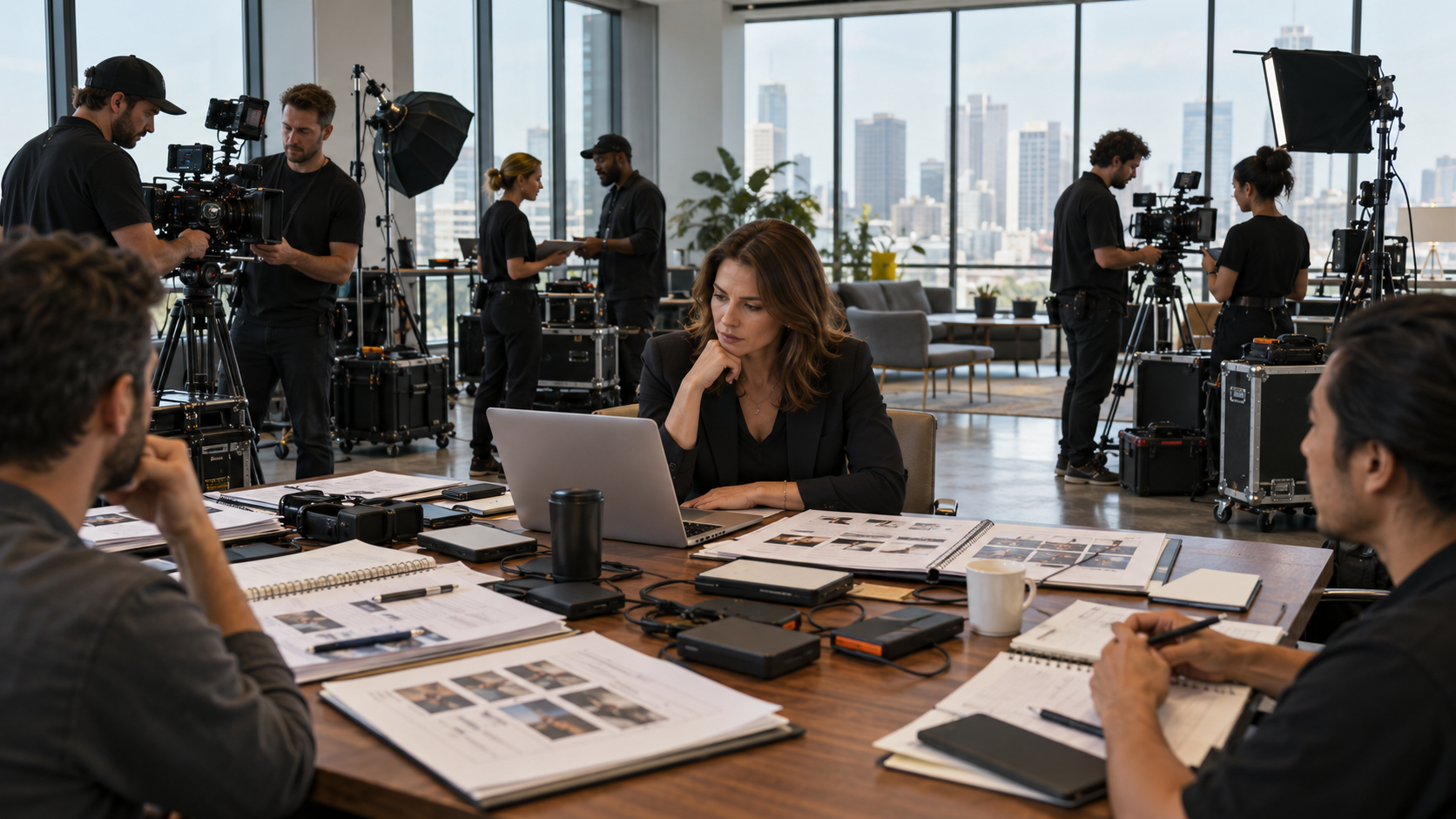
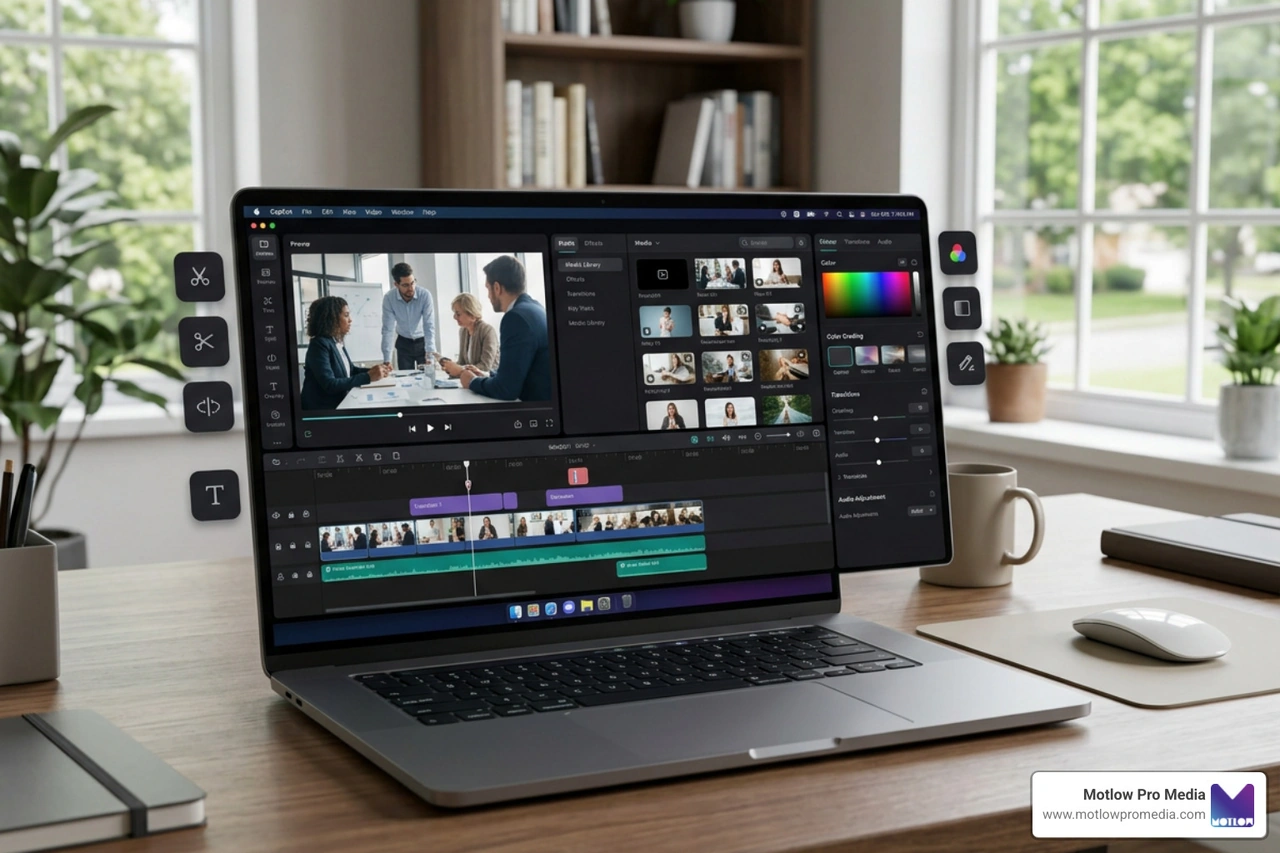
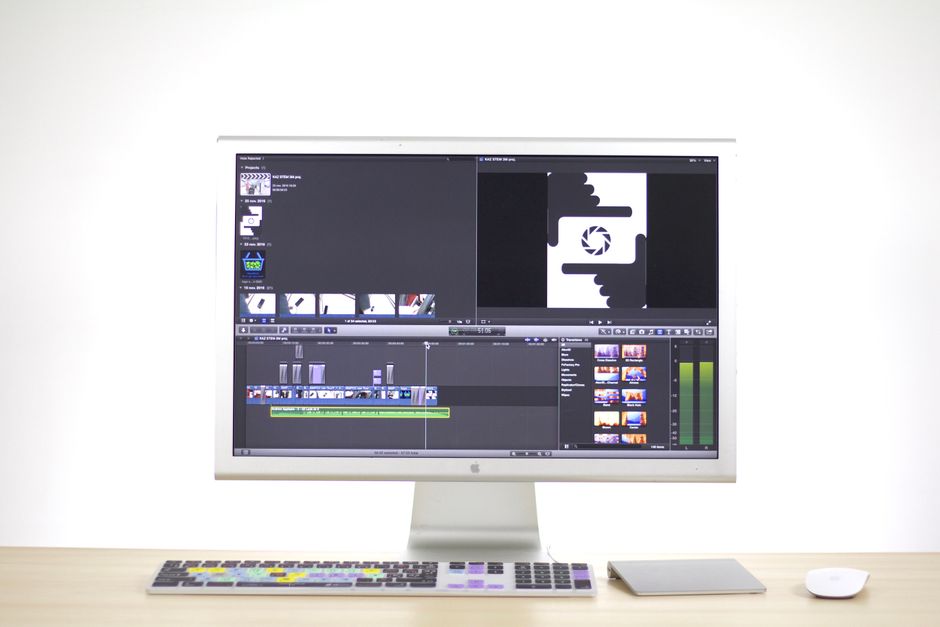
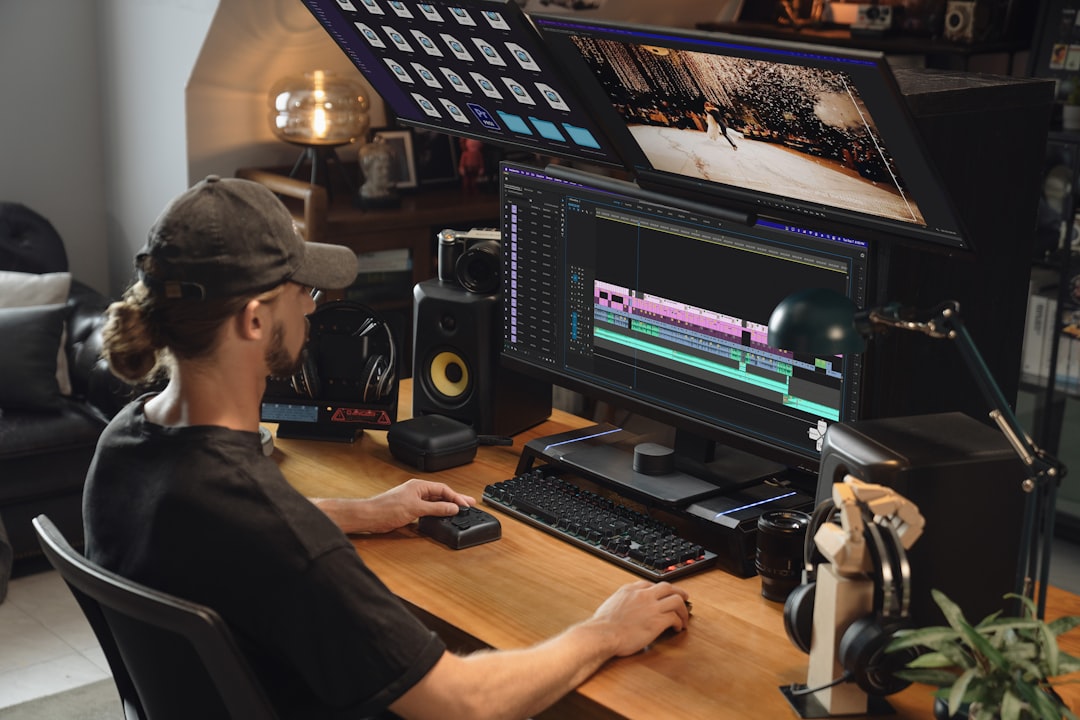
Post-production should not begin after the event. It should be discussed before the event.
The production team needs to know what final assets are expected, when they are due, who will review them, and how they will be used. A recap video due in 72 hours requires a different workflow than a full content library delivered over several weeks.
The marketing team should clarify:
This makes the production process smoother and prevents the marketing team from feeling like everything is being figured out after the fact.
A strong post-production plan also helps the team prioritize. Not every piece of footage needs to become a finished asset. The goal is to create the right content, not the most content.
Conference content is often treated as a marketing asset only. That limits its value.
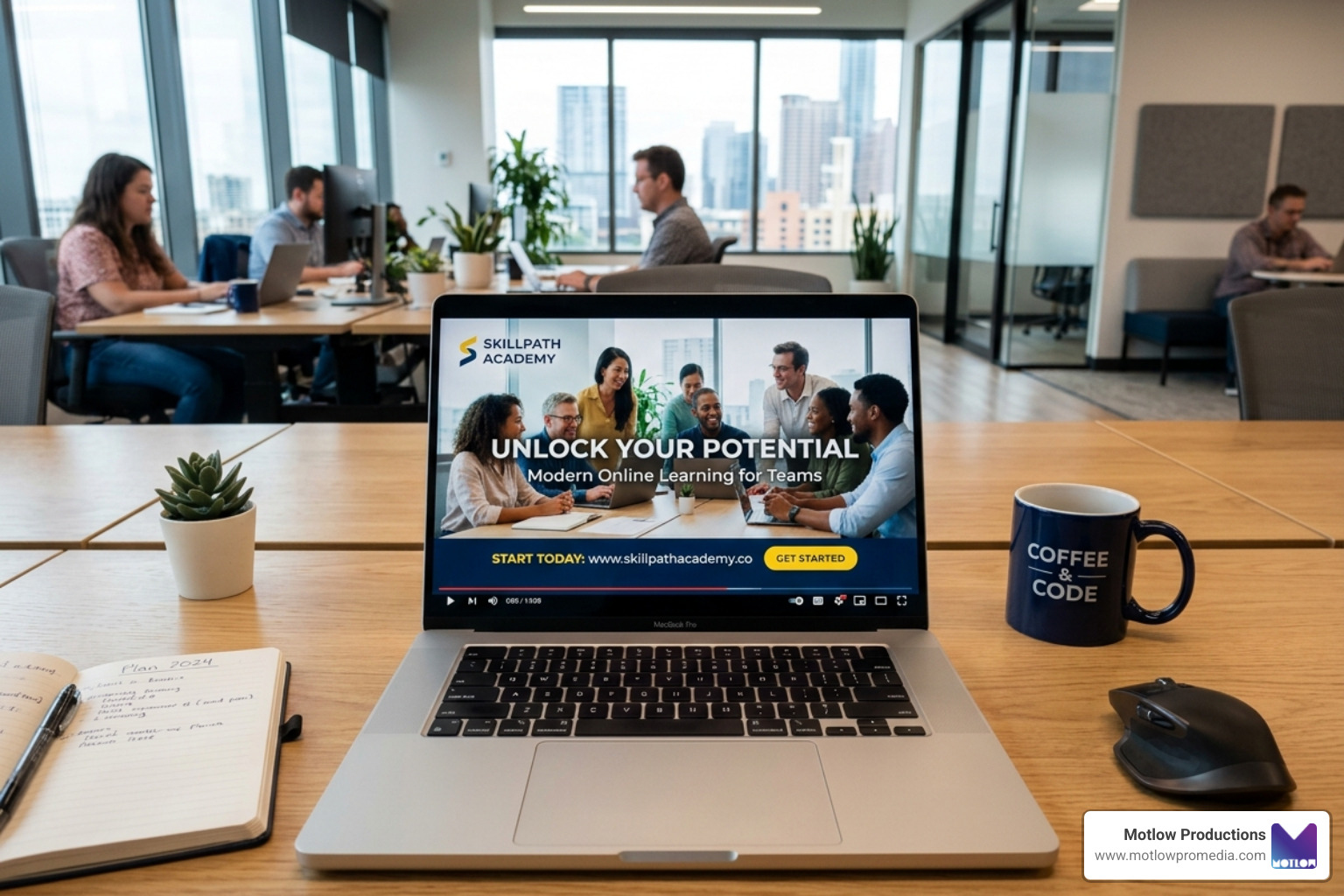
Sales teams may benefit from speaker clips, customer soundbites, product explanations, industry insights, and event recap videos. Internal teams may benefit from leadership messages, training clips, culture content, and updates for employees who could not attend. Recruiting teams may benefit from footage that shows company culture, leadership presence, and event energy.
When planning conference video, marketing teams should ask other departments what content would be useful. A simple pre-event conversation with sales, HR, communications, and leadership can reveal additional content opportunities.
This does not mean the production plan should become overwhelming. It means the team can capture smarter footage while everyone is already gathered.
One of the most expensive mistakes happens after the event.
The footage is captured, delivered, and stored, but never fully used.
This can happen when the team does not have a distribution plan. The recap video may be posted once, while speaker clips, sponsor footage, interview segments, and photography sit in a folder. That makes the event feel like a one-time expense instead of a long-term content investment.
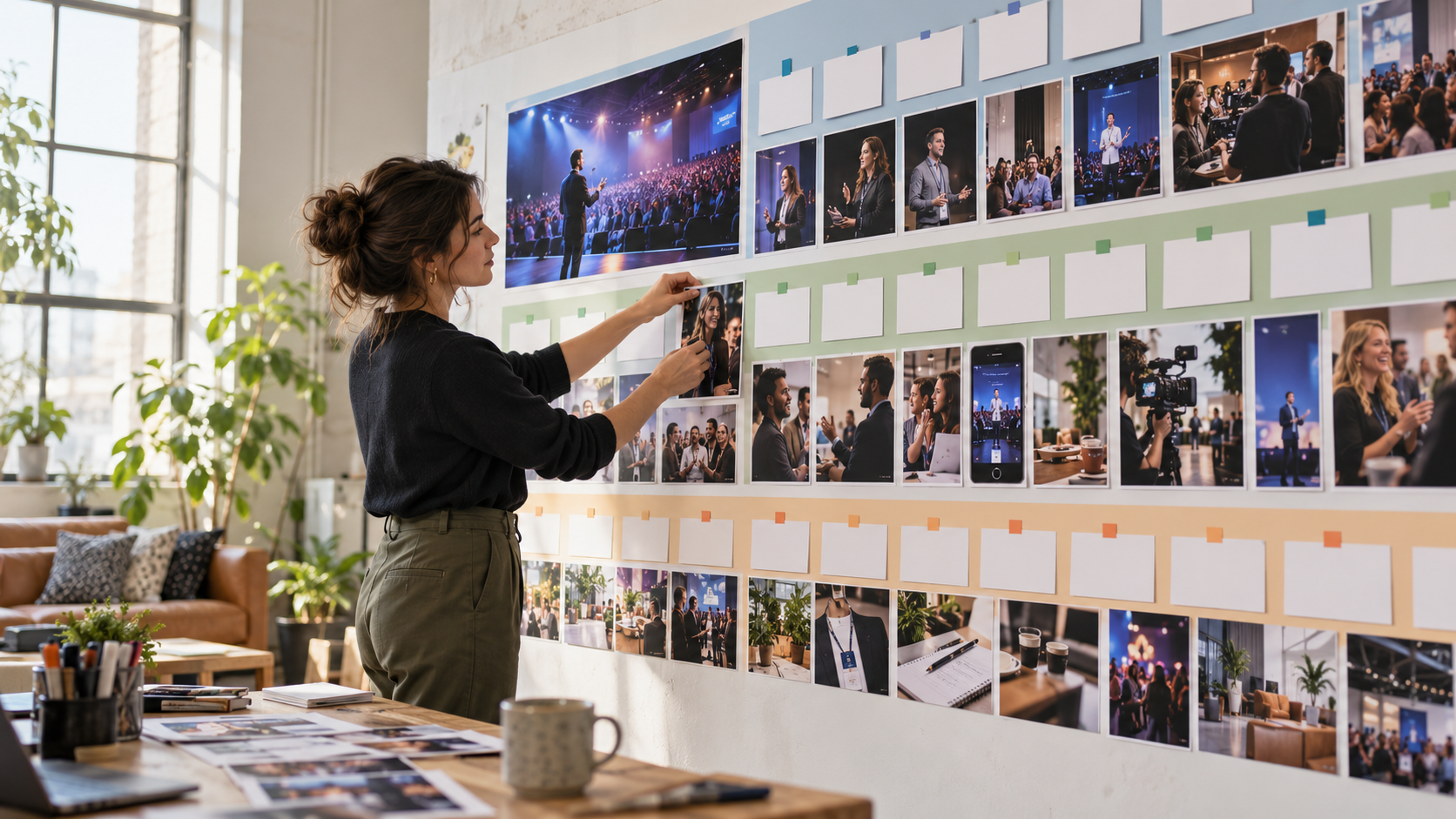
Before the event, build a simple post-event content plan. Decide what will be published in the first 48 hours, the first week, the first month, and the following quarter. Assign ownership. Identify channels. Plan internal and external uses.
A conference should not end when attendees leave. The content should continue supporting marketing, sales, recruiting, communications, and brand trust long after the venue is empty.
What is the biggest conference video mistake marketing teams make?**
**The biggest mistake is waiting until after the event to decide what content they need. The best conference videos are planned before the event with clear deliverables, audience needs, and distribution channels in mind.
Do we need more than a recap video?**
**Usually, yes. A recap video is valuable, but conferences can also produce speaker clips, sponsor content, interviews, social media videos, photography, internal updates, and sales enablement assets.
How early should we bring in the production team?**
**Bring in the production team as early as possible, ideally while the agenda, venue plan, and content goals are still being shaped. Early planning helps prevent missed footage and avoidable technical problems.
Should we record full sessions or just highlights?**
**It depends on the event goals. Full-session recordings are useful for training, internal sharing, and on-demand education. Highlight clips are better for promotion, social media, and recap content. Many conferences benefit from both.
How can we make conference footage more useful after the event?**
**Start with a content plan. Identify the clips, photos, interviews, sponsor assets, and recap videos you want before event day. Then make sure the production team captures footage for those specific uses.
Most of these mistakes are really the same mistake showing up in different forms: treating each conference as an isolated event instead of one stop in an ongoing content plan. A recurring content partnership — built around a 90-Day Content Engine rather than a single-event scope — carries the capture plan, sponsor priorities, and post-event workflow forward from one conference to the next, so the same oversights don't have to be relearned every season.
Conference video mistakes are rarely caused by a lack of effort. They usually happen because content planning starts too late.
When marketing teams treat the conference as a content engine instead of a one-day event, the production plan becomes much stronger. The team can capture the right speakers, audience moments, sponsor assets, interviews, photos, and clips while everyone is already gathered.
The result is not just a better recap video. It is a stronger content library that can support marketing, sales, internal communications, recruiting, sponsor relationships, and future event promotion for months after the conference ends.
Some clients want to give notes in a live Zoom call. Others prefer a group text or email thread. However you like to communicate, we adapt. You’ll never be left guessing where things stand - and you’ll always have a say before anything goes out the door.





Phone:
+1 863-250-8639
.png)
Email:
info@motlowpromedia.com