


-5.jpg)
































Thank you! Your submission has been received!
Oops! Something went wrong while submitting the form.

.avif)
May 22, 2026
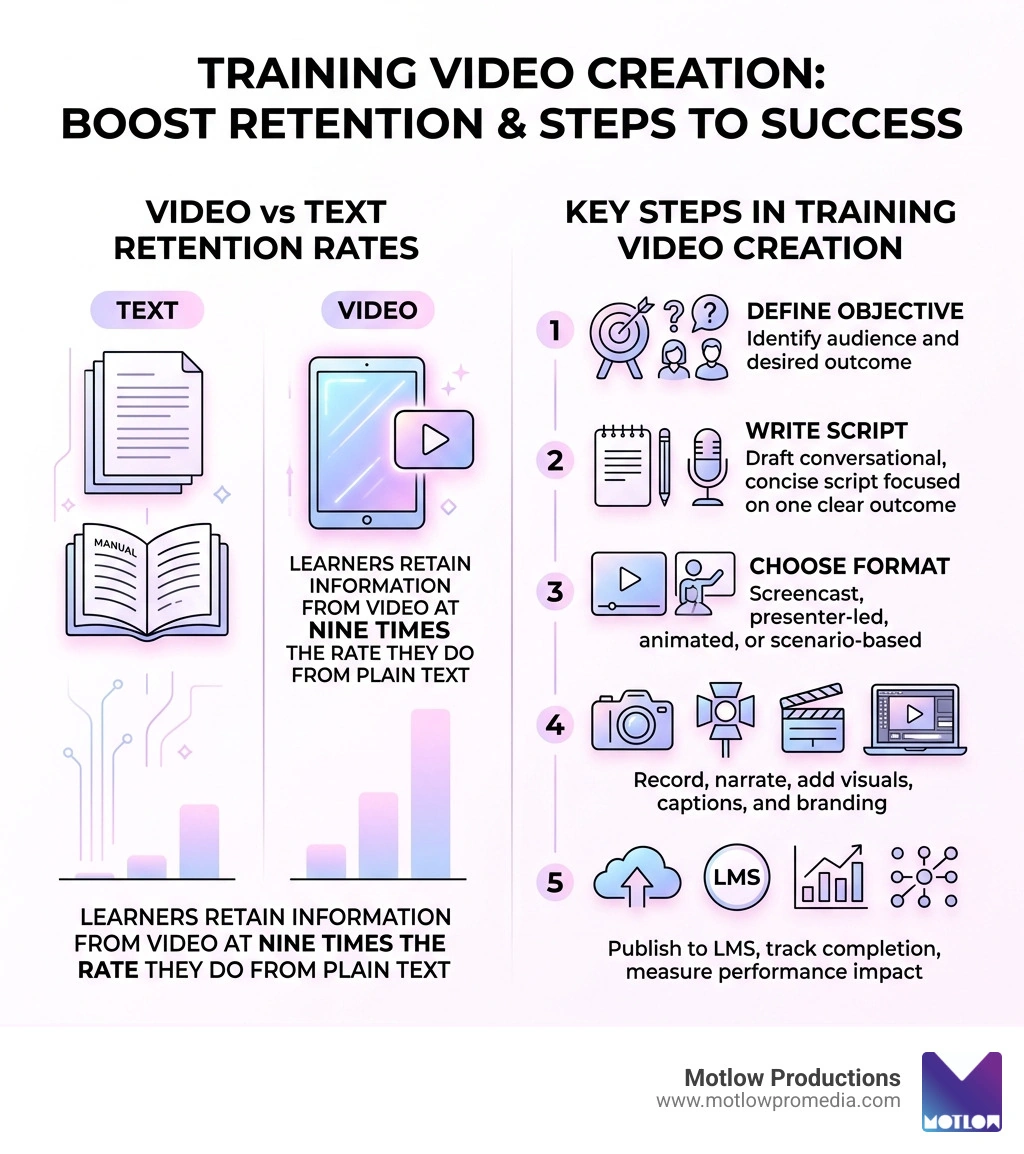
Training video creation is the process of producing short, focused videos that teach employees how to complete tasks, follow processes, or meet workplace standards — and it's one of the highest-impact tools available to modern L&D and marketing teams.
Here's a quick snapshot of what effective training video creation looks like in practice:
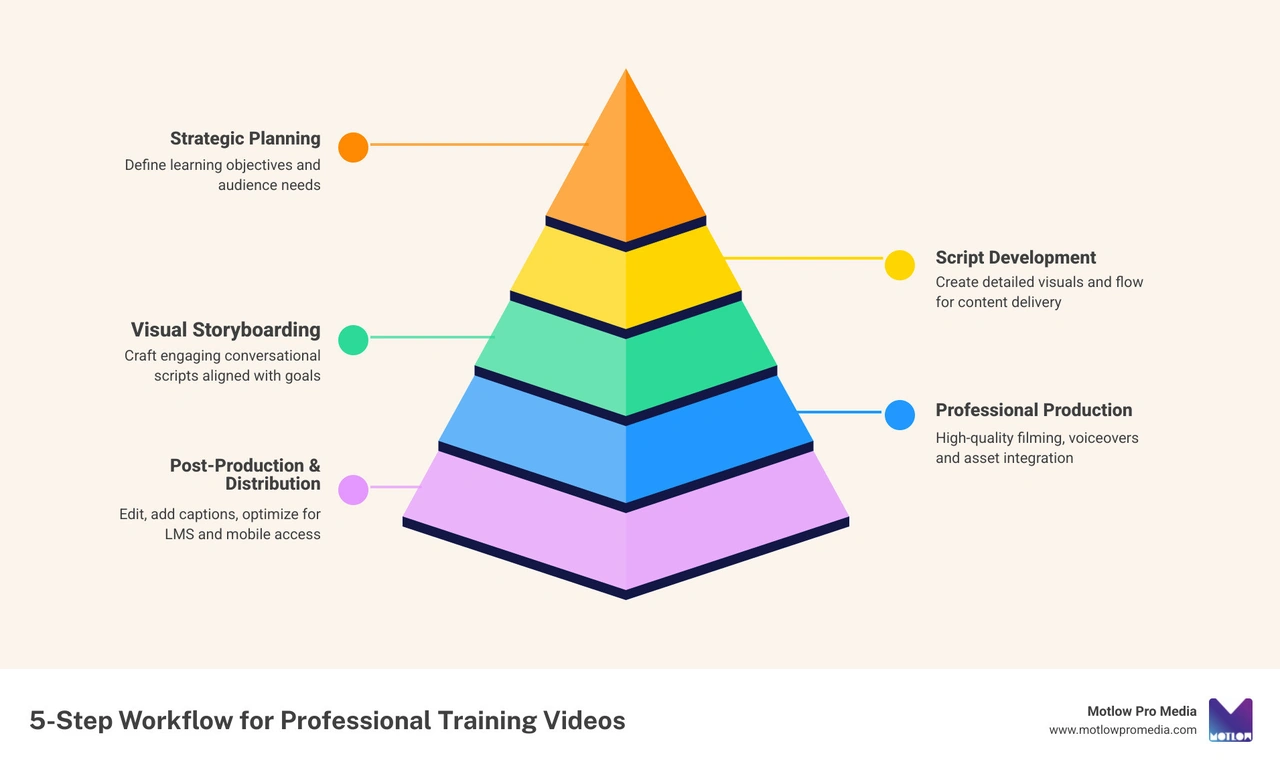
Why does this matter right now? Because learners retain information from video at nine times the rate they do from plain text. And yet, many corporate teams are still relying on long written manuals, inconsistent slide decks, or expensive one-off productions that go stale the moment a policy changes.
The gap between what's possible and what most teams are actually doing is significant.
I'm Miranda Motlow, founder and CEO of Motlow Pro Media, a full-service media agency with over a decade of experience producing business content — including corporate training video creation — that connects with real audiences and drives real outcomes. In this guide, I'll walk you through exactly how to do it right, from first draft to final delivery.
Explore more about Training video creation:
In April 2026, the corporate landscape is more fragmented and than ever. With hybrid work being the standard, we can no longer rely on the "huddle around the desk" method of teaching. Training video creation has shifted from a "nice-to-have" luxury to a core strategic asset.
The numbers tell a compelling story. Beyond the fact that video retention rates are 9x those of text, e-learning—which relies heavily on video—can increase a viewer’s retention rate by up to 82%. This is why 90% of Fortune 100 companies now trust video as their primary medium for knowledge transfer. In the U.S. alone, businesses spend an average of $1,286 on training per learner each year. When you are investing that kind of capital, you want to ensure the knowledge actually sticks.
At Motlow Pro Media, we see video as the ultimate tool for Internal Communications Video Production. It provides a "single source of truth." Unlike a live session where a trainer might forget a key point, or a manual that might be misinterpreted, a well-produced video delivers the same high-quality message every single time.
Using Employee Training Videos allows for scalability that in-person sessions simply can't match. You can train 10 people or 10,000 across different time zones simultaneously. This efficiency is a cornerstone of our Corporate Video Production Complete Guide, which emphasizes that high-impact learning is built on consistency and accessibility.
Not all training needs are the same, so your Training video creation shouldn't follow a one-size-fits-all approach. Choosing the right style is about matching the visual medium to the learning objective.
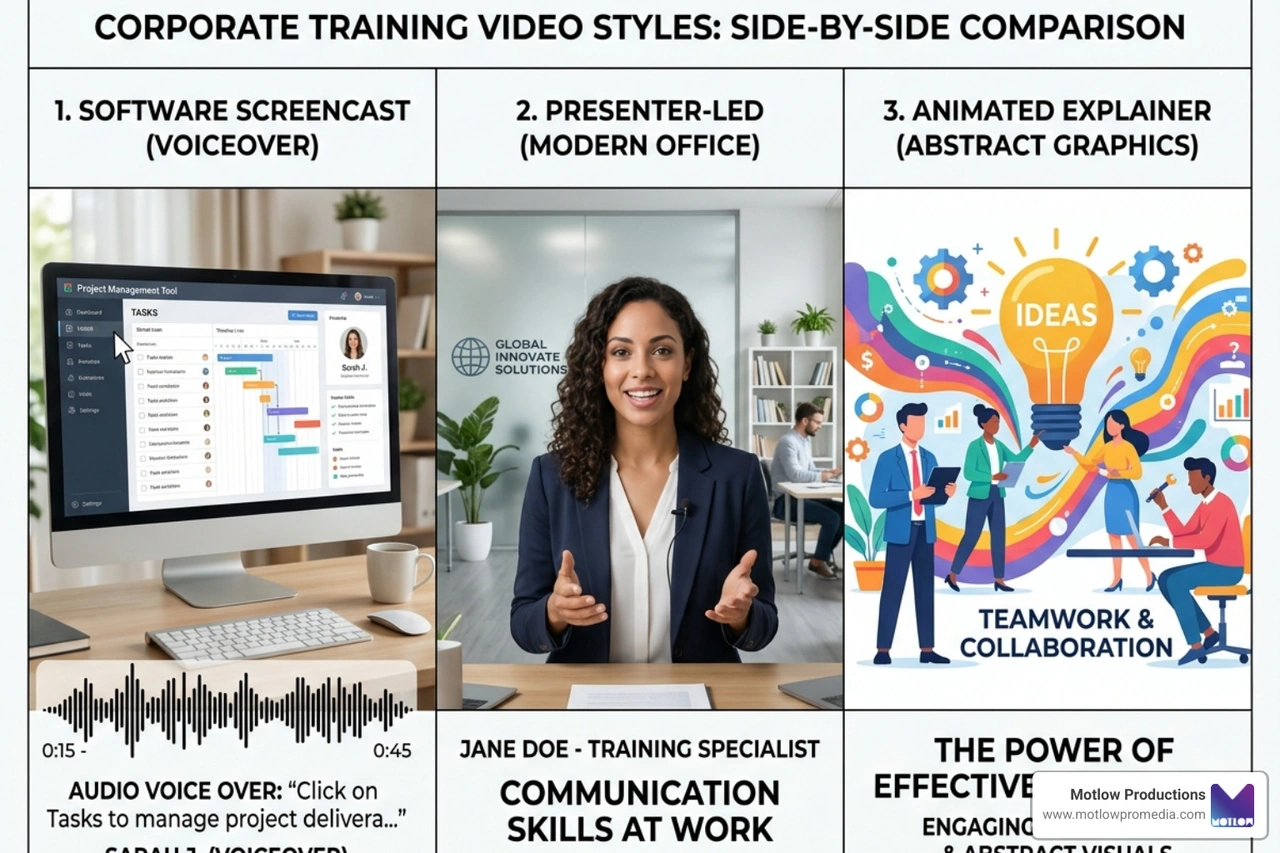
When we handle Corporate Video Production, we help our partners determine which of these formats will actually move the needle for their specific audience.
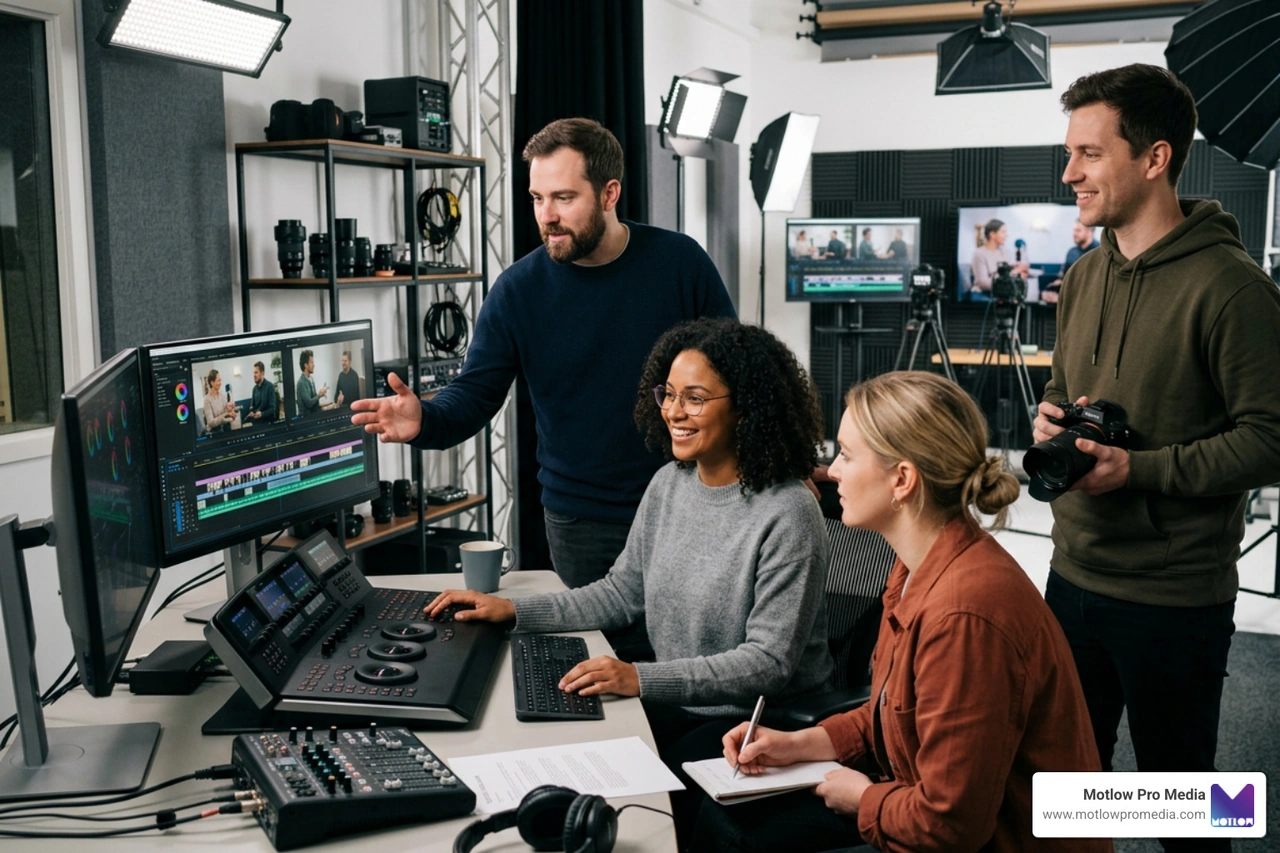
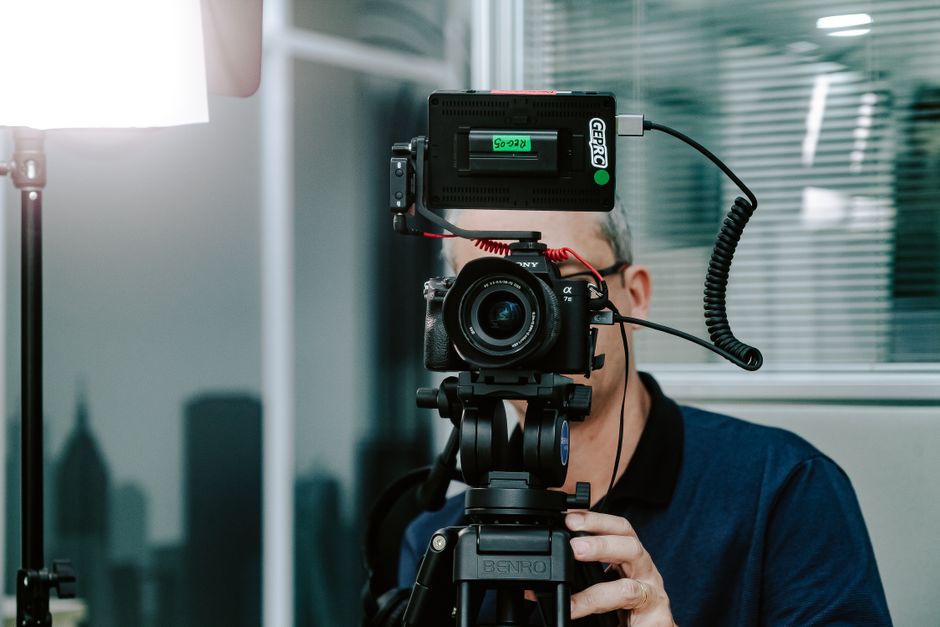
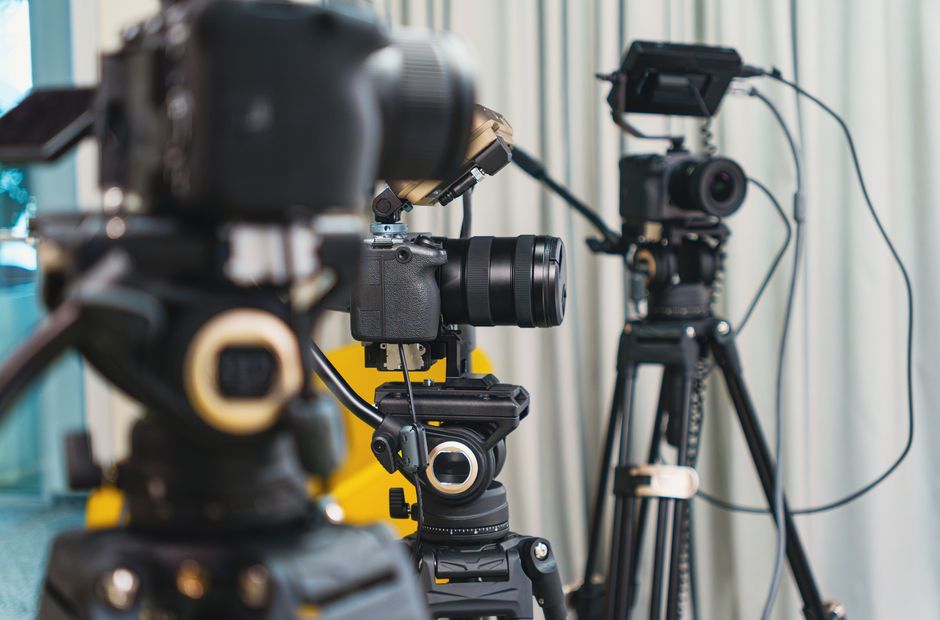
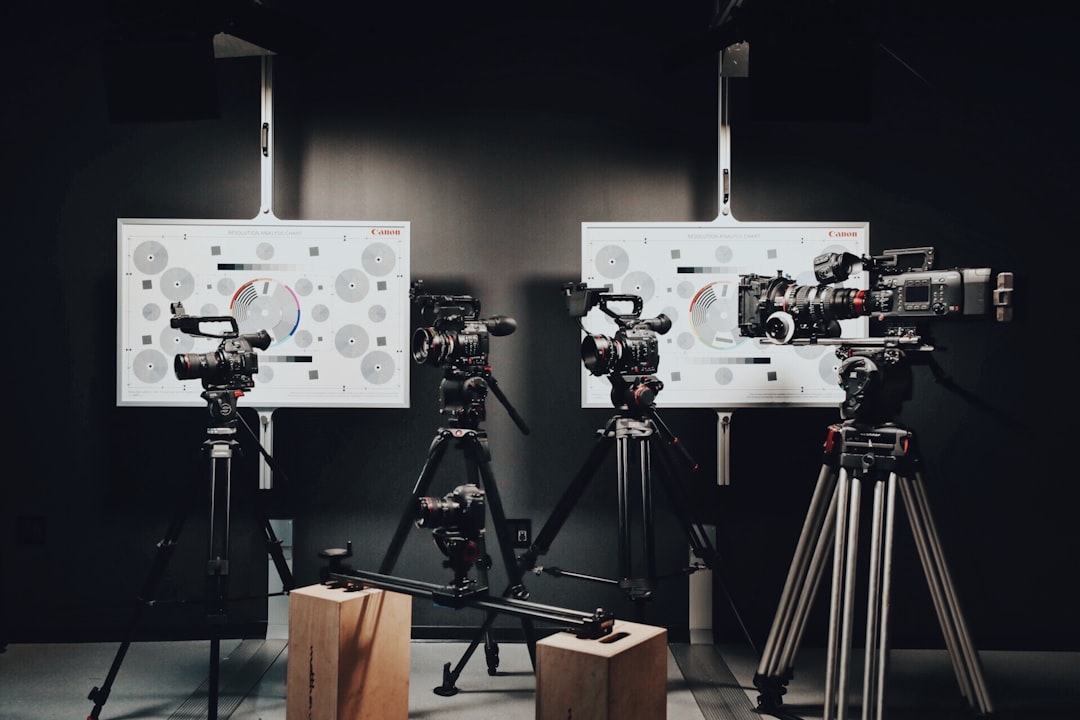
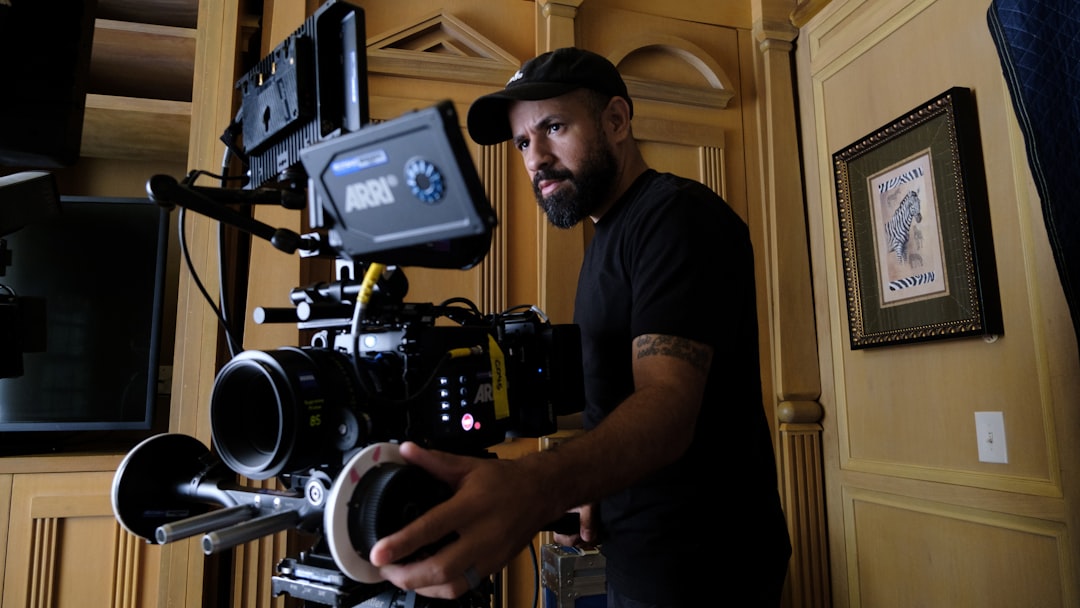
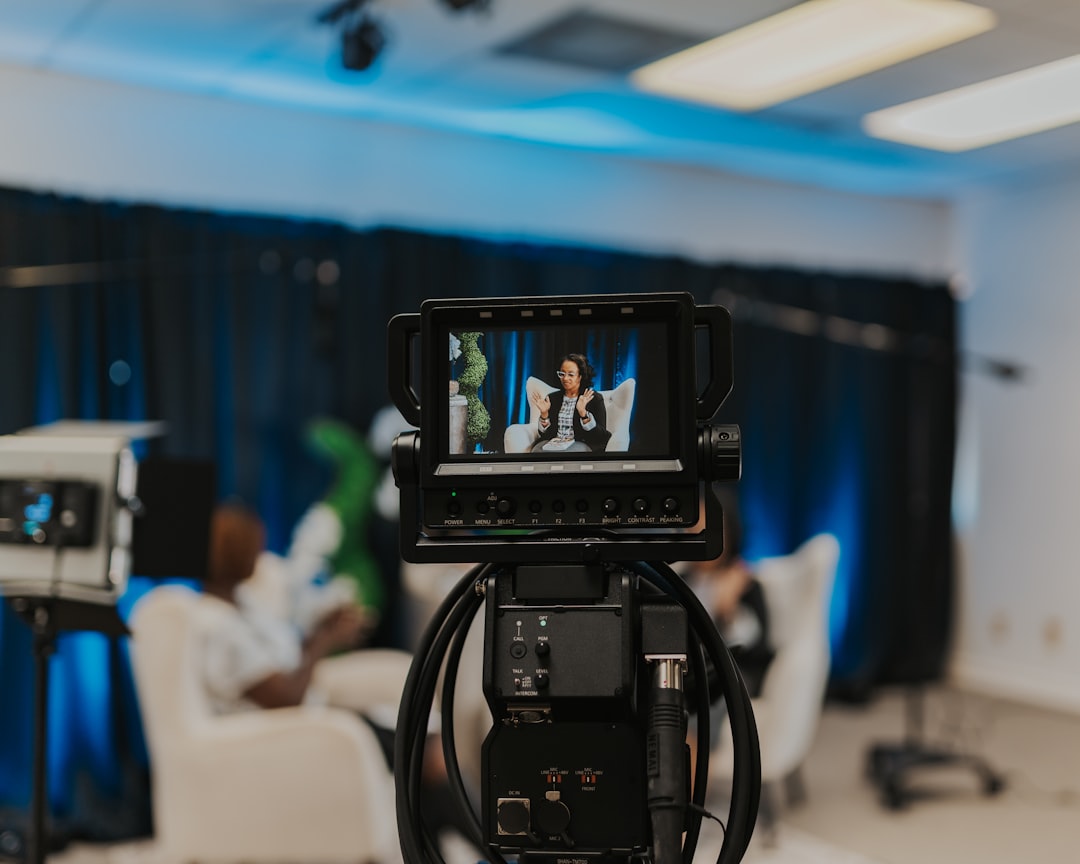
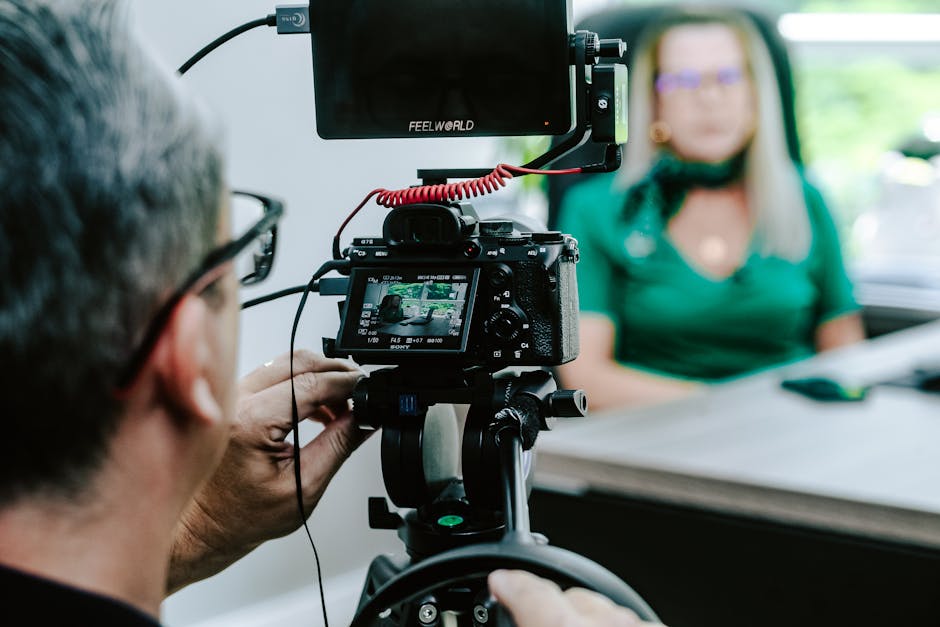
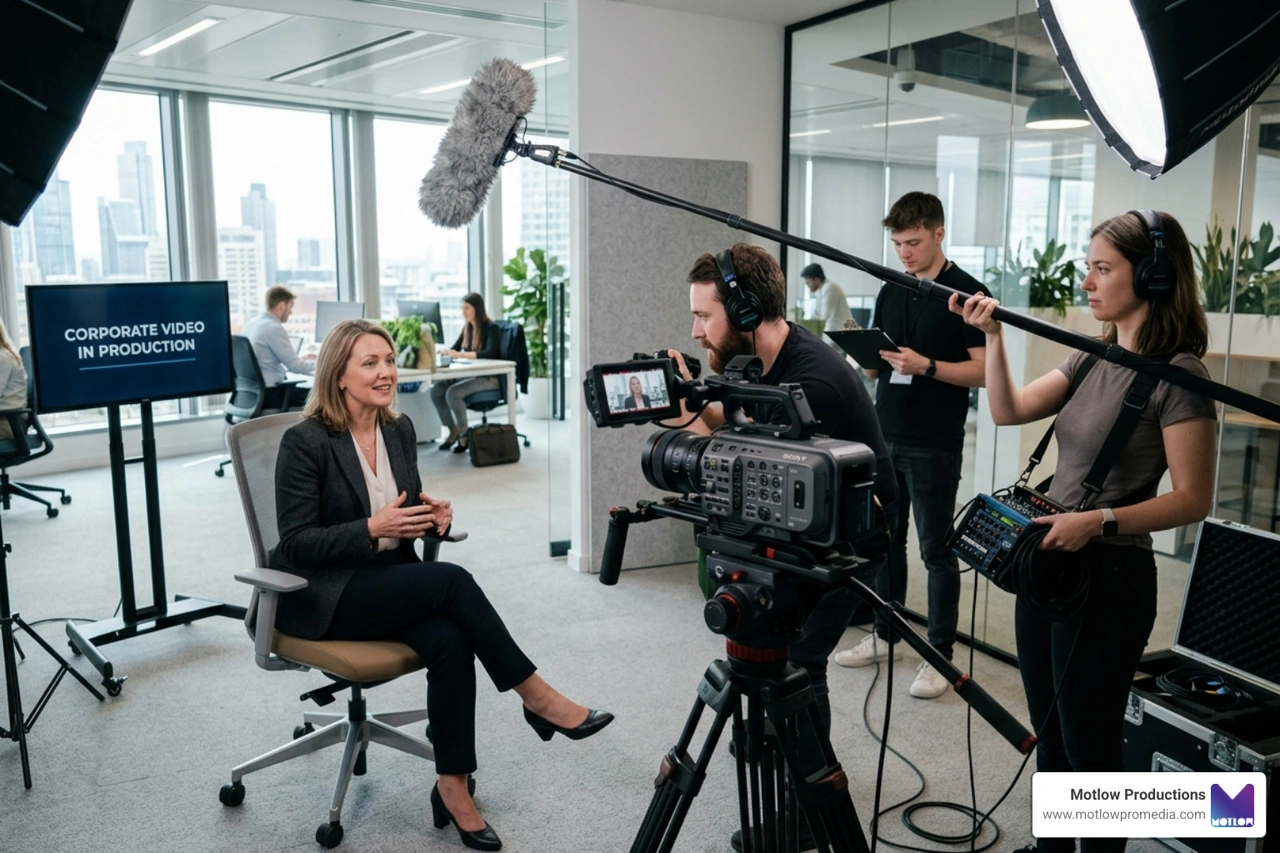
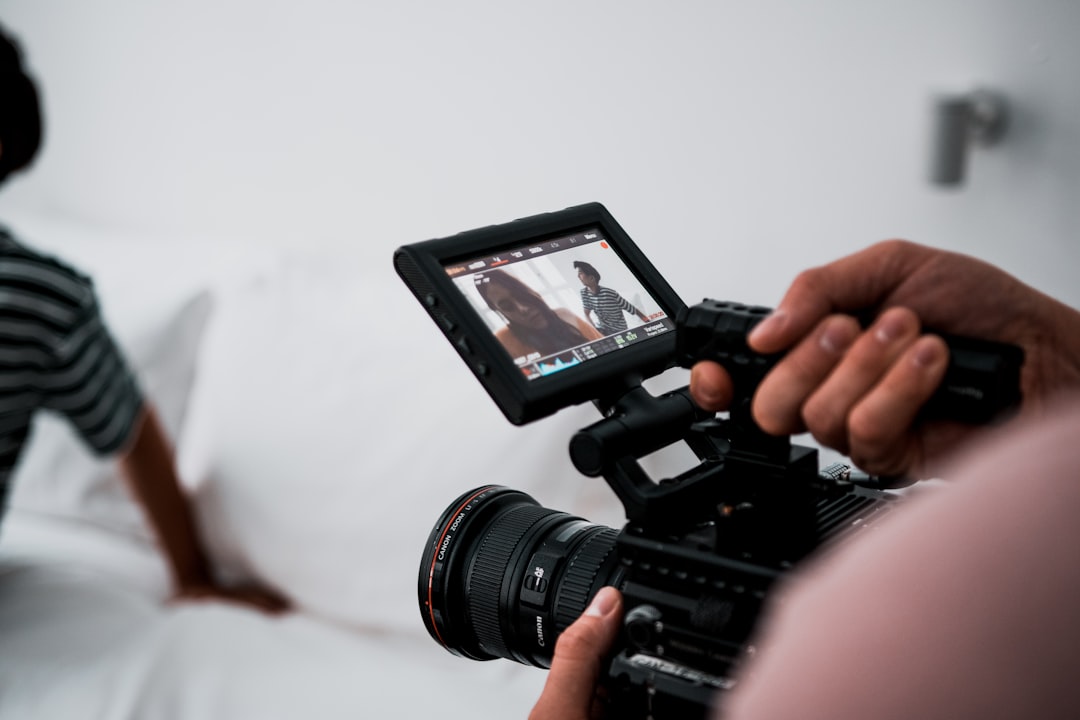
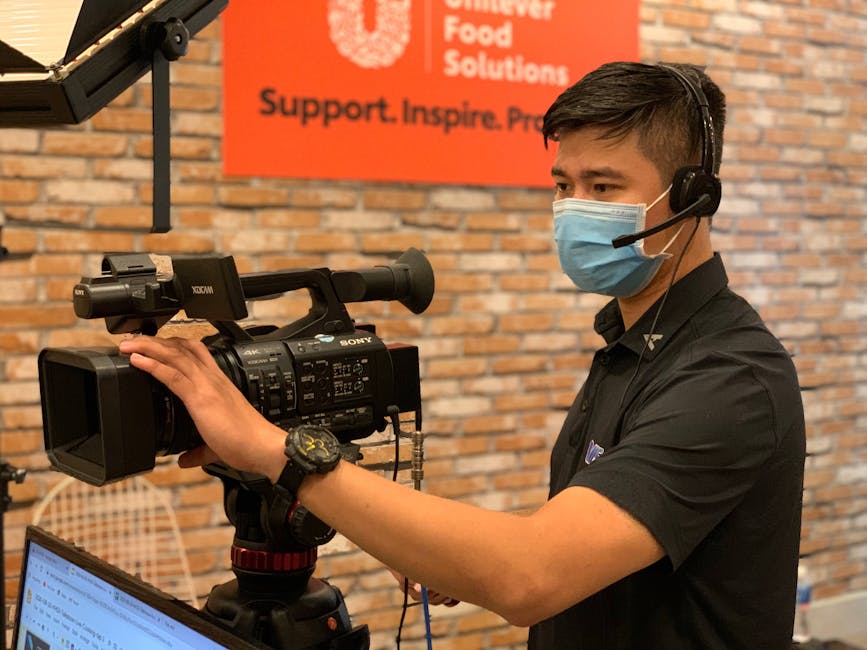
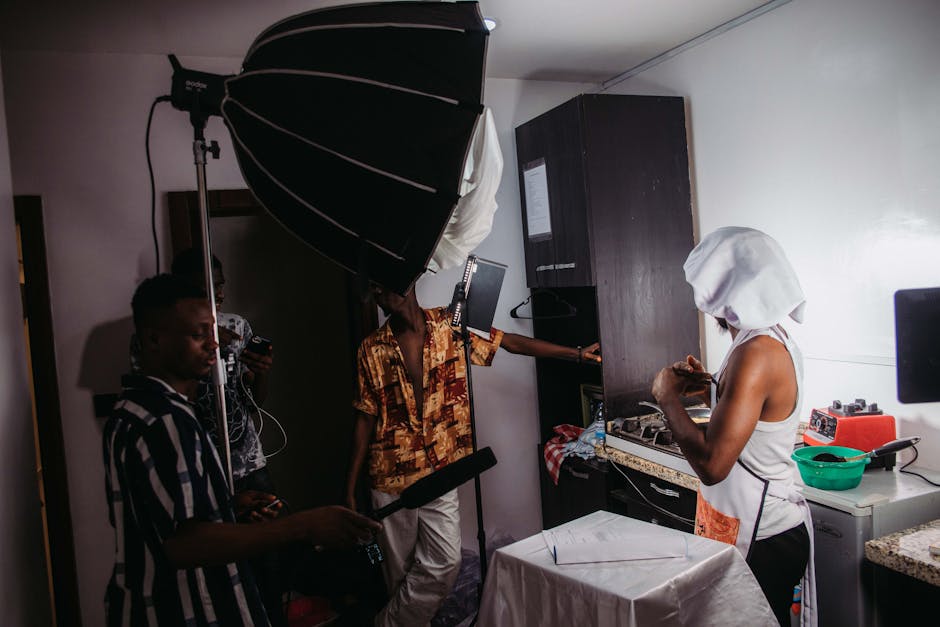
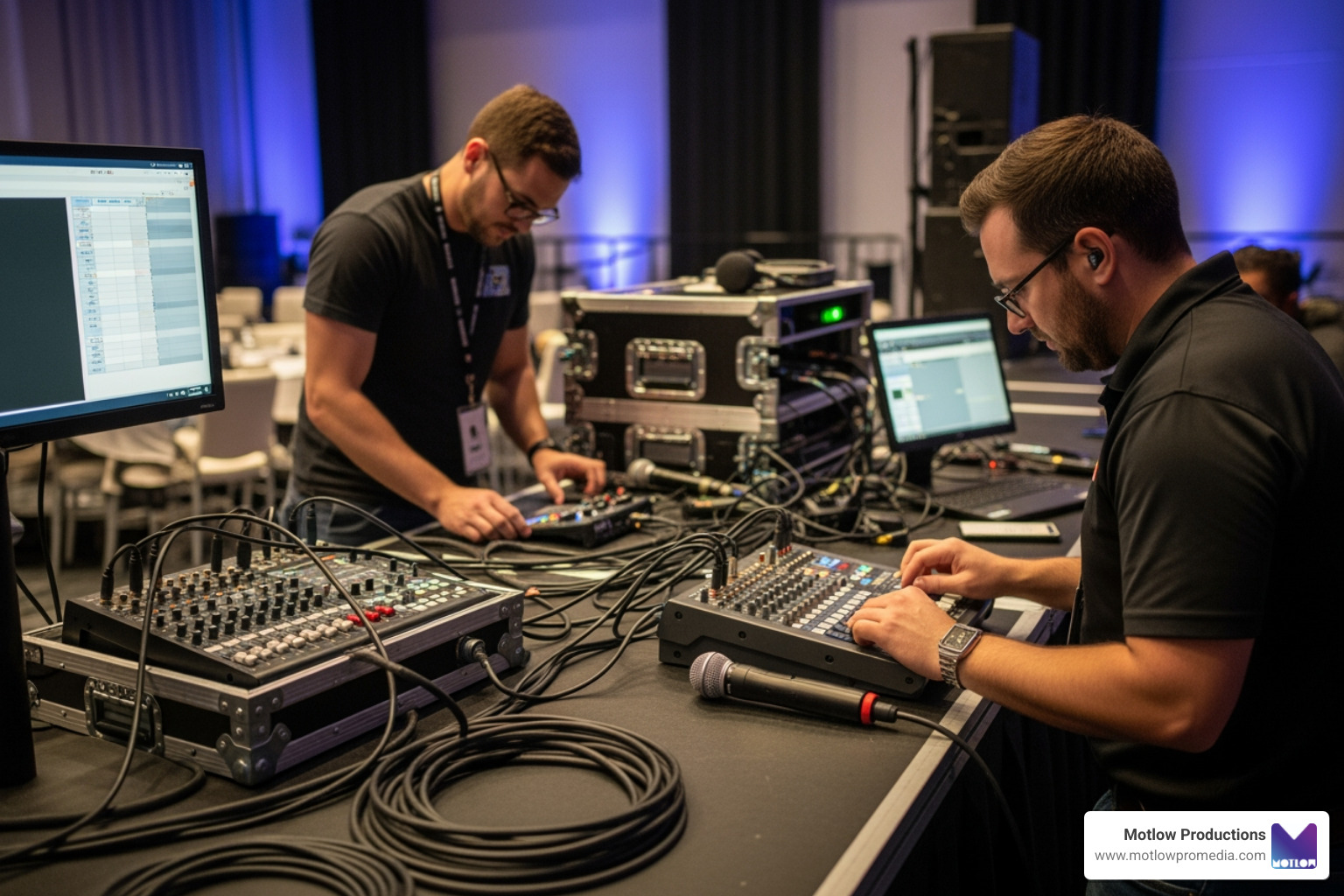
The standard for Training video creation in 2026 is higher than ever. To keep learners engaged, you need high-fidelity production. This doesn't just mean "clear picture"—it means professional lighting, crisp audio, and thoughtful localization.
For global teams, localization is no longer just about subtitles. It’s about ensuring the content feels native to the viewer. Modern tools allow us to update 100 hours of content or translate it into 160+ languages with remarkable speed. This ensures brand consistency across all assets, whether your employee is in New York or Tokyo. At Motlow Pro Media, our "hands-off, but hands-on" partnership means we take the technical burden of these complex rollouts off your plate while ensuring the final product looks and sounds like your brand.
Success in Training video creation happens in the planning phase. If you start filming without a solid foundation, you’ll end up with a video that is hard to watch and even harder to learn from.

We recommend the FOCA framework for a structured approach:
This workflow is a key part of our Pre-production Planning process, ensuring that every minute of footage serves a purpose.
A script for a training video should sound like a conversation, not a legal manual. Avoid corporate jargon and "fluff." Respect the learner's time by getting straight to the point.
Effective Communication Videos use objective-first storytelling. Tell the learner exactly what they will gain in the first 15 seconds. Use "you" and "we" to make the content relatable. If you're teaching a software process, don't just list buttons; explain why the process matters to their daily workflow.
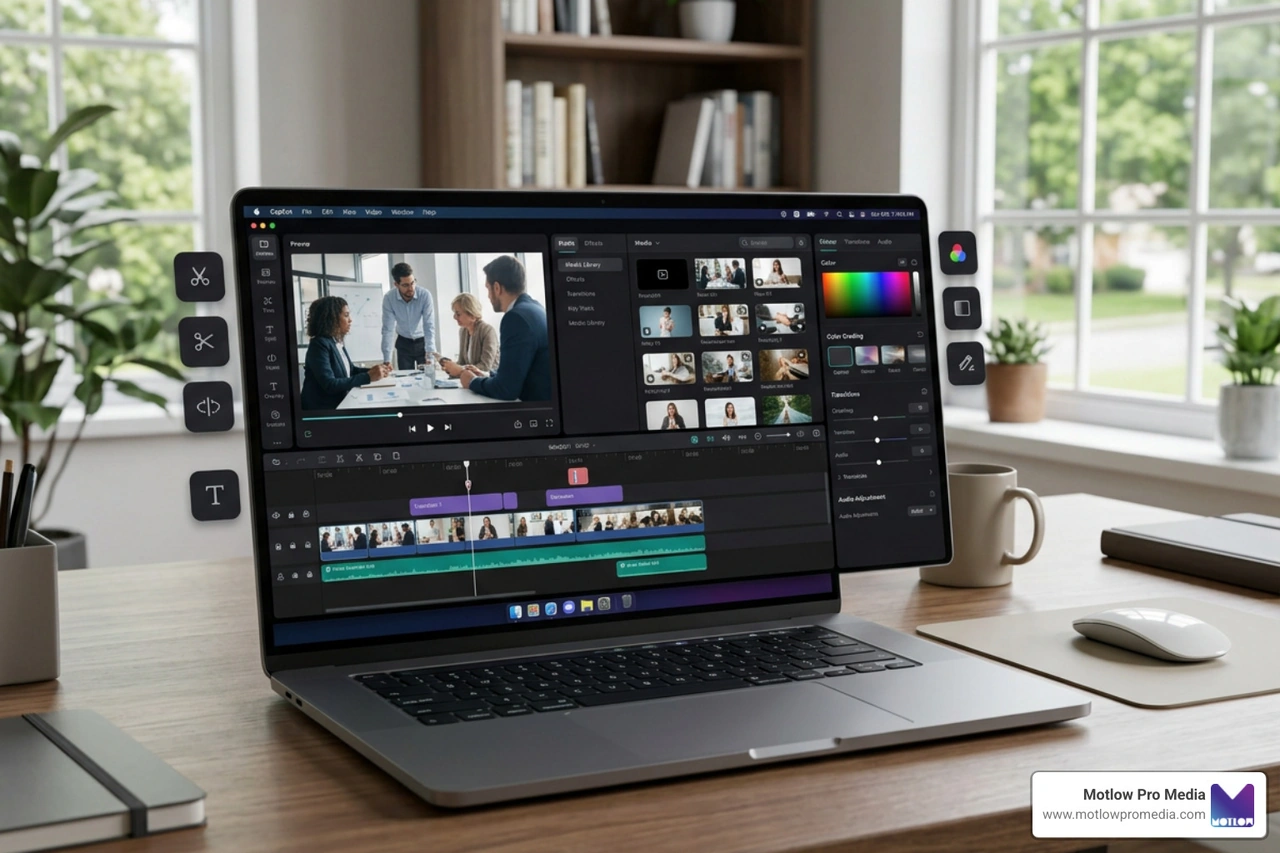
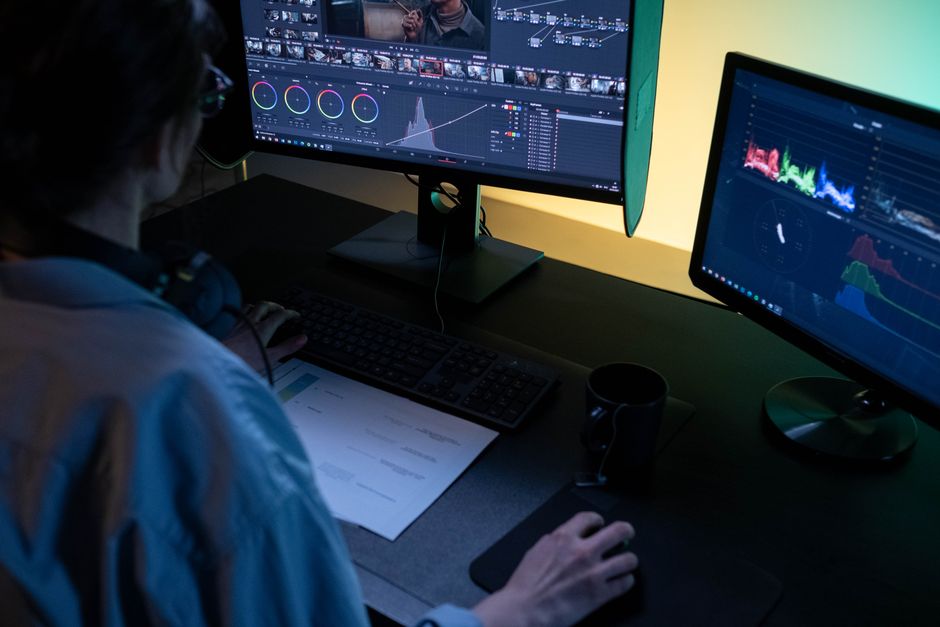
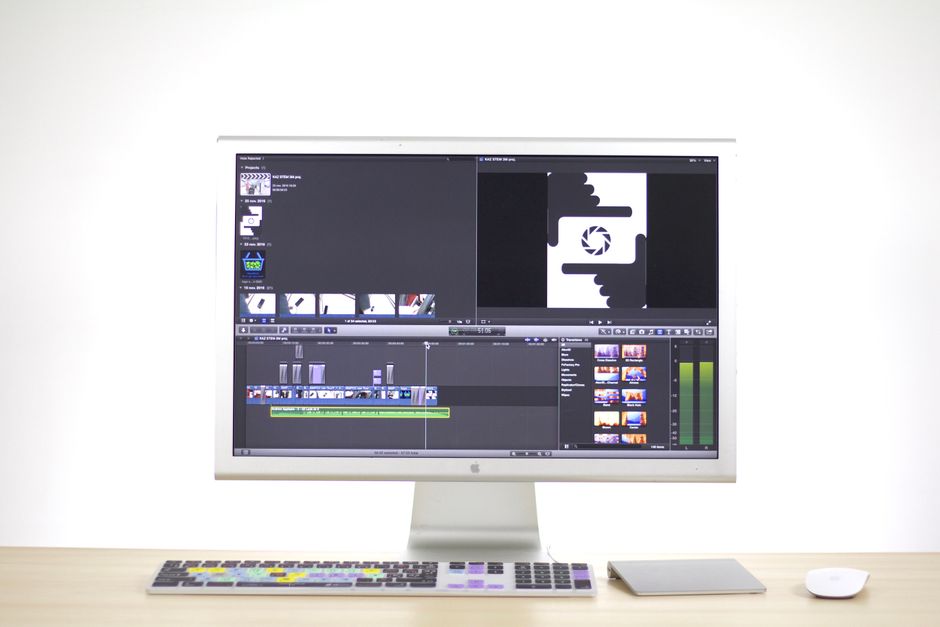
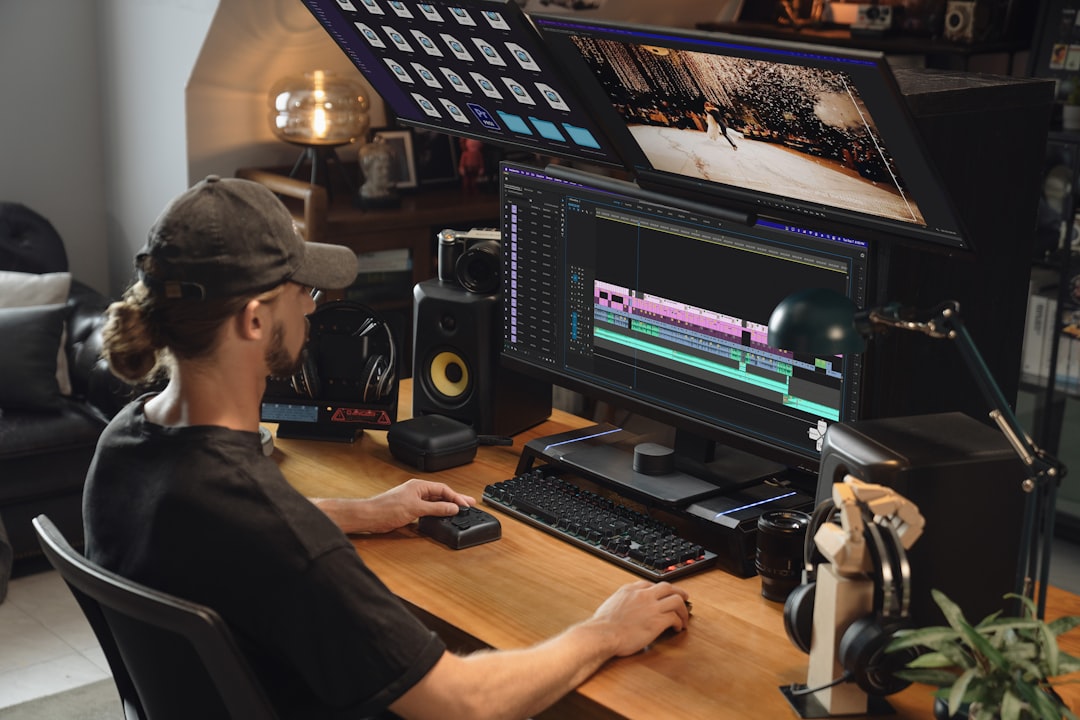
Post-production is where the magic happens. This is where we use Video Editing Services to add:
One of the biggest mistakes in Training video creation is focusing only on "completion rates." Just because someone clicked "play" doesn't mean they learned anything.
To see a real return on investment, you have to measure performance data. Are support tickets decreasing after the release of a new software tutorial? Is the "time to proficiency" for new hires getting shorter?
Audio quality
Length
Branding
Updates
Engagement
The "2-7 minute rule" is vital. Research shows that engagement drops off significantly after the 7-minute mark. If you have a complex topic, don't make a 20-minute video; make four 5-minute videos. This reduces cognitive load and makes the information much easier to digest.
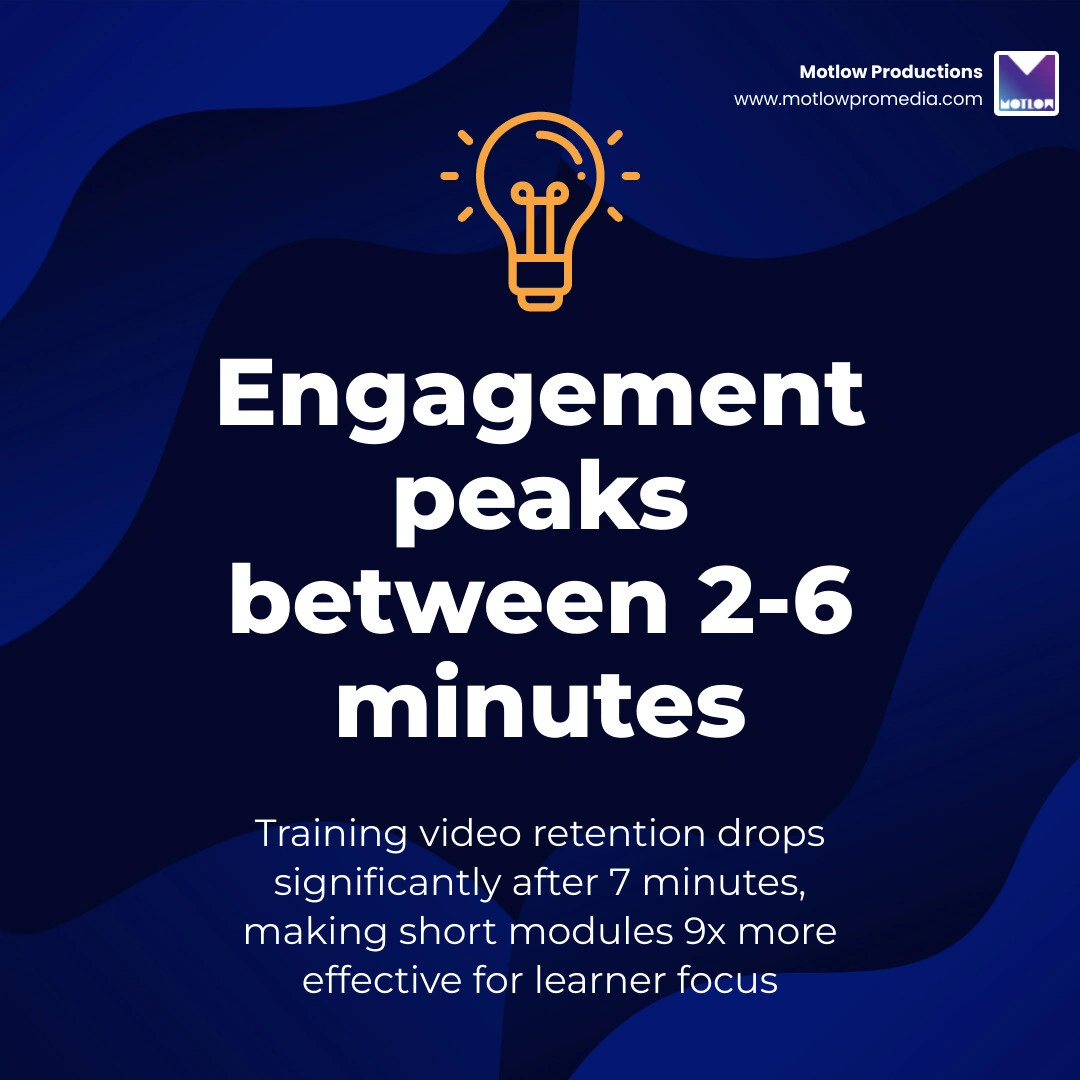
For most workplace topics, 2 to 6 minutes is the sweet spot. If you are doing a software walkthrough, aim for 30 to 90 seconds per step. By breaking larger topics into "chunks," you follow microlearning principles that respect the learner's attention span and make it easier for them to find specific information later.
Every effective training video needs:
We look at two types of signals:
In Training video creation, the difference between a video that is ignored and one that transforms an organization lies in the execution. At Motlow Pro Media, we don't just "make videos"—we provide media leadership. We act as a trusted extension of your team, ensuring that your internal knowledge is captured, polished, and delivered with seamless execution.
Whether you are looking to overhaul your onboarding process or need to rollout a global compliance initiative, we are here to help you move from script to screen without the headache.
Ready to elevate your team's learning experience? More info about our services can be found on our main site, where you can see how we turn complex training needs into high-impact visual stories.
Some clients want to give notes in a live Zoom call. Others prefer a group text or email thread. However you like to communicate, we adapt. You’ll never be left guessing where things stand - and you’ll always have a say before anything goes out the door.





Phone:
+1 863-250-8639
.png)
Email:
info@motlowpromedia.com