




-5.jpg)
































Thank you! Your submission has been received!
Oops! Something went wrong while submitting the form.

.avif)
September 29, 2026
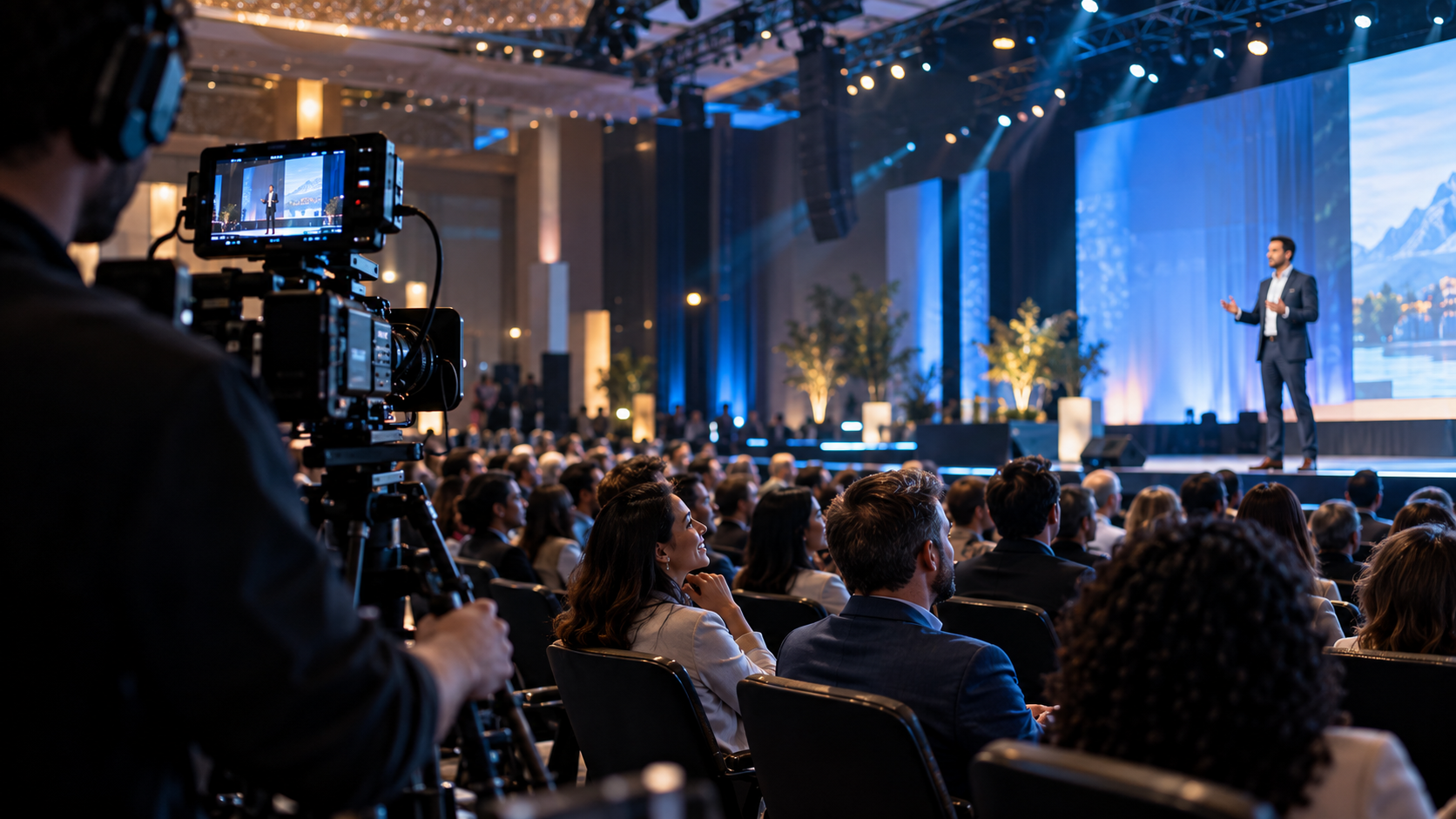
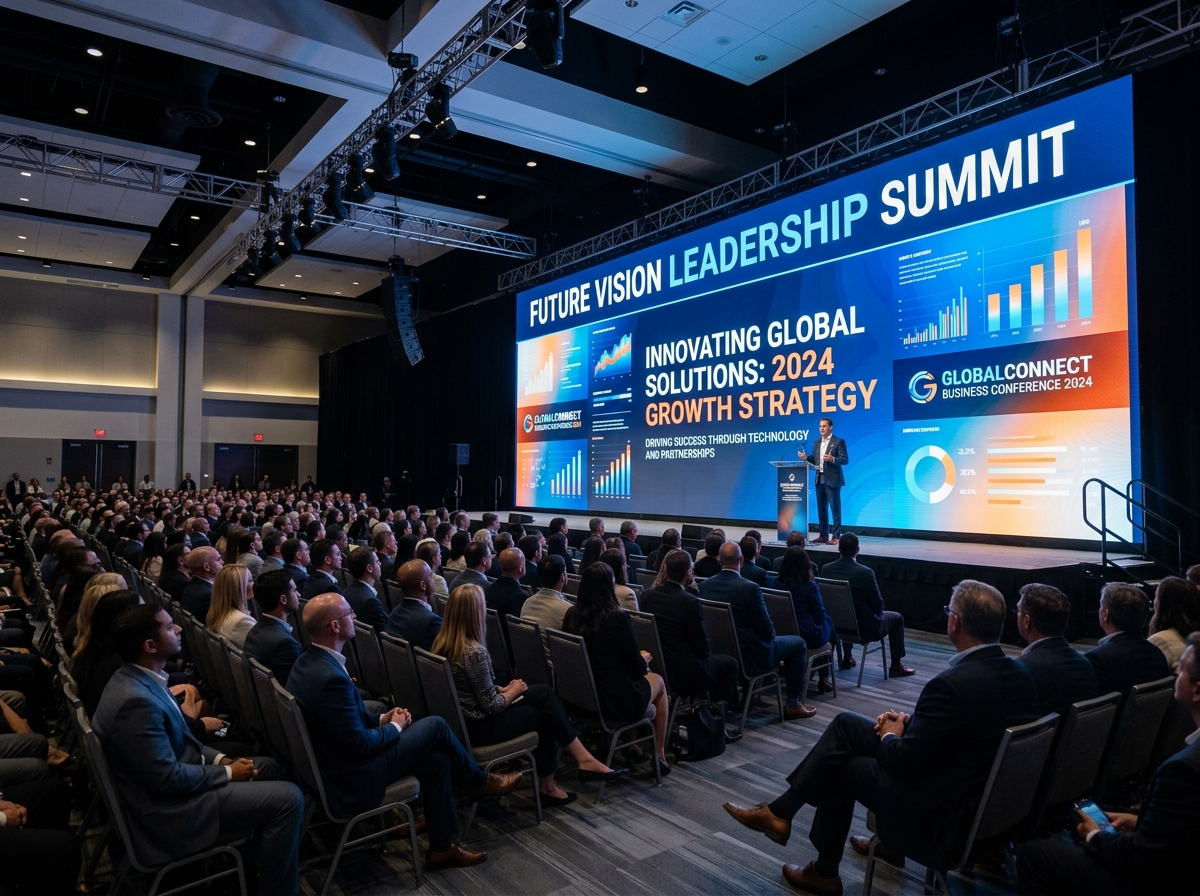
A livestream is often the most visible version of a corporate event because remote viewers experience only what the production sends them. They cannot hear the room naturally, look toward another screen, ask a nearby staff member for help, or ignore a poorly framed camera in the way an in-person attendee might. Small production weaknesses therefore become the event itself, and preventable mistakes can distract from leadership, content, sponsors, and the credibility of the organization.
For corporate communications teams and event organizers, the stream doesn't get a second chance to make a first impression the way an in-person room does — if the audio cuts out or the feed stalls, that's what the remote audience remembers, regardless of how good the content was. Catching those failure points in rehearsal, rather than watching them happen live, is the difference between a broadcast that reinforces the brand and one that quietly undermines it.
The recommended approach is to work backward from the intended business use and define the people, systems, approvals, and assets required to support it. Success means remote viewers receive a clear, reliable, accessible experience that reflects the brand's professional standards. That standard is more useful than judging the work only by how busy the production looked or how many files were delivered. Every section below turns that principle into a practical decision.
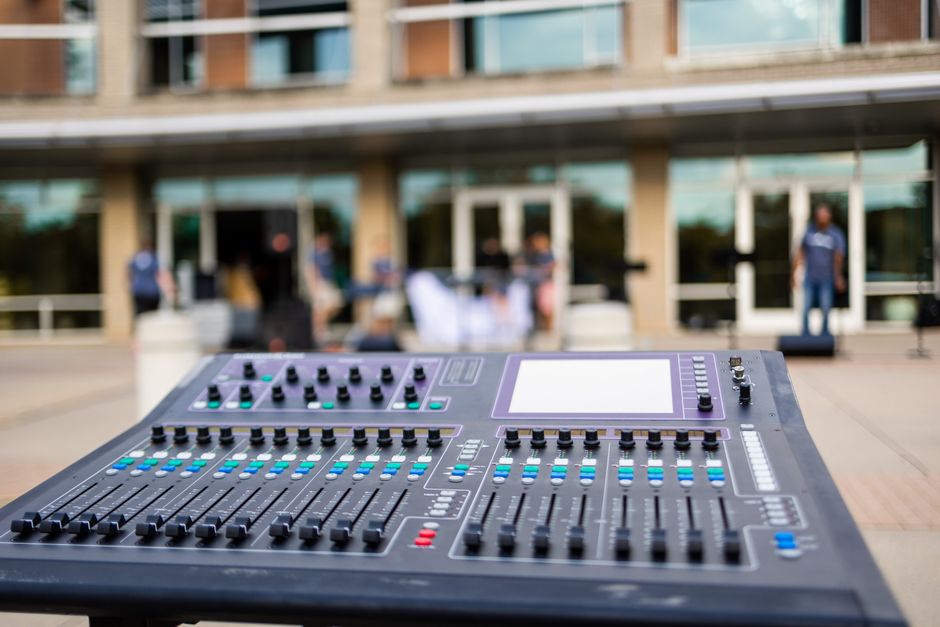
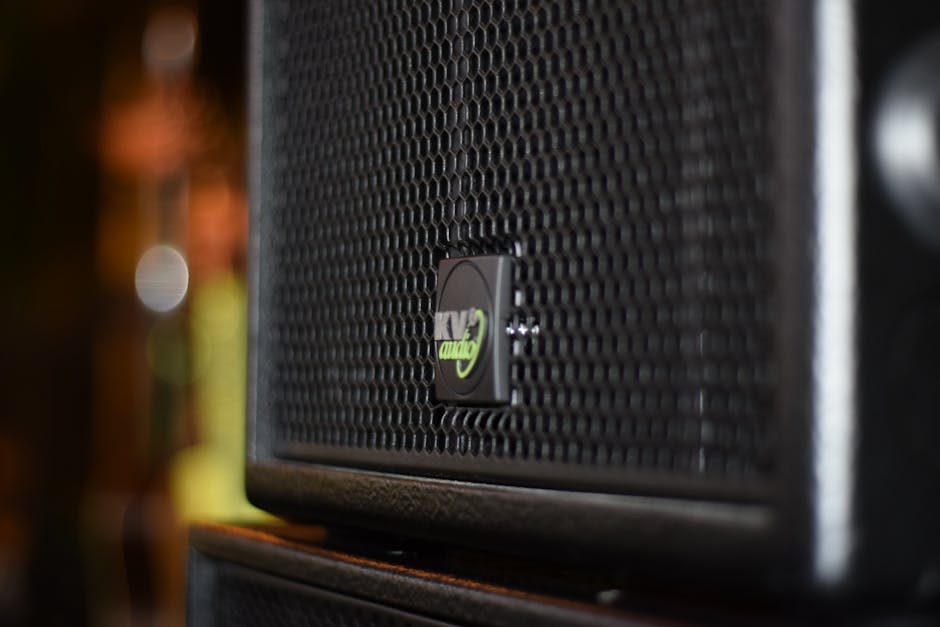
Viewers may tolerate a less cinematic image, but they will struggle to follow a program with low, distorted, echoing, or inconsistent speech. Common failures include relying on room microphones, ignoring remote-speaker audio, missing panel questions, and sending copyrighted walk-in music to the stream.
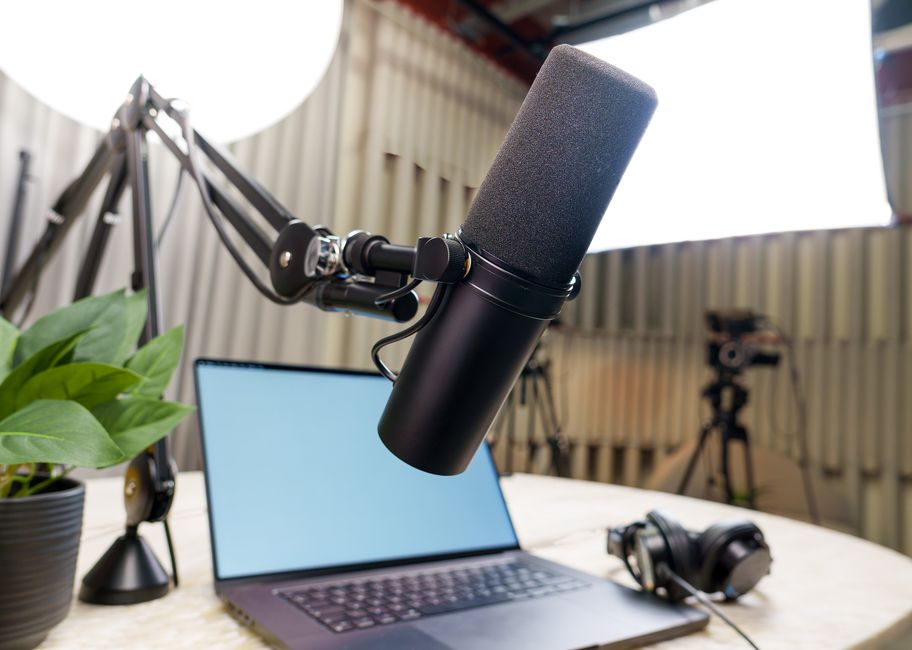
Use dedicated microphone feeds, monitor the broadcast mix separately from the room, record backups, and test every speaker position. Audio ownership must remain clear throughout rehearsals and the live program.
This deserves a real, written owner rather than an assumption that "someone" is watching levels: name who owns the broadcast mix, when the final audio check happens, and what has to pass before the show goes live. Weigh that plan against whether it actually delivers a clear, reliable experience to remote viewers, and if a speaker or mic setup changes, update the plan and tell the board operator before the program starts.
For additional context, see the corporate livestream guide.
A venue's guest Wi-Fi or unverified connection is not a complete livestream plan. Bandwidth, stability, network policies, competing usage, firewall restrictions, and physical access all affect whether the stream can leave the room reliably.
Test the intended connection under realistic conditions and create an independent backup path appropriate to the event's importance. The team should also know who has authority to contact venue IT and change routing during the show.
Getting this right means knowing exactly what has to hold up before the stream goes live — bandwidth, failover, and who can authorize a switch to backup — and confirming it with someone who can actually answer, not guess. That's what protects corporate communications teams and event organizers from the audience losing trust the moment the feed stutters or drops, and it gives the team a fast, tested response instead of a scramble.
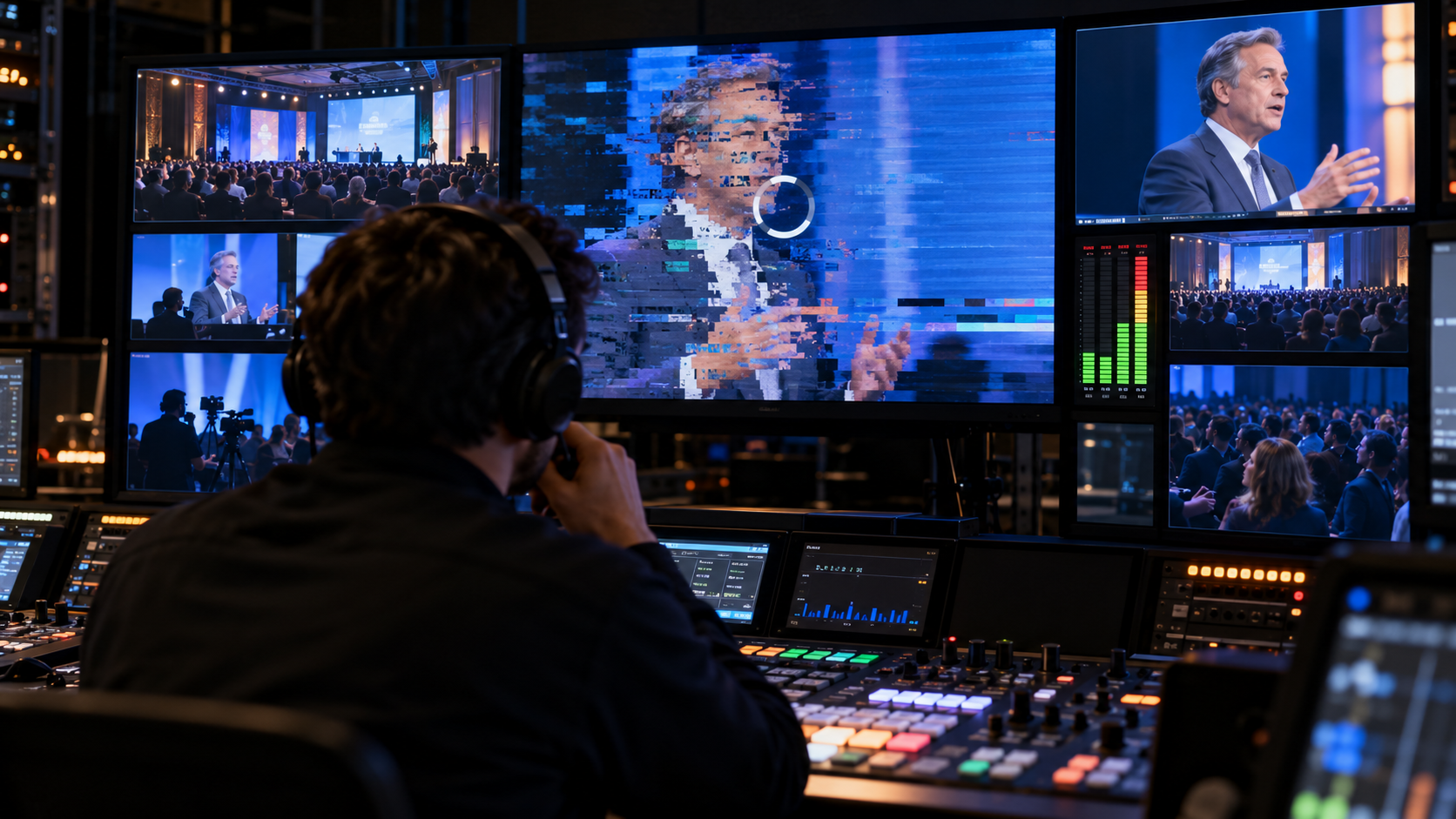
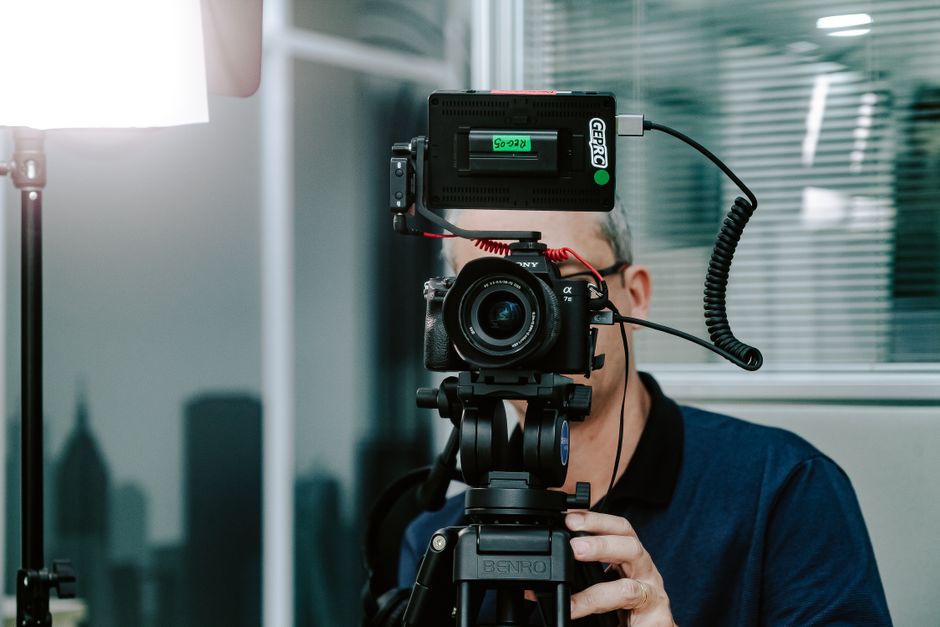
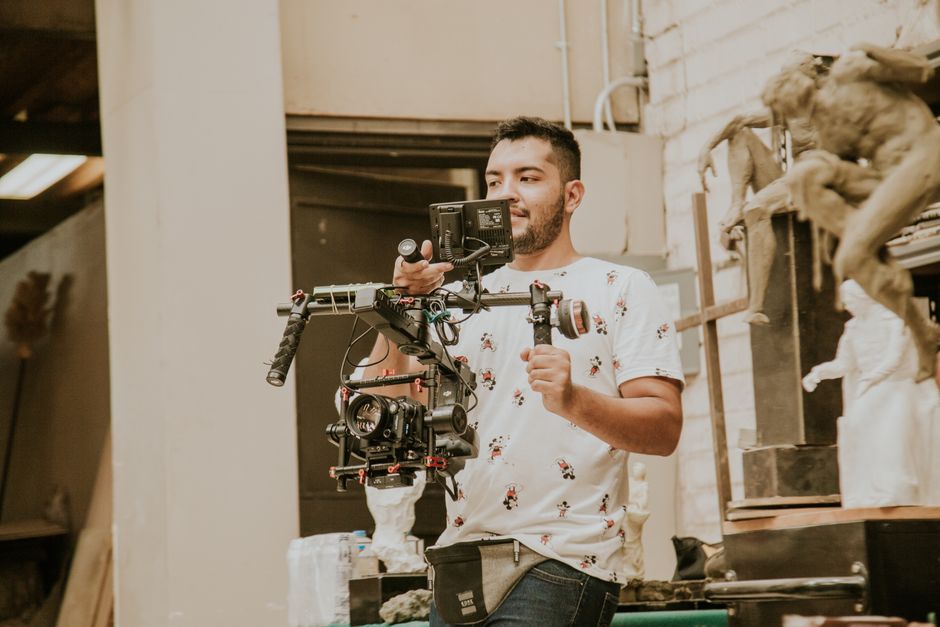
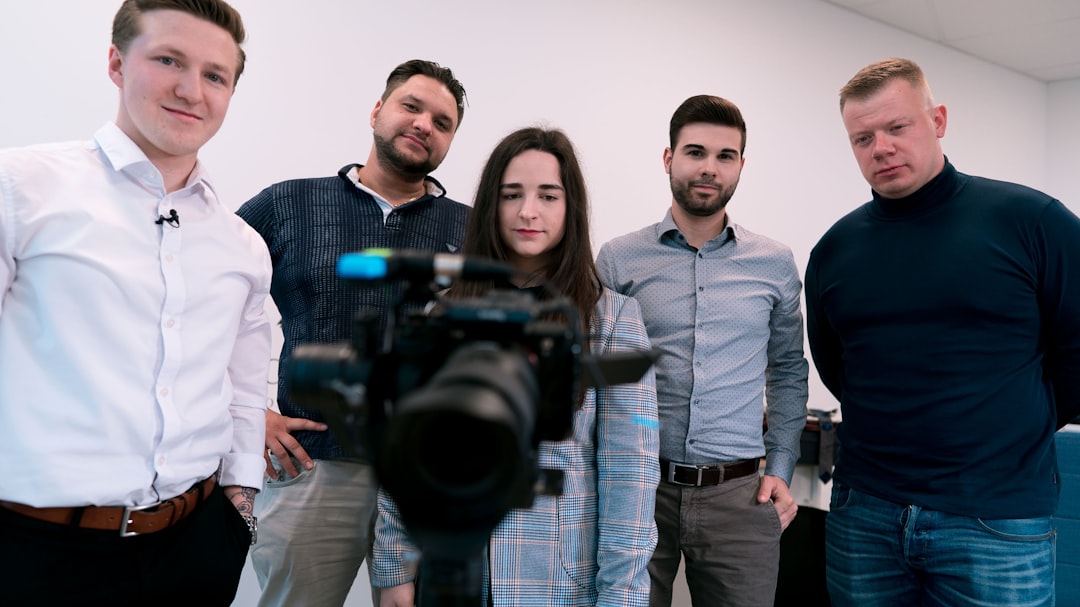
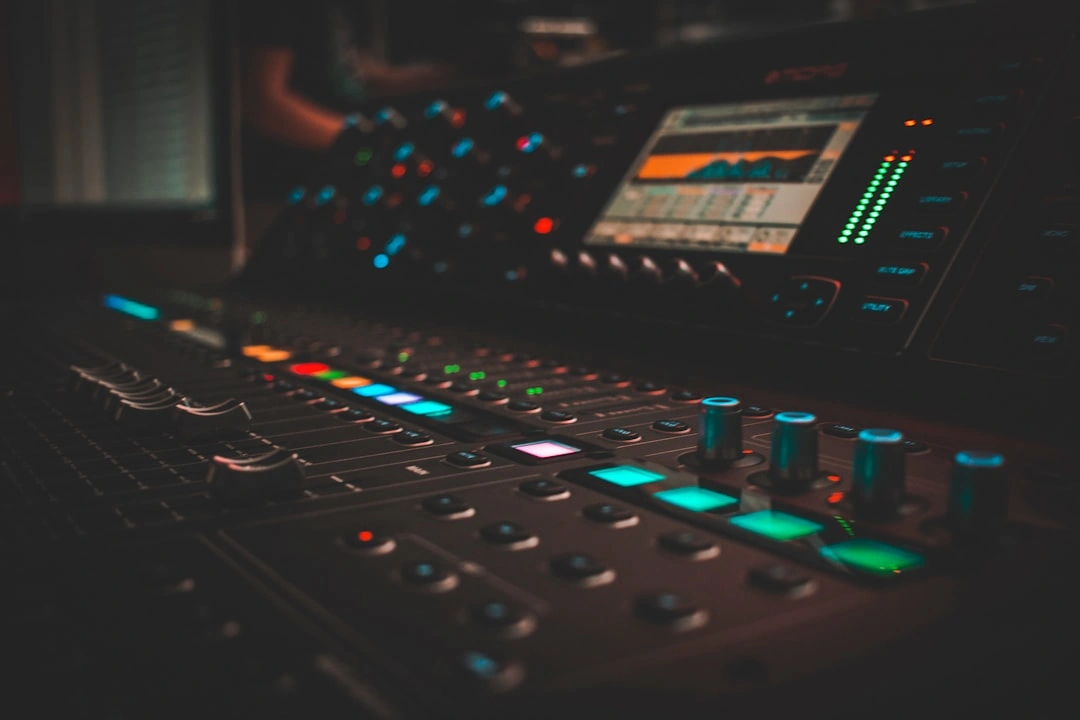
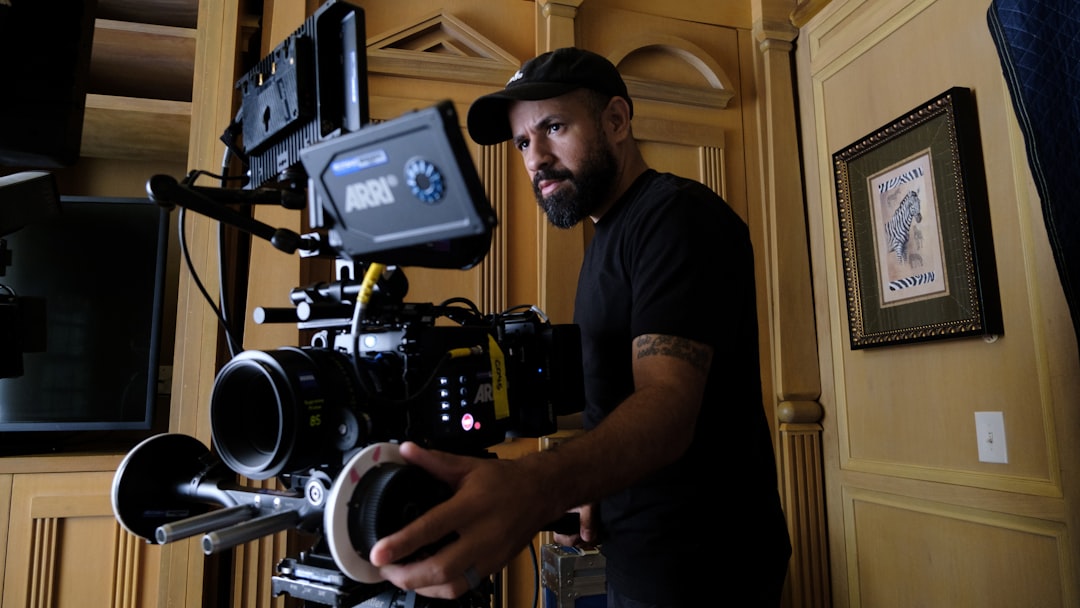
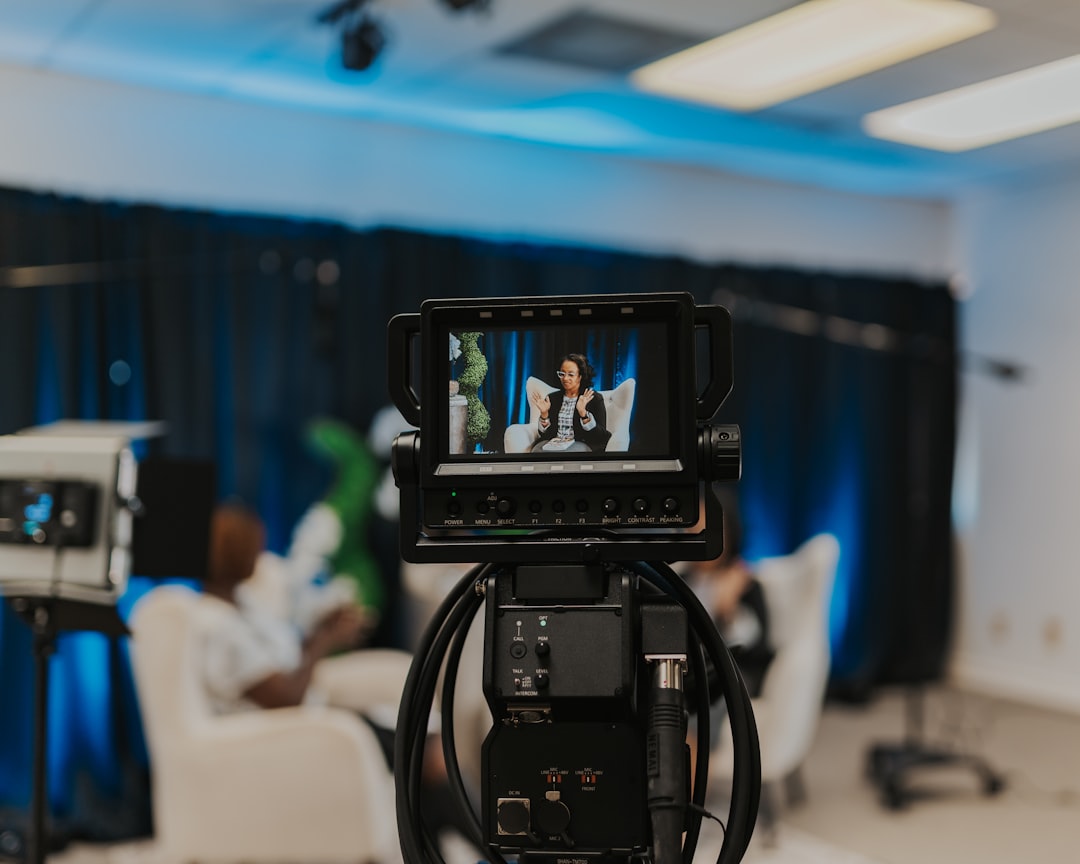
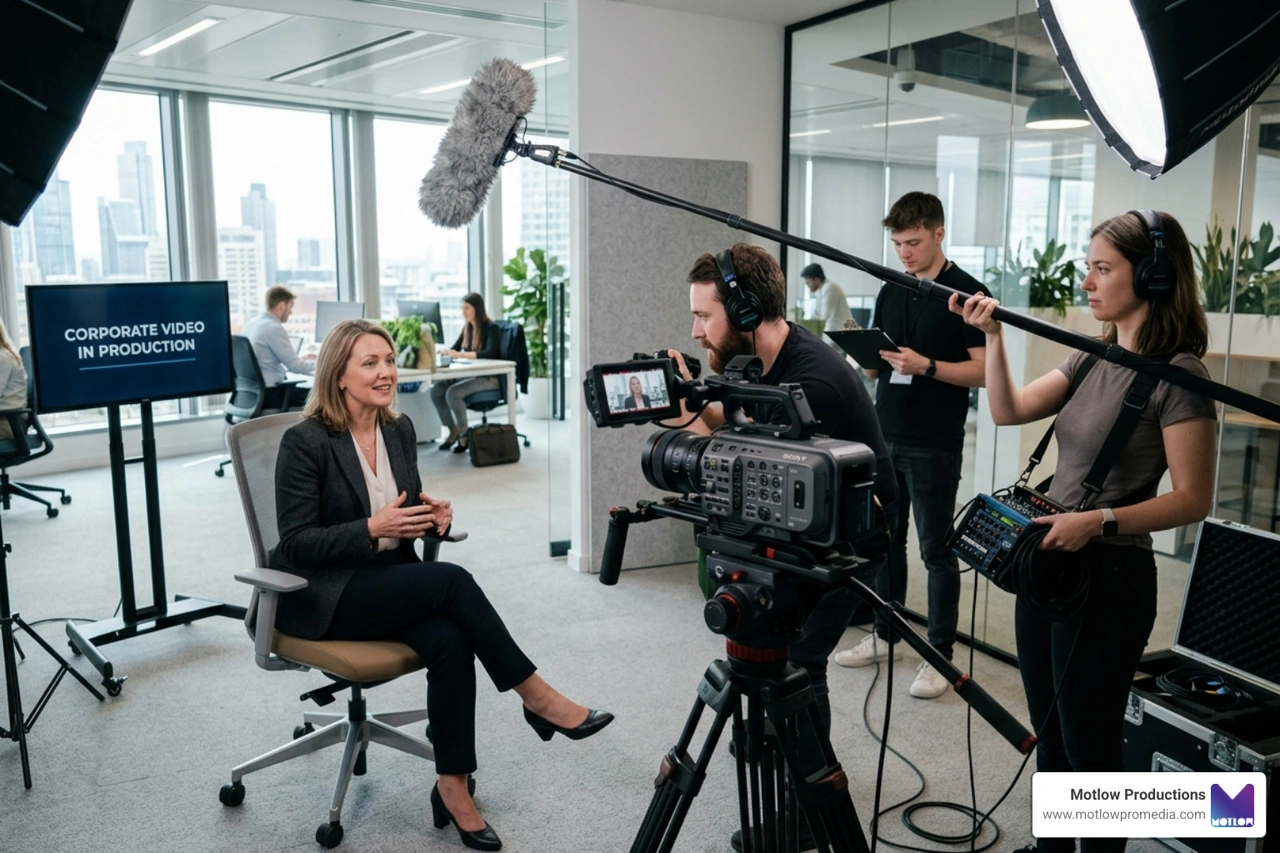
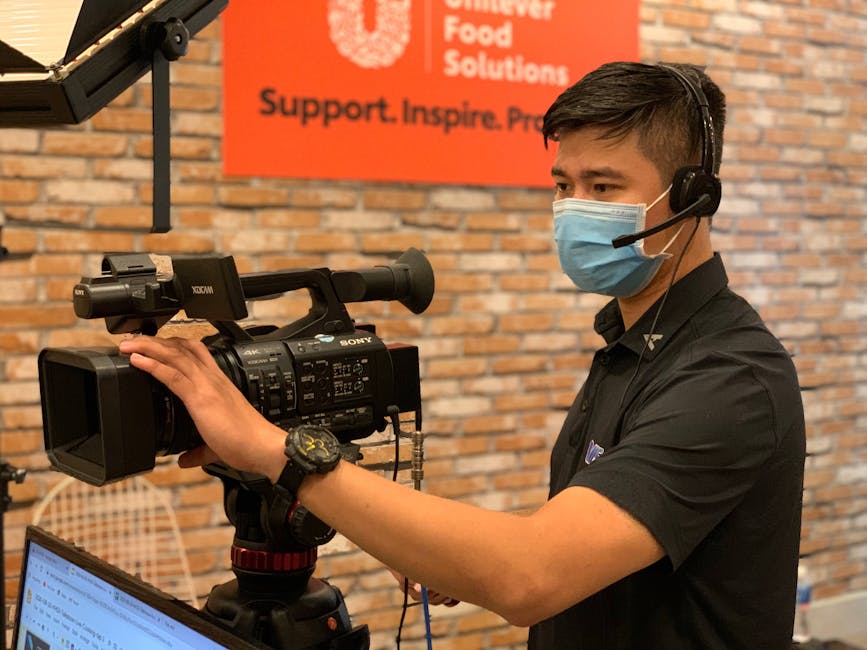
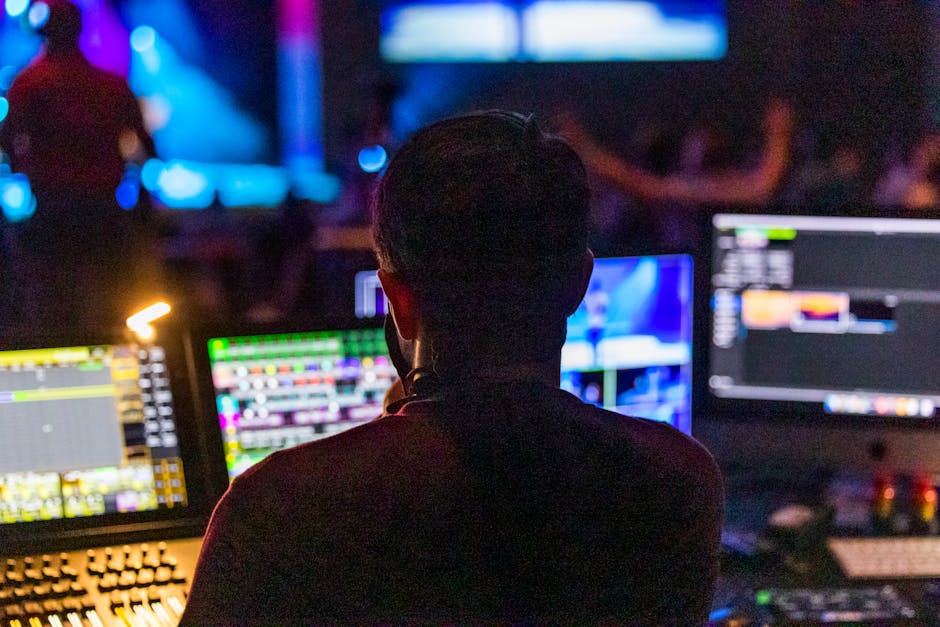
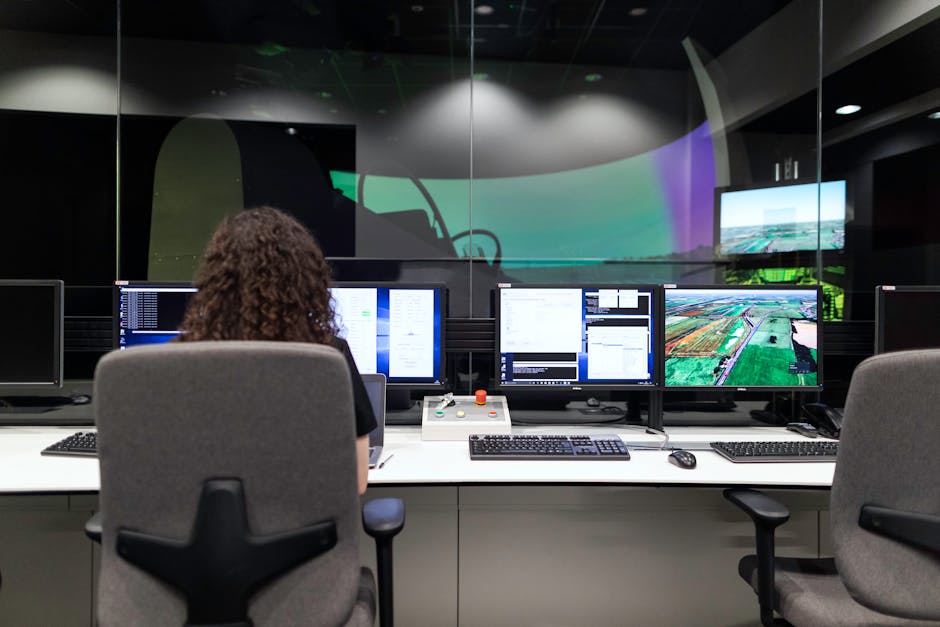
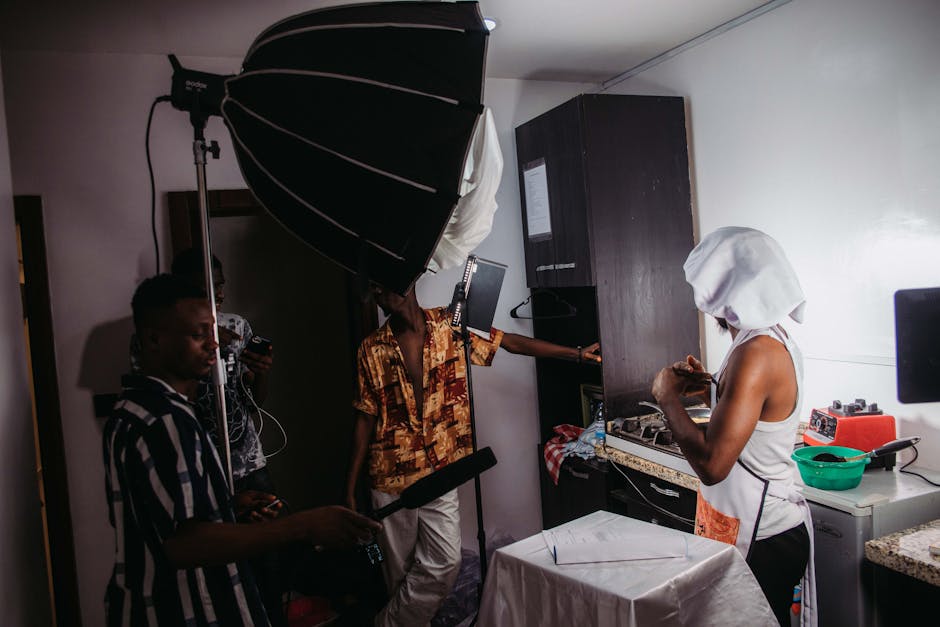
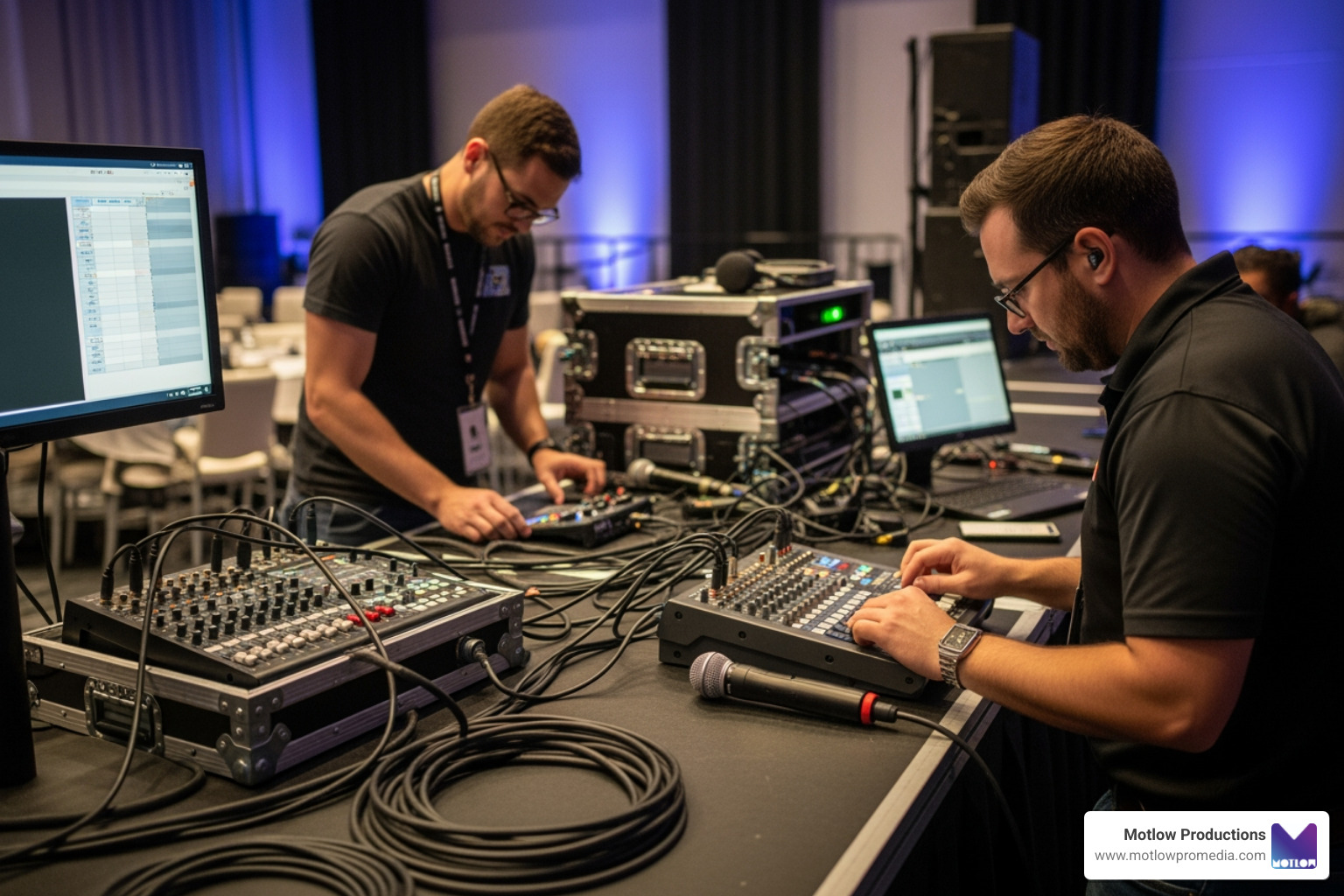
A dedicated operator monitors audio, video, and program cues during a corporate broadcast.
A slide check is not the same as rehearsing camera cues, remote speakers, videos, graphics, microphones, stage movement, timing, and platform transitions. Problems often appear only when all systems operate together in the actual sequence.
Run representative segments from beginning to end and include the people who will make live decisions. Use the rehearsal to confirm both the technical path and the presenter's experience, including confidence monitors and cueing.
Put this rehearsal on the schedule and the brief the same way any other production milestone would be, not as an optional add-on if time allows. A rehearsal only counts if it's specific enough that everyone involved knows exactly what to check and why it matters to the broadcast. Run it again close to showtime, while adjustments are still easy to make, and judge it against one thing: will remote viewers get a clear, reliable, professional experience?
For additional context, review the run of show framework Motlow Pro Media uses.
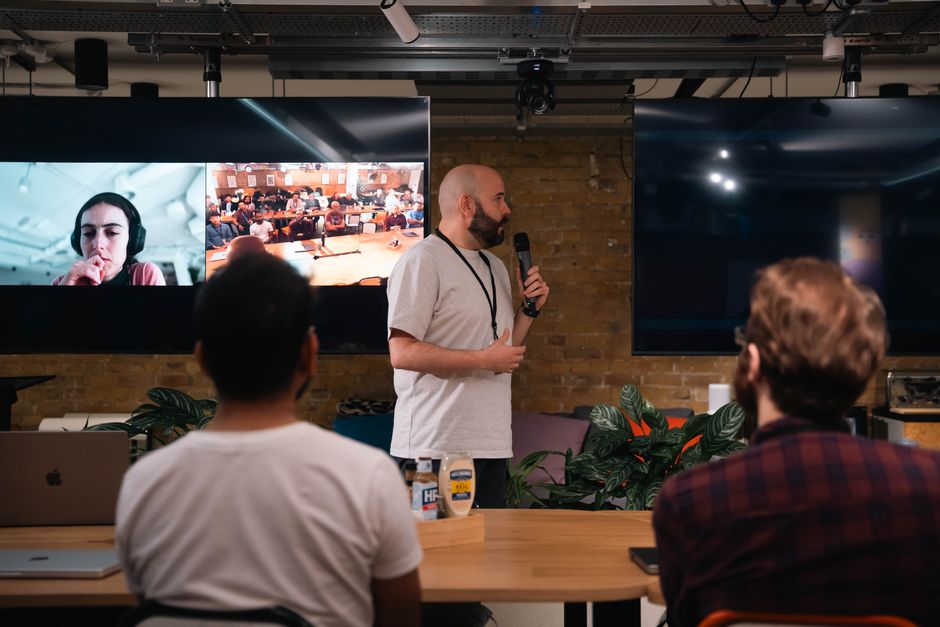
Remote viewers need their own pacing, orientation, visual context, engagement, and instructions. A long room reset, unreadable presentation slide, unintroduced speaker, or audience question without a microphone can leave the online audience confused.
Write remote-viewer moments into the run of show and assign a producer to monitor the program from their perspective. Captions, holding graphics, moderated questions, and clear transitions make the broadcast feel intentional rather than incidental.
This is also where it helps to weigh which decisions belong to the in-room event team and which belong to the broadcast producer — who introduces remote-only context, who moderates online questions, and what happens if that handoff is missed. Settling that division up front is what keeps the online audience from feeling like an afterthought to the room.
For additional context, see Zoom's guidance for remote viewers.
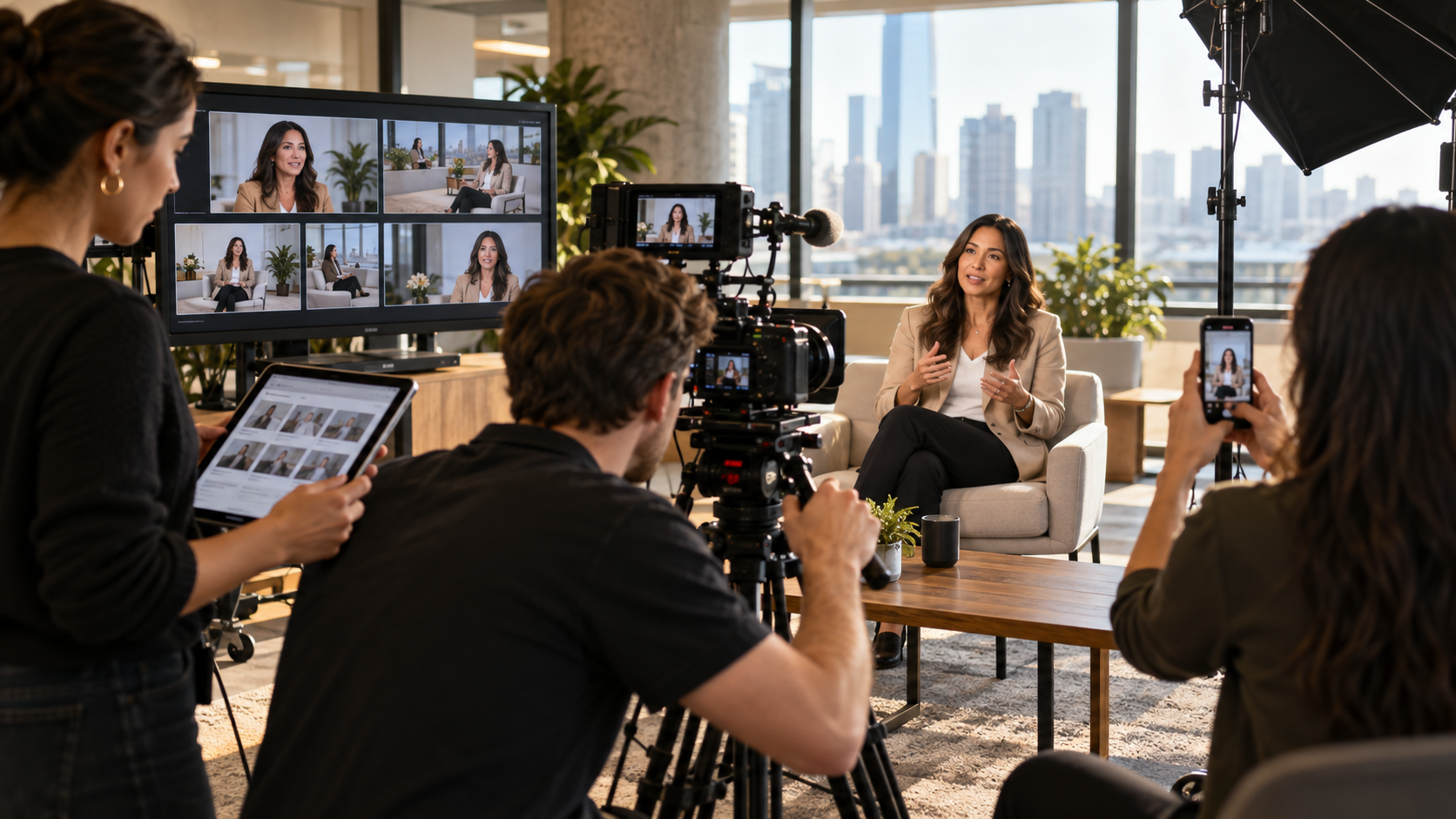
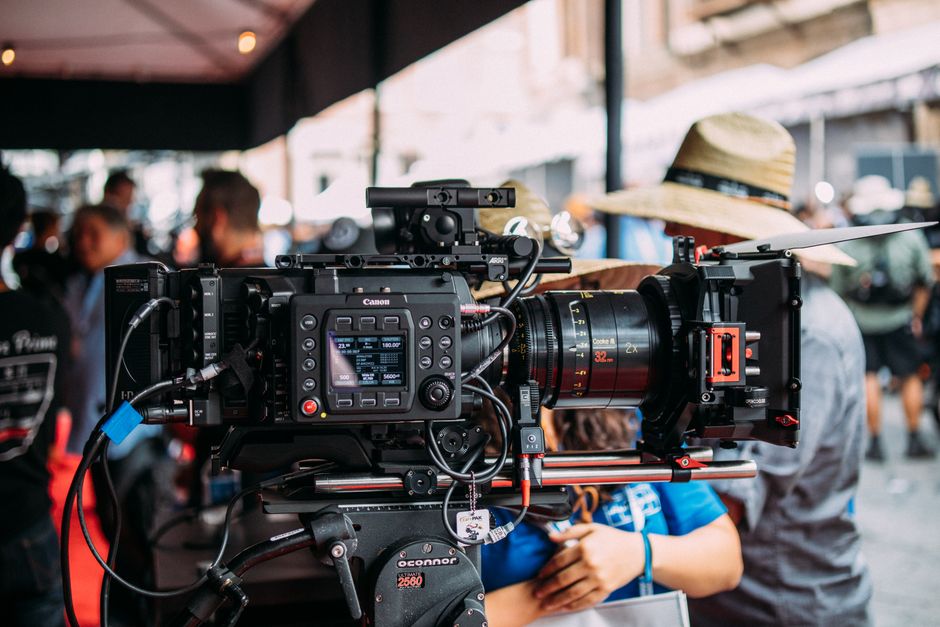
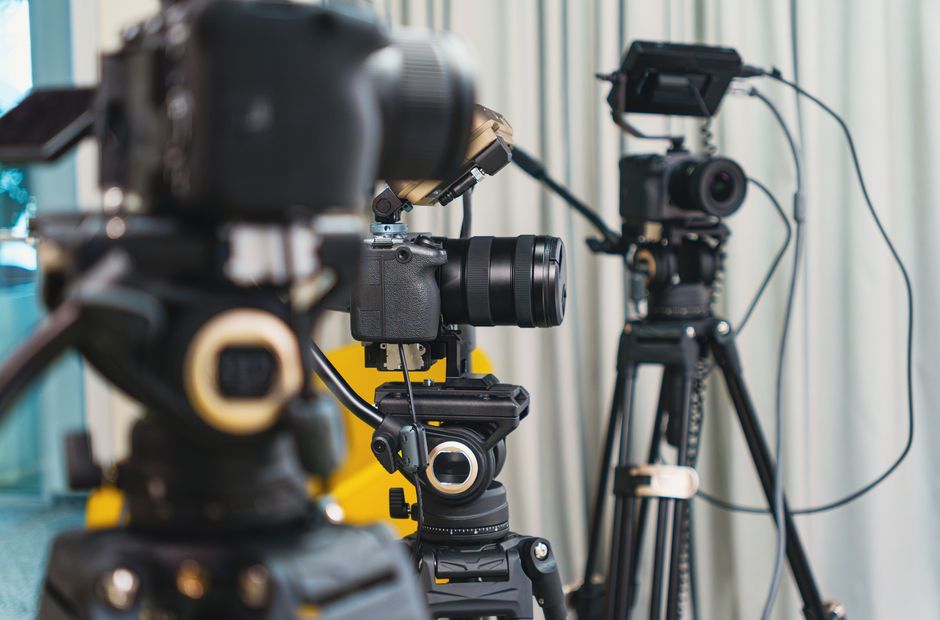
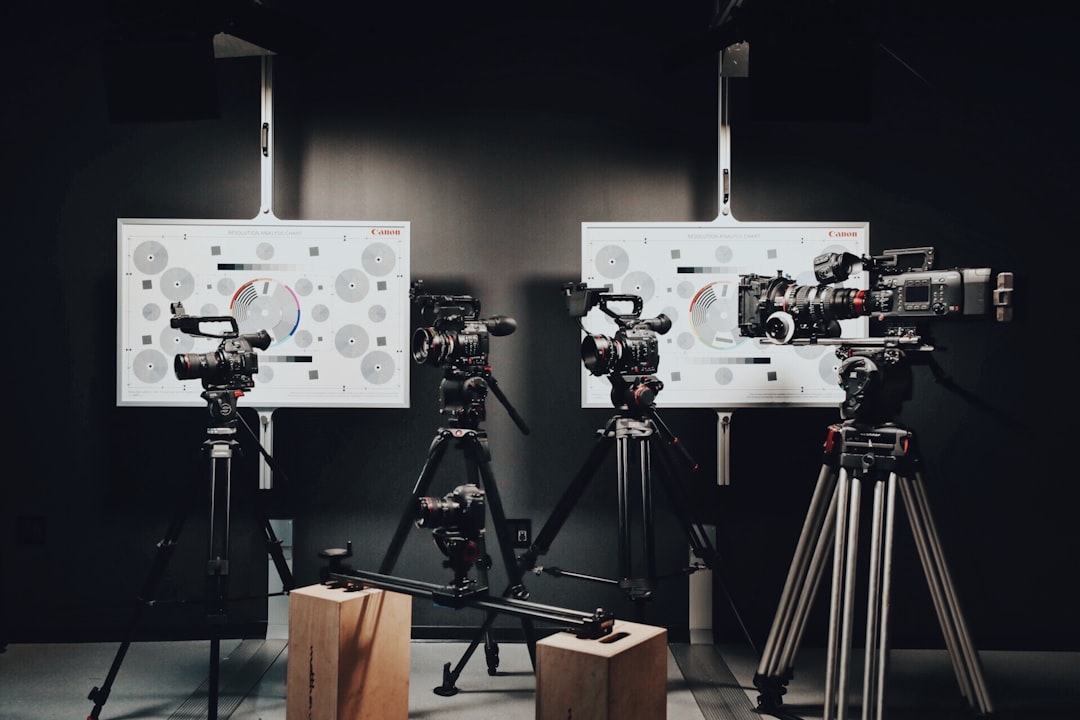
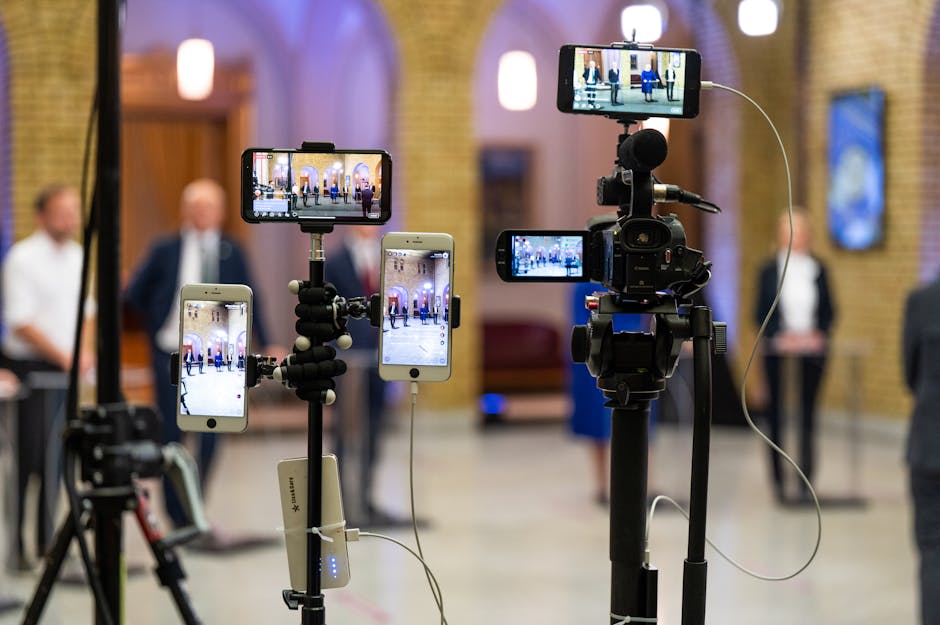
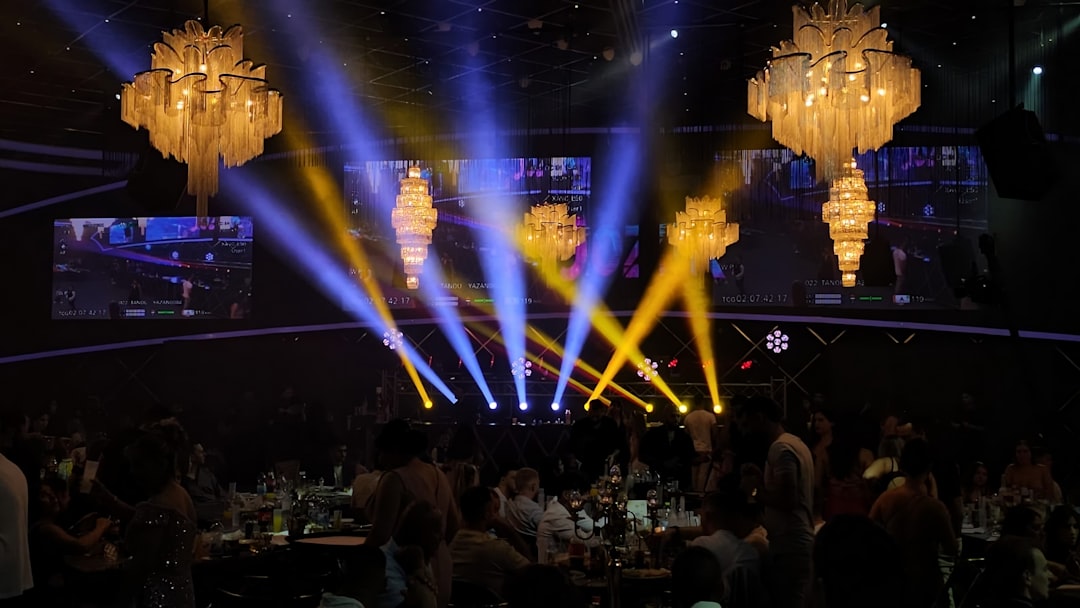
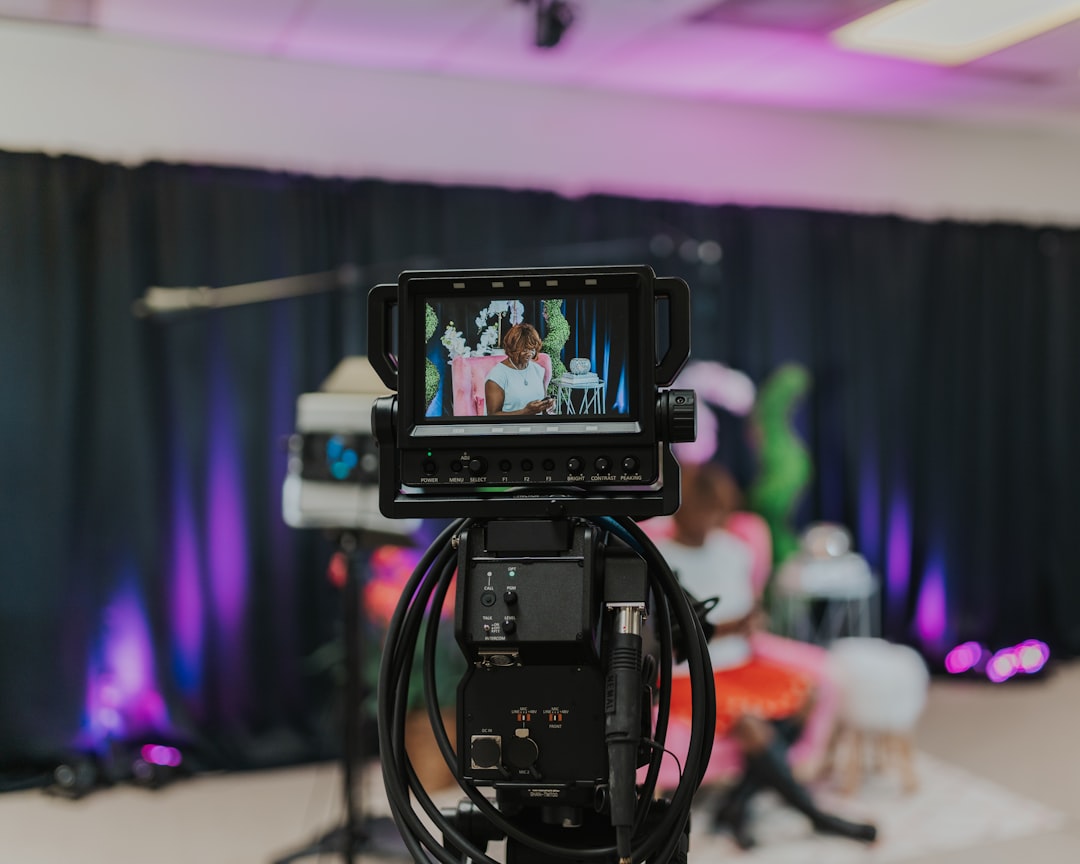
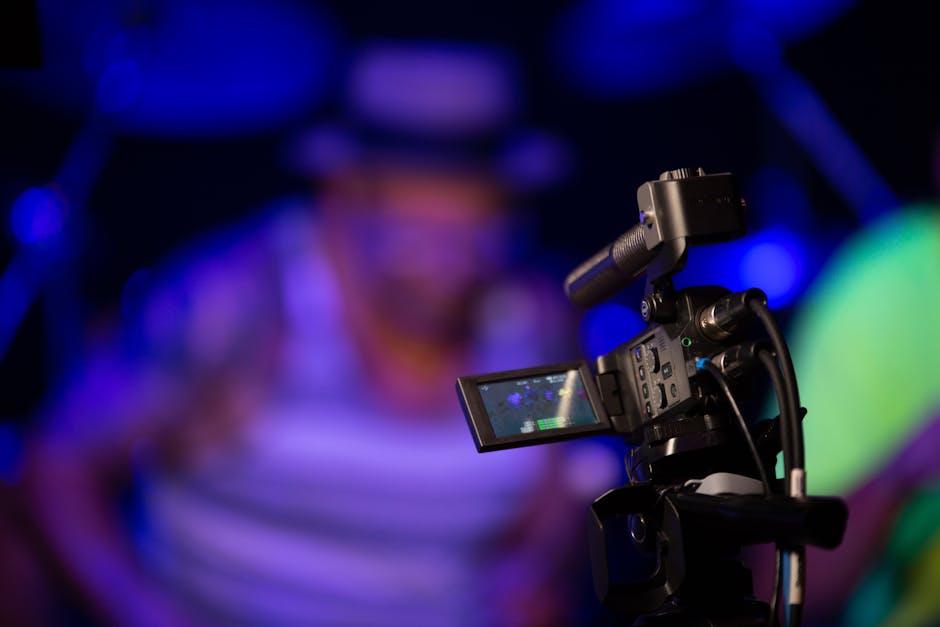
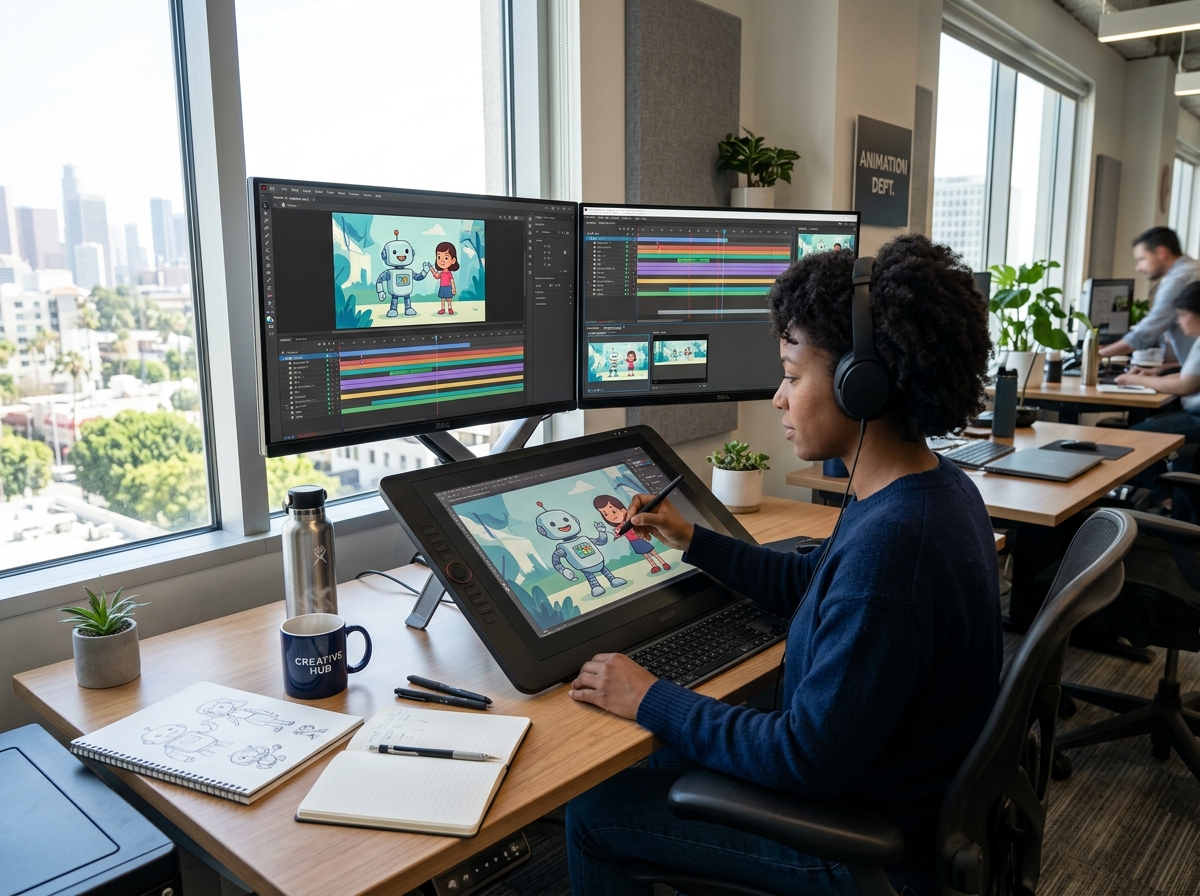
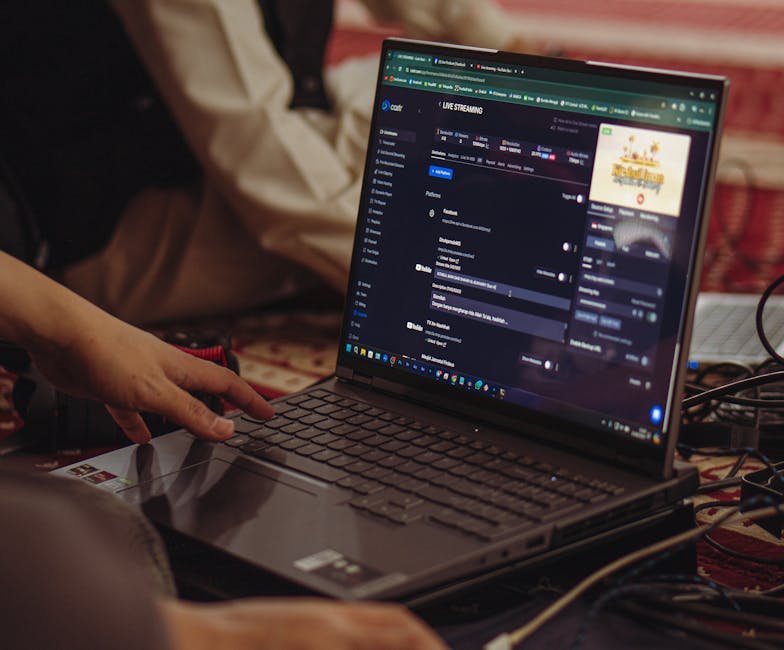
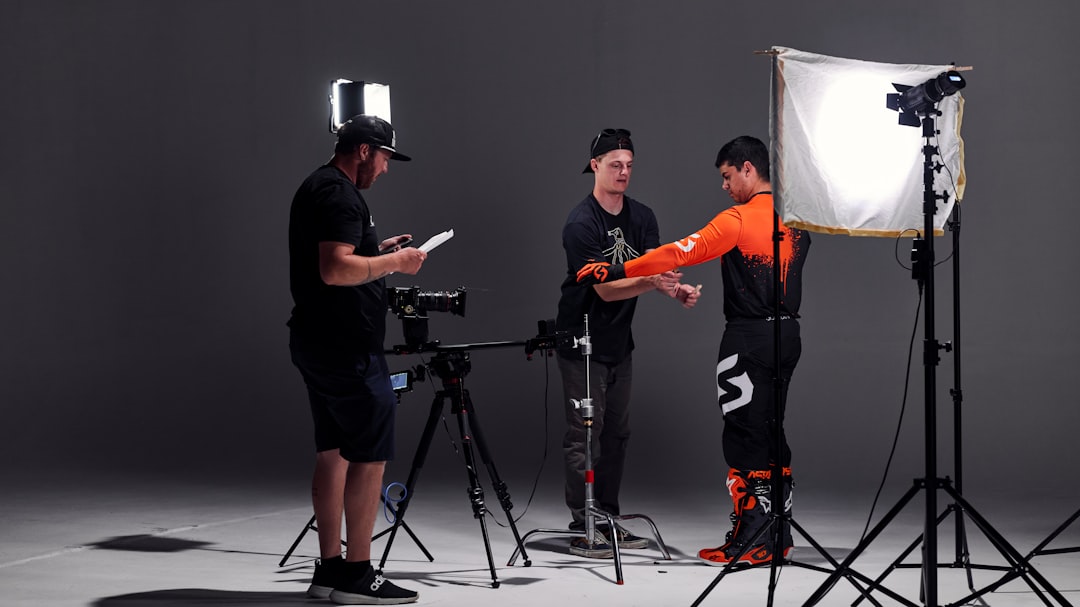
A professional livestream connects cameras, audio, presentation, remote speakers, and audience tools.
Lower thirds, titles, logos, presentation slides, sponsor marks, and holding screens must remain readable on small screens and consistent with brand standards. Last-minute files can introduce wrong names, stretched logos, mismatched colors, tiny text, or outdated information.
Collect and test final graphics before rehearsal, verify spelling and roles, and approve a single source of truth. Build fallback slates for delays, technical interruptions, and schedule changes so the screen never looks abandoned.
Before signing off on graphics, ask what a remote viewer would actually notice if a name were misspelled or a logo looked stretched on their screen. That question is what separates graphics that are truly essential from ones that can flex, and it keeps the budget and review time focused on protecting the professional experience the brand is trying to project.
Professional live production does not assume failure; it defines how the team will respond if a microphone, camera, playback device, encoder, power source, platform, or connection stops working. The audience judges the interruption and the recovery together.
Assign backups, decision thresholds, communication channels, and contingency cues before the event. A calm, rehearsed recovery can preserve confidence even when a technical problem cannot be avoided completely.
Turn this recovery plan into something the next broadcast can reuse instead of rebuilding from memory: the specific failure points to check, who owns each backup, and the latest point a call has to be made before it's too late. A team working from a tested recovery plan responds faster, and it's far less likely to let the same dropped feed or dead mic damage credibility twice.
For additional context, see W3C's guidance on captions.
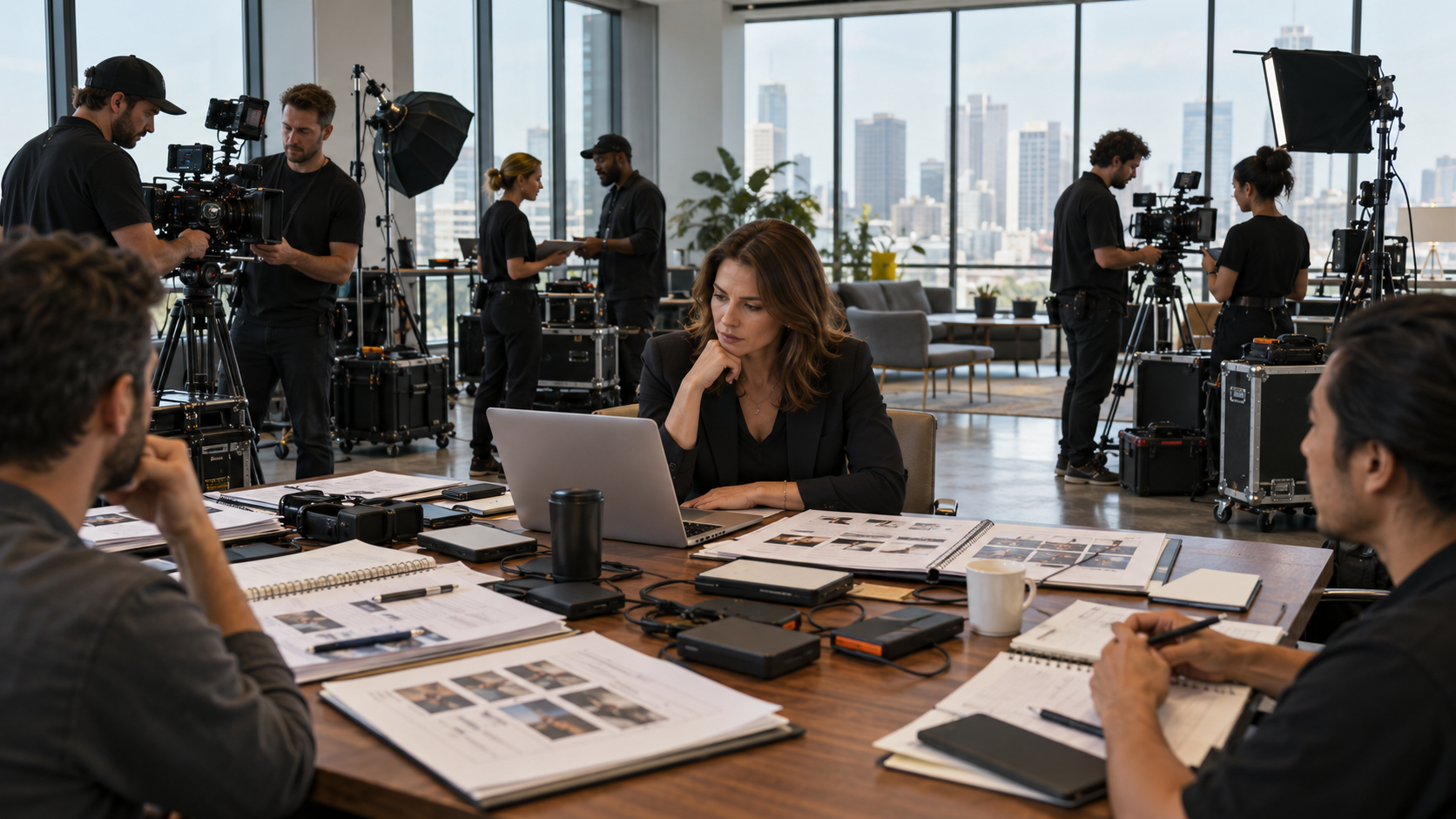
Bring the marketing or comms owner, the broadcast producer, and whoever controls venue access, budget, or approval into one 45-minute session before the event. Use it to decide which audio, network, and rehearsal questions above need answers now, and put a date on each one so testing doesn't get pushed to the day of the show. Leave that meeting with an executable technical plan, not a list of hopes.
From there, weigh the remote-viewer, graphics, and recovery decisions against the actual crew and schedule available. Cut anything without a clear owner or audience, and protect whatever most directly gives remote viewers a clear, reliable, professional experience. Where a technical dependency can't be resolved before showtime, name the risk to timing or quality out loud instead of hoping it won't surface.
After the broadcast, hold a short review focused on what actually happened: what worked, what caused a scramble, which backups got used, and what should change for the next stream. Keep those notes with the run of show, schedule, and technical documentation so the next broadcast starts from lessons already learned.
Poor audio is one of the most damaging problems because it prevents viewers from understanding the content. Network instability and incomplete rehearsals are also frequent sources of failure. Note the specific risks for a given event in the run of show so the crew knows exactly what to test twice.
The platform may be appropriate for the audience and access model, but it does not replace camera, audio, lighting, graphics, speaker support, run-of-show management, or network planning. Decide the platform's actual role in the brief so expectations match what it can and can't cover.
Platform access, network requirements, graphics, speaker connections, and venue conditions should be tested well before the event, with a full technical rehearsal after the final system is assembled. Set that testing timeline in the production schedule so it isn't compressed by other event deadlines.
A credible livestream is created through preparation, clear ownership, monitoring, and backup planning. The audience should be able to focus on the message without noticing the production system working behind it. When audio, video, network, graphics, accessibility, and recovery are designed together, the broadcast supports the brand instead of becoming a reputational distraction.
Some clients want to give notes in a live Zoom call. Others prefer a group text or email thread. However you like to communicate, we adapt. You’ll never be left guessing where things stand - and you’ll always have a say before anything goes out the door.




Phone:
+1 863-250-8639
.png)
Email:
info@motlowpromedia.com