



-5.jpg)





















Thank you! Your submission has been received!
Oops! Something went wrong while submitting the form.

.avif)
July 20, 2026
Video editing is the process of cutting, arranging, and refining raw footage into a finished story that moves an audience to feel, think, or act.
Here is a quick breakdown of what you need to know:
Whether you are a marketing director trying to produce consistent content, or someone picking up editing for the first time, the fundamentals are the same. Great editing is not about flashy effects. It is about making your message land.
This guide walks you through everything — from choosing the right software to exporting your first video for social media.
I'm Miranda Motlow, founder of Motlow Pro Media, where I've spent over a decade creating short-form and long-form video editing strategies for brands in Tampa, Florida. My background started in journalism and grew through years of producing marketing content for some of the most competitive industries around.
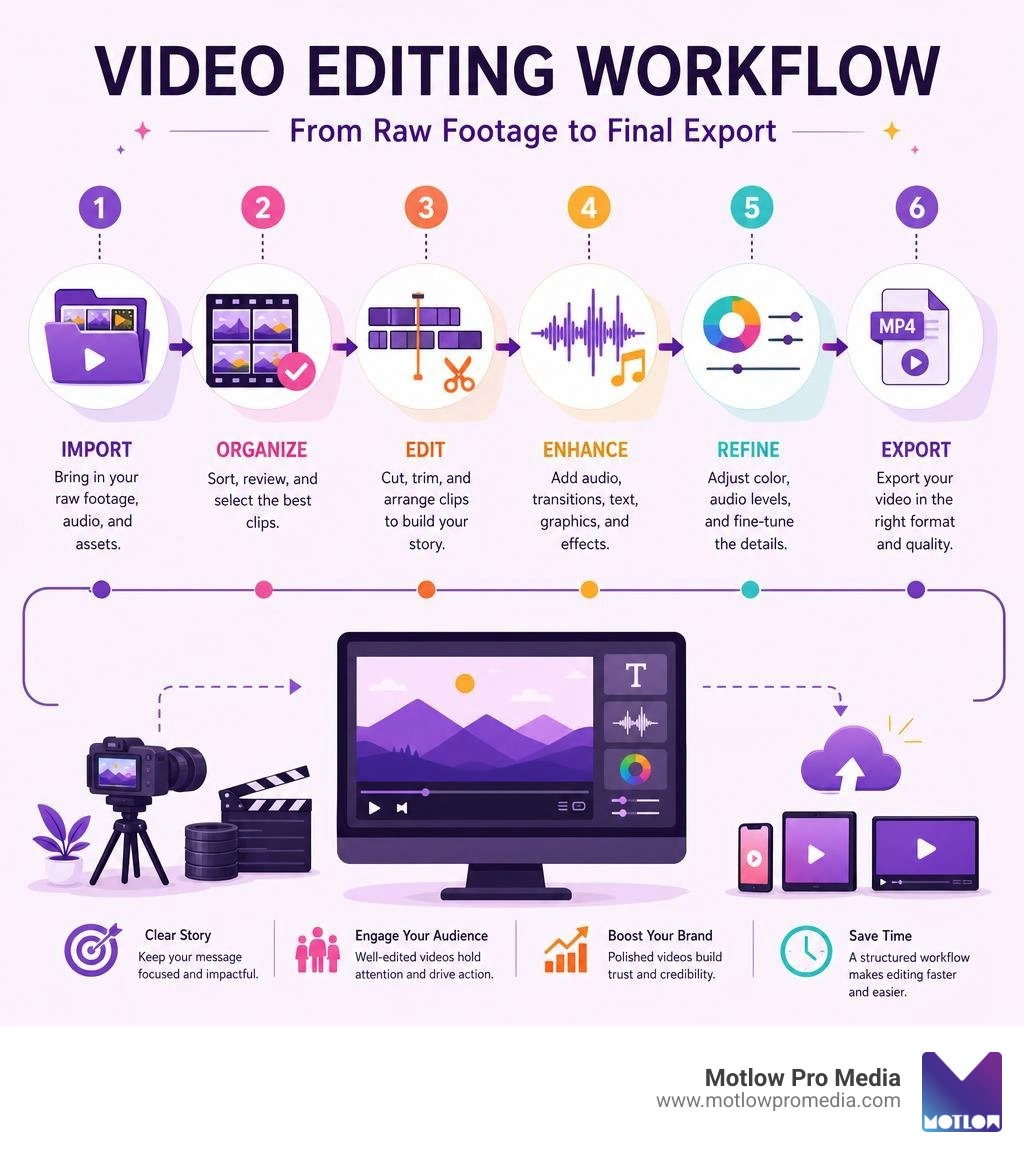
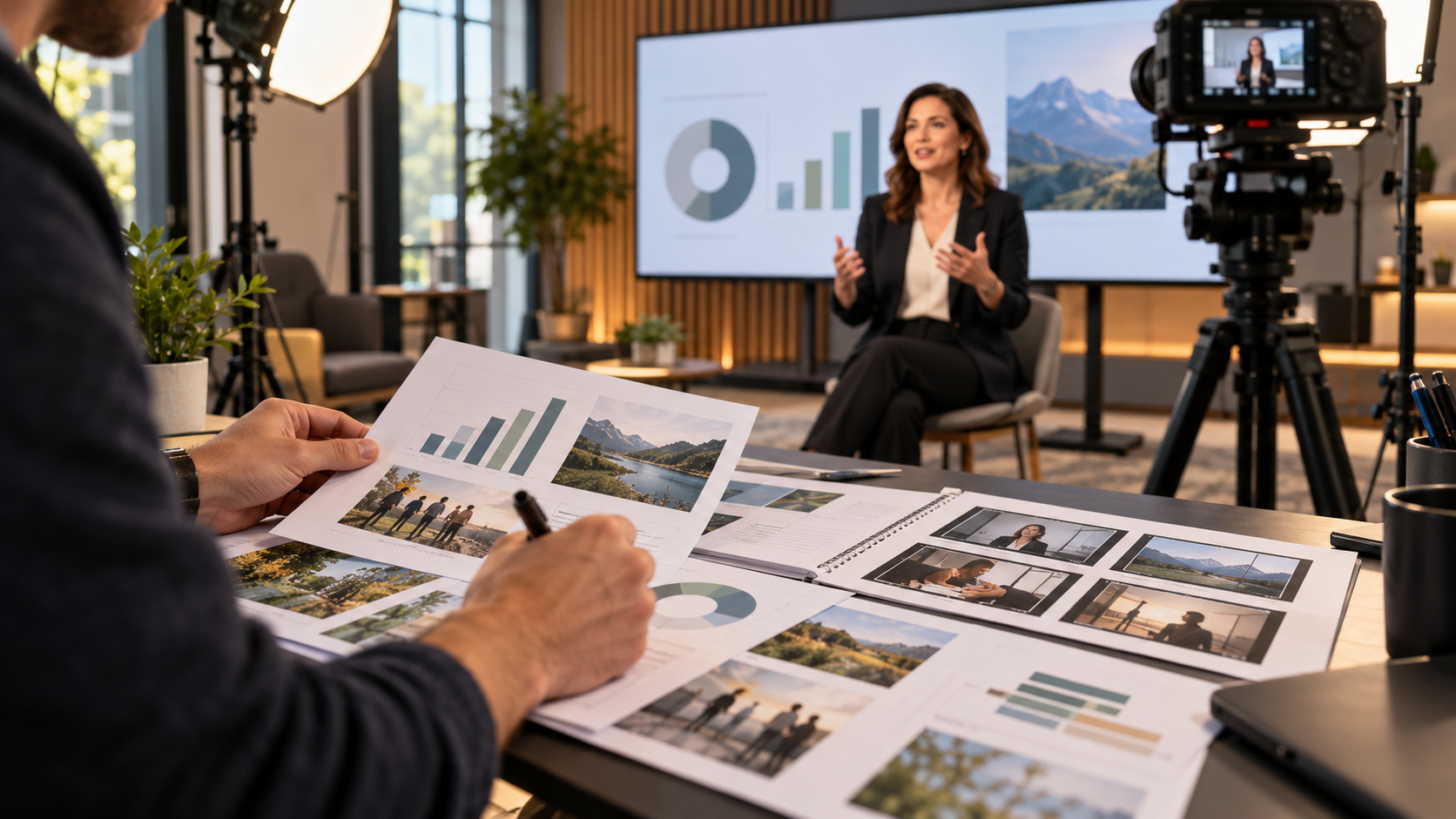
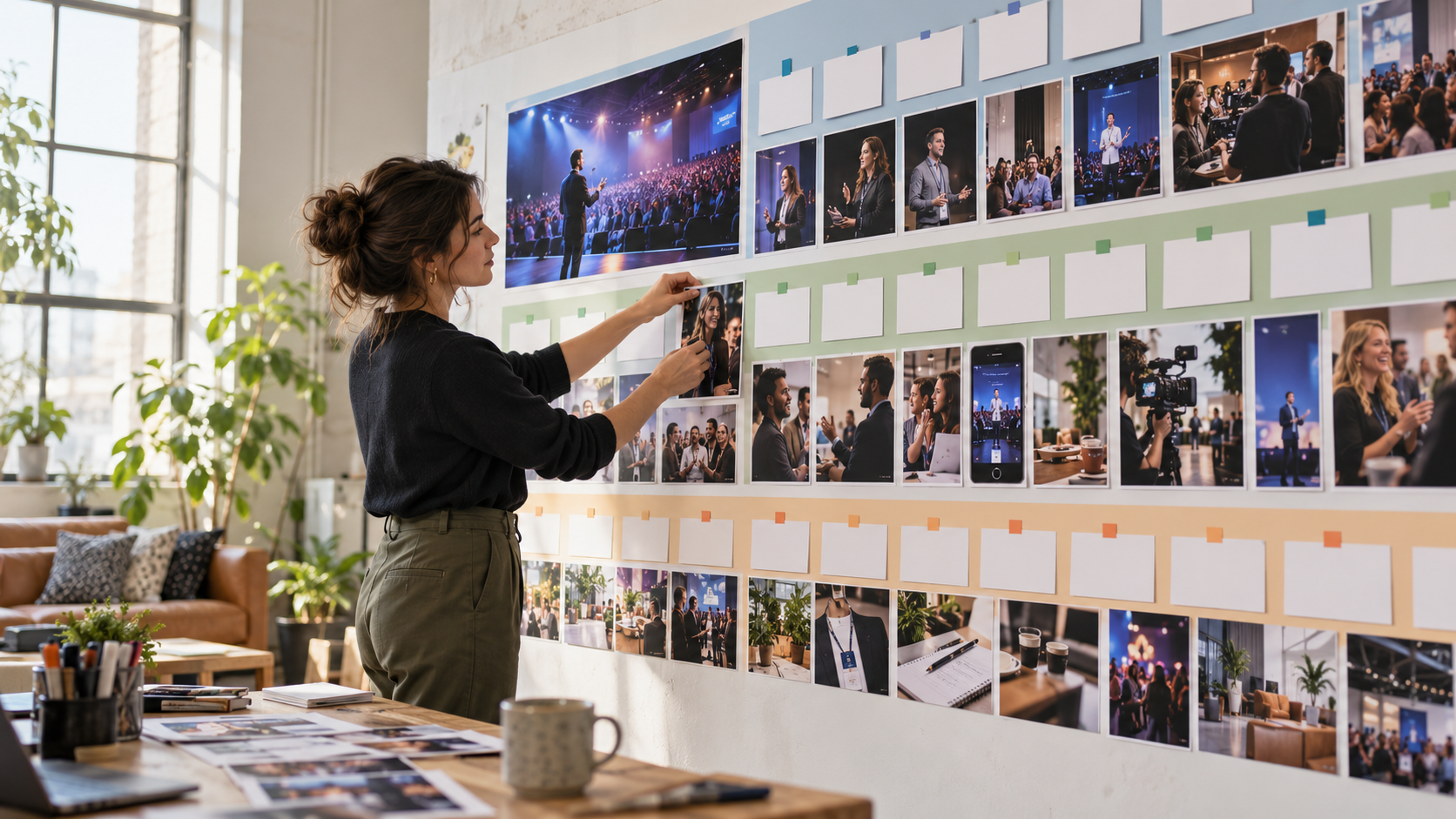
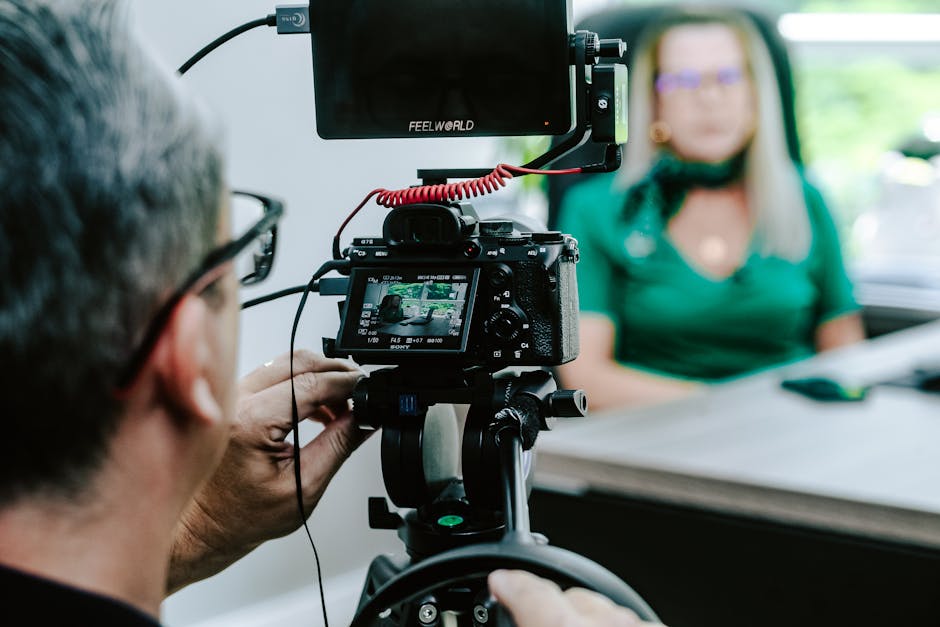
At its core, video editing is the invisible thread that binds a visual narrative together. Without it, a video is simply a collection of unrelated shots. In today's digital landscape, where attention spans are measured in milliseconds, how you structure your footage determines whether a viewer stays or scrolls away.
Professional post-production relies heavily on visual pacing—the rhythm at which scenes transition—to sustain audience engagement. When a video is paced correctly, the viewer becomes fully immersed in the content. For businesses, this translates directly into a more powerful marketing strategy. High-quality edits establish authority, foster trust, and drive conversions, which is why modern brands invest heavily in specialized Post-Production Video Services to polish their raw media assets.
The primary objective of editing is to establish a clear narrative structure. Whether you are assembling a thirty-second commercial or a feature-length documentary, the edit must guide the viewer through a logical sequence of ideas or emotions. By arranging shots deliberately, you control the emotional impact and ensure your message delivery is seamless.
To achieve this, editors use continuity editing—a set of cutting techniques designed to maintain a continuous, logical flow of time and space. When done correctly, the cuts become virtually invisible to the audience, allowing them to focus entirely on the story rather than the technical transitions.
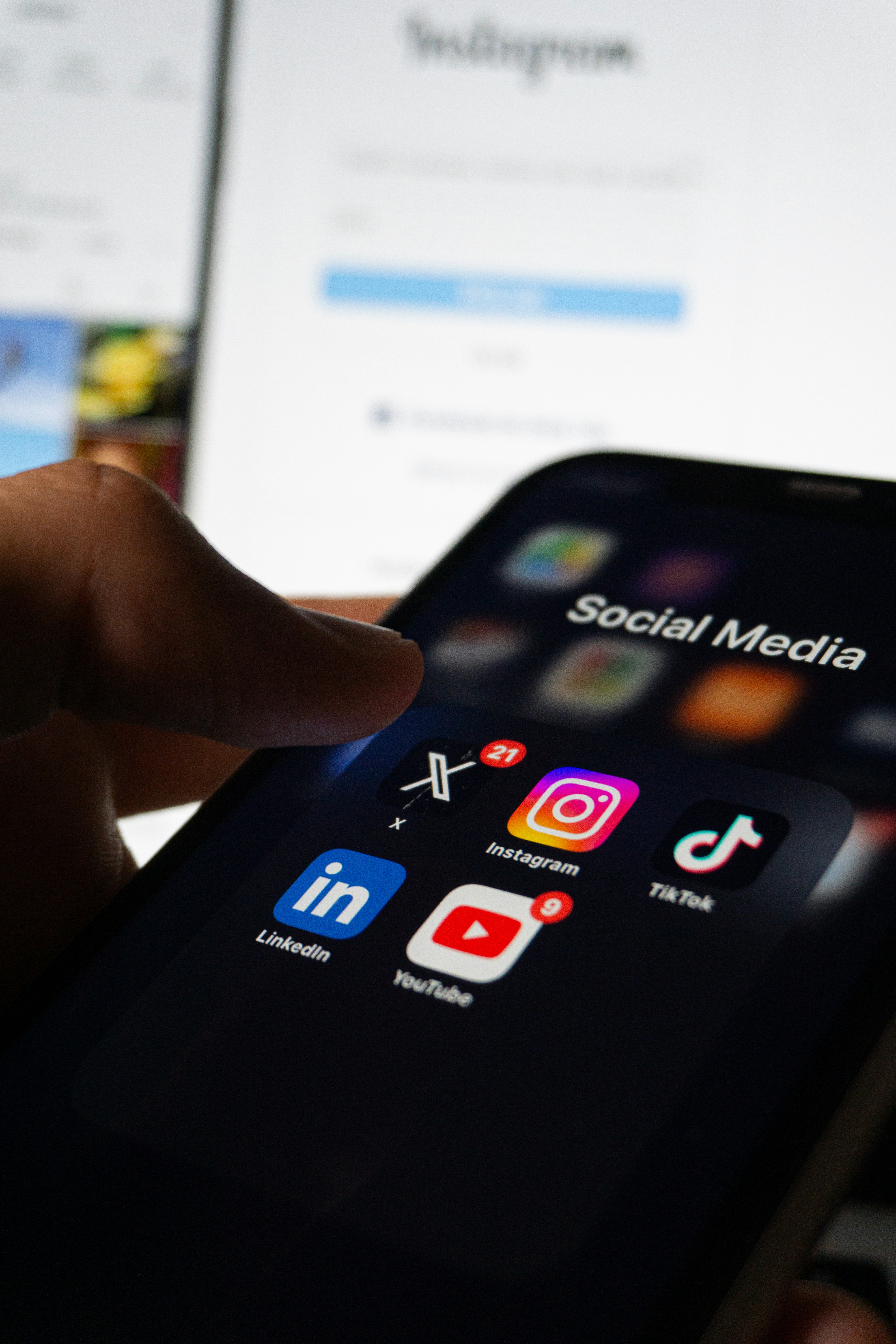
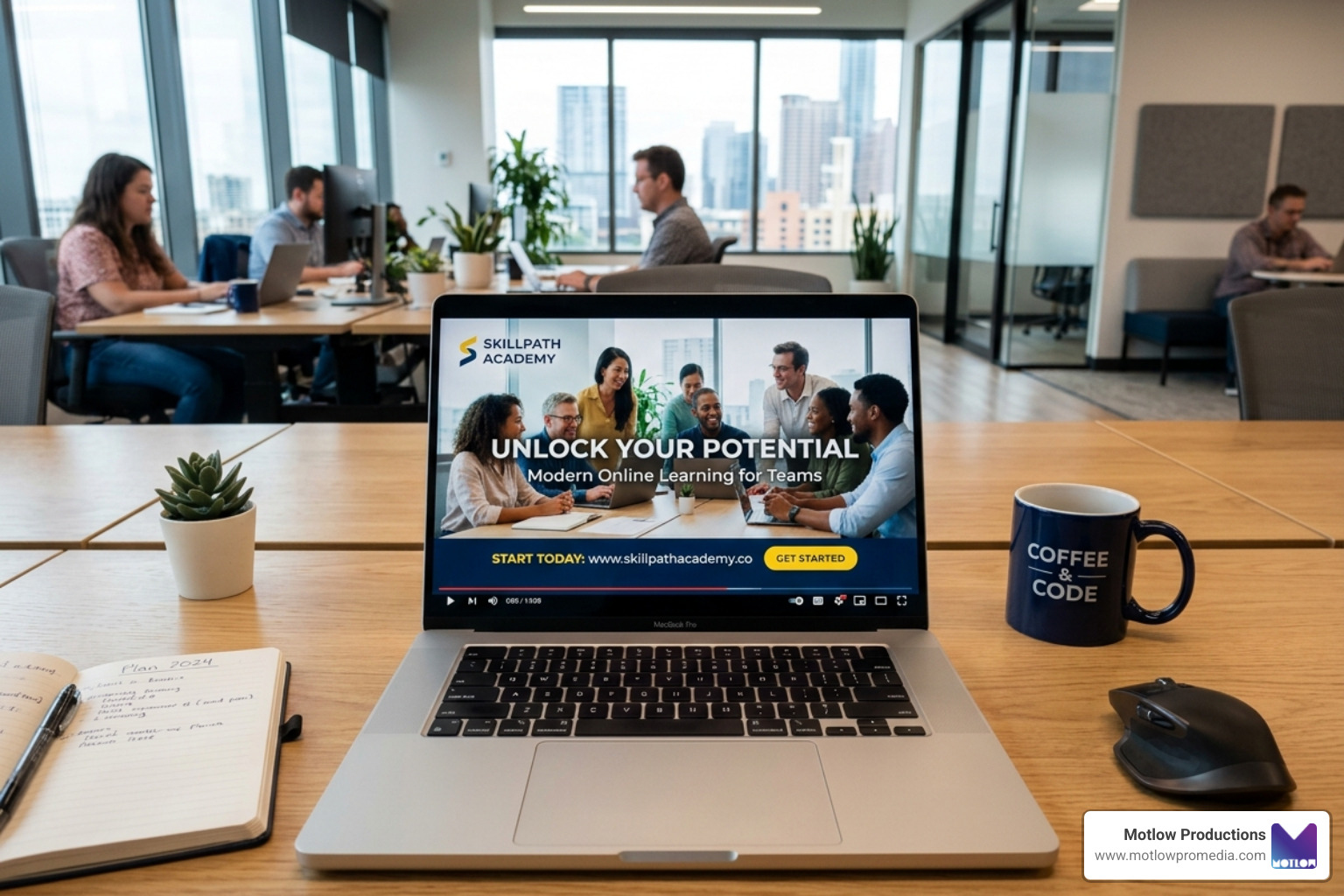
In the commercial world, short-form content has become the dominant medium for building brand awareness. Platforms like TikTok, Instagram Reels, and YouTube Shorts require a unique approach to video editing. The goal here is immediate viewer retention; you must capture attention within the first three seconds and maintain a rapid pace to prevent the viewer from swiping away.
Commercial campaigns are highly calculated. Every cut, sound effect, and text overlay is designed to guide the viewer toward a specific call to action. Because creating these high-performing assets requires a deep understanding of audience psychology and platform algorithms, many businesses partner with professional Video Editing Services to handle their digital output.
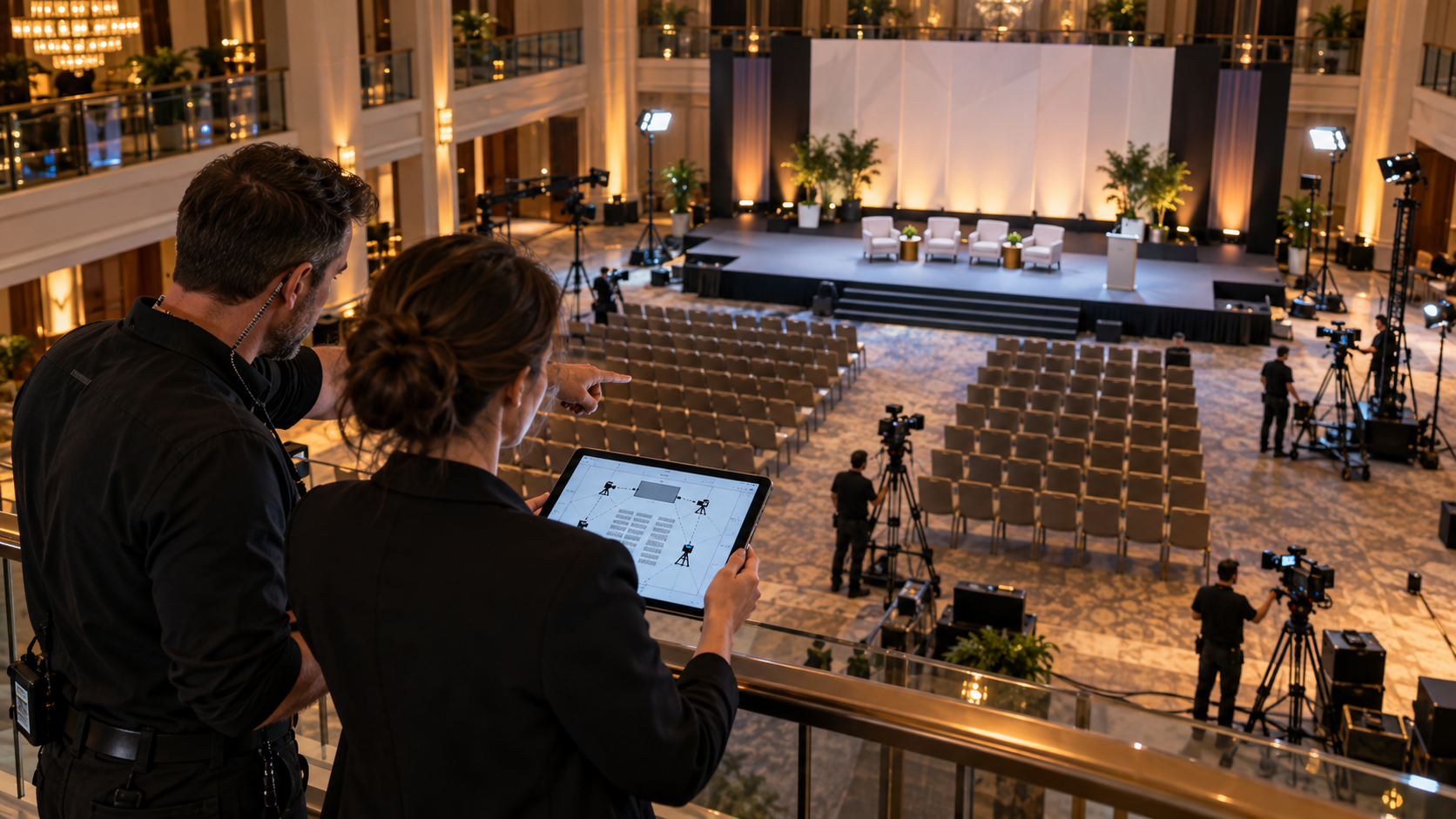
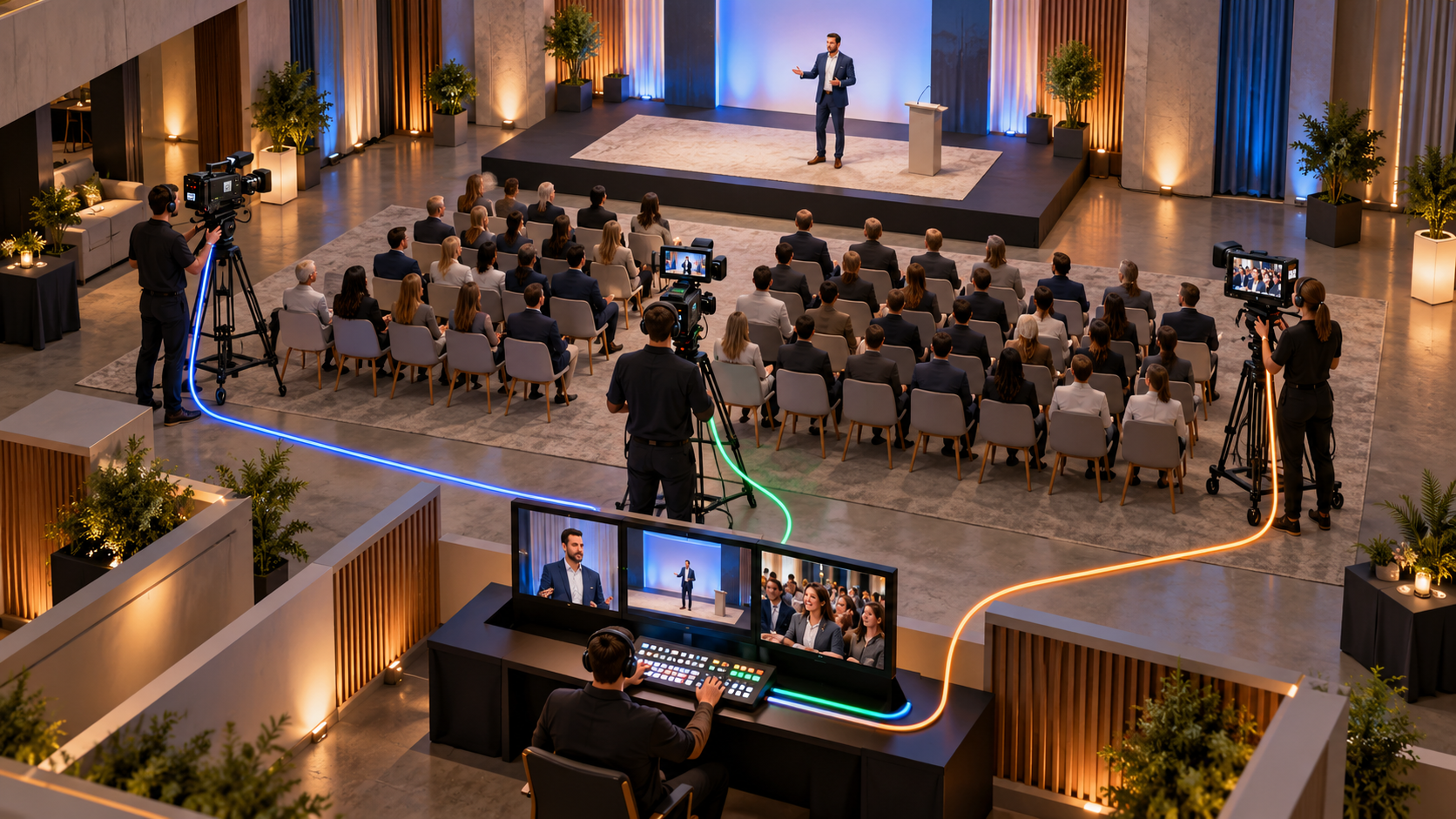
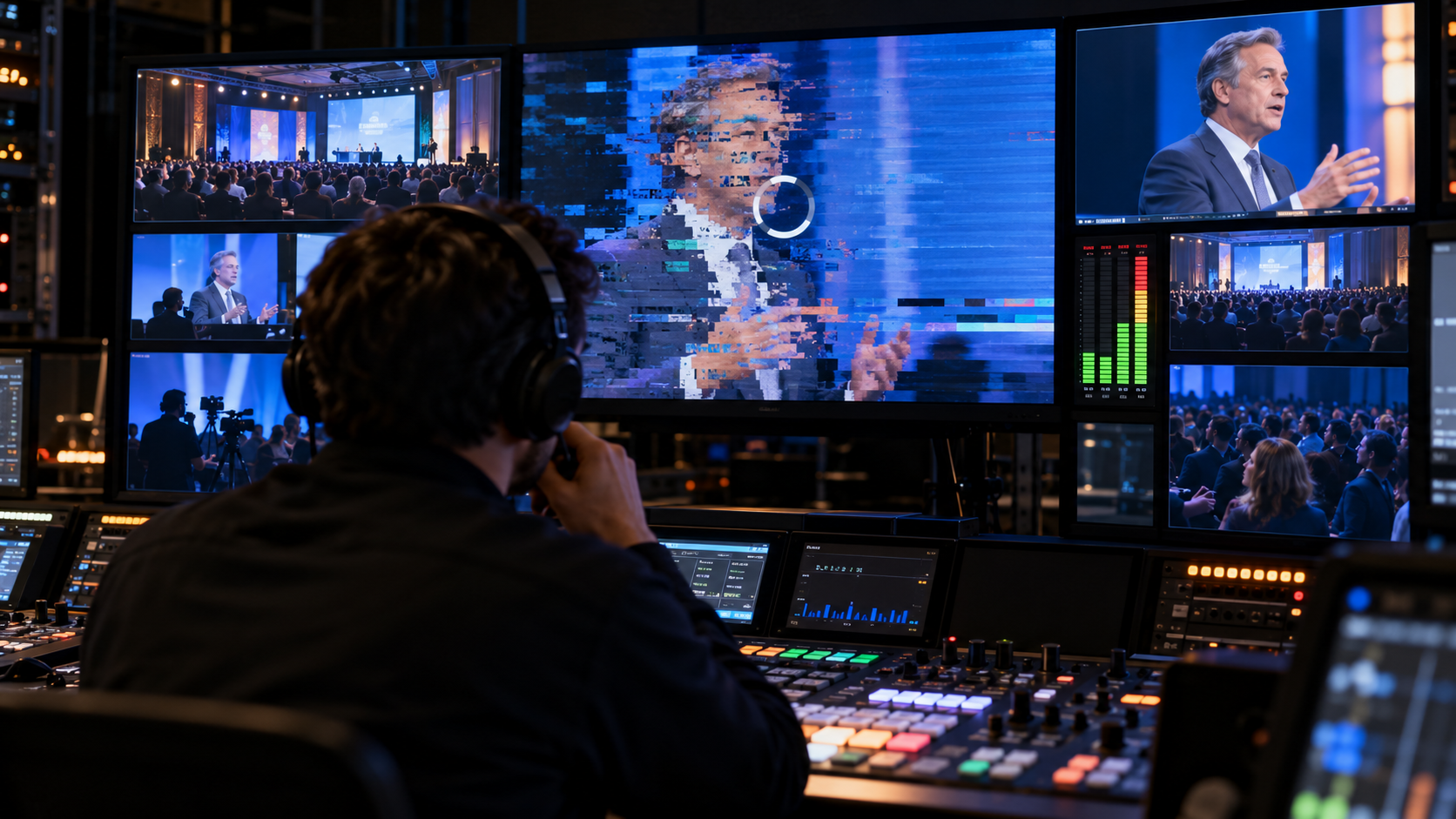
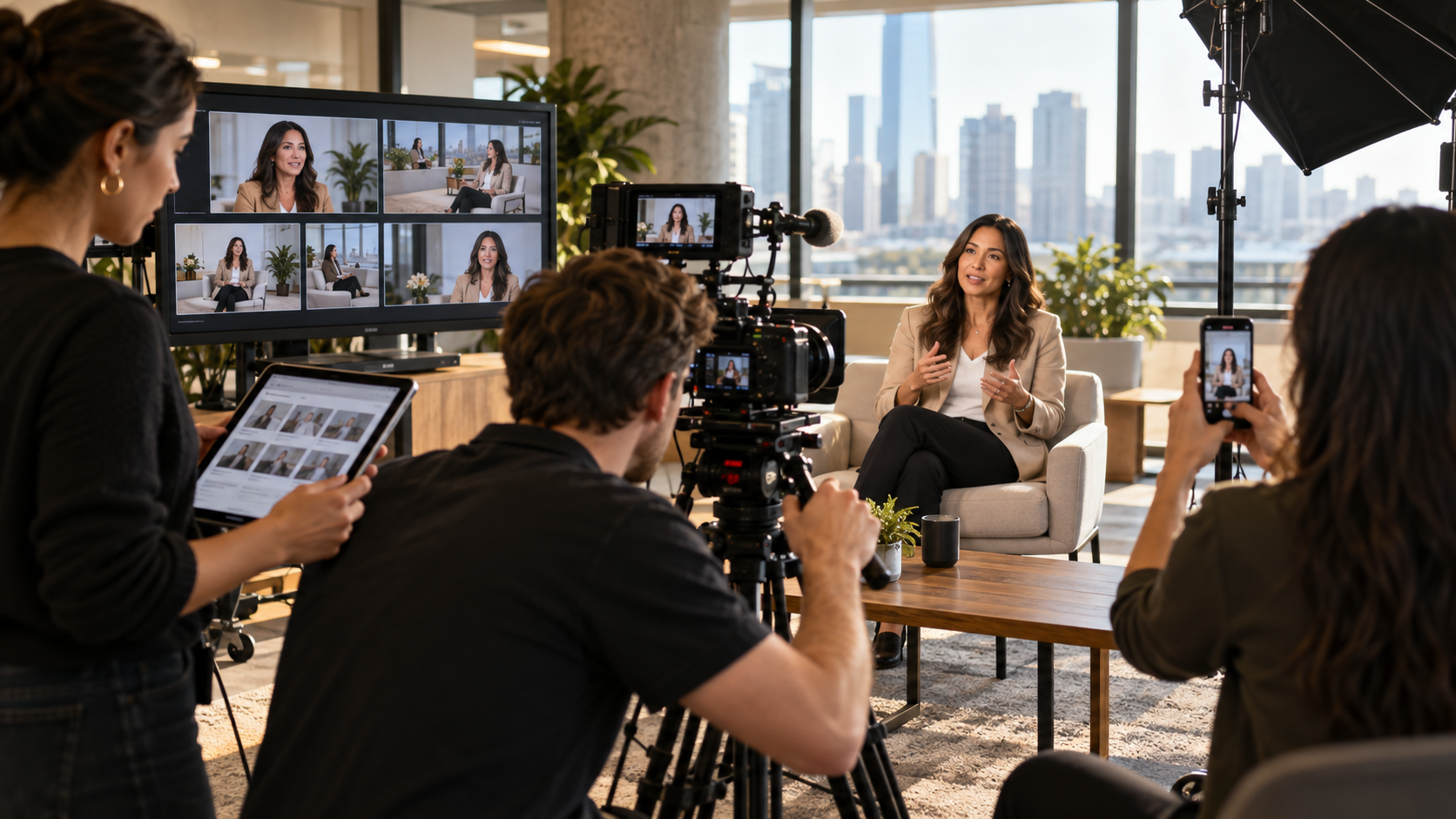
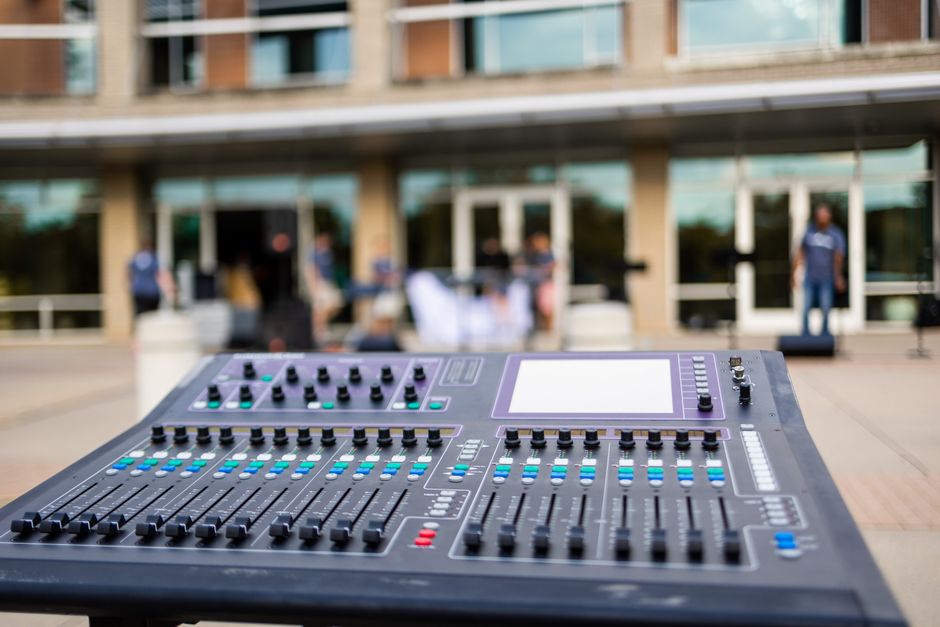
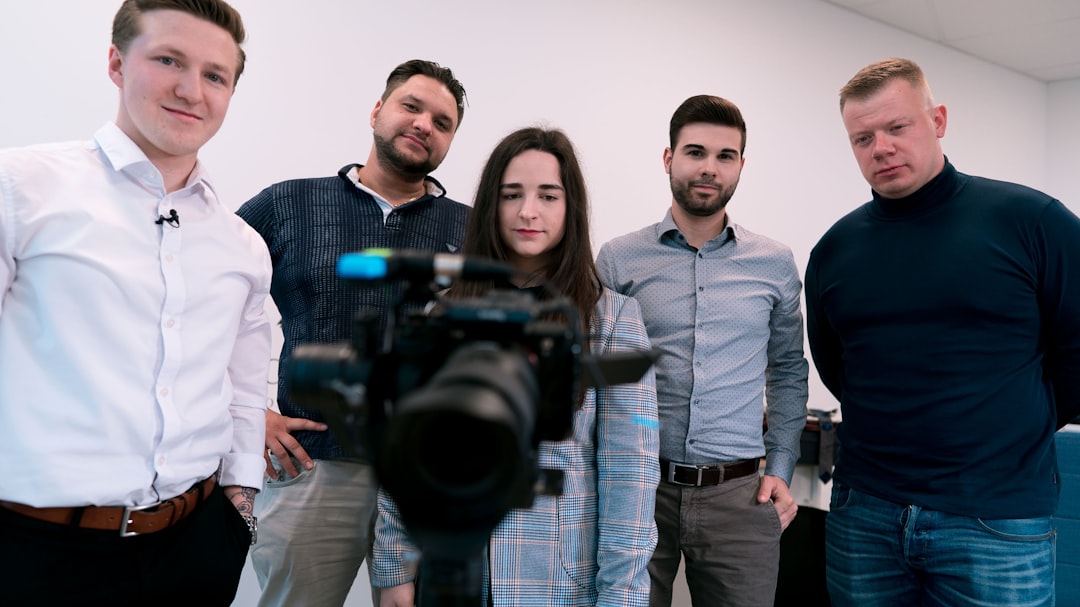
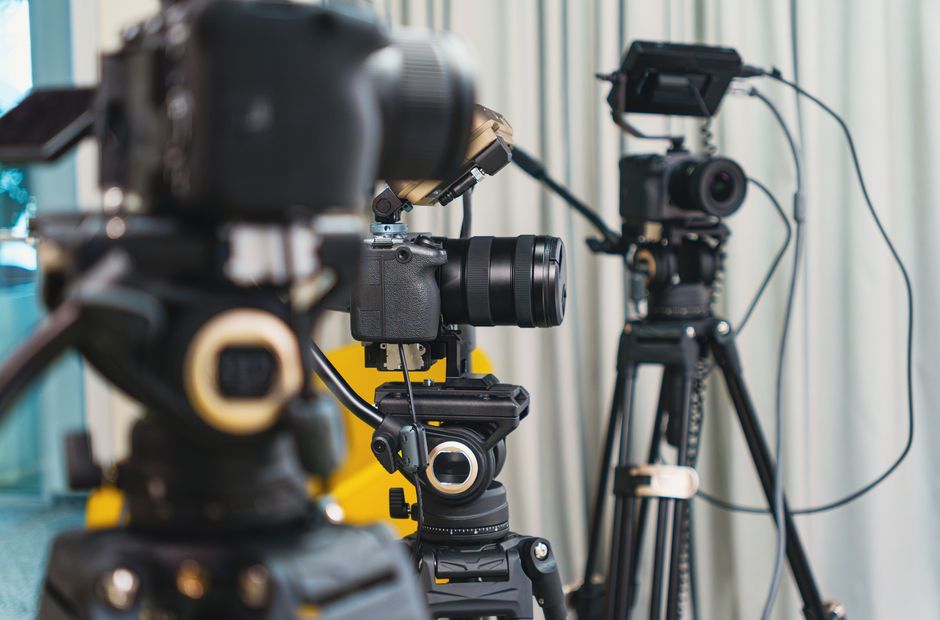
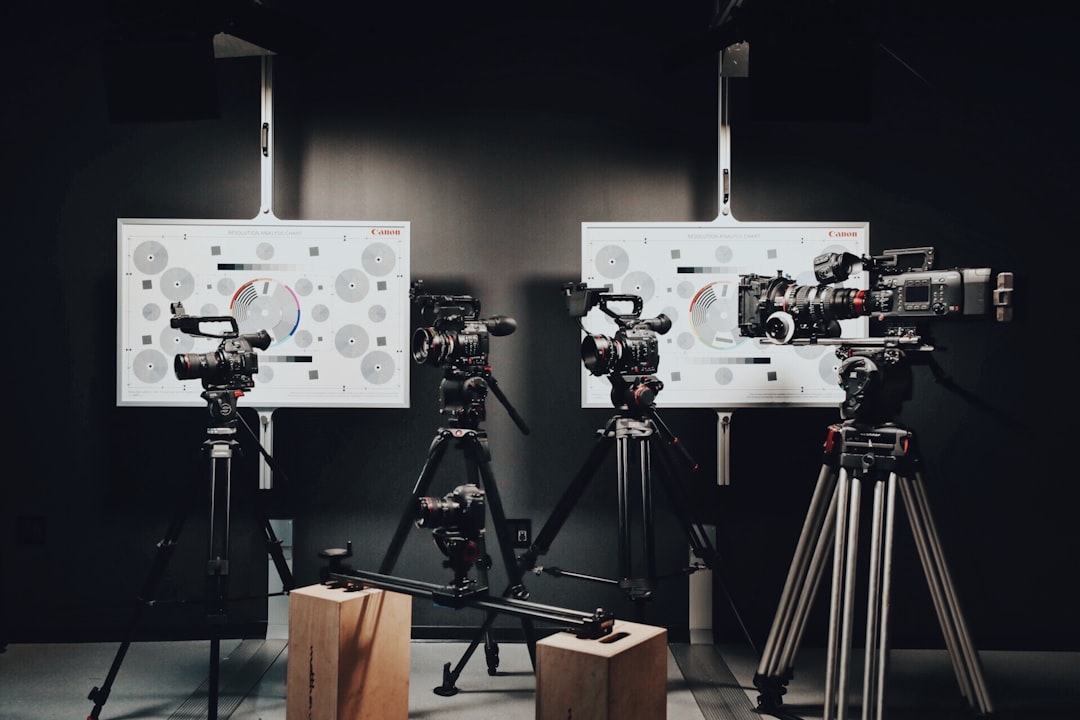
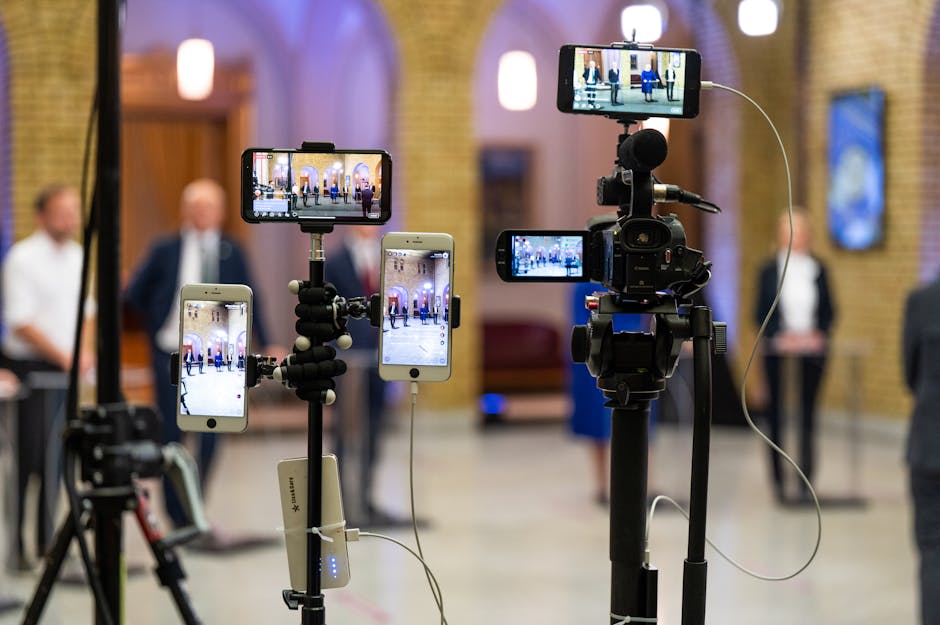
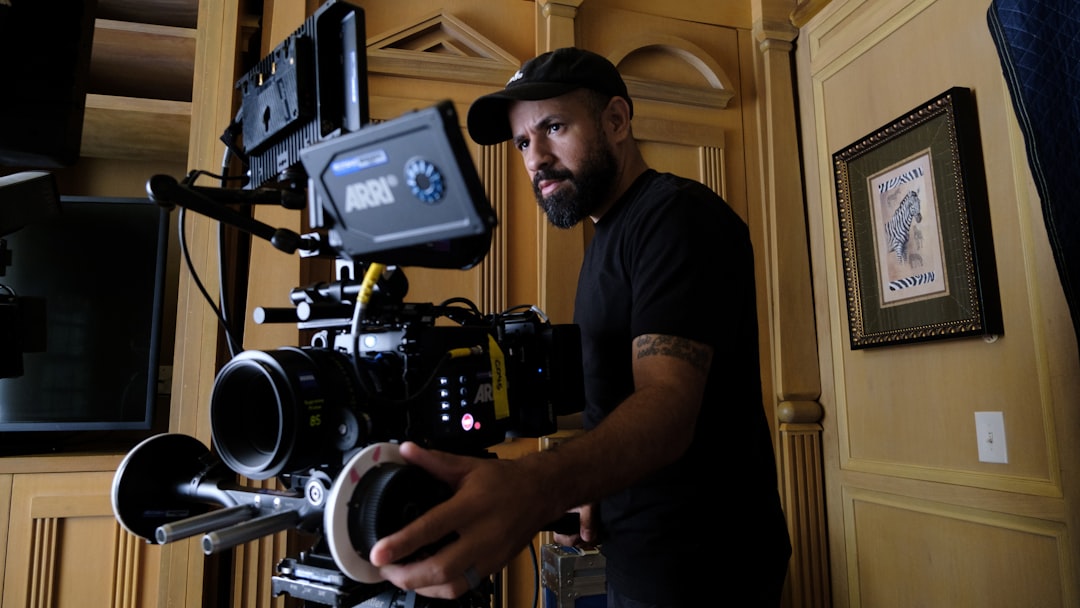
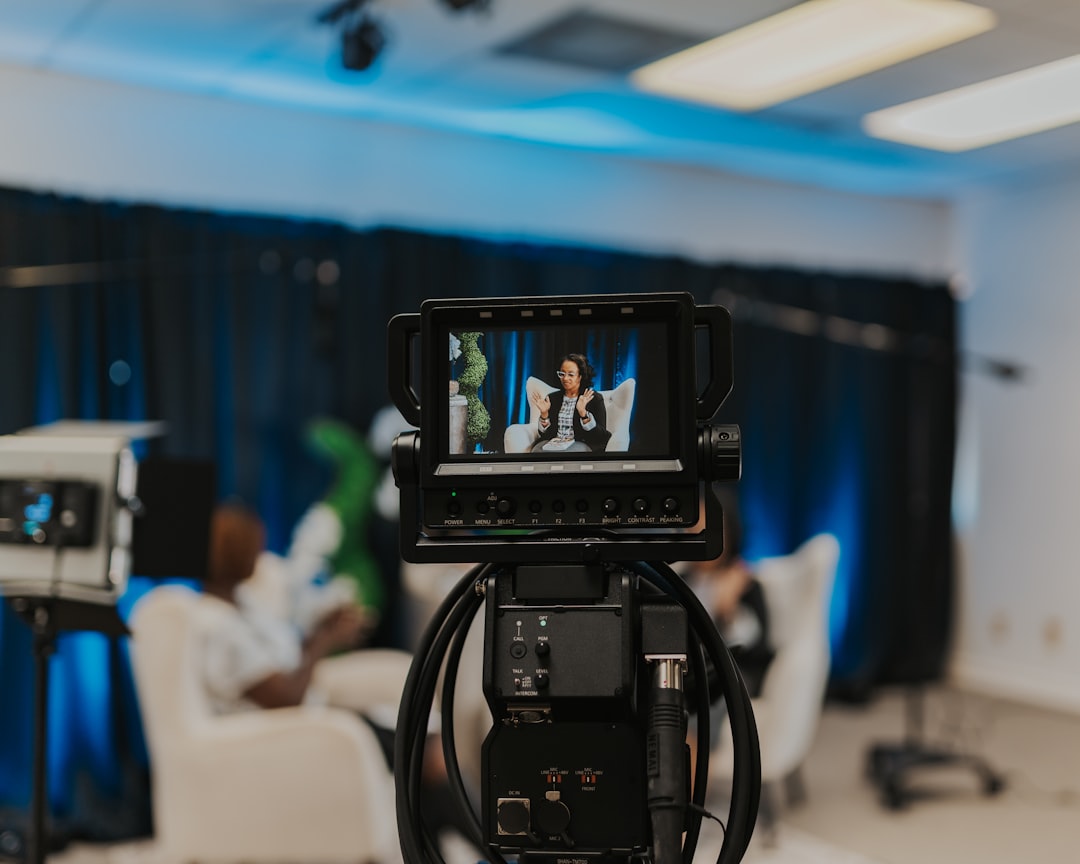
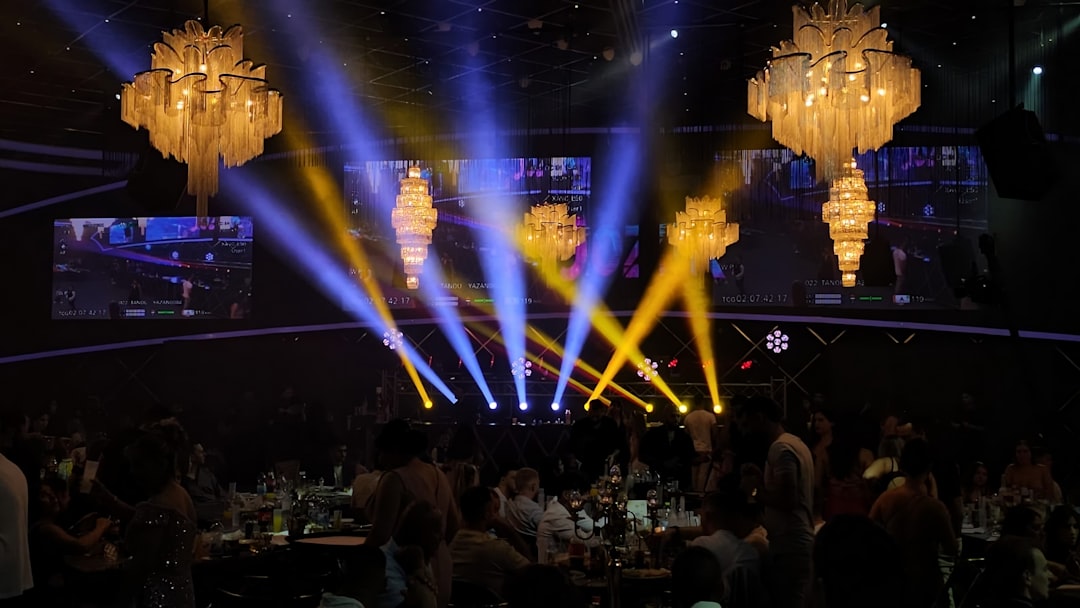
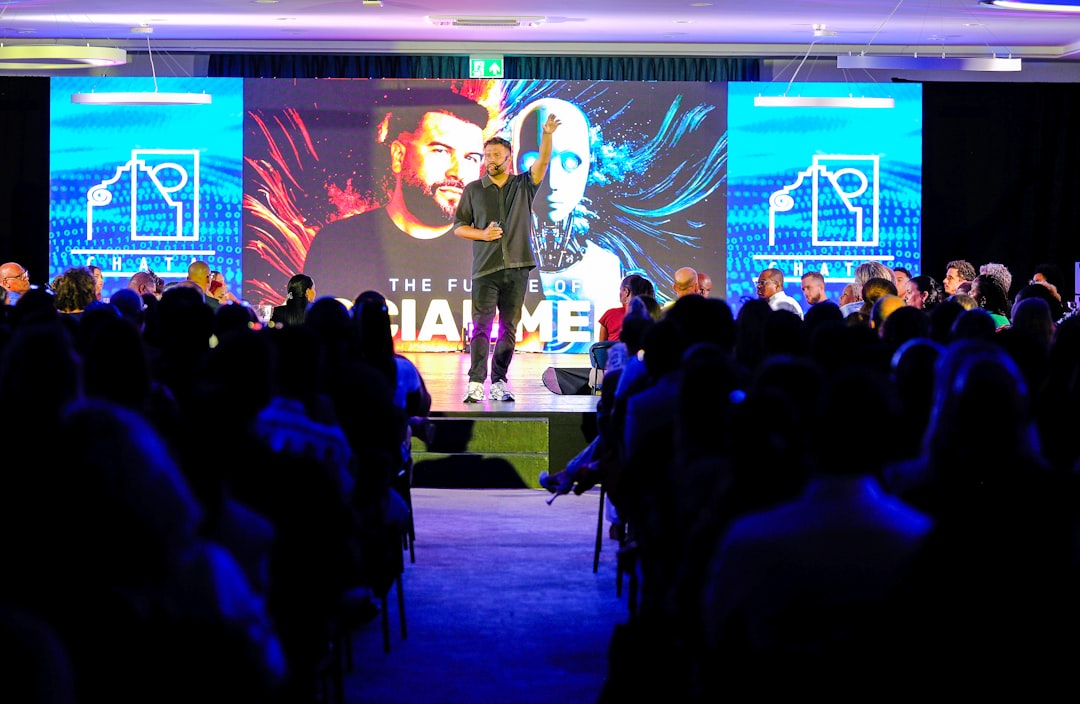
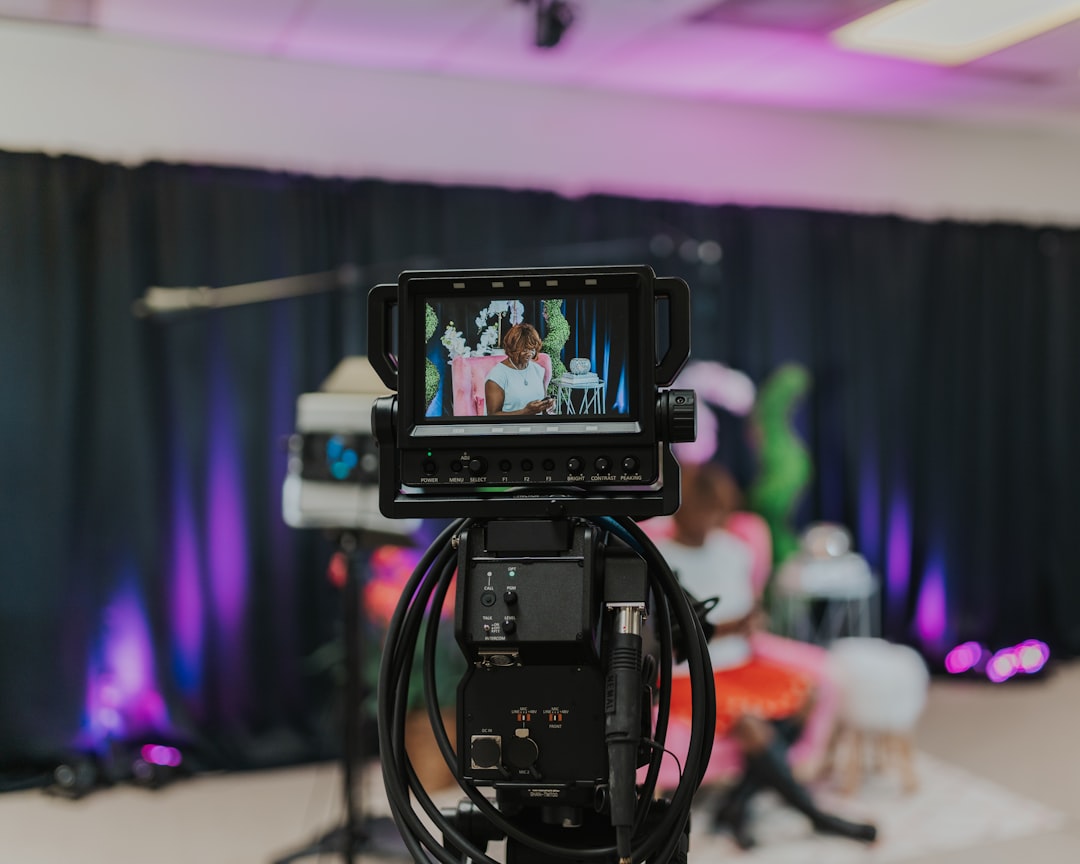
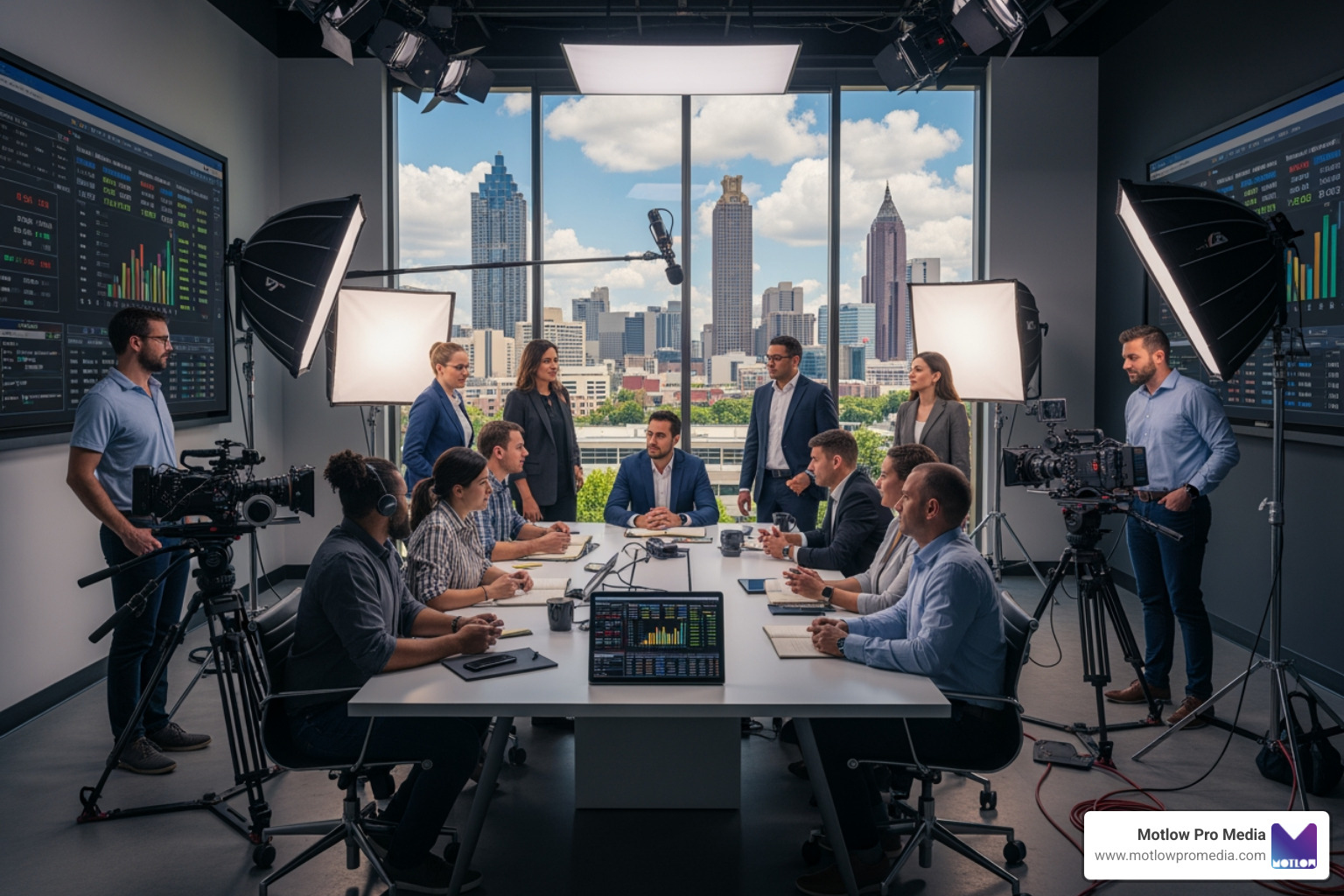
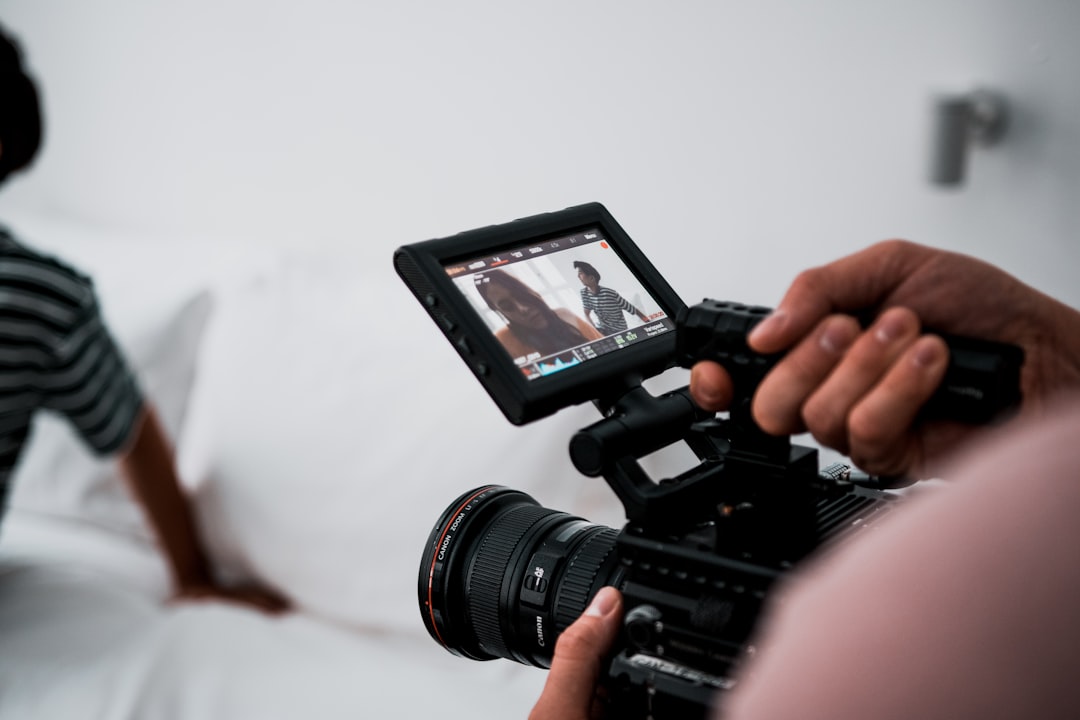
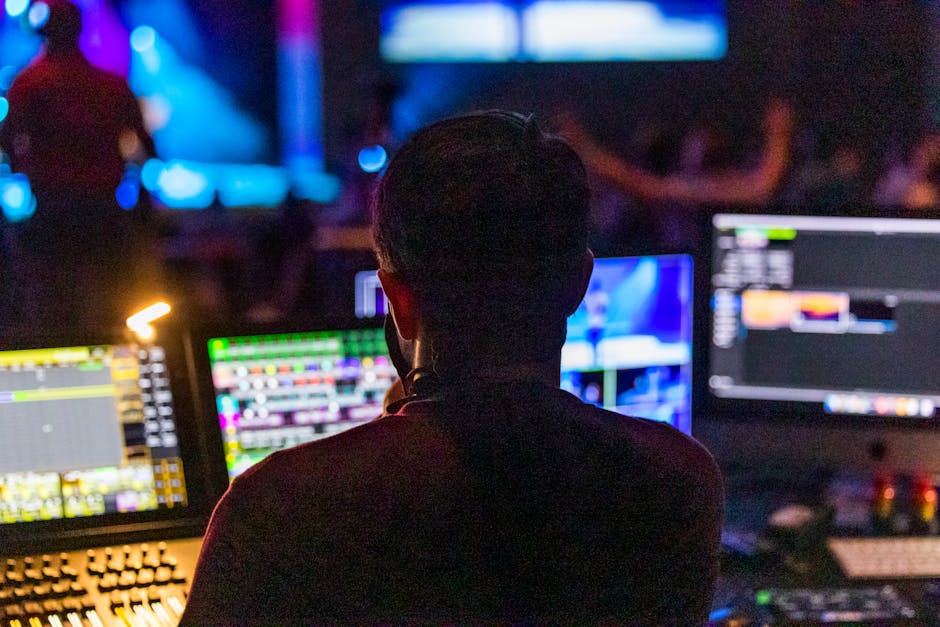
Long-form narratives, television programming, and live broadcasts require a different set of technical and creative skills. In broadcast television, editors often work with live multi-camera switching, directing the viewer’s attention across various angles in real-time during live events.
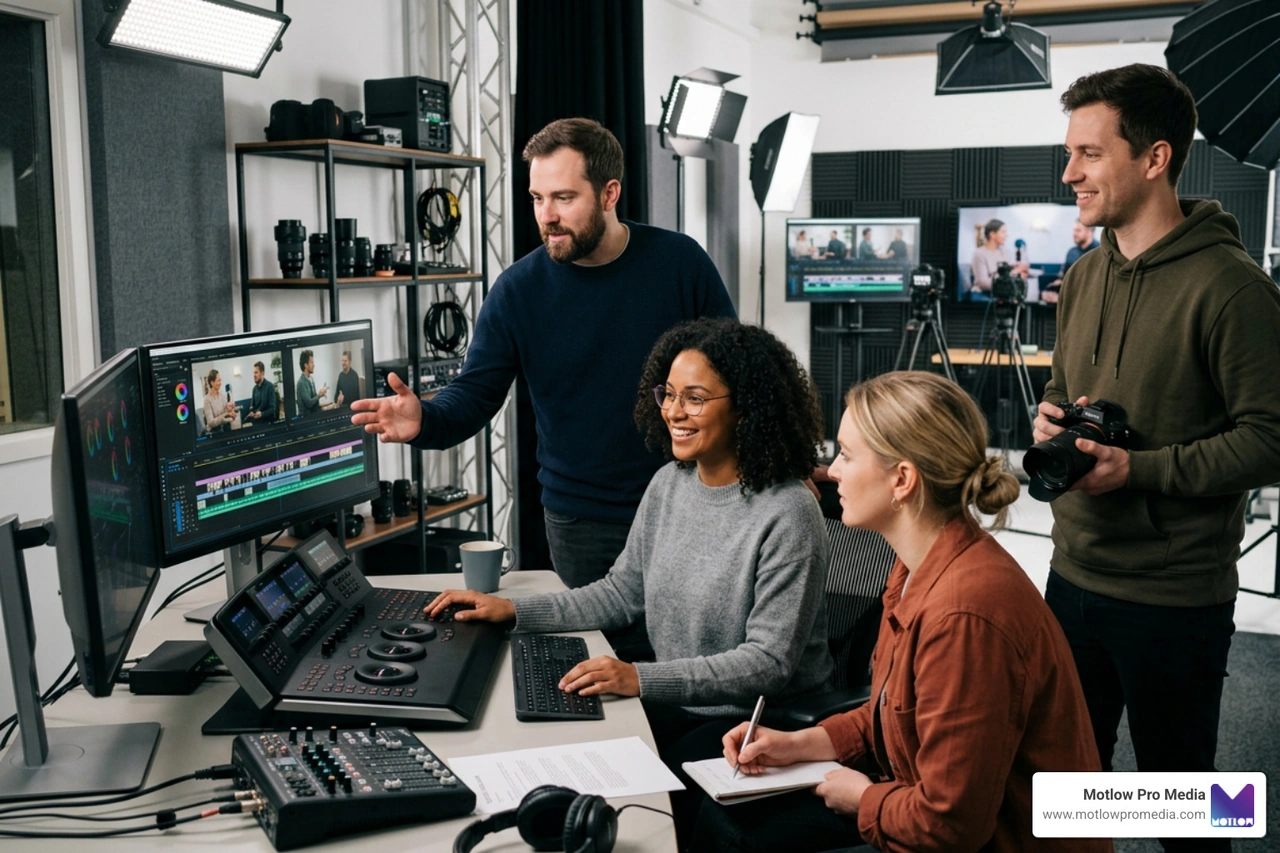
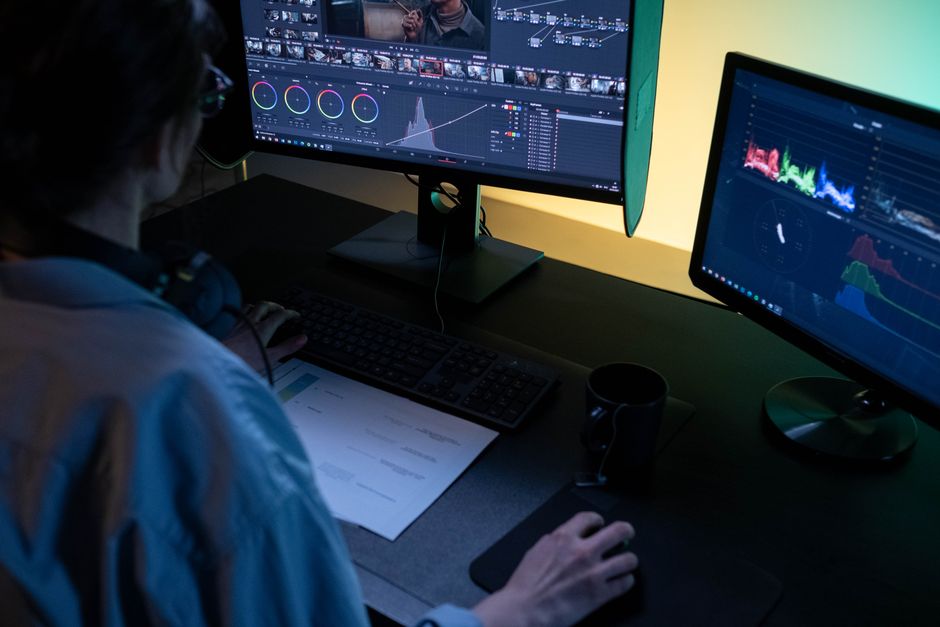
For scripted television and film, the post-production process is highly collaborative and structured. It involves extensive color grading to establish the visual mood, complex sound design, and rigorous quality control to meet strict broadcast standards.
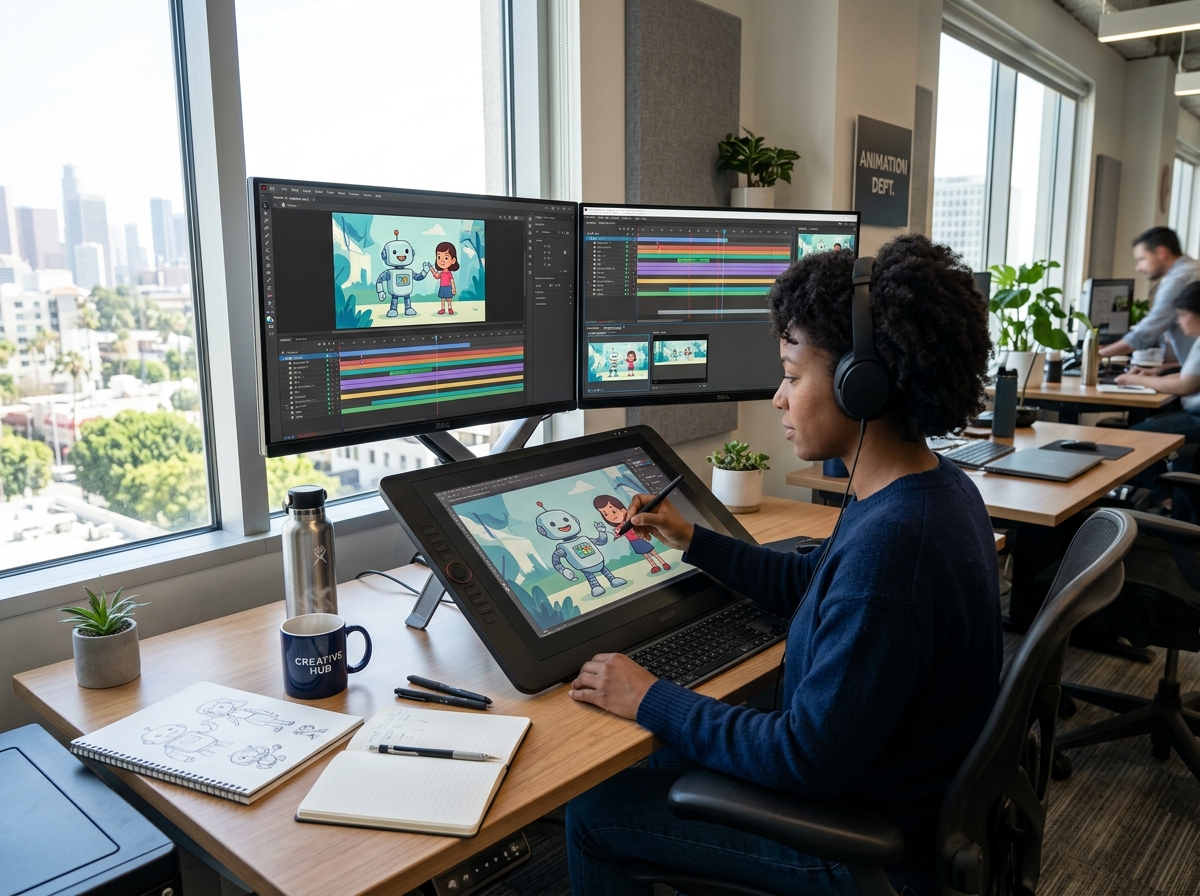
Selecting the right editing software depends on your experience level, your hardware, and the type of content you want to create. In 2026, the barrier to entry is lower than ever, with highly capable browser-based options competing directly with professional desktop suites.

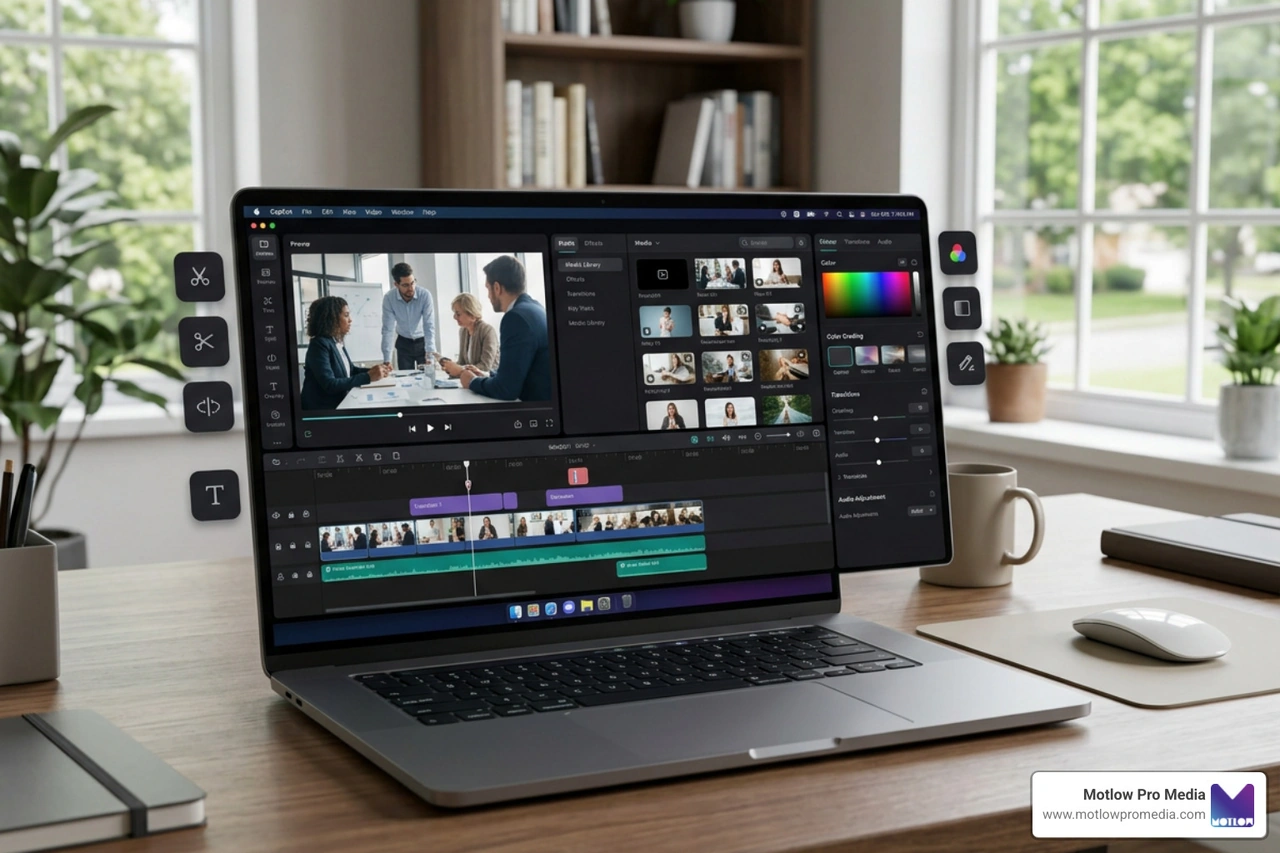
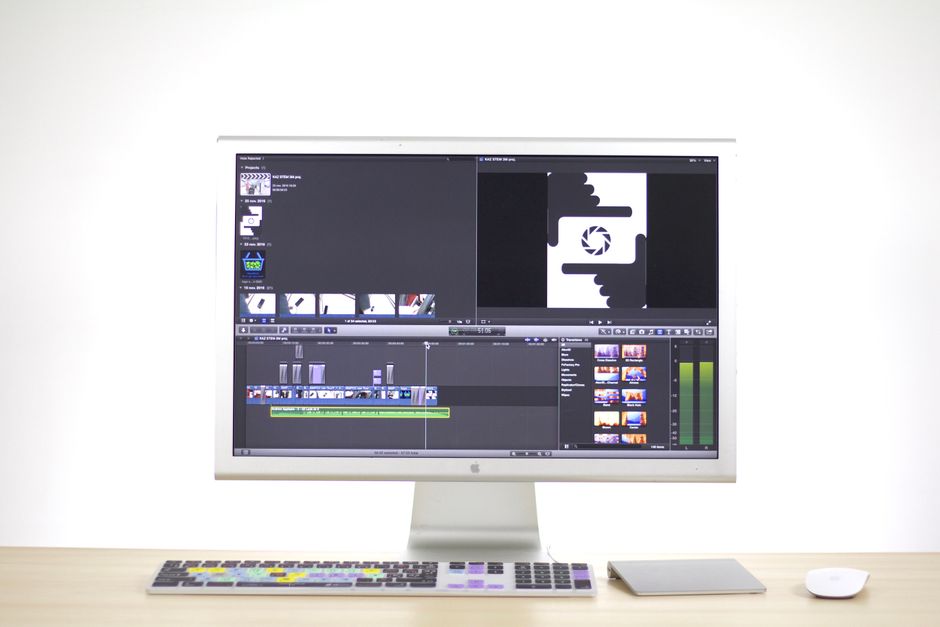
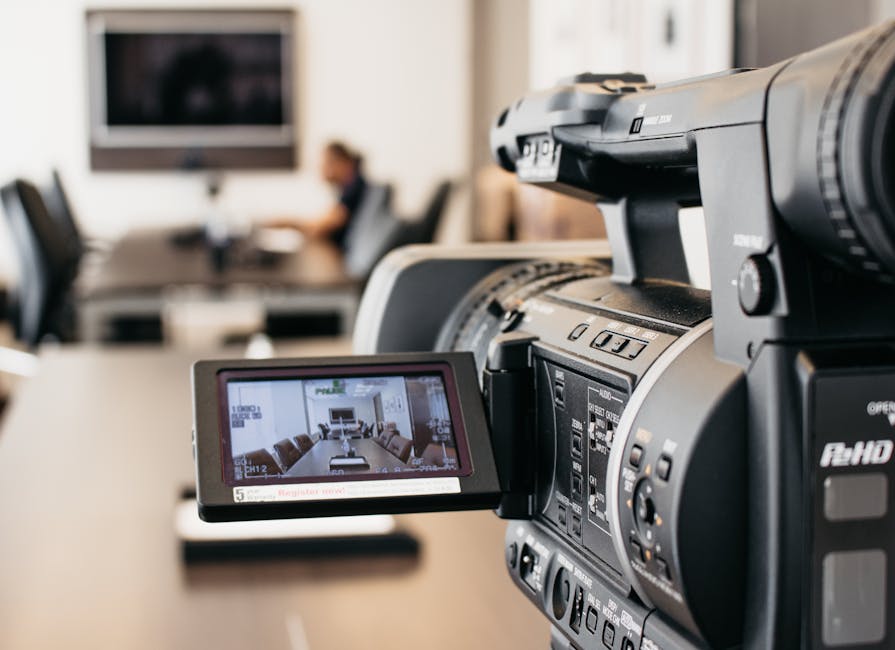
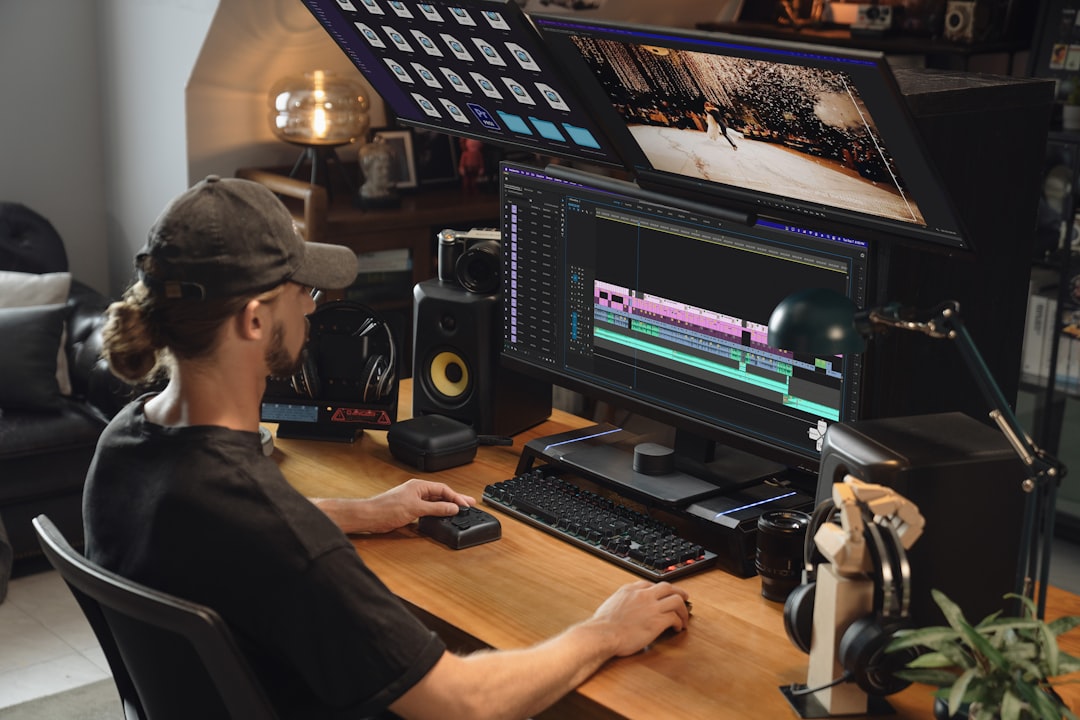
When selecting your tool, always check the system requirements. High-definition editing, particularly in 4K or 8K, demands substantial processing power, a dedicated graphics card, and at least 16GB of RAM (though 8GB can suffice for basic 1080p projects). The user interface should also feel intuitive; most modern editors utilize a multi-track timeline that allows you to layer video, audio, and graphics independently. For those starting with mobile-first platforms, our CapCut Free Edit Guide offers an excellent introduction to accessible, high-yield editing.
The decision between a free online editor and a paid desktop suite comes down to your project's complexity:
To streamline your workflow, look for software that includes the following essential features:
A versatile editor must support standard file formats like MP4, MOV, and AVI, and audio formats like MP3 and AAC. It should also handle high-resolution exports. While 1080p HD is the standard for most web delivery, having the option to edit and export in 4K resolution ensures your content remains future-proof.
Additionally, mobile editing apps have bridged the gap between capturing footage and publishing it. Many modern platforms offer cross-device synchronization, allowing you to start an edit on your phone during a commute and finish it on your desktop at home.
The landscape of video editing in 2026 is heavily defined by machine learning and automation. AI is no longer a futuristic concept; it is an active assistant that eliminates tedious, repetitive tasks, allowing editors to focus on creative storytelling.
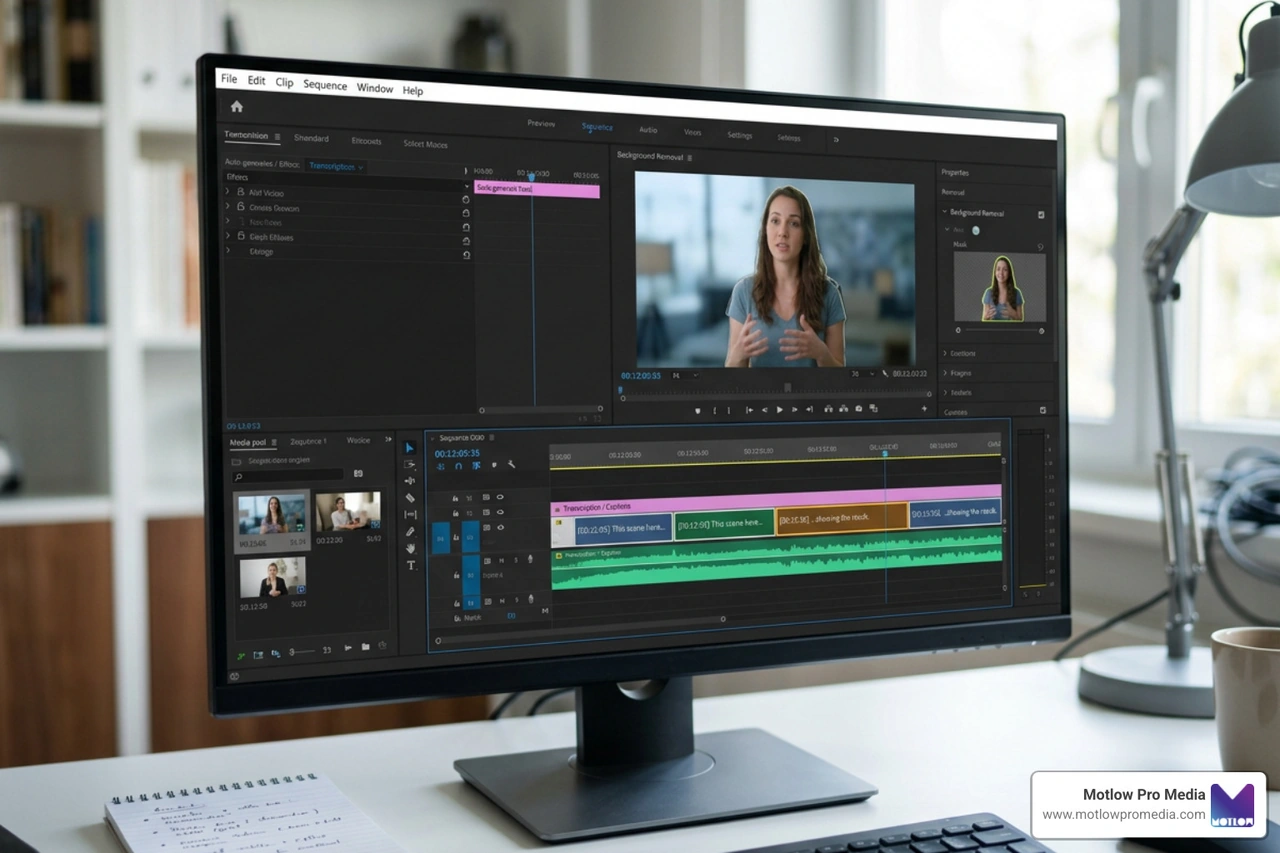
By integrating AI into your workflow, you can automate tasks like transcribing dialogue, syncing multi-camera footage, and removing background noise in seconds. For open-source enthusiasts, tools like the README.md project on GitHub showcase how developers are building lightweight, non-destructive desktop editors designed to run local AI operations efficiently.
Several AI tools have become standard across both online and desktop editors:
The cutting edge of post-production involves collaborative AI agents that can interact directly with your editing timeline. By utilizing open standards like the Model Context Protocol (MCP), editors can connect local Large Language Models (LLMs) to their software.
For macOS users, Palmier Pro — The AI-Native Video Editor for macOS represents this shift. It features a native Swift timeline, on-device semantic search, and an embedded MCP server that allows AI agents to perform rough cuts, locate specific shots, and organize tracks based on text prompts. This hybrid architecture keeps your media private on your local machine while leveraging cloud models for generative tasks.
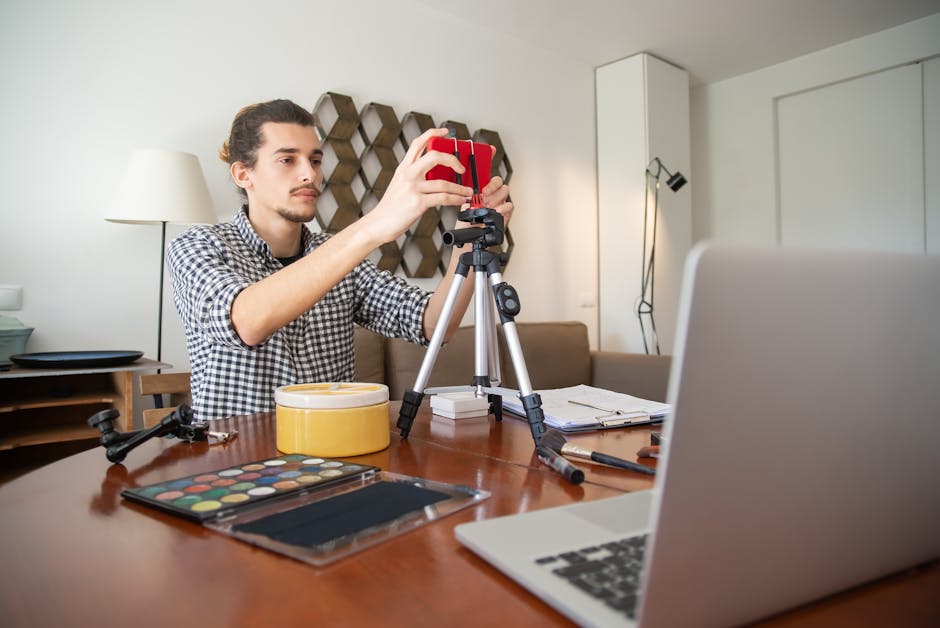
If you have never edited a video before, the process can feel overwhelming. However, the best way to learn is by doing. You do not need expensive equipment to start; a basic laptop or smartphone is more than enough to master the fundamentals.
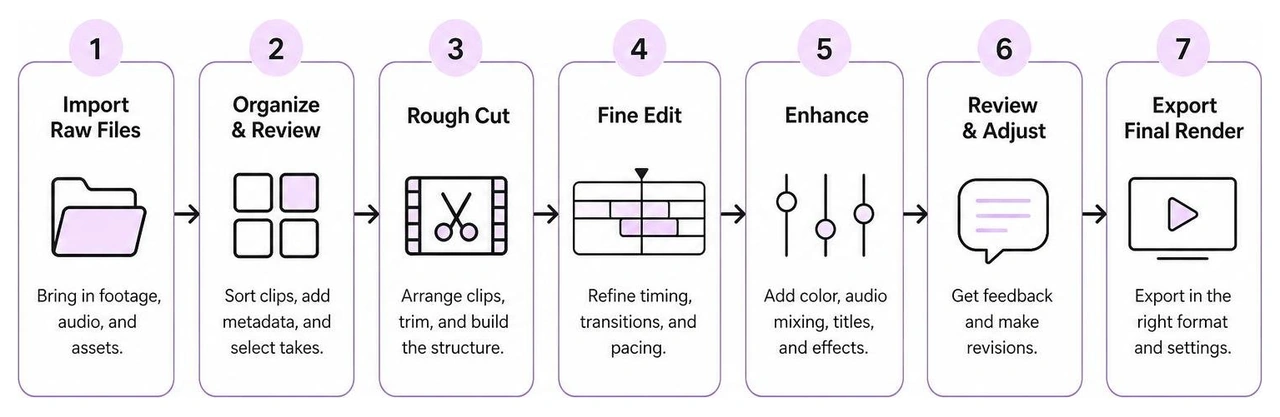
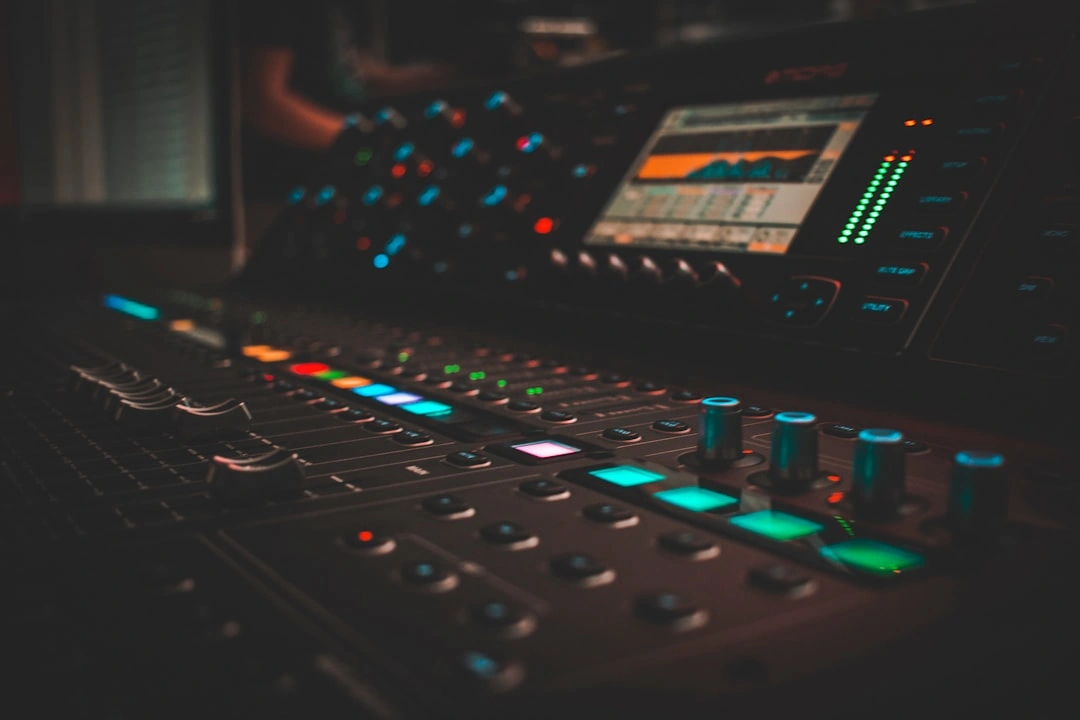
To build your skills, start by filming simple, everyday scenarios and editing them into cohesive stories. As you progress, compile your best work into a professional portfolio. If you are interested in the auditory side of post-production, studying a professional Audio Post Producer Portfolio can give you valuable insights into how sound effects, ambient noise, and music are layered to elevate visual storytelling.
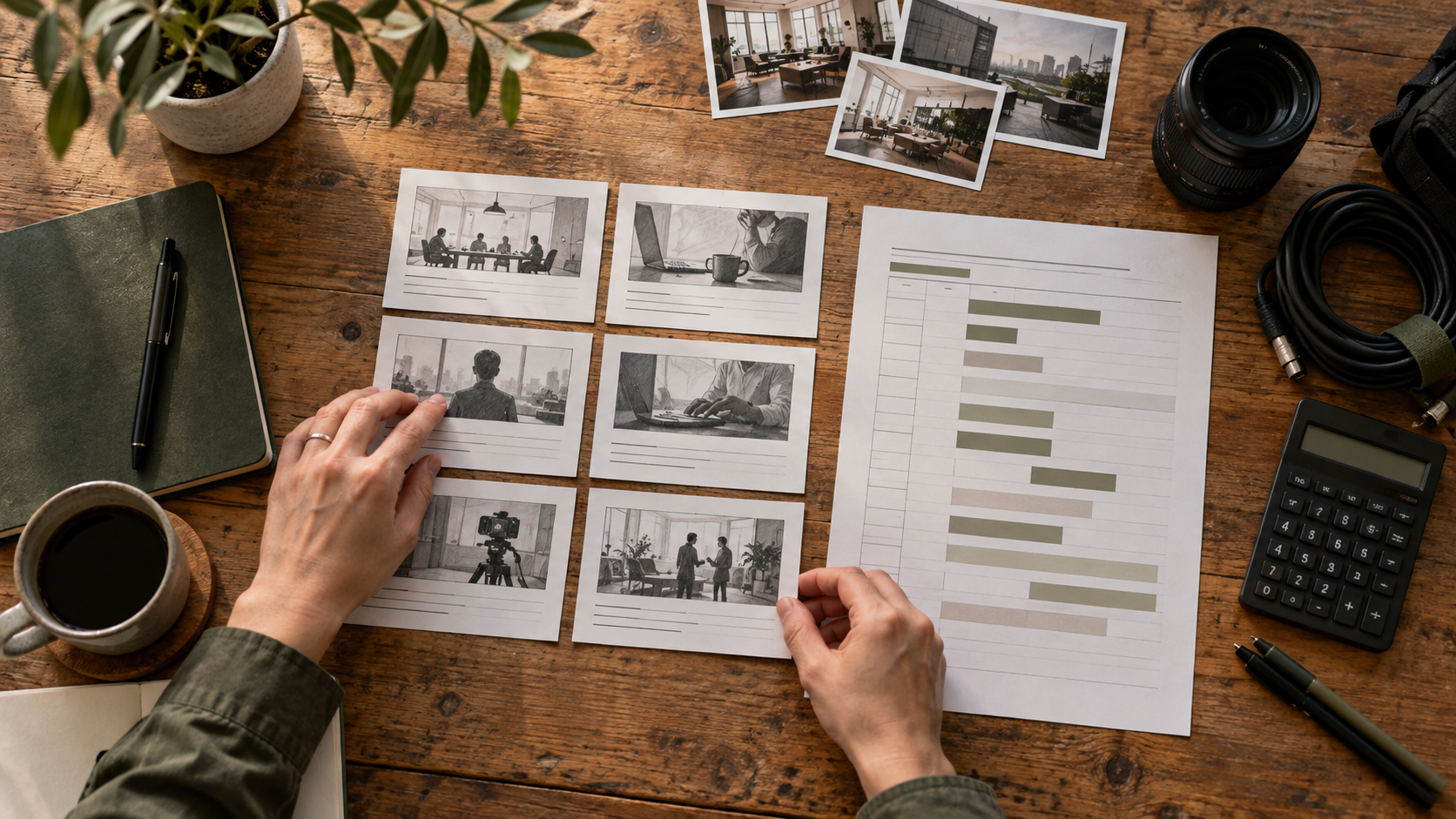
When tackling your first project, follow this structured workflow to keep your timeline organized and efficient:
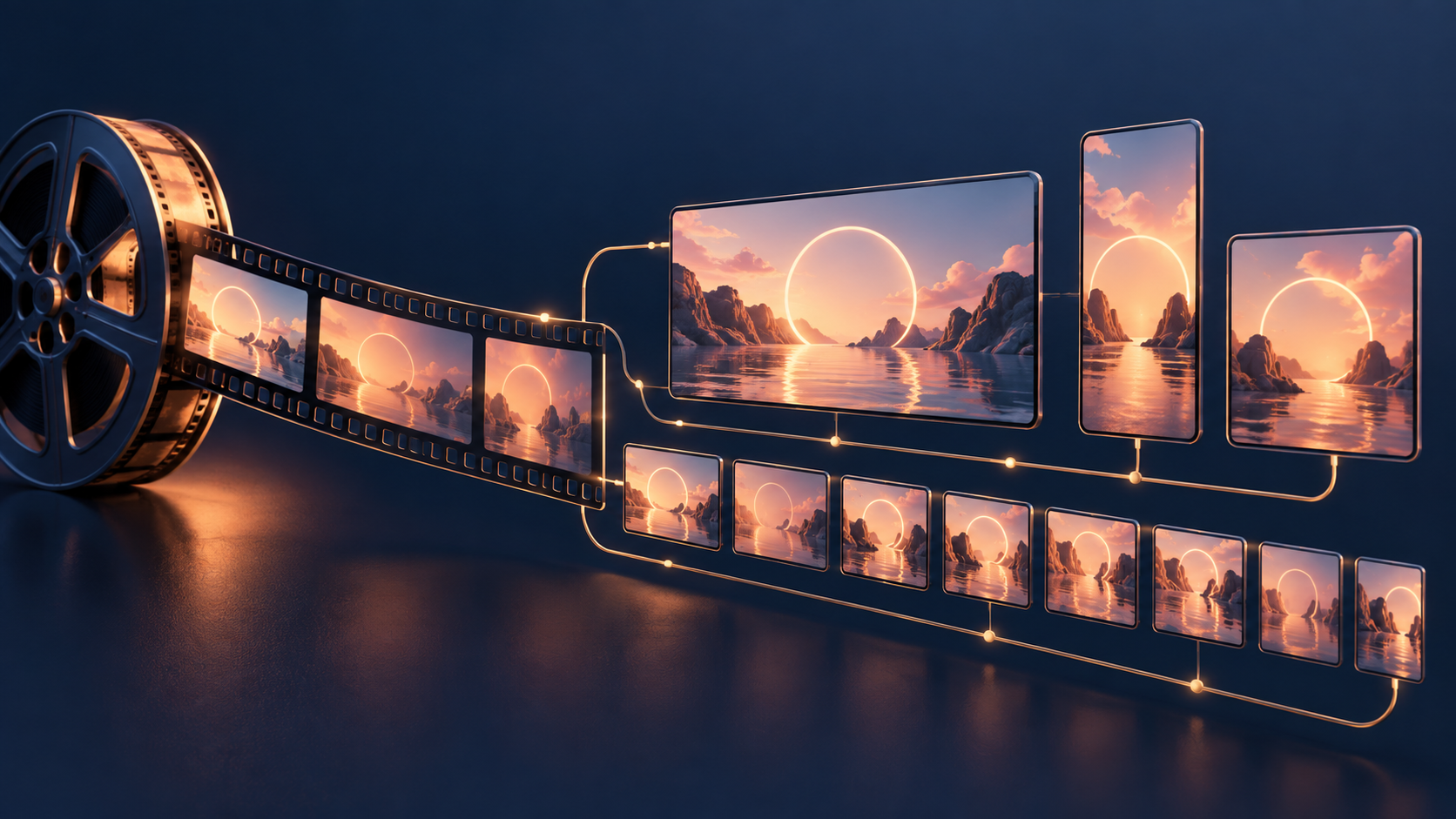
Once your edit is complete, you must optimize it for its final destination. Different platforms require specific aspect ratios:
Most modern online editors allow you to publish your finished videos directly to your social media channels, streamlining your distribution process.
The demand for talented video editors is at an all-time high across various industries. If you are looking to turn your passion into a career, several specialized roles exist:
For those looking to enter the industry, exploring Video Editing Entry Level jobs in Florida can reveal what local employers are looking for. To accelerate your learning, you might consider enrolling in structured programs, such as professional video editing courses or checking out specialized online curricula like video and film production online programs to build a robust technical foundation.
Understanding the technical nuances of post-production helps you troubleshoot issues and communicate effectively with other creative professionals. If you are looking to collaborate on complex projects, partnering with established Audio Post-Production Houses can elevate your video's final sound quality to broadcast standards.
Yes. Mobile devices have become incredibly powerful production tools. Apps like CapCut, Adobe Premiere Rush, and LumaFusion allow you to perform multi-track editing, color correction, and audio mixing directly on your phone or tablet. With cloud storage and cross-device syncing, you can easily capture footage on the go, perform a rough cut on your phone, and seamlessly transfer the project to a desktop suite for final polishing.
It depends on the platform and the assets you use. Many modern online editors, such as Canva and Microsoft Clipchamp, allow you to export watermark-free videos in 1080p HD resolution on their free tiers, provided you only use free stock media, templates, and effects. However, if you incorporate premium assets or want to export in 4K resolution, you will typically need to upgrade to a paid subscription or pay a licensing fee to remove the watermark.
Mastering the basics of video editing empowers you to tell your brand's story with clarity and impact. However, while modern DIY tools and AI features make basic editing highly accessible, executing a comprehensive, high-performing video strategy requires experienced creative leadership.
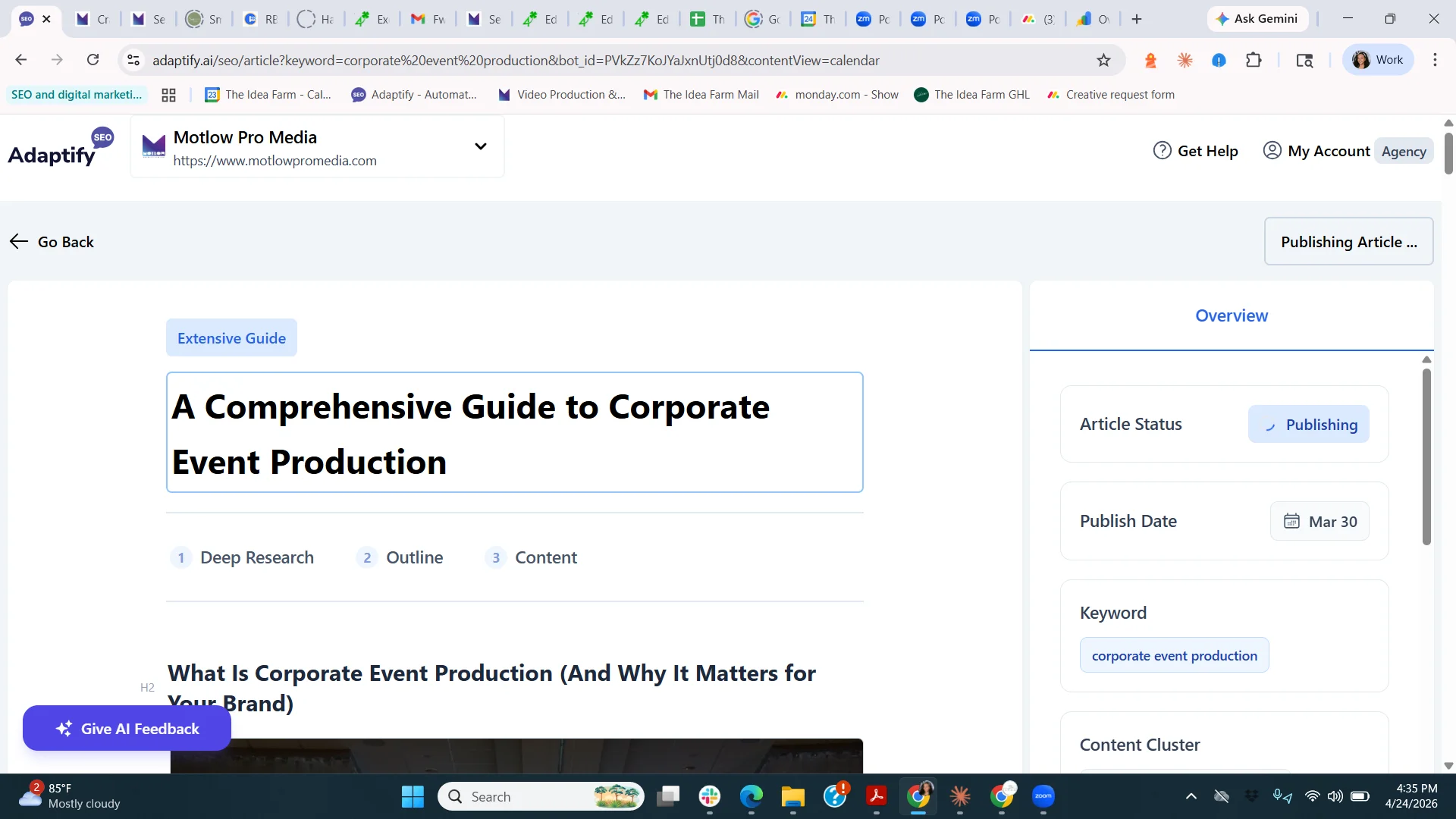
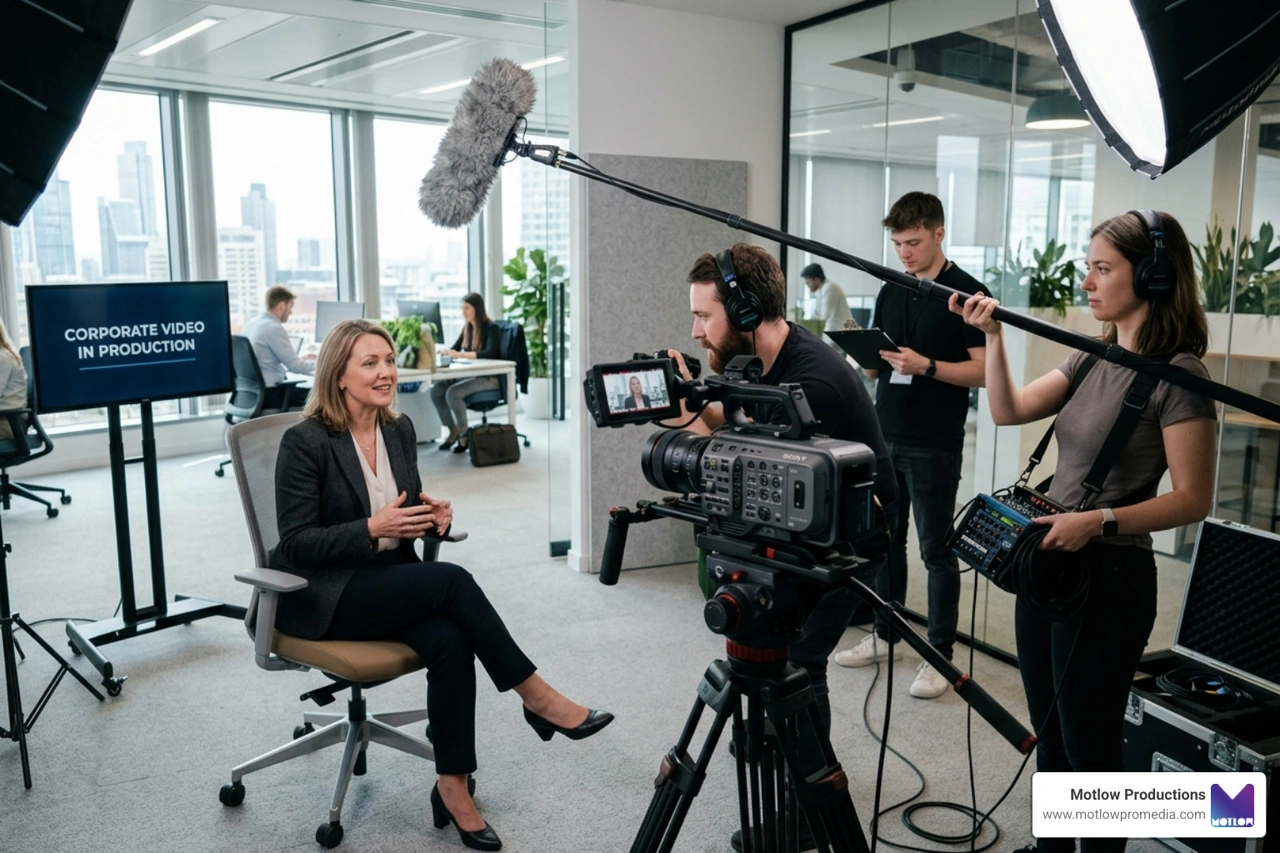
At Motlow Pro Media, based in Tampa, Florida, we specialize in high-impact short-form content strategy and professional corporate video production. We provide a unique "hands-off, but hands-on" partnership. This means we handle all the heavy lifting—from scriptwriting and filming to advanced editing, color grading, and sound design—while acting as a seamless, trusted extension of your local team.
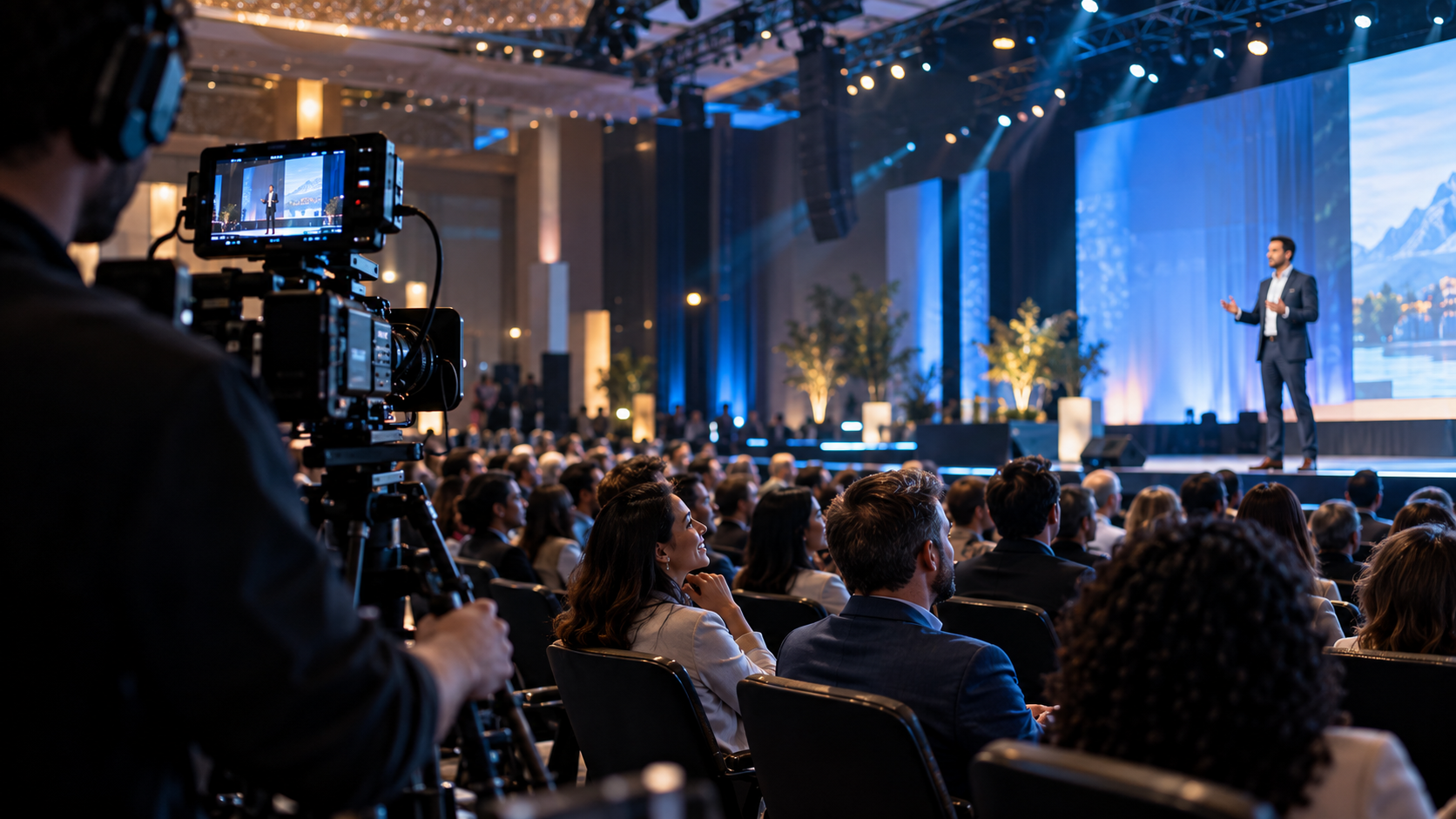
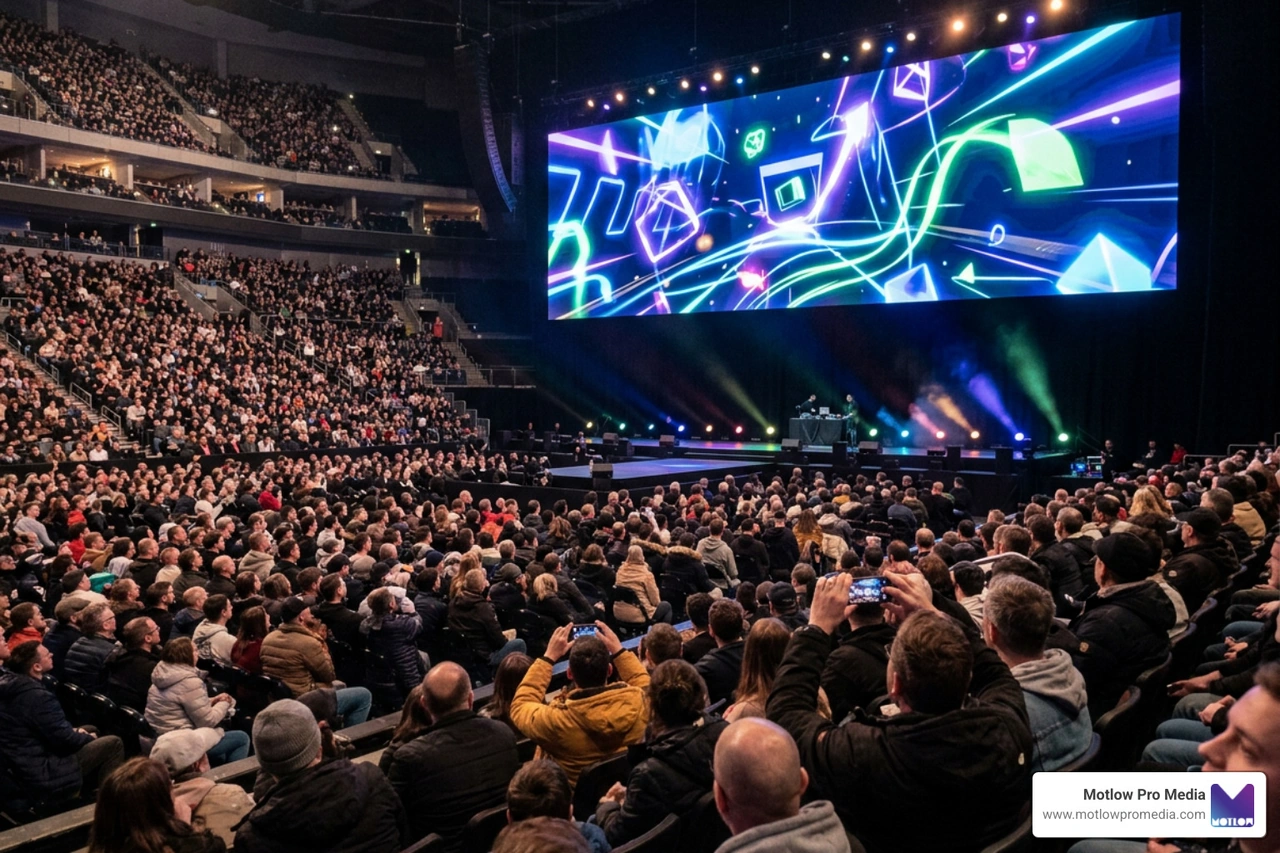
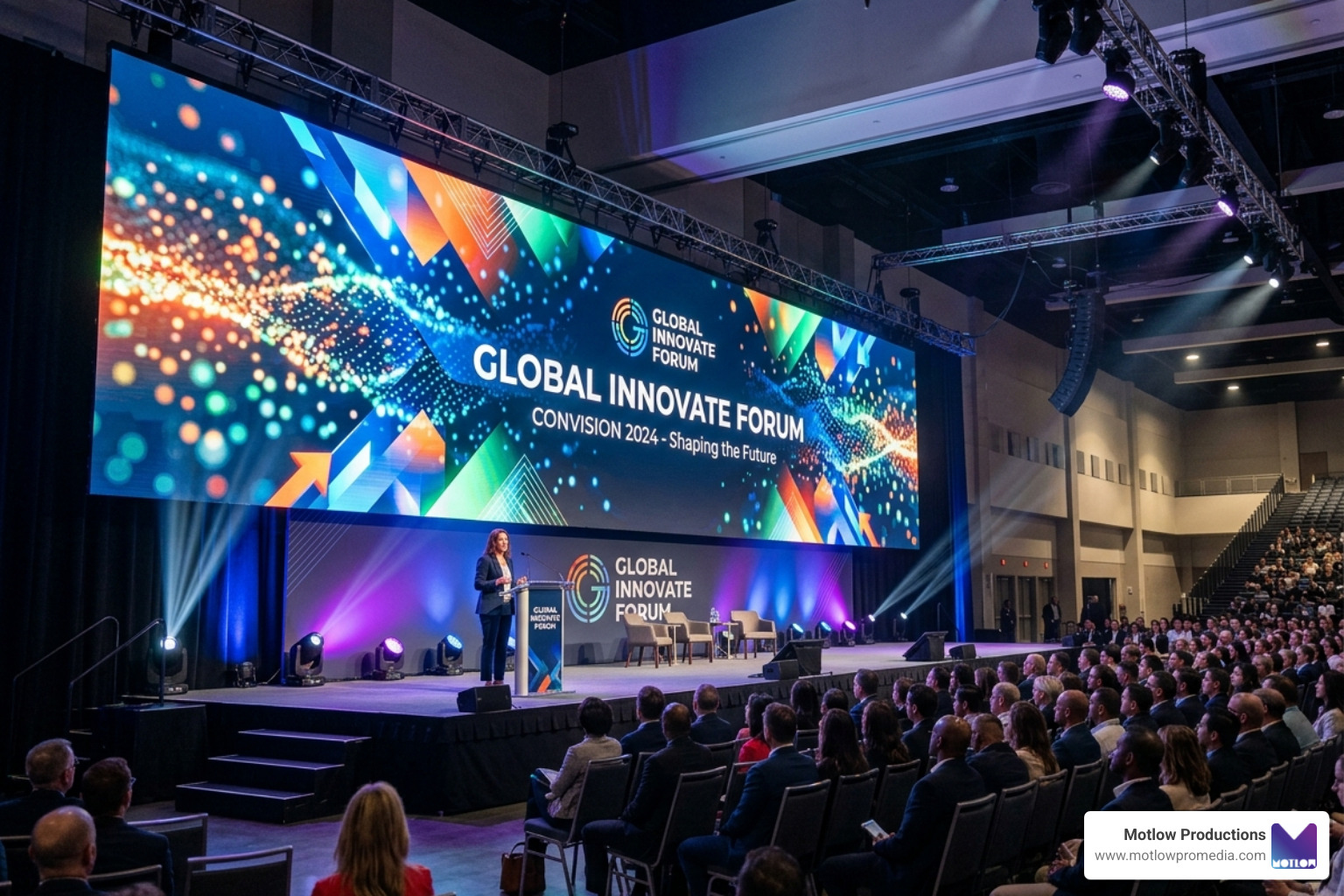
Whether you need live event support, consistent social media assets, or long-term media leadership to guide your brand's digital presence, we are here to bring your vision to life. Ready to elevate your visual content? Explore our full suite of creative solutions on our Motlow Pro Media Services page, and let's start crafting your brand's next great story together.
Some clients want to give notes in a live Zoom call. Others prefer a group text or email thread. However you like to communicate, we adapt. You’ll never be left guessing where things stand - and you’ll always have a say before anything goes out the door.





Phone:
+1 863-250-8639
.png)
Email:
info@motlowpromedia.com