






-5.jpg)
















































Thank you! Your submission has been received!
Oops! Something went wrong while submitting the form.

.avif)
July 10, 2026
Interactive video making is the process of building video content that lets viewers click, respond, choose, and participate — instead of just watching passively.
If you want the short version, here's what you need to know:
How to get started with interactive video making:
Most video content is a one-way street. A viewer hits play, watches (or half-watches), and moves on. There's no way to know if anything stuck.
Interactive video breaks that pattern. Instead of broadcasting at your audience, you create a conversation with them. That shift matters more than it might seem.
The numbers back it up. Research cited by platforms like Vimeo shows interactive video drives 3x more engagement, 32% higher knowledge retention, and 9x greater purchase intent compared to traditional linear video.
For corporate marketing teams already stretched thin, that kind of return on a single content format is hard to ignore.
I'm Miranda Motlow, founder of Motlow Pro Media, a Tampa-based media agency where I've spent over a decade helping brands — including casino marketing teams — create video content that connects and converts. Interactive video making is one of the most powerful shifts I've seen in how organizations can turn passive viewers into active participants, and this guide breaks down exactly how to do it without the overwhelm.
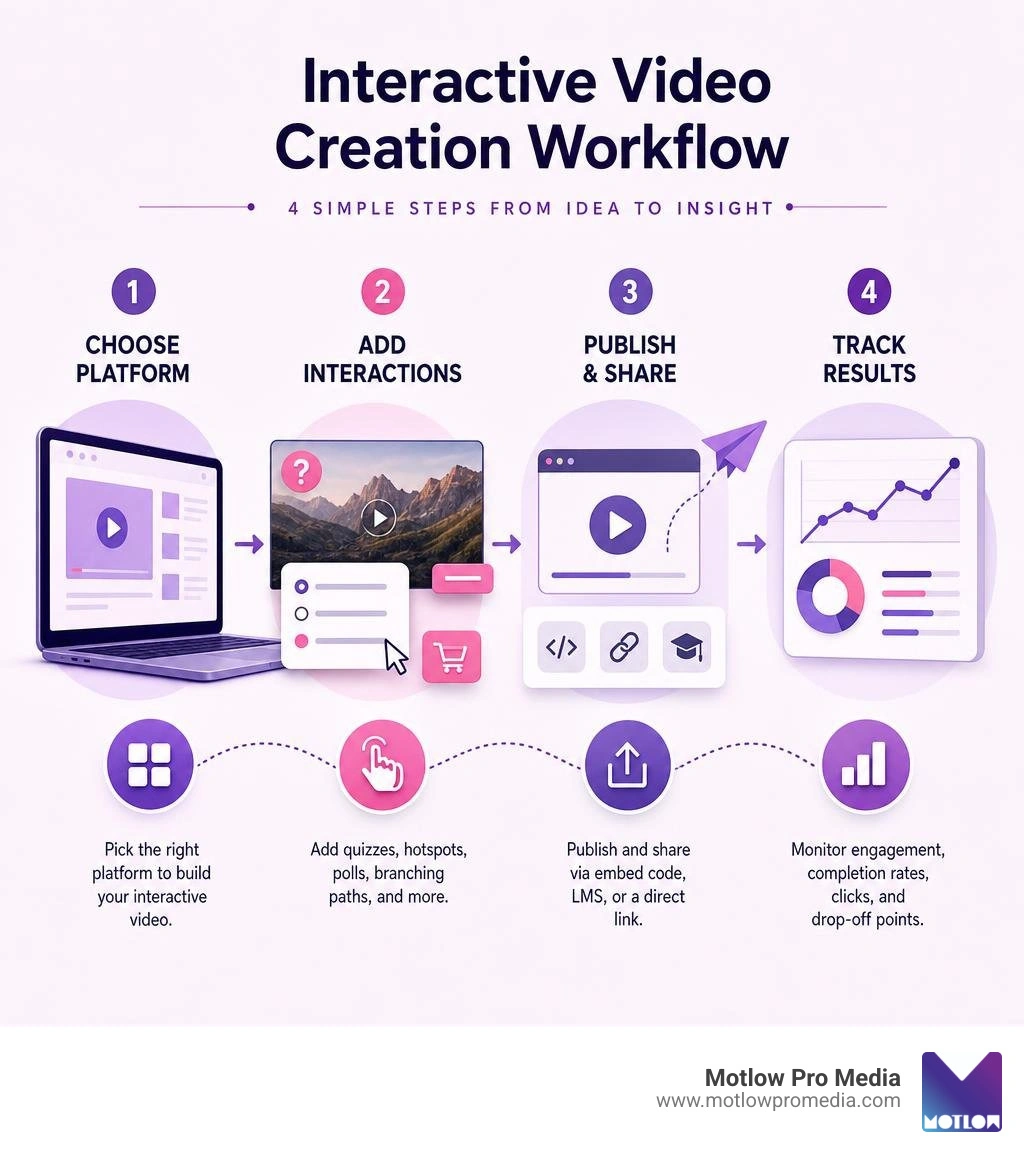
At its core, interactive video is about transforming passive consumption into active learning and participation. In traditional video production, the viewer's only options are to press play, pause, fast-forward, or close the tab. Interactive video changes the entire user experience by embedding clickable areas, decision points, and form fields directly inside the video player.
This evolution is fundamentally altering viewer behavior. When people know they have to make a choice or answer a question, their attention spikes. They are no longer zoning out while a speaker drones on; they are leaning forward, anticipating the next interaction. At Motlow Pro Media, we focus heavily on creating Engaging Video Content that captures this exact psychological shift, helping brands in Tampa and beyond build deeper relationships with their audiences.
To help visualize how these two formats stack up, here is a quick comparison:
| Feature | Linear Video | Interactive Video |
|---|---|---|
| Viewer Role | Passive spectator | Active participant |
| Navigation | Sequential (start to finish) | Nonlinear (branching, shortcuts) |
| Data Collection | Basic views and watch time | Detailed click paths, quiz scores, lead data |
| Retention Rate | Lower (easy to lose focus) | 32% higher knowledge retention |
| Call to Action | Static link in description or end screen | Clickable hotspots and inline forms |
In linear video making, the narrative flow is entirely predetermined. The creator controls the journey from second zero to the final frame. While this works beautifully for cinematic storytelling, it can fall flat for complex Business Video Content where different viewers have entirely different needs.
With interactive video making, we break the video down into smaller, modular video segments. By introducing choice points, we hand over user control to the viewer. For example, instead of forcing a busy executive to sit through a 10-minute product overview, a choice point at the beginning can let them jump straight to the pricing breakdown or technical specifications. This personalized approach respects the viewer's time and drastically reduces drop-off rates.
Why does this work so well? It comes down to cognitive load and active recall. When a viewer interacts with a video, their brain has to process the information, make a decision, and physically click. This process prevents cognitive overload by chunking information into digestible pieces, while also reinforcing memory through immediate application.
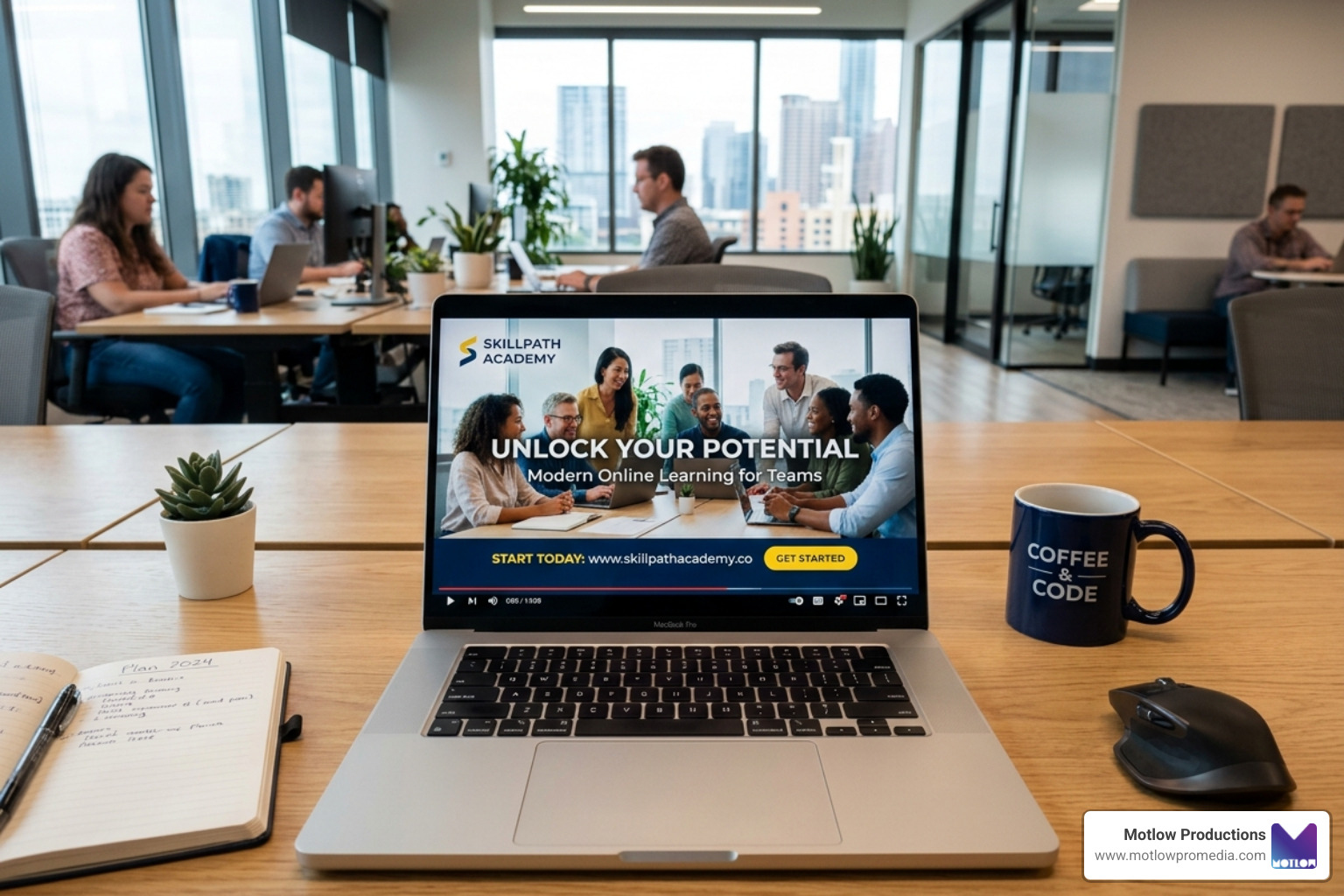
Whether you are designing a training module using the Interactive Video Maker & Platform for Learning - WeVideo or building a high-converting sales demo, forcing active participation ensures the message actually sticks. This is why WeVideo's educational products are trusted by two-thirds of the top 100 U.S. school districts — because active participation is the gold standard for learning.
Modern interactive tools have evolved past simple clickable links. Today, we can layer complex, visually stunning interactions directly onto our raw footage.

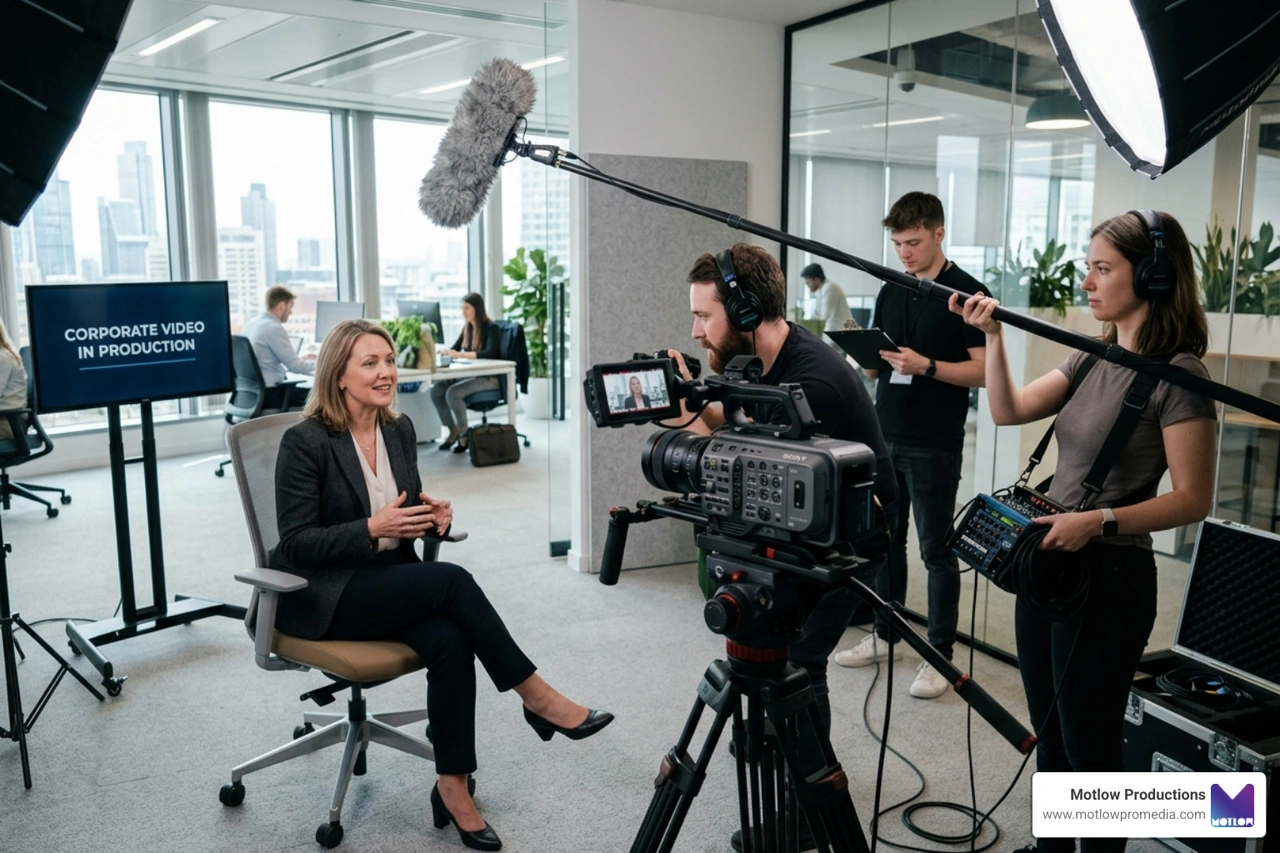
If you are looking to elevate your brand's digital presence, our team at Motlow Pro Media offers specialized Corporate Video Services to help you design, script, and produce the high-quality assets needed to fuel these interactive platforms.
Branching narratives are the "choose-your-own-adventure" of the business world. Instead of a single storyline, the video branches into different paths based on the viewer’s decisions.
This is incredibly powerful for scenario-based learning and corporate training. For example, you can film a customer service simulation where the employee must choose how to respond to an angry client. Depending on their choice, the video branches to show the realistic consequence of that action. Platforms like the Free Interactive Branching Video Maker | KappaX make it easy to map out these logic-driven video flows using a visual drag-and-drop editor, allowing organizations to scale personalized training journeys without a massive development budget.
If branching paths are the skeleton of interactive video, hotspots and overlays are the muscles:
Using tools like the Free Interactive Video Builder | Clickable Video Maker | Supademo, you can easily split existing product recordings into interactive steps, adding clickable hotspots to guide prospects through your software. You can even use the FlexClip Interactive Video Maker to quickly build engaging marketing clips with pre-designed templates that prompt immediate social action.
Artificial intelligence has completely streamlined the interactive video workflow. Historically, building these experiences required extensive manual planning, voice recording, and branching logic. Now, AI does the heavy lifting:
Creating a successful interactive video requires more than just throwing random buttons onto a screen. It demands a strategic approach to design, accessibility, and performance tracking.

At Motlow Pro Media, our approach to Corporate Video Production ensures that the foundational video content we produce for our Tampa clients is optimized from day one for seamless interactive delivery.
When designing interactive videos, technical execution is everything. If a hotspot is too small to tap on a mobile device, or if the video player fails to load on a specific browser, your engagement rates will plummet.
One of the greatest advantages of interactive video making is the sheer depth of data it generates. Traditional video analytics stop at "views" and "average watch time." Interactive video tells you exactly how people are thinking.
By utilizing advanced dashboards like the Interactive Studio, you can monitor:
This granular data allows you to treat your video content like a landing page — continuously testing, iterating, and optimizing for better performance. If you are investing in a Professional Corporate Video, having this level of performance data ensures you can prove the exact business value of your production spend.
No! The rise of modern no-code platforms has completely democratized interactive video making. You do not need to write a single line of code to build complex branching narratives, quizzes, or shoppable hotspots.
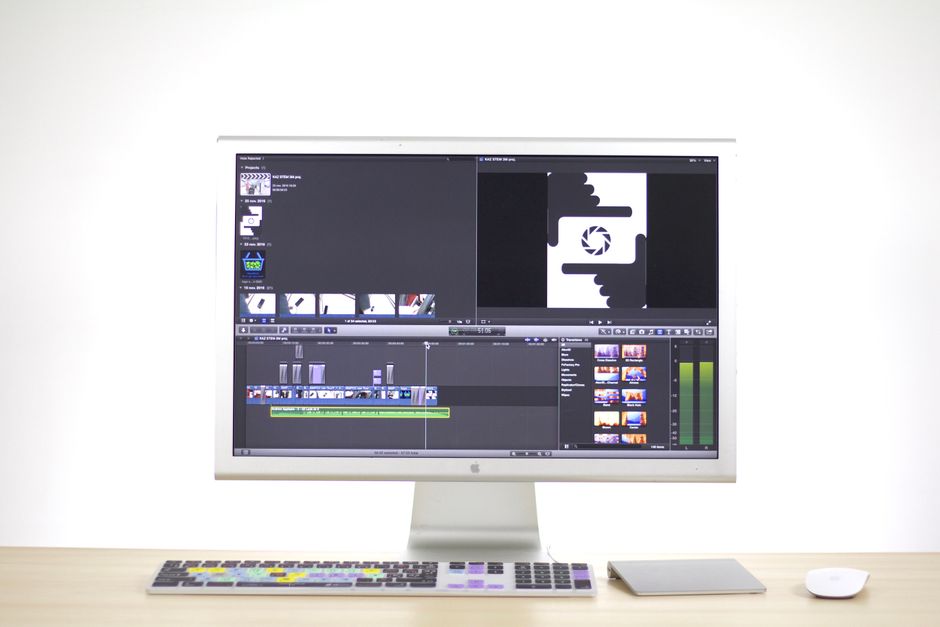
Most modern platforms feature visual, drag-and-drop editors where you simply upload your video segments, draw hotspot boxes over the screen, and connect them using visual arrows. If you want to explore the sheer variety of tools available today, check out this curated list of The Best 26 Interactive Video Software and Platforms in 2026 to find the perfect match for your team's budget and technical comfort level.
Interactive video dramatically improves training outcomes by replacing passive listening with active recall. Instead of hoping an employee is paying attention to a safety video, an interactive format forces them to pause, analyze a scenario (such as identifying a workplace hazard via a hotspot), and make a decision.
This immediate feedback loop cements the information in their long-term memory. It is incredibly effective for compliance training, software onboarding, and medical training, where real-world mistakes are costly but simulated mistakes are highly educational.
Absolutely. Most interactive video platforms provide lightweight, responsive iframe embed codes that work seamlessly on standard websites, landing pages, and content management systems.
When you embed a Video for Websites, the interactive player automatically handles the scaling of hotspots and buttons to fit the viewer's screen size. Furthermore, many platforms offer direct integrations with major Learning Management Systems (LMS) using SCORM or xAPI standards, allowing you to sync quiz scores and completion data directly to your employee training portal.
Interactive video making is no longer a futuristic novelty; it is a highly accessible, incredibly effective tool for organizations that want to cut through the noise and truly connect with their audience. By turning passive viewers into active participants, you can drive massive gains in engagement, learning retention, and sales conversions.
However, the secret to a great interactive experience is starting with world-class foundational video. No amount of shiny buttons or branching logic can save a poorly shot, badly scripted video.
That is where we come in. At Motlow Pro Media, based right here in Tampa, Florida, we specialize in corporate media production, short-form content strategy, and long-term media leadership. We act as a seamless, "hands-off, but hands-on" partner — providing the clear communication and professional execution you need to bring your creative vision to life.
Ready to stop boring your audience and start engaging them? Partner with Motlow Pro Media today, and let's build something unforgettable together.
Some clients want to give notes in a live Zoom call. Others prefer a group text or email thread. However you like to communicate, we adapt. You’ll never be left guessing where things stand - and you’ll always have a say before anything goes out the door.





Phone:
+1 863-250-8639
.png)
Email:
info@motlowpromedia.com