









-5.jpg)

















































Thank you! Your submission has been received!
Oops! Something went wrong while submitting the form.

.avif)
May 12, 2026
Video for websites is one of the most effective ways to grab attention, boost time on page, and build trust with your audience fast.
Here are the best free stock video sources you can use right now:
All four platforms offer high-resolution footage in HD or 4K. No filming required.
Videos on websites do more than look good. They keep visitors on your page longer, reduce bounce rates, and give search engines more reason to rank you higher. In a crowded digital landscape, a static page simply can't compete with a well-placed video.
But finding the right footage — and implementing it correctly — takes more than a quick download. Licensing rules, file formats, player performance, and load times all matter.
I'm Miranda Motlow, founder and CEO of Motlow Pro Media, and I've spent over a decade creating strategic video for websites and digital marketing campaigns that connect brands with their audiences. In this guide, I'll walk you through exactly where to find free footage and how to use it well.

Basic Video for websites glossary:
As we move through 2026, the digital landscape has shifted from "mobile-first" to "video-essential." Integrating video for websites is no longer a luxury; it is a fundamental requirement for any brand looking to establish authority. When a visitor lands on your site, you have approximately three seconds to make an impression. A high-definition background video or a well-placed hero clip can communicate your brand’s essence faster than any paragraph of text.
The impact on SEO is perhaps the most significant business advantage. Search engines like Google prioritize pages that keep users engaged. High-quality business video content significantly increases "dwell time"—the amount of time a user spends on your site. When users stay to watch a video, it signals to search algorithms that your content is valuable, which can lead to higher organic rankings.

Beyond SEO, video builds immediate brand trust. In an era of AI-generated text, seeing high-quality footage—whether it’s corporate video production or curated stock clips—humanizes your digital presence. It reduces bounce rates by providing an interactive experience that encourages further exploration of your services.
To ensure your video performs well, you must choose the right file format. While 4K is the visual standard in 2026, the technical delivery must be optimized for speed.
Format Comparison for Web Performance:

For most video for websites applications, we recommend MP4 for its balance of quality and performance. If you are working on high-end expert video production, you might use MOV during the editing phase, but always export to a web-optimized MP4 for the final embed.
Not every business has the budget for a custom shoot every time they need a new background loop. Fortunately, the community of creators sharing free assets has grown exponentially. By April 2026, the quality of free stock footage often rivals paid libraries.
If you are looking for stunning, high-resolution clips, here are our top recommendations:
While "free" is a great price, it often comes with fine print. Understanding the license attached to your video for websites is crucial to avoid legal headaches down the road.
Most top-tier sites use a version of the Creative Commons Zero (CC0) license or their own custom "Free for Commercial Use" license. This generally means you can edit, crop, and use the video on your commercial website without paying royalties.
However, some platforms, like Freepik or certain clips on Canva, may require attribution. This means you must credit the creator in your site's footer or on a dedicated credits page. Free Stock Videos Footage - Find Clips in HD & 4K - Canva is an excellent resource for those who want to edit their footage directly in a browser-based tool, but always check the specific clip's license before hitting "publish."
At Motlow Productions, we always advise our clients to keep a log of where each stock clip was sourced. If you ever decide to scale your content into a larger communication videos strategy, you’ll want to ensure every asset is fully cleared for use.
To keep your website looking fresh in 2026, look for these trending categories:
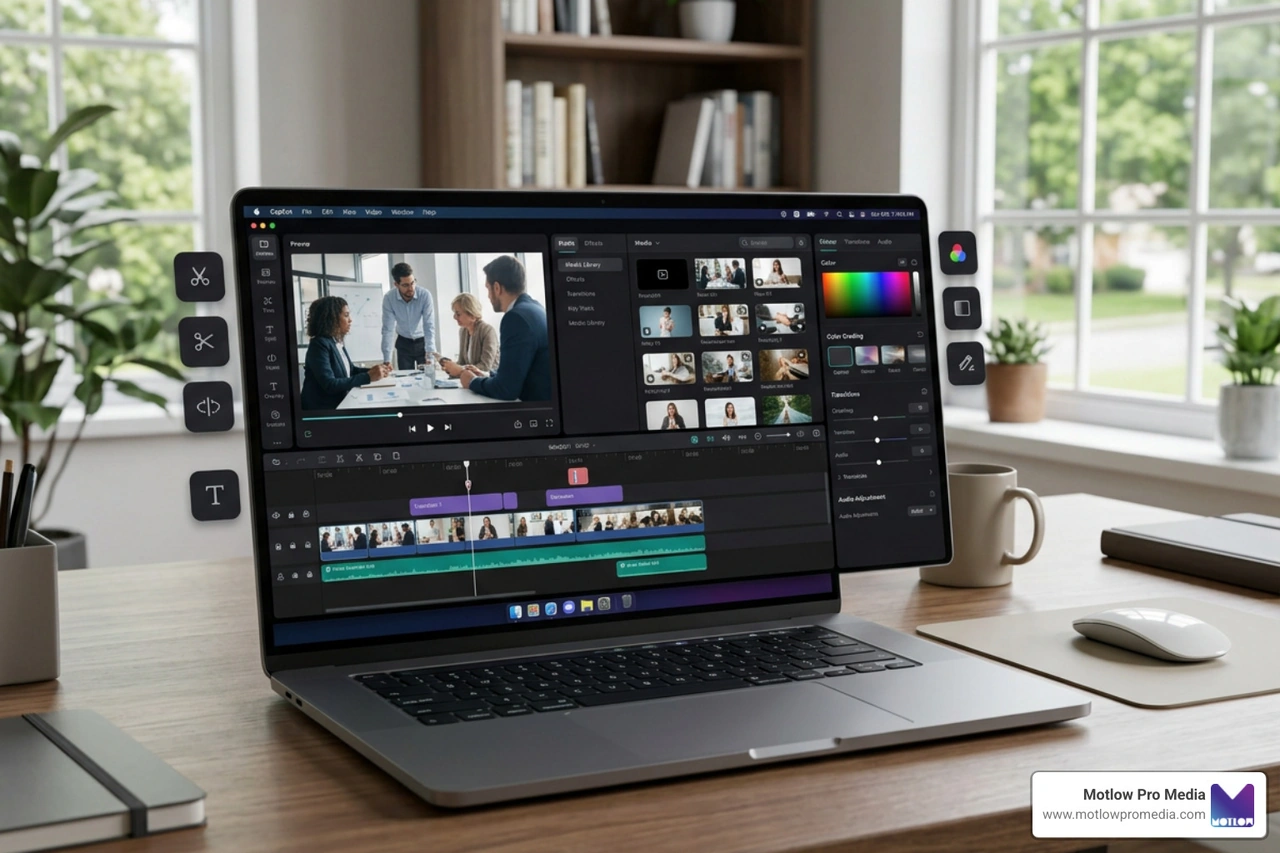
Finding the video is only half the battle. How you put it on your site determines whether it helps your brand or hurts your load speed. Badly implemented video for websites can lead to "layout shift" or slow your site down so much that visitors leave before the first frame even plays.
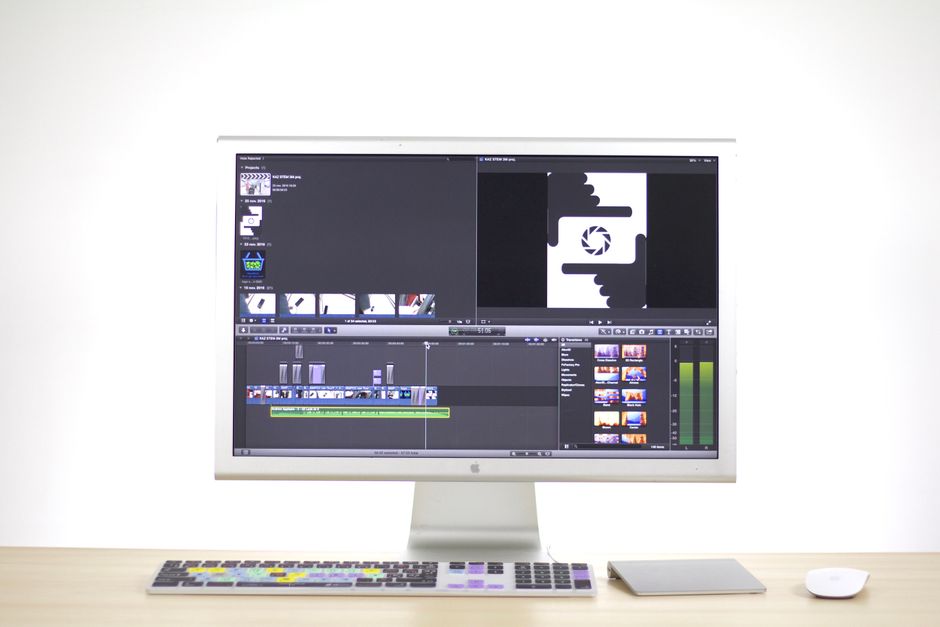
When we provide expert video editing services, we focus on "lazy loading" and "background loading." This ensures the rest of your website (like your text and navigation) loads first, and the video follows immediately after, preventing a blank screen.
The default HTML5 video tag is fine for basic use, but for a professional finish, you often need a customizable player. Here are the top contenders in 2026:
To keep your site lightning-fast, follow these rules:
In 2026, video for websites has evolved beyond simple playback. It is now an interactive tool. For businesses looking to grow, consider these advanced features:
Monetization & Gated ContentIf you produce high-value content, such as employee training videos, you can use "paywalls" or "gated content." This requires users to enter an email or pay a subscription fee before viewing. Tools like Switcher Player allow for "live shopping" where viewers can buy products directly through the video interface.
Accessibility is MandatoryIn 2026, accessibility isn't optional. Your video player must include:
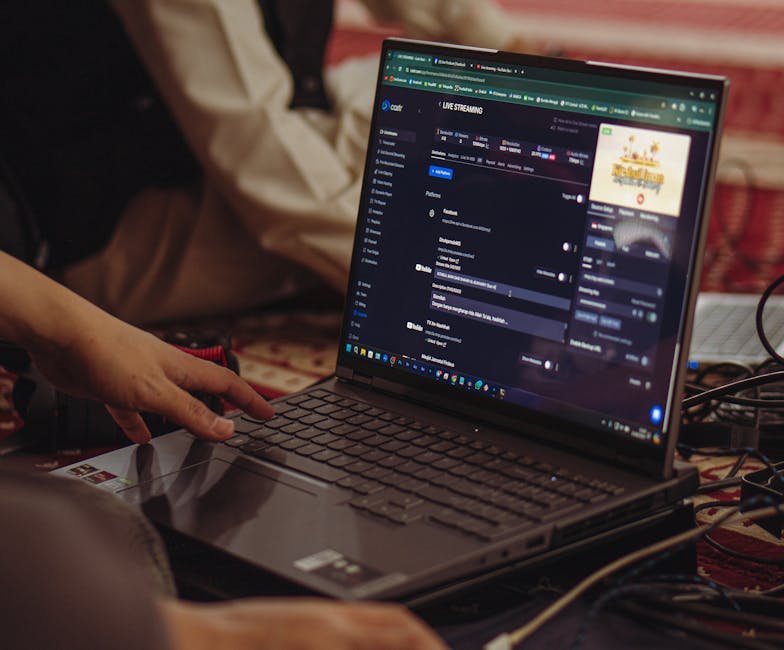
Live StreamingWhether it's executive video messaging or a large-scale corporate event, live streaming directly on your site keeps the audience on your platform rather than sending them to YouTube or Facebook. This allows you to control the branding and capture the data. For more on how to script these events, check out our corporate animation video guide.
Pexels and Pixabay are the top choices for 4K. Pexels is great for lifestyle and modern business themes, while Pixabay offers a massive range of nature and landscape footage. Both allow for commercial use without mandatory attribution, though it is always appreciated.
The key is using a "lightweight" embed and a professional hosting service. Avoid uploading large video files directly to your WordPress or Shopify media library. Instead, host them on a service like Wistia or api.video and use their optimized embed codes. This ensures the video loads in the background and doesn't block the rest of your site from appearing.
MP4 (using the H.264 or H.265 codec) remains the gold standard for compatibility. It works across all major browsers (Chrome, Safari, Firefox, Edge) and mobile devices. For advanced streaming, HLS (HTTP Live Streaming) is used by professional players to provide adaptive quality.
Visual communication is the heartbeat of the modern web. Whether you are using free stock clips to add flair to your homepage or investing in internal communications video production, the goal remains the same: to connect, engage, and convert.
At Motlow Pro Media, we believe in a "hands-off, but hands-on" partnership. We act as a trusted extension of your team, handling the technical complexities of media leadership so you can focus on your business. From video for internal communications to executives delivering casual video messages, we provide the seamless execution your brand deserves.
Ready to take your site to the next level? Explore our professional media services and let's start building your digital story today. Our team is here to guide you through our process and show you what's possible when you combine great strategy with expert execution. Check out our portfolio to see how we've helped other brands shine.
Some clients want to give notes in a live Zoom call. Others prefer a group text or email thread. However you like to communicate, we adapt. You’ll never be left guessing where things stand - and you’ll always have a say before anything goes out the door.





Phone:
+1 863-250-8639
.png)
Email:
info@motlowpromedia.com