



-5.jpg)























Thank you! Your submission has been received!
Oops! Something went wrong while submitting the form.

.avif)
April 3, 2026
When we sit down with clients to plan their live event streaming strategy, the first question is always: "How complex does this need to be?" There isn't a one-size-fits-all answer. The production method you choose depends entirely on your audience size, your budget, and the level of "polish" your brand requires.
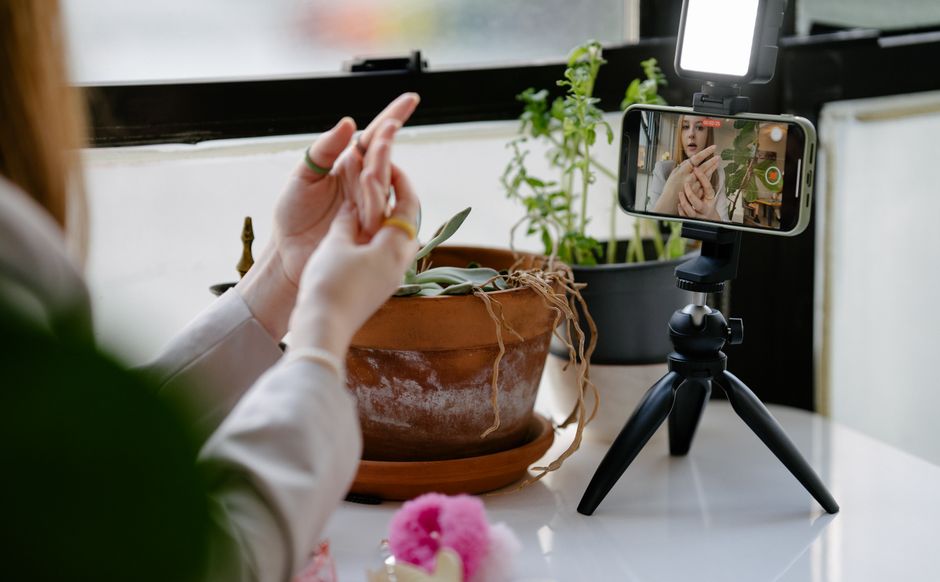
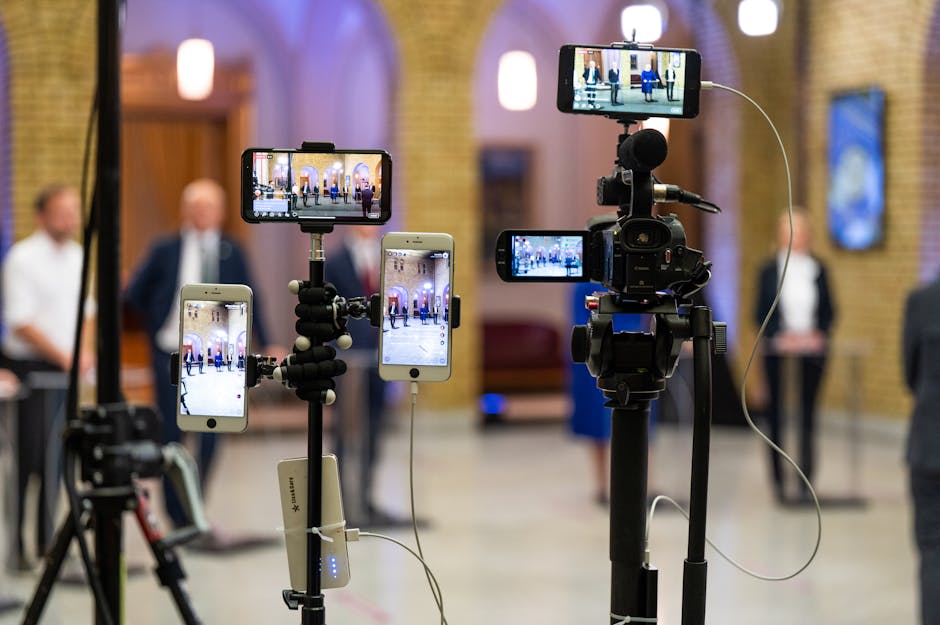
For many internal corporate meetings or small workshops, a lightweight, browser-based approach is often sufficient. This method allows presenters to join from their own devices, using built-in webcams and microphones. It’s "plug-in-and-go" simplicity. However, for high-stakes events like town halls or public product launches, we recommend moving toward professional external encoders.
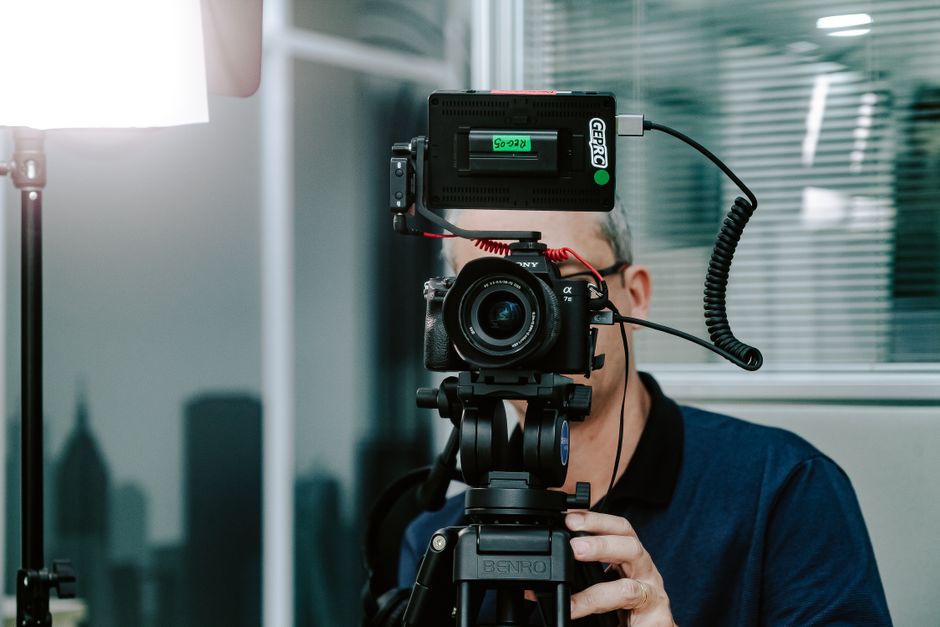
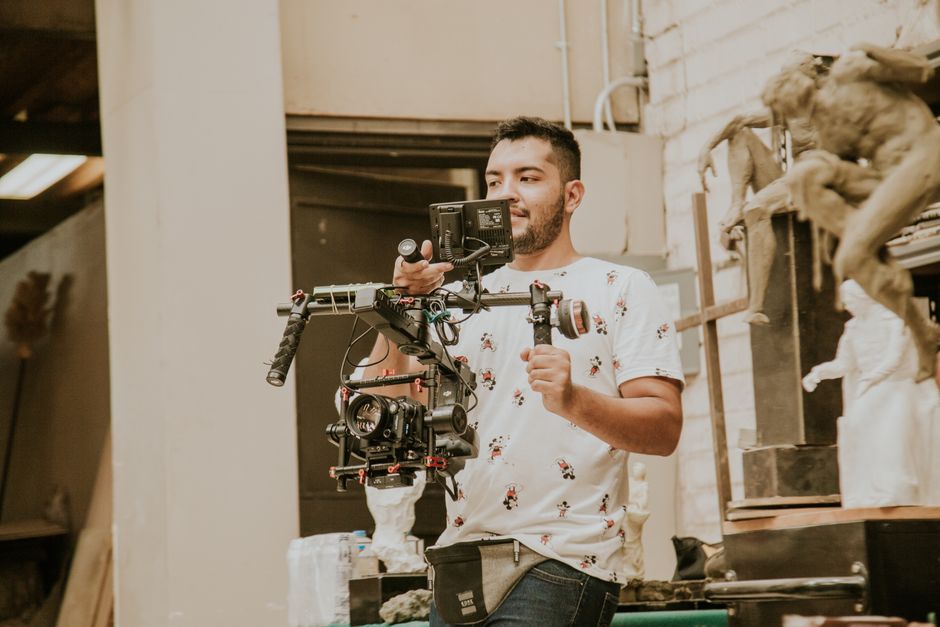
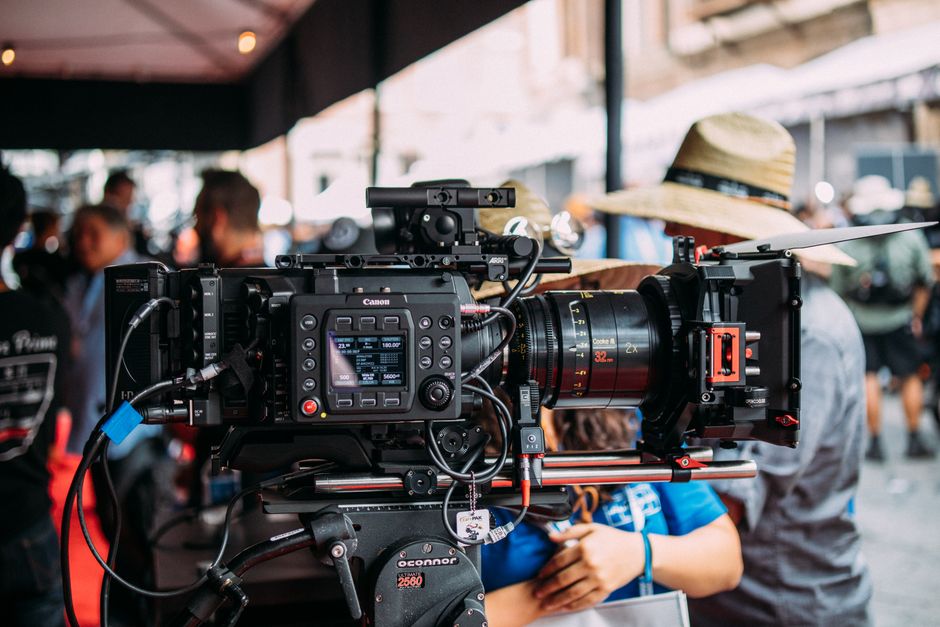
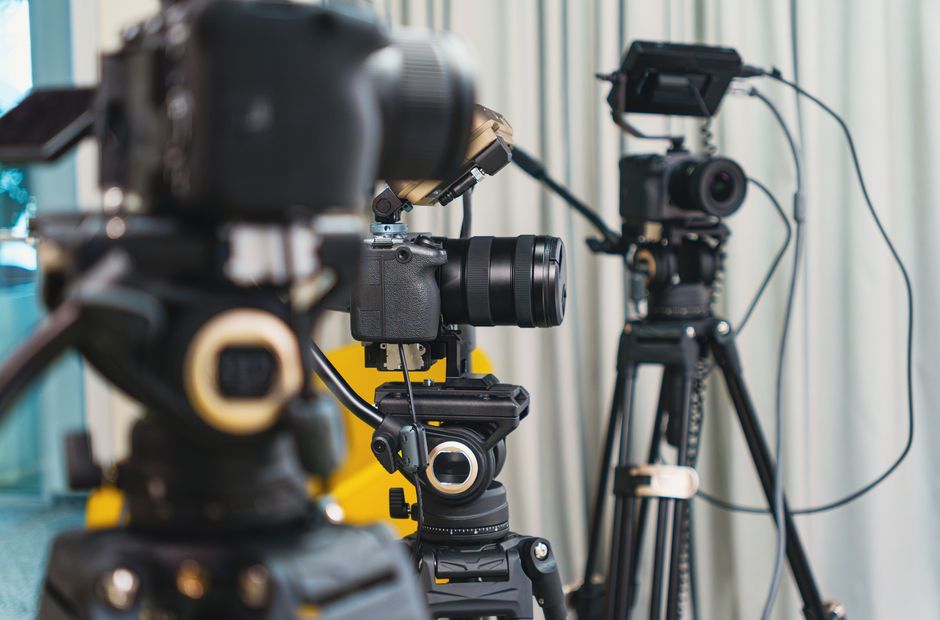
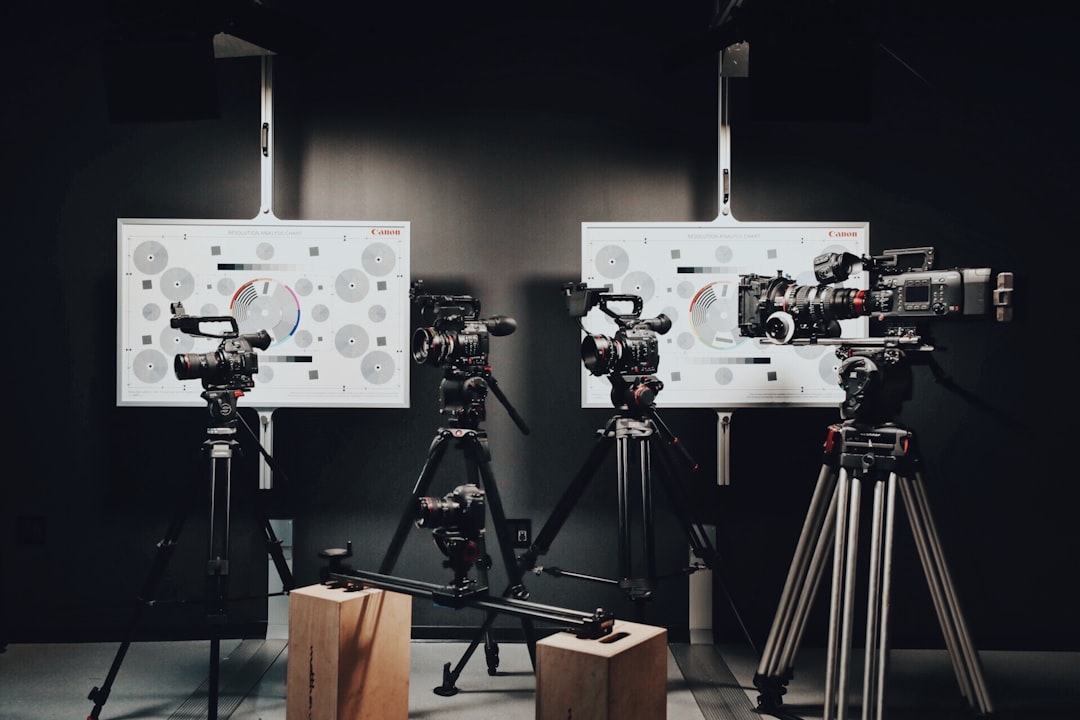
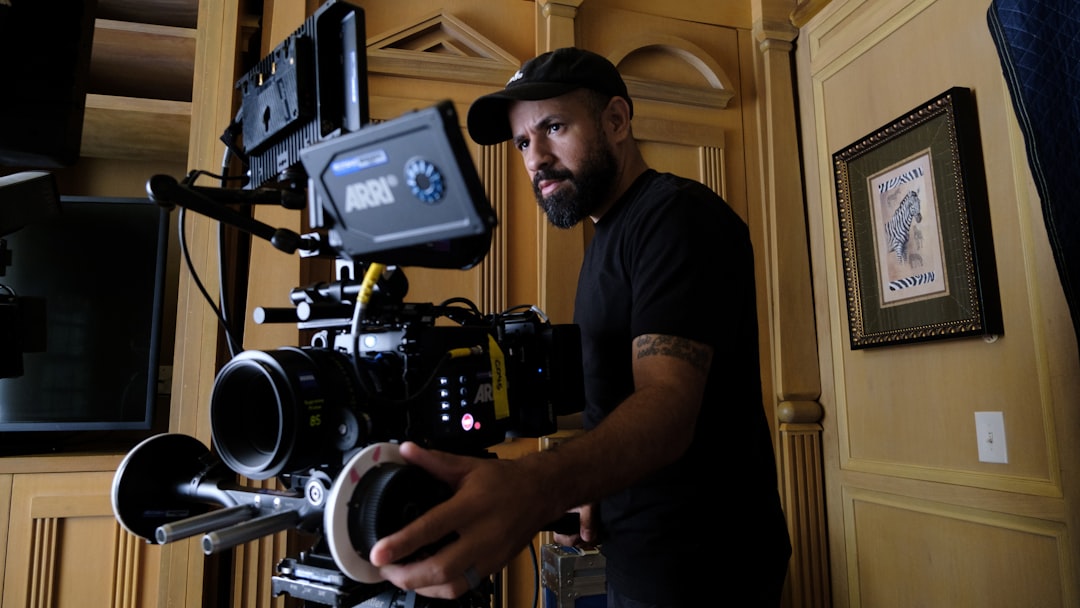
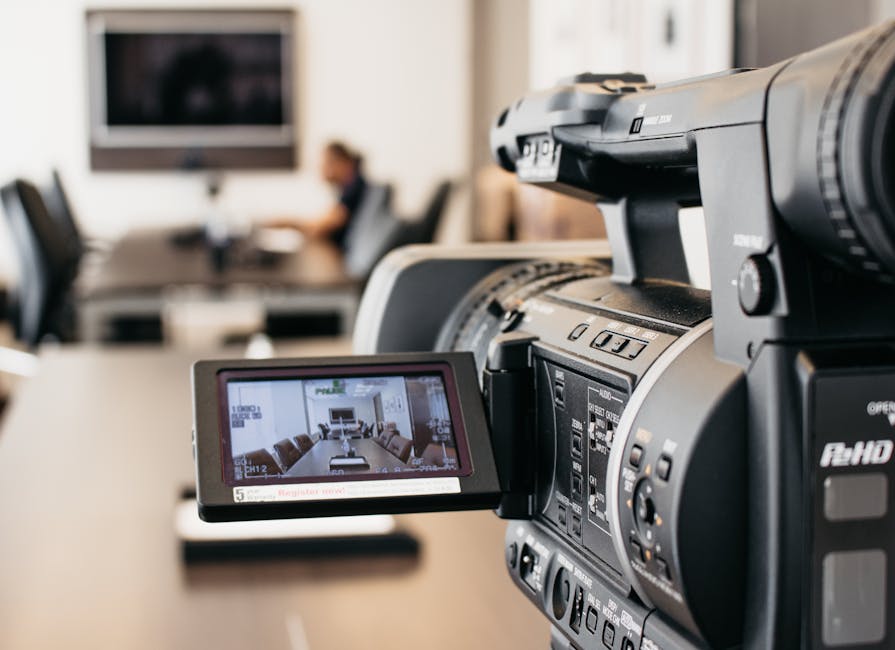
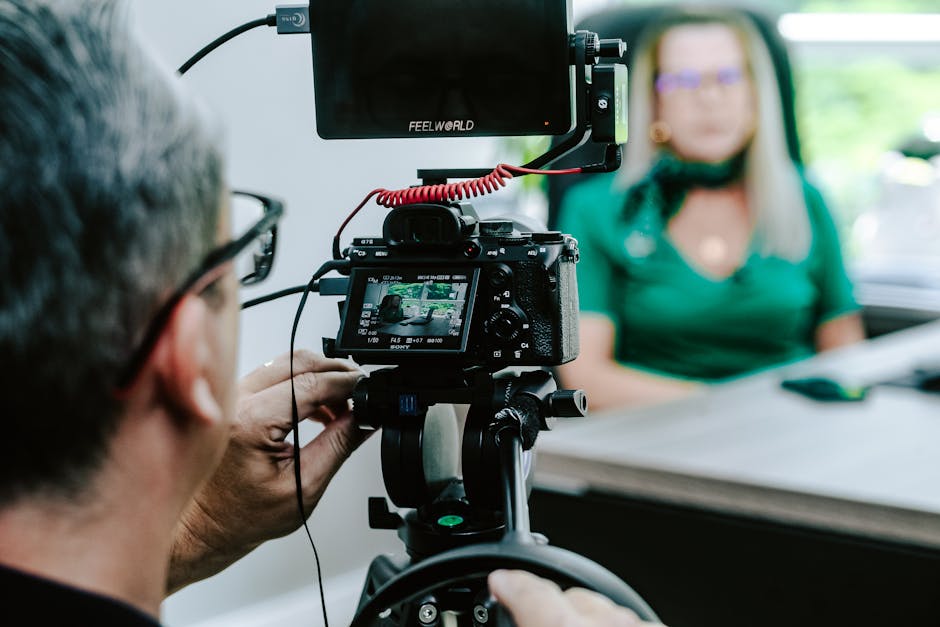
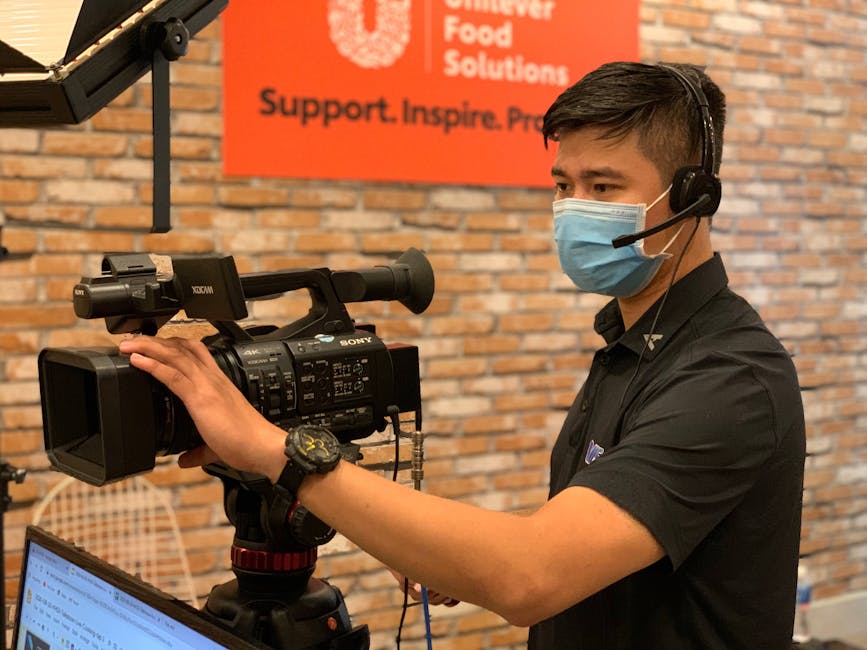
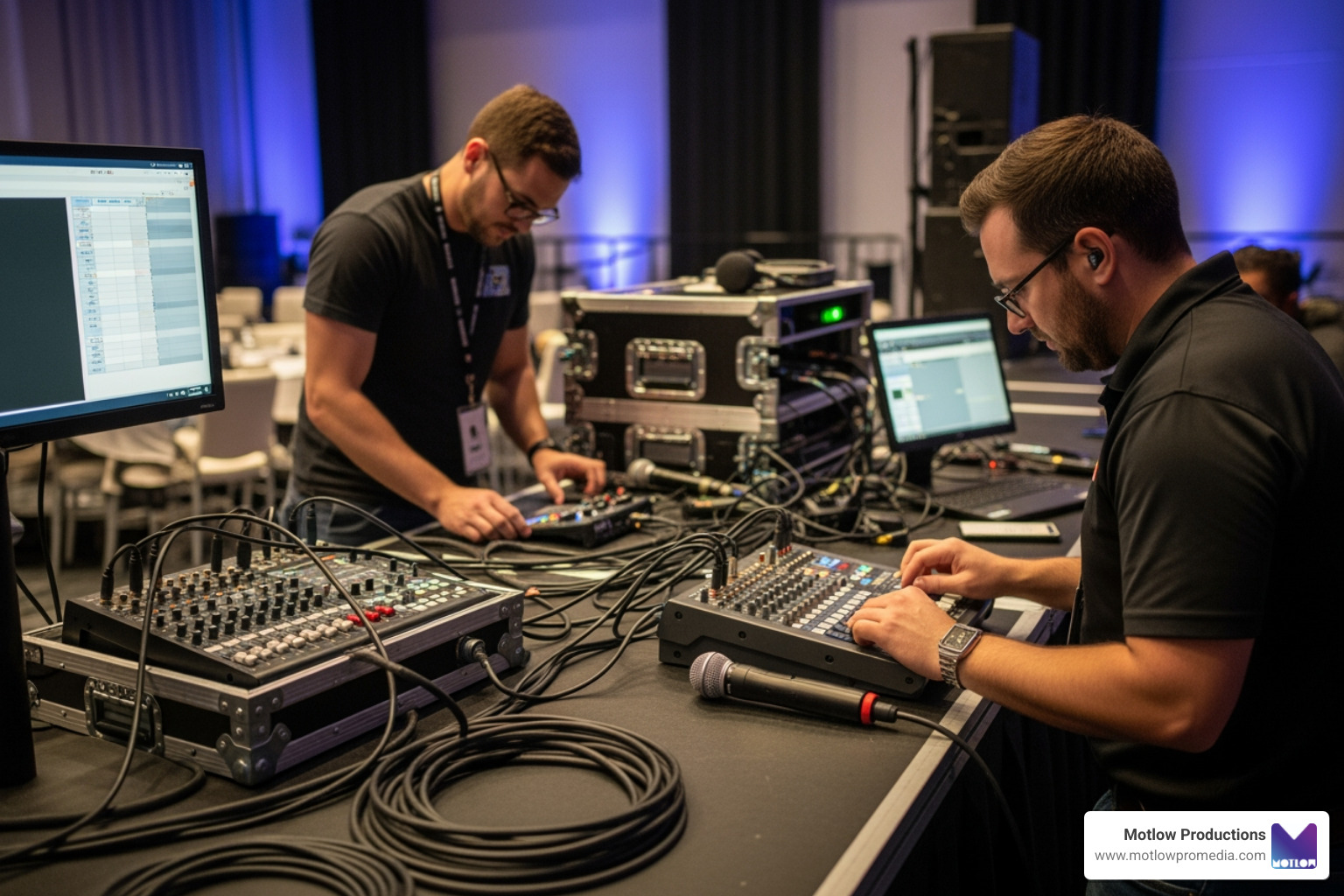
External encoders use RTMP (Real-Time Messaging Protocol) or the more modern SRT (Secure Reliable Transport) protocols to send high-quality video from professional cameras and mixers to the streaming platform. This setup allows for multiple camera angles, professional audio feeds, and much higher reliability.
| Feature | Lightweight (Browser-Based) | Professional Encoder (RTMP/SRT) |
|---|---|---|
| Equipment | Webcam, laptop, headset | Pro cameras, hardware encoders, mixers |
| Video Quality | Standard HD (depends on browser) | Full HD to 4K with high bitrates |
| Reliability | Susceptible to browser crashes | High (often includes automatic failover) |
| Complexity | Low - anyone can do it | High - requires technical expertise |
| Best For | Small webinars, internal syncs | Conferences, galas, town halls |
It is important to stay updated on the tools you use daily. For instance, if your organization relies on Microsoft, you should note that the traditional Teams live event experience is retiring. Organizations are encouraged to switch to Teams town halls for the newest event features and a more streamlined experience. This transition highlights a broader industry trend: moving toward "all-in-one" event platforms that handle everything from registration to post-event analytics.
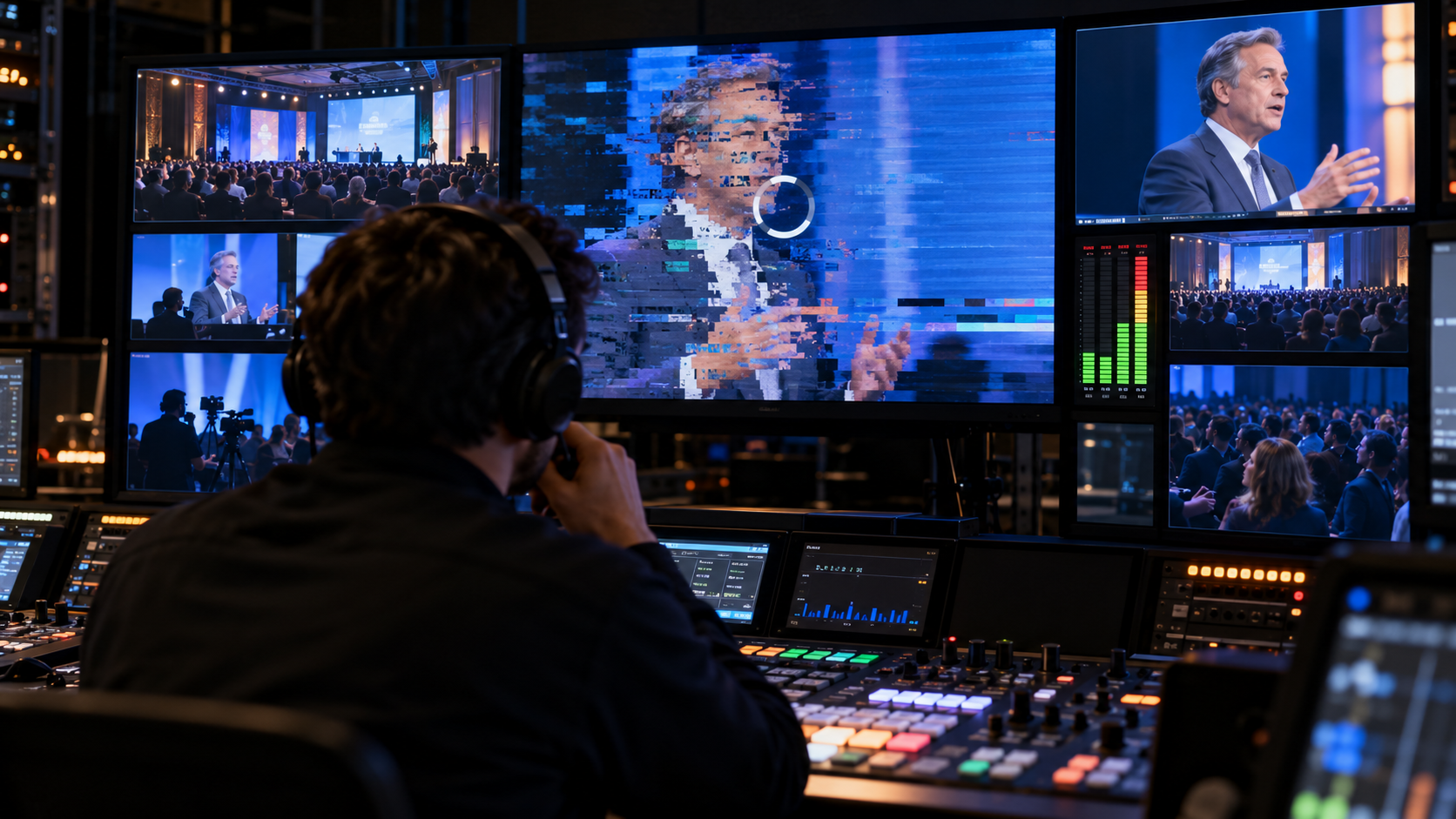
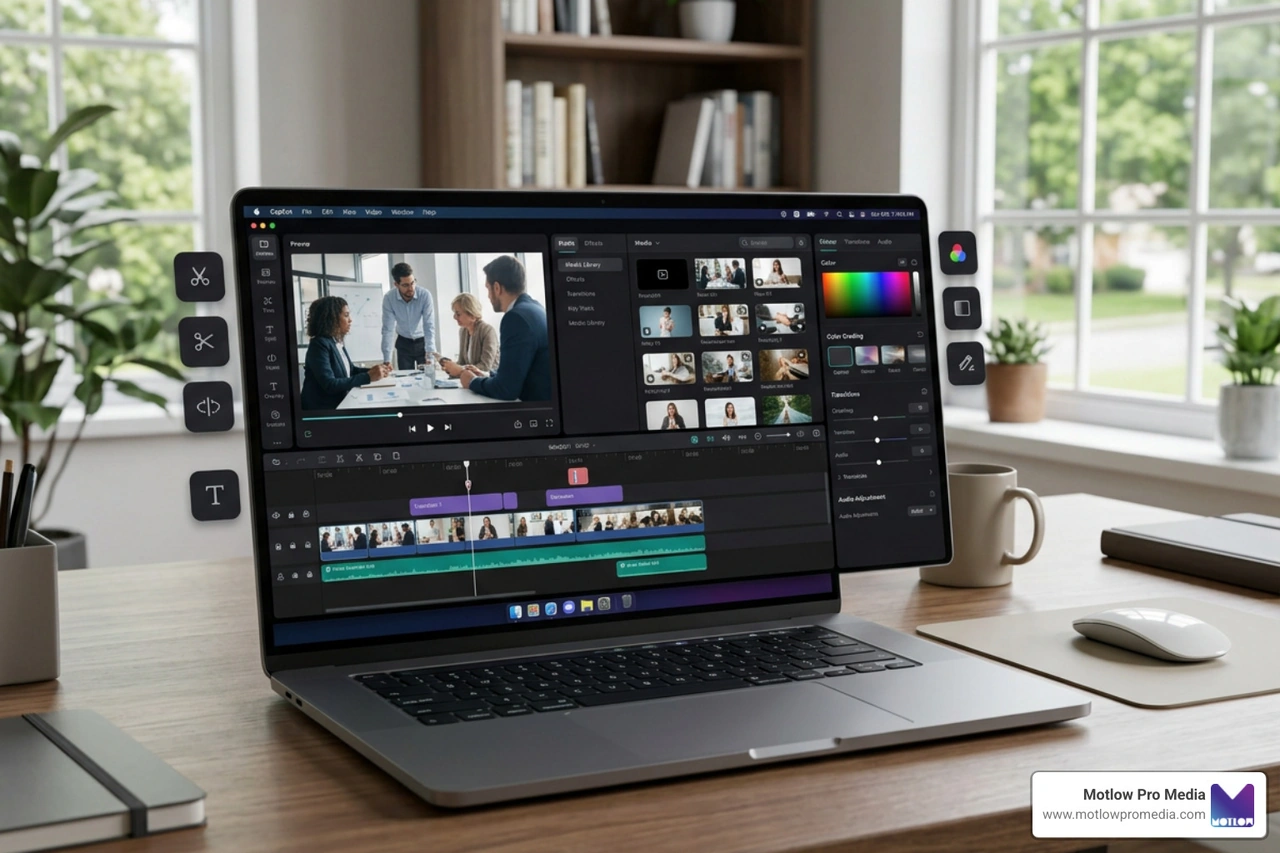
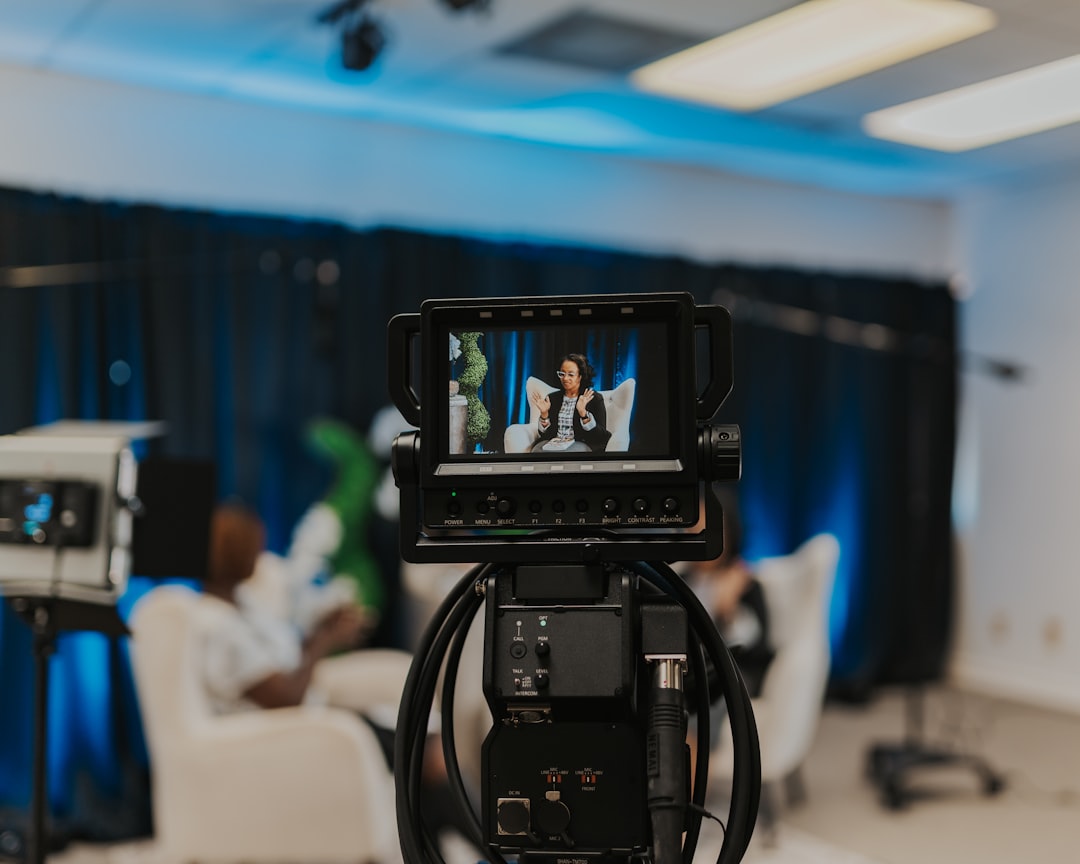
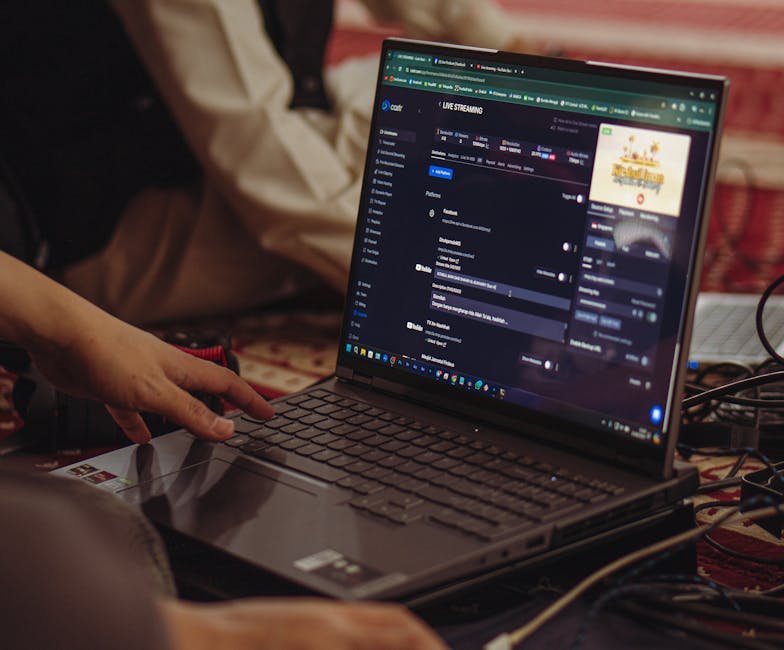
For those who want a branded experience without the heavy hardware, modern browser-based studios now offer advanced features like sound mixing, multi-camera inputs, and color correction directly in the cloud. These platforms often include a "backup stream" feature with automatic failover, meaning if one connection drops, the viewer never even notices a glitch.
Not every "live" event has to be happening in the exact second it is broadcast. Many savvy creators use "Simulated Live" (or "Live-to-Tape").
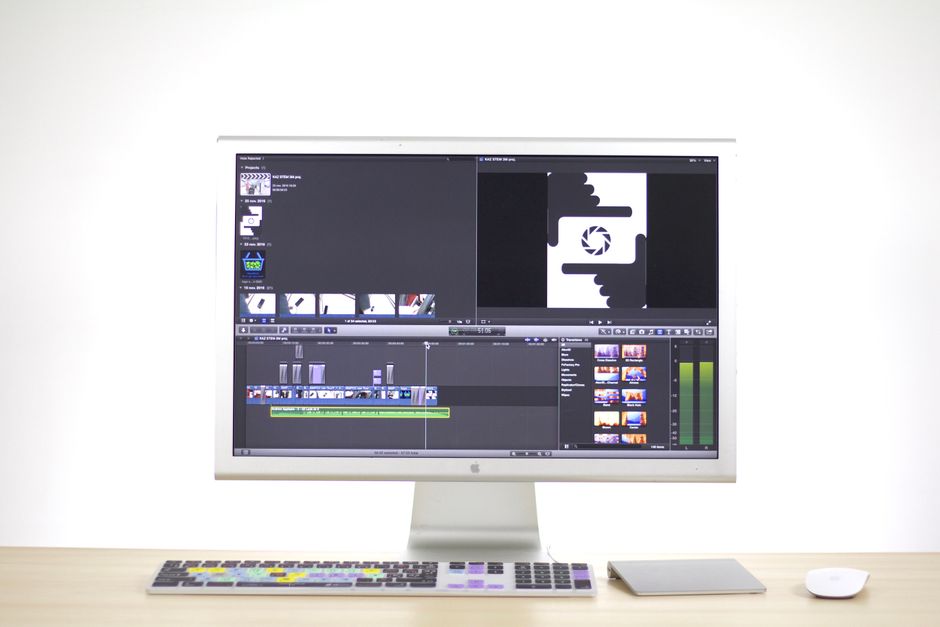
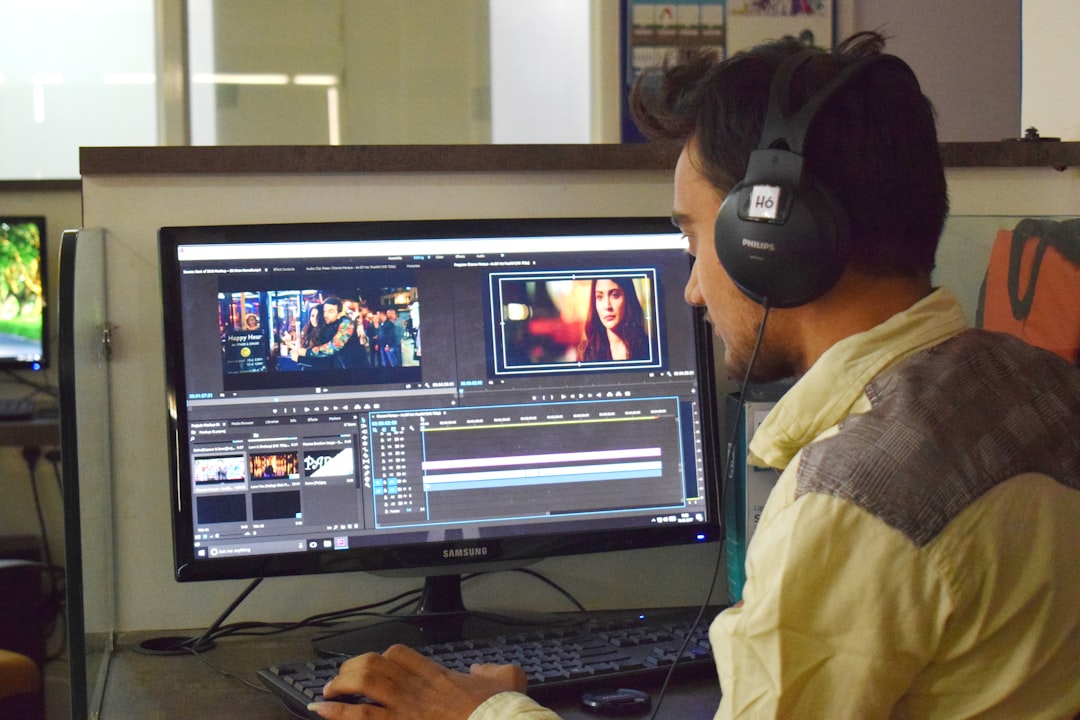
In this model, you record your event in advance, edit it to perfection, and then upload the MP4 file to a streaming dashboard. You can then schedule it to "go live" at a specific time. To the viewer, it looks and feels like a live broadcast—complete with a live chat and real-time engagement—but for the organizer, it removes the stress of technical mishaps. This is a fantastic way to multistream polished content to 40+ platforms simultaneously, including YouTube, Facebook, and Twitch, without needing massive upload bandwidth on-site.
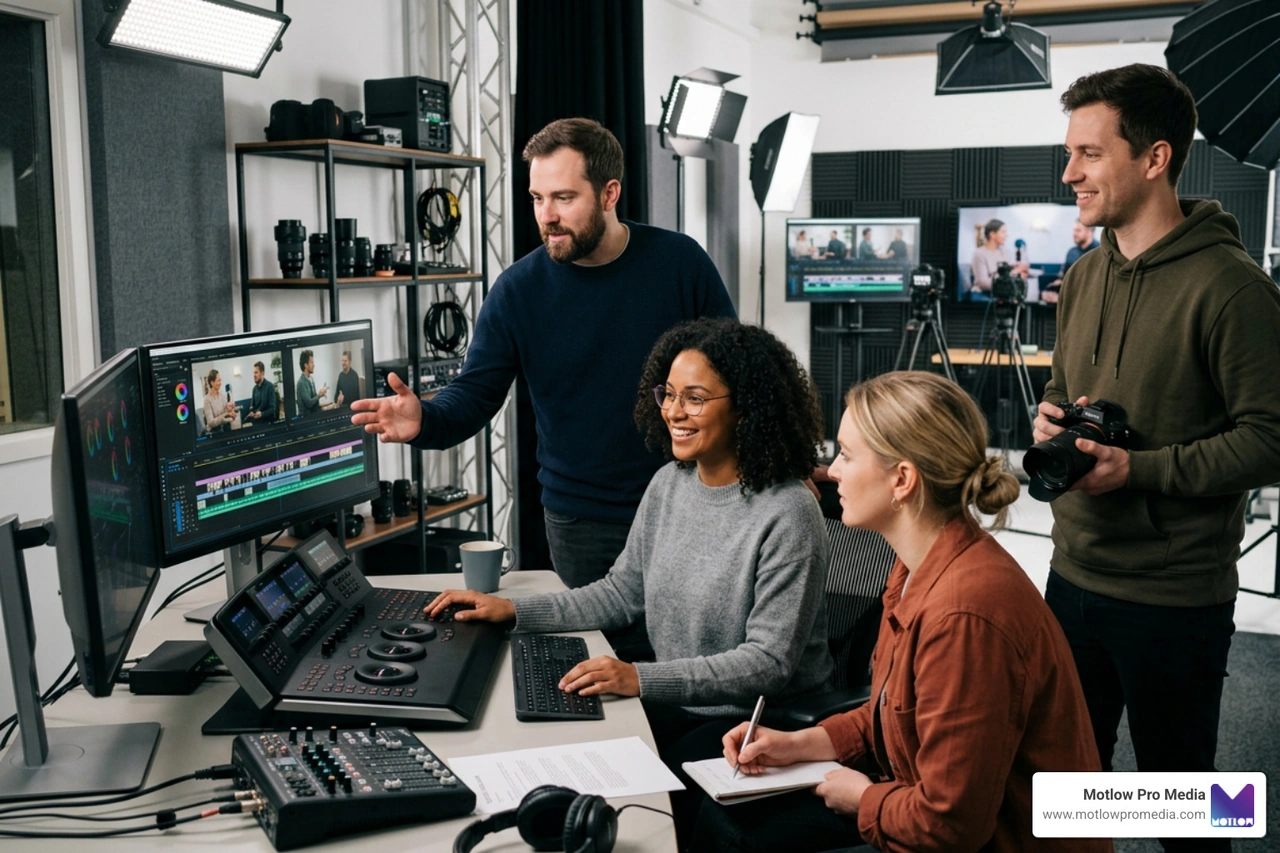
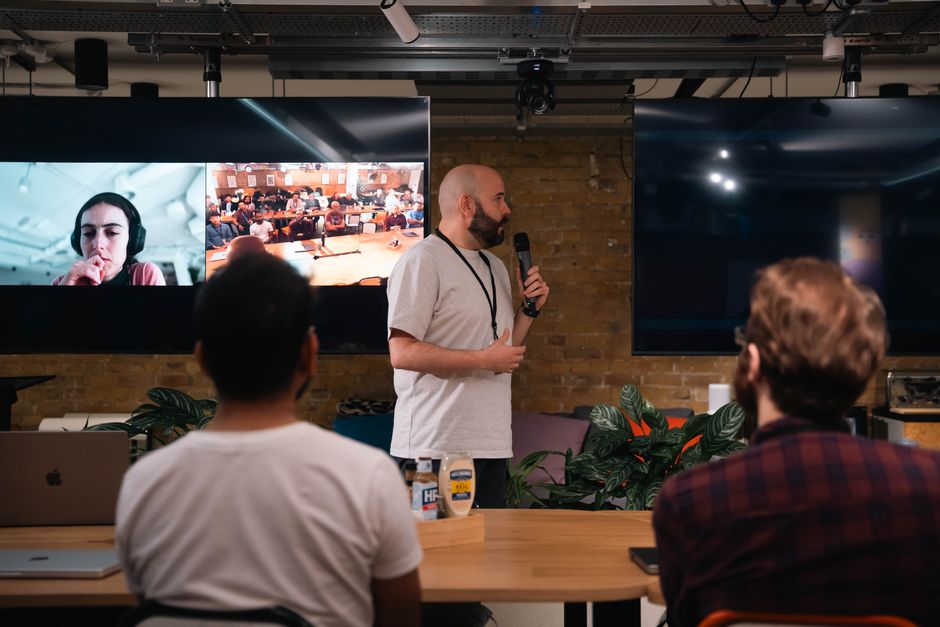
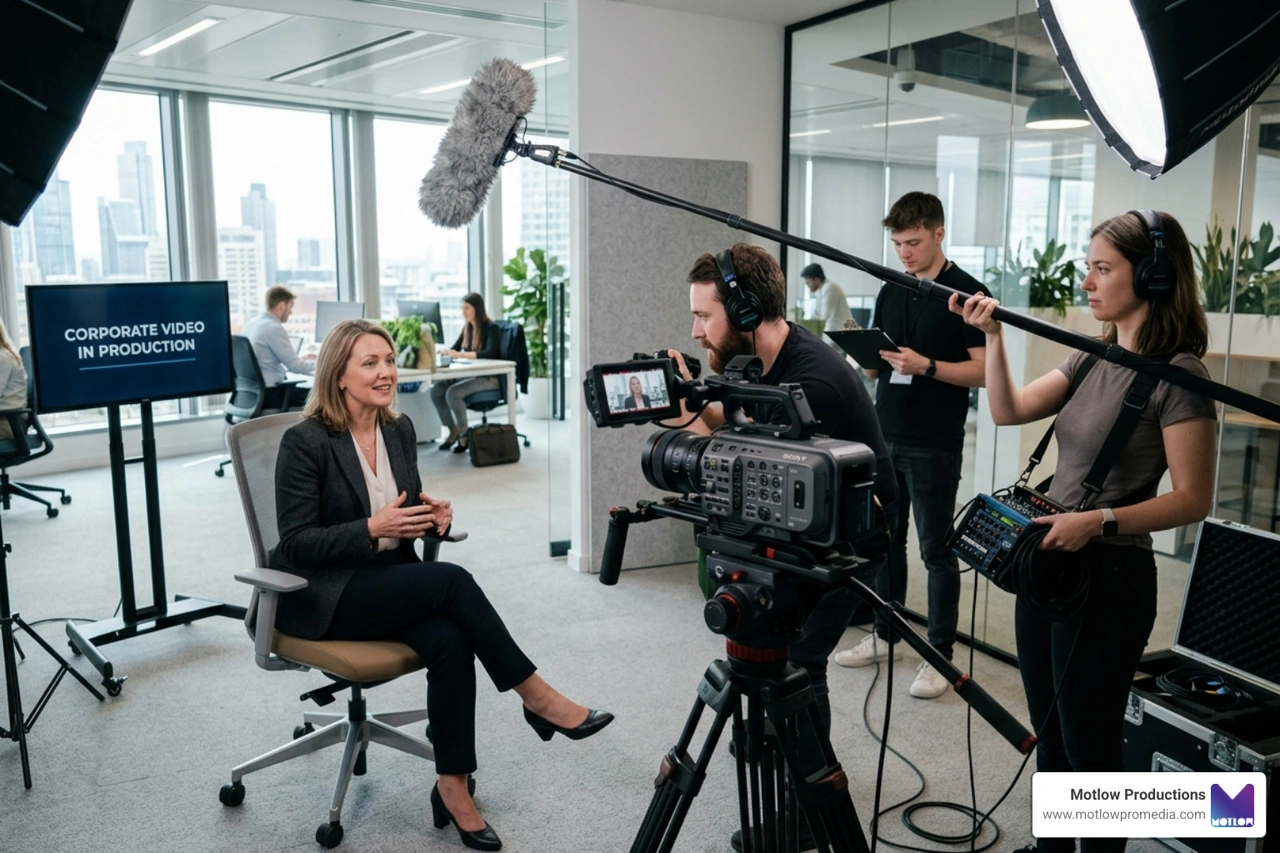
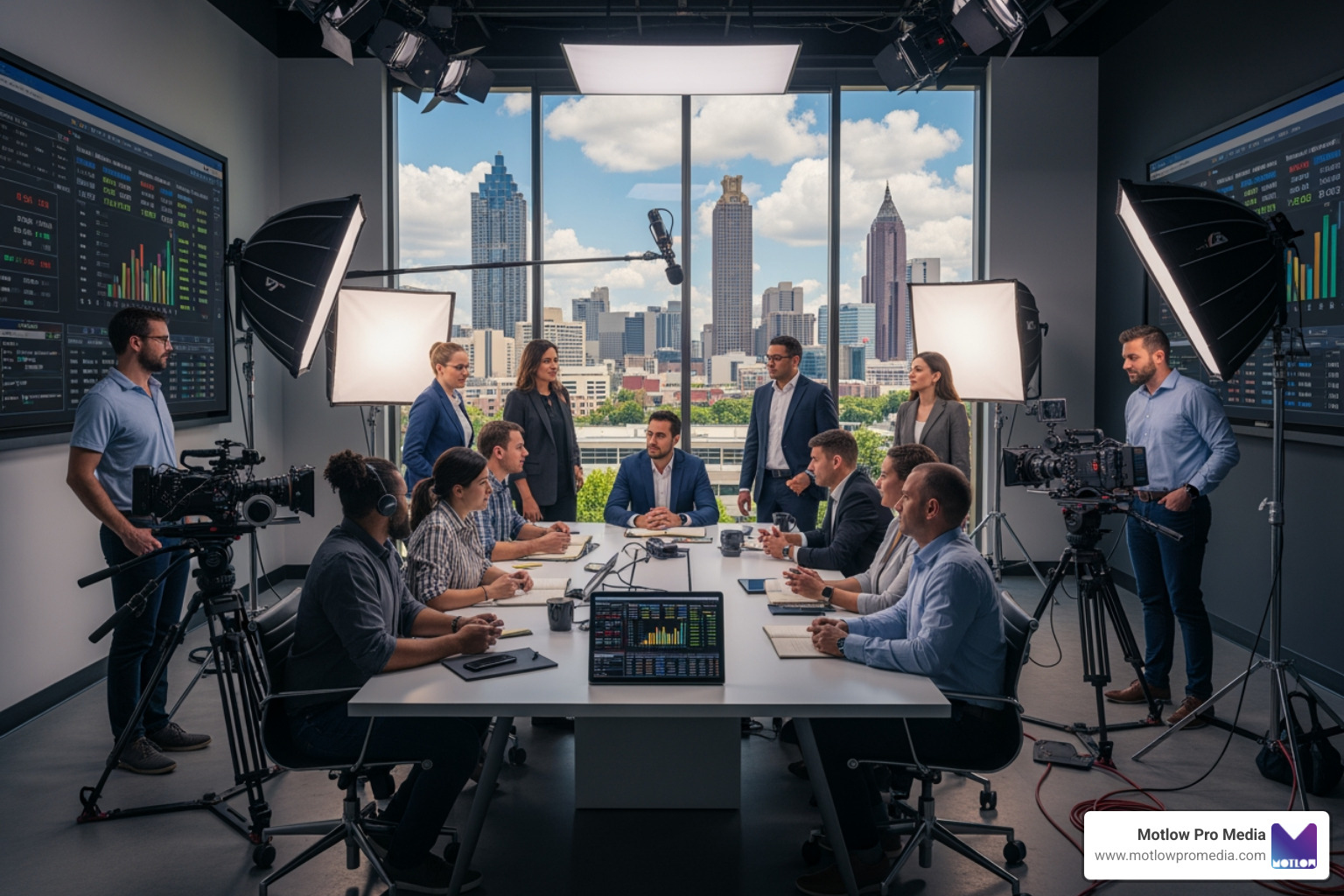
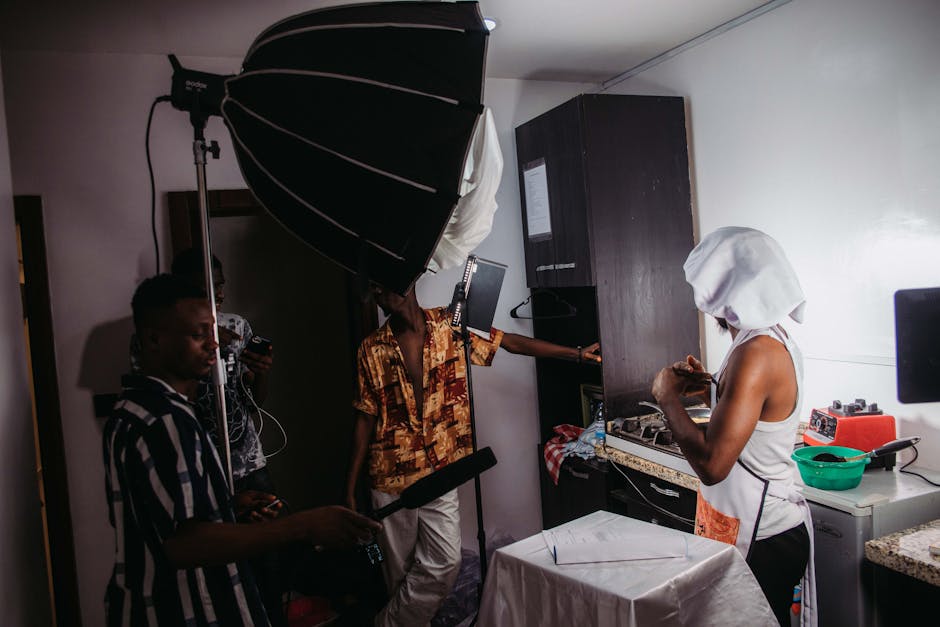
At Motlow Pro Media, we believe that a successful live event streaming production is a team sport. Even if you are using a simple app, someone needs to be "driving the bus."
For a deeper look at how these roles interact in a high-pressure environment, check out our guide on Event Video Solutions.

You must decide who gets to see your content. Public events are great for brand awareness and can be joined by anyone with the link. Private events, common in corporate settings, require specific permissions. We often implement security features like:
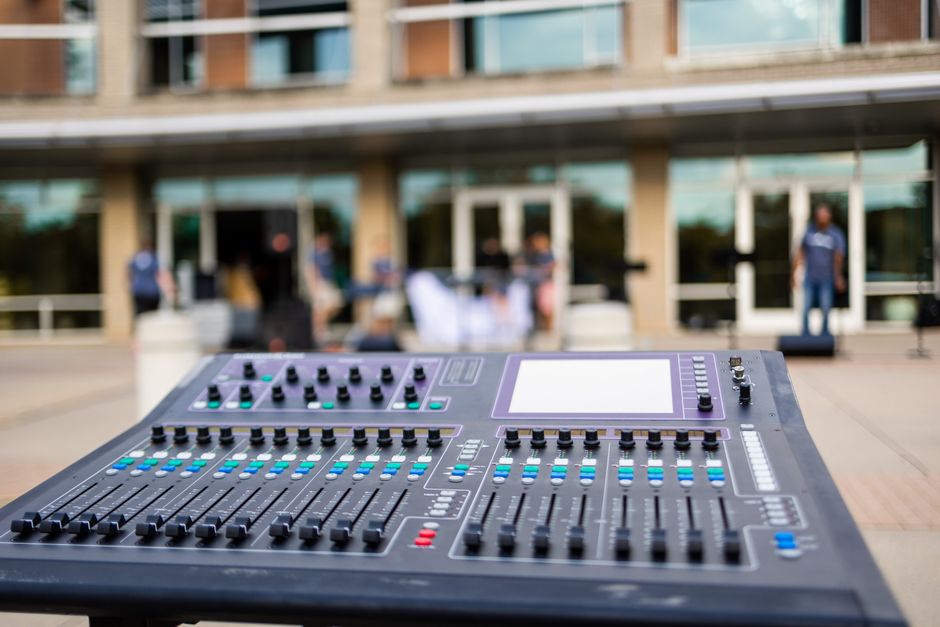
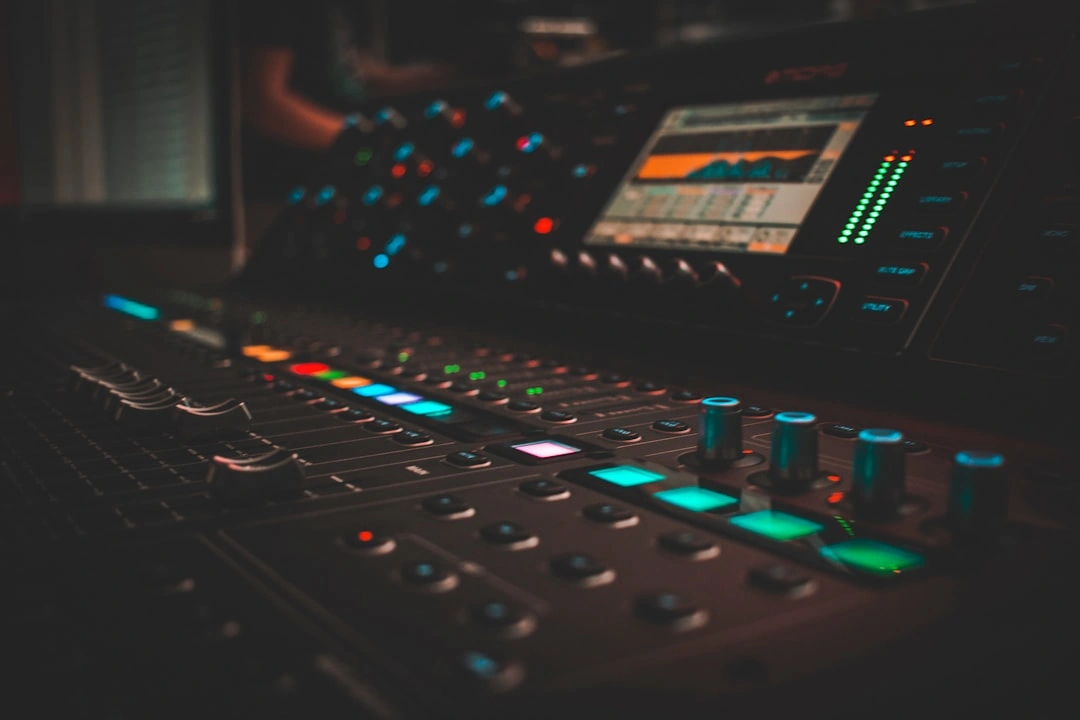
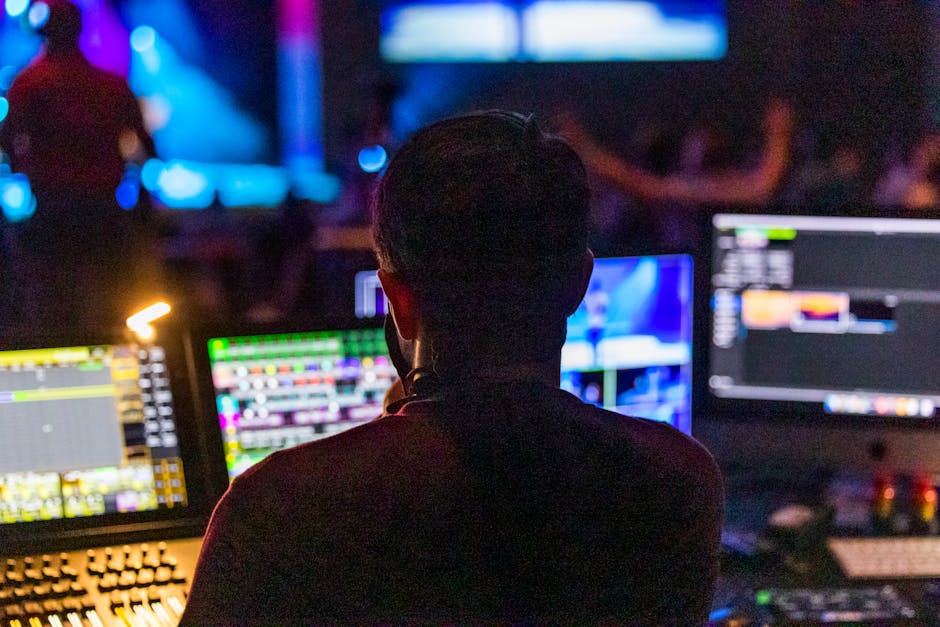
Nothing kills a live stream faster than bad audio. We've seen 4K video streams ruined because the CEO sounded like they were underwater. Modern setups now allow for browser-based audio mixing that supports more than 60 mixer models from 9 different manufacturers. This means a technician can monitor and adjust the audio levels remotely from anywhere in the world.
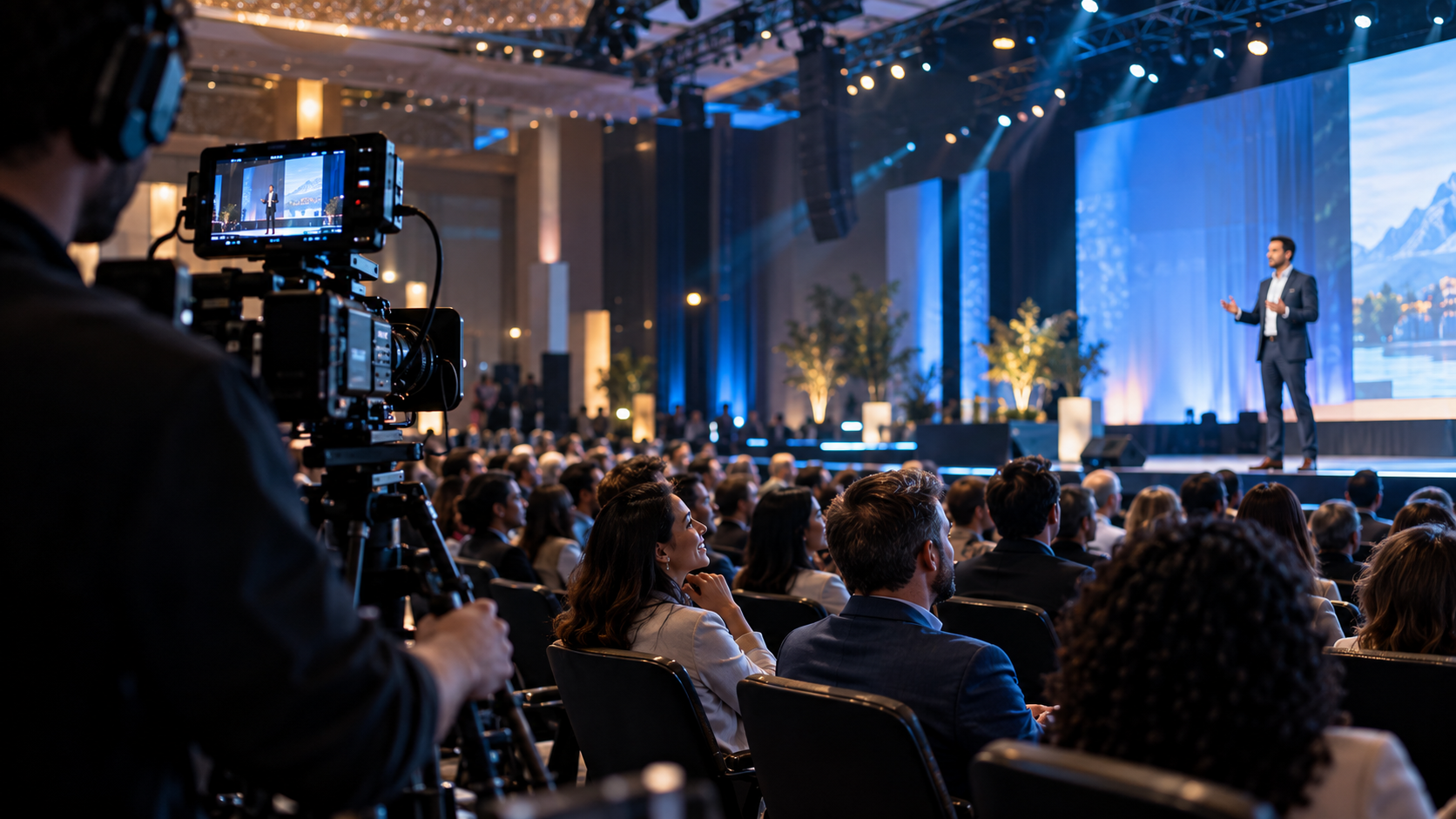
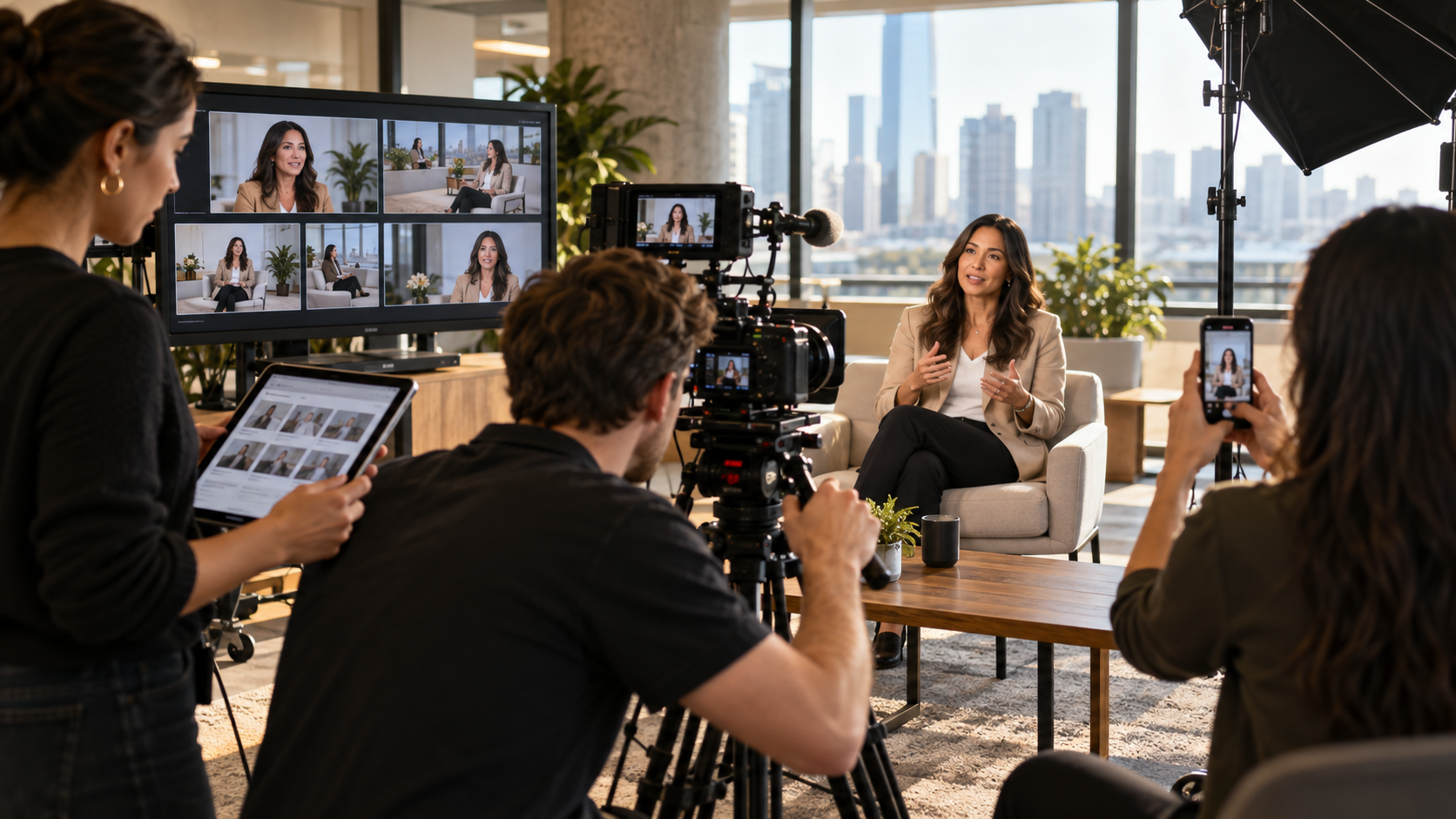
On the visual side, using multi-camera inputs allows you to cut from a wide shot of the stage to a close-up of the presenter, keeping the audience engaged. Adding real-time color correction ensures that even if the lighting in the room isn't perfect, the broadcast looks professional.
Choosing a platform is about more than just the price tag. You need to look at the features that will actually impact your audience's experience.
Your viewers will be watching from a variety of locations—some on high-speed office fiber, others on spotty 4G in a coffee shop. Adaptive streaming is a non-negotiable feature. It automatically adjusts the video quality based on the viewer's internet speed, preventing that dreaded buffering wheel.
Custom branding is equally vital. Your stream shouldn't look like a generic video call. You want the ability to add:
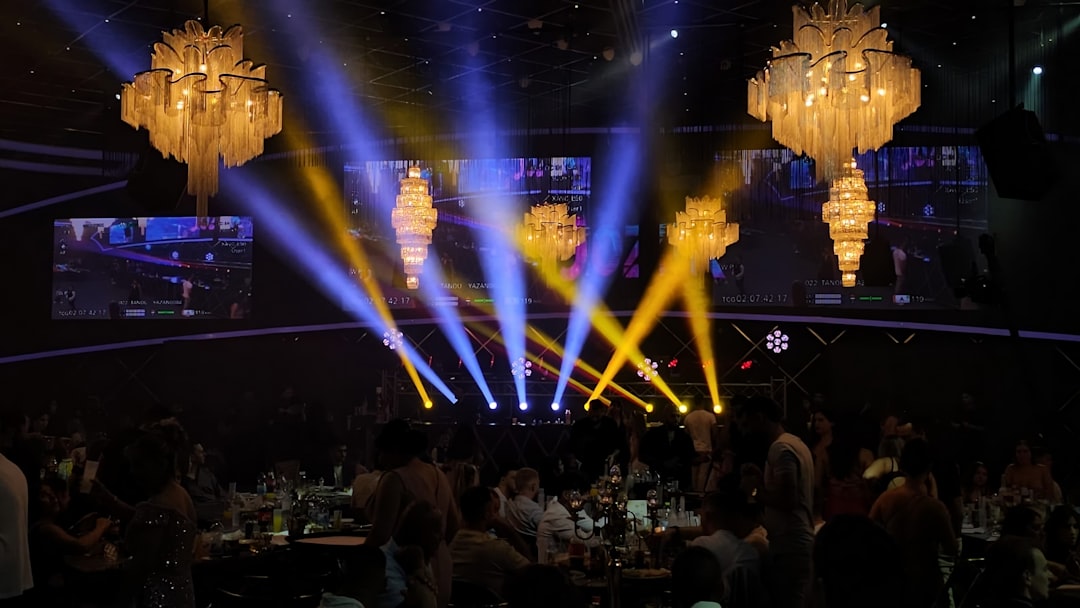
You can see examples of high-level branding and production in our Portfolio: Seminole Hard Rock Gasparilla Pirate Fest 2025.
A live stream shouldn't be a one-way street. To keep people from tab-switching to their email, you need interactive tools:
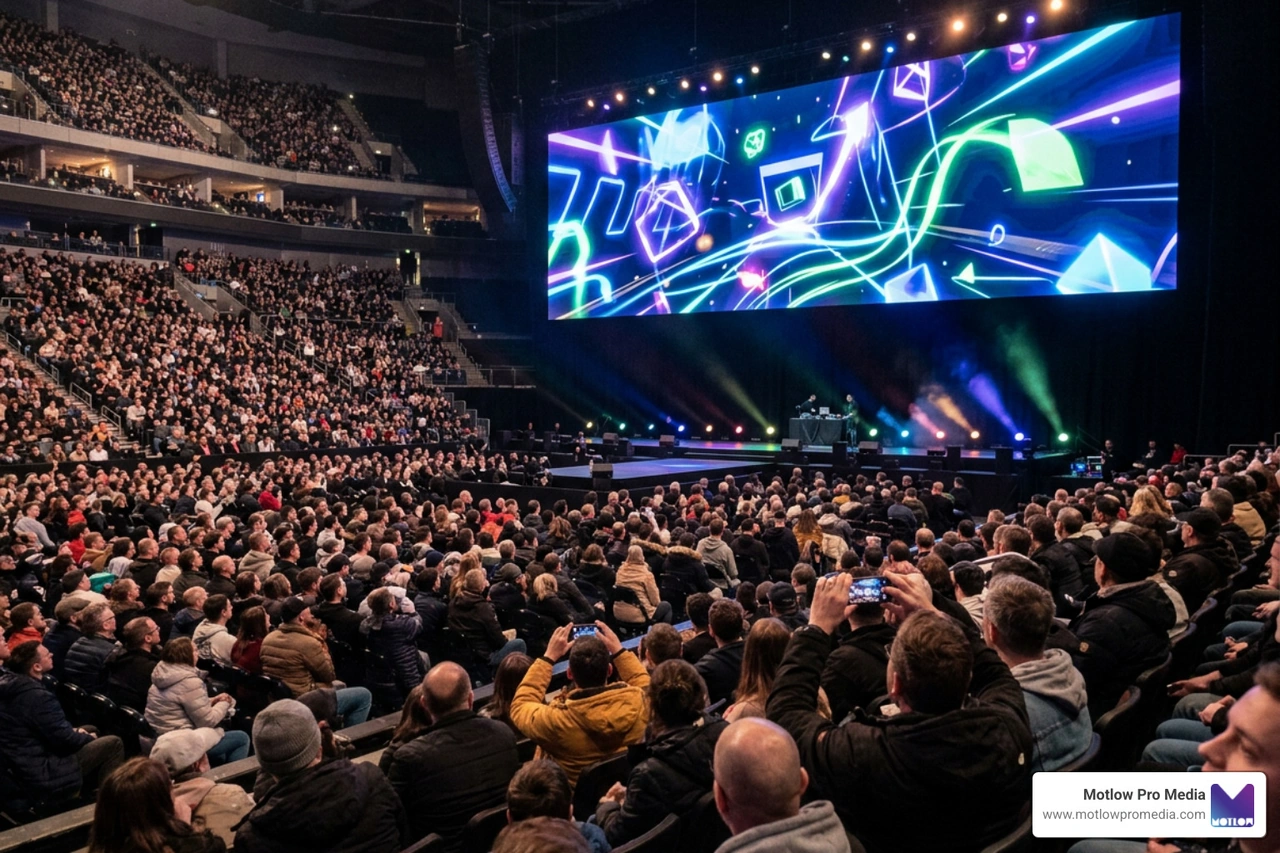
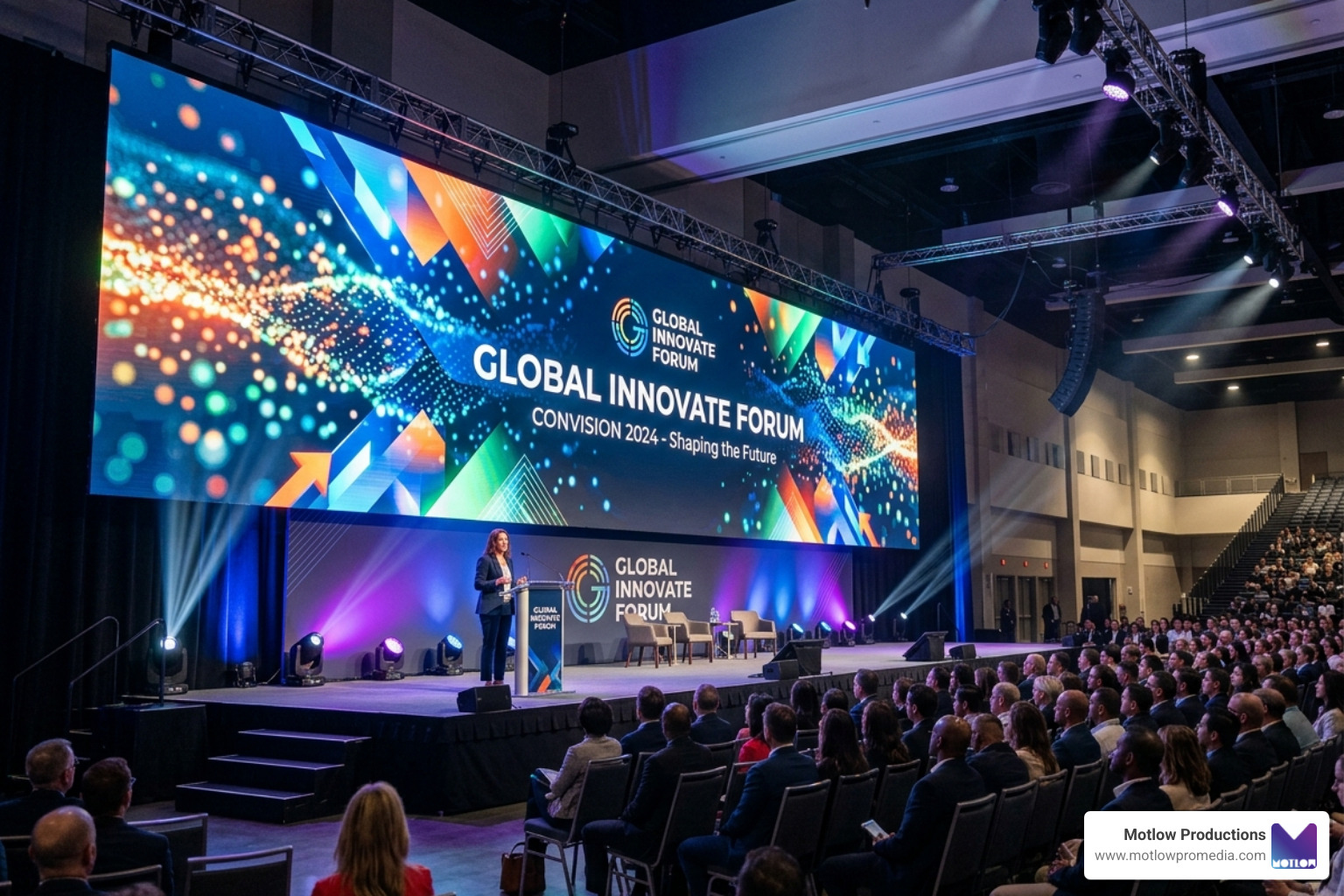
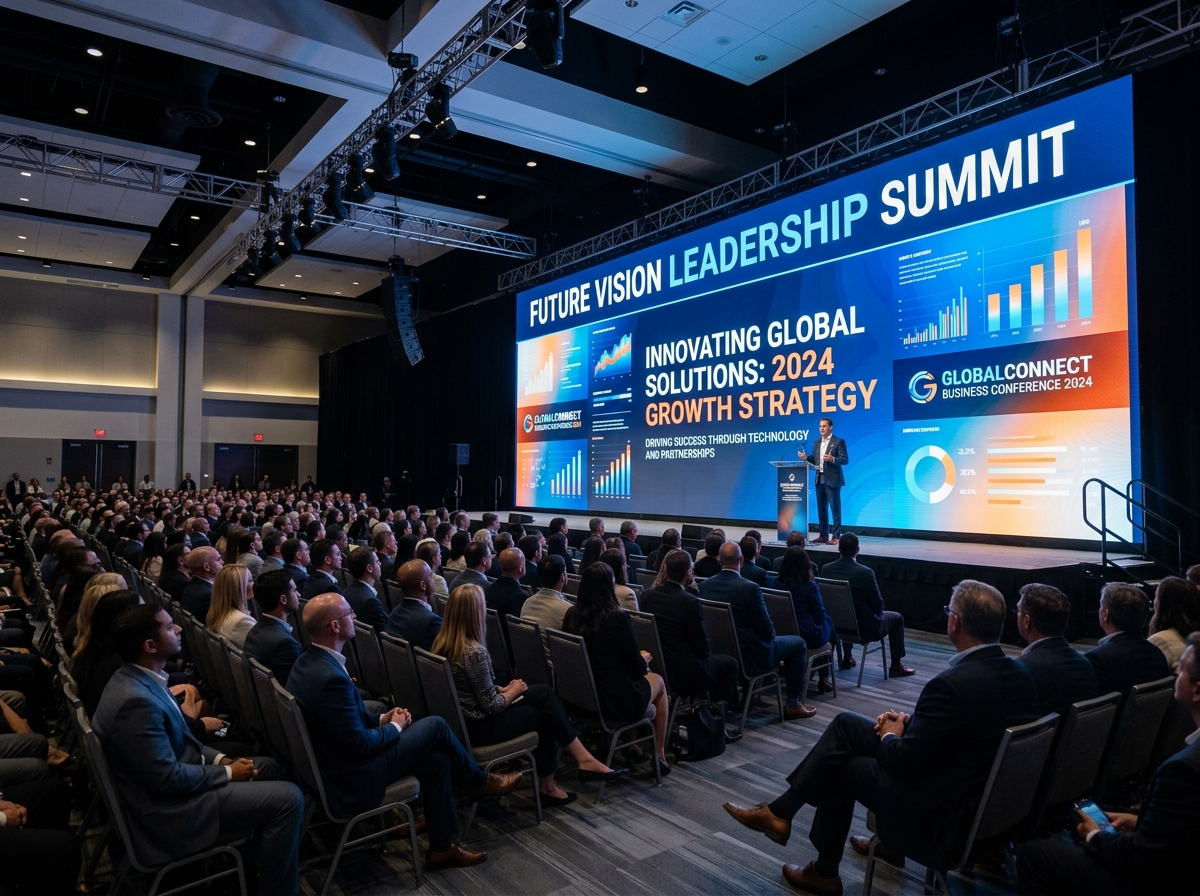
If you’re planning a global "all-hands" meeting, you need a platform that won't buckle under pressure. Some professional platforms can support 100,000 active participants with multi-cast output via HLS (HTTP Live Streaming) to millions of viewers. This ensures that whether you have ten viewers or ten thousand, the stream remains stable across all devices, from smartphones to smart TVs.
For companies with unique needs—like building a custom streaming app or integrating video into an existing product—APIs and SDKs are the way to go. Tools like the Live streaming API | Live streaming SDK | Mux allow developers to build professional-grade video experiences without reinventing the wheel.
Why limit yourself to one platform? Using a "multistream" setup, you can broadcast your event to YouTube, Facebook, Twitch, and LinkedIn simultaneously. This maximizes your reach without requiring extra upload bandwidth from your location. We often use this for our Services - Motlow clients to help them meet their audience wherever they already spend their time.
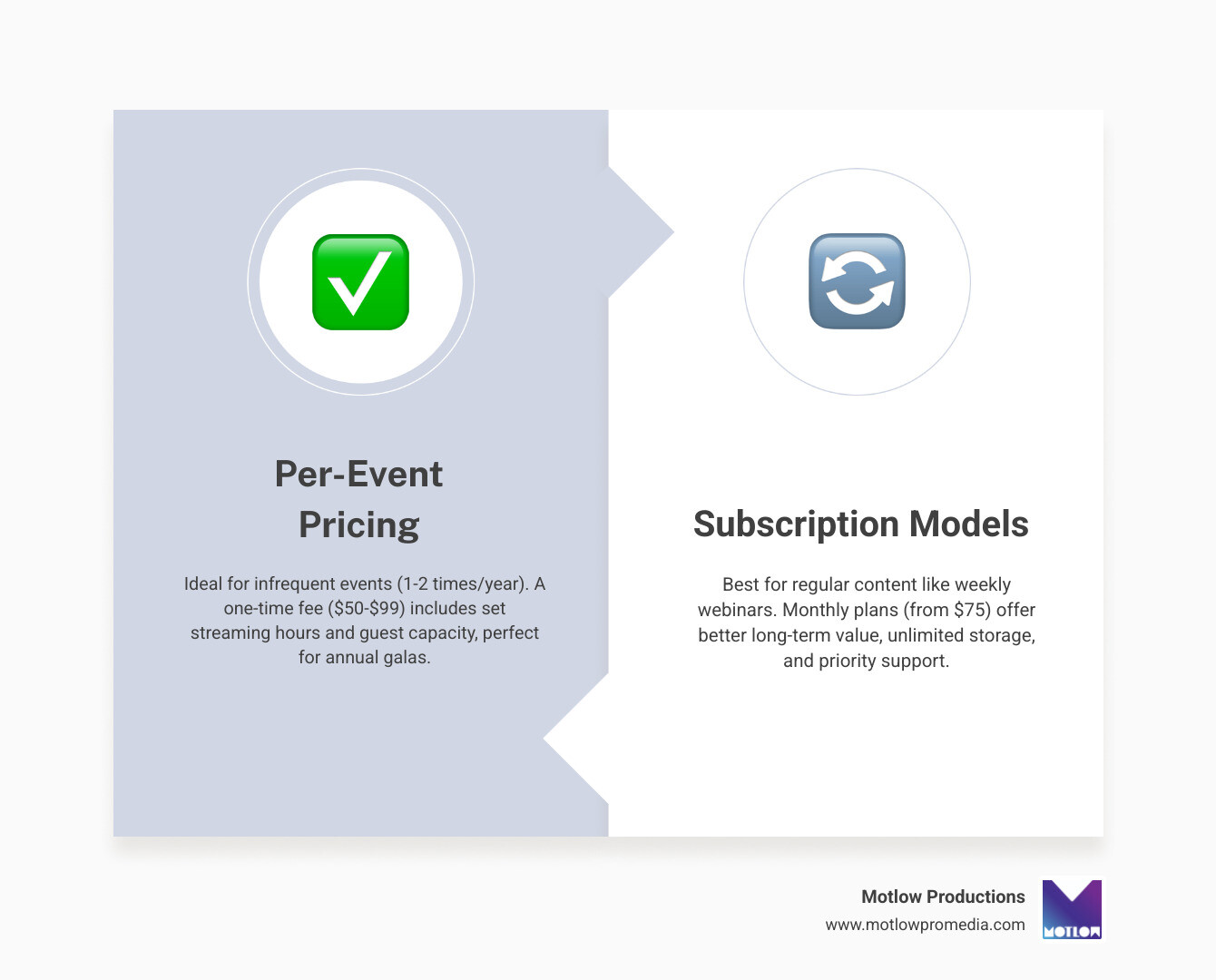
How you pay for live event streaming can vary wildly.
Many platforms also offer monetization options, such as pay-per-view or subscription channels, allowing you to turn your live events into a revenue stream.
The requirements depend on your role. Producers almost always need a powerful desktop or laptop with a wired ethernet connection. Presenters can often get away with a high-end tablet like an iPad, though sharing system audio can sometimes be tricky on mobile OS. Attendees have the most flexibility, watching on any modern browser, but they should ensure "third-party cookies" are enabled to access certain interactive features.
Beyond simple passwords, we recommend end-to-end encryption and geo-blocking to ensure your data stays where it belongs. Many corporate platforms now offer SSO (Single Sign-On), so your employees don't have to remember yet another password to join the company meeting.
Licensing is often overlooked until it's too late. You need:
Mastering live event streaming is about balancing technical precision with audience engagement. Whether you are looking for a mobile-first solution for a wedding or a multi-camera professional setup for a global conference, the goal is always the same: a seamless, high-quality experience that represents your brand perfectly.
At Motlow Pro Media, we specialize in taking the technical weight off your shoulders. Our "hands-off, but hands-on" partnership means we act as a trusted extension of your team, providing the media leadership and seamless execution you need to succeed.
Ready to take your next event live? Explore our full range of Services and let's build something incredible together.
Some clients want to give notes in a live Zoom call. Others prefer a group text or email thread. However you like to communicate, we adapt. You’ll never be left guessing where things stand - and you’ll always have a say before anything goes out the door.




Phone:
+1 863-250-8639
.png)
Email:
info@motlowpromedia.com