
-5.jpg)















Thank you! Your submission has been received!
Oops! Something went wrong while submitting the form.

.avif)
March 26, 2026
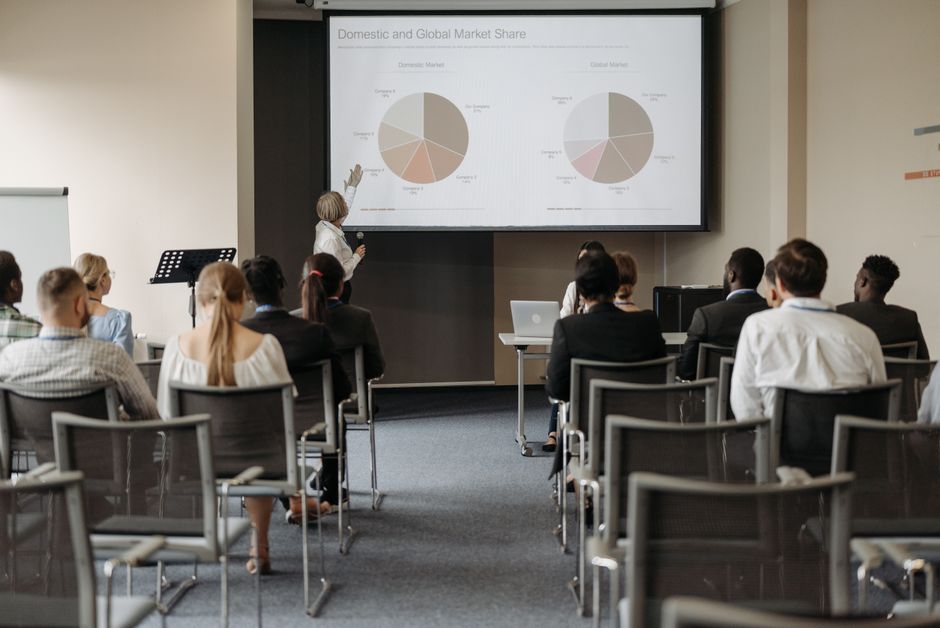
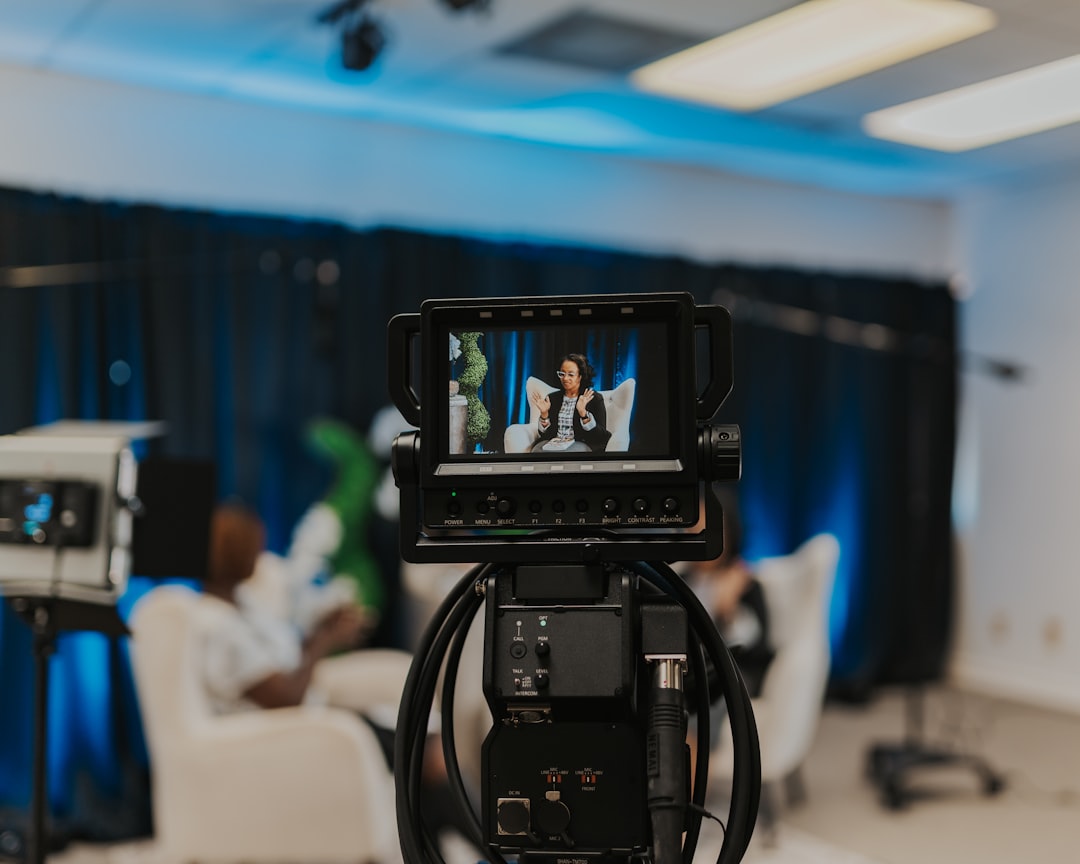
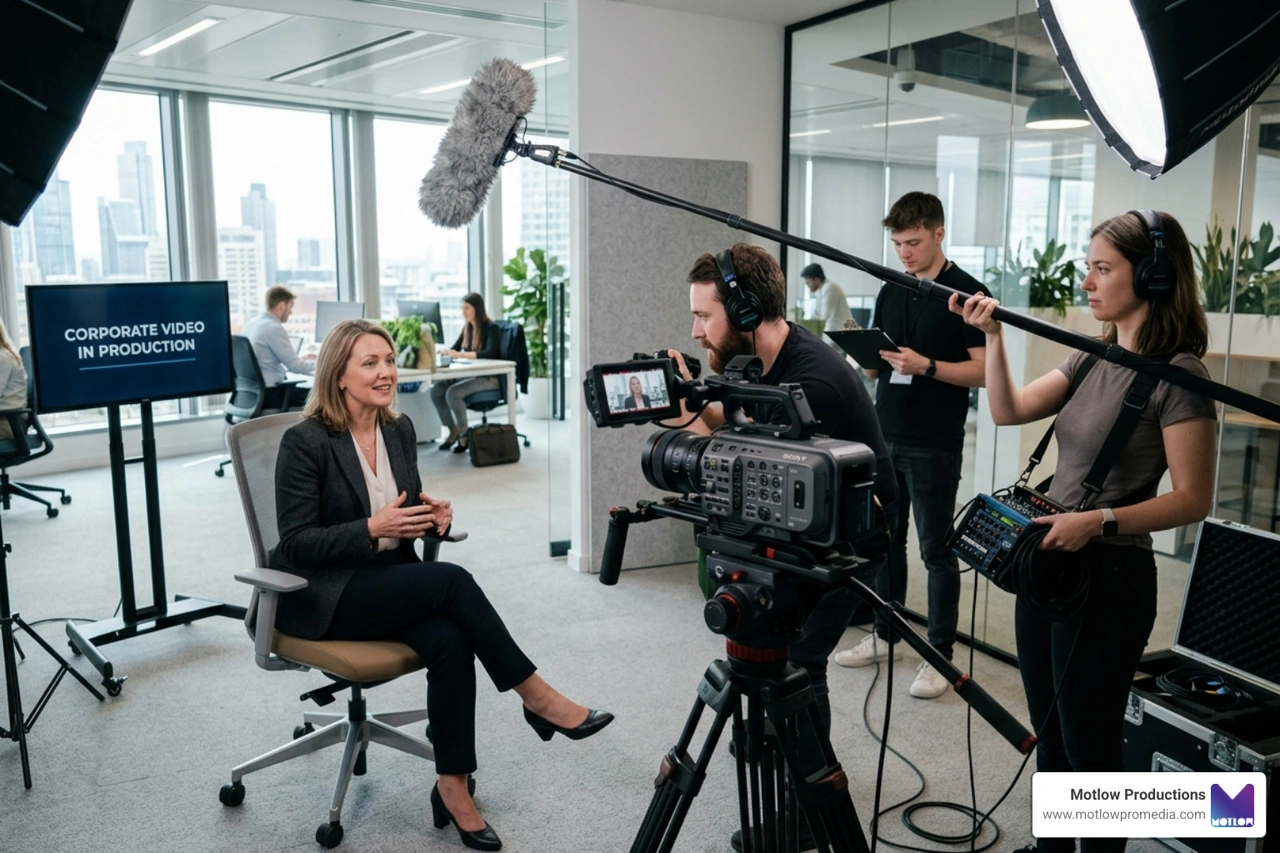
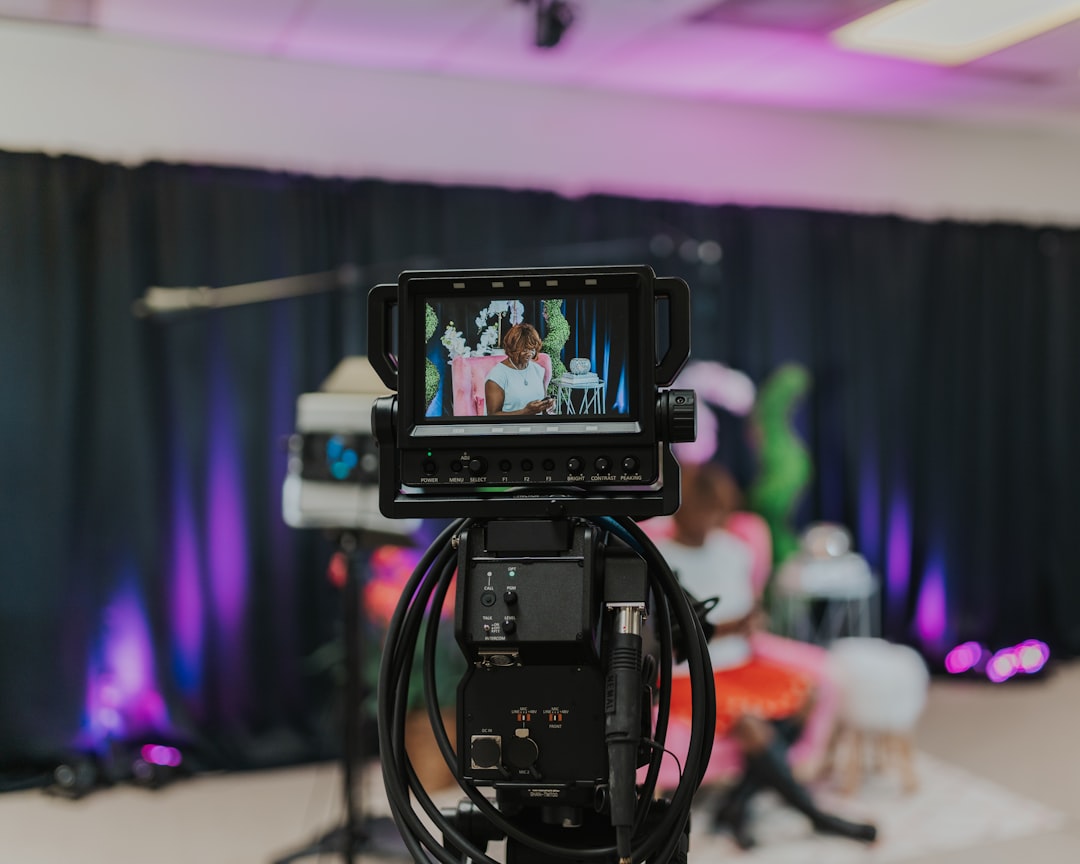
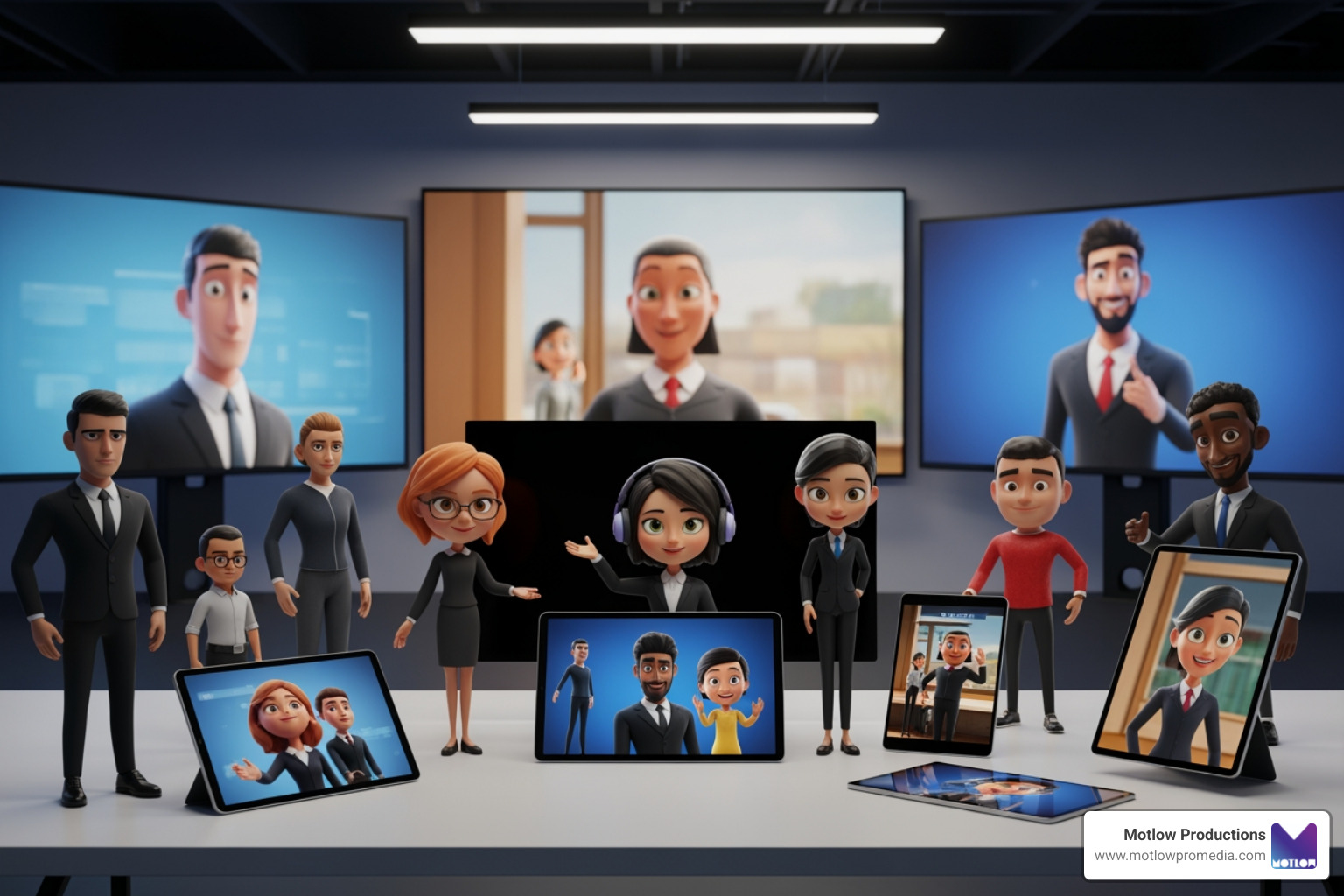
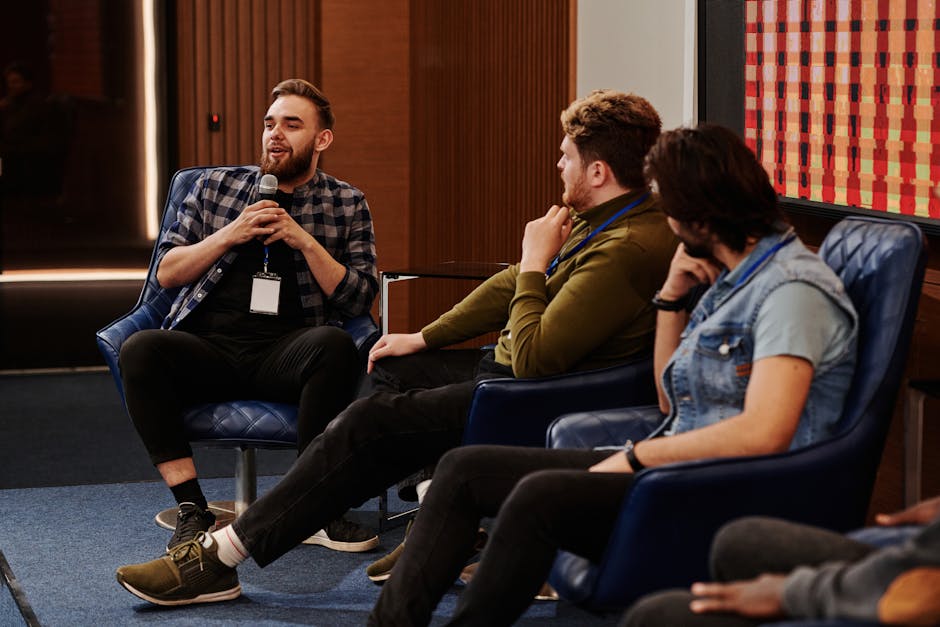
A panel discussion video brings together multiple experts to explore a topic from different angles — and when done well, it's one of the most engaging formats for virtual events, corporate communications, and thought leadership content.
Here's what separates a great panel discussion video from a forgettable one:
| Element | What It Means |
|---|---|
| Right panelists | Diverse, expert, articulate, and prepared |
| Strong moderation | Keeps conversation moving and audiences engaged |
| Smart questions | Sequenced to build energy and spark real debate |
| Technical quality | Reliable setup, clean audio, professional visuals |
| Audience interaction | Q&A, polls, and chat that make viewers feel included |
Even small production missteps — a panelist with bad audio, a moderator who loses the thread — can undermine the whole event. Virtual formats are especially unforgiving, because there's no room energy to carry the moment.
That's exactly why planning and production quality matter so much.
I'm Miranda Motlow, founder and CEO of Motlow Pro Media, and I've spent over a decade helping corporate teams produce live and on-demand content — including panel discussion video productions — that are polished, on-brand, and built to hold an audience's attention. In this guide, I'll walk you through everything that goes into making a panel discussion video that actually works.
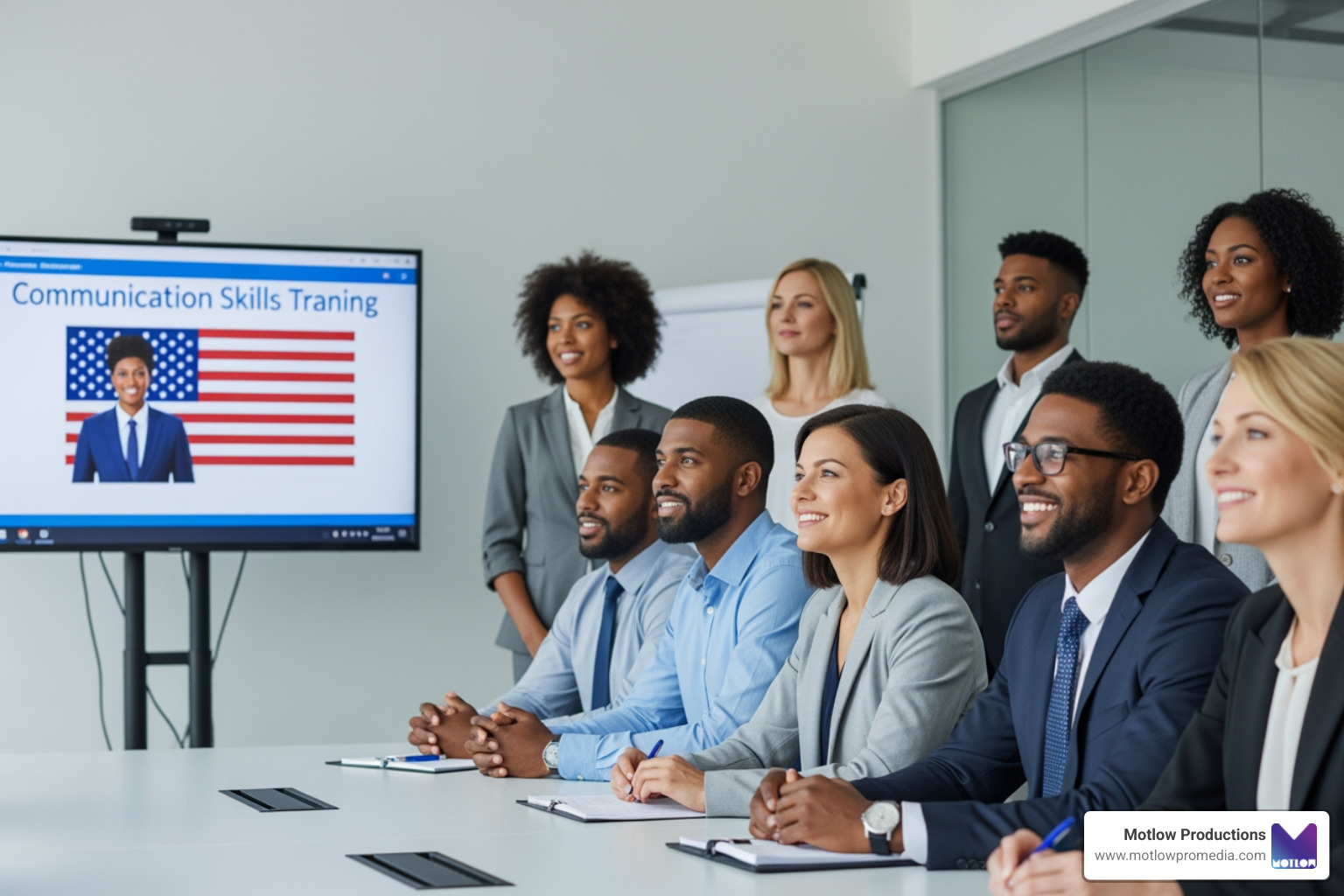
In a world that feels increasingly volatile and uncertain, the "lone wolf" keynote speaker is often less effective than a group of experts. A panel discussion video is a fabulous format because it acknowledges that in complex industries, no single person has the definitive answer. By bringing together multiple perspectives, we help our audience understand common themes and appreciate diverse points of view.
For virtual events, this format is a lifesaver. Static presentations can lead to "Zoom fatigue" quickly. However, a well-moderated panel creates a dynamic "ping-pong" of ideas that keeps the viewer’s brain engaged. As highlighted in The Toastmasters Podcast on virtual moderation, knowing how to moderate a panel—especially virtually—is a high-value skill because these discussions are becoming the backbone of online meetings, political debates, and business presentations.
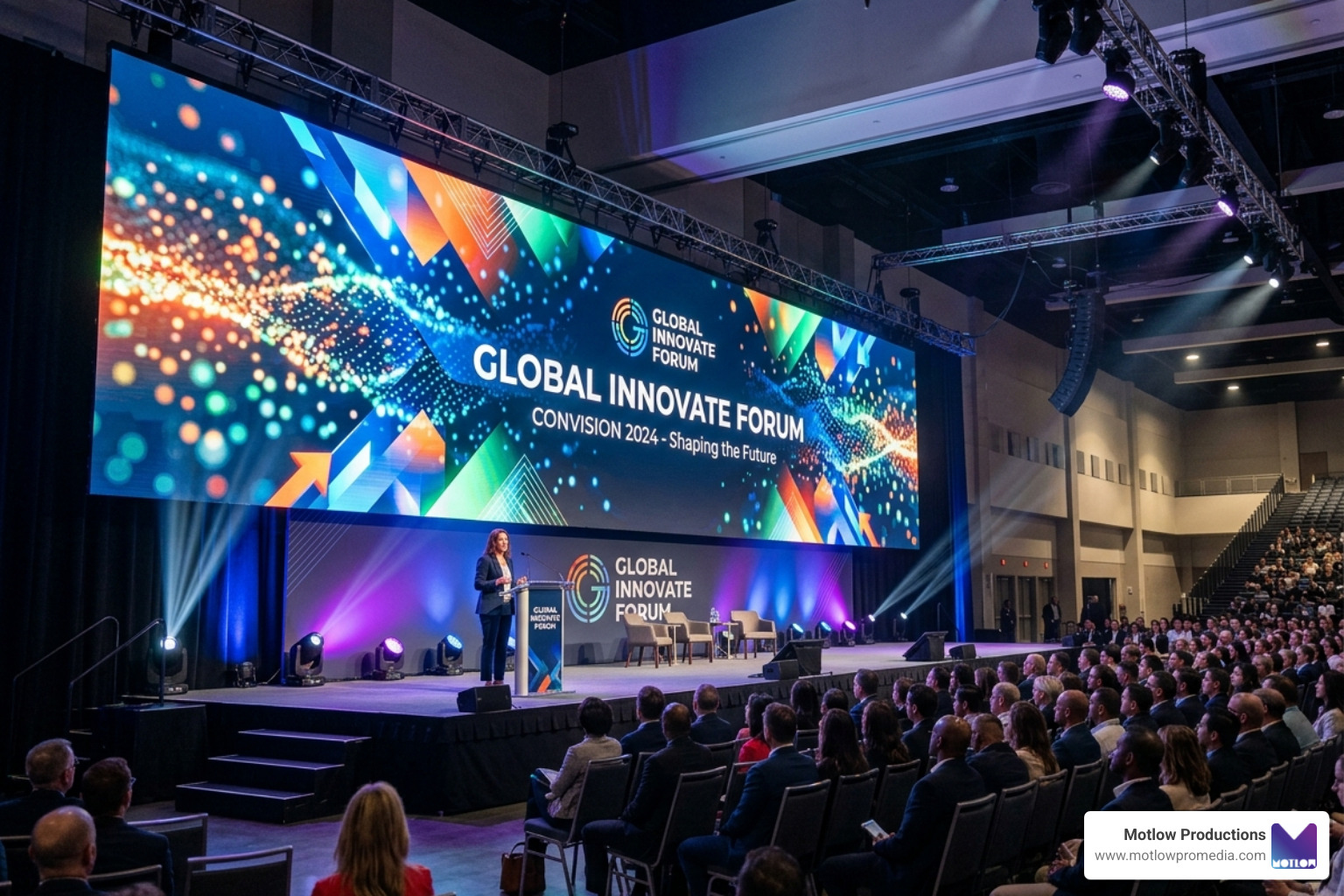
When we produce these videos, we focus on the fact that virtual audiences are less forgiving of technical glitches. In a live room, a small audio pop might be ignored; on a screen, it's a distraction that leads to a "leave meeting" click. A professional panel discussion video bridges that gap, providing the "electrifying" energy of a live debate with the polished finish of a broadcast.
Great videos don't happen by accident; they are engineered. At Motlow Pro Media, we believe in a "hands-off, but hands-on" partnership. This means we take the technical weight off your shoulders while staying deeply aligned with your vision. You can see how we structure these high-stakes projects by reviewing Our Process.
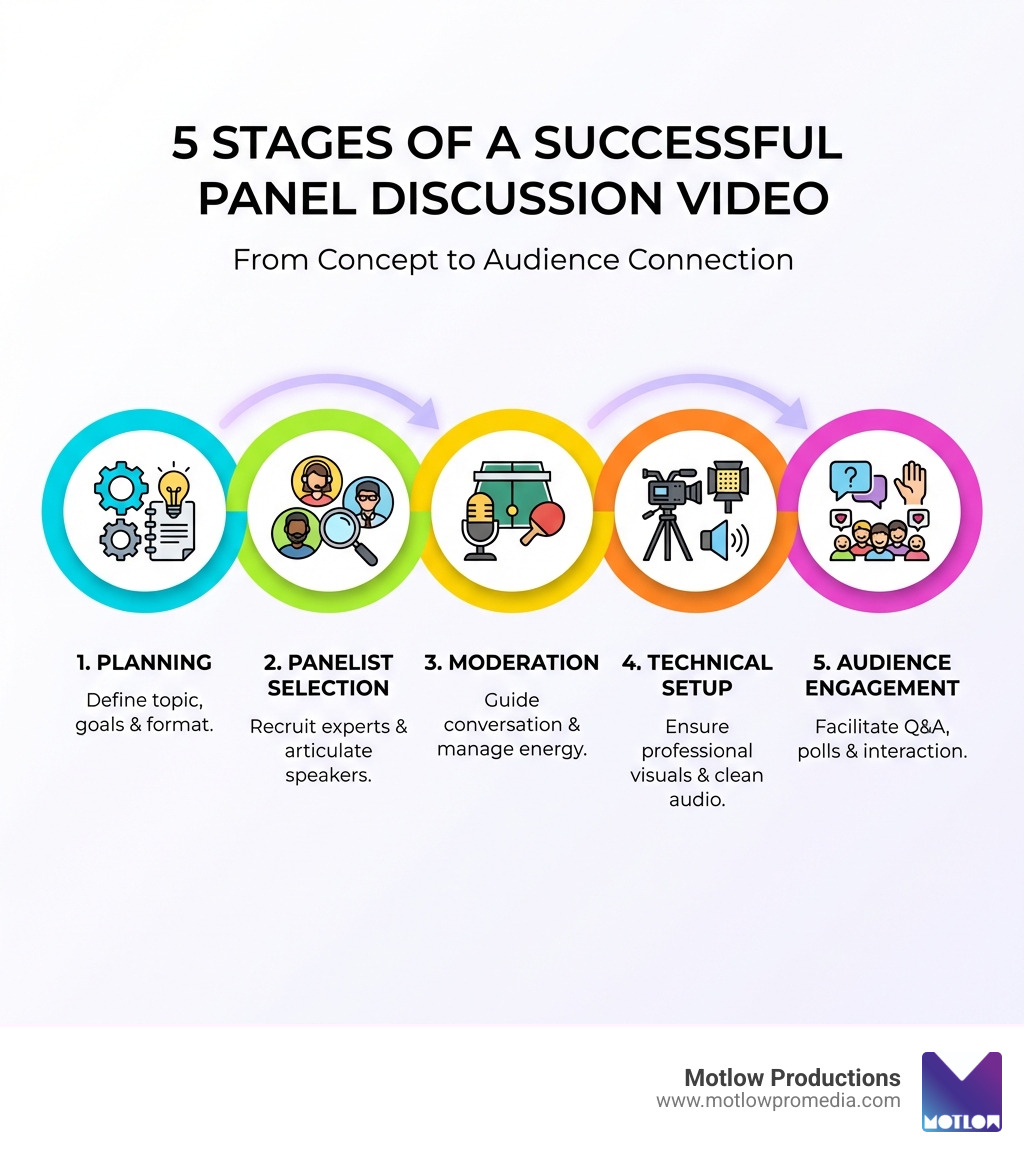
The planning phase for a panel discussion video involves more than just picking a date. It requires a deep dive into the "DEEP" criteria for your speakers. You need people who are:
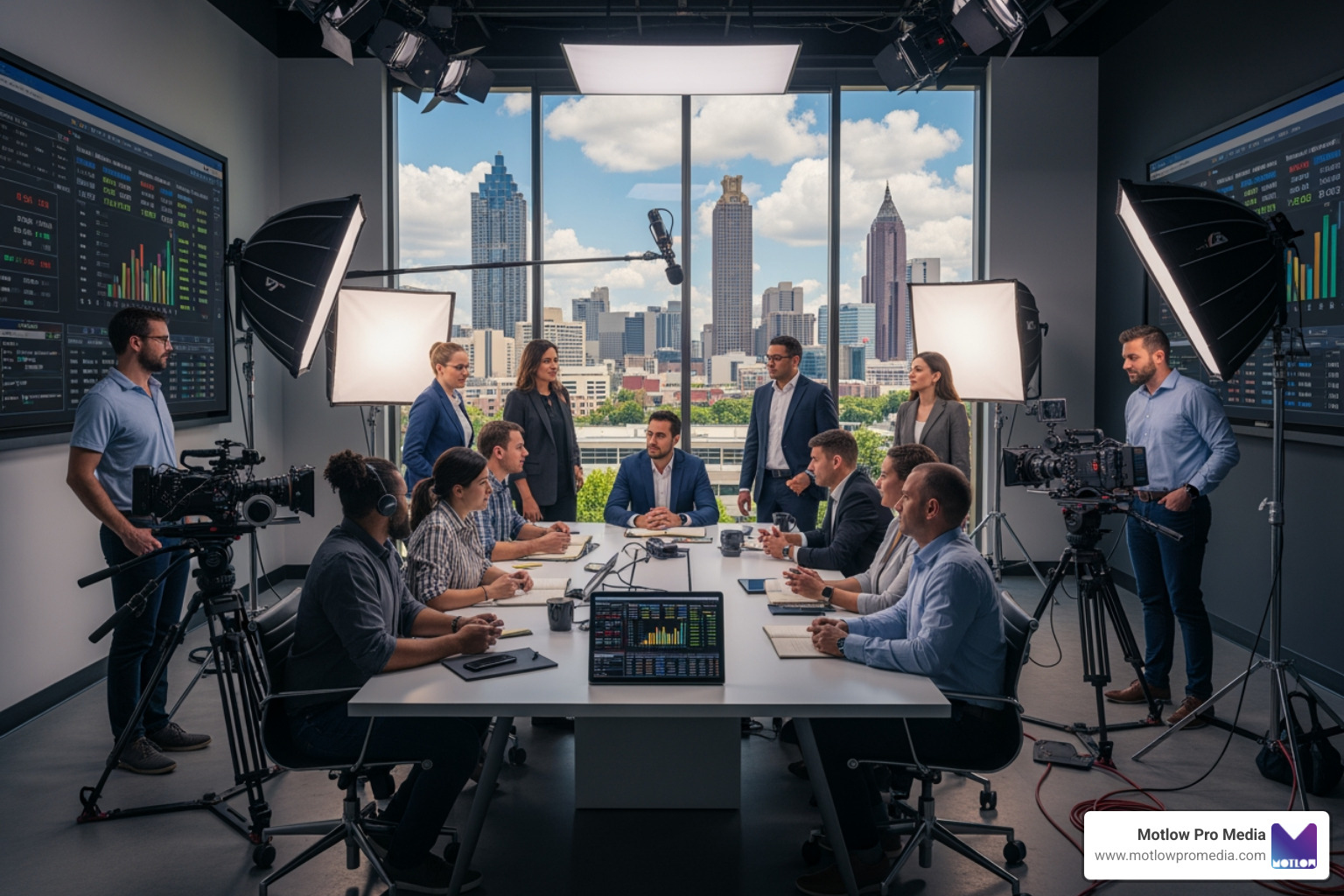
The chemistry of your panel is the engine of the video. If everyone agrees on everything, the discussion becomes a "love fest" that bores the audience. To keep it lively, you need to Look DEEP for panelists who represent the demographic of your audience while ensuring a diversity of opinion.
When we help clients select talent, we suggest reviewing video footage of potential speakers beforehand. How do they look on camera? Do they tend to ramble, or are they concise? A group that is in complete agreement can make a discussion flat. You want experts who can respectfully disagree, providing the "drama" that makes for a compelling panel discussion video.
The questions you ask are the roadmap for the entire production. We recommend a strategic sequence: start with broad, "big picture" questions to set the tone, then move into specific reasons the audience should care, and finally ask for anecdotes and concrete examples.
To keep the energy high, avoid the "hot-potato" effect—where you ask the same question to every single panelist in a row. This is a surefire way to lose your audience. Instead, use the ping-pong method. This involves preparing powerful panelist questions tailored to each specific speaker’s background. By bouncing the conversation between different experts with unique queries, the video stays and unpredictable.
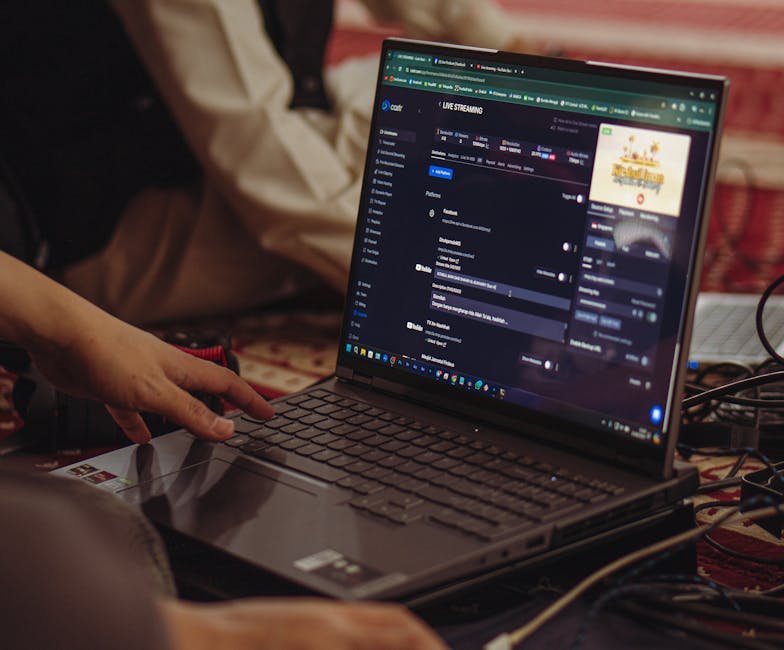
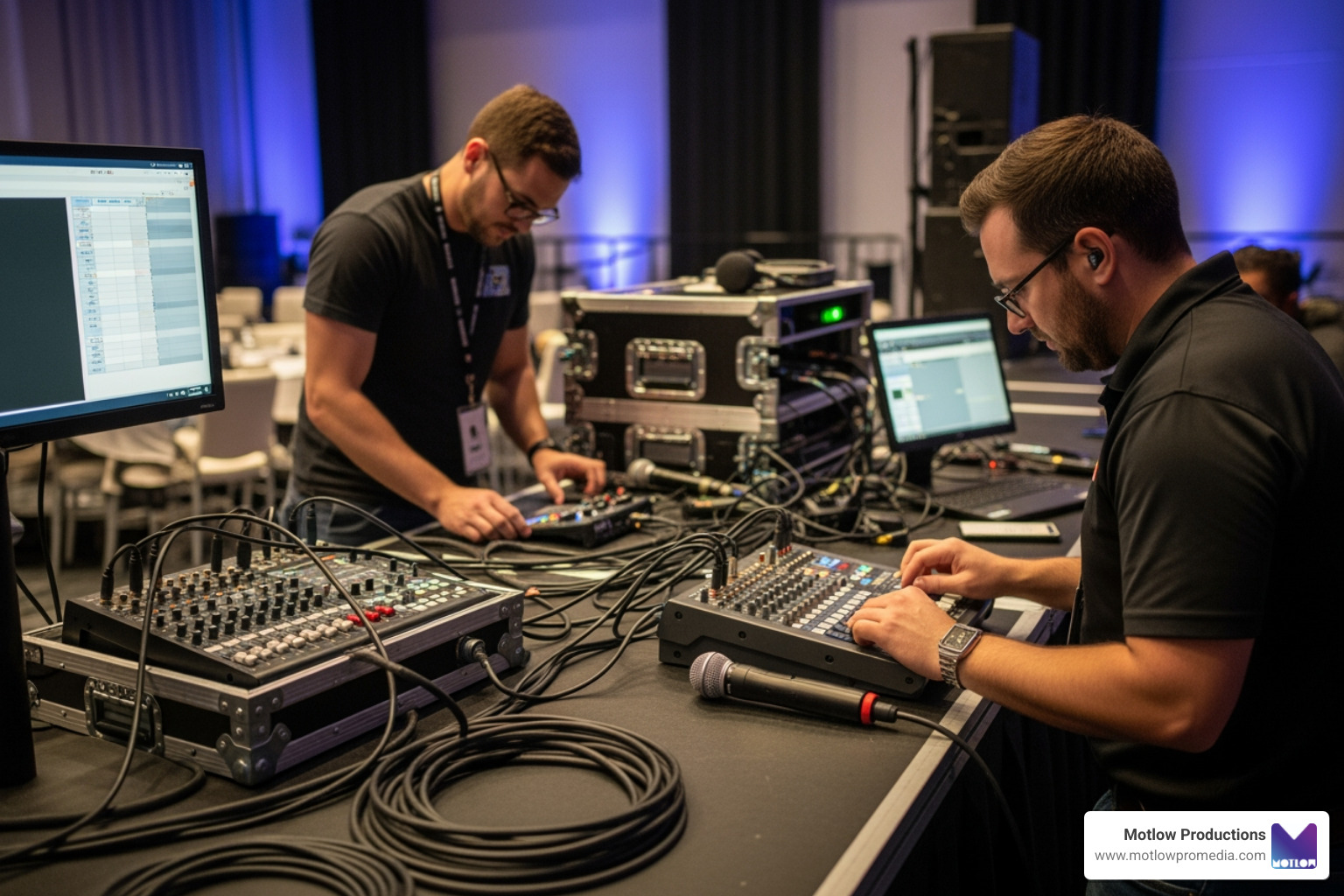
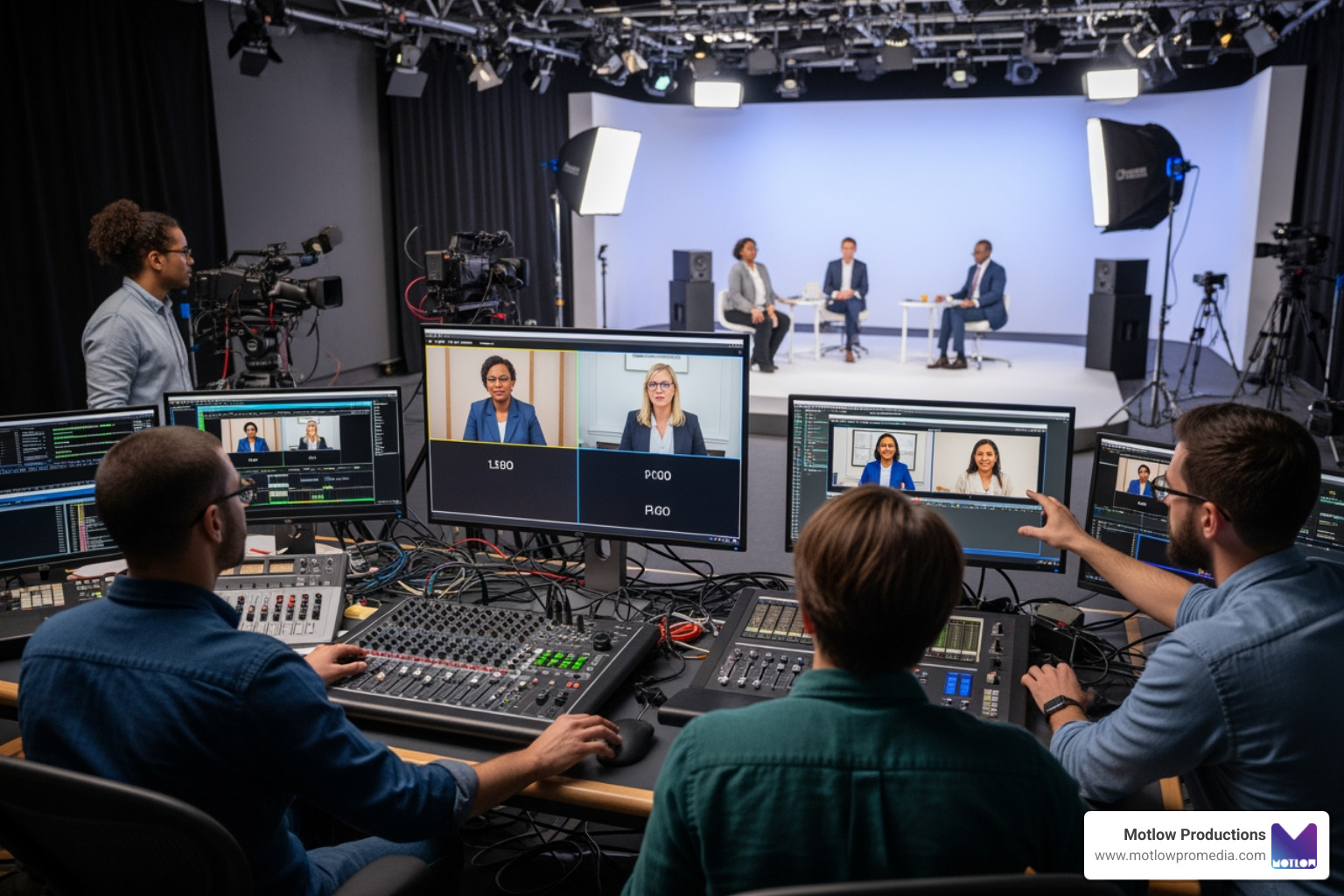
Technology is the stage upon which your virtual panel performs. If the stage collapses, the performance fails. This is why a technical rehearsal (or "dry run") is non-negotiable. You must get comfortable with the technology and the specific functions of your platform—whether that’s Zoom, Teams, or a custom cloud-based studio.
During the dry run, which should happen at least 30 minutes before the live start, we test:
We always have backup plans ready. This includes having the cell phone numbers of every panelist and a "plan B" for if a speaker's internet cuts out. If you want to see examples of how we've handled complex technical setups, browse our Portfolio.
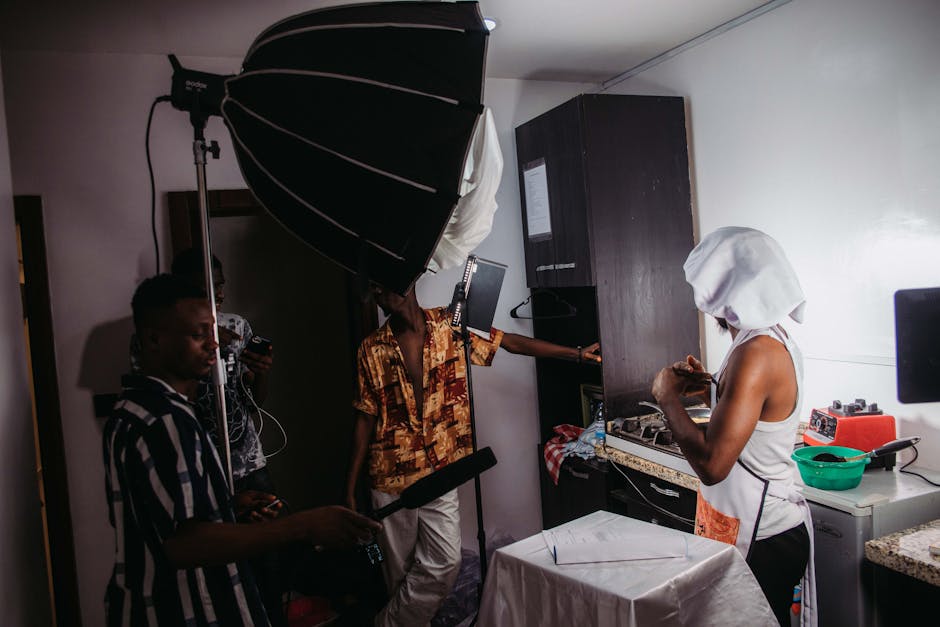
One of the best ways to "switch gears" in a panel discussion video is to incorporate short video snippets. A snippet is a clip—ideally one minute or less—that introduces a new topic, provides a metaphor, or adds a touch of humor.
For example, a moderator might use a 15-second clip of a golfer making a difficult shot to introduce a segment on "overcoming obstacles." You can source these from:
Pro-tip: Always get written consent from anyone appearing in your self-filmed videos to avoid legal headaches later!
A panel discussion video shouldn't be a one-way lecture. To keep the audience from drifting to their email, you must incorporate interaction. Start by using the chat box as people enter the room to get them typing immediately.
For more complex topics, consider using breakout rooms or "lightning rounds" where panelists have only 30 seconds to answer a series of rapid-fire questions. This "gear shifting" keeps the pace brisk. You can even use a sample script for virtual panels to plan exactly when these transitions will occur, ensuring the moderator stays in control of the clock.
The moderator is the "audience advocate." Their job is to ensure the panelists stay on track and the audience gets what they came for. A strong start is critical—you should aim to get into the actual discussion within the first three minutes. Skip the long, dry bios and use a "hook" to grab attention immediately.
Moderating is both terrifying and electrifying. It requires a high level of positive energy. As the moderator, you are the "energy thermostat" for the room. If you are bored, the audience will be too. By following the Toastmasters guide to virtual moderation, you can learn to manage the "virtual" element where small errors are magnified.
Start with a "bang"—an interesting hook, a provocative question, or a 15-second video snippet that frames the problem. Avoid long introductions; you can put the panelists' full bios in the chat or a digital handout. The goal is to show the audience they are in good hands within the first 60 seconds.
Always have a "shadow" moderator or technician ready to take over if the primary host loses connection. Ensure panelists have a dial-in phone number as a backup for audio. Most importantly, keep the audience informed; if a panelist drops off, acknowledge it, move to the next person, and welcome them back once they return.
Keep it to a minute or less. Anything longer risks losing the "flow" of the live conversation. The video should serve as a spark for the discussion, not a replacement for it.
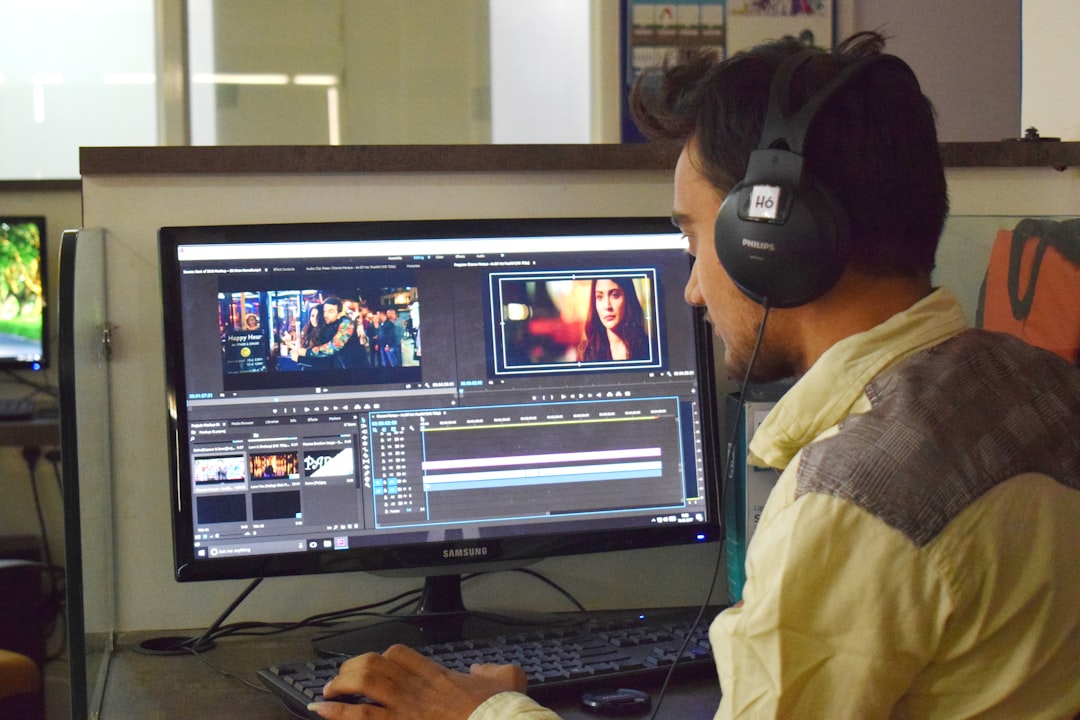
Creating a high-impact panel discussion video requires a blend of strategic planning, expert talent, and rock-solid technical execution. When these elements align, you produce more than just a video—you create a valuable resource that establishes your brand as a leader in its field.
At Motlow Pro Media, we pride ourselves on being a trusted extension of your team. We provide the seamless execution and clear communication needed to end your event on a high note. Whether you need live event support or long-term media leadership, our Services are designed to make your next panel discussion a resounding success. Let's work together to make your next virtual event unforgettable.
Some clients want to give notes in a live Zoom call. Others prefer a group text or email thread. However you like to communicate, we adapt. You’ll never be left guessing where things stand - and you’ll always have a say before anything goes out the door.




Phone:
+1 863-250-8639
.png)
Email:
info@motlowpromedia.com