




-5.jpg)






























Thank you! Your submission has been received!
Oops! Something went wrong while submitting the form.

.avif)
March 31, 2026
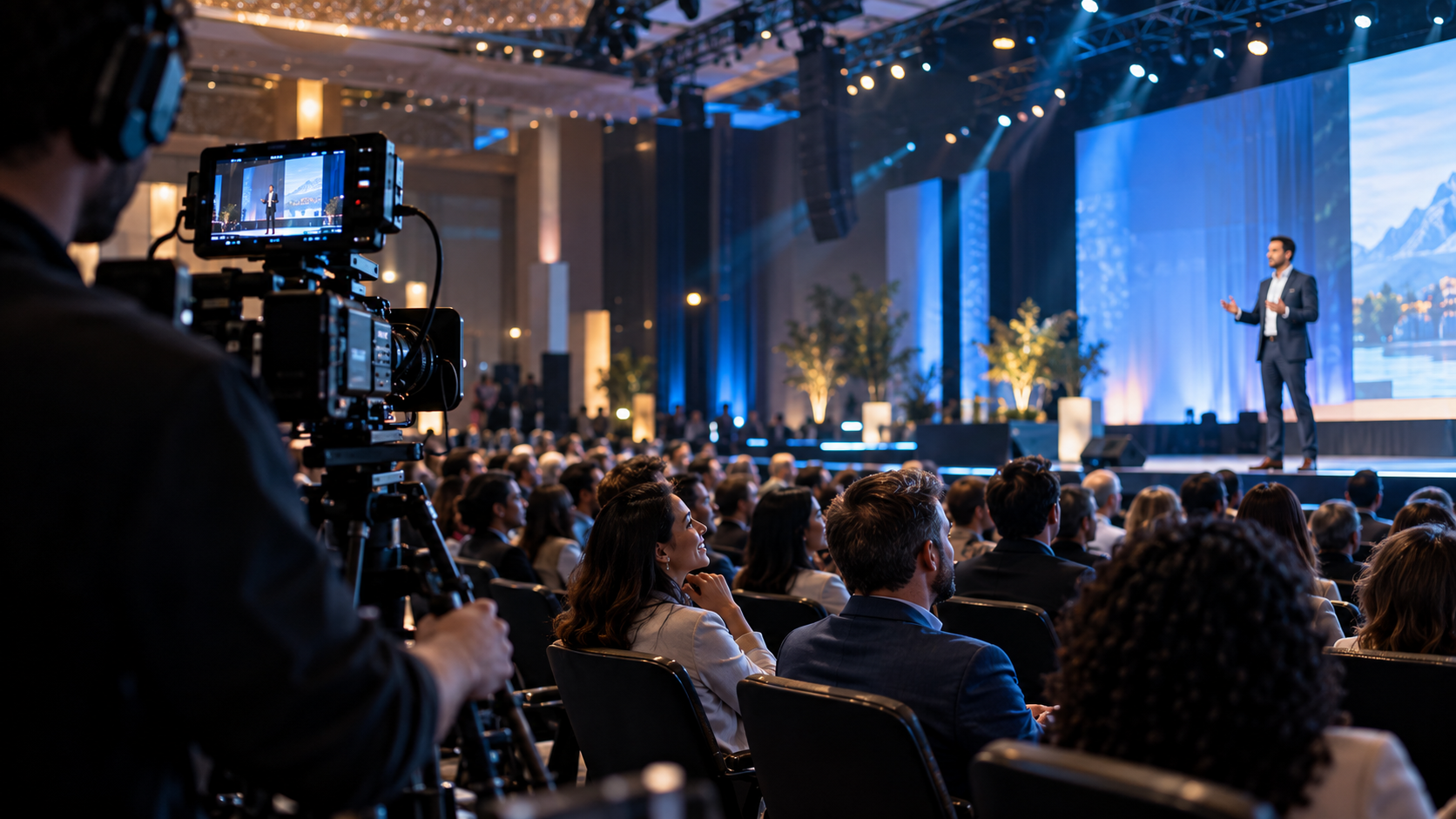
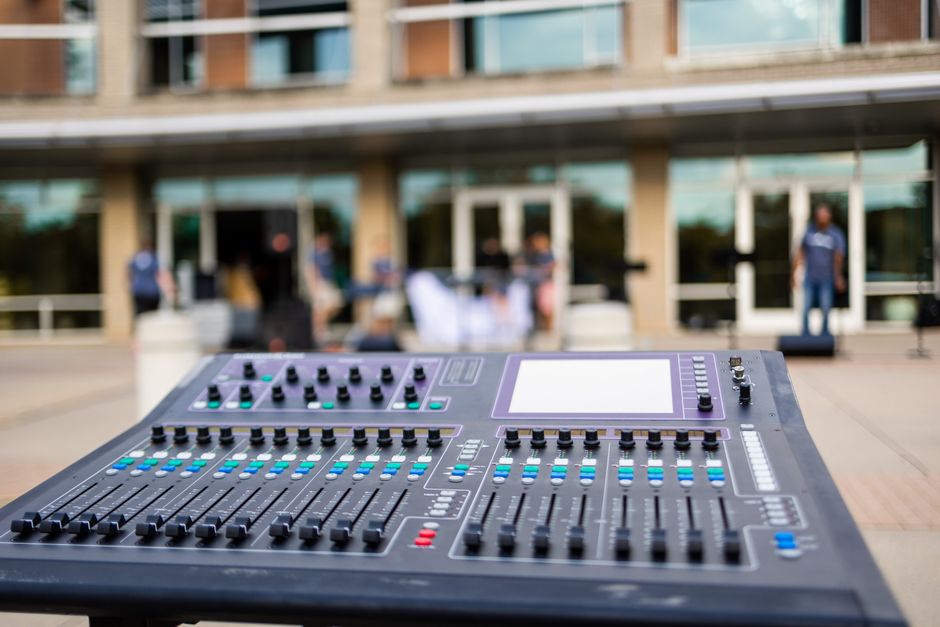
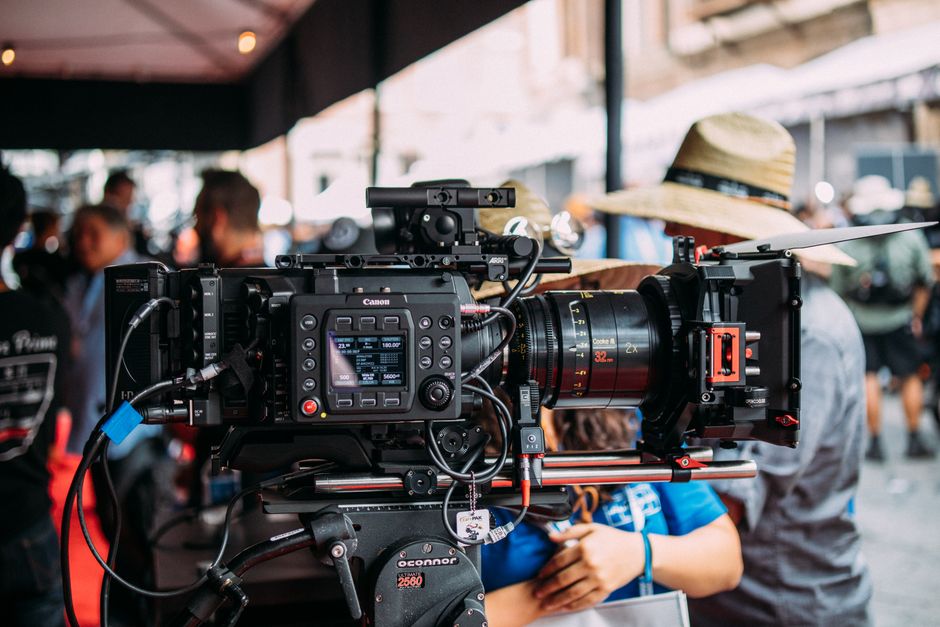
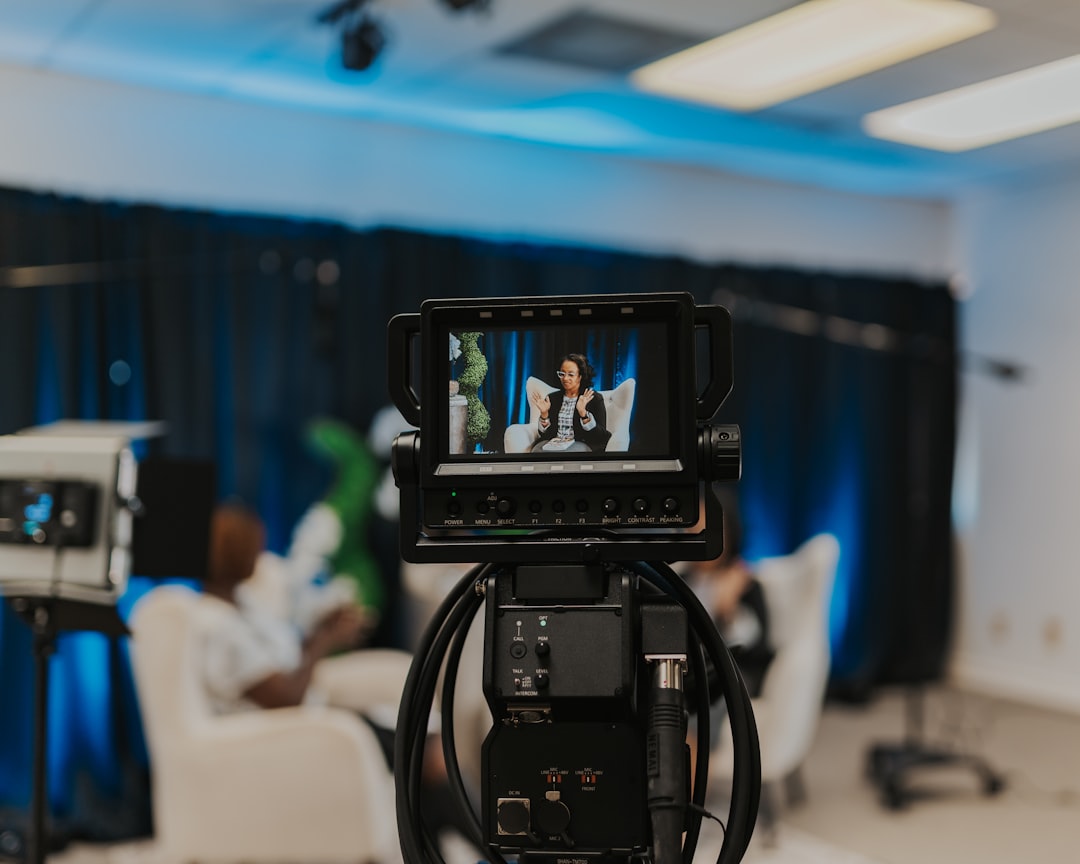
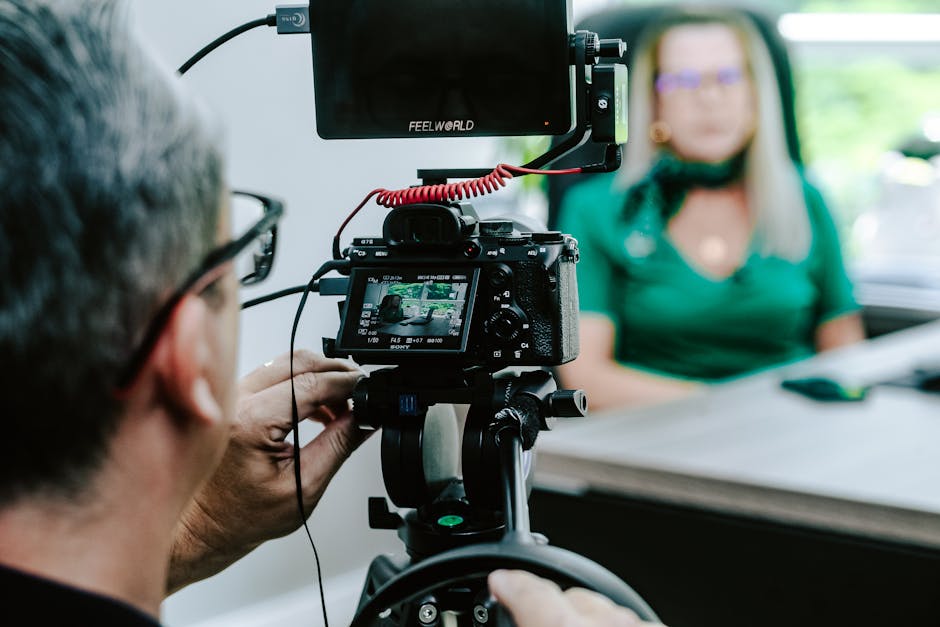
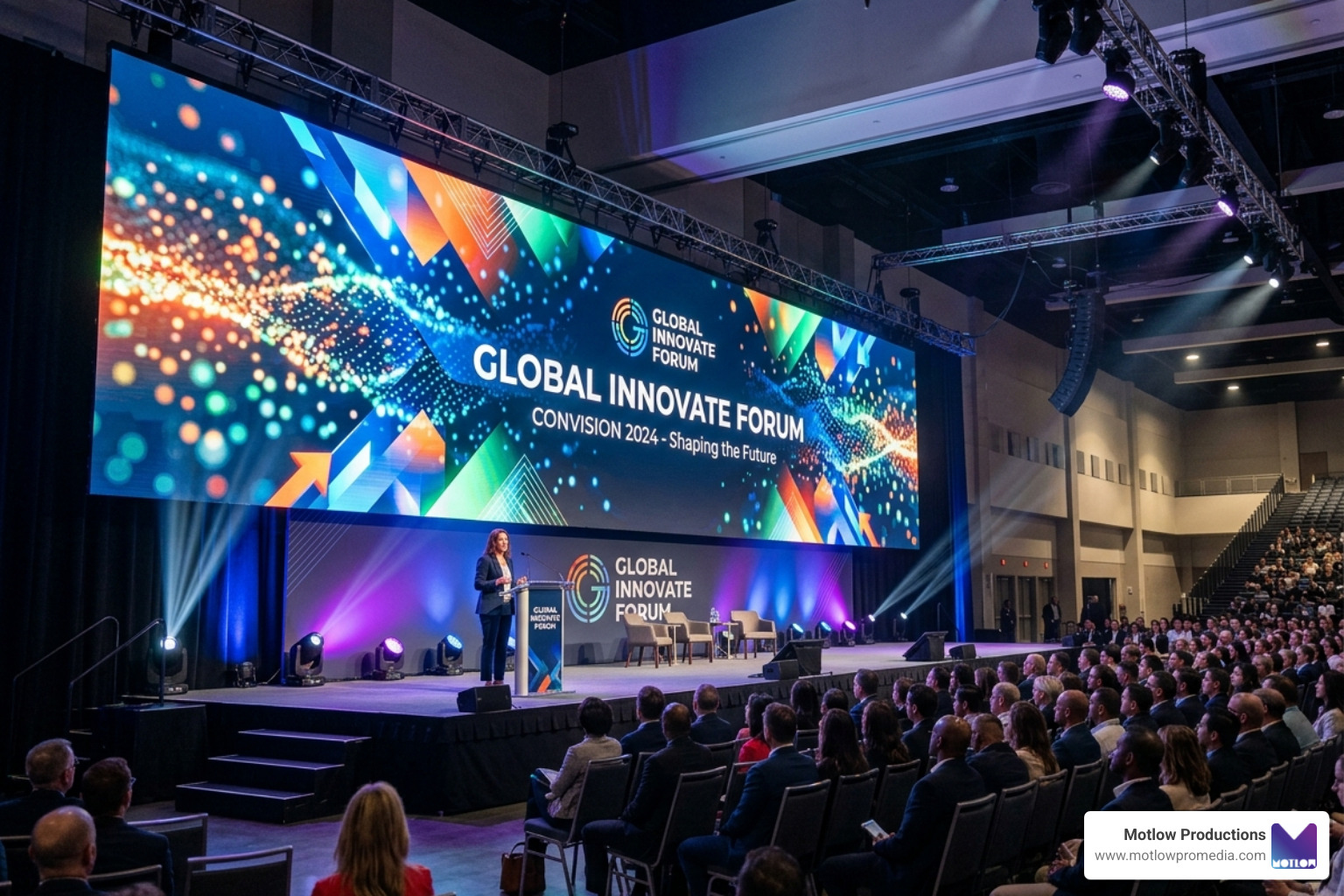
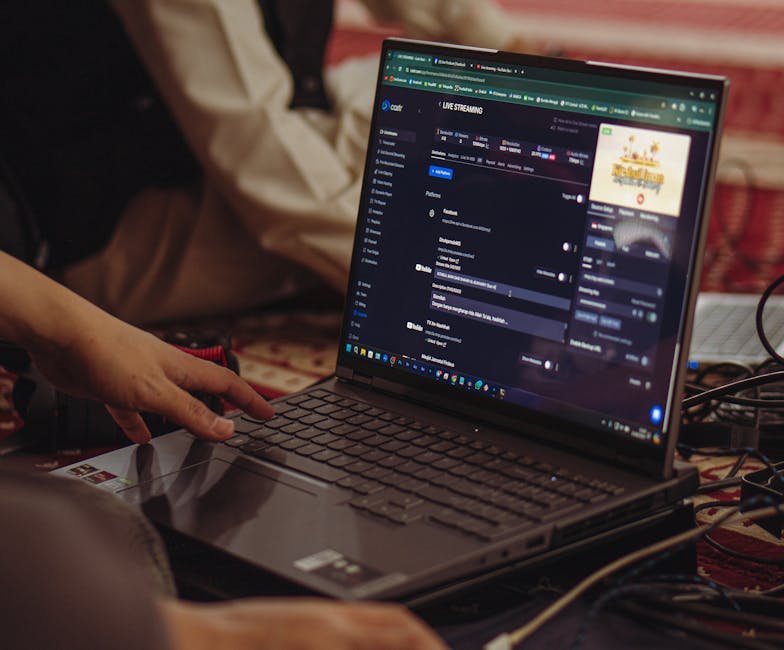
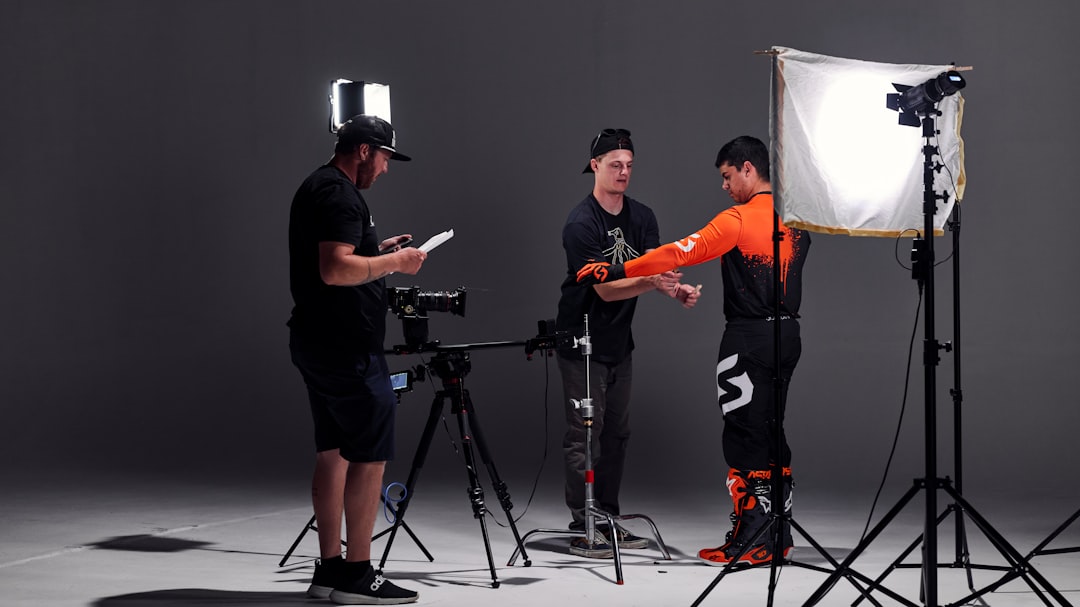
At its heart, event technical support is the strategic application of technology and human expertise to ensure every sensory and digital element of an event functions perfectly. It isn't just about "plugging things in"; it is about creating an environment where the technology is invisible because it works so well. When we provide these services, we focus on a "hands-off, but hands-on" partnership, meaning you don't have to worry about the cables, but we are right there beside you for every cue.
Typical services include:
For those planning events at specific academic or large-scale venues, it is helpful to look at established standards. For instance, you can find out more about Bailey Hall's technical information to see how professional venues categorize their technical requirements. To explore how these services integrate into a broader production strategy, you can find more info about professional event services on our dedicated service page.
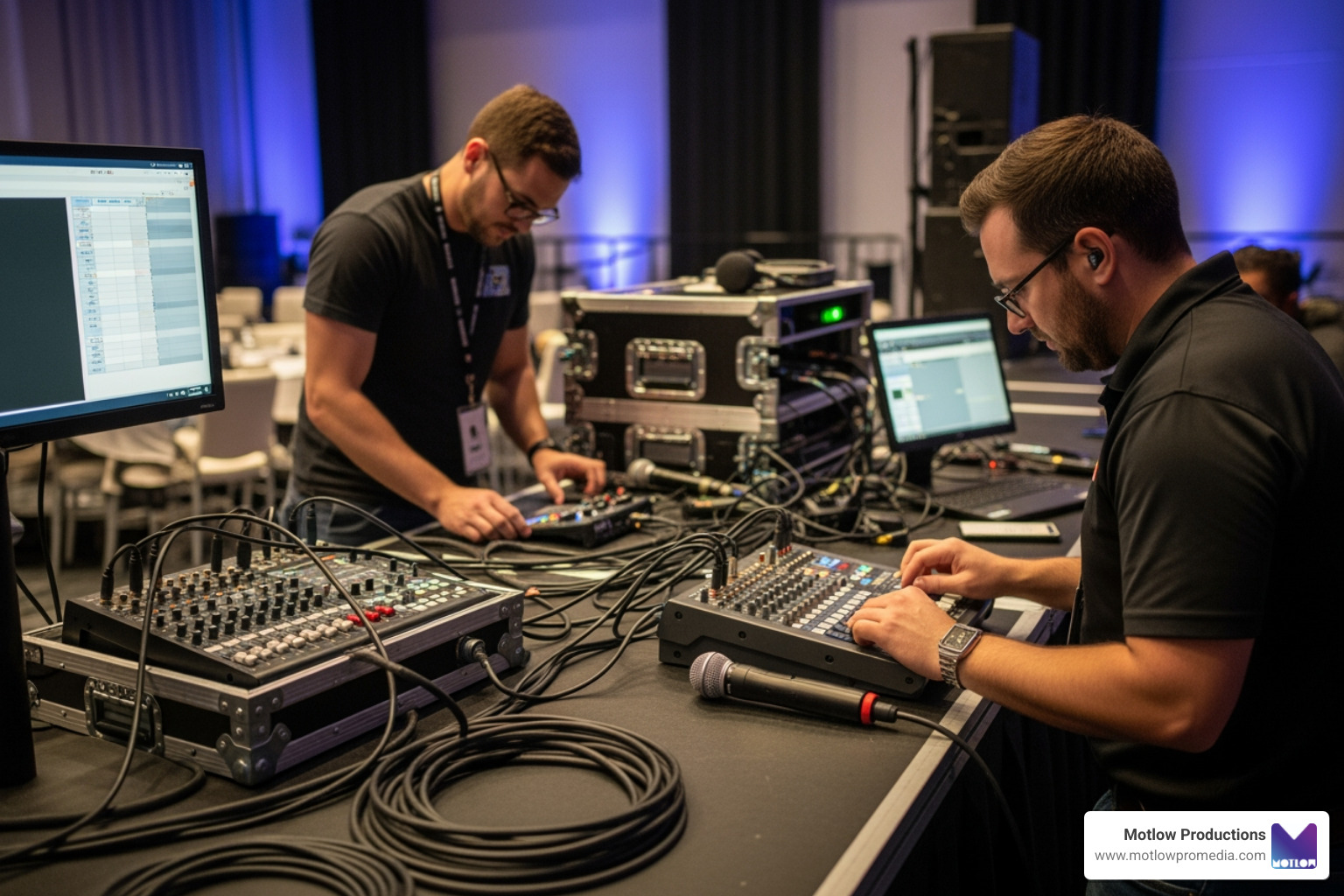
Beyond the "big three" of sound, light, and video, modern event technical support involves several specialized layers:
When handling these digital components, data security is paramount. We always recommend reviewing University Privacy practices at Cornell as a benchmark for how regulated data and attendee privacy should be handled in a technical environment.
The landscape of event technical support is evolving rapidly. We are seeing a massive shift toward "pre-visualization" tools. Technologies like 3D visualization and CAD drawings allow us to build a digital twin of your event space before a single case is moved. This helps in identifying sightline issues or equipment positioning errors early.
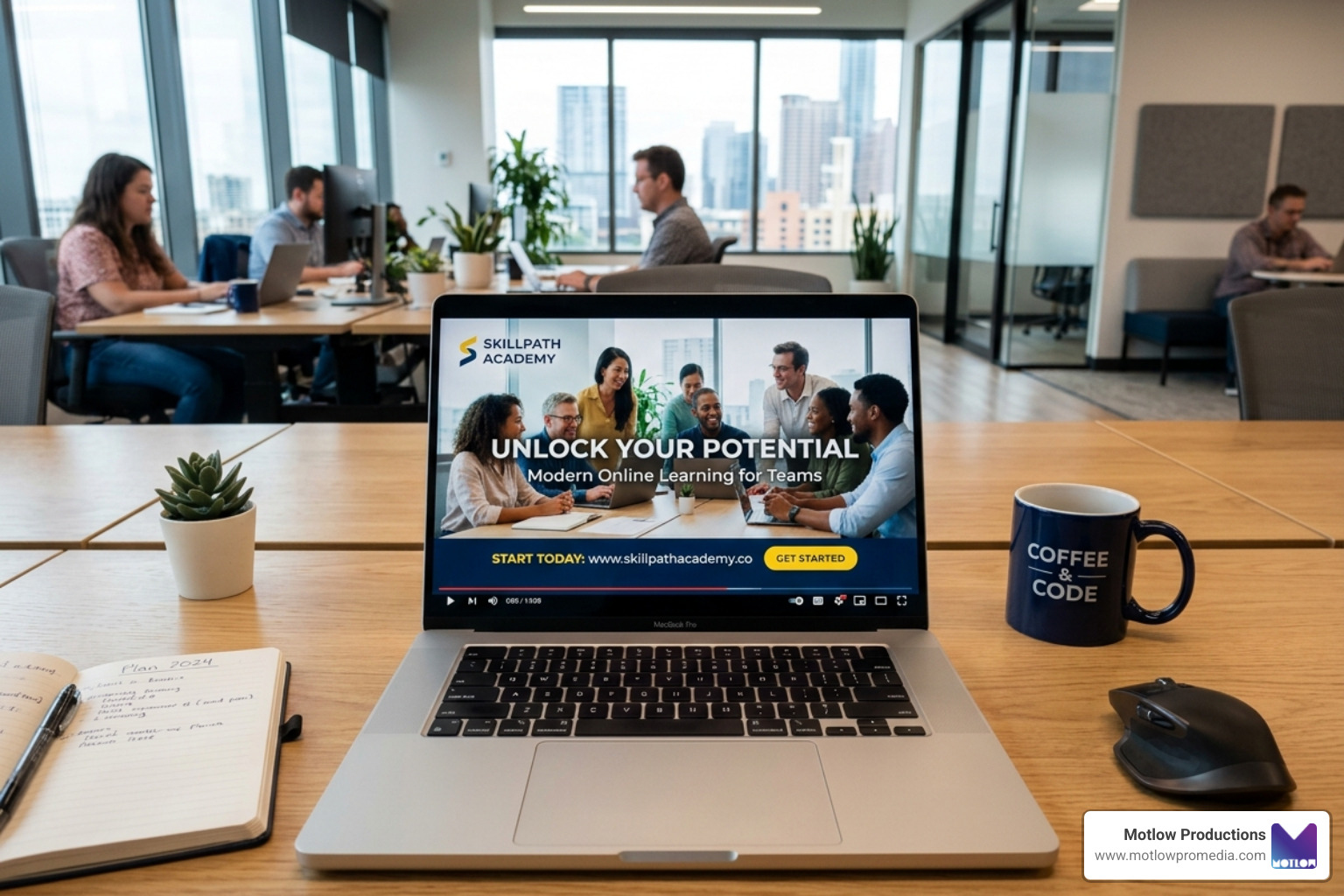
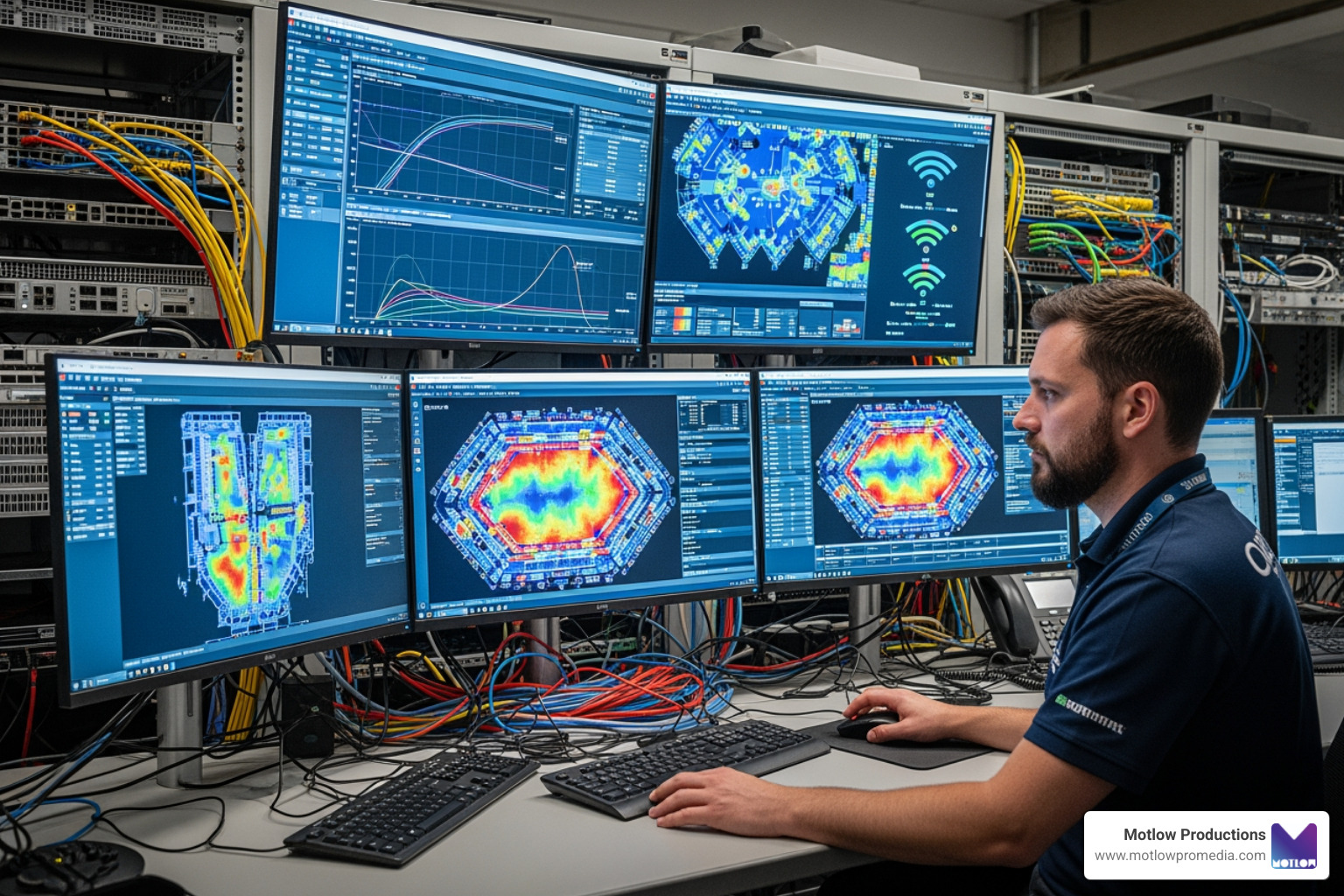
VR pre-visualization takes this a step further, allowing planners to "walk through" the stage design in a virtual environment. Additionally, AI troubleshooting tools are beginning to emerge, helping network engineers predict Wi-Fi congestion before it happens, while spatial fly-throughs give stakeholders a realistic sense of the event's flow.
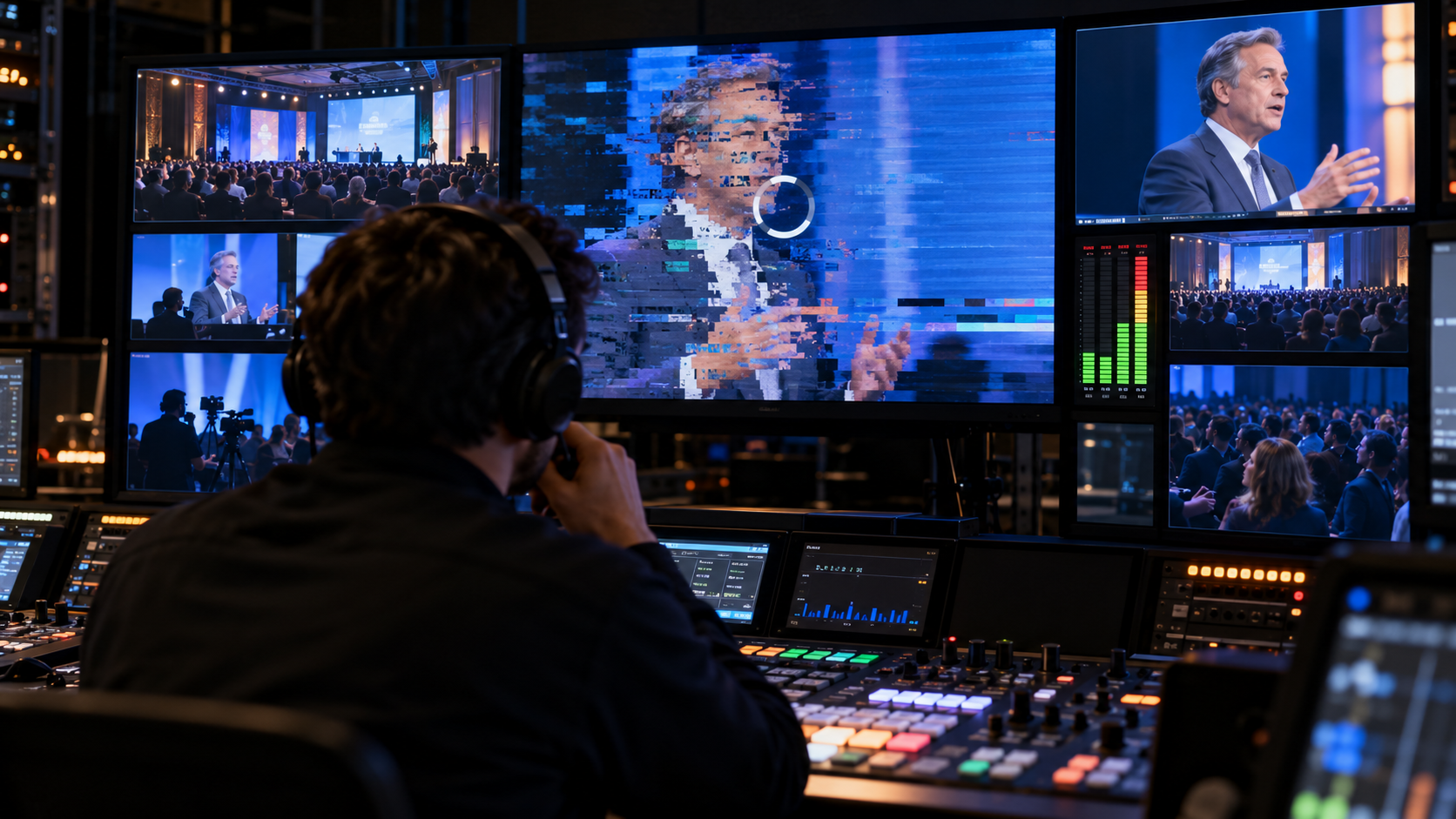
In live events, "hope" is not a technical strategy. A resilient strategy assumes that things will go wrong and builds a safety net to catch them. Common culprits like Wi-Fi failures, software crashes, and hardware malfunctions can be mitigated with proper planning.
To understand the depth of preparation required, you can explore these 7 Proven Strategies to Handle Tech Glitches. One of the most critical areas of failure is the "front door" of your event: registration.
| Feature | Digital Self-Check-In | Manual Backup (Paper/Offline) |
|---|---|---|
| Speed | High (when Wi-Fi is stable) | Moderate |
| Reliability | Dependent on Connectivity | 100% Offline Reliable |
| Data Sync | Real-time | Requires post-event entry |
| User Experience | Modern & Sleek | Traditional/Safety Net |
We believe in the "test twice, cut once" philosophy. This starts with pre-event equipment checks, where every cable and port is verified. However, testing individual pieces of gear isn't enough. You must perform signal path testing to ensure the sound from the mic actually reaches the live stream, and load testing to see if the Wi-Fi can handle 500 people logging in simultaneously.
Mock event simulations (or "dry runs") are the gold standard. We run the show exactly as it will happen, including transitions and media playbacks. For more granular advice, see this detailed guide on handling technical glitches.
Reliable connectivity is the lifeblood of modern events. We recommend:
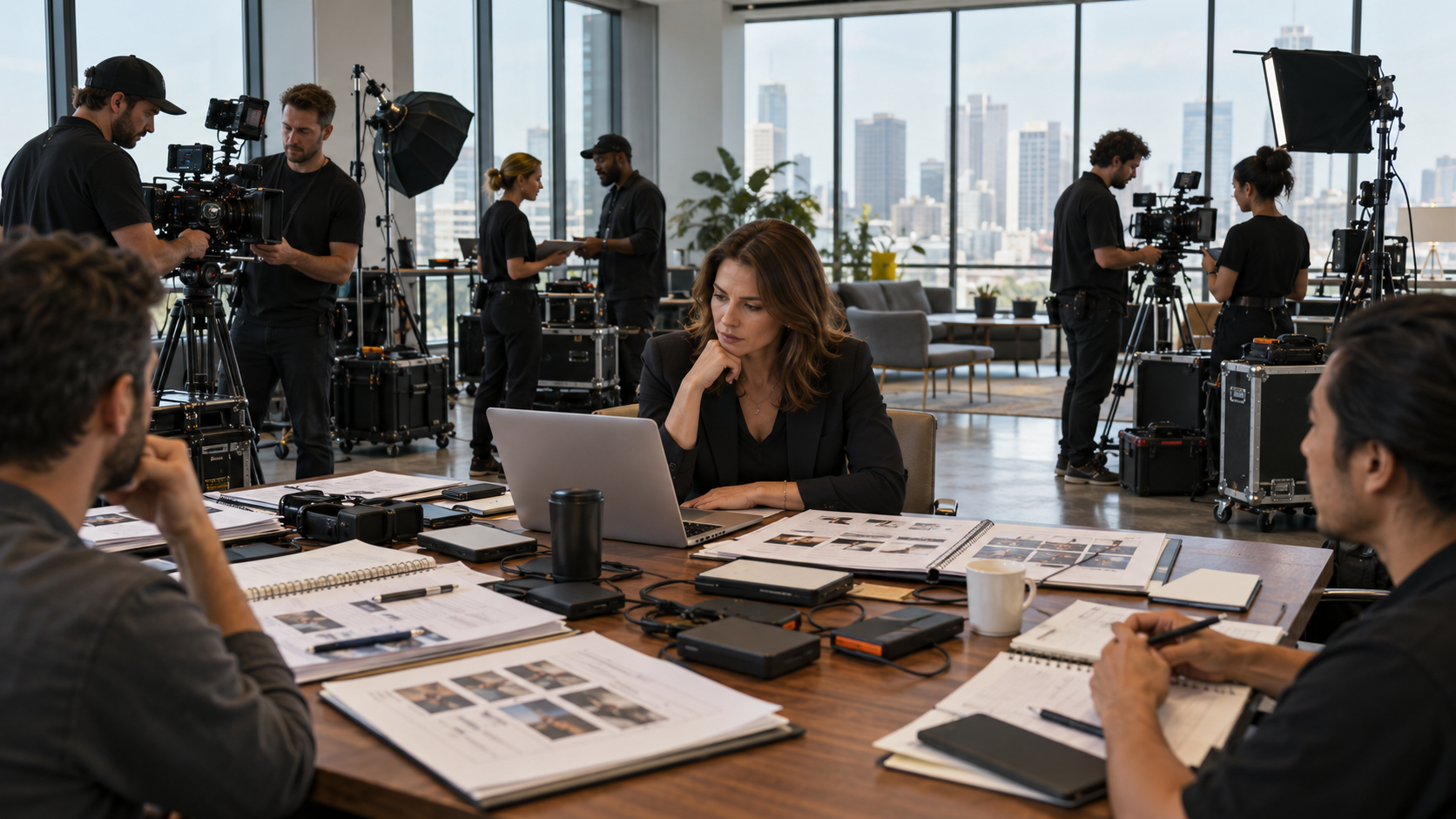
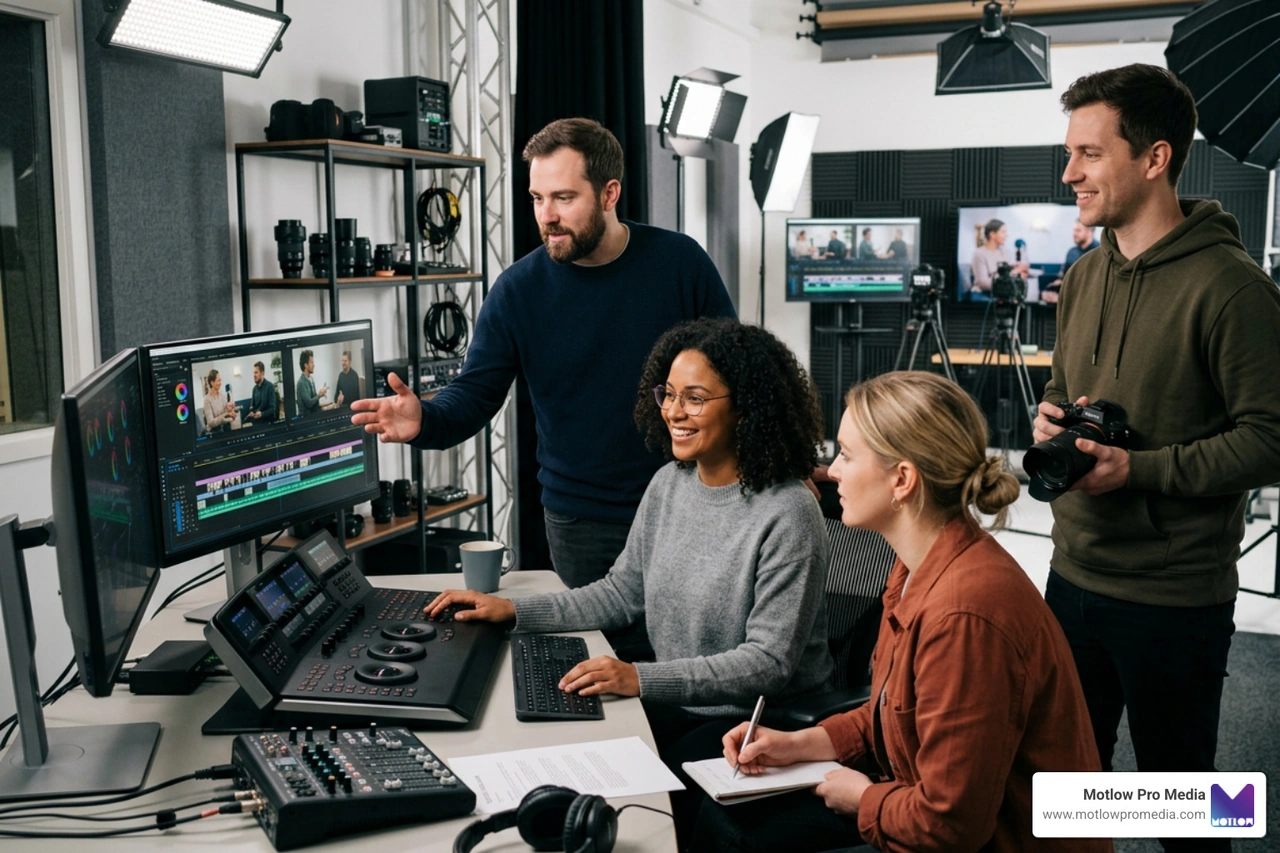
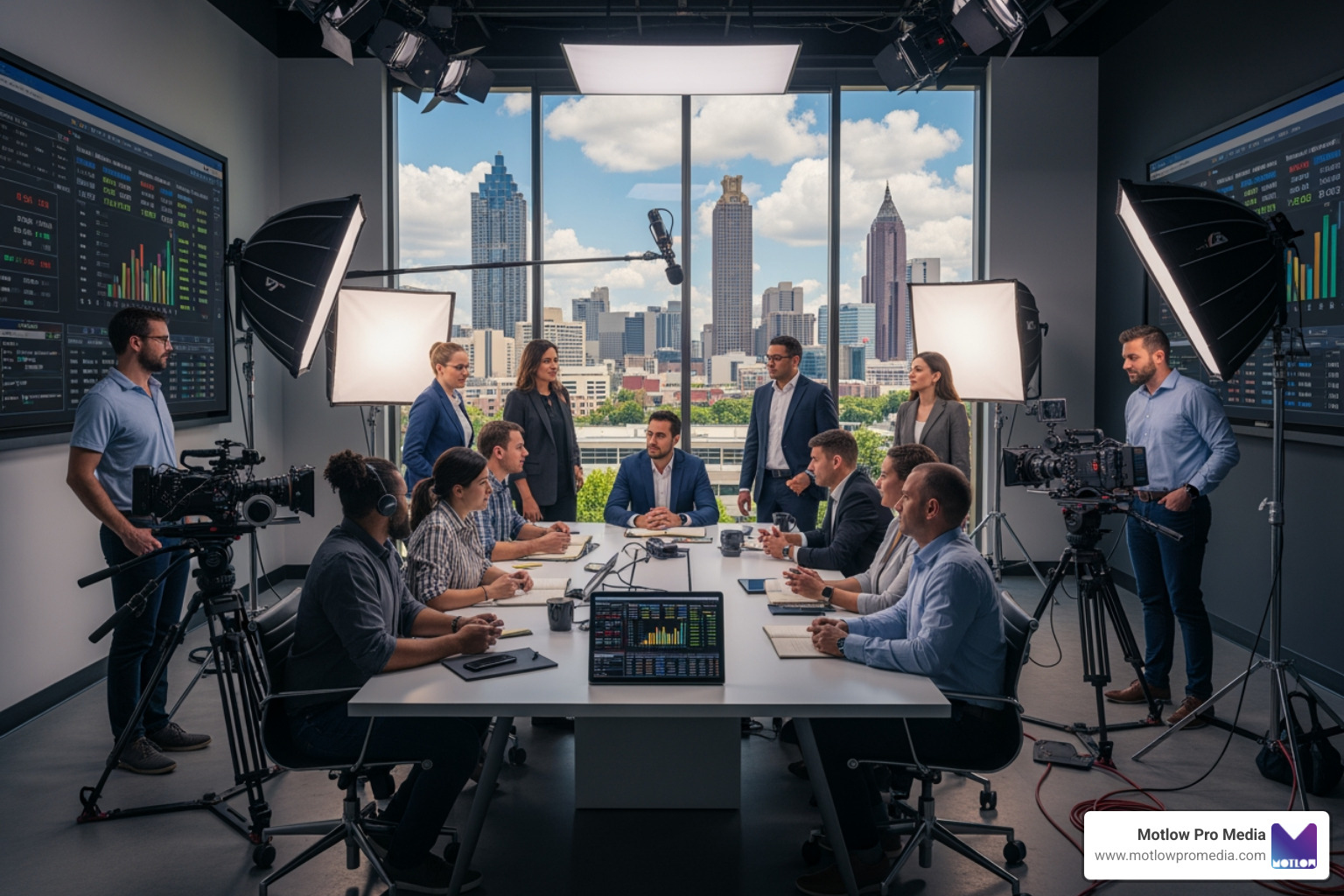
The best equipment in the world is useless without a skilled team to operate it. For a successful event, you need a mix of specialists:
At Motlow Pro Media, we take pride in how we select these experts. You can learn more about our process for technical staffing to see how we vet for both skill and temperament.
During a live show, communication must be instantaneous and disciplined. We utilize walkie-talkie protocols with discrete earpieces so the crew can talk without the audience hearing. For non-urgent updates or sharing digital assets, dedicated Slack channels or similar apps are invaluable.
Before the "doors open," we hold a team briefing to define roles and establish a troubleshooting hierarchy. If the projector goes dark, everyone should know exactly who is responsible for fixing it and who is responsible for informing the client. This prevents the "too many cooks" syndrome. For insights on managing these dynamics under pressure, check out this guide on handling last-minute event changes.
When we hire for event technical support, we look for a specific blend of "hard" and "soft" skills.
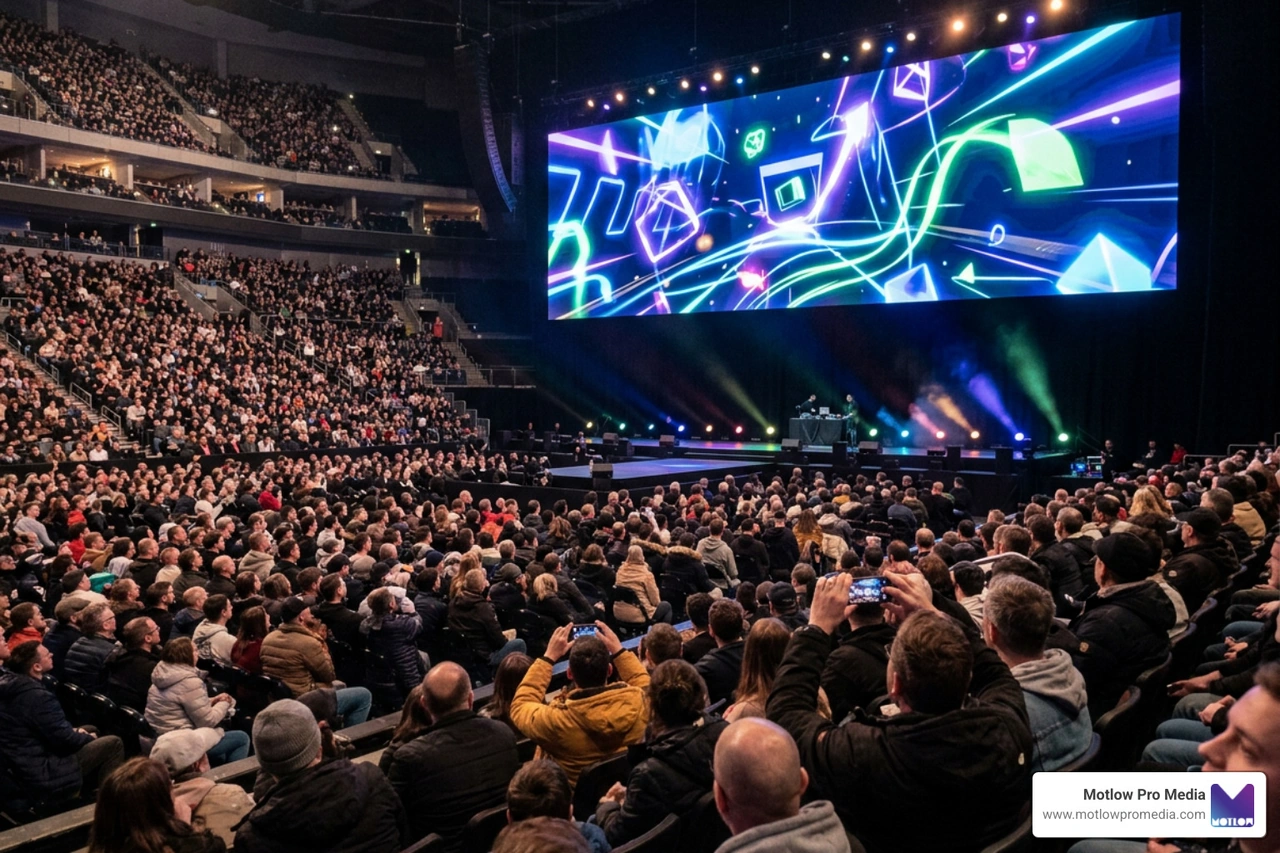
The scale of your event technical support needs to match the complexity of your format. A 50-person board meeting has vastly different requirements than a 5,000-person hybrid conference.
We use flypack systems (portable racks of gear) and mobile production trucks to bring high-end broadcast capabilities to any venue, regardless of its built-in tech. You can see the variety of formats we've handled by viewing our portfolio of diverse event types.
Every venue has its quirks. An old ballroom might have terrible acoustics, requiring more sound reinforcement. A modern convention center might have "dead zones" in its Wi-Fi. We conduct site visits to optimize sightlines and ensure the technology complements the architecture rather than fighting it. For a real-world look at large-scale technical adaptation, see our Seminole Hard Rock Gasparilla Pirate Fest 2025 case study.
Understanding how you are billed for event technical support helps in making informed decisions. Most providers use one of these models:
We strive to offer cost-effective options for non-profits and schools by tailoring the equipment list to the specific needs of the event, ensuring you aren't paying for a "stadium rig" when you only need a "classroom setup."
Look for a partner, not a vendor. A reliable provider will ask about your goals, not just your gear list. Check for long-term employee retention (a sign of a stable, experienced team) and ask for case studies that match your event's scale.
Wi-Fi congestion is number one. Following closely are audio feedback (that piercing screech), dead batteries in wireless mics, and "presentation lag" where the slides don't match the speaker's notes. All of these are preventable with the testing protocols mentioned above.
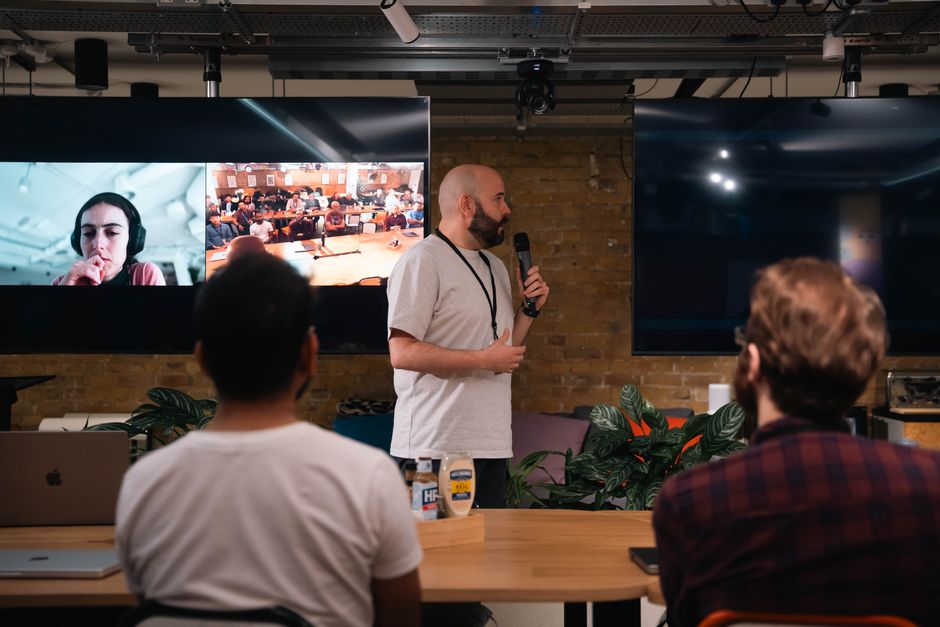
Traditional AV focuses on the people in the room. Hybrid support focuses on the connection between the people in the room and the people at home. This requires specialized "mix-minus" audio routing (so remote callers don't hear their own echo) and dedicated producers for the virtual platform.
At Motlow Pro Media, we understand that your event is a reflection of your brand. We don't just provide "staff"; we provide a "hands-off, but hands-on" partnership. We act as a trusted extension of your team, taking the technical weight off your shoulders so you can focus on your attendees and your message.
From the first CAD drawing to the final load-out, our goal is seamless media leadership. If you're ready to ensure your next event is technically flawless, secure your event technical support today and let's start planning.
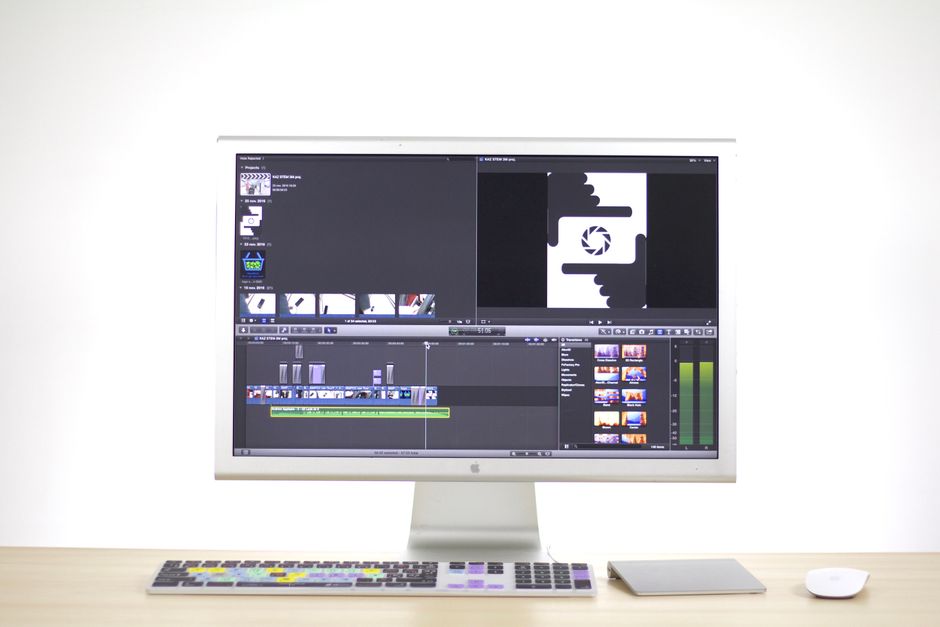
Some clients want to give notes in a live Zoom call. Others prefer a group text or email thread. However you like to communicate, we adapt. You’ll never be left guessing where things stand - and you’ll always have a say before anything goes out the door.





Phone:
+1 863-250-8639
.png)
Email:
info@motlowpromedia.com