-5.jpg)






























Thank you! Your submission has been received!
Oops! Something went wrong while submitting the form.

.avif)
March 18, 2026
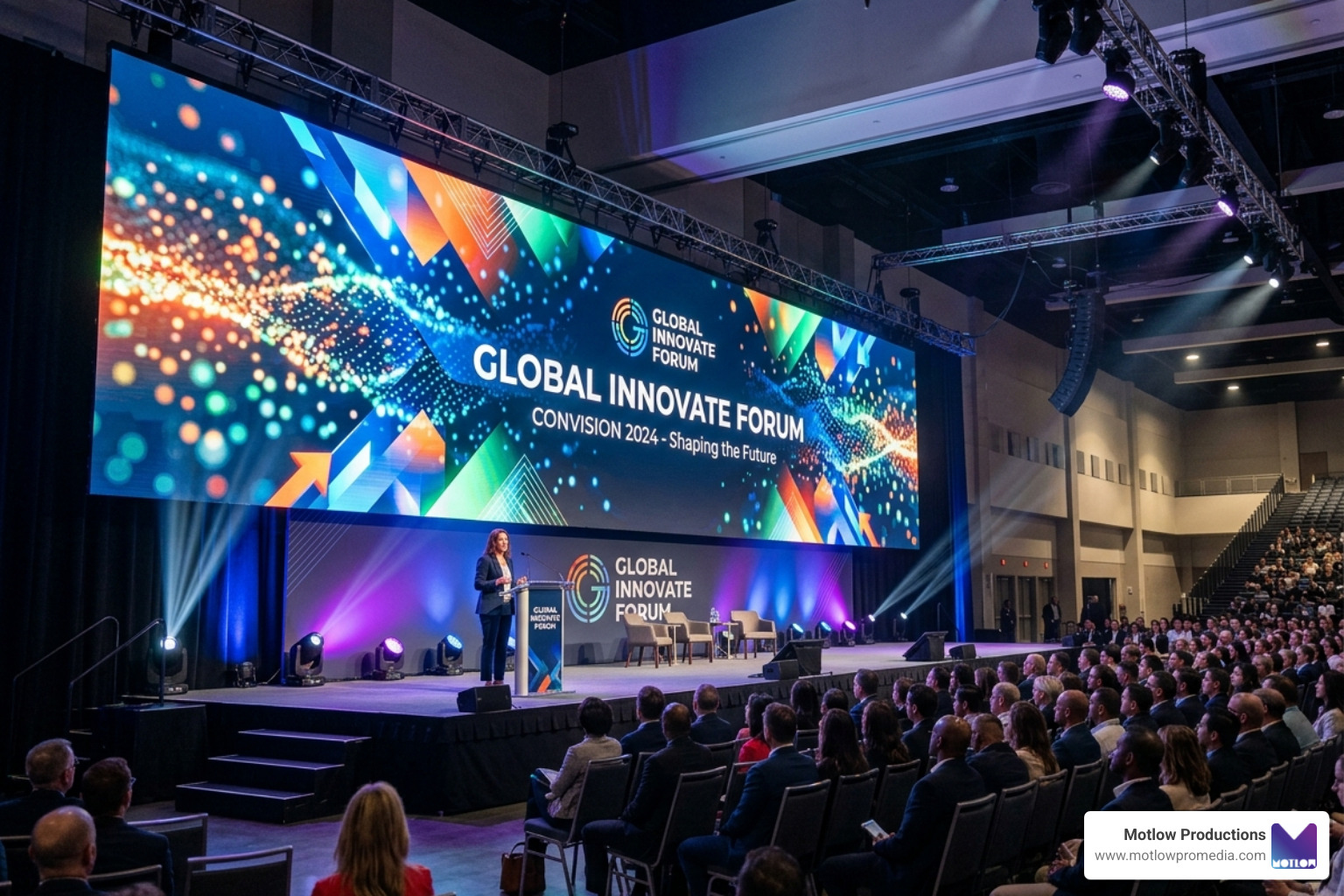
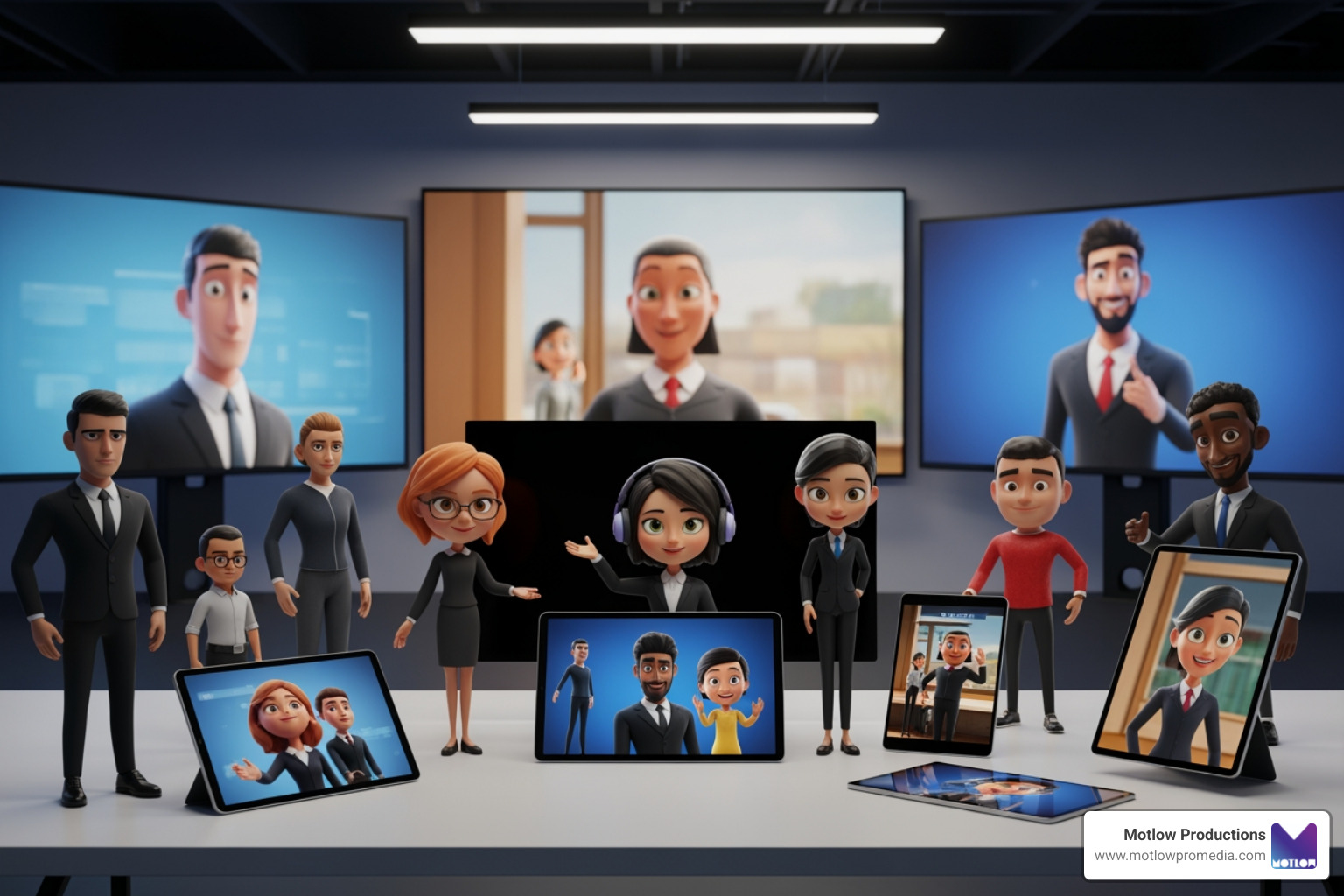
Live event support encompasses the technical infrastructure, expert personnel, and strategic planning required to execute flawless virtual, hybrid, and in-person events. Here's what you need to know:
Core Components:
Why It's Essential:
Service Levels Available:
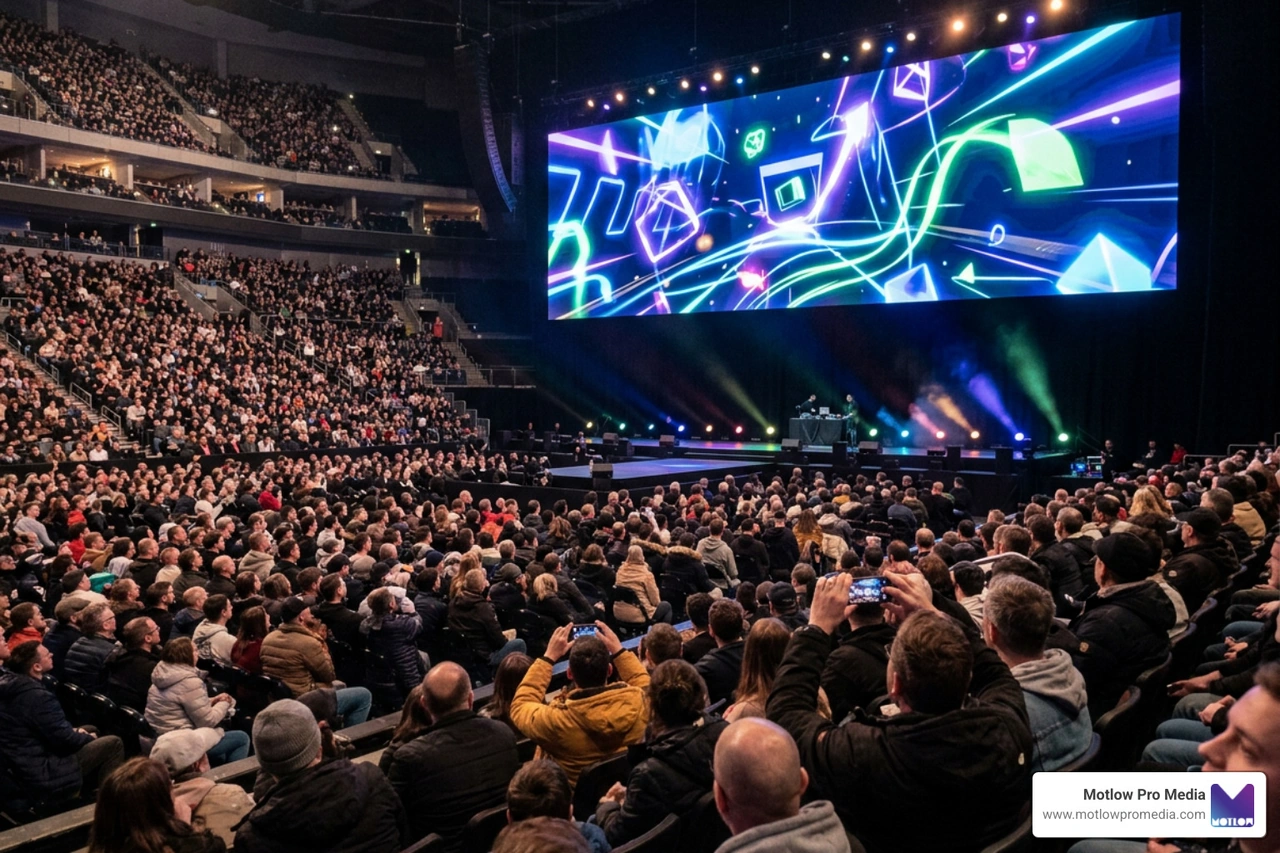
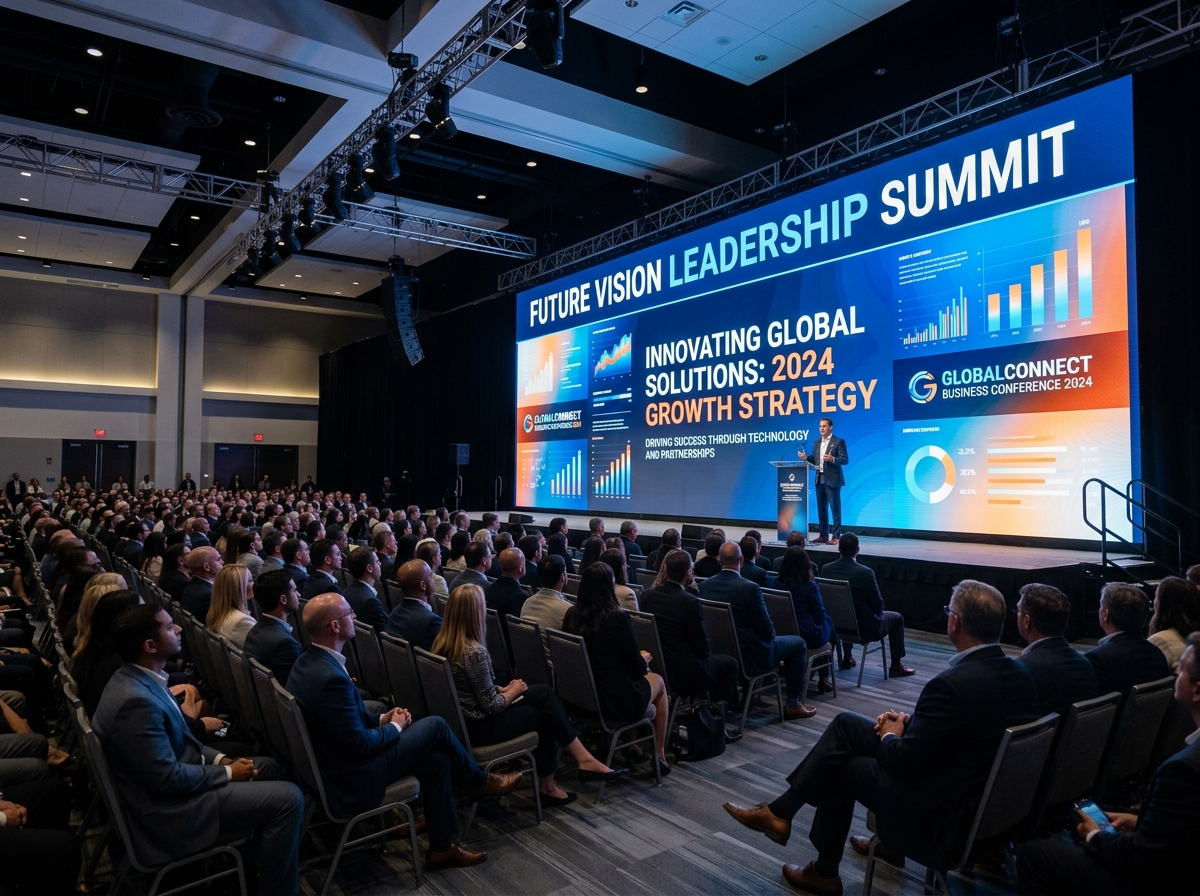
The stakes are high for corporate events. When your CEO is presenting to thousands of employees or you're launching a product to clients worldwide, there's no room for technical failures. One audio glitch or streaming error can undermine months of planning and damage stakeholder confidence.
Professional live event support exists because something can always go wrong—and often does. Network fluctuations, improper encoder settings, camera disconnects, or incorrect security tokens can derail even well-planned events. The difference between a smooth broadcast and a technical disaster often comes down to having experts who've seen these problems before and know how to prevent or quickly resolve them.
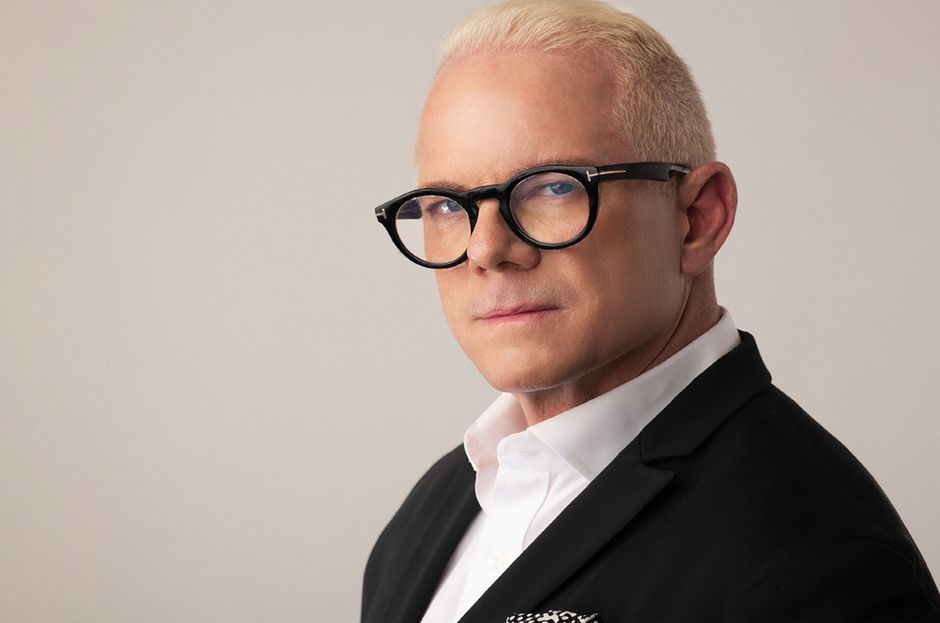
I'm Miranda Motlow, founder and CEO of Motlow Pro Media, and I've spent over a decade producing high-stakes live event support for clients where flawless execution isn't optional—it's expected. My background in journalism and business content creation taught me that holding someone's attention requires both technical excellence and strategic storytelling.
While we often think of live event support as a modern digital necessity, the drive to create a bond between performer and audience through technical enhancement is centuries old. The history of visual reinforcement traces back to Han dynasty shadow puppetry (141–87 BCE), which was reportedly invented to "bring back to life" an emperor’s favorite concubine through visual storytelling.
Fast forward to the 19th century, and we see the rise of "magic lanterns"—early slide projectors that used limelight (1837) and later electric arcs (1880) to amplify the visual experience. By 1910, the Linnebach lantern allowed for wide-angle projections, and 35mm motion picture projectors became standard tools for enhancing live performances.
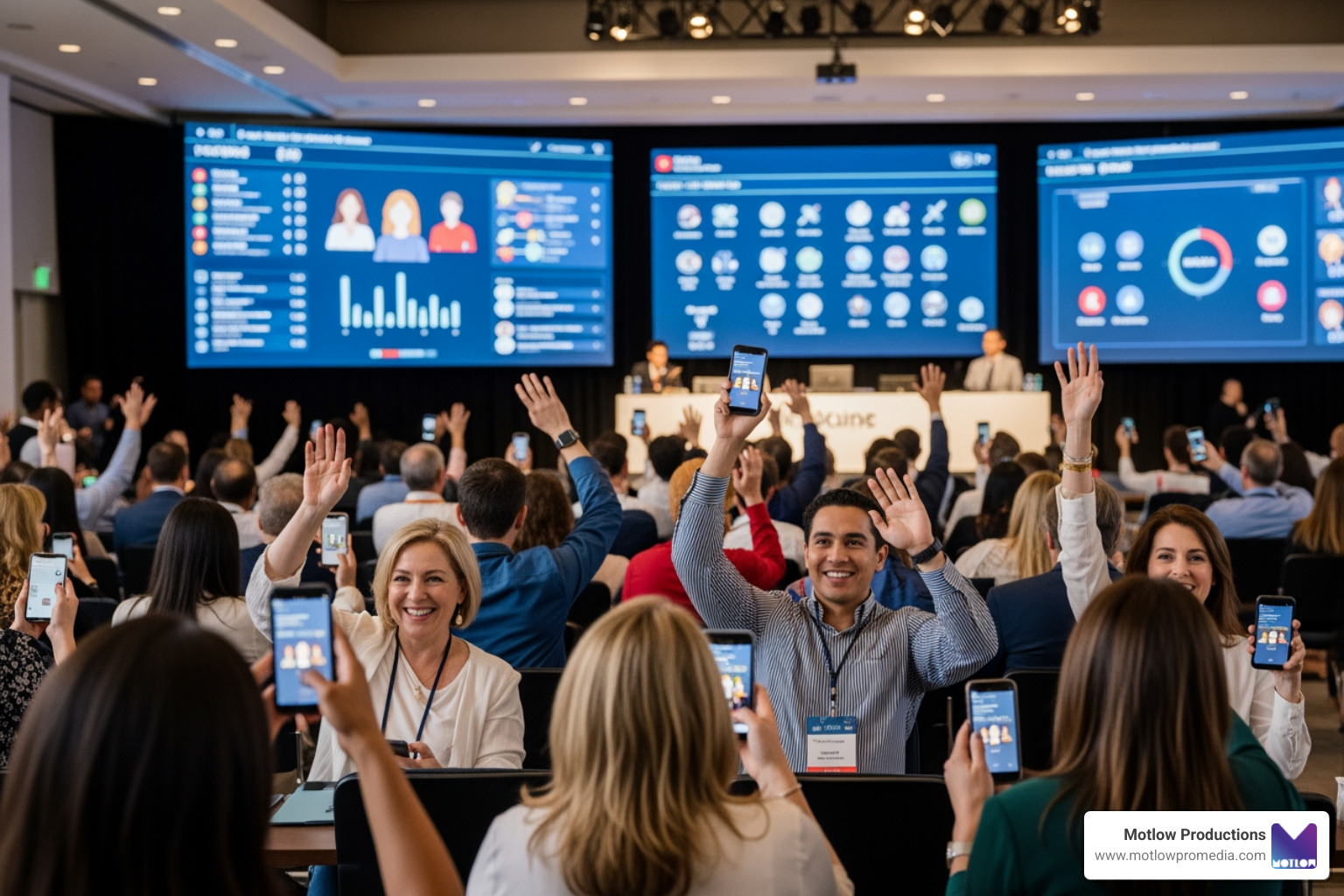
In the modern era, the goal remains the same: to convince the audience that there is no better place to be. However, the risks have scaled with the technology. In today's landscape, the importance of live performances and corporate broadcasts lies in their ability to engage in real-time. But with that opportunity comes the risk of "silent tune-outs." Research shows that viewers will drop off a stream the moment quality lacks, often without providing feedback or notification. Professional live event support acts as a safety net, mitigating risks like network fluctuations and ensuring high viewer retention through professional-grade production.
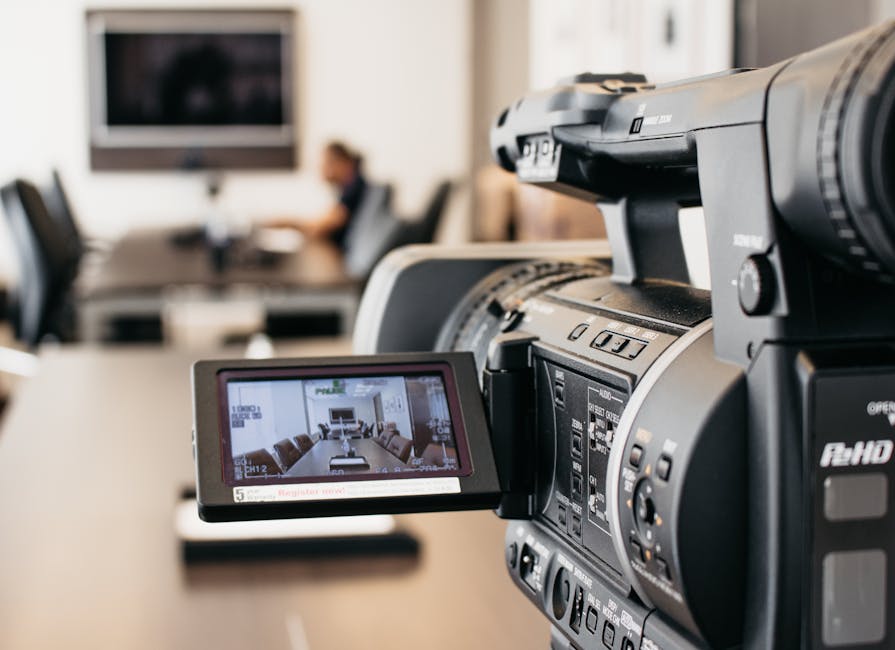
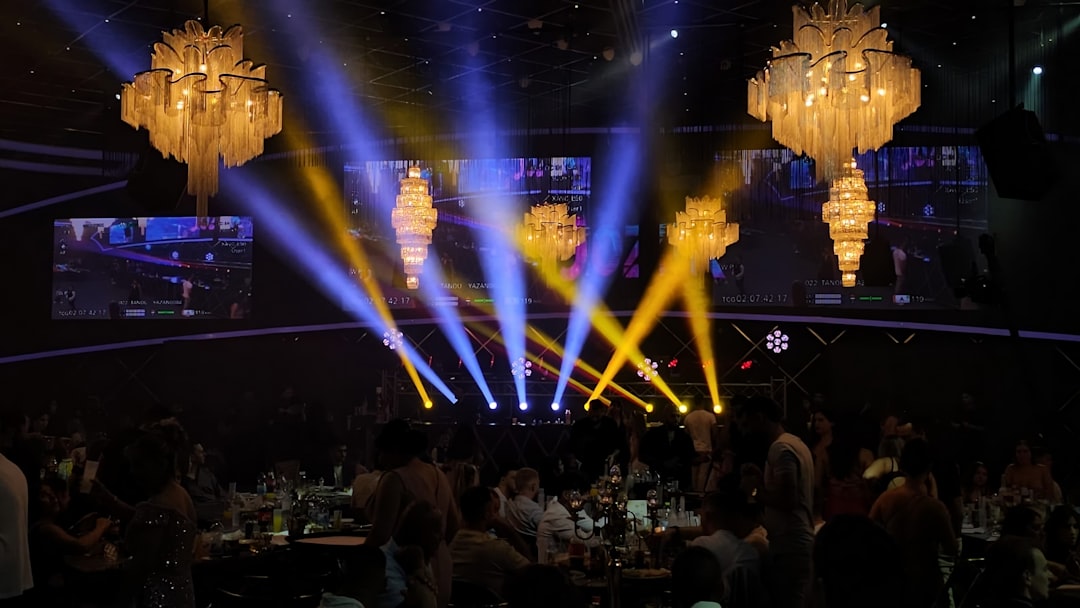
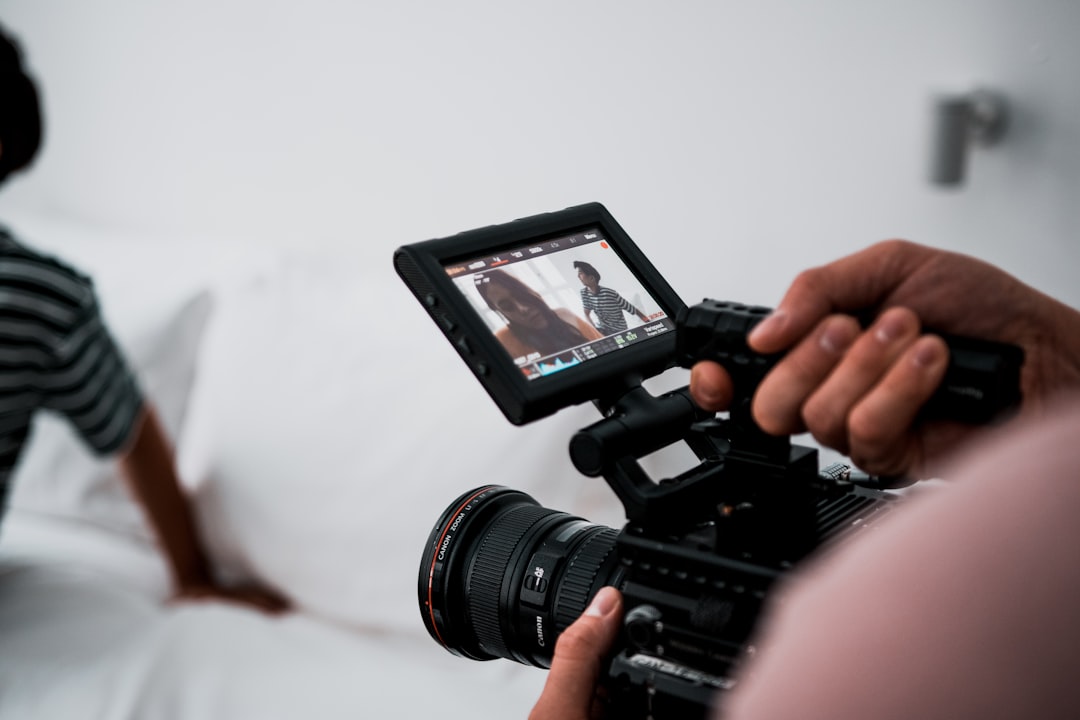
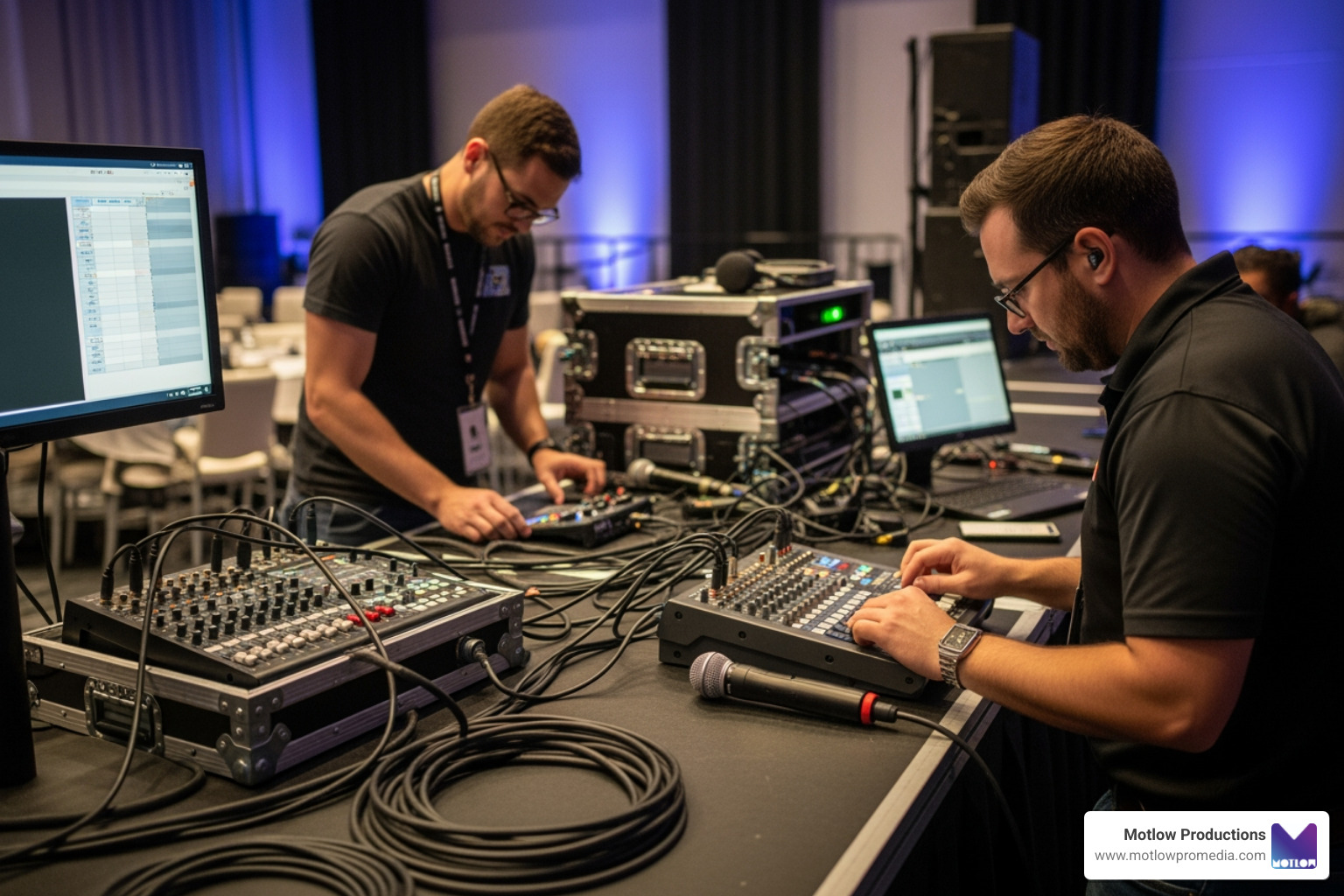
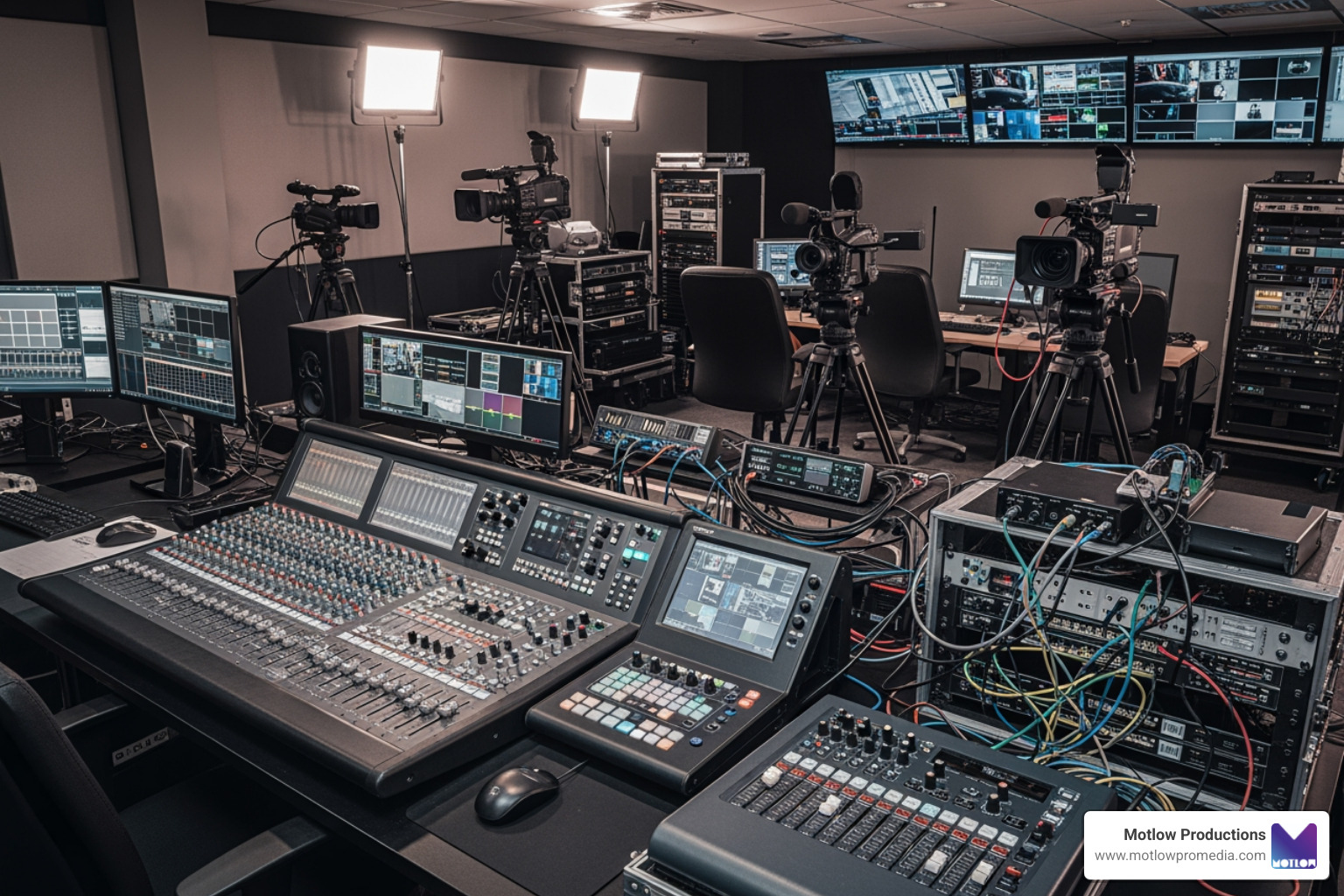
Achieving a broadcast-quality event requires more than just a laptop and a webcam. It involves a sophisticated interplay of staging, scenery, sound, lighting, and signal flow.
To help you understand the different tiers of assistance, we've broken down the standard industry packages:
| Feature | Dedicated Event Support | Advanced Support |
|---|---|---|
| Primary Focus | Real-time troubleshooting & monitoring | Strategic planning & end-to-end management |
| Pre-Event Meetings | 1 Introductory/Planning session | Multiple onboarding & strategy sessions |
| Lead Time | 14 days minimum | 21 days minimum |
| Cost | $250/hour (2-hour minimum) | $2,500+ per event |
| Best For | Standard webinars & town halls | High-stakes product launches & conferences |
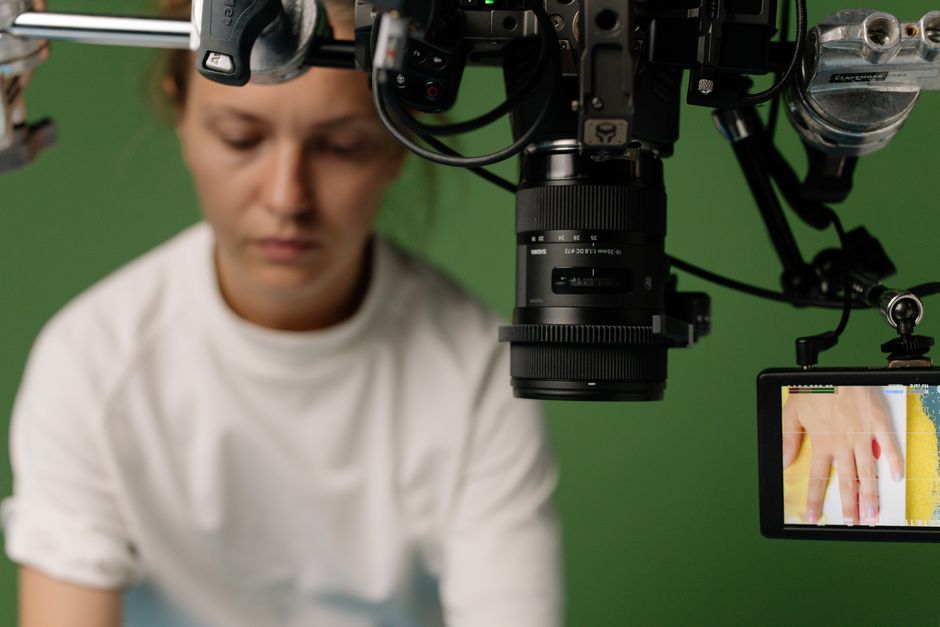
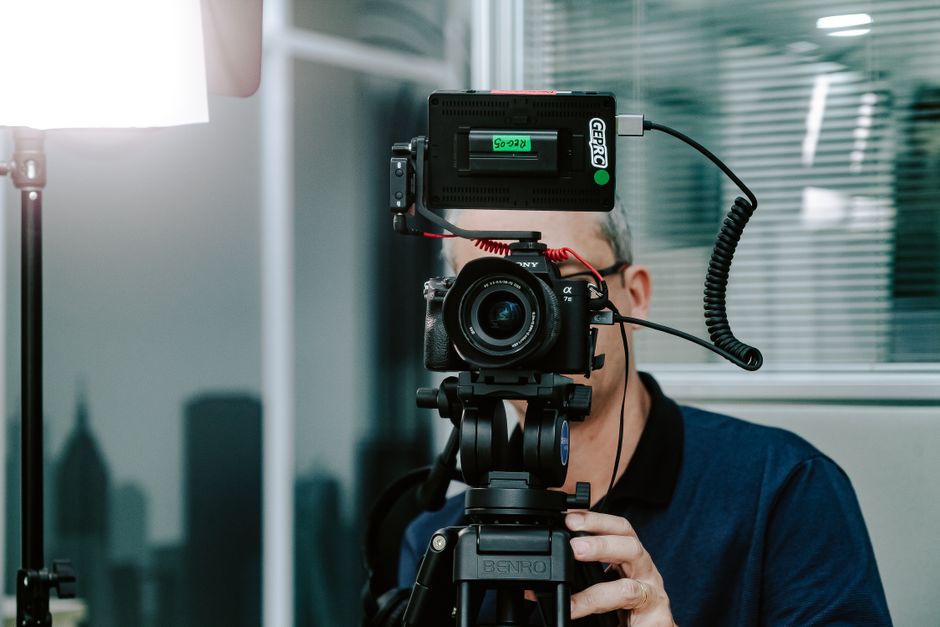
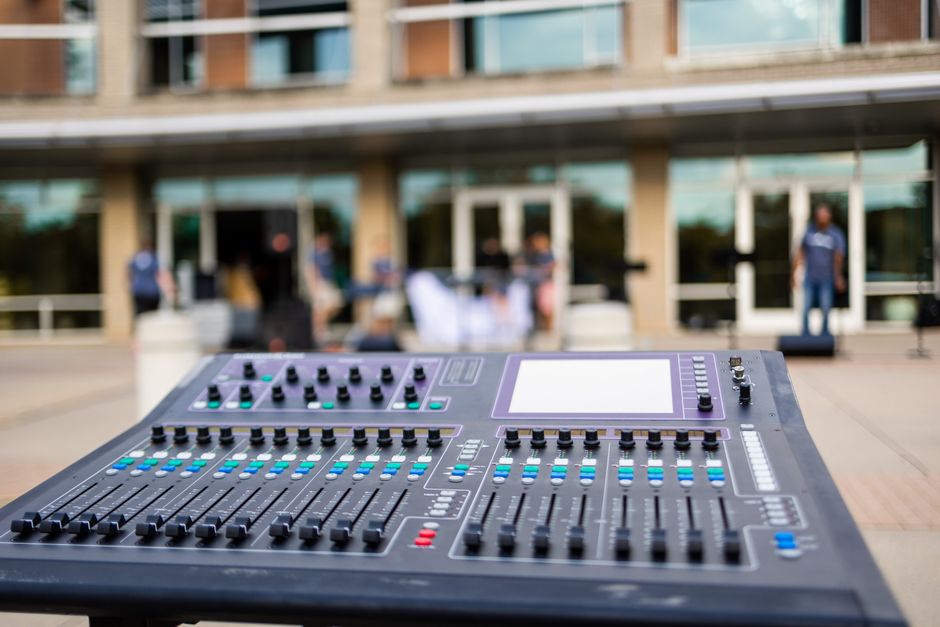
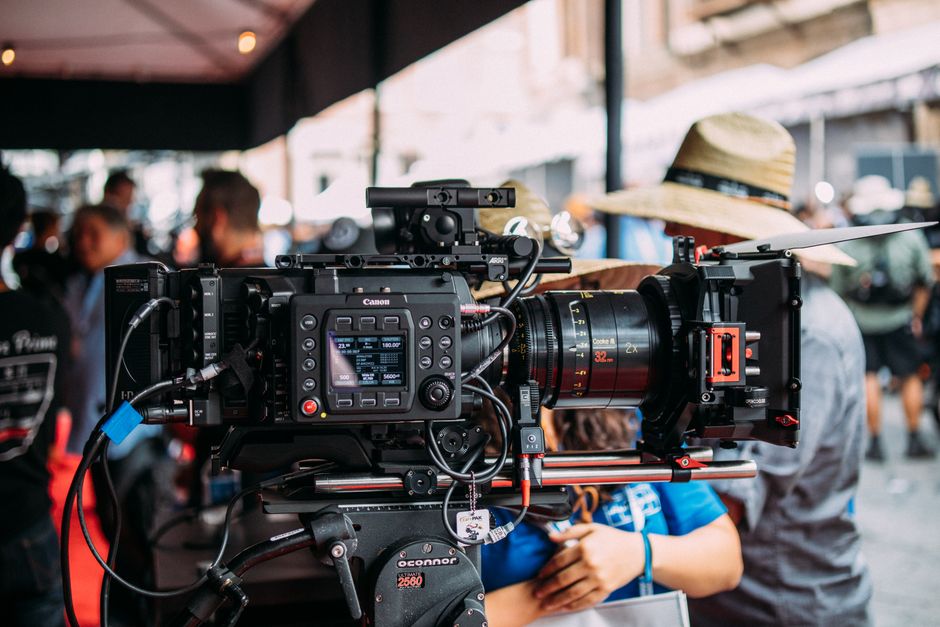
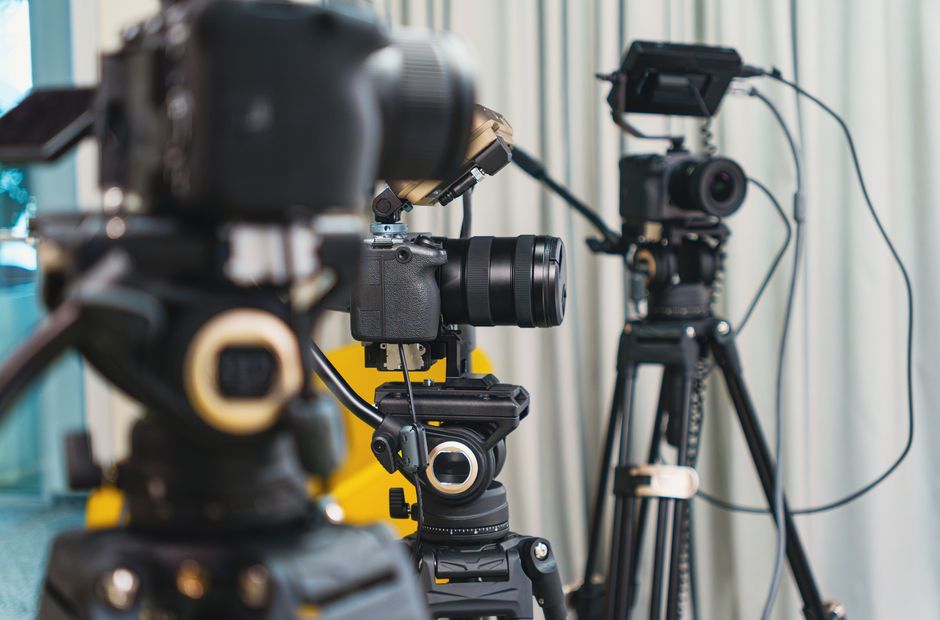
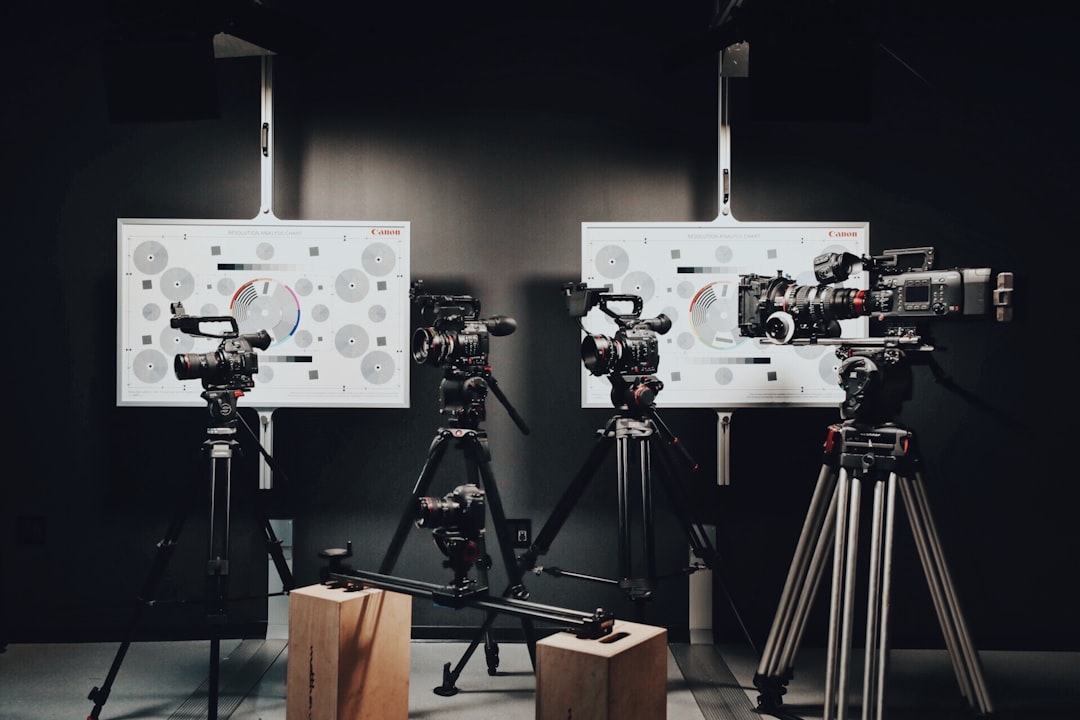
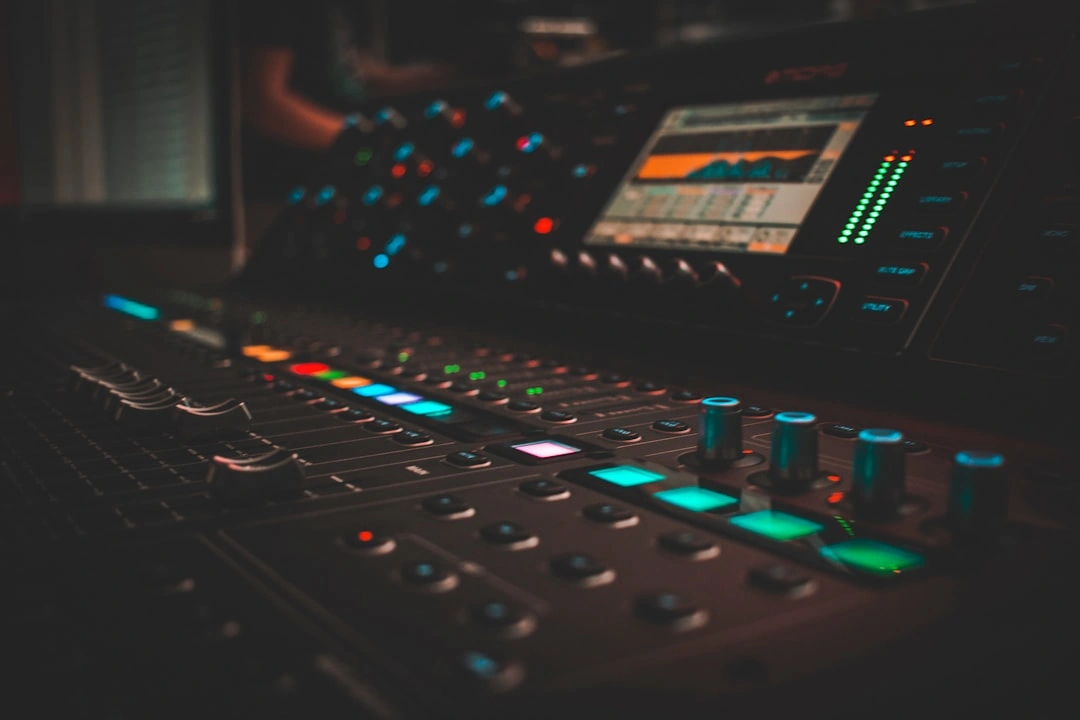
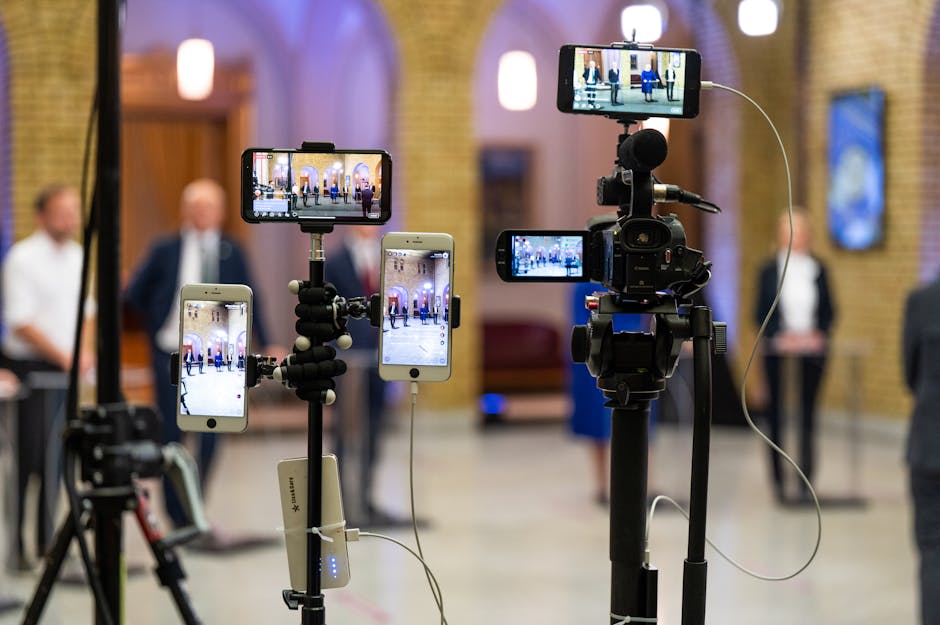
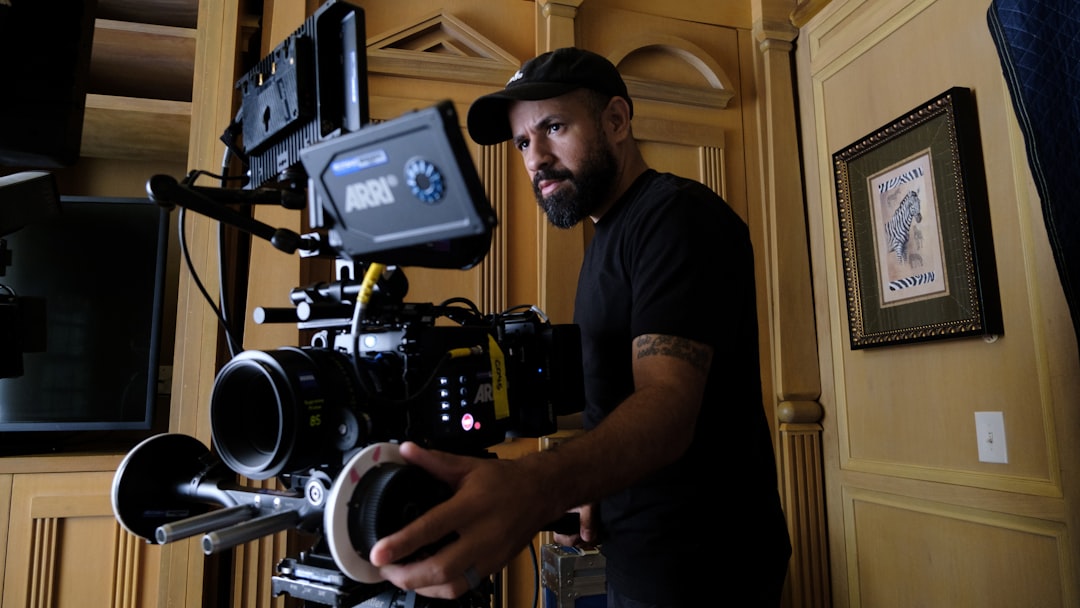
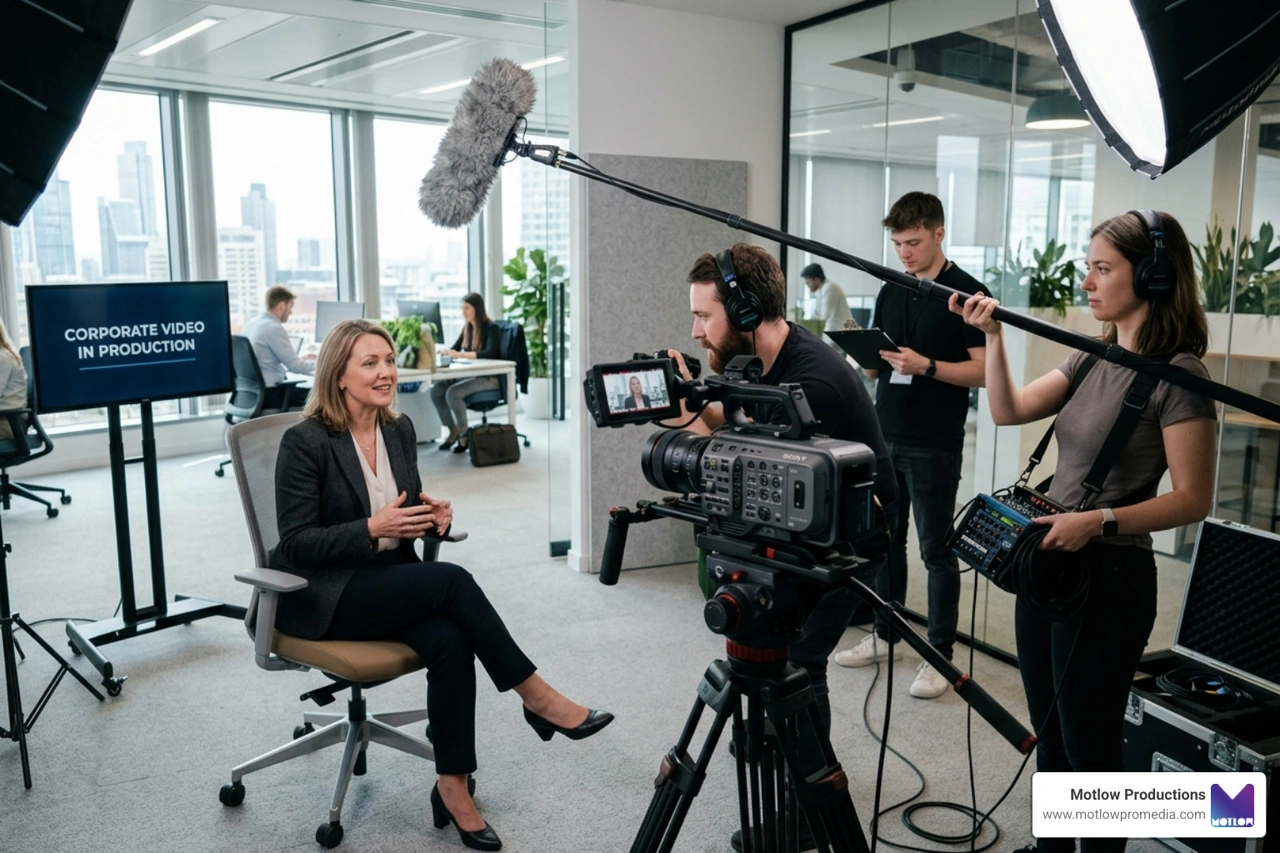
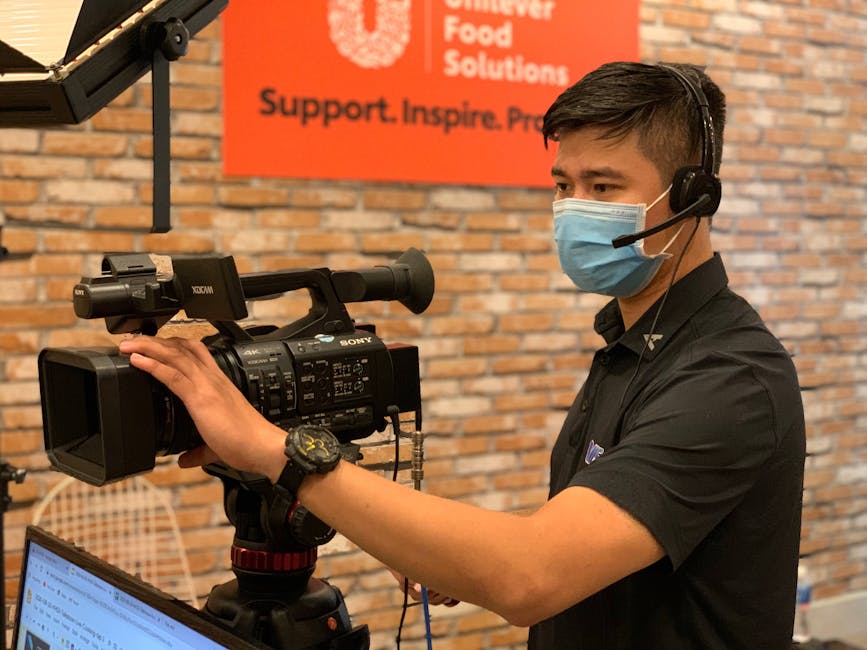
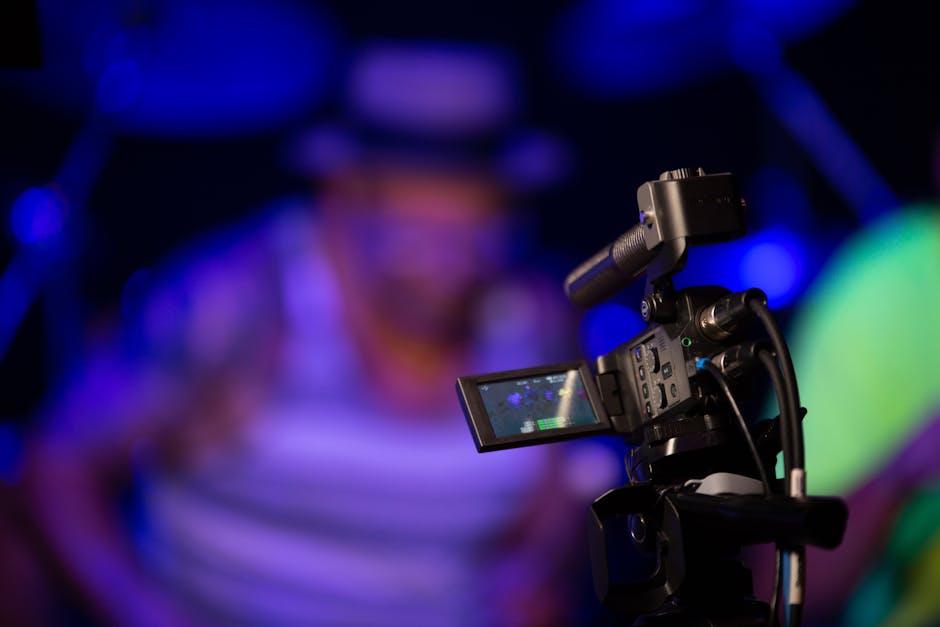
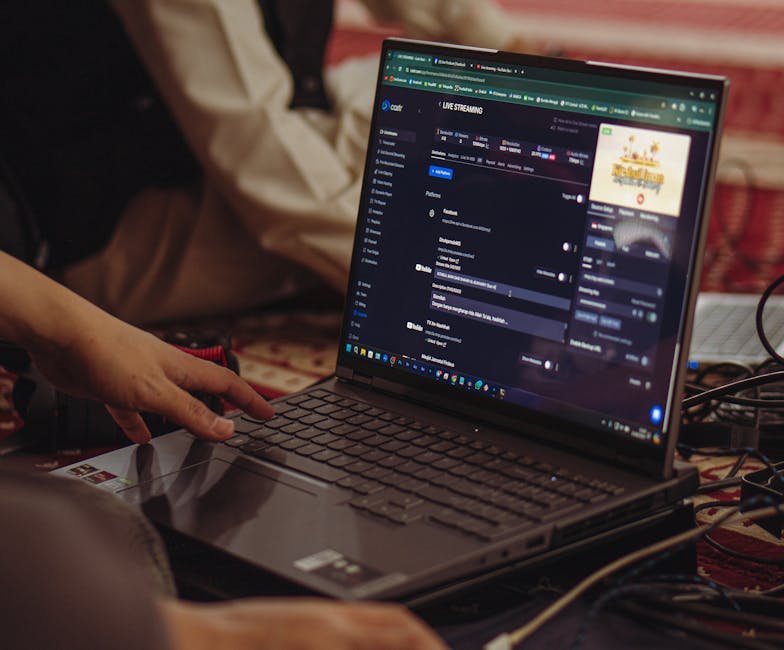
The backbone of any successful stream is the hardware. While software-based streaming is common, professional live event support often relies on hardware encoders to convert video content into the correct digital format. Hardware encoders are dedicated devices that handle the heavy lifting of processing video, freeing up your computer for other tasks and reducing the risk of a system crash.
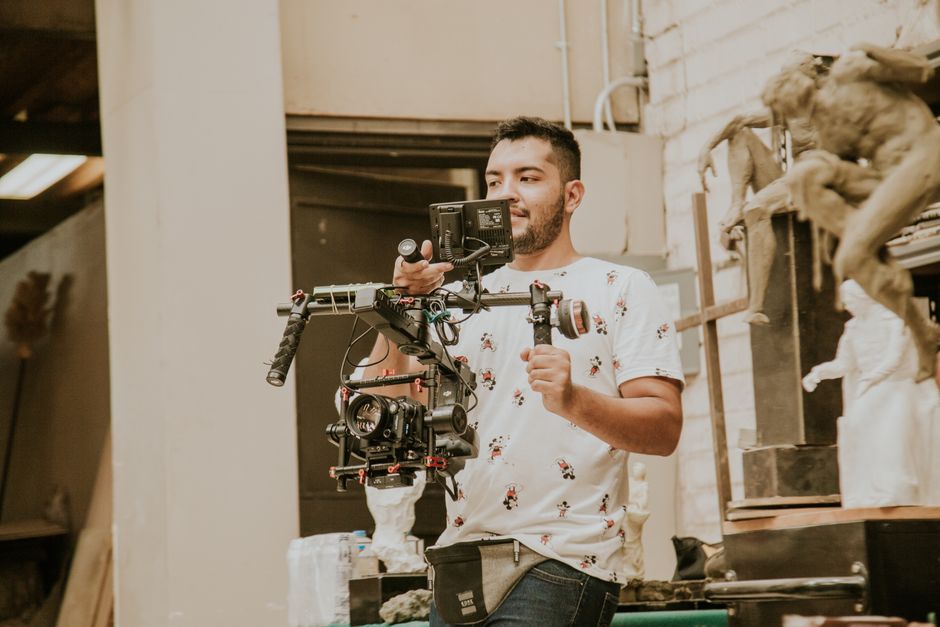
Other essential tools include:
Because these setups are complex, providers often require specific lead times to ensure equipment availability. You can typically find these requirements on a dedicated support request form.
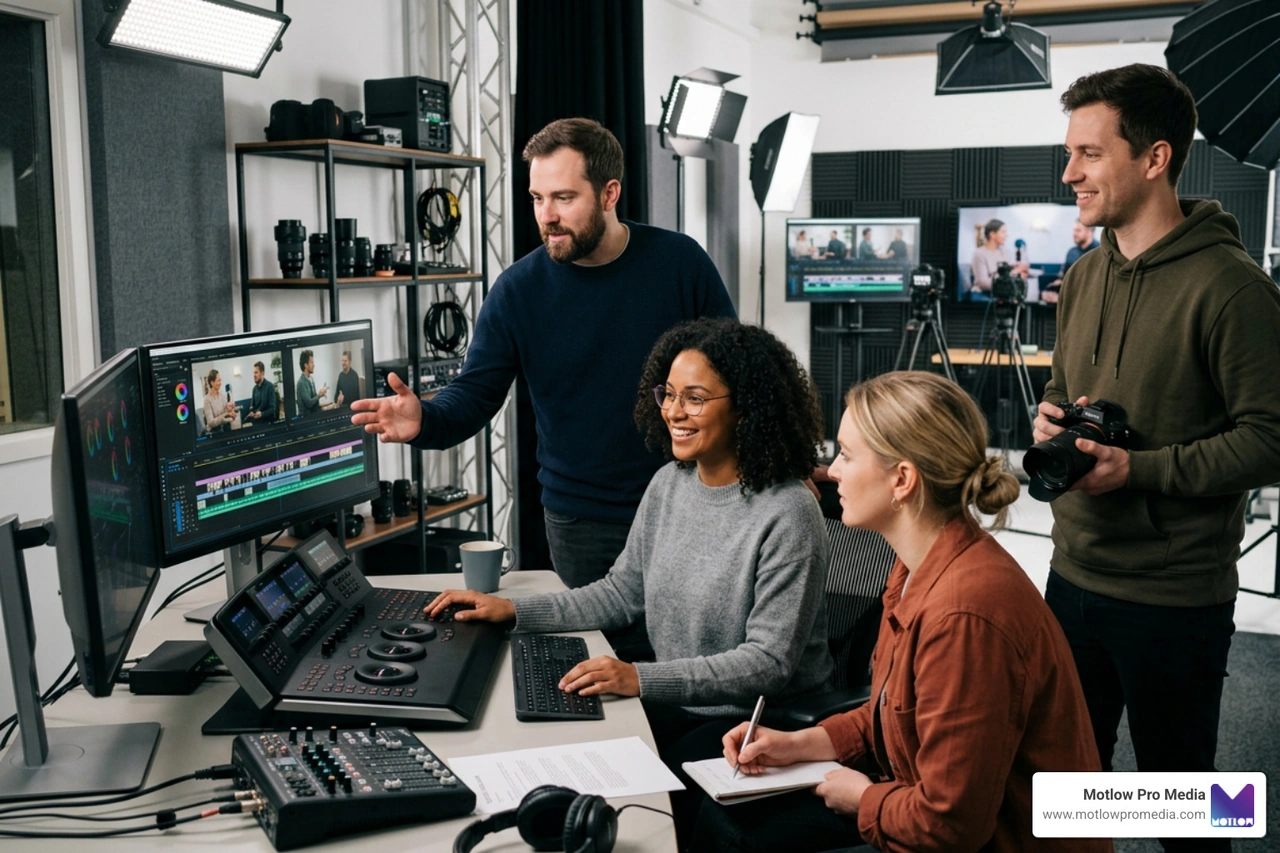
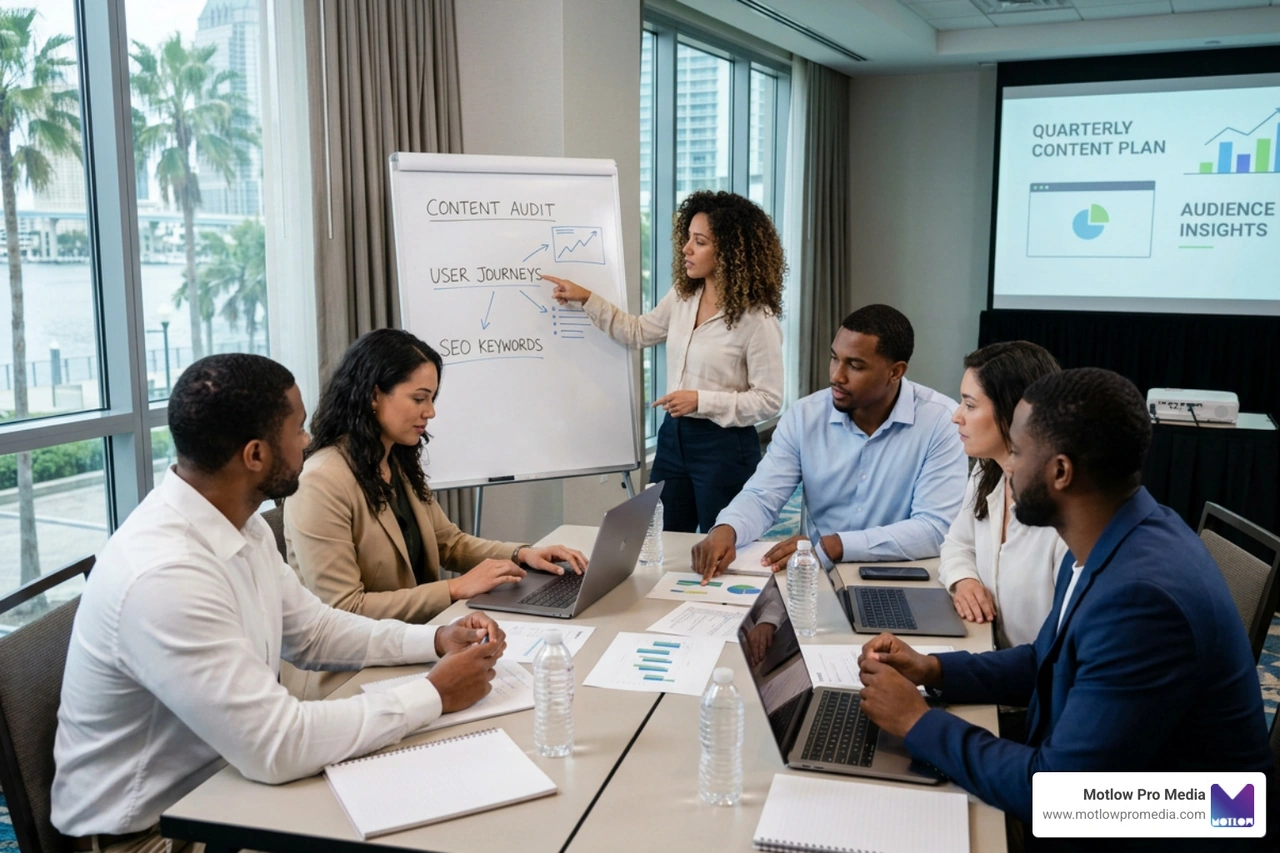
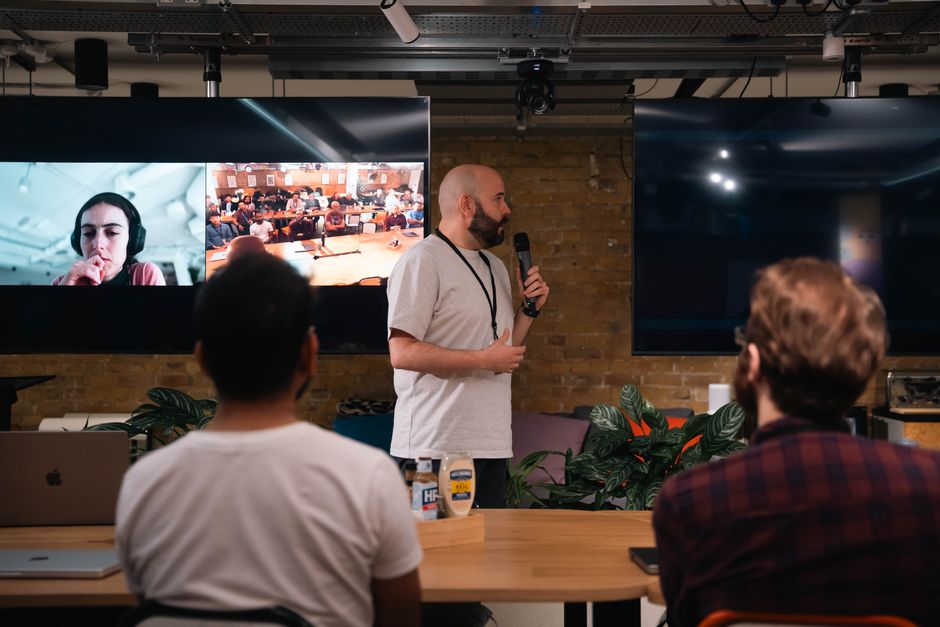
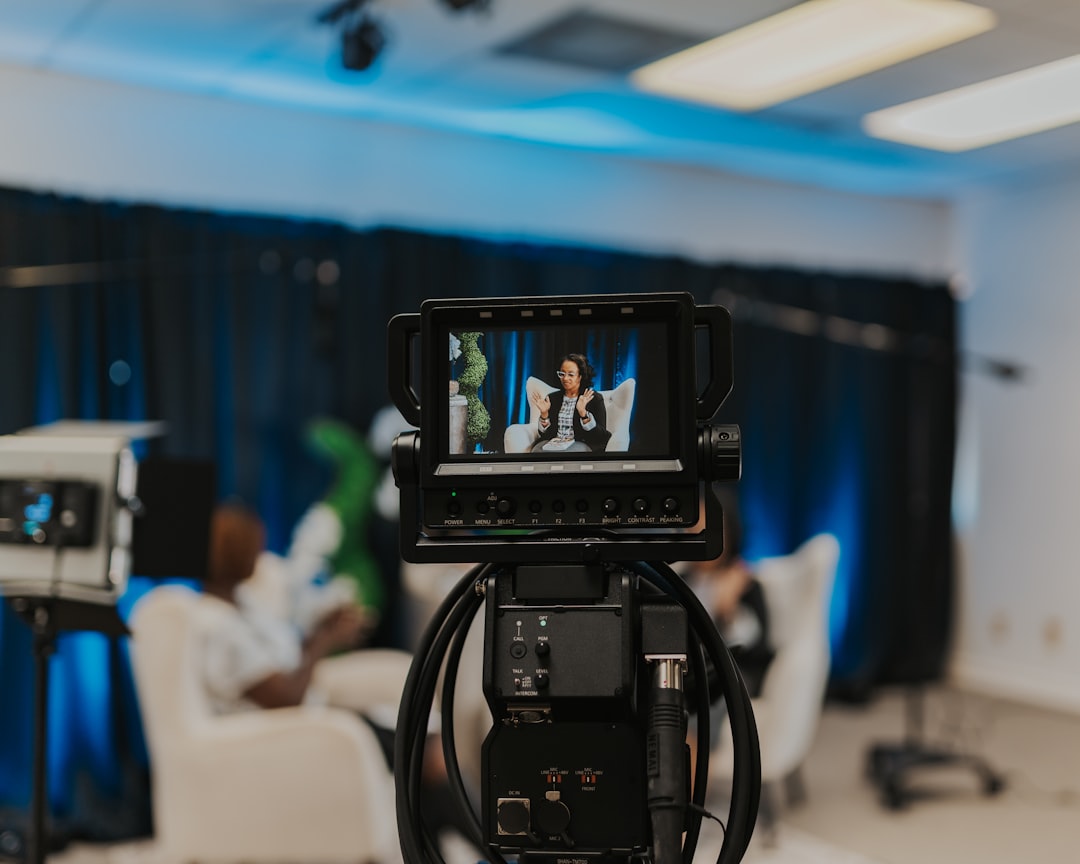
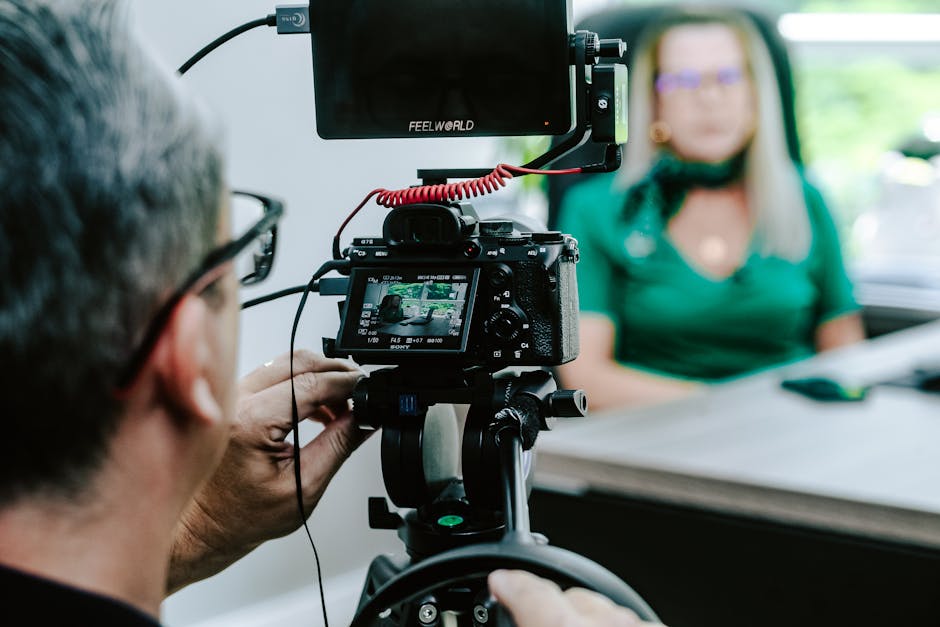
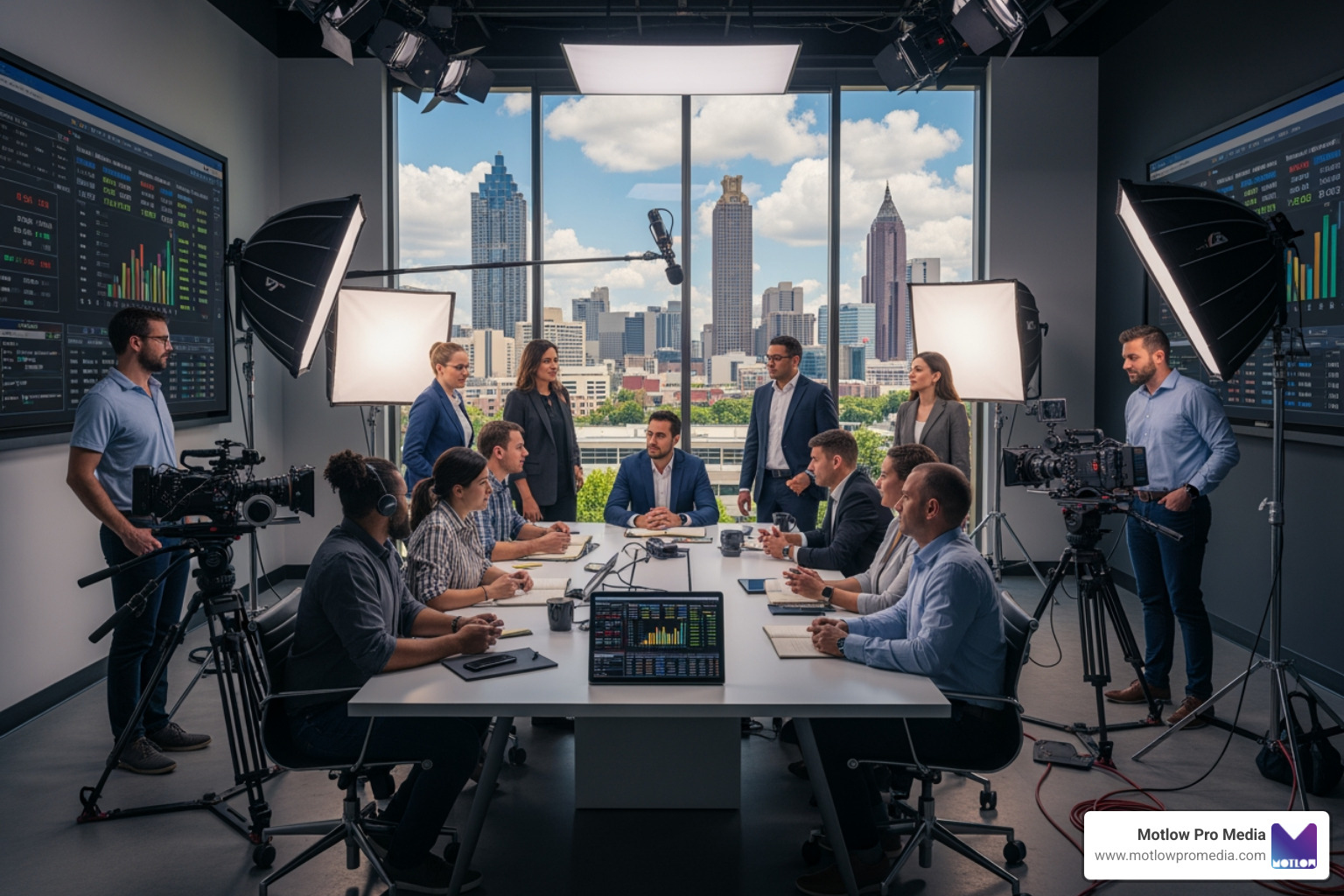
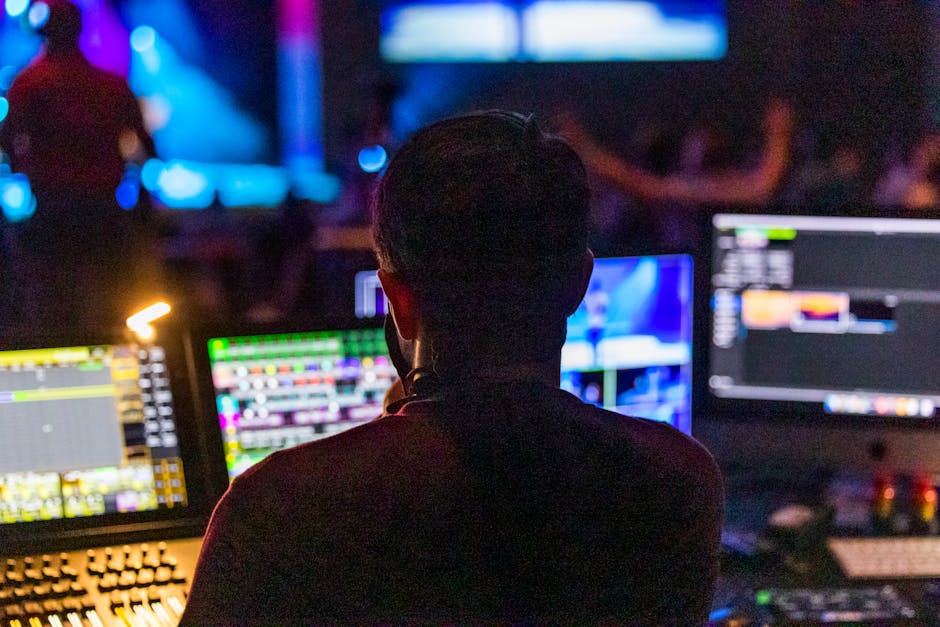
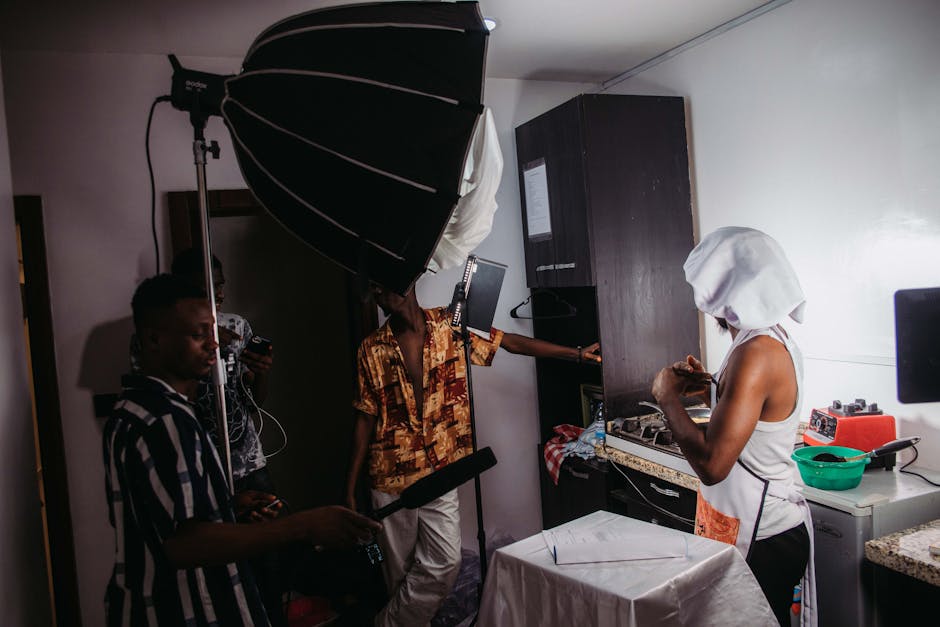
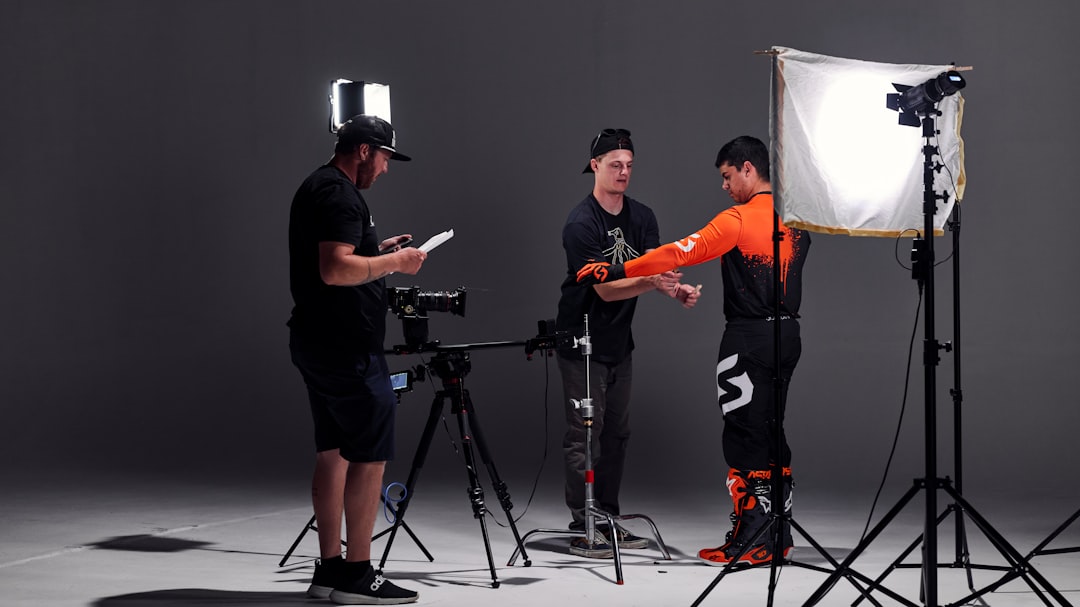
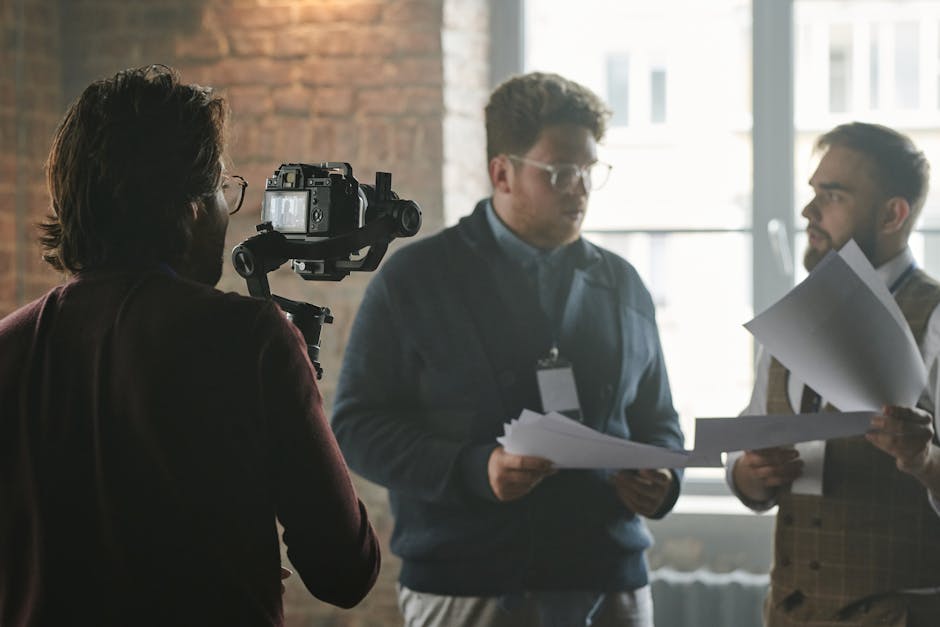
A successful event is a team sport. Large live streaming events typically have several people working behind the scenes—the "event group"—to ensure everything runs smoothly.
For those using platforms like Teams, following a structured organizer checklist is the best way to ensure no detail is missed.
One of the most valuable insights we can offer is the "Set It and Forget It" rule. It is incredibly common for broadcasters to make last-minute tweaks to a pre-configured setup, only to inadvertently compromise the stream. Our philosophy is to build a robust workflow, test it extensively, and then leave it alone.
The Optimization Workflow:
For those looking for a deeper dive into high-level prep, reviewing advanced support information can provide a blueprint for complex workflows.
Not all platforms are created equal, and the right choice depends on your audience and goals.
When choosing a service level, consider the complexity of your event. Basic support is often 24/5 technical care for platform-related bugs. However, dedicated support provides a member of a Customer Experience team to meet with you for training and real-time assistance.
While pricing varies by provider, industry standards for live event support often start with an hourly rate for a dedicated representative. A typical rate is $250 per hour with a minimum requirement of two consecutive hours. For larger, high-stakes events, an Advanced Support package is often available for a flat fee of roughly $2,500 per event. This usually includes dedicated onboarding, multiple pre-event meetings, and a fully managed production team.
The most frequent culprits that derail live events include:
Timing is everything. For standard live event support, requests should typically be submitted at least 14 days before your event. This allows for an introductory meeting and basic technical planning. For Advanced Support or high-complexity productions, a 21-day lead time is recommended to accommodate onboarding calls, staff scheduling, and thorough technical rehearsals.
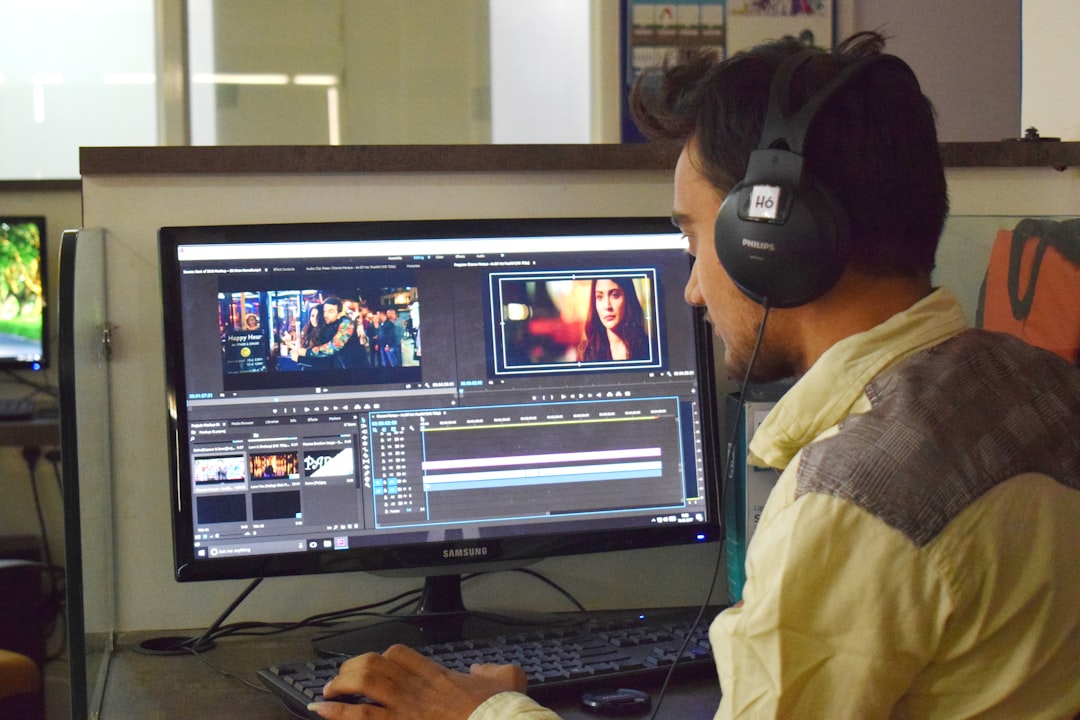
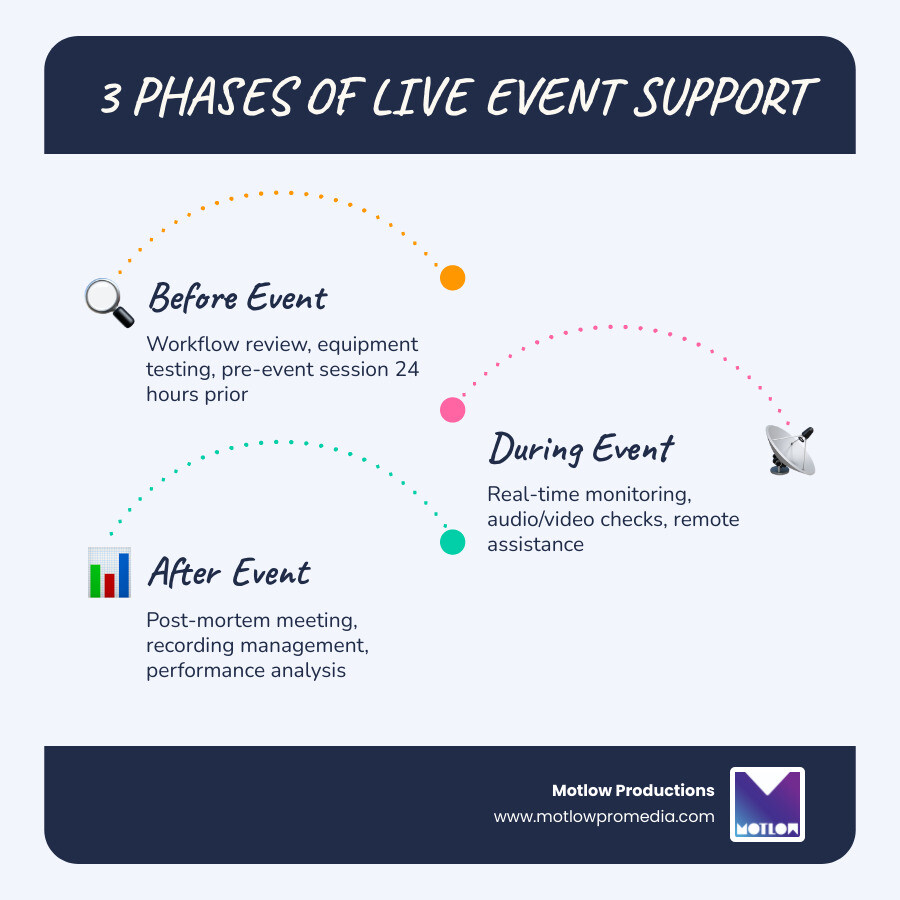
The success of a live event isn't measured just by the moments the camera is rolling; it's determined by the hours of testing, the redundancy of the hardware, and the expertise of the team behind the scenes. Once the "End Stream" button is clicked, the work continues with post-event analysis, where we review metrics and manage recordings to ensure your content lives on.
At Motlow Pro Media, we believe in a "hands-off, but hands-on" partnership. We take the technical burden off your shoulders, allowing you to focus on your message while we act as a trusted, seamless extension of your team. Whether you need a simple town hall stream or a multi-camera global broadcast, we bring the leadership and reliability your brand deserves.
Some clients want to give notes in a live Zoom call. Others prefer a group text or email thread. However you like to communicate, we adapt. You’ll never be left guessing where things stand - and you’ll always have a say before anything goes out the door.




Phone:
+1 863-250-8639
.png)
Email:
info@motlowpromedia.com