












-5.jpg)












































Thank you! Your submission has been received!
Oops! Something went wrong while submitting the form.

.avif)
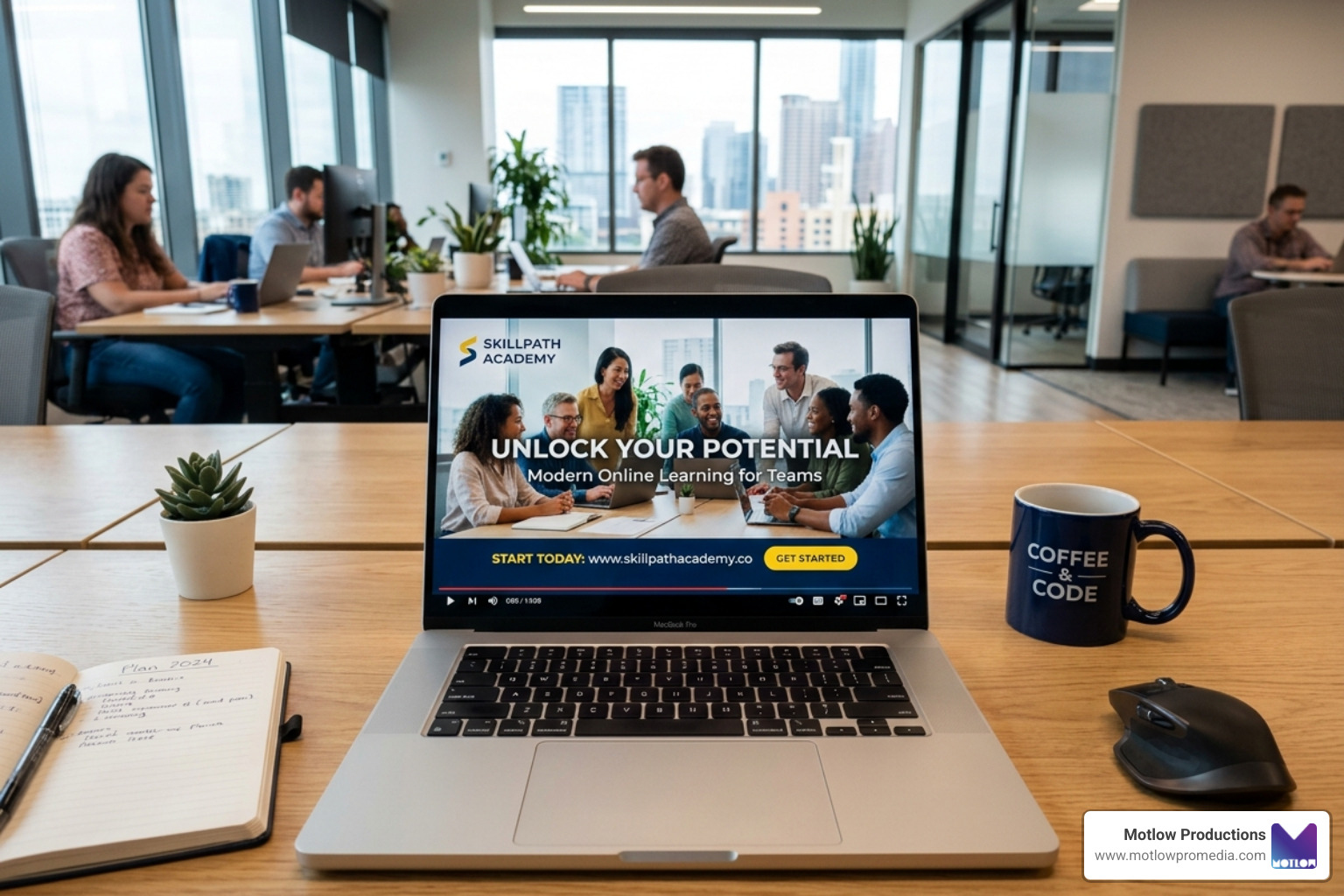
Employee training videos are visual instructional tools designed to educate your workforce on specific skills, procedures, or policies. They combine demonstrations, narration, and graphics to improve understanding and retention—delivering 95% retention compared to just 10% for text-based learning.
Key benefits of employee training videos:
Traditional training methods leave employees overwhelmed and remote workers disconnected. Video solves this by offering on-demand, repeatable learning that works for everyone—whether they're in an office, at home, or in the field.
I'm Miranda Motlow, founder and CEO of Motlow Production Inc. For over a decade, I've partnered with business leaders to create employee training videos that connect with audiences and drive real results, from compliance modules to full onboarding series. My background as a special projects reporter taught me that the best training content doesn't just inform—it makes people feel seen and confident in what they've learned.

When we talk about the strategic power of video, we aren't just talking about "nice-to-have" content. We’re talking about a fundamental shift in how organizations preserve and pass on institutional knowledge. When people forget 90% of training materials after just six months, video acts as a permanent, searchable library that keeps your team sharp.
The 95% retention rate mentioned earlier isn't a fluke; it's science. Humans are wired to process visual information faster than text. By using employee training videos, we ensure that every team member receives the exact same high-quality instruction, regardless of whether they were hired on a Tuesday in Nashville or a Friday in London.
From a financial perspective, the ROI is undeniable. Research shows that 42% of companies with robust video training programs see higher income. This is driven by increased productivity and massive cost reductions. For instance, Microsoft famously reported saving $300 per person by moving to video-based training. When you stop paying for travel, venues, and live instructors for every single session, those savings add up fast.
First impressions matter. When a new hire starts, they are often bombarded with a "firehose" of information—names, passwords, HR policies, and where to find the good coffee. Using video to onboard new hires boosts the chances that they’ll actually digest and retain critical information about your company culture and their new role.
Research indicates that people are more likely to remember information that they receive in a video format than text alone. We recommend creating an "Onboarding Video Library" that includes:
Compliance training is often the "necessary evil" of corporate life, but it doesn't have to be boring. More importantly, it has to be effective to mitigate risk. According to the Bureau of Labor Statistics, nearly three million people are injured on the job each year. Safety training videos can cut down on these accidents by ensuring workers see exactly how to handle equipment safely.
Beyond physical safety, employee training videos are essential for:
Not all training needs are the same, so your videos shouldn't be either. Choosing the right format is the difference between an engaged learner and someone who is checking their phone under the desk.
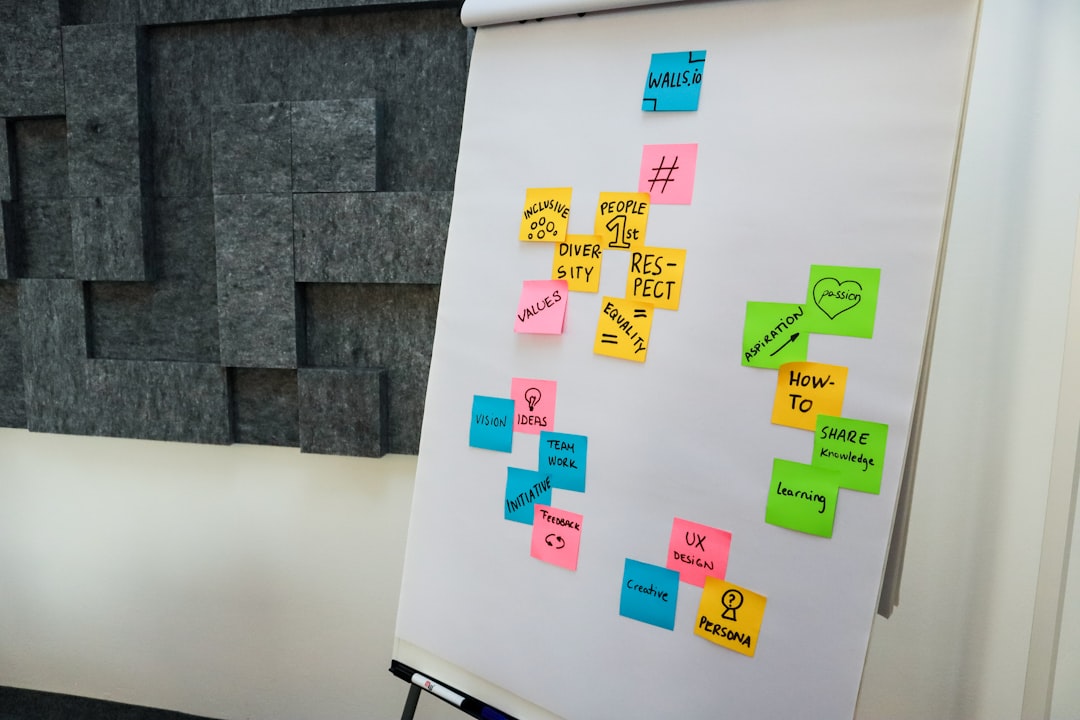
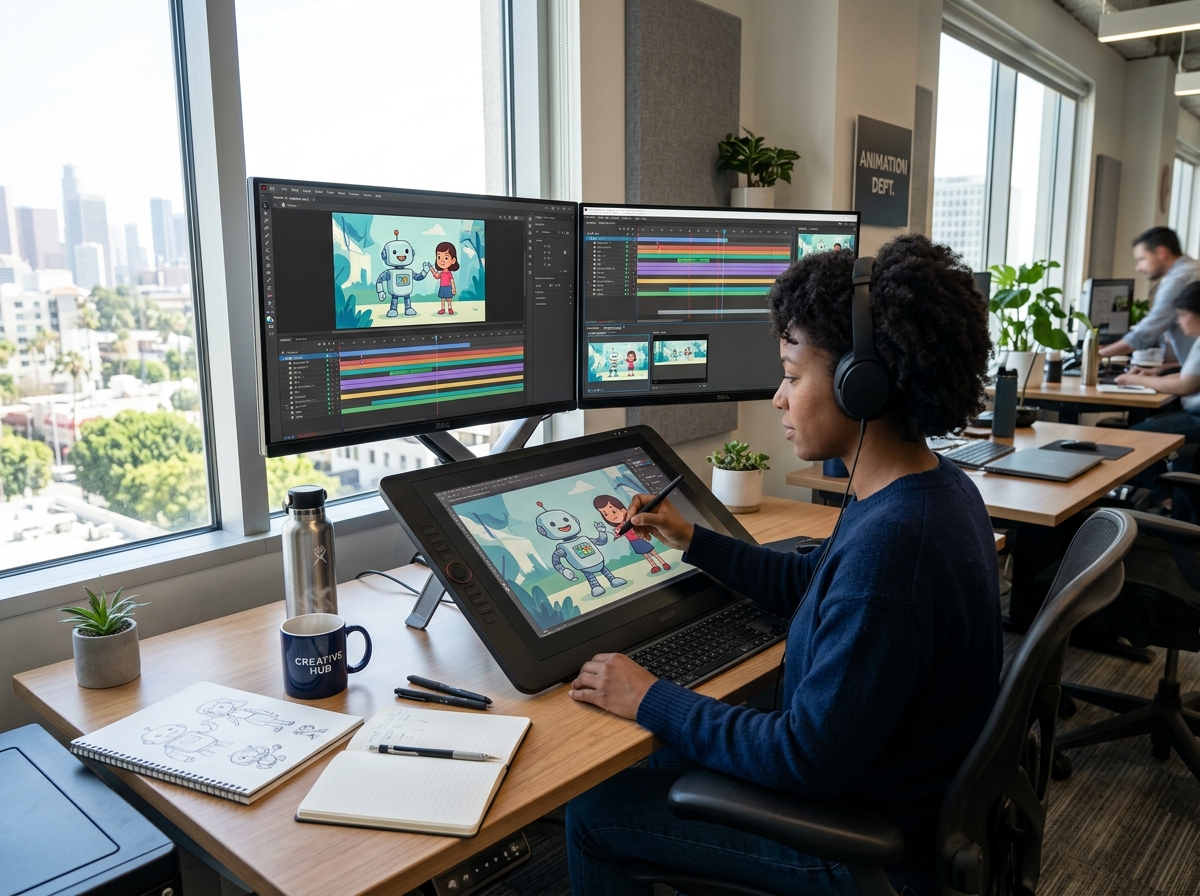
These are perfect for introducing new concepts or high-level company changes. They often use 2D animation or motion graphics to simplify complex ideas. If you’re rolling out a new "People First" strategy, an explainer video gets everyone on the same page quickly.
This is where we get into the "what would you do?" moments. By filming real-life scenarios—like a difficult customer interaction—you allow employees to see the consequences of different choices in a safe environment.
There is a constant debate about length. Here is a quick comparison:
| Feature | Microlearning | Long-Form Video |
|---|---|---|
| Duration | 1–5 minutes | 10–20 minutes |
| Focus | One specific task/skill | Comprehensive topic coverage |
| Best For | Just-in-time support | Foundational certification |
| Retention | High for specific details | High for conceptual understanding |
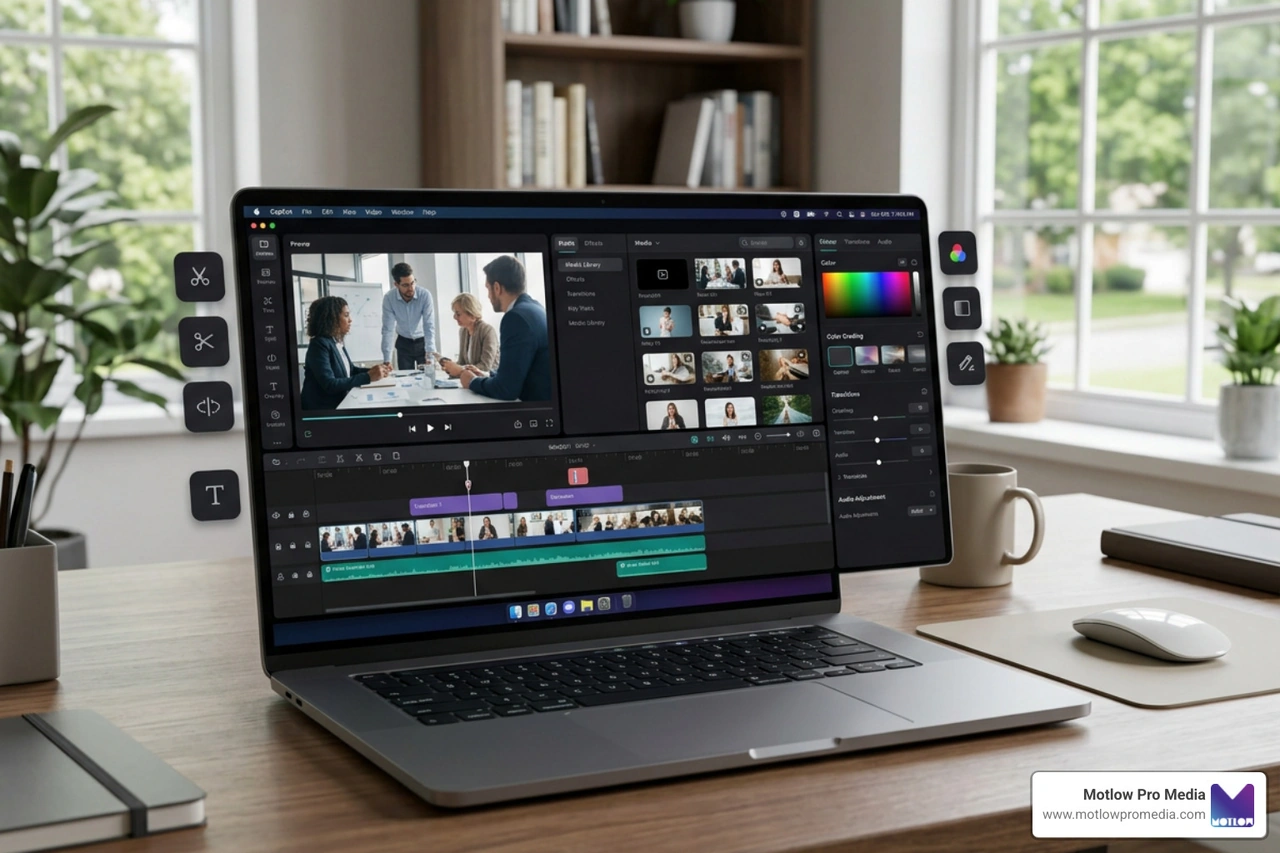
If you need to teach software, screencasts are your best friend. You can use a free screen recorder tool to capture your screen while you narrate a process. It’s asynchronous, reusable, and much better than a 50-page PDF manual.
These are the "bread and butter" of technical training. Whether it’s how to hand-toss pizza dough or how to configure a server, these videos provide step-by-step instructions that employees can pause and rewind.
Interactive videos allow the viewer to influence the outcome. This training video on action mapping is a great example of how you can use Q&A formats to keep the audience actively participating.
Role-playing is great for sales and customer service. Instead of the "awkward" live role-play in a classroom, you can film "good vs. bad" examples. This allows employees to see the nuance of body language and tone without the pressure of performing in front of a group.
Soft skills are often the hardest to teach but have the biggest impact. In a recent survey, two-thirds of employees said soft skills training had a positive effect on their job performance. Videos on empathy, active listening, and leadership help build a more cohesive culture.
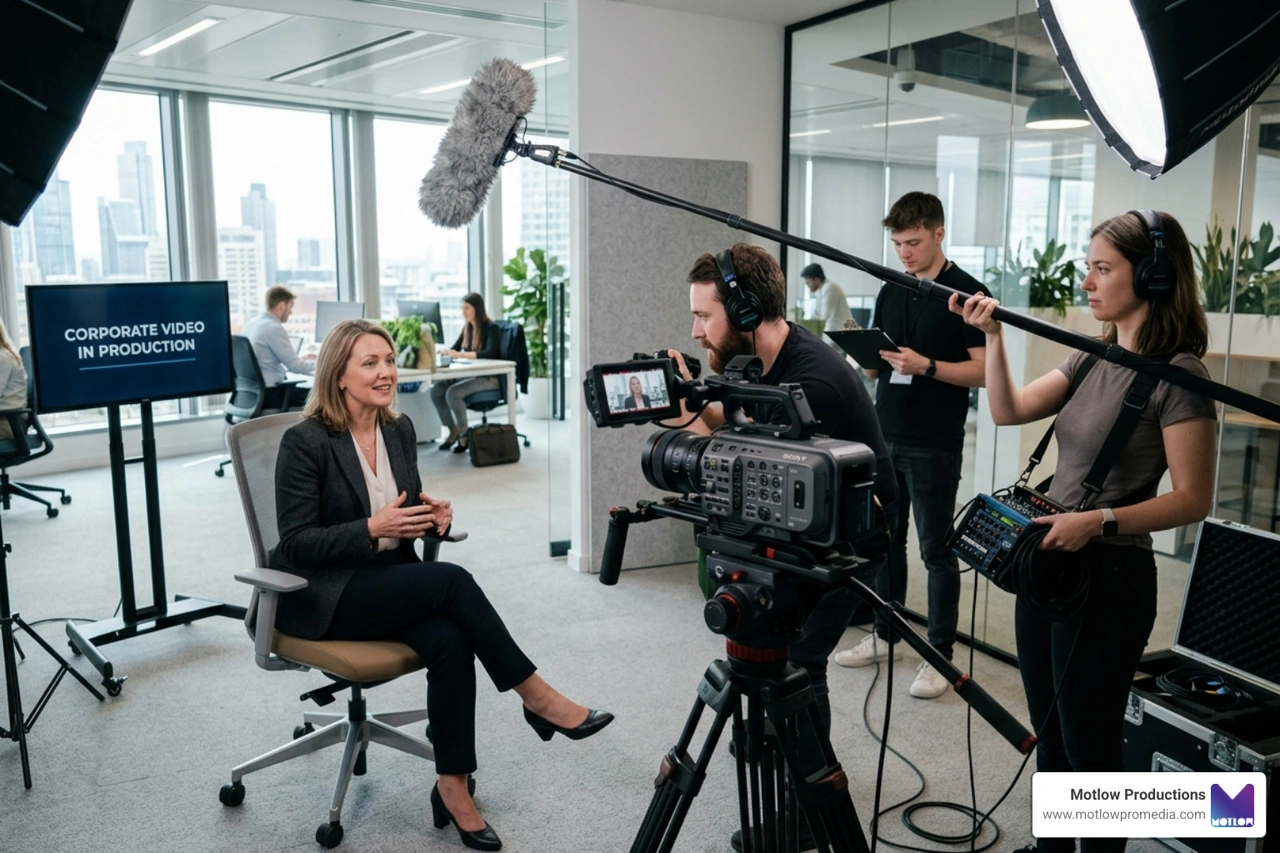
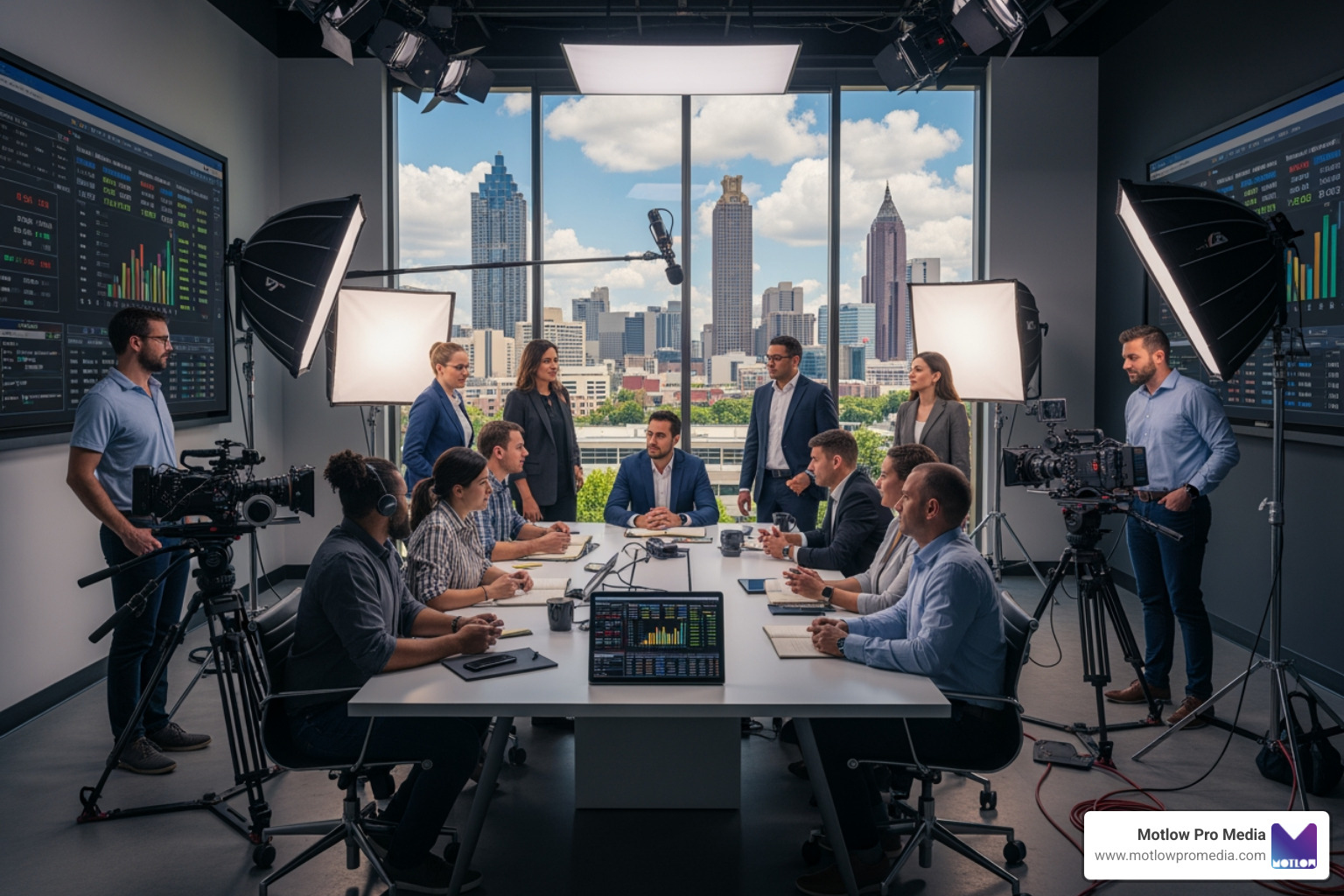
Producing high-quality employee training videos doesn't require a Hollywood budget, but it does require a plan. We always tell our partners that the most expensive video is the one that has to be filmed twice because the goals weren't clear.
Before you pick up a camera, define your KPIs. Are you trying to reduce support tickets? Speed up onboarding? Once you have a goal, write a script. Keep it conversational. If your script sounds like a legal document, your viewers will tune out in 30 seconds.
Techsmith’s 2024 research shows that while we often crave short content, respondents actually cited 10- to 19-minute videos as their preferred duration for deep learning. The rule of thumb: a video should be as long as it needs to be to cover the subject—and not a second longer.
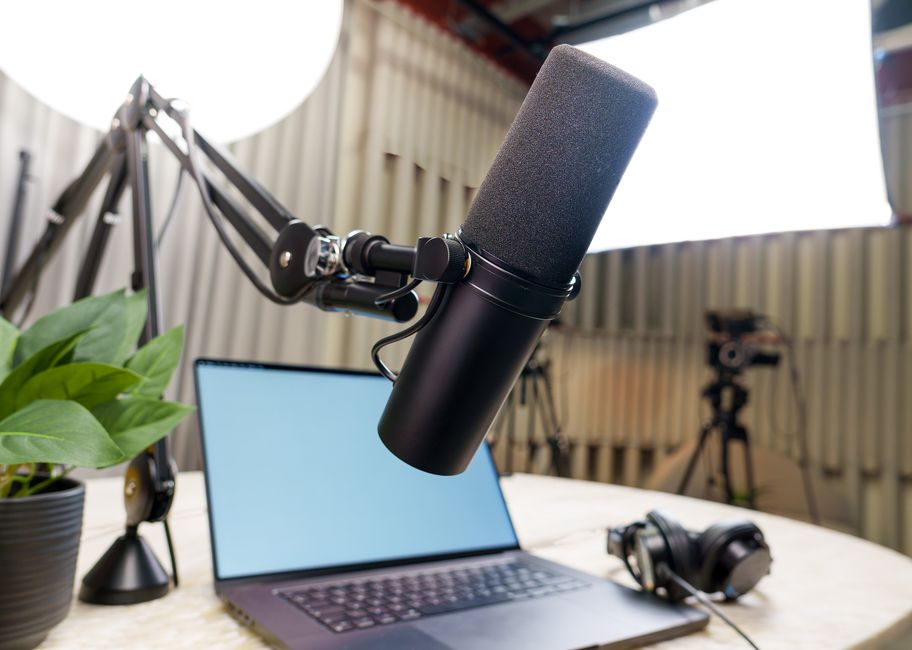
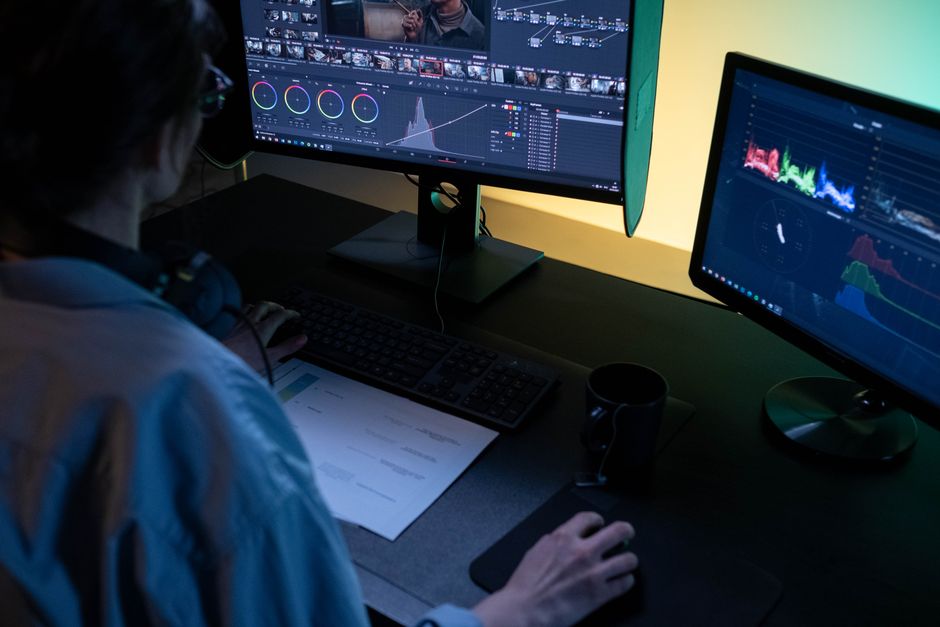
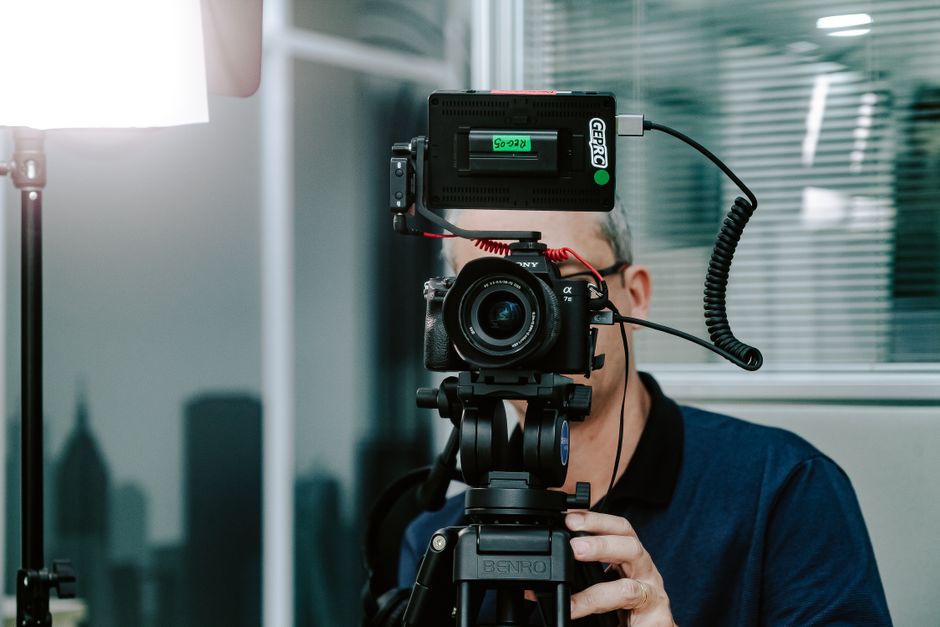
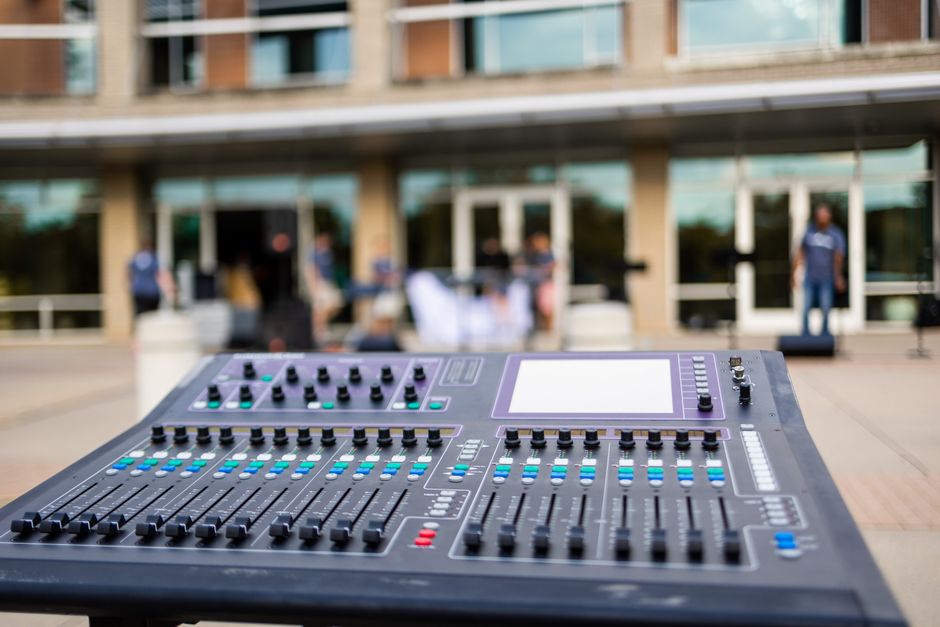
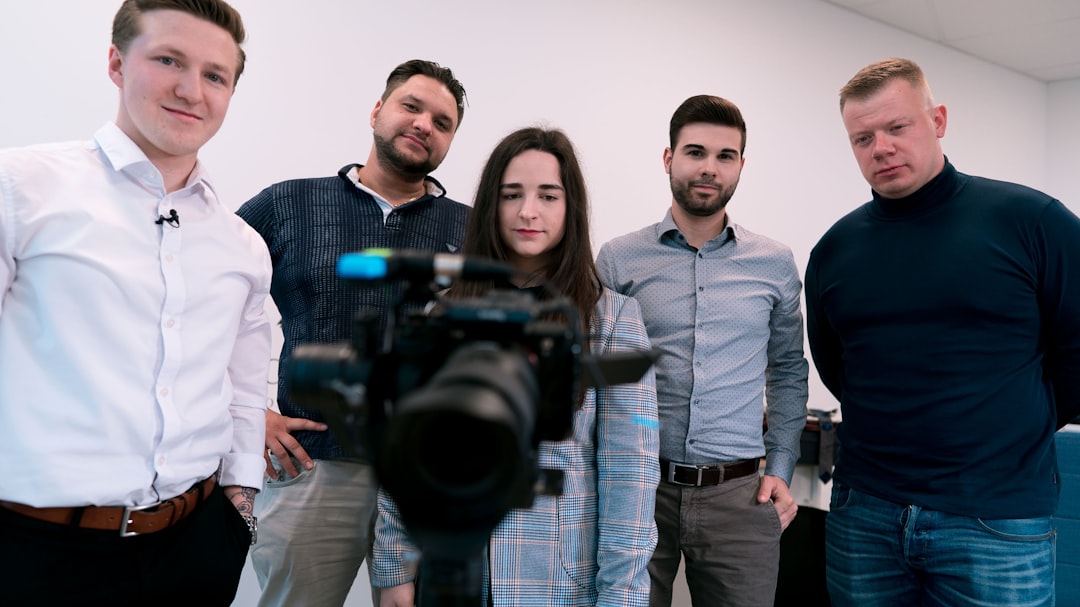
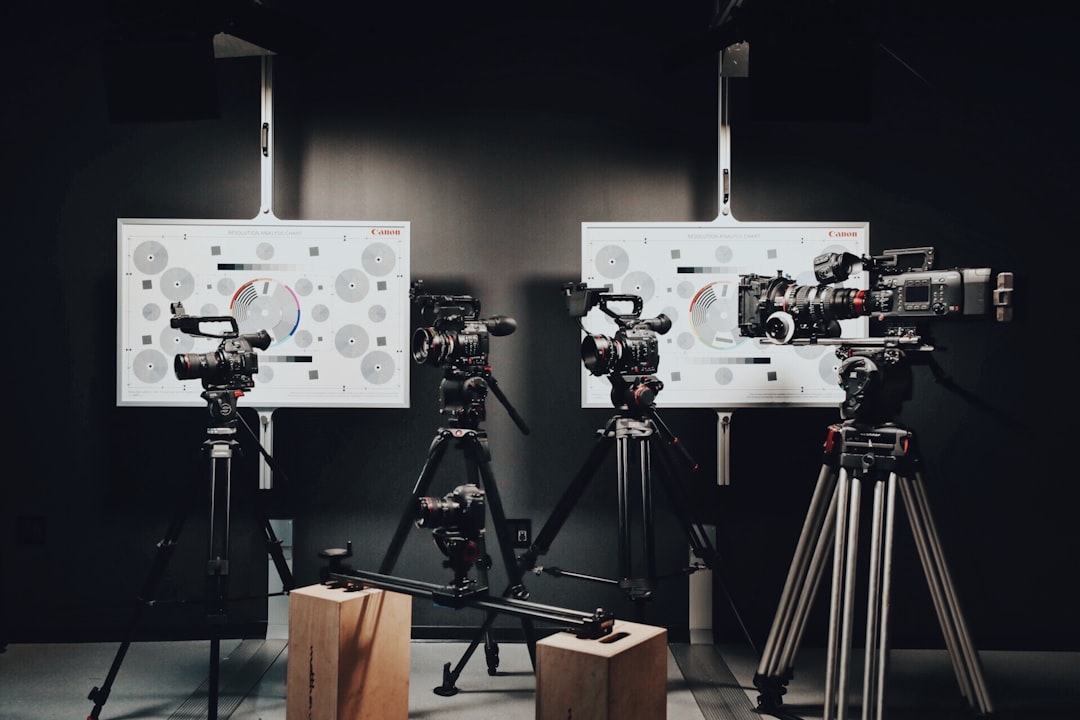
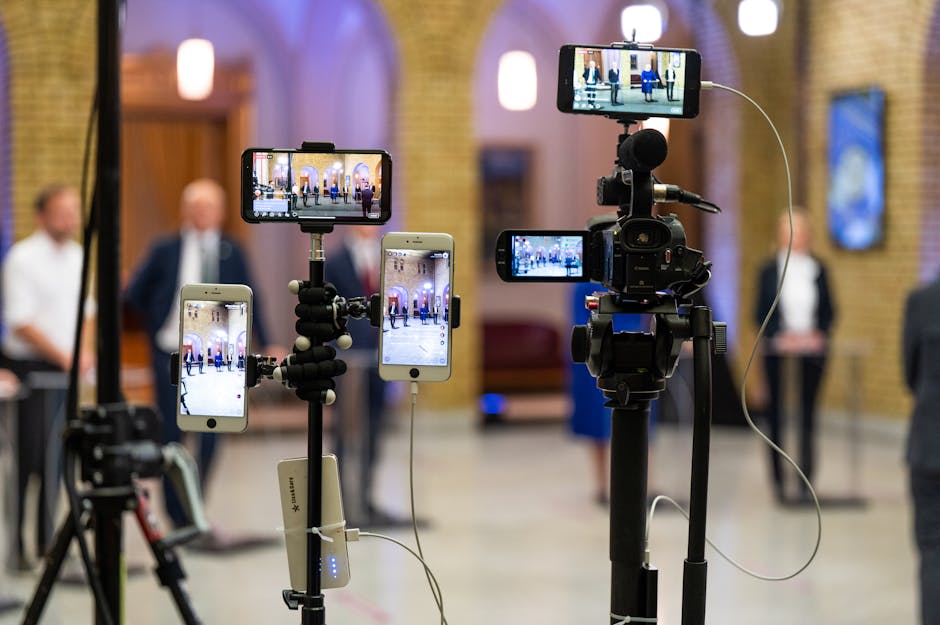
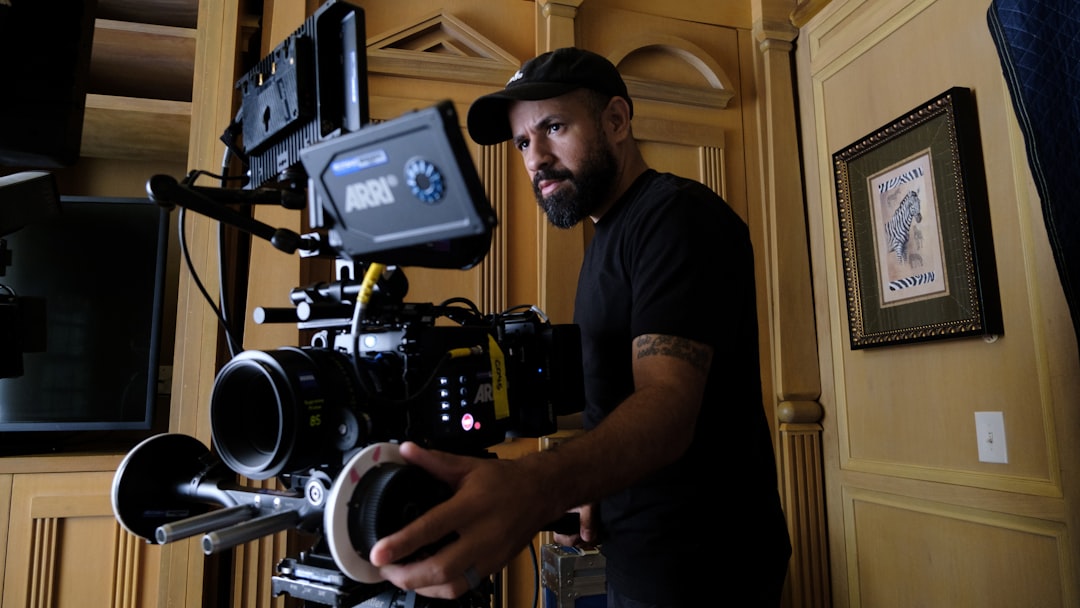
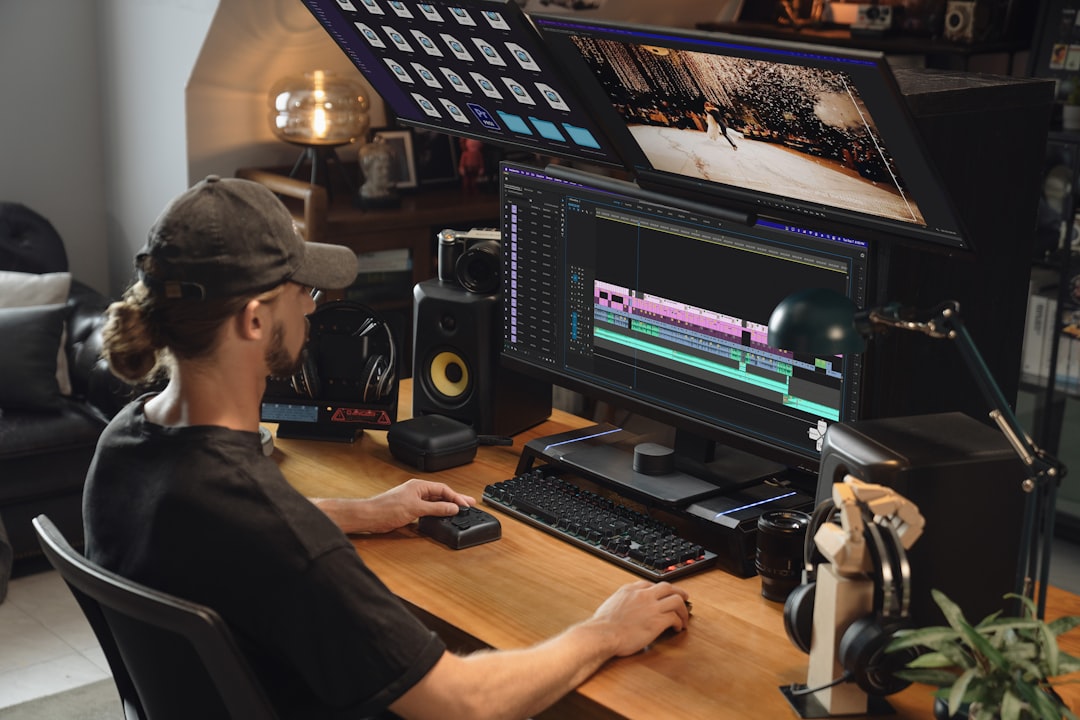
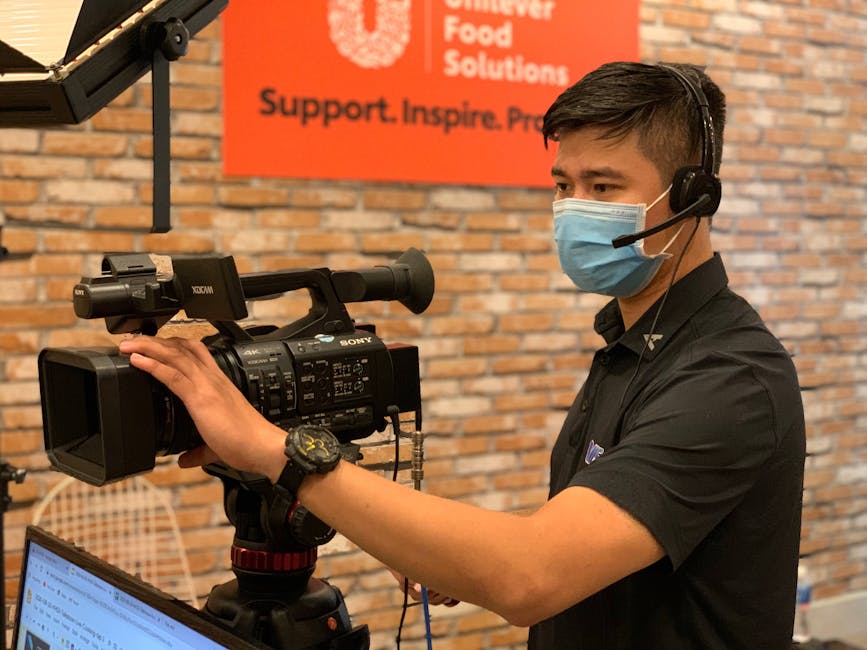
If you are producing videos in-house, we suggest a basic "Pro" setup:
Even the best content will fail if it’s not accessible or engaging. We live in an age where employees are interrupted every 11 minutes, so we have to fight for their attention.
Some researchers suggest that training videos should last no longer than 6 minutes to maximize engagement. While this contradicts some "long-form" preferences, it's perfect for Microlearning. If you have a 30-minute topic, break it into five 6-minute chapters. This "just-in-time" learning allows employees to find exactly what they need, when they need it.
To ensure your videos are effective, follow these best practices:
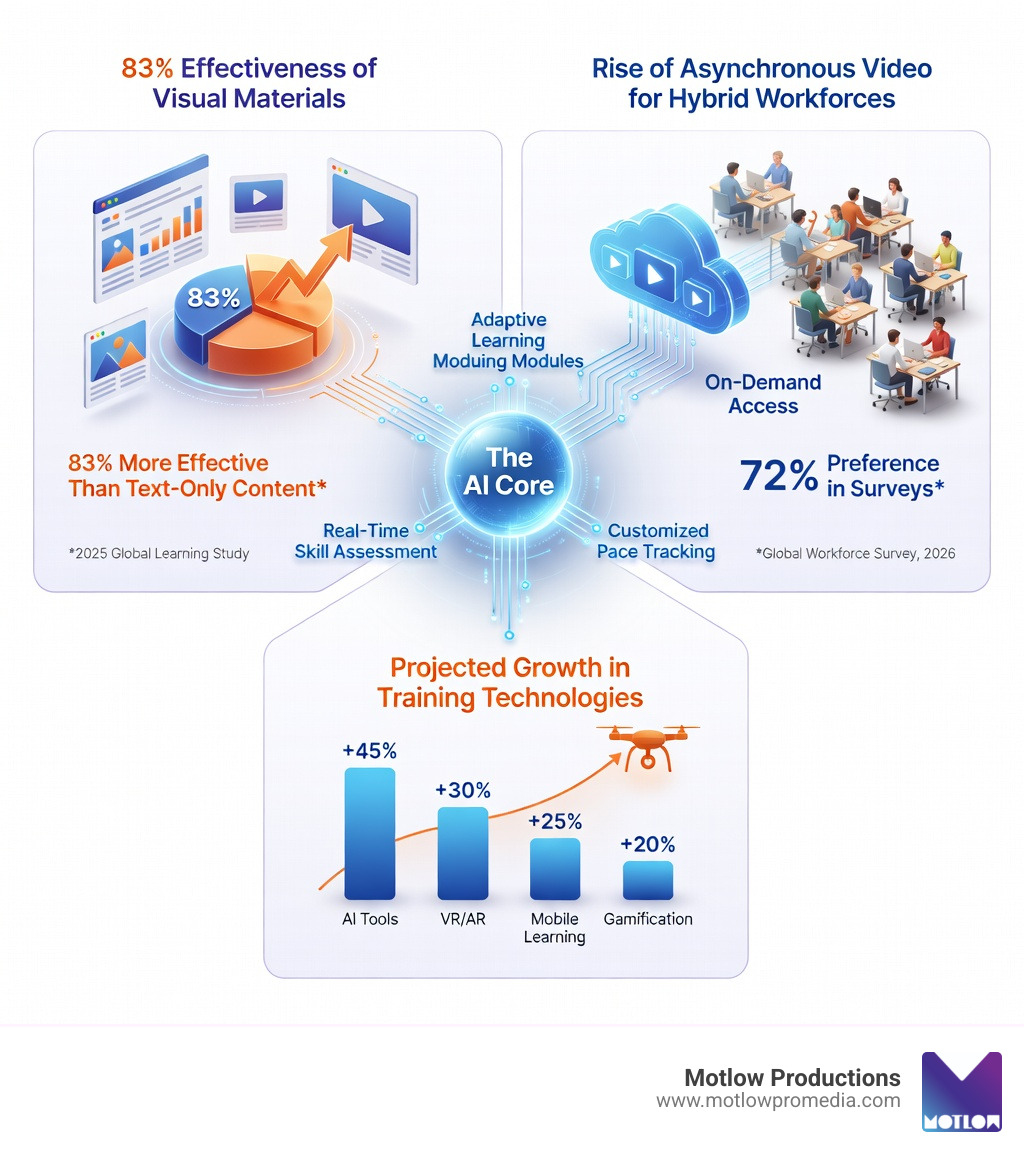
We look at a mix of "soft" and "hard" metrics. Hard metrics include completion rates and quiz scores within your LMS. Soft metrics include things like a reduction in help-desk tickets or improved safety records. 42% of companies report higher income after implementing video training—that’s the ultimate ROI.
The biggest mistake is Information Overload. Don't try to teach everything in one video. Other common pitfalls include poor audio quality (if they can't hear you, they won't watch), and failing to update content. A safety video from 1994 featuring outdated equipment is more of a comedy than a training tool.
Video is the "great equalizer" for remote teams. It provides asynchronous access, meaning the person in California and the person in New York get the same training without anyone having to wake up at 3:00 AM for a live Zoom call. Plus, with 87% of us turn to YouTube to learn new stuff, your employees are already pre-conditioned to learn this way.
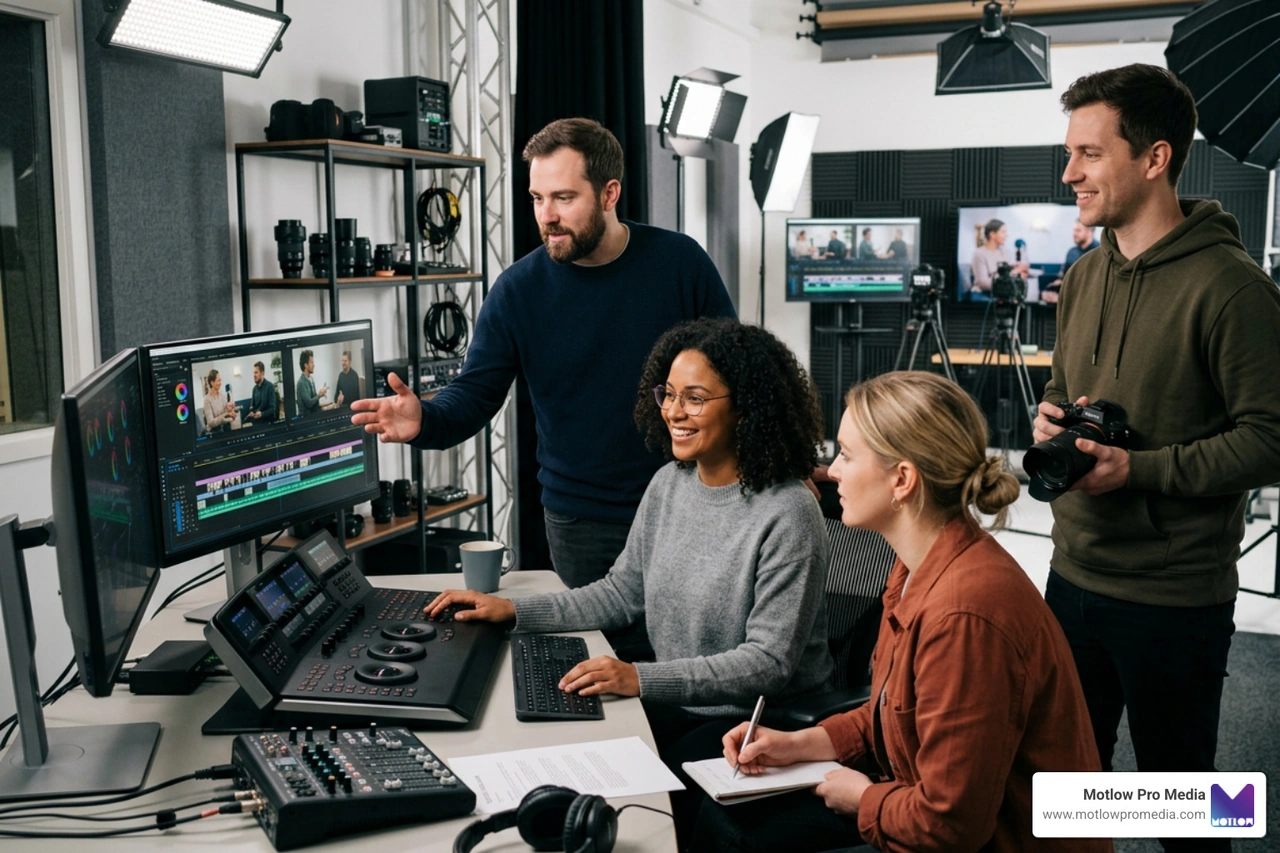
At Motlow Productions, we believe that every business has a story to tell and knowledge worth sharing. Our approach to employee training videos is built on "media leadership"—we don't just show up with cameras; we act as a trusted extension of your team.
Whether you need to overhaul your onboarding or create a high-stakes compliance series, we provide a "hands-off, but hands-on" partnership. We handle the technical heavy lifting and creative strategy, so you can focus on running your business. Ready to empower your workforce with professional video content? More info about our services can be found on our website. Let's create something that your employees will actually want to watch.
Some clients want to give notes in a live Zoom call. Others prefer a group text or email thread. However you like to communicate, we adapt. You’ll never be left guessing where things stand - and you’ll always have a say before anything goes out the door.





Phone:
+1 863-250-8639
.png)
Email:
info@motlowpromedia.com